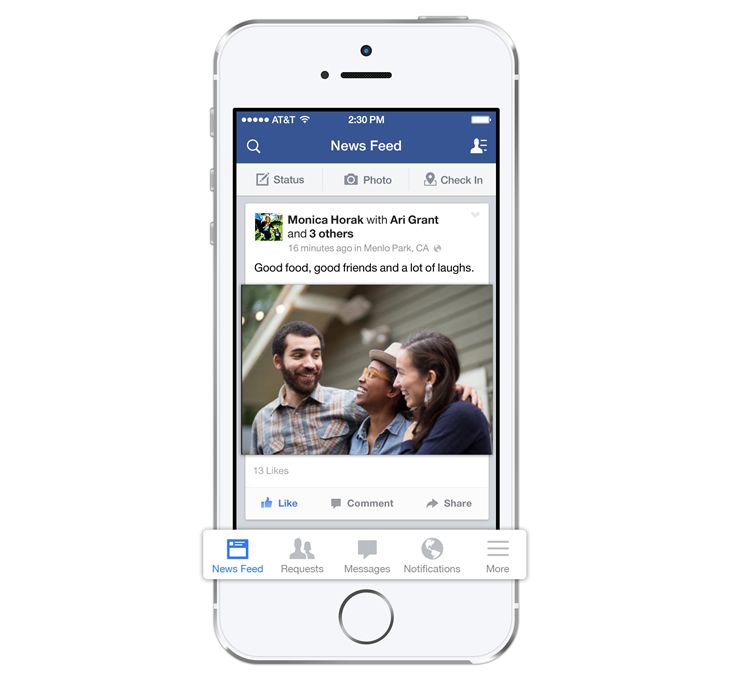
Get ready for a whole new way for Facebook to make navigating through your feed on your iPhone hell! Facebook is preparing to launch auto-playing videos in your News Feed… and, yup, they’ll eventually be available to advertisers.
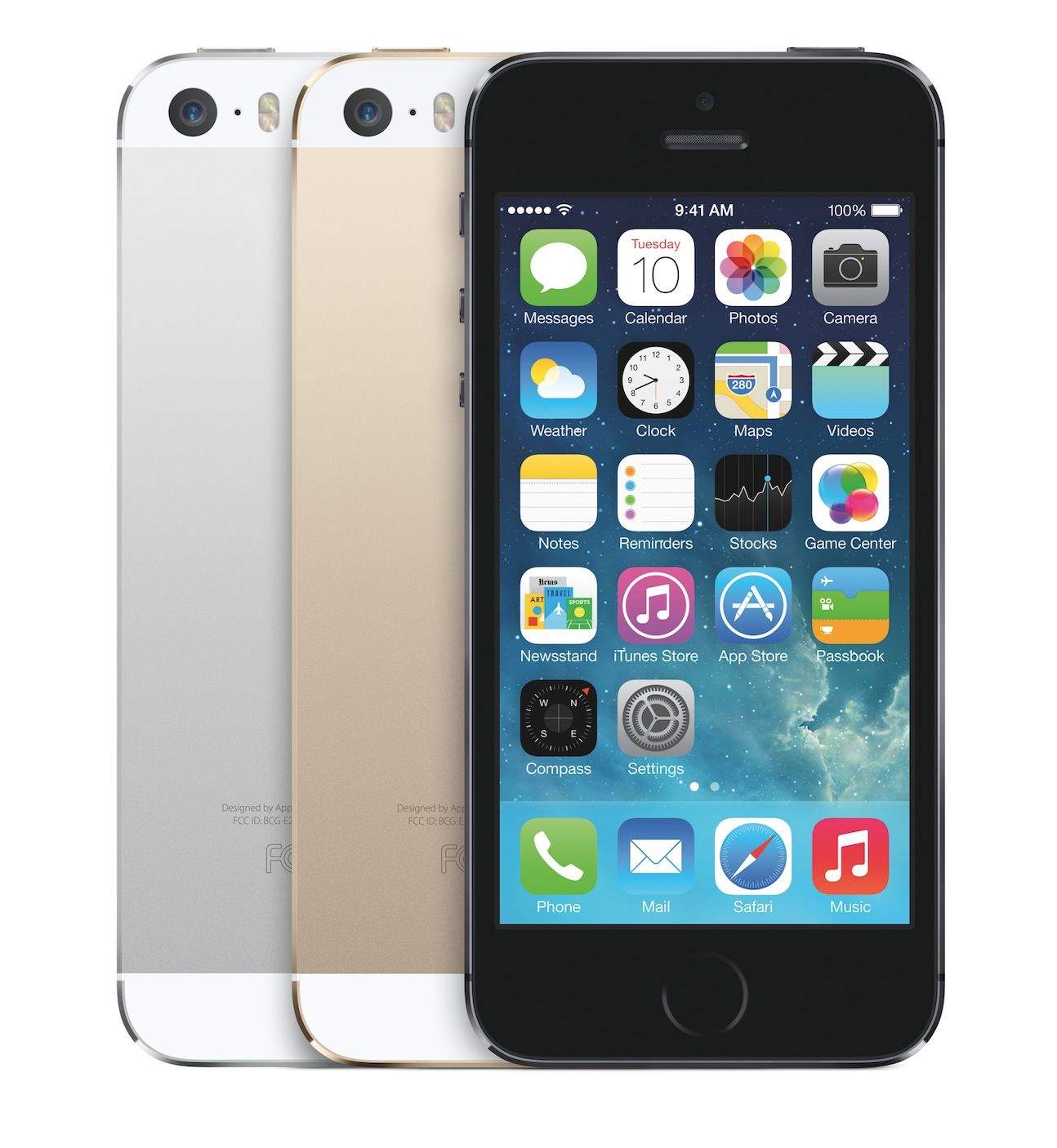
Okay, we’ve had a bit of fun with the gold iPhone 5S, but in reality, it’s a pretty fantastic looking device… and hey, it can resist knife attacks, too. So there’s a lot to recommend the gold iPhone 5s.
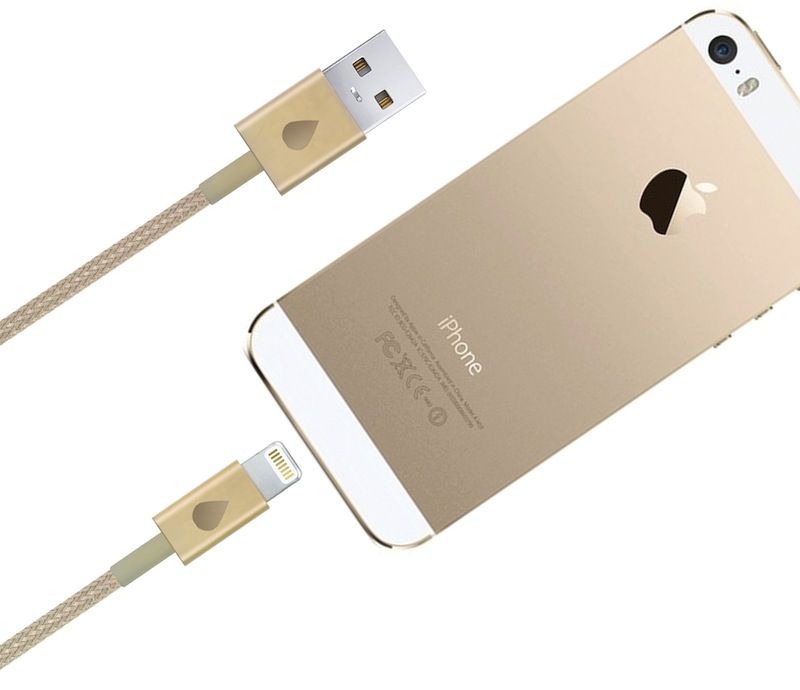
If you’re considering buying a gold iPhone 5s, you might also considering throwing a few bucks towards the Juicies+ Kickstarter. They’re making a gold Lightning cable that would look absolutely perfect plugged into your new gold iPhone 5S.
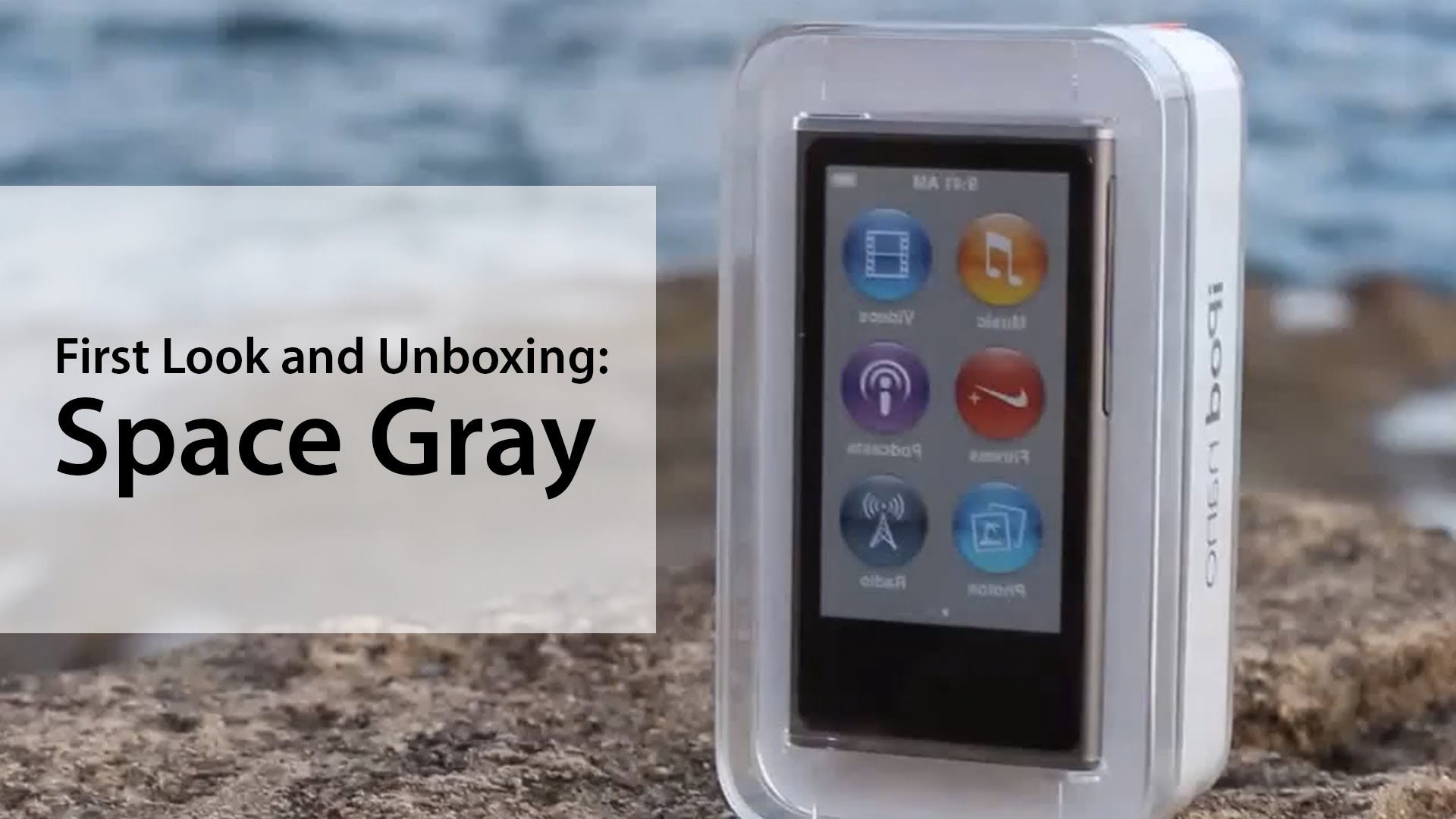
Wondering what the new “slate gray” iPhone 5s will look like compared to the black-and-slate iPhone 5? A new video shows off the color as seen in Apple’s recently released slate gray iPod nano.
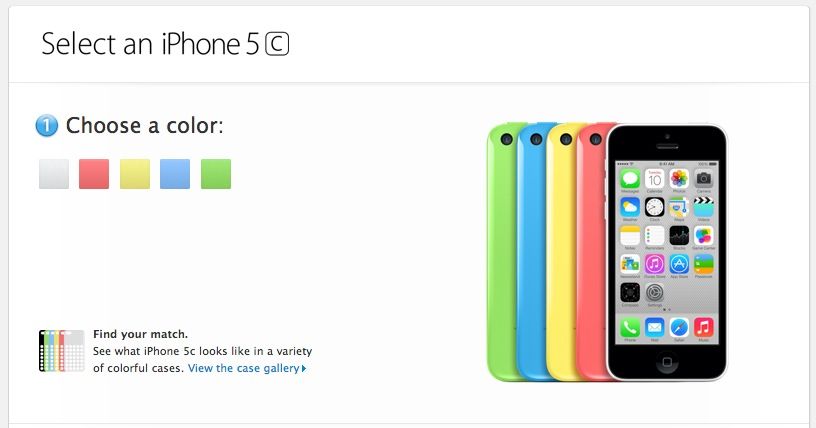
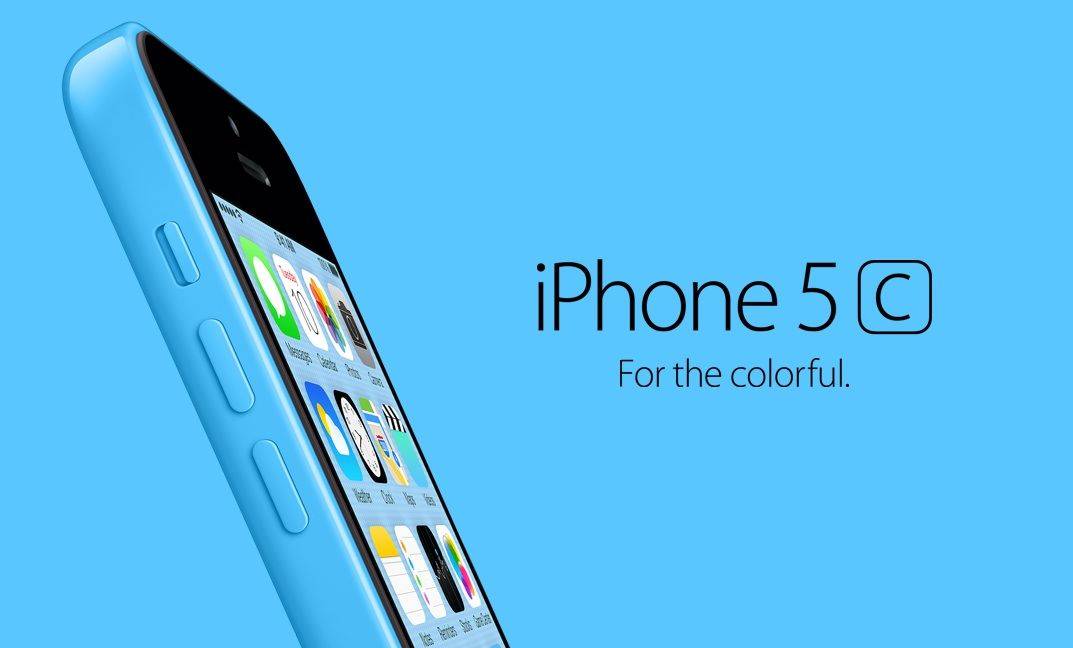
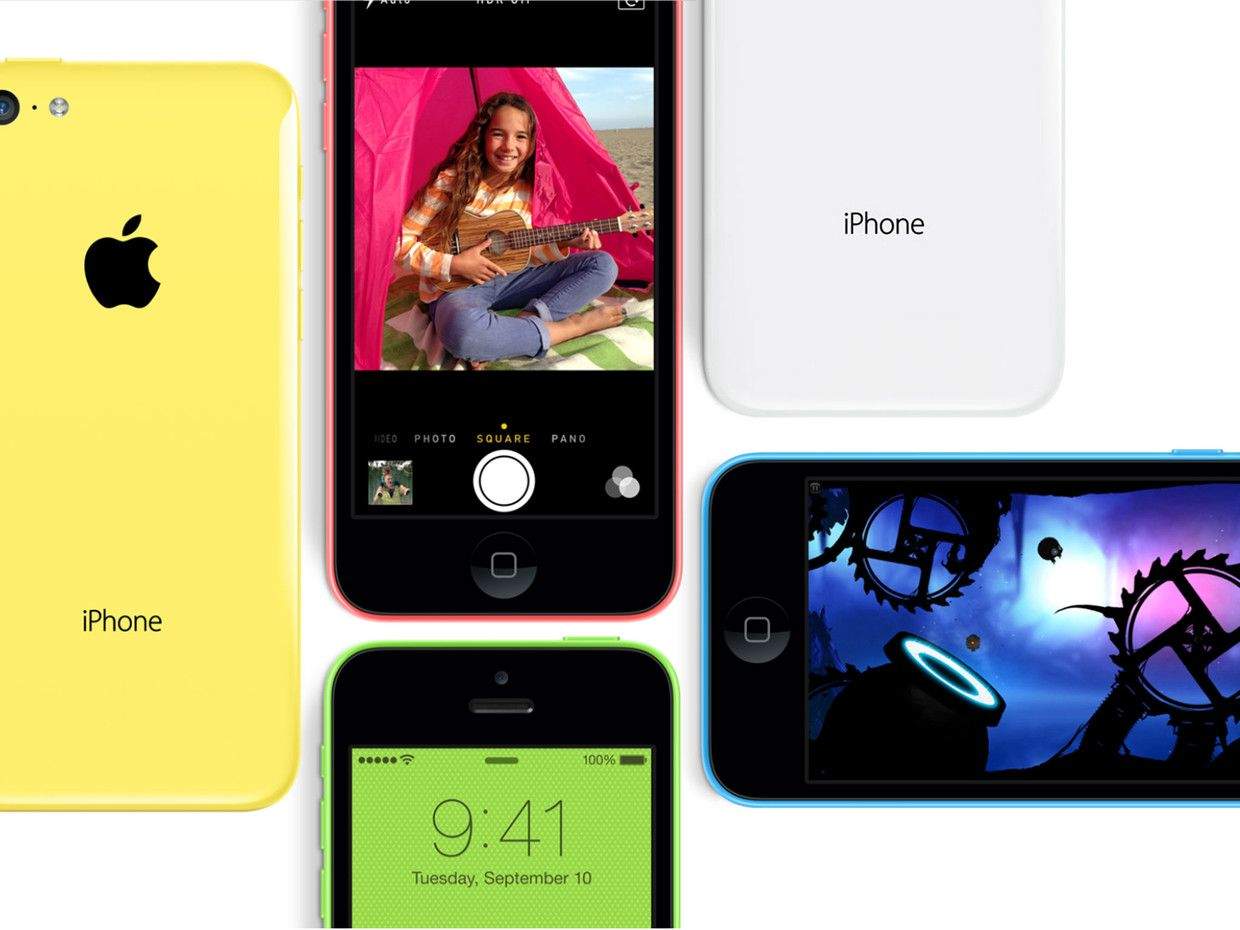
Hey kids! Overslept your alarm like we did? Well, don’t despair: the iPhone 5C is still available for pre-order, and still will deliver by next Friday, September 20th.
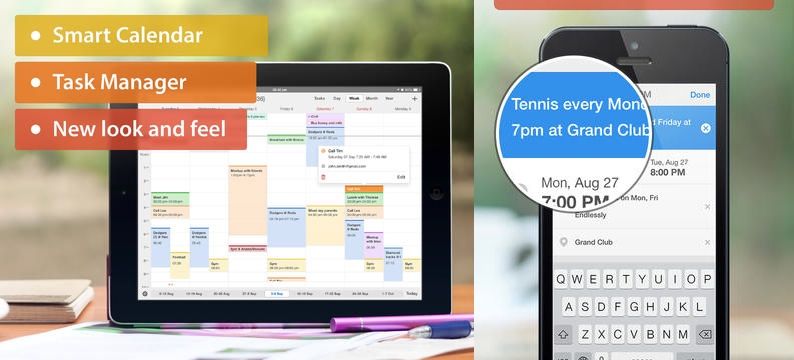
Readdle’s new iOS calendaring app, Calendars 5, launched yesterday, and after a day of use I can confidently state that I can find nothing wrong with it. In fact, I like it a whole lot. Why? Because it combines your calendars and reminders in one iOS7-style app, and folds in Fantastical-style natural-language entry.
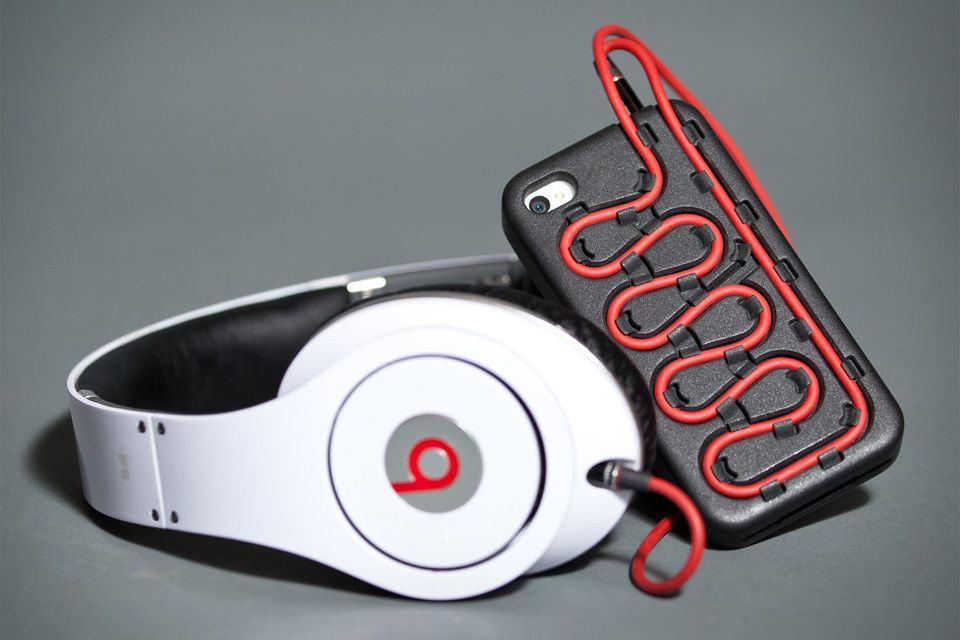
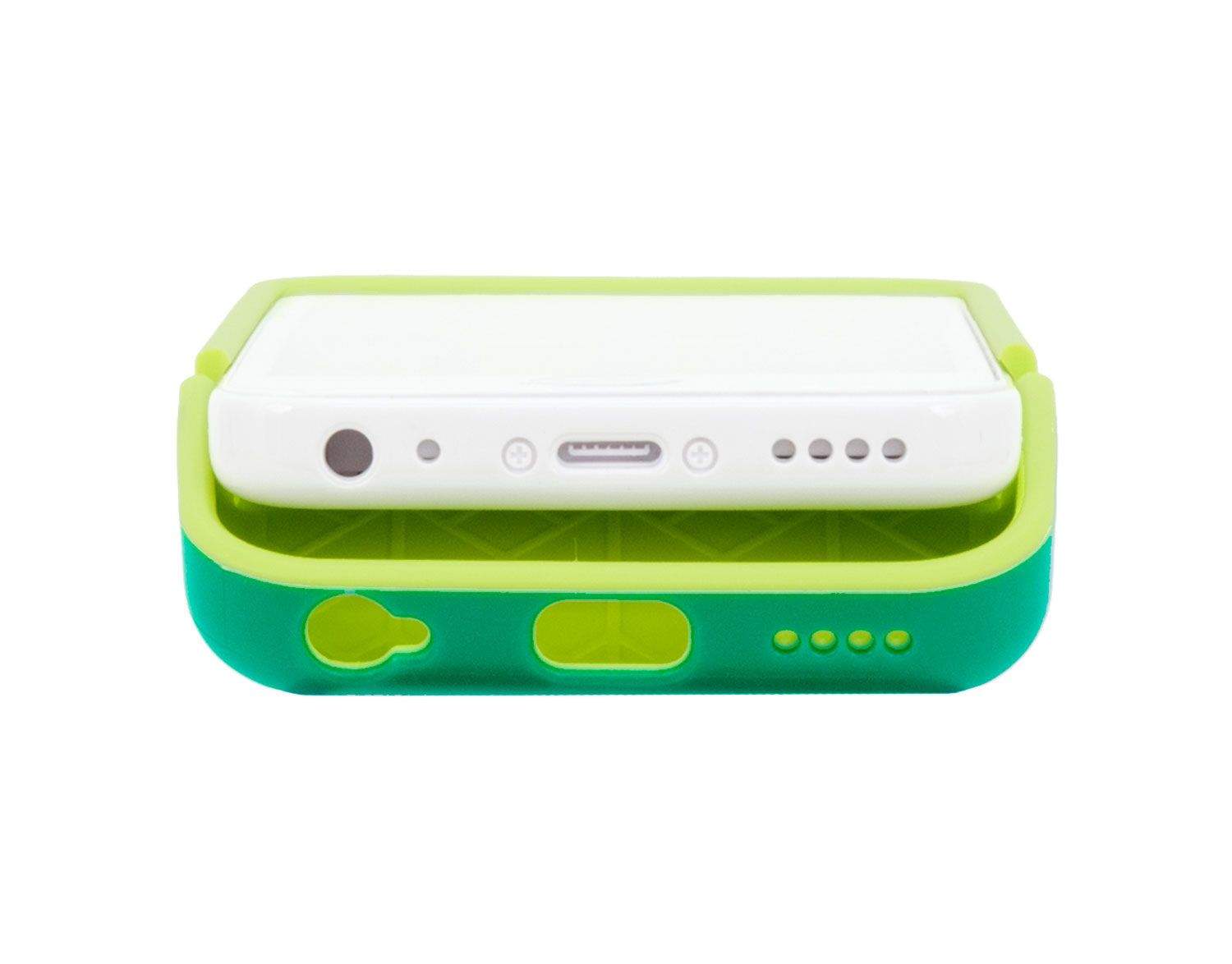
Got yourself a pair of Beats headphones? I’m sorry to hear that, but I do have some good news: no, there’s not a magic fix to tame the over-boomy bass and bring balance back to the sound of your expensive cans, but there is an iPhone 5 case that’ll help you wrangle the red cord.
Actually, the Cordii Case will work with any sufficiently thick headphone cable, not just Dre’s overpriced junk.
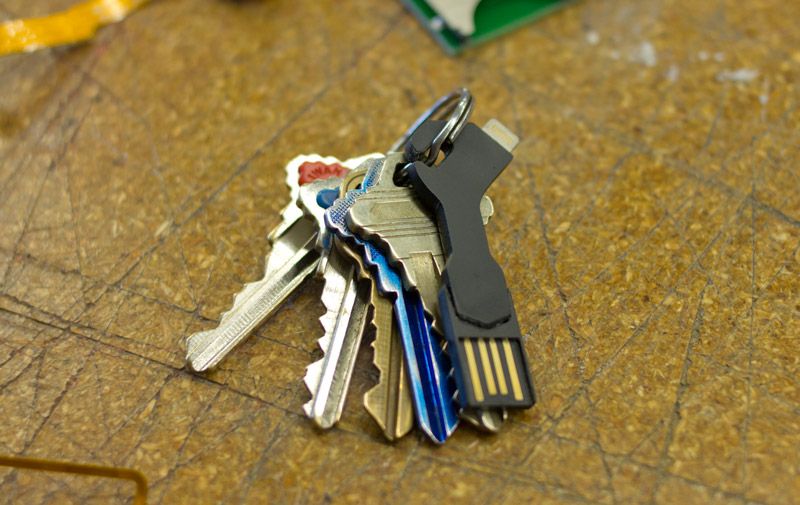
If iPhone 5 chargers keep getting smaller at the same rate, soon the whole thing will fit inside the Lightning hole like some kind of USB-powered suppository. For now, though, you’ll have to settle for the still impressively small ChargeKey, a teeny tiny USB-to-Lightning adapter that – yes – hooks onto a keyring.
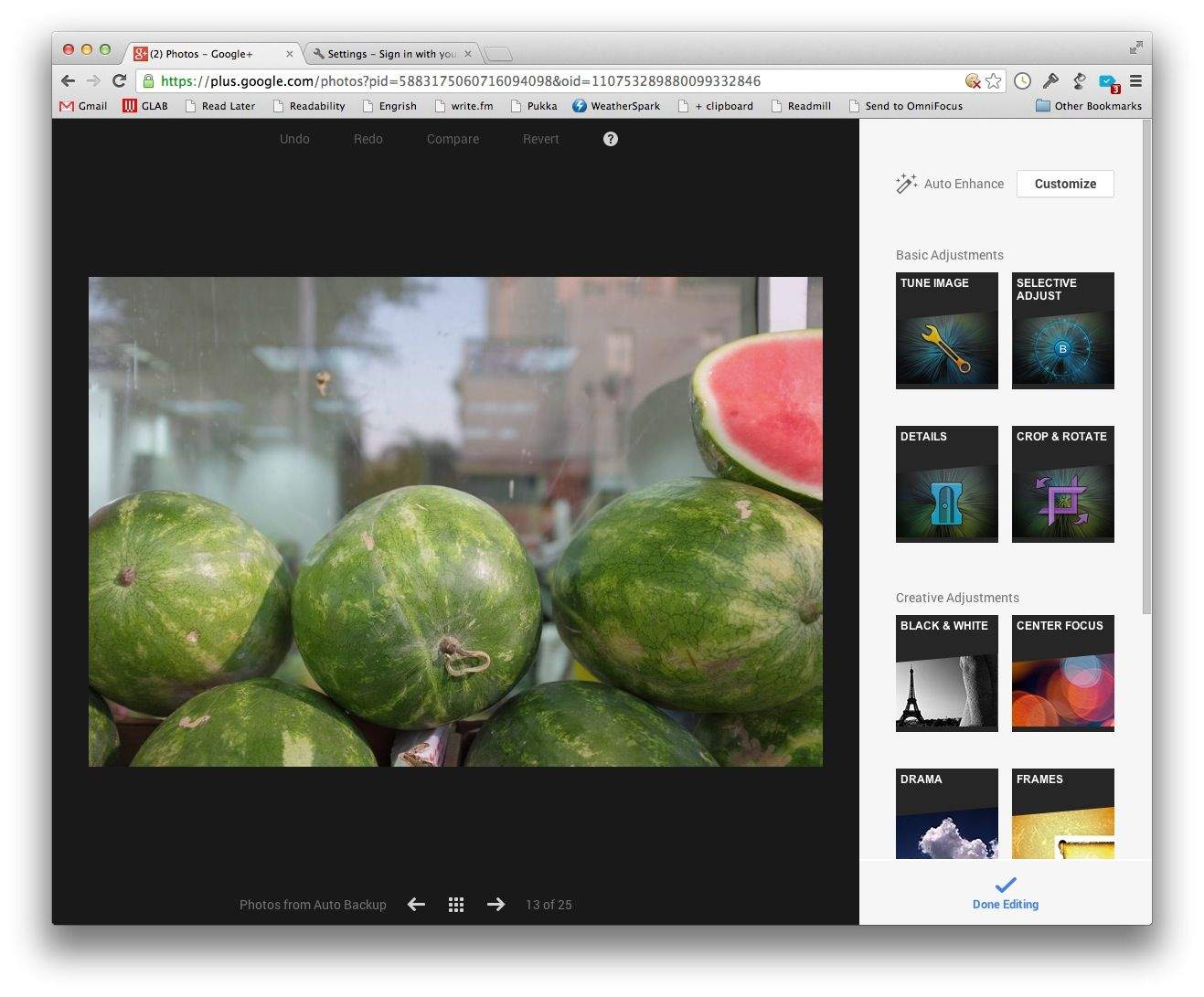
If you never downloaded the free Snapseed app for OS X before Google axed it, then you have a second chance – as long as you;re using Google’s Chrome browser anyway. Google+ added a browser-based version of Snapseed to its flailing social network.
Perhaps best known for their bag-making skills, Aussie-based STM Bags is no slouch when it comes to iPhone and iPad armor. This week saw the introduction of a new STM iPhone 5/s wallet case — and two new cases they’ve already prepped for the iPhone 5c.
Did they receive 5c specs from Apple? Nah mate, they say the bonzer new cases are the result of good planning and a lot of hard yakka. Fair dinkum!
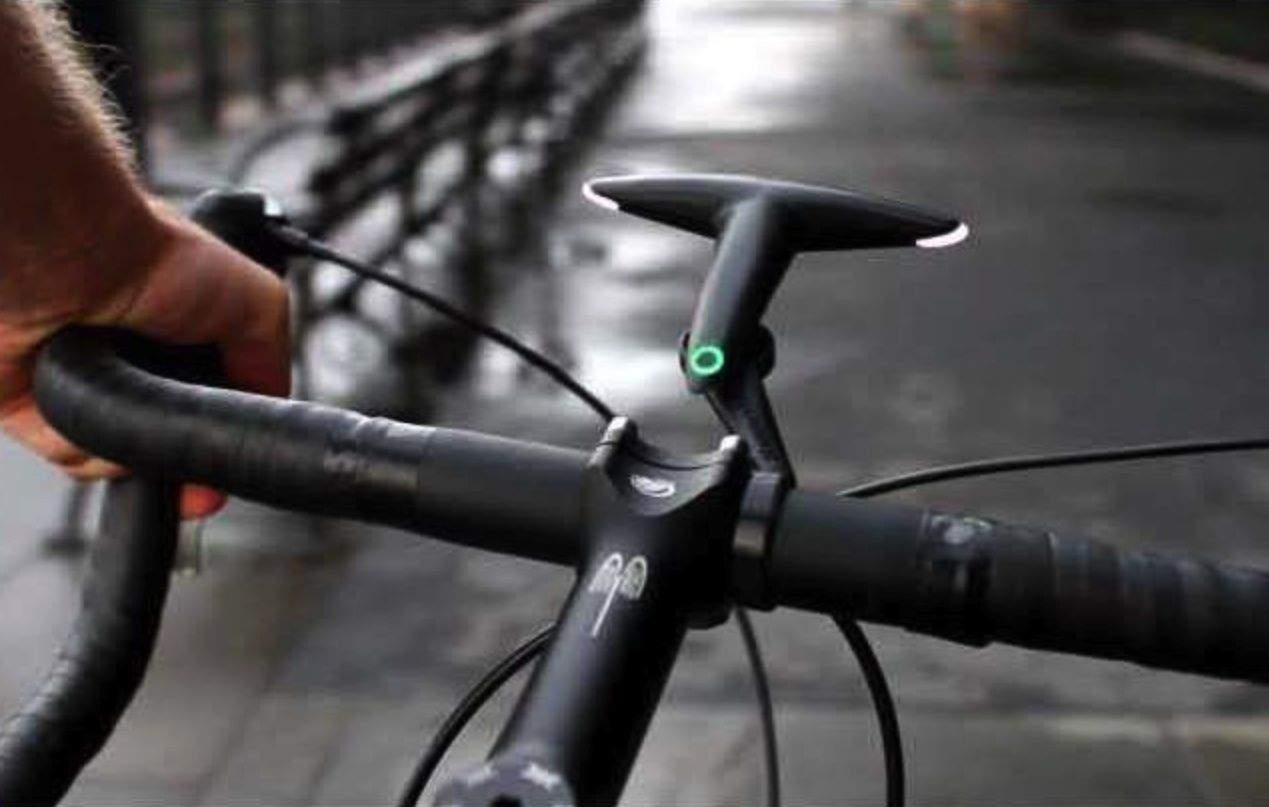
Ever tried using an iPhone or Android phone to navigate with GPS through crowded streets? It’s pretty difficult, even for a veteran cyclist like me, to split my focus between the road and tiny symbols on the phone’s tiny screen.
Plugging in to a headset to hear turn-by-turn directions sometimes works, but cycling with headphones can also be a pain (not to mention illegal in places under certain conditions).
The answer, of course, is a heads-up display like Google Glass; but until it’s ready, there’s the Hammerhead, a light-powered navigation aid with some other cool tricks up its sleeve.
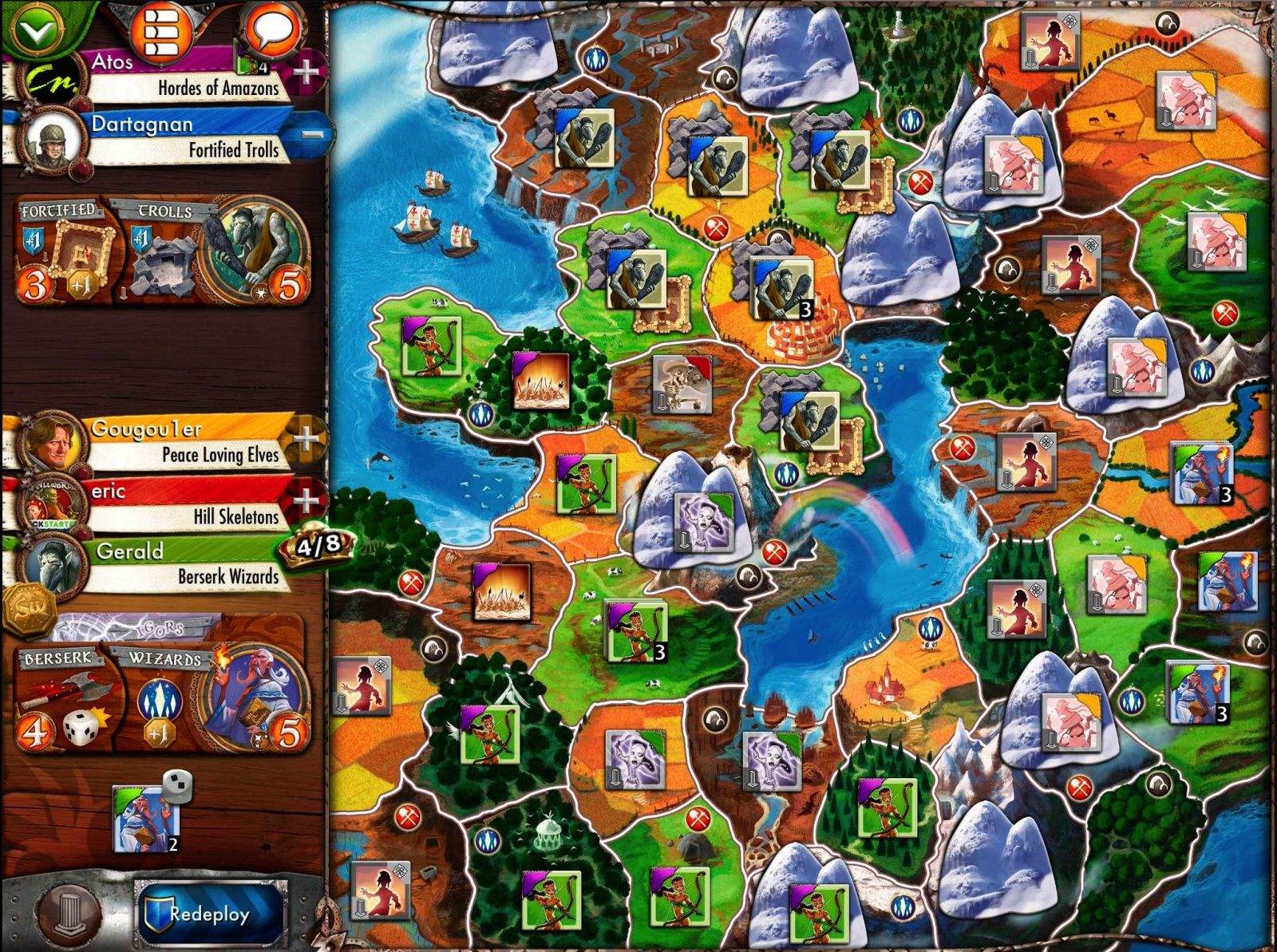
Days of Wonder‘s Small World was the first ever cardboard-and-plastic board game to jump the digital chasm and become an iPad board game; the game actually made its debut the same day the iPad went on sale, over three years ago.
In the intervening years, Days of Wonder has neglected the digital version of Small World somewhat, and instead concentrated heavily on its best-known title, the massively popular Ticket to Ride (of which there is now a bewildering assortment of variations — both physical and digital — available for play).
But now, finally, the indy game company has come back to the game that started it all and released Small World 2 on the iPad — a huge, socially rich sequel that should make board-game fans very happy once the sticker shock has abated.
Did you know Sir Jony Ive is a huge Burberry fan? True story. He went to London this past summer to see the runway fashion show put on by Burberry, as you can see in the photo to the right.
Interestingly, Apple on Thursday announced a surprise collaboration with Burberry, a London fashion brand sometimes unfortunately associated with lowlifes, known in Britain as “chavs.” There he is–far right. (Credit: Jenny Palmer)
Ive will certainly be happy today* to hear that Burberry is teaming up with Apple to use the not-yet-released iPhone 5s to capture and share images and video from the upcoming runway show in London, taking place this coming Monday, September 16.
This new collaboration is inteded to showcase the new clothing line, of course, but also to show how great the iPhone 5s iSight camera is, with it’s new, larger pixels, exposure area, and lens. It will allow photographers at Burberry to take high quality photos and high resolution video of the runway models, product details, and moments backstage.
I’ve played as a lot of things in my gaming career. I’ve been vampires, I’ve been space marines, and there was even a brief time back in 1993 where I was a walking circle with sunglasses. I’ve never played as a rock, though, so developer PikPok’s latest offering, Giant Boulder of Death, intrigued me right away.
Giant Boulder of Death by PikPok Category: iOS Games Works With: iPhone, iPad Price: Free
The makers of the Erasure-loving endless runner Robot Unicorn Attack series have moved the camera around to the back to create an “endless roller” of sorts in which players control a giant boulder on a mission of revenge.
The plot — yes, there is one — is that the denizens of the village below the boulder’s mountain have stolen his girlfriend (a slightly smaller boulder with a bow) and used “her” to make a statue of their local military hero. Boulder immediately swears vendetta, freeing himself from the mountaintop on which he is precariously perched and setting off on a rampage of rolling crushery.
Organizing class work and keeping track of grades can be a pain. The aptly-named Grades app aims to be the ultimate tool for students in the App Store, and version 3.0 arrived today with a host of new features.
Grades 2 was good enough to receive an Apple Design Award, but updates have been so stagnant that the app is just now receiving support for the iPhone 5’s taller display. Today marks a huge leap forward for Grades, and there’s more to come with the impending launch of iOS 7.
Today Apple released version 10.8.5 of Mountain Lion in the Mac App Store. The update brings multiple bug fixes, including one for Mail app randomly not displaying emails.
10.8.5 has been in beta testing alongside OS X Mavericks over the summer, and today’s update will likely be one of, if not the, last Mountain Lion update before Mavericks is released later next month.
According to an anonymous tip, we’ve been told that RadioShack plans to offer iPhone 5c preorders in all of its US retail outlets tomorrow morning when the stores open.
So, if you miss out on the midnight-madness at Apple.com or one of the big carriers tonight, you can waltz right in to a RadioShack tomorrow and preorder an iPhone 5c in any color for any one of the major carriers in the US. Not too shabby.
According to a Digitimes report of “industry sources,” the panel shipments for the new iPhone 5s are expected to hit the 10 to 13 million mark in the third quarter of this year. Sharp is expected to be the main provider of these panels, at seven million panels, with LG Display and Japan Display providing the rest.
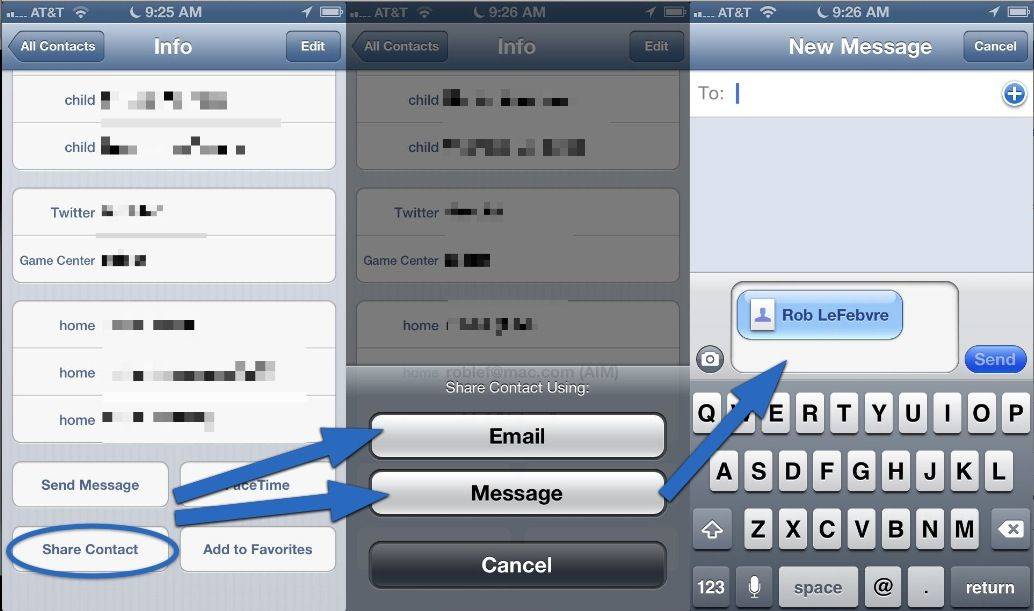
Ever been to a professional conference? You probably take those little cardboard bits of paper with pictures and contact info along with you, right? Business cards are kind of a given at conferences, but you can also cut to the chase and send your contact info to anyone you’re chatting with.
Using your iPhone Contacts app, you can send your contact info, or any contact you have on your phone, with a couple of simple taps. Here’s how.
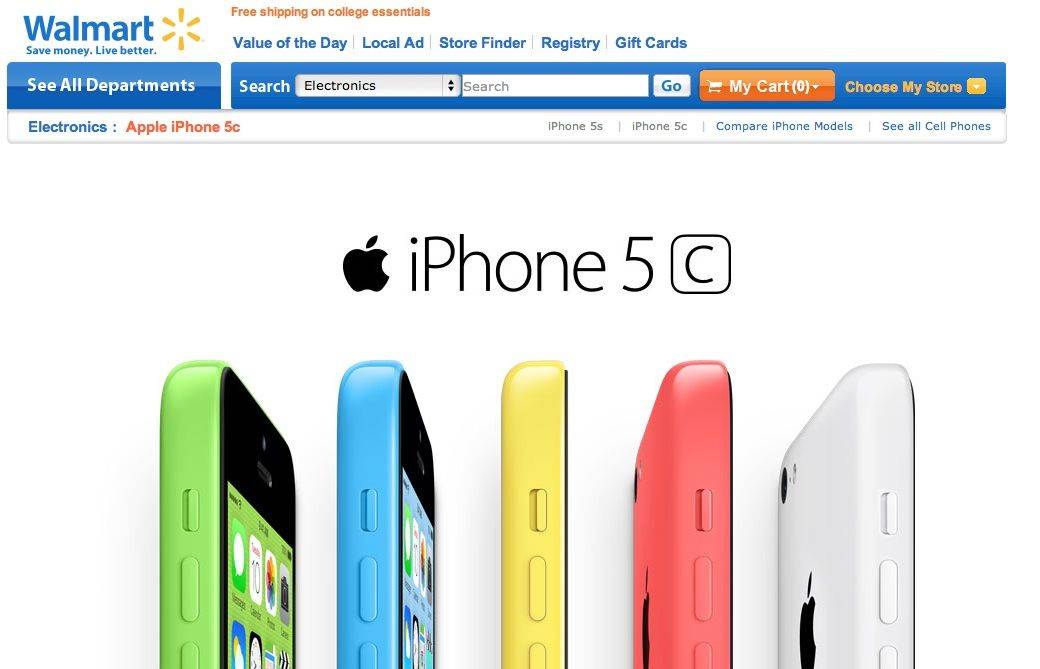
A lot of people weren’t mightily impressed by the iPhone 5c’s price tag, after it was rumored for months that Apple would make the new device as wallet friendly as possible. So if you’re looking to save a couple more bucks on your iPhone 5c purchase, Walmart has deal that knocks $20 off the final price tag.
Apple isn’t allowing pre-orders on the iPhone 5s this year, but if all you want is the colorful new iPhone 5c, Sprint and Verizon have already confirmed pre-orders will begin by 12AM exactly… the same time iPhone 5 preorders started last year.
The iPhone 5c is likely to be one of Apple’s most wildly in-demand phones ever, thanks to its cheaper price and variety of colors, and while Apple is attempting to balance the crush on their website by starting pre-orders in the middle of the night, it will, in all likelihood, still be a madhouse when Apple starts selling iPhones later tonight.
Hence this guide. We’re going to walk you through the the most efficient ways to absolutely ensure you get your iPhone 5c pre-ordered at the stroke of midnight so you can get back to sleep and enjoy your device on Friday.
Gaming on the Mac has become increasingly popular, with the advent of services such as Steam (highlighted in a recent Cult of Mac Deals offer for Borderlands 2) and the renaissance of the Mac as a primary household computer. And with games on gaming consoles hovering around the $50 mark, gamers are looking for other opportunities to “get their game on” withoutbreaking the bank in the process. The Mac has become another platform where this exploration can be done – and Cult of Mac Deals has an offer where the impact on your pocketbook will be absolutely zero.
That’s because Cult of Mac Deals has assembled The Freebie Gamer Bundle, which is available for a very limited time.
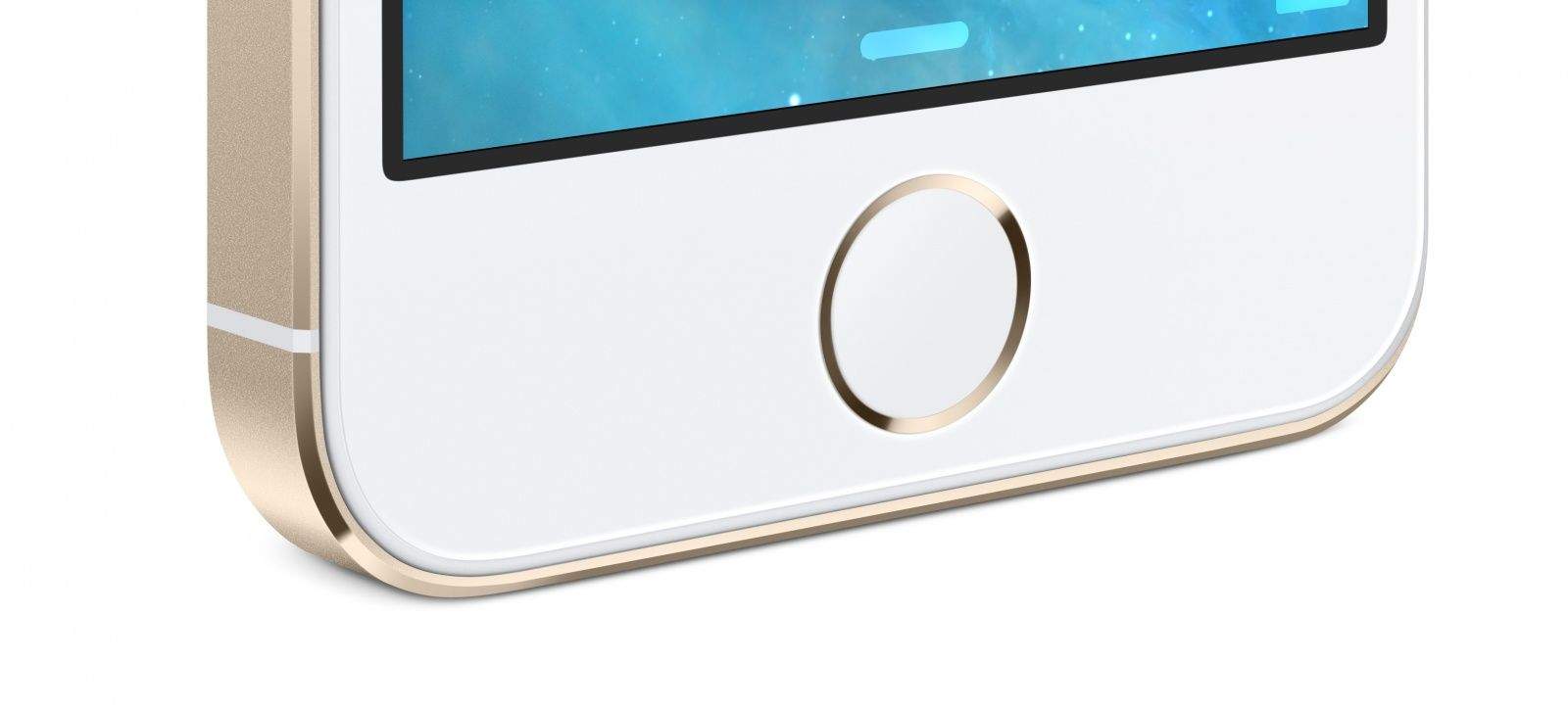
Apple’s Touch ID fingerprint scanner has been welcomed as a “major step forward” by Biometrics expert Philip Smith, whose company pioneered the technology a decade ago.
“It’s a huge milestone in bringing fingerprint-based biometrics to the mainstream,” he said. “I’m thrilled to see this.”
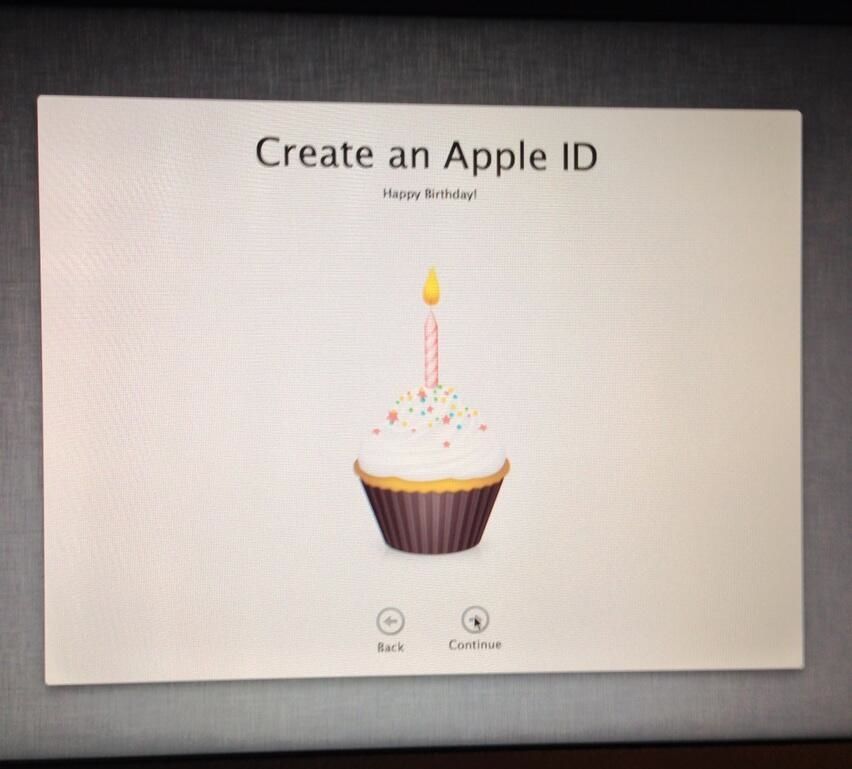
This is absolutely adorable. Mike McCue, the co-founder of Flipboard, bought his 14-year old son a new MacBook Air for his birthday. The kid wasted no time in setting it up, creating a new Apple ID and entering his birthday when prompted. Then this happened: his MacBook Air gave the junior McCue a birthday cupcake, complete with candle, to wish him a Happy Birthday. It really is the little details that Apple gets right, isn’t it?
Do you remember this story, about how China’s network of scalpers were booking up all of Apple’s Genius Bar appointments en masse and then re-selling them on the black market to the highest bidder?
Well, Apple’s figured out a way to partially thwart it: they’re now asking you to sign in with your Apple ID if you want a Genius Bar appointment.
Over the past few years, Apple has always told people when they can start preording the next iPhone after it has been announced. This year, though, Apple is allowing preorders of only the iPhone 5c, and not allowing preorders of the iPhone 5s at all. And even on the iPhone 5c side of things, Apple is being a little obtuse, not actually clarifying when on Friday, September 13th preorders will begin. But now, thanks to the big mouths of Apple’s carrier partners, we know exactly when.