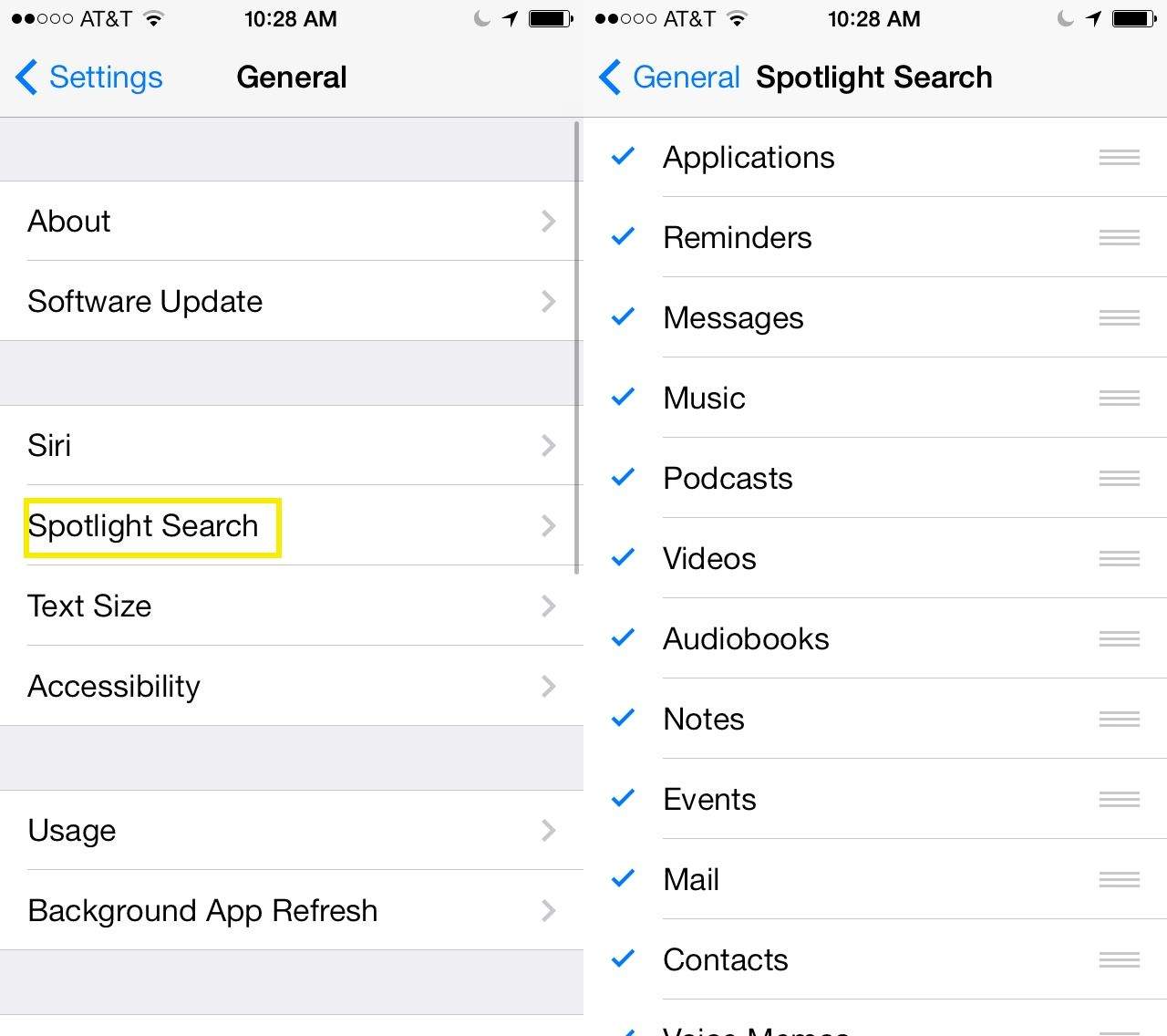
With the new iOS 7, you’re able to search your iPhone from any icon-bearing home screen. Simply drag downward on the iPhone screen on any page, and you’ll see the Search field. Type in whatever you’re searching for–Contacts, Apps, Music, Messages–and your iPhone will display all of those things in a nice list for you. All you need to do from there is tap the result you want to check out, and iOS 7 will take you to that specific bit of data.
However, maybe you don’t want to search everything on your iOS device. Maybe you don’t keep Music on there, or you don’t want to see a list of Podcasts or Mail when you search your iPad for a specific app.
Lucky you; it’s pretty easy to customize. It might even help you save a bit of battery, too.