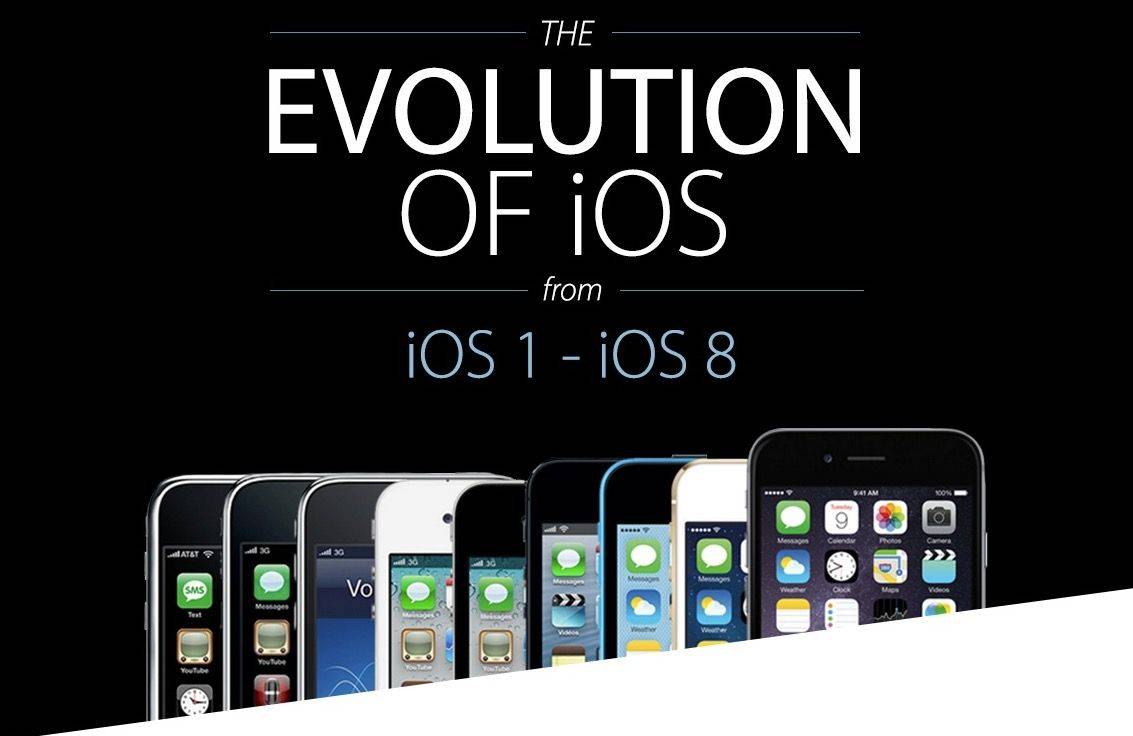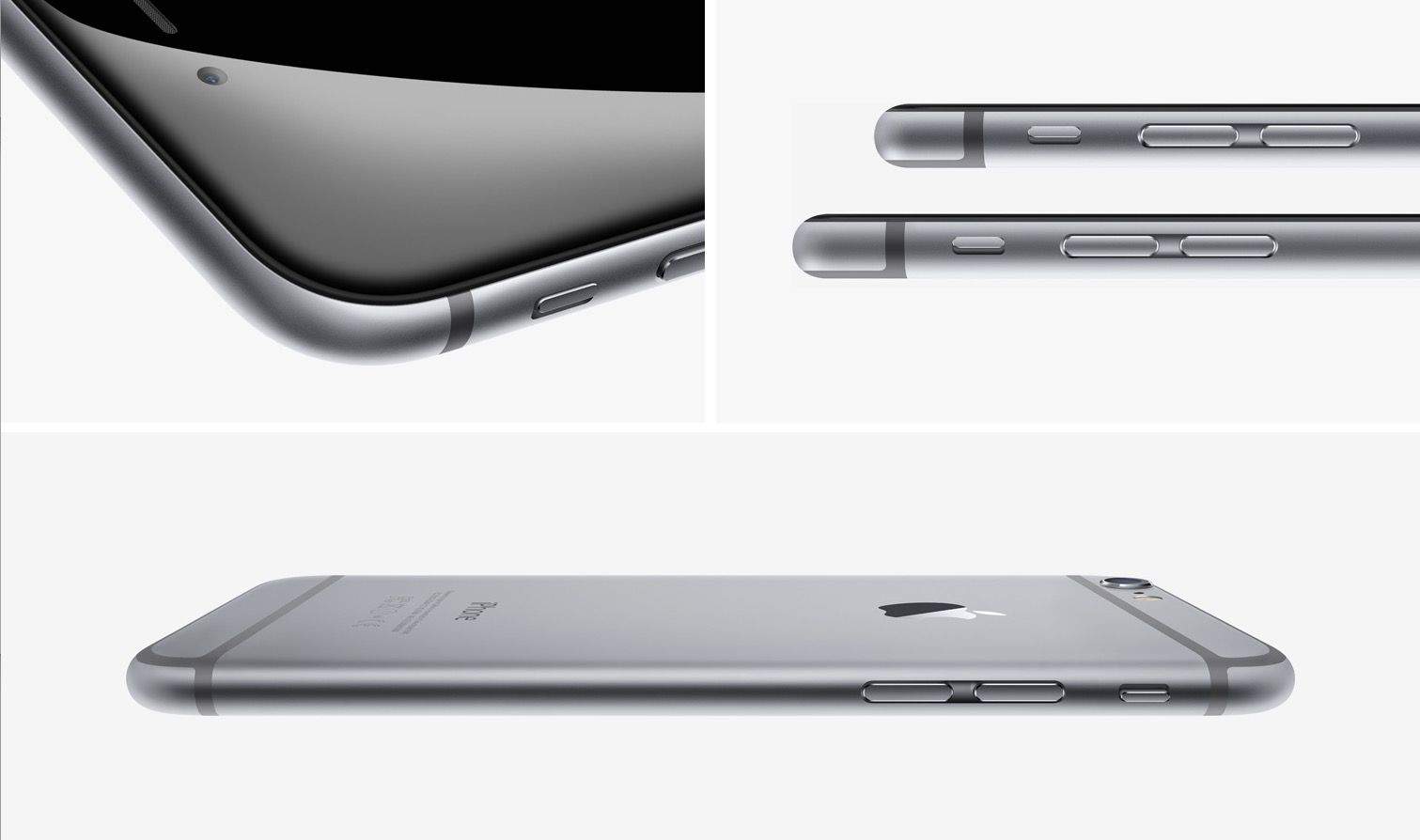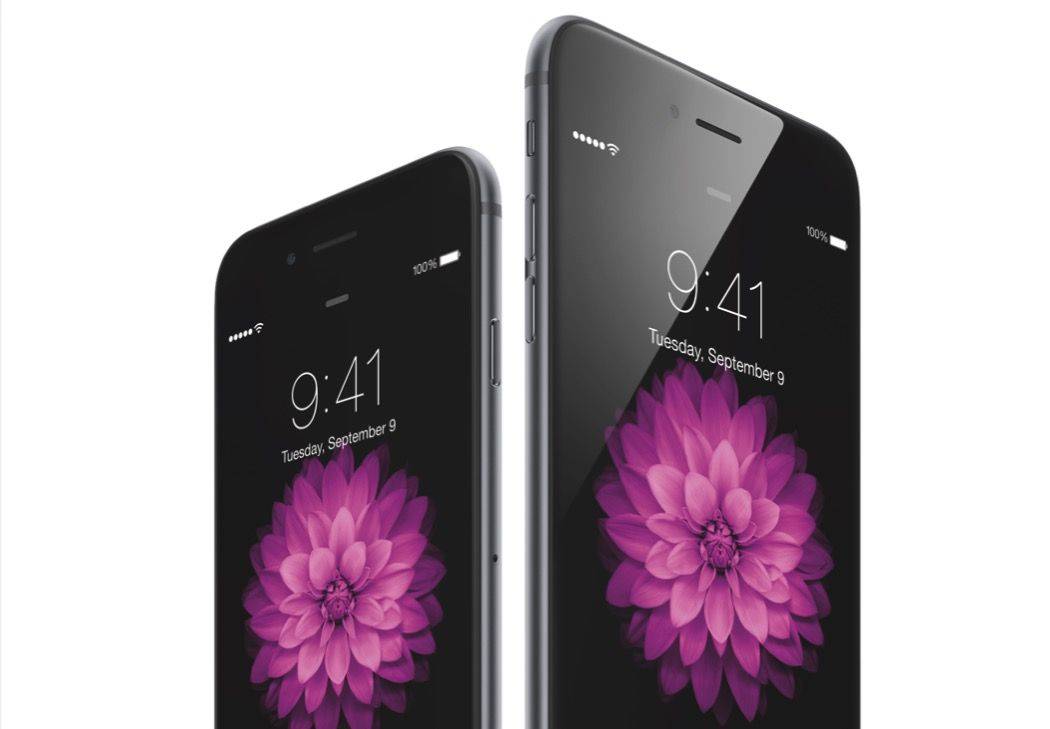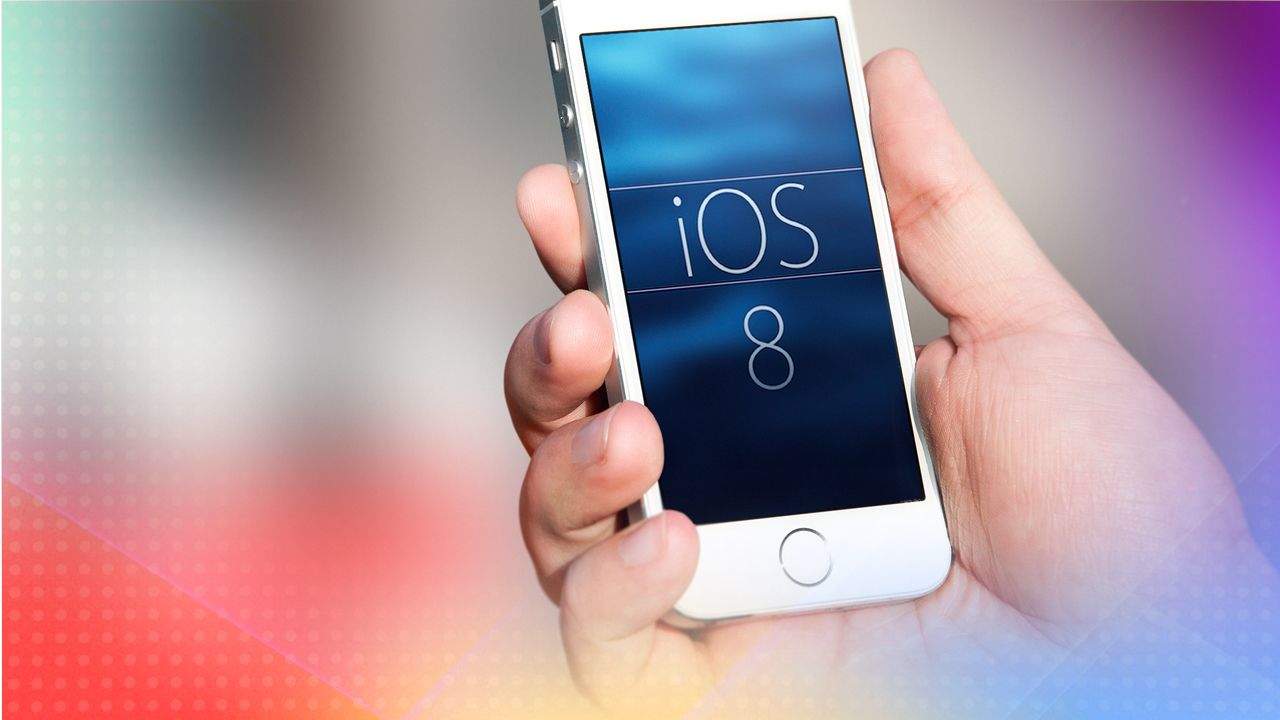
Whether you’re getting a new iPhone or not, chances are you’ll want to upgrade to iOS 8 to take advantage of all it has to offer.
Exciting, isn’t it? A whole new operating system, ready to revolutionize your mobile life.
There are a few things you should do before upgrading to iOS 8, though. First you’ll want to clean up your existing iOS 8-compatible device. Then you need to make a good backup using iTunes, iCloud or a combination of the two. (Bonus: If you do end up getting an iPhone 6 or iPhone 6 Plus, you’ll have a nice, clean, ready-to-rock iOS device to migrate from.)
Here’s how to get your iPhone (or iPad) ready for iOS 8 – the right way.