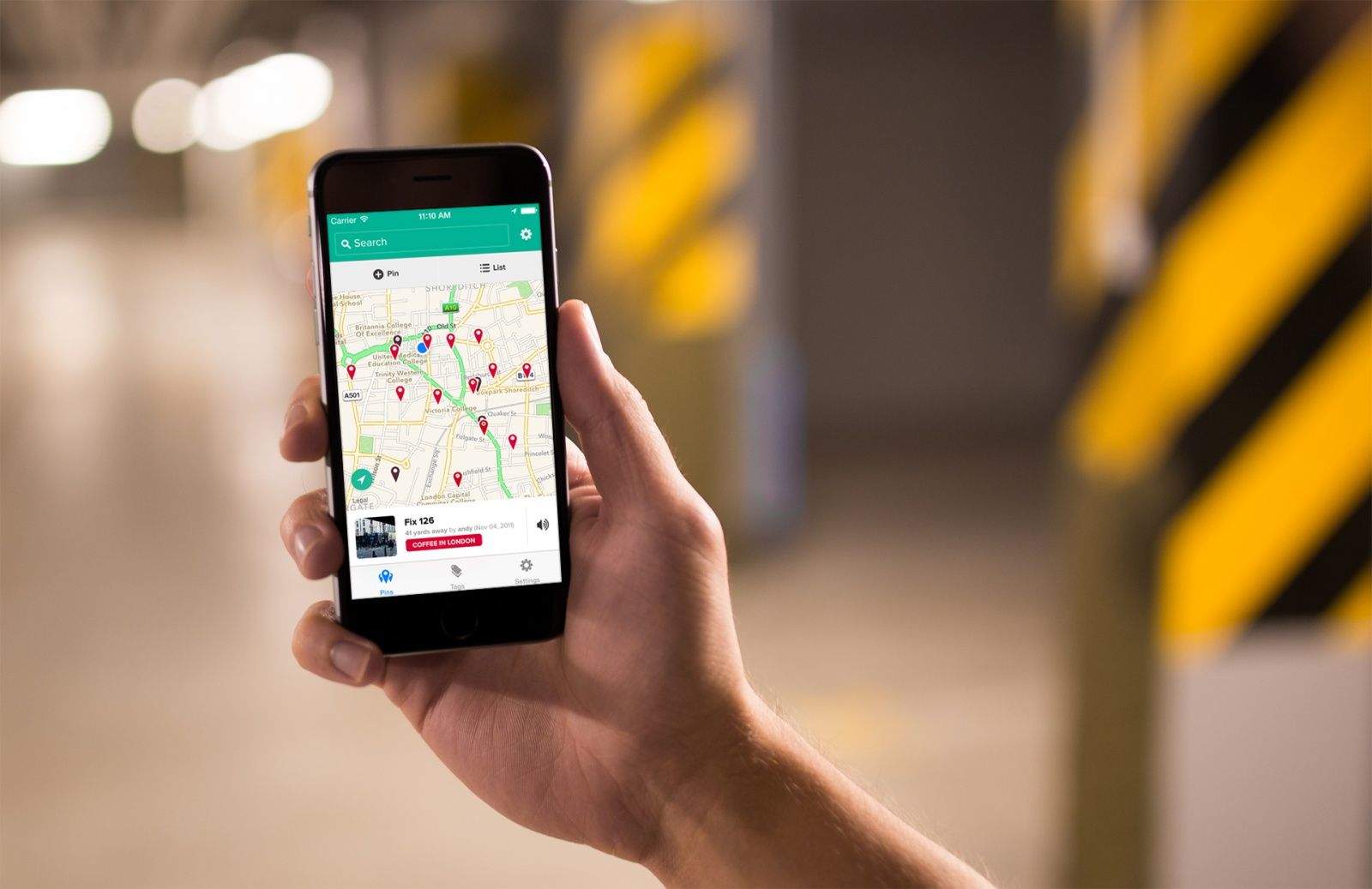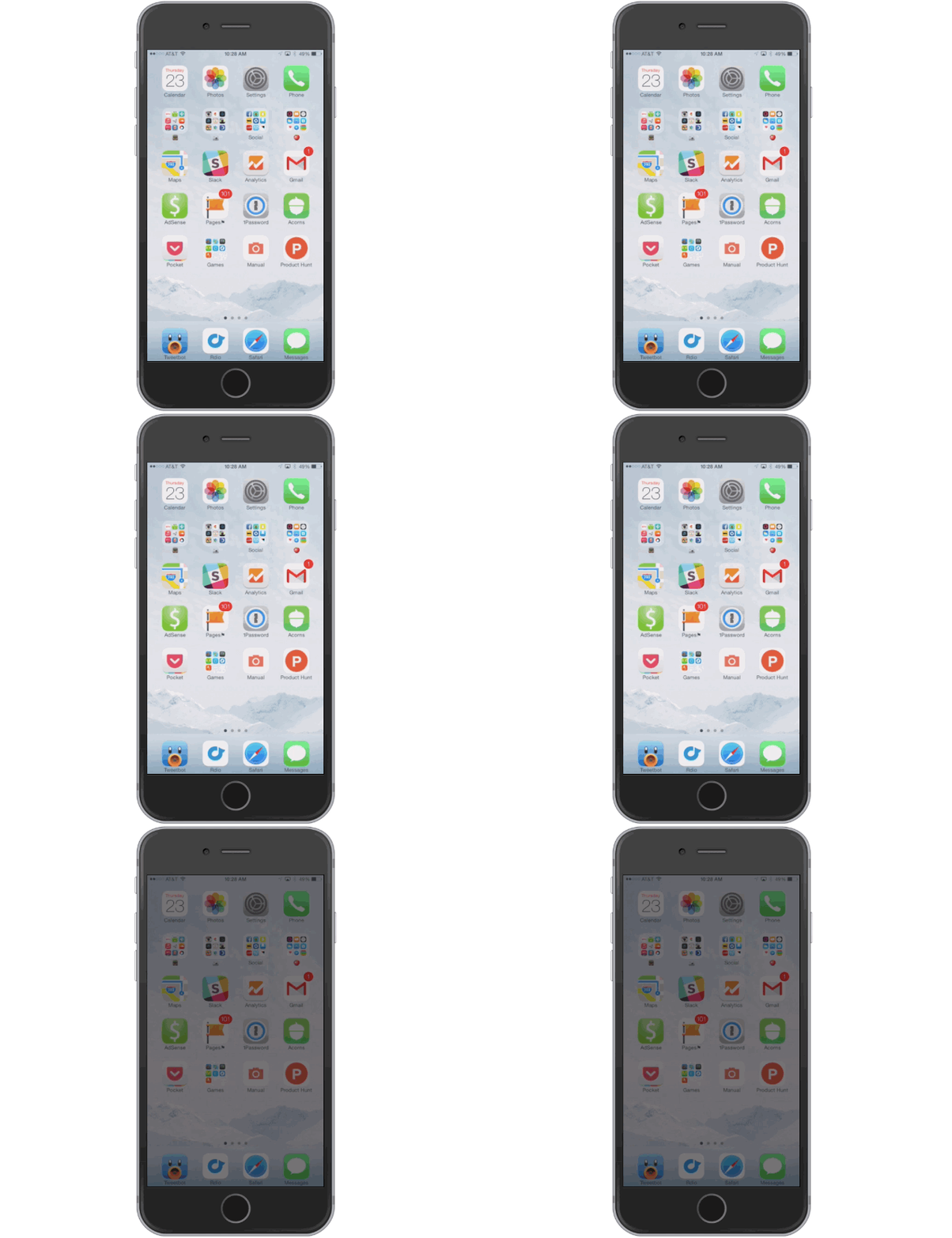
iOS 7 made it easier than ever for iPhone users to toggle the brightness on devices through Command Center, but if you’re too lazy to go through a few flicks and swipes to adjust your screen’s brightness, we’ve discovered a way to dim your display by simply pressing your home button three times.
To activate the setting you have to do some digging through the Accessibility settings in iOS 8.1, but once you’ve set it up you’ll never go back to Control Center to adjust your brightness.
Here’s how to do it: