As many of us use Google calendar to manage our daily lives, it’s an important thing to get this wondrous scheduling solution on our iPhones and iPads to better able to access it on the go.
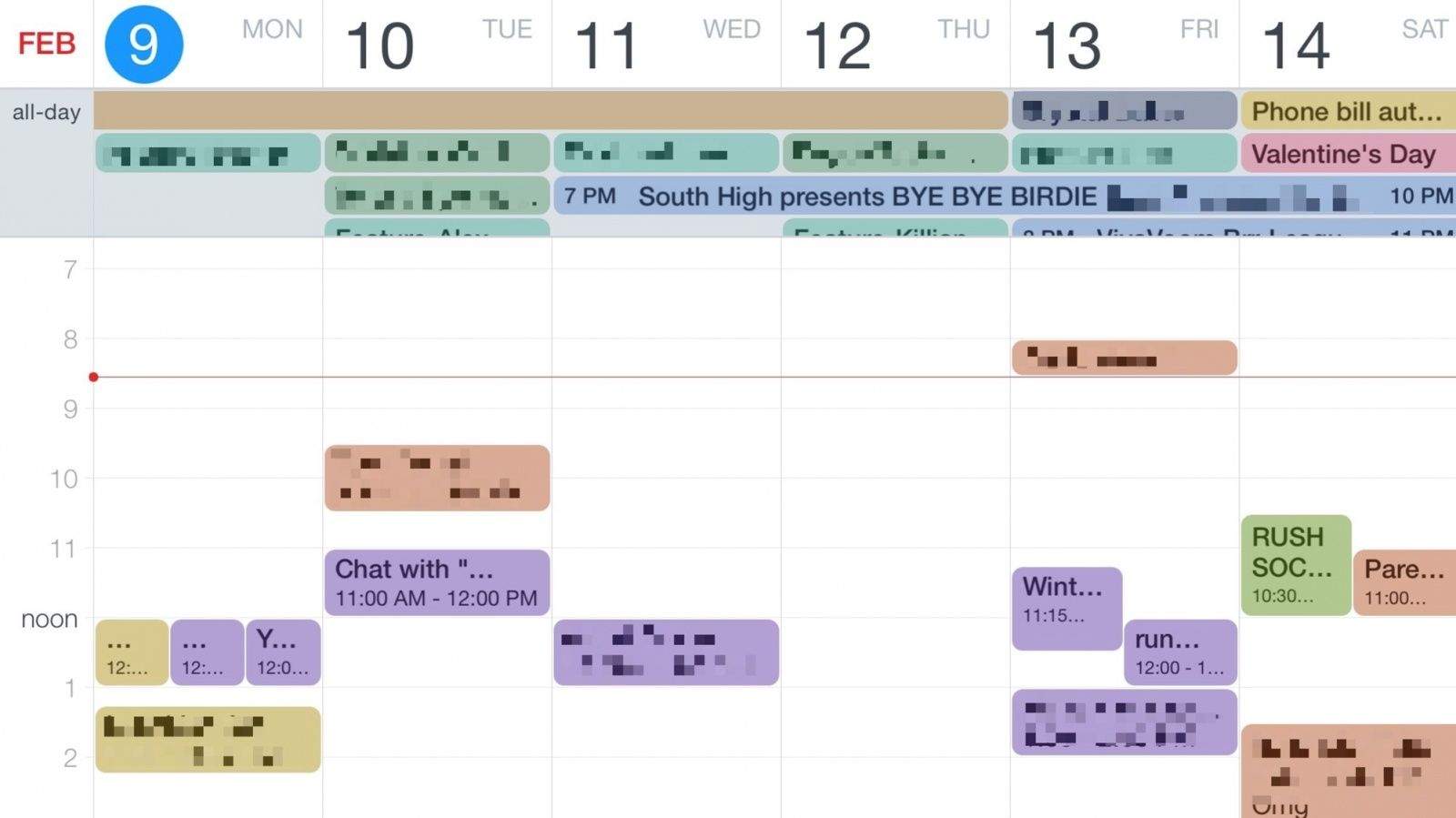
Several third-party calendars, like the ever-useful and visually stunning Fantastical 2, use the iOS system for connecting to and synchronizing your calendars from Google to your mobile device.
Usually this works without a hitch, especially with newer iOS versions; you simply add an account and the calendar events you input on the web will show up on your iPhone, and vice versa.
When that doesn’t work, however, the settings you need to tweak can be a bit unintuitive. Here’s what they should look like for the best two-way Google to iOS sync.