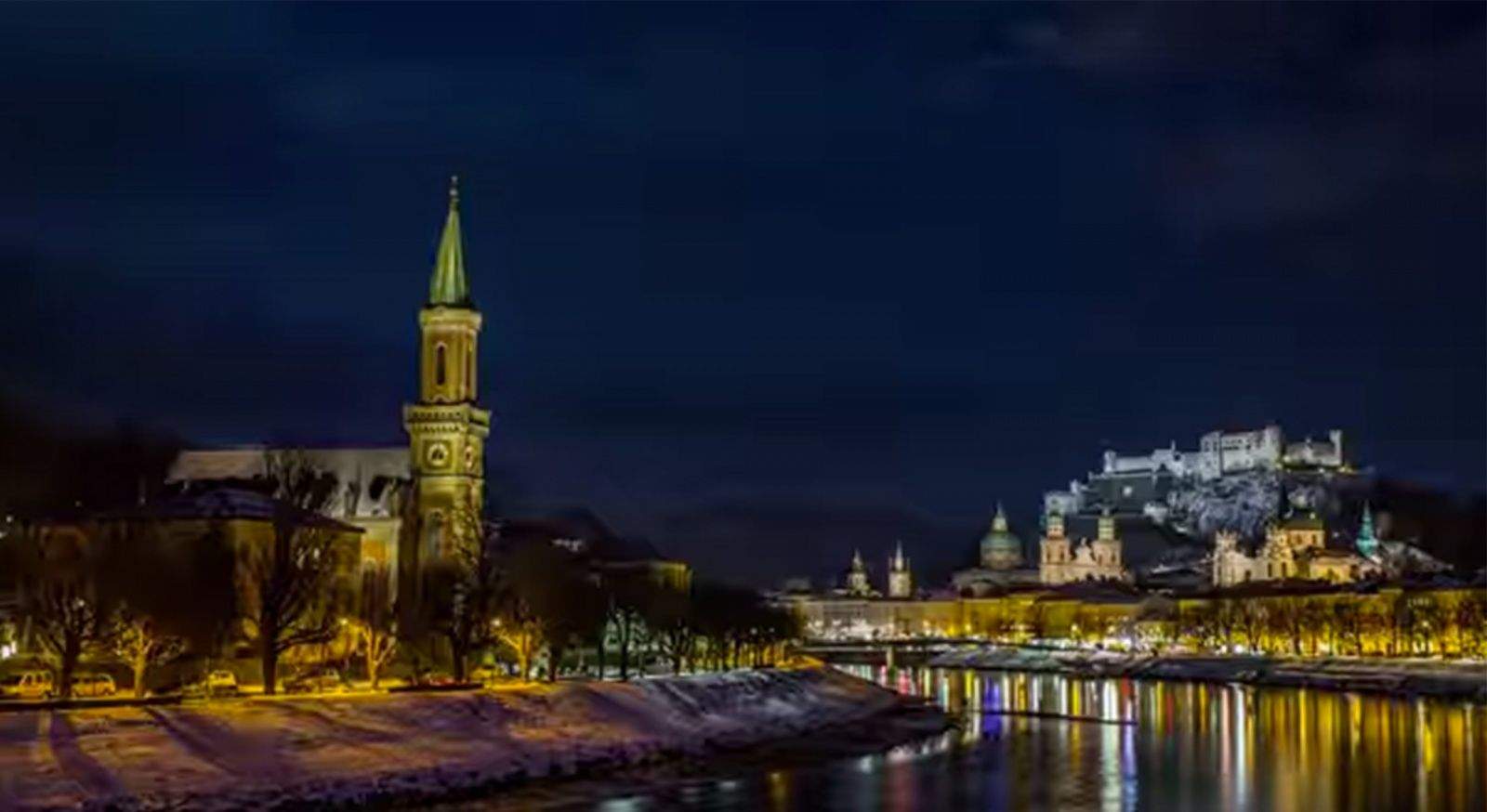
If you only had about three minutes to spend in the country of Austria, let Thomas Pocksteiner and Peter Jablonowski give you the tour.
The filmmakers, who formed FilmSpektakel, have just released a breath-taking hyperlapse tour of their country. The two-minute, 54-second video took two years of filming and was winnowed down from 5 TB of raw footage.
Their travel Valentine, A Taste of Austria, awakens the senses with movement, sweeping and seamless color changes with day-to-night transitions and 360-degree views of architectural and natural wonders.