Save big on top selling gear and services every day at Cult of Mac Deals.
Time is running out to save big on a 2-year subscription to NordVPN, VOXOA HD wireless headphones, the GT-ZO1 touchscreen dashcam, and more.
Save big on top selling gear and services every day at Cult of Mac Deals.
Time is running out to save big on a 2-year subscription to NordVPN, VOXOA HD wireless headphones, the GT-ZO1 touchscreen dashcam, and more.

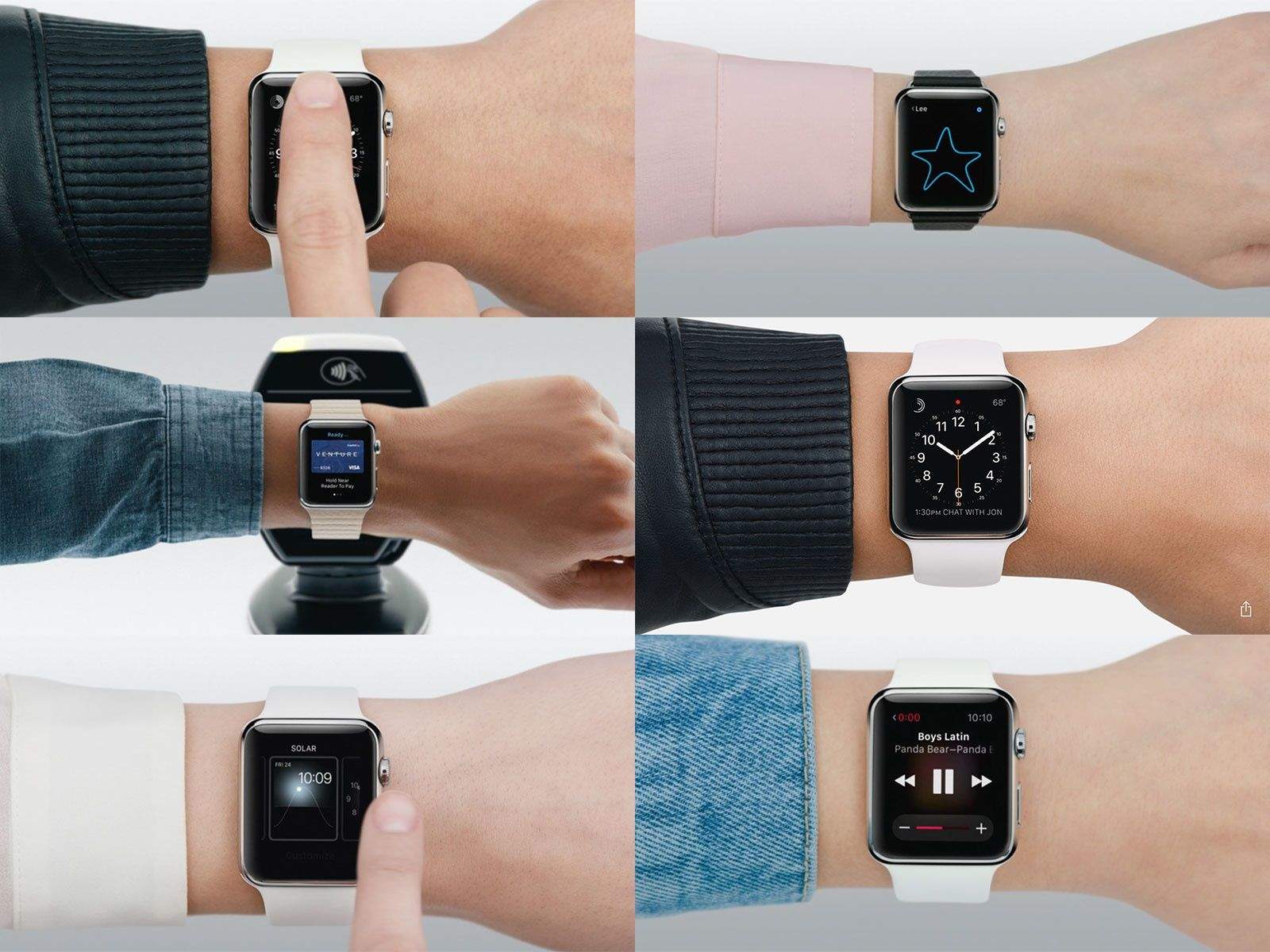
The weird thing about all the promotional videos for the Apple Watch is how perfect the hand models are. The people wearing the watches look like citizens from Logan’s Run: fresh and young and perfect.
What you won’t see is a parade of hairy arms.
But now that the Apple Watch is out in the wild, that’s exactly what you get on Instagram. These pictures tell the real story.
My friends, family and even complete strangers are constantly asking me how to get their million-dollar app idea in the App Store.
This is always a shocker for me because, after countless hours of hard work over the past two years, my app is barely breaking even.
But I can offer one solid piece of advice for anybody hoping to turn a clever idea into a world-beating app: Find yourself an amazing developer and hold on tight.
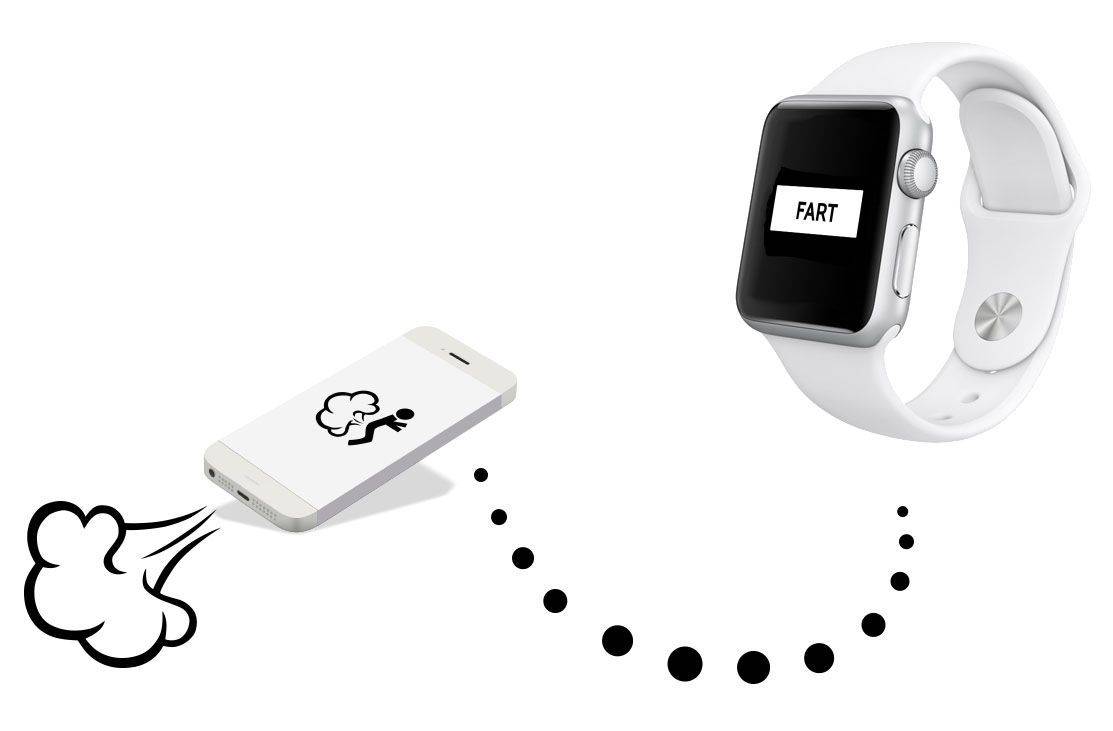
Those of you who were hoping the Apple Watch would usher in a new era of flatulence apps, prepare to be disappointed: Apple has already rejected the first app that serves no purpose other than to allow people to make fart sounds from their wrist.

It’s time for the Cult of Mac to mobilize. Apple co-founder, Segway enthusiast and all-around snuggly bear Steve Wozniak has won many honors and awards over the years, but this could be the greatest one yet: He’s up to be turned into a wax figure at Madame Tussauds!
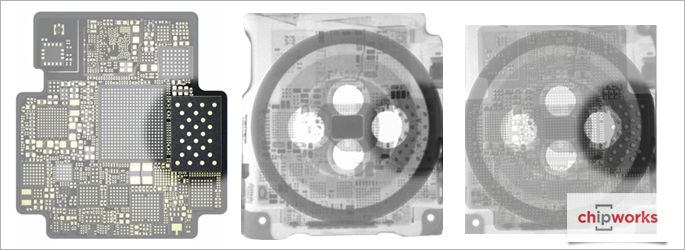
For anybody who wants a detailed look at what makes the Apple Watch’s chip tick, the silicon experts at Chipworks have posted an X-ray look inside the S1 processor.
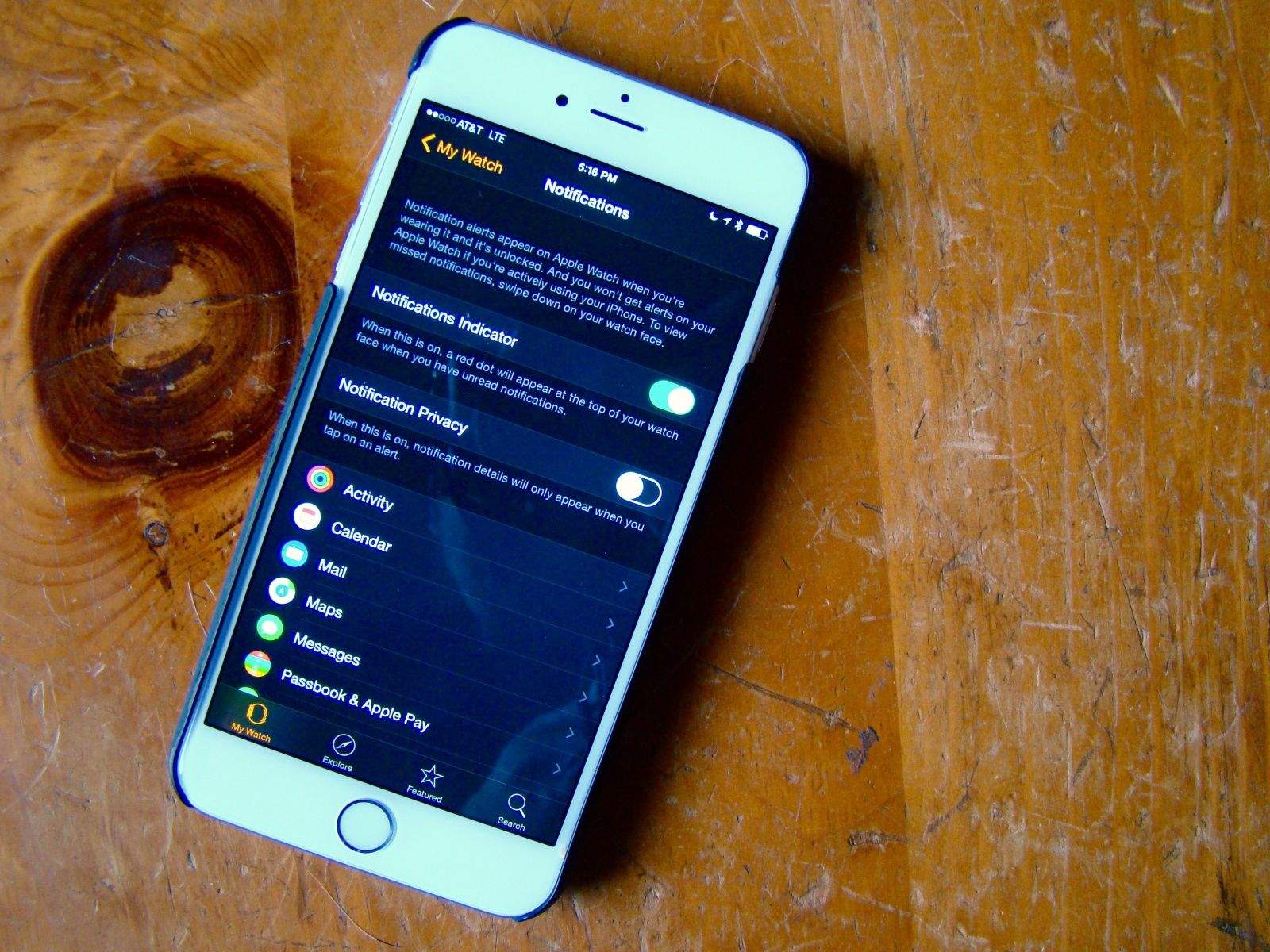
Notifications are why we all got an Apple Watch, right? We want to be able to know what’s going on in our digital lives all the time, but we want to do it faster, without having to pull out an iPhone. Because that’s just rude.
However, getting every single Notification that you get on your iPhone shunted automatically over to your Apple Watch is going to get tiresome. No one wants to deal with a wrist tap every time someone takes a turn in Evil Apples.
Here’s how to manage all of the notification cruft a little bit better.
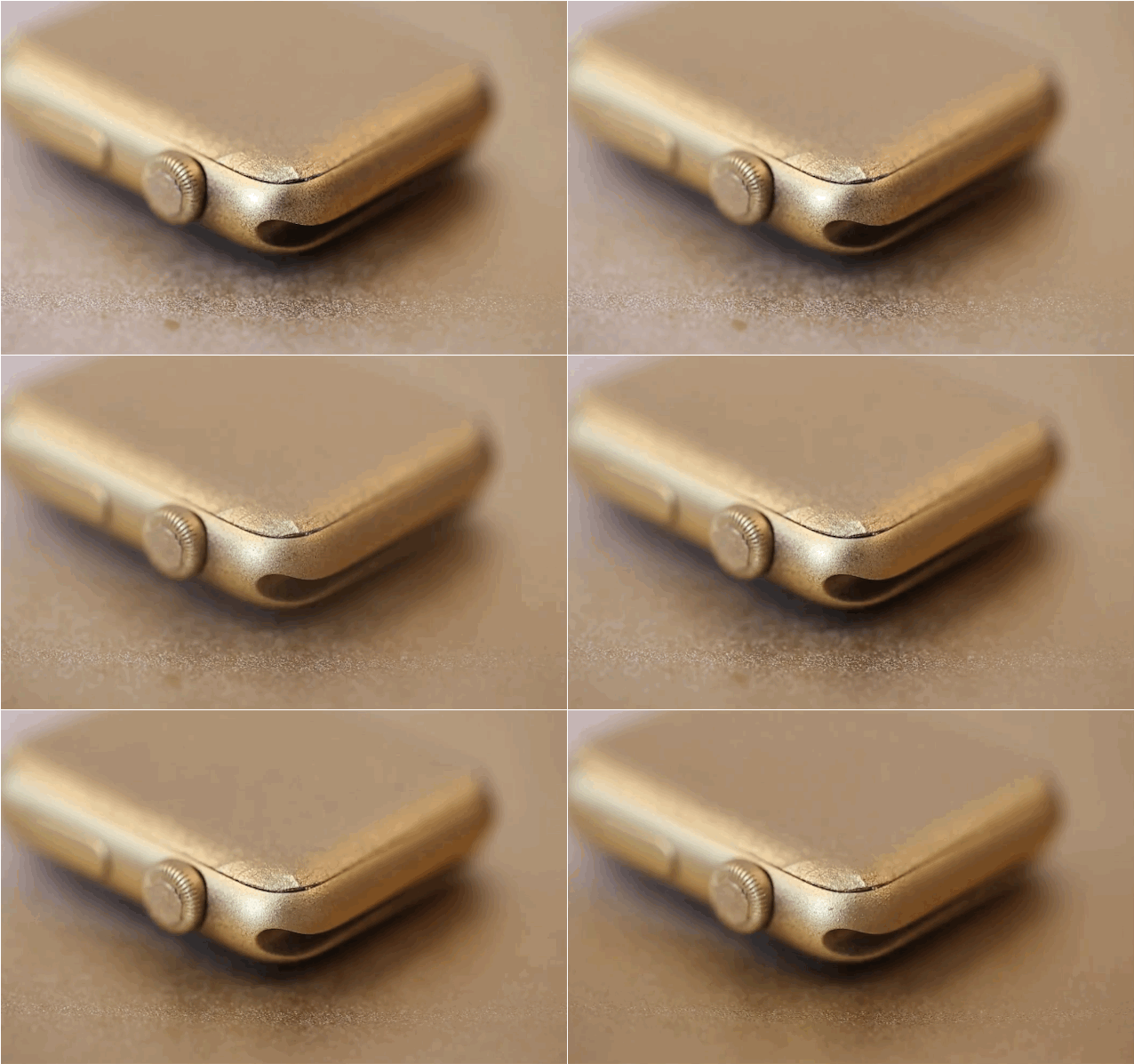
Lusting after the gold Apple Watch Edition but don’t have the funds for Jony Ive’s $17,000 timepiece? You could take out a second mortgage on the house, or sell a kidney. Or you could do what artist Casey Neistat did and manually turn an Apple Watch Sport into a golden beauty.
Neistat only had $399, so he decided to preorder the black Sport model and then carefully painted it gold. Sure, his method might void your warrant, and it doesn’t look perfect, but it’s better than spending your kid’s college savings just to be as fly as Drake.
You can do it too, just follow the steps in the video below:

Jony Ive and his BFF Marc Newson launched Apple into the luxury market this week with the Apple Watch, which expertly straddles the line between gadget and fashion accessory.
Apple’s dynamic designing duo sat down with Vogue’s Suzy Meeks this week to talk about their first foray into the fashion world — as well as what inspired them to create the Apple Watch. We rounded up the top 8 revelations from the pair’s appearance earlier this week, but Vogue just made the full interview available online, and it’s full of juicy insights into Jony and Marc’s thought processes.
Watch the full interview below:
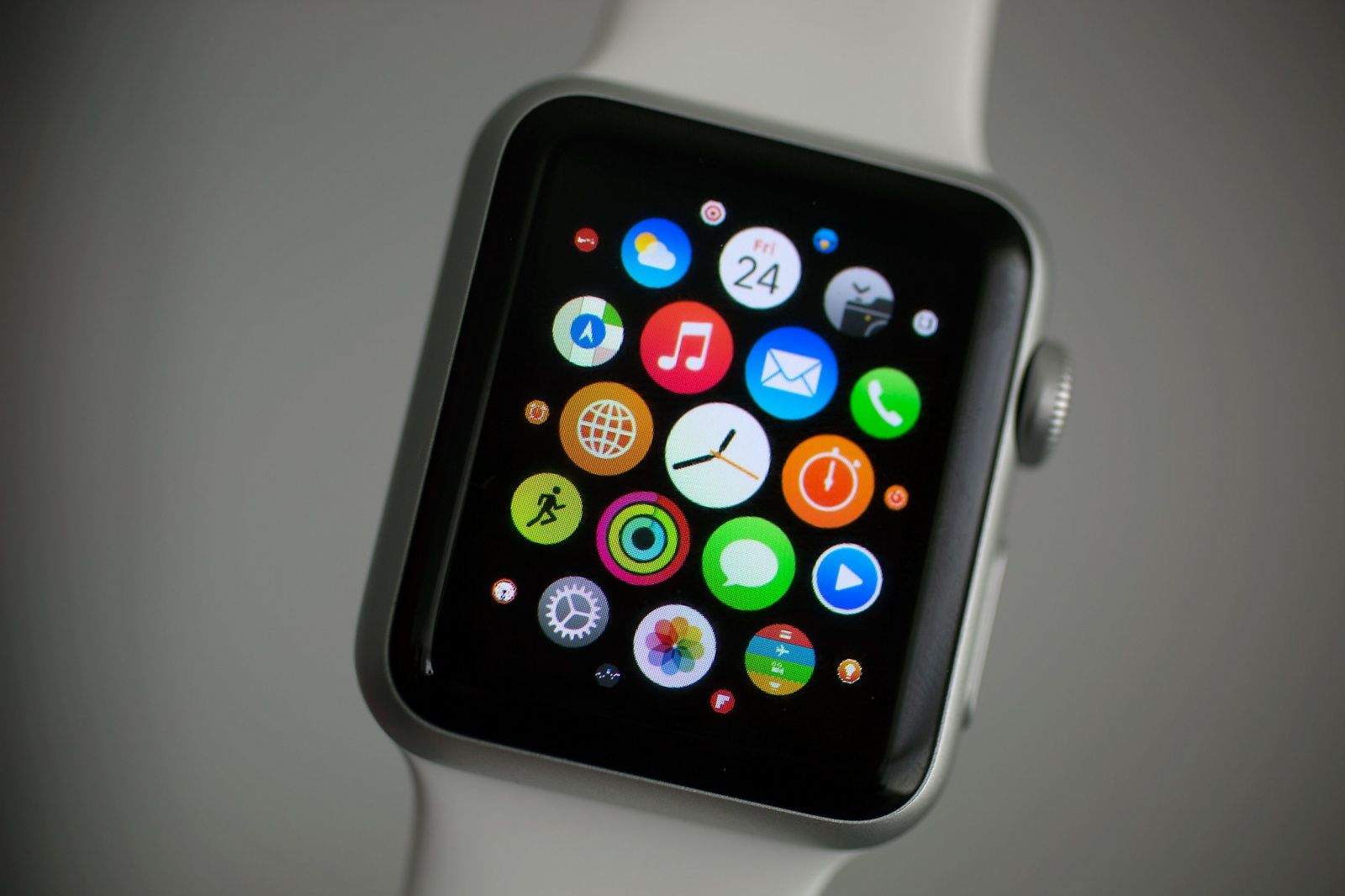
Apps on the Apple Watch appear as a honeycomb on the Home Screen. It’s fun and easy to use, but it quickly fills up with a dizzying array of icons.
Here’s how to tame it.
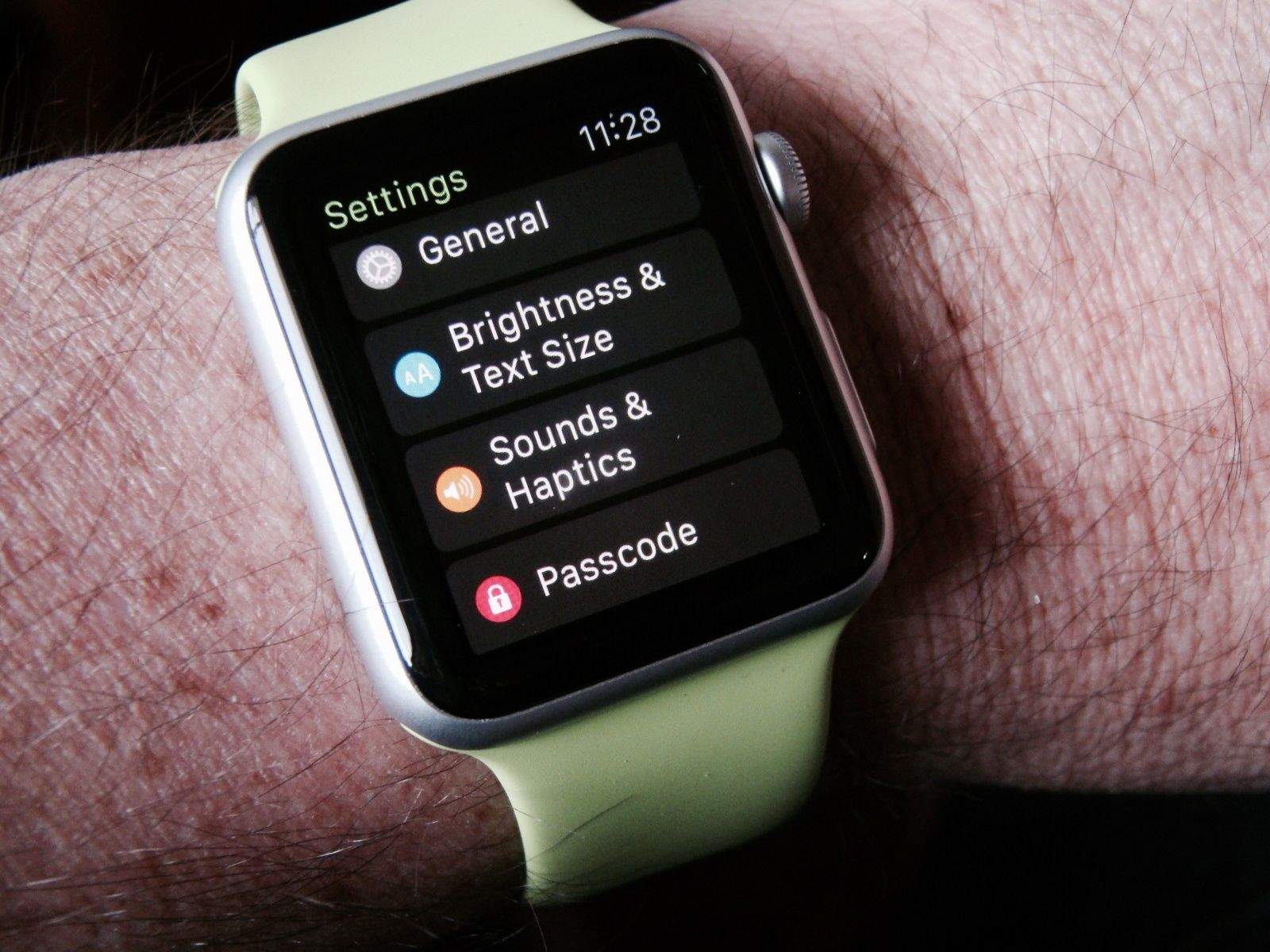
Getting your Apple Watch set up is fairly basic, but to truly make this your own personal device, you’ll need to dig into the Apple Watch settings.
You can do all of these things on the Apple Watch itself, but why force yourself to tap and swipe on that tiny screen? Use the Apple Watch app on your iPhone for a much more pleasant experience. You can thank me later.
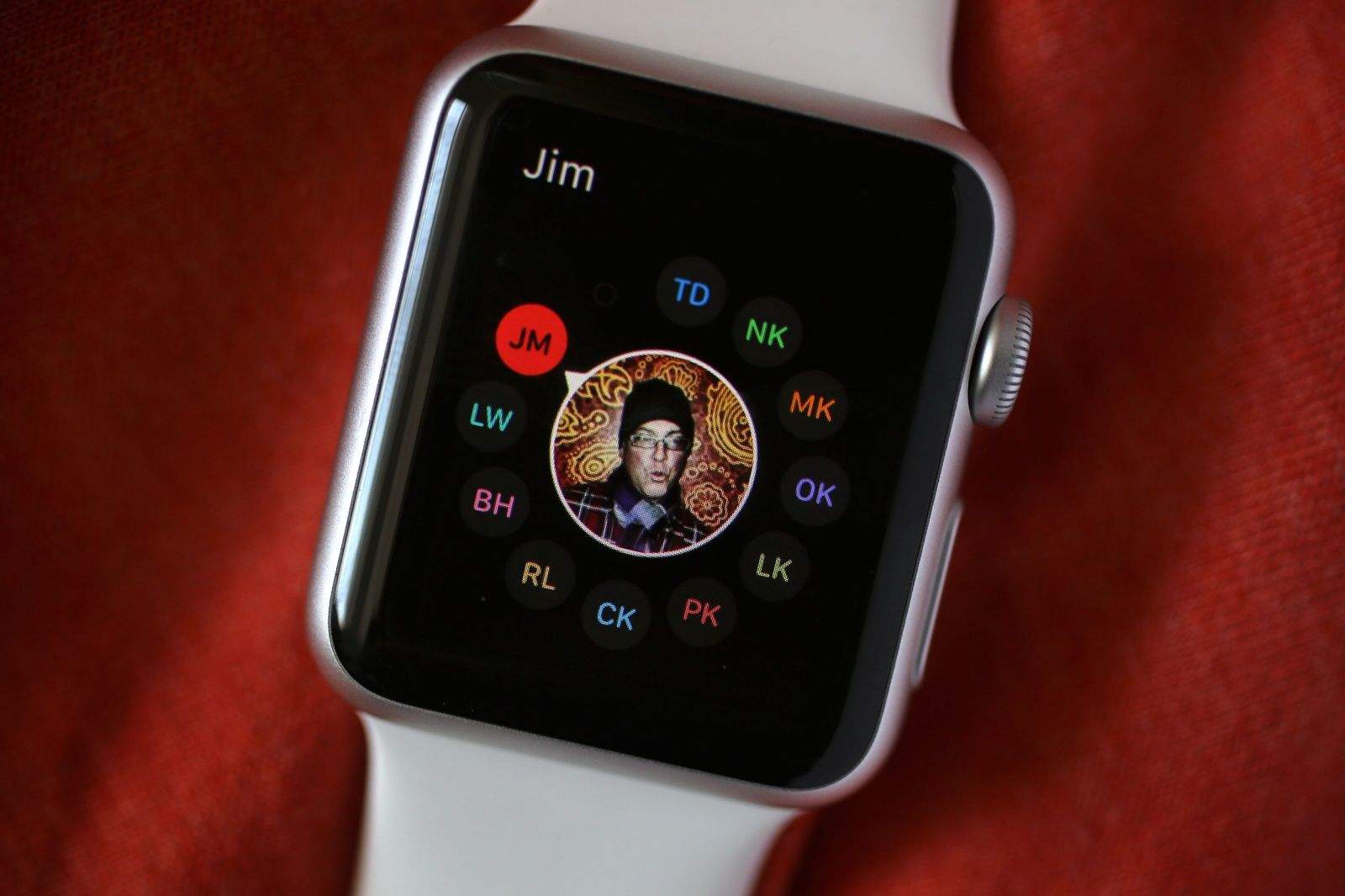
After linking your new Apple Watch to your iPhone, your favorite contacts are automatically synced over. But to get the most from the device, you’ll want to make a couple of tweaks to the Apple Watch Friends screen.
It’s truly one of the most important screens on the Apple Watch — here’s how to make the most of it.
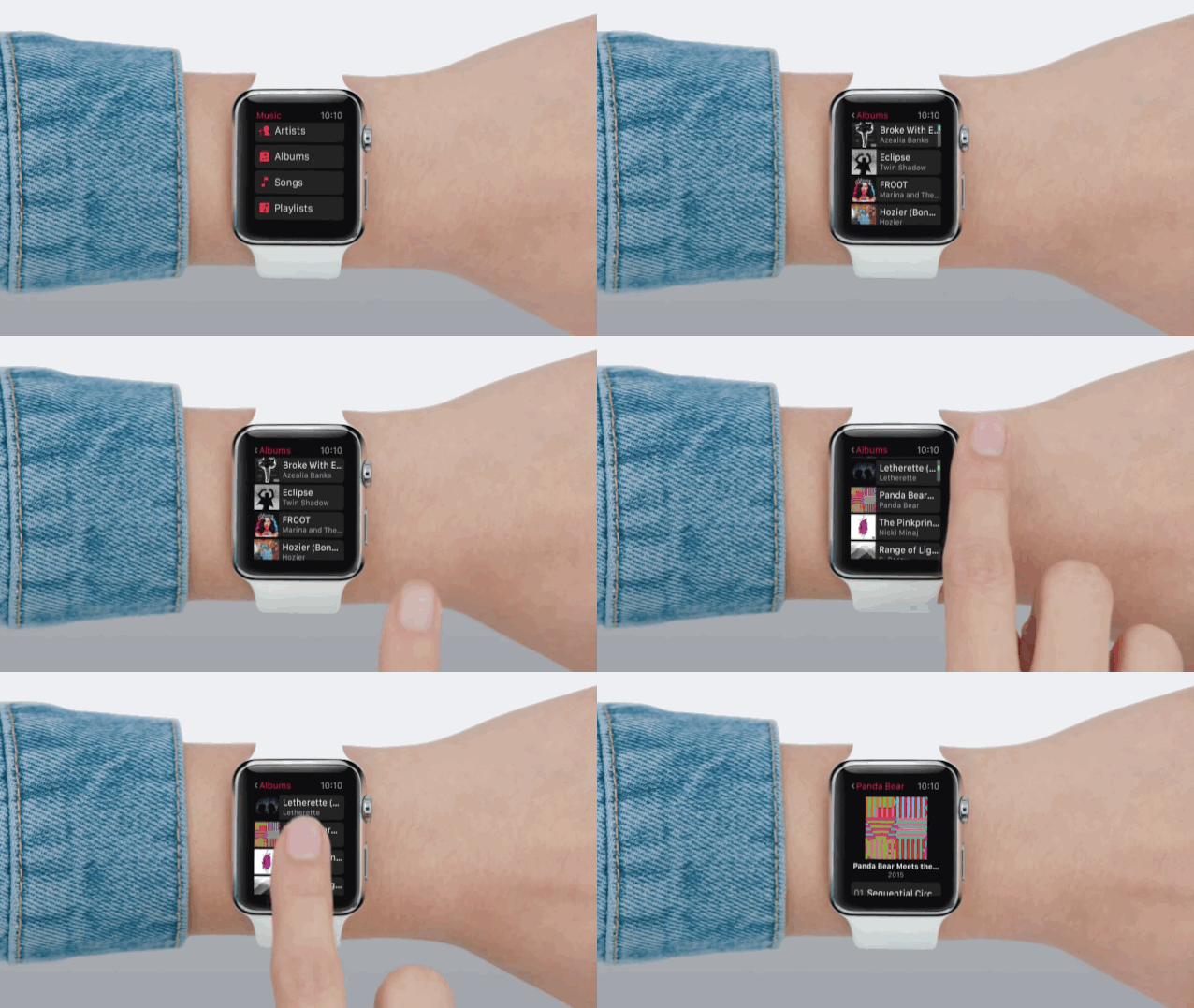
Apple’s smartwatch doesn’t come with much onboard storage, but that doesn’t mean you’re screwed when it comes to Apple Watch music. You can add your own playlists and listen to your favorite tunes using Bluetooth headphones or AirPlay speakers.
To get the songs you want, you need to create a playlist on your iPhone or iTunes, then beam it over to your Apple Watch. Here’s how to do it.
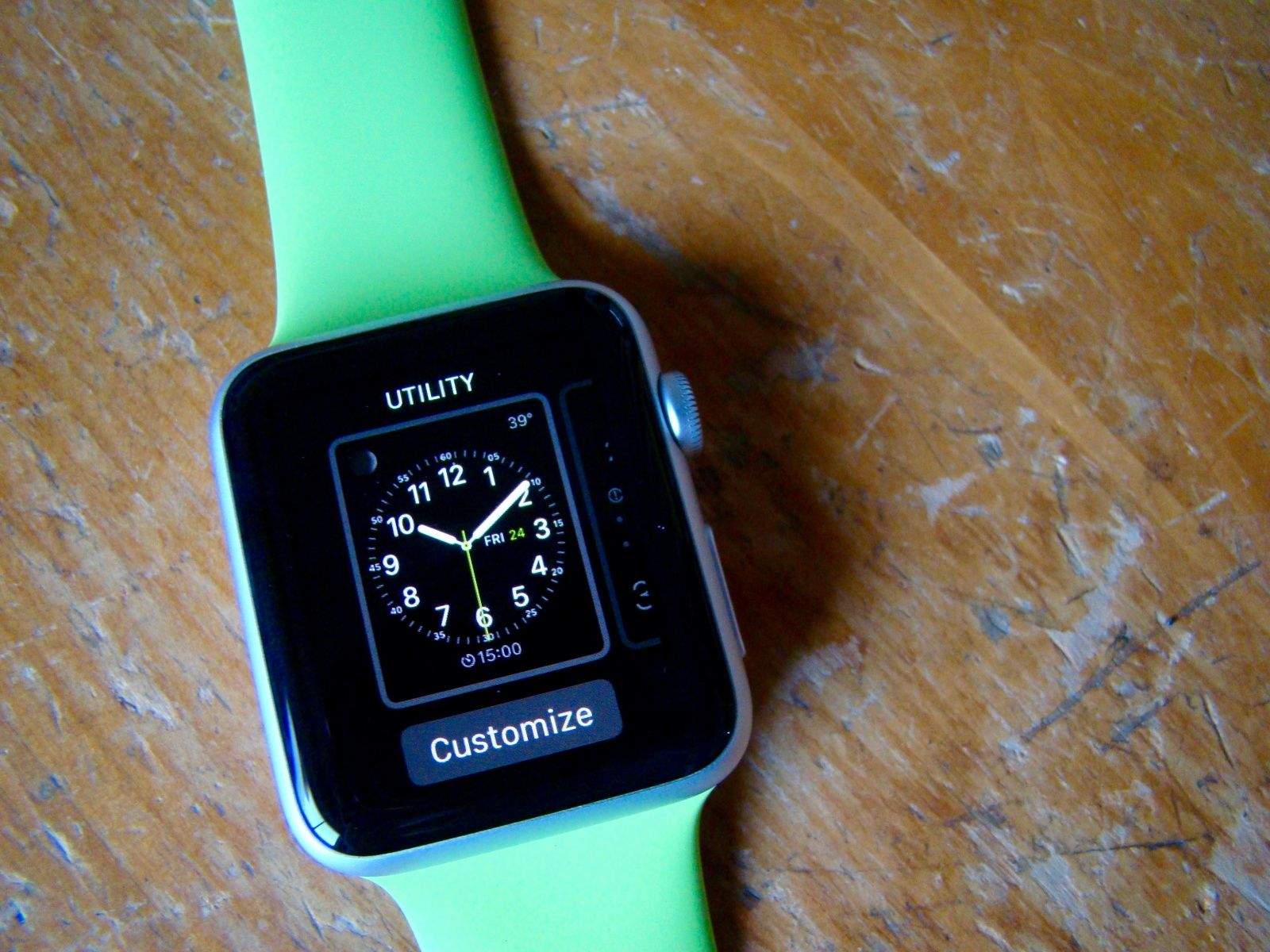
There are 10 Apple Watch faces to choose from, and each one comes with a crazy amount of options. The moon phases widget is pretty neat, but do I really want to clutter up my watch’s minimalist look? If you’re looking for the coolest Apple Watch faces to match your style, there are plenty of customizable options.
The cool thing is that you can almost have it all. Apple makes it pretty easy to pick your preferred Apple Watch face and then tweak the specific options you want to add to (or delete from) your wrist.
Here’s how.
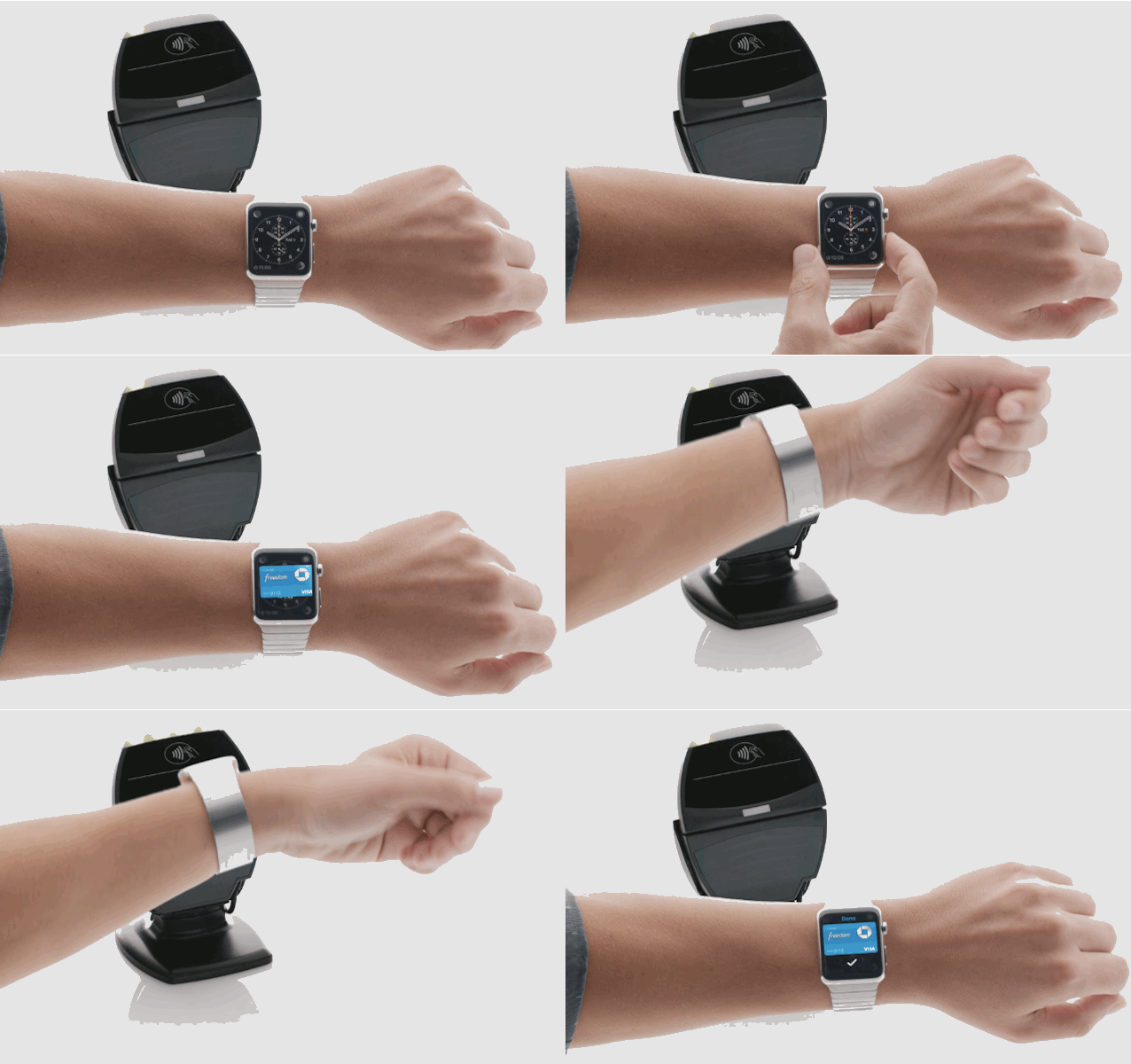
Using Apple Pay on Apple Watch is ridiculously easy. Once you get everything set up, all you have to do is double-click the side button and then hold the Watch face up to a terminal. Apple’s also made it super-easy to add new cards to your Apple Watch, or create a custom Apple Pay profile just for your wrist.
Here’s how to get started with Apple Pay on your Apple Watch
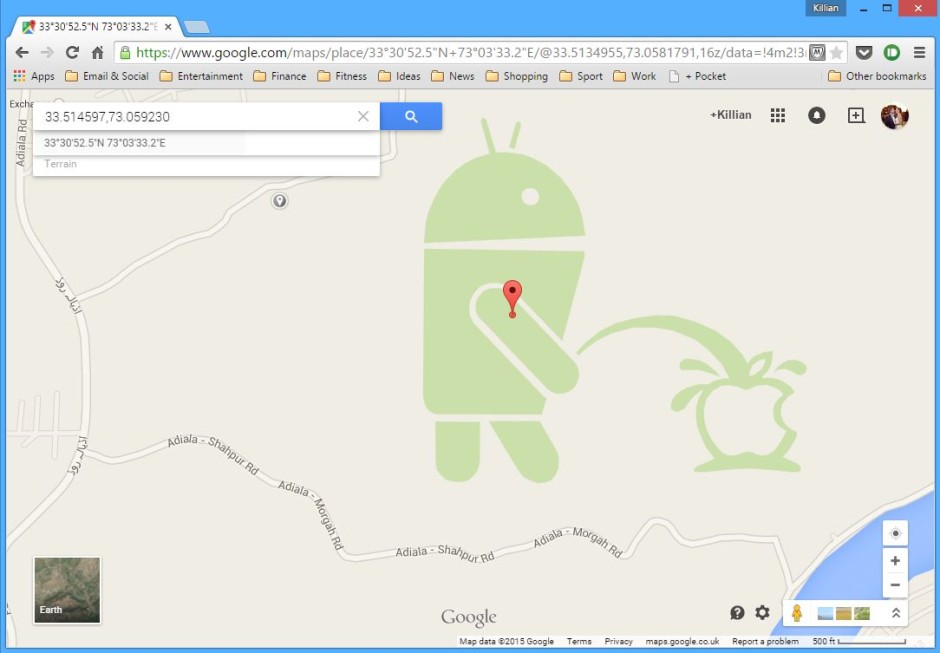
Google is behind some of the best Easter eggs in tech, and its latest is sure to be popular among hard-core Android fans. Spotted in Google Maps near Rawalpindi, Pakistan, it’s an image of the Android bot urinating on an Apple logo.
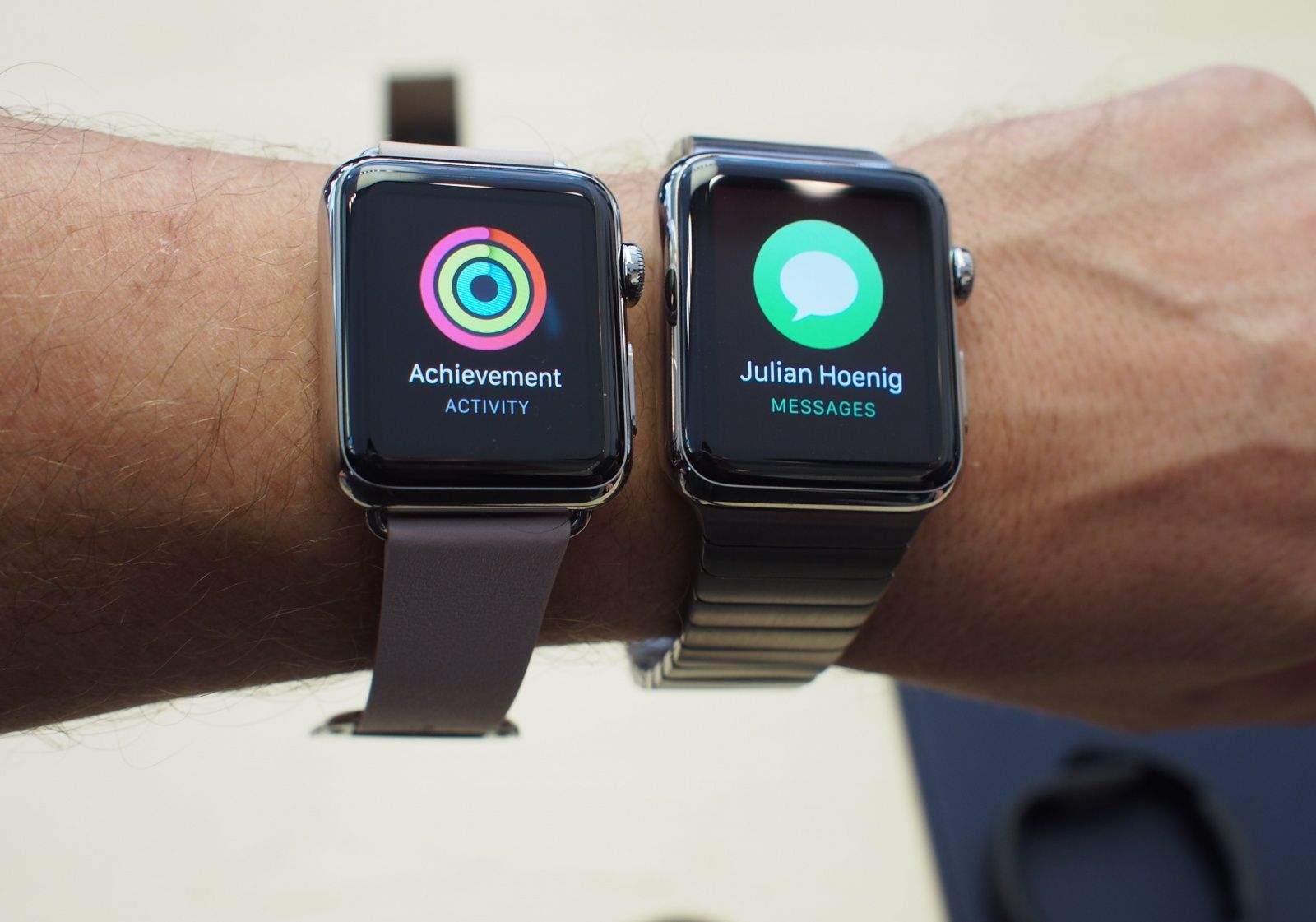
Let’s face it: A time will come when your Apple Watch crashes or freezes. It’s gonna become unresponsive, but you’ll be ready thanks to this handy Apple Watch restart tip.
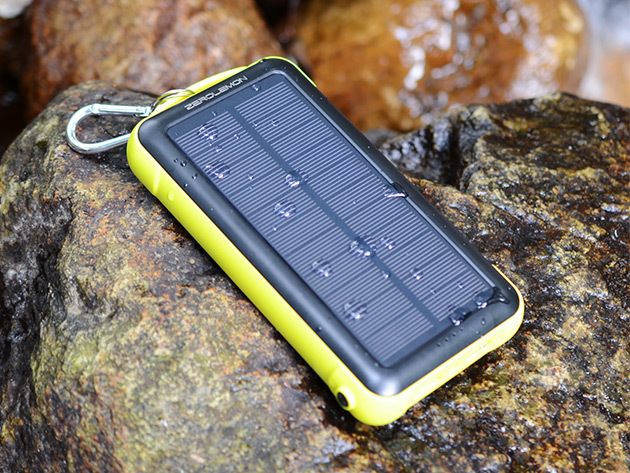
Keep your mobile devices running day and night with a selection of portable power banks, like the ZeroLemon SolarJuice 20000mAh Battery.
Right now, you can save up to 50% on the purchase of the portable power bank of your choosing. They come with a variety of capacities and styles to suit almost any need.
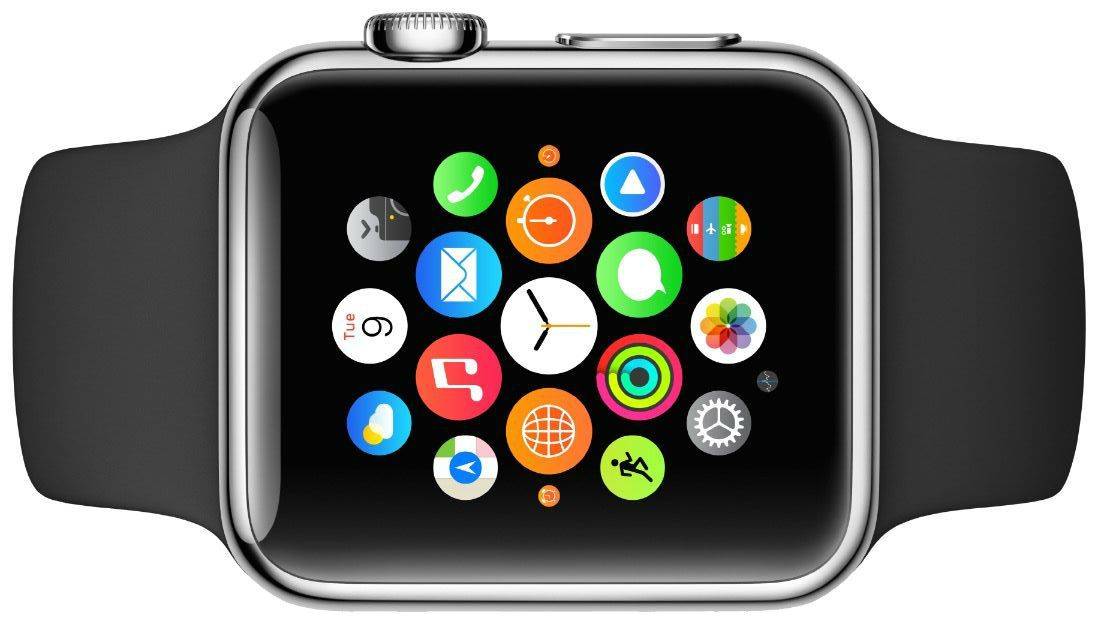
The first wave of Apple Watch are finally here just in time for Friday’s big release. The Apple Watch App Store went live yesterday with over 3,000 apps that are sure to delight users, as developers try to create the first must-have Apple Watch app.
We rounded up some of our the coolest apps that are ready for your wrist this morning, but we also couldn’t help but notice there were a lot of apps that would be awesome if they were available today.
Here are 7 killer apps Apple Watch should have, but doesn’t:
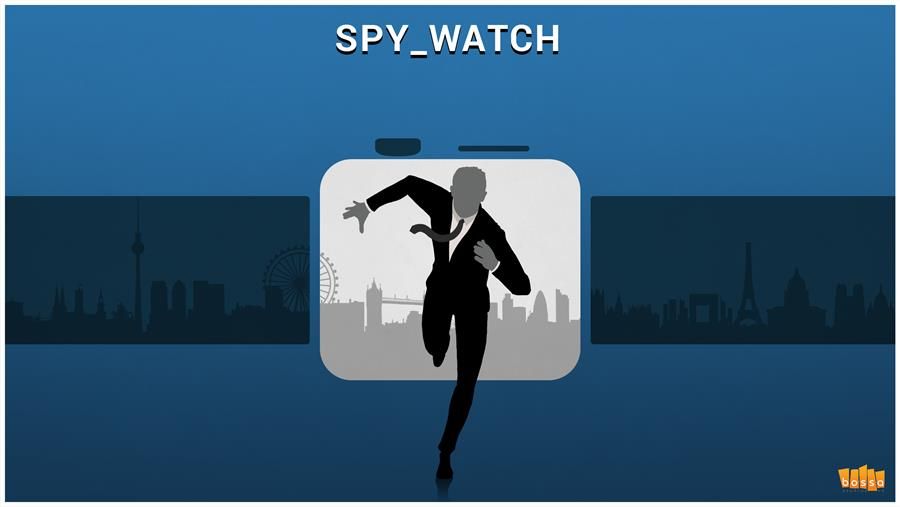
From James Bond’s laser Rolex to Maxwell Smart’s shoe phone, spies have always been suckers for wearable tech.
To salute secret agents’ fondness for the latest gadgets, the makers of Spy_Watch crafted their new game for the latest cutting-edge device — the Apple Watch. And, like clever spymasters, there’s a twist: They paired this super-modern smartwatch with a vintage videogame mechanic to make a compelling game suitable for a gadget the size of Dick Tracy’s famous wrist radio.
“The idea is to immerse yourself in the idea that you are a spymaster controlling a spy out on missions,” Vince Farquharson, COO of Spy_Watch developer Bossa Games, told Cult of Mac. “To make it feel like they are a real person and that this is really happening.”
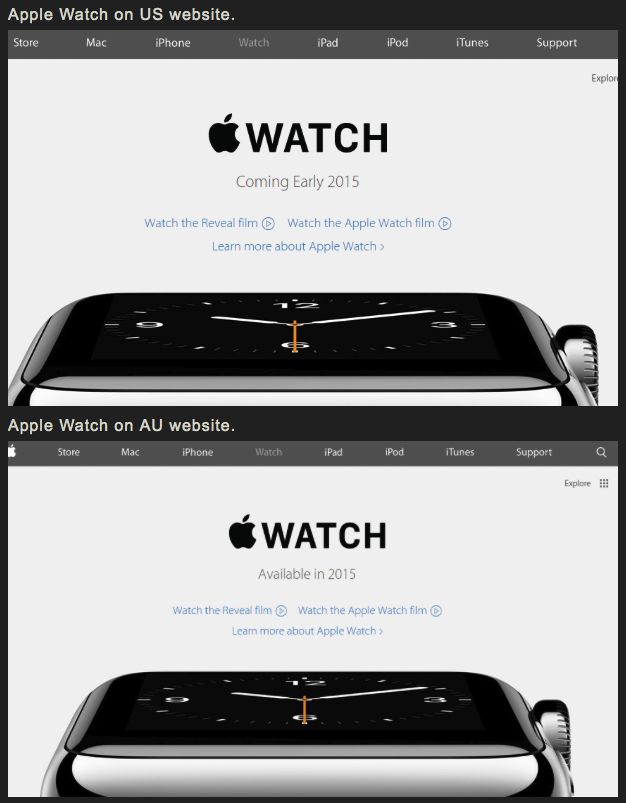
Apple has begun sending out emails to customers offering them personal online Apple Watch setup appointments so they can learn more about their new devices.
The sessions with Apple Specialists take the form of the kind of personal setup sessions Apple already offers in brick-and-mortar stores whenever a customer buys a new product.
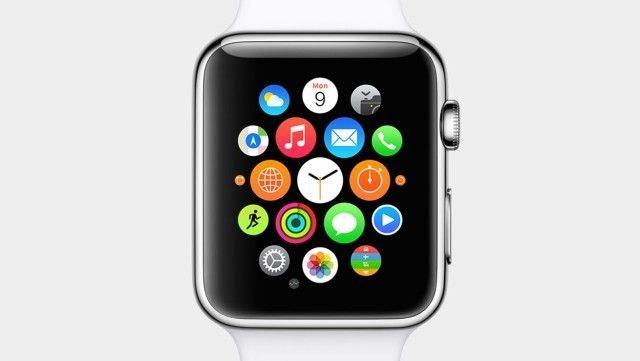
There are already more than 3,000 apps for the Apple Watch, which makes it difficult to find all of the hidden gems. How do you find the best Apple Watch apps?
Luckily, there are plenty of third-party Watch apps that deserve attention, whether they tell you when it’s going to rain or help you get stuff done. Apple is promoting Watch apps heavily in the App Store, and while the big players (Facebook, Instagram, Twitter, etc.) are obvious downloads, we’ve been on the lookout for some of the other apps for the Apple Watch you might not know about.
Here are some of the best Apple Watch apps to trick out your wrist.
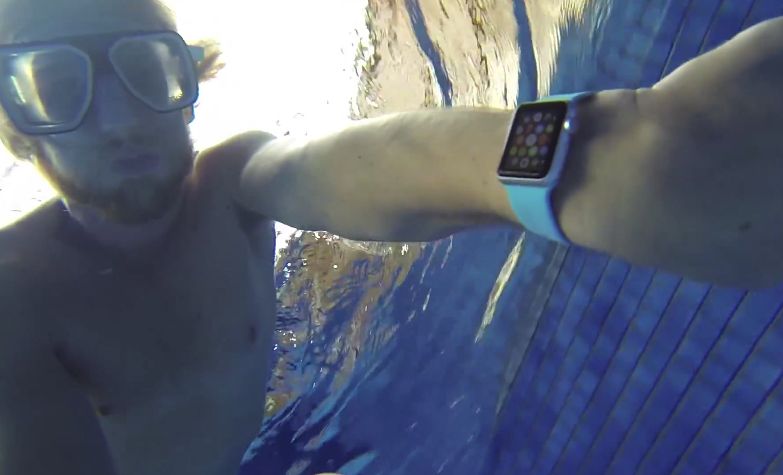
Apple describes the Apple Watch as “splash and water resistant but not waterproof.” However, where is the line between the two crossed?
Further than you might think, according to research from some early Apple Watch owners who were eager to take their new wearable for a dip.
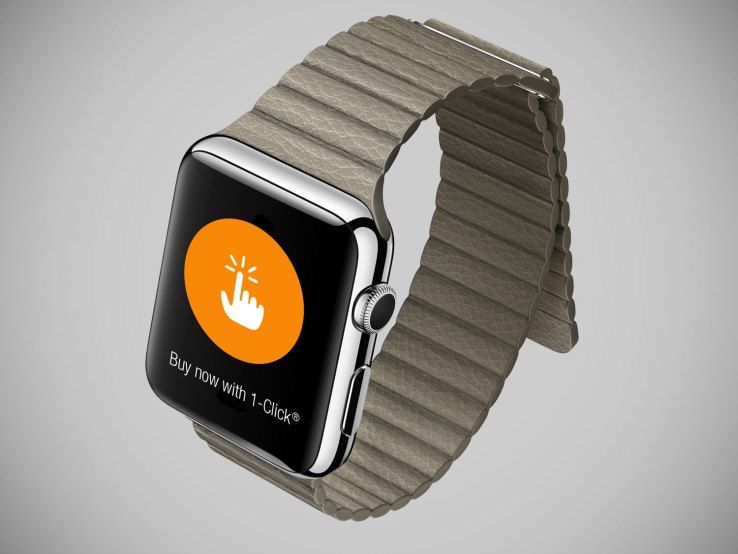
Just in time for launch day, Amazon has released its official Apple Watch app on the iOS App Store.
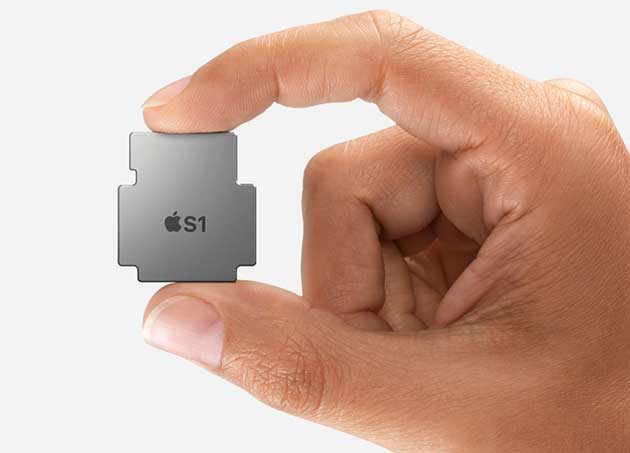
If you’re wondering roughly how powerful the Apple Watch’s S1 SoC processor is compared to other ARM chips, the answer appears to be that it’s roughly equivalent to an A5 chip, as seen on the iPhone 4S, iPad 2, first iPad mini, and the Apple TV, at least as far as graphics chutzpah is concerned.