Here's the rear housing for the iPhone 6s with a few observable design tweaks. Photo: Future Supplier
Ahead of a probable announcement in September, it looks like we can already get a sneak peak at the iPhone 6s Plus – or at least the back of it. The rear housing leaked and there are plenty of photos to gaze at and of course scrutinize for months to come. Some very small differences in the casing have already garnered some attention.
Fallout Shelter, the terrific vault-building game from Bethesda, raked in a whopping $5.1 million during its first two weeks availability.
The payday is even more staggering when you take into account that the game is totally free to download and play, only offers one virtual add-on, and isn’t even available on Android yet.
Apple leads on innovation and money. Are the two linked? Photo: Jim Merithew/Cult of Mac
Apple is a rarity in history: being not only the world’s most valuable company, but also one of its most innovative. A new study from research firm Lab42 takes a look at the link between these two topics, and draws some interesting conclusions which may help explain Apple’s current success.
In particular, the study notes how perception of innovation is hugely important to many consumers when it comes to choosing to pay a premium for electronics goods or services. Cha-ching!
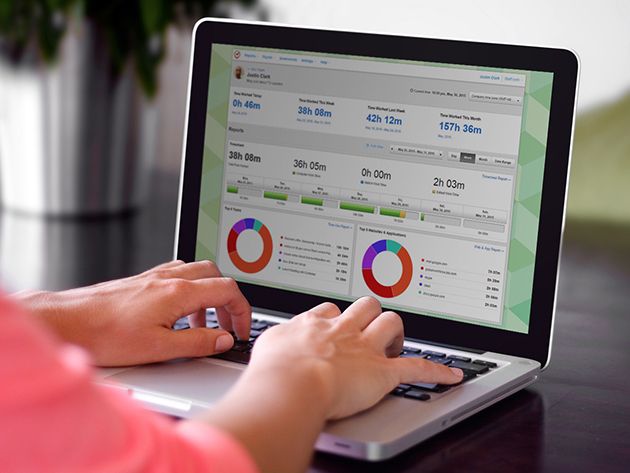
Along with computers that can do almost anything comes an endless parade of possible distractions. It’s easy to space out behind the spacebar, but with a Time Doctor 1-Year Subscription you can regain control of your attention-span, for free.
There's a festival that celebrates the Apple II. Mind blown. Photo: Cult of Mac/YouTube
It’s festival season and there’s a festival for everything – even one for Apple II users.
It’s called KansasFest and it has been going since 1989. It’s one of the longest-running computer festivals out there and the amazing thing is the Apple II was discontinued in 1992.
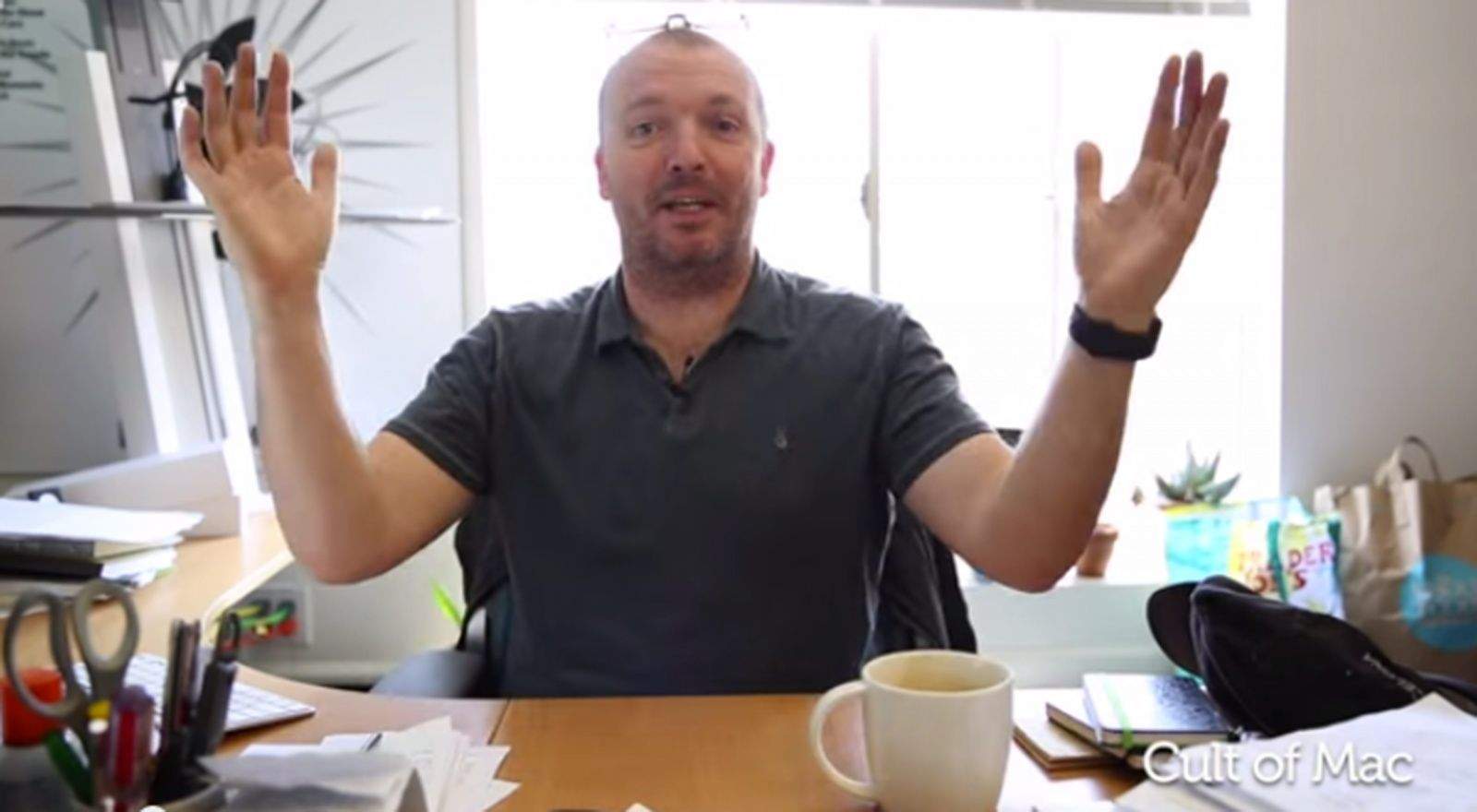
The endurance of this machine is the subject of this week’s Kahney’s Korner.
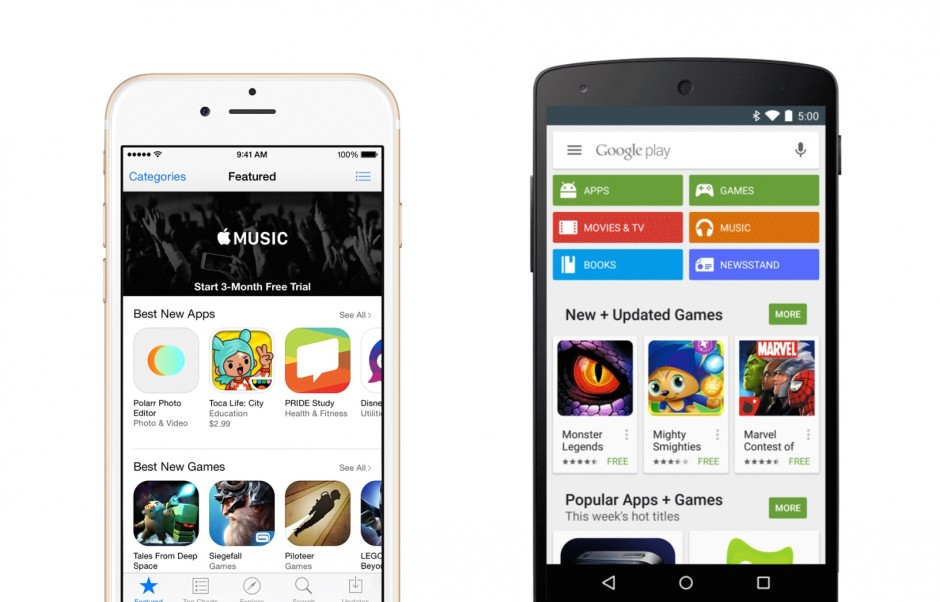
Android’s massive lead in market share is translating into a staggering number of app downloads, with Google Play serving 85 percent more apps than the App Store during the second quarter of 2015. But despite that, iOS is holding onto a significant lead where it matters most — in revenue.
Satoru Iwata was Nintendo's not-so-secret weapon. Photo: GameSpot
Last weekend, the gaming world lost one of its biggest innovators. Nintendo CEO Satoru Iwata was not only one of the most powerful names in gaming, but also among the best-loved.
In many ways, Iwata was Nintendo’s Steve Jobs. Brilliant and passionate, he took a beleaguered company with no clear idea of where it was going at the turn of the century, and helped transform it back into the powerhouse it had been 20 years earlier. Like Jobs, Iwata passed away as a result of cancer in his mid-fifties, after leading his company for just over a decade.
Check out the touching video below for a look back at Iwata’s legacy:
This glacier on the Icelandic coast was photographed with the iPhone 6 and featured in Apple's advertising campaign. Photo: Austin Mann
Cult of Mac’s Photo Famous series introduces you to the groundbreaking photographers featured in Apple’s “Shot on iPhone 6” ad campaign.
The thick Icelandic fog lifted and Austin Mann saw an otherworldly glacier emerge. Photography is a way for Mann, a Christian and a professional travel photographer, to worship god, and this was the kind of scene that spoke to him.
But to get the shot, he would have to leave his camera gear in the car for a climb on all fours down a rocky cliff. Mann put his new iPhone 6 Plus in his pocket and scrambled down to make the picture.
The shot, taken using the iPhone’s panorama mode, was among the most prominent photos featured in Apple’s “Shot on iPhone 6” marketing campaign, a promotional blitz that began in the spring with billboards, giant banners stretched across the sides of buildings, and advertising on television and in magazines.
May as well have sent a confession via iMessage. Photo: Los Angeles Police Department
iPhone cameras are getting better and better all the time, with the upcoming iPhone 6s reportedly set to receive one of the bigger camera upgrades in recent memory.
While most of us are happy about this, we’re assuming the guy pictured above is cursing the day Apple decided to include a front-facing camera on its handsets — since it’s caught him in the act of robbing an iPhone, and now gives the police a perfect mugshot it can use for identification purposes.
Jean-Claude Biver, the watch division president of LVMH — which owns brands including Bulgari, Chaumet, Hublot, TAG Heuer, and others — has revealed that the French luxury conglomerate plans to enter the smart watch space to take on Apple.
Making no attempt to disguise their plans to ride on the Apple Watch’s coattails, Biver said that Apple’s presence “will help create a new class of clients enthusiastic about luxury watches,” who LVMH will target with their forthcoming devices that will start at around $1,600.
What better way to celebrate the end of the week? Photo: Killian Bell/Cult of Mac
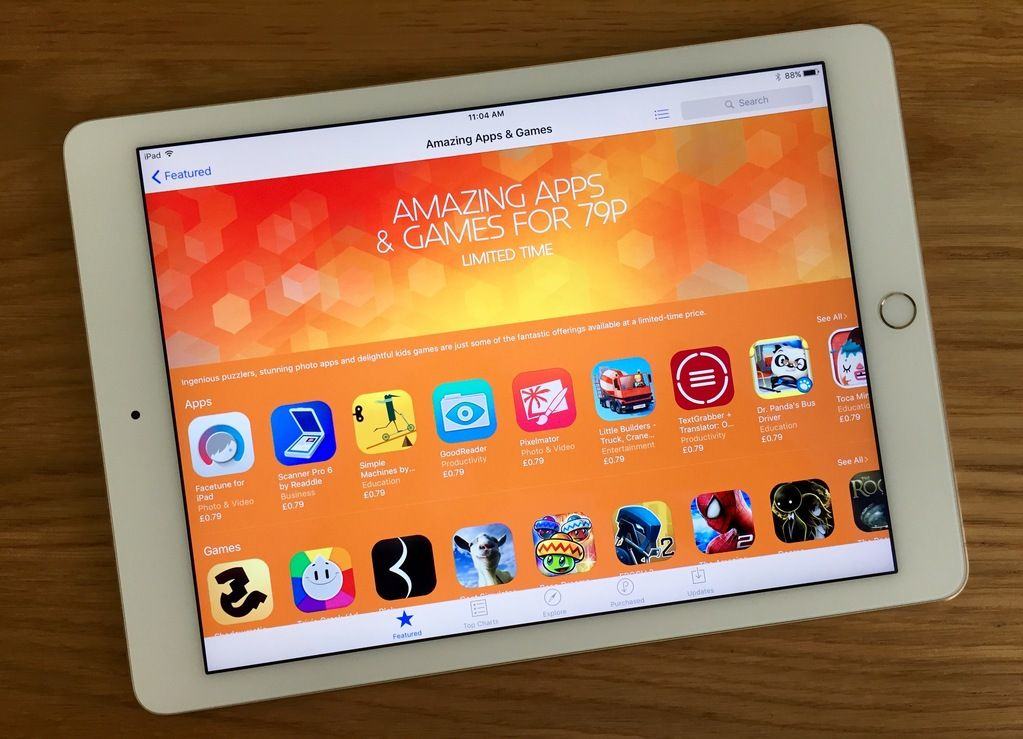
Apple has launched a new promotion, entitled “Amazing Apps & Games,” offering 24 different apps from a variety of different genres for just 99 cents each.
Ranging from games such as Goat Simulator, Blek and The Amazing Spider-Man 2 to productivity tools like Scanner Pro 6 and Clone Camera Pro, and even throwing in educational apps like the STEM-related Simple Machines, it’s a great chance to pick up some excellent apps at some low, low prices.
The App Store continues to bring in the revenue for Apple. Photo: Apple
When it comes to app downloads, China and Mexico surged in the first fiscal quarter of 2015, says a report by the mobile analysts at App Annie.
China took the top spot for iOS downloads while Mexico now ranks among the top five countries for Google Play downloads, surpassing South Korea this quarter.
While we’ve seen Google Play lead the number of downloads across the globe and iOS facing a shrinking lead in revenue, Q1 2015 showed a huge jump for iOS in terms of revenue, to the tune of about 70 percent more (up from 60 percent higher in Q3 2014). Google Play continues to be top dog in downloads, though, with 70 percent more downloads than Apple’s digital storefront.
Xiaomi executive Hugo Barra doesn’t put much stock in what he calls the “copycat melodrama” surrounding the company’s products, which bear more than a passing resemblance to Apple’s hardware.
Barra gave his thoughts on the matter to Bloomberg’s Emily Chang. He says that the criticism is not so much because Xiaomi’s stuff looks like Apple’s stuff but rather because “every smartphone these days kinda looks like every other smartphone.”
Sorry, but you can't get rid of this Glance. Photo: Rob LeFebvre/Cult of Mac
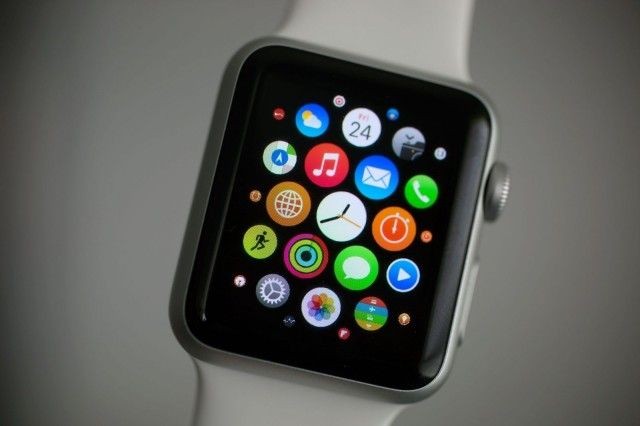
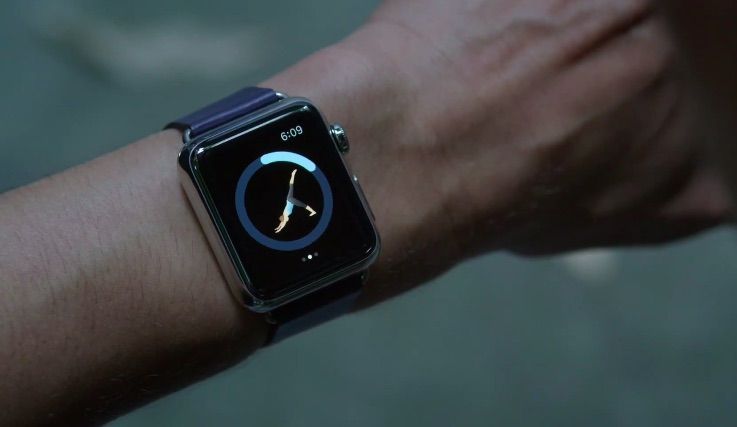
Most every app I’ve installed on my Apple Watch brings some sort of Glance along with it. While that’s a neato-keen thing to put in your App description to sell more apps, I’m not convinced that every app I have needs to be on my wrist.
Nuzzle, Words with Friends, Tile, Fandango, Foursquare: These are all apps I surely do not need or want on my Apple Watch.
Here’s how to clean up your Apple Watch Glances section for a much more focused and clear informational workflow. Because seriously, how many swipes do I need to get to the battery Glance?
It's just safer to show the goggles. Photo: Google
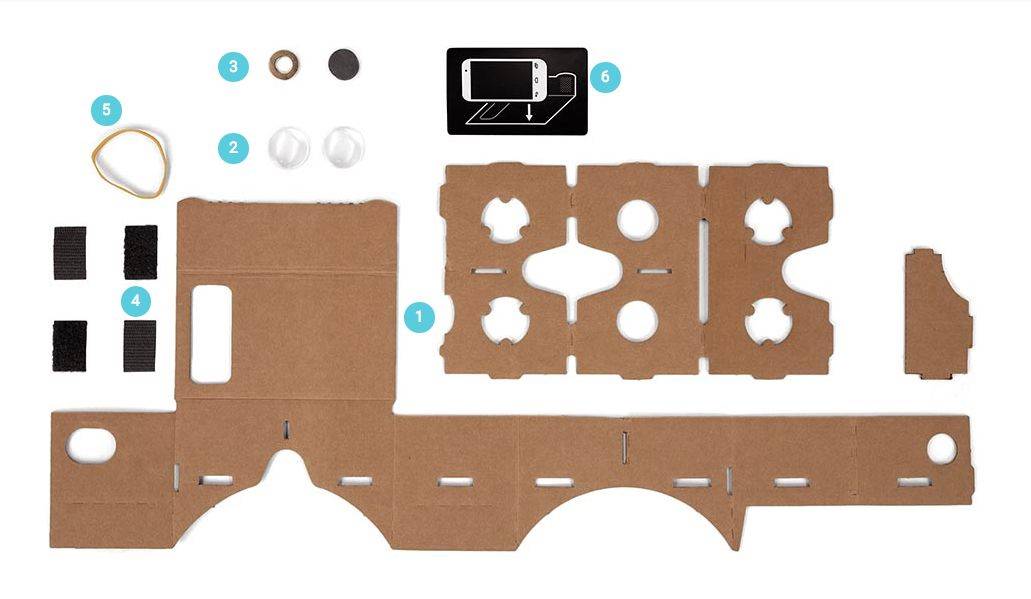
People (likely men) who are down with porn and not embarrassed about watching it through a hunk of cardboard on their heads are about to have a very good day.
A new adult-entertainment site launched today that is specifically geared toward virtual-reality gear like Google Cardboard, which means that the iPhone can now become part of an even less subtle way than usual of looking at pictures of naked people.
Rock your way to a full charge. Photo: UC Berkeley
Four undergraduate students at UC Berkeley created a rocking chair called the Volta that stores kinetic energy from an attached pendulum.
At first, the team thought such a chair would be a novelty, a student project that had rocking chair users see how much energy they could generate from rocking back and forth.
Of course, once chair sitters interacted with the smartphone app that tracked the energy they were producing, they wanted a USB port to keep their iPhone charged up.
Apple Store employees are hitting the company with a class action lawsuit. Photo: Apple
The Apple Store’s policy to check employees backpacks after they check out from work has been turned into a class-action lawsuit.
U.S. District Judge William Alsup in San Francisco certified the case as a class-action on Thursday, after former employees sued Apple for conducting the bag searches at the company’s 52 retail stores in California.
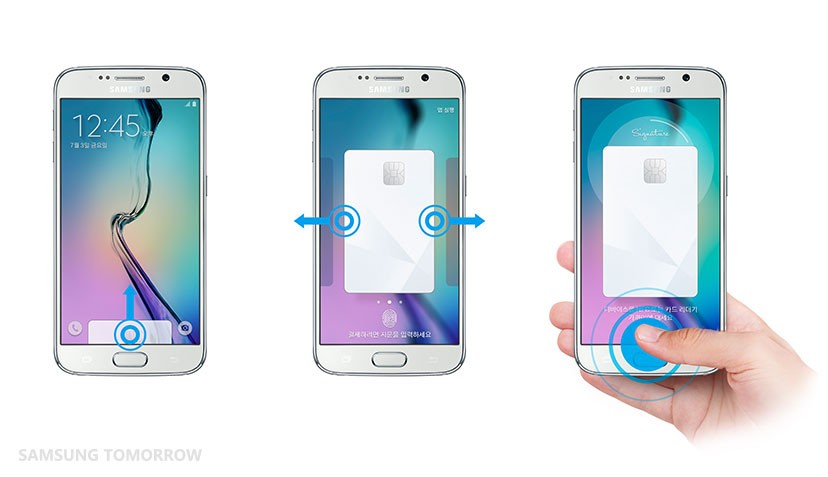
Apple finally turned on Apple Pay in the U.K. this week as part of its push to make 2015 ‘the year of Apple Pay’, but it may soon face competition from its biggest rival, Samsung.
In preparation for a full roll out later this year, Samsung has begun testing its contactless payment service, Samsung Pay, at select locations in South Korea starting on July 15th.
They're back, bigger and angrier than ever. Photo: Rovio Entertainment
The disgruntled avians are headed your way yet again in a new game, cleverly titled Angry Birds 2, according to a fairly vague website and trailer from Finnish developer Rovio.
Details are scant, but here’s hoping we see more of the compelling gameplay of the first title in the series — and way less of the karting and endless running of recent releases.
Apple Watch is for setting goals and sticking with them. Photo: Apple
Apple continued its marketing blitz for the Apple Watch today with four new TV ads that highlight how useful the new wearable is for fitness freaks as well as travel junkies.
Two of the clever new ads titled ‘Beijing’ and ‘Berlin’ show two sets of friends using Apple Watch and its many apps to explore the city, talk to locals in a different language, and communicate on the fly. The other two ads feature number fitness and goal setting apps, as well as how the watch brings people closer together.
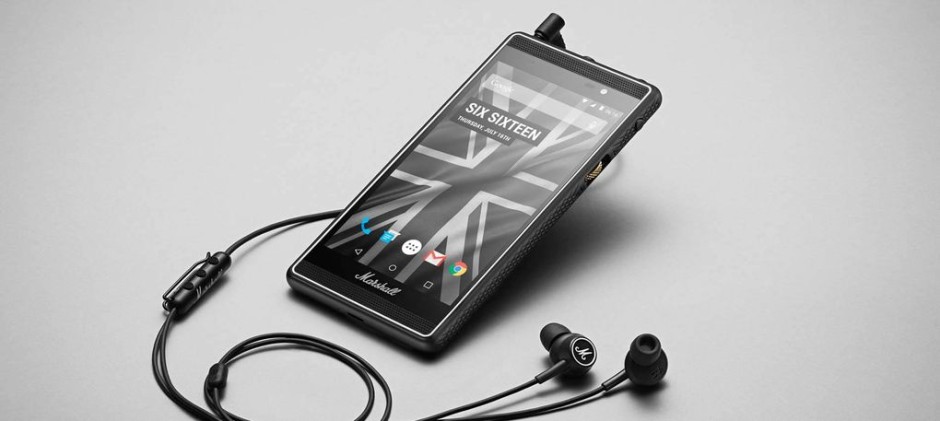
Marshall, the British company famous for its amplifiers and headphones, today announced its first smartphone. It’s called London, it’s powered by Android, and it sports a beautiful design that boasts a bunch of unique features — including two headphone jacks for enjoying music with friends.
A key to being a successful coder is having as broad a knowledge base as possible — the more you know, the better you code. With all the languages, platforms, and frameworks in the web development world these days it can be hard to know where to start, but with the Pay What You Want Web Hacker Bundle deal at Cult of Mac you can get a ground-up tour of the most in-demand tools and techniques any modern coder needs.
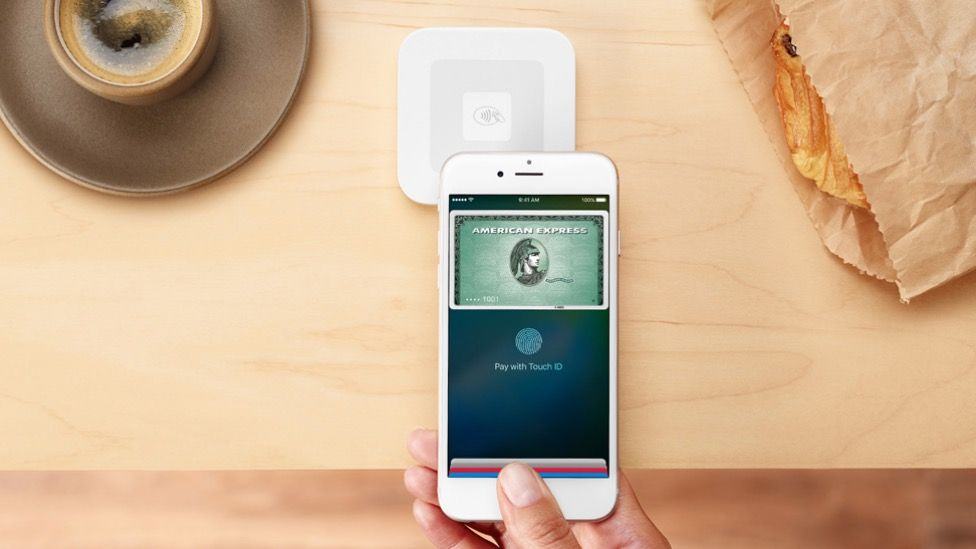
Apple wants to tap into your bank account for ads. Photo: Square
Tim Cook has been adamant that Apple is not in the business of collecting your data, but that doesn’t mean the company isn’t brainstorming ways it could make some extra money by skimming key bits of personal info off your iPhone — like how much money you’ve got in the bank.
In fact, Apple has devised a way to display targeted ads on users’ devices based on what they can actually afford to purchase.
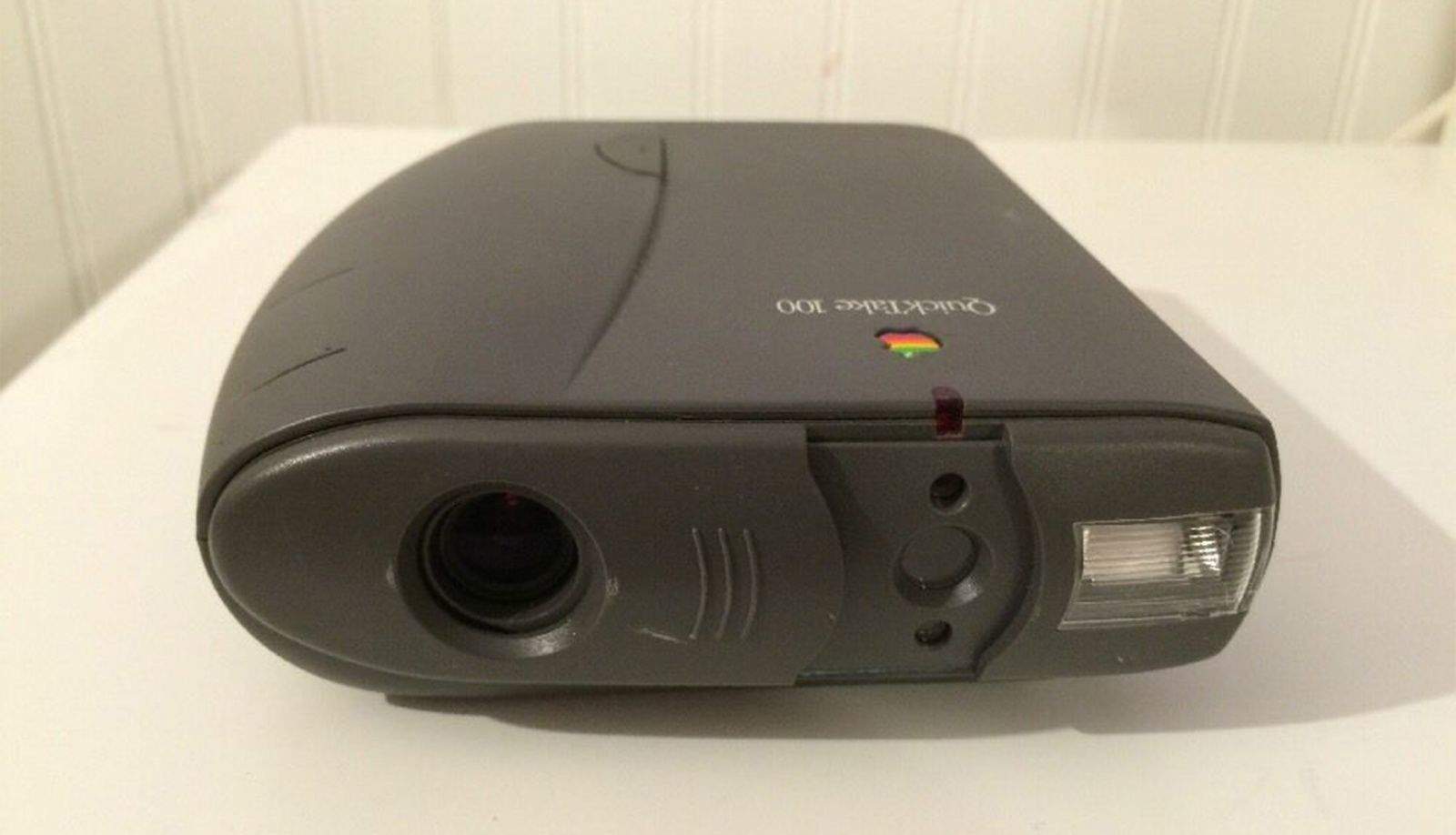
The Apple QuickTake 100 was awful lot of camera to produce awful images. But one of the first consumer digital cameras had to start somewhere. Photo: kezboy/eBay
Sometimes the future is a fuzzy picture. This was literally true when looking at a 0.3-megapixel image produced by one of the first consumer digital cameras, Apple’s doomed QuickTake.
Launched in 1994, the QuickTake didn’t exactly take off. The bulky behemoth looked like a pair of binoculars. There was no preview screen, so when your camera was full — after just eight pictures at the highest resolution — you had to plug the gadget into your Mac to look at your photos.
Enlarged beyond the size of a postage stamp, the pictures weren’t very sharp. Photographers scoffed that digital files would never record the detail of film.
After three models and three years of modest sales, the QuickTake was scrapped in 1997 along with other non-computer products when Steve Jobs returned to the company.