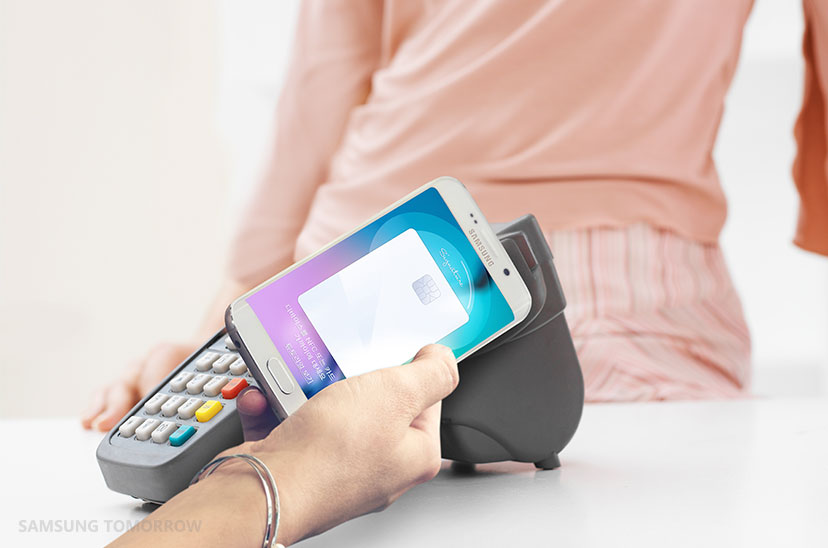
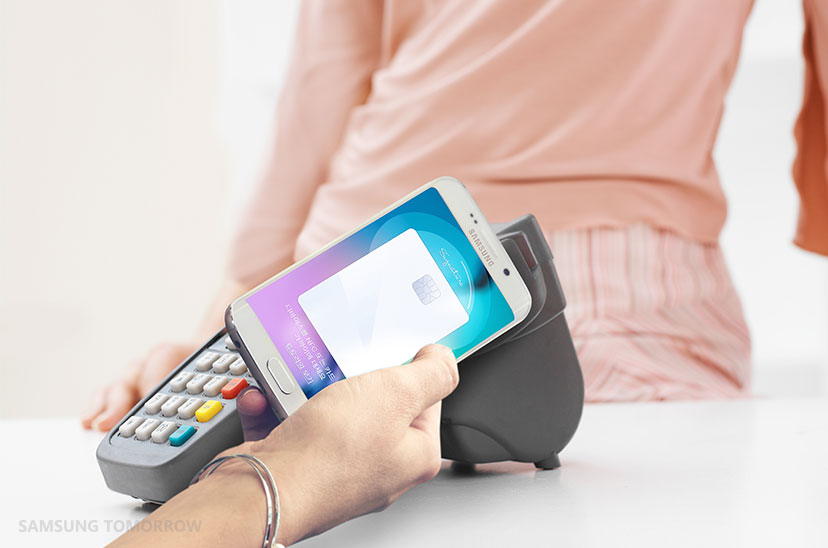
Apple Pay will finally arrive in China next year, and it’s going to have strong competition from day one. Just hours after Apple announced the expansion of its mobile payment service, Samsung confirmed its own will be following after it struck an almost identical deal with China UnionPay.
Just one dollar, people! Photo: Jim Merithew/Cult of Mac
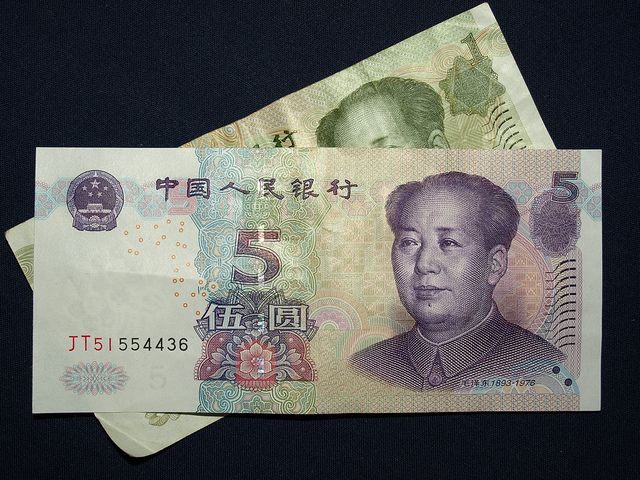
Big savings on Apple products have meant that Best Buy is increasingly living up to its name, but today’s iPhone deal may be one of the best yet for the cash-starved.
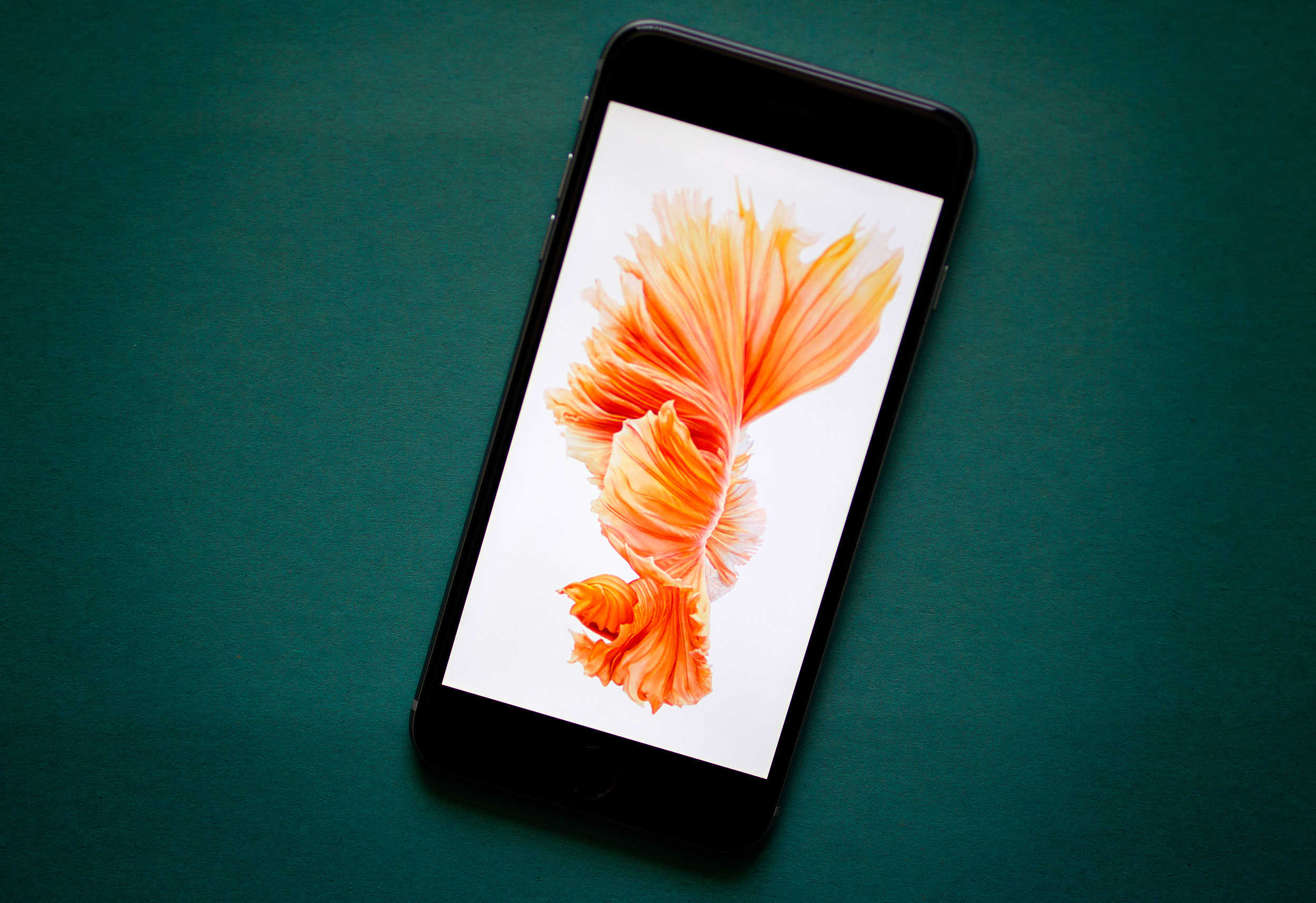
The retailer is selling the 16GB iPhone 6s for $1, while also throwing in a $200 gift card if you trade in a working iPhone 5 as part of the deal.
A long time ago, on a streaming music service not so far away. Photo: Star Wars
If you’re already bored of playing Christmas songs on repeat, there’s some good news — since Star Wars fans can now enjoy John William’s The Force Awakens soundtrack on iTunes and Apple Music.
More than 7 out of 10 users are running iOS 9. Photo: Jim Merithew/Cult of Mac
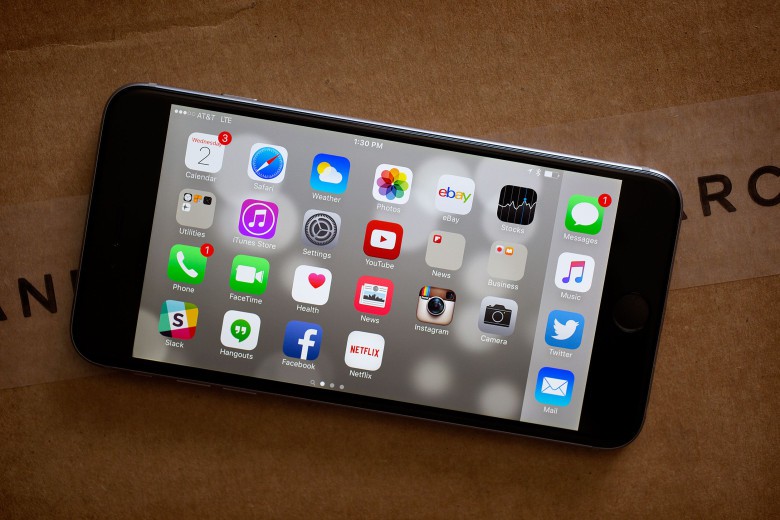
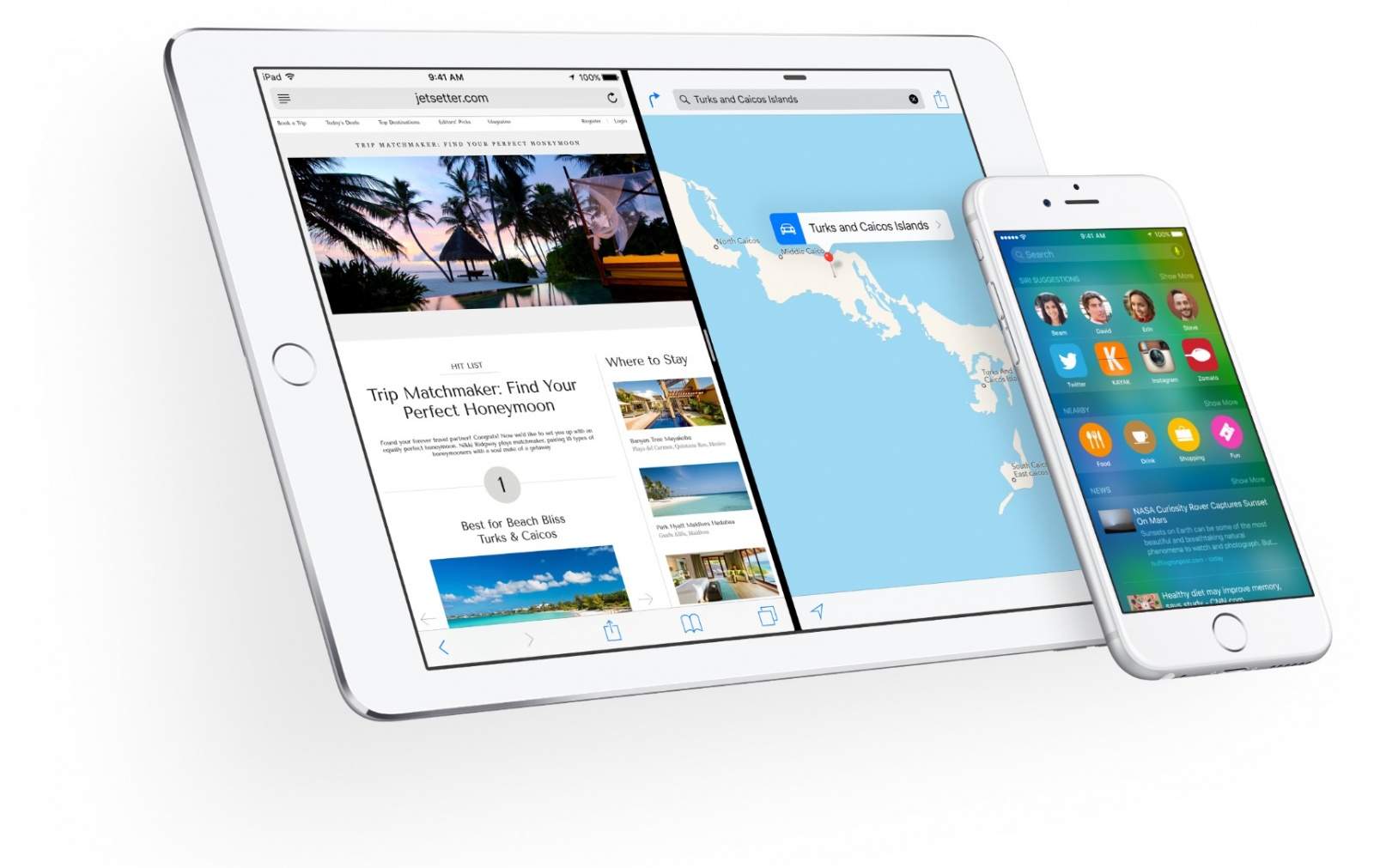
71 percent of iOS users are using the latest version of the mobile operating system, according to stats released by Apple. Measured by visits to the App Store this week, the stats also show 21 percent of users are running iOS 8, while 8 percent are running previous versions of iOS.
"My Christmas bonus? It's about this much." Photo: 60 Minutes
60 Minutes viewers will get an early Christmas present this Sunday, as presenter Charlie Rose gets a rare peak inside Jony Ive’s design studio, while also receiving a tour of “Apple’s store of the future” from retail guru Angela Ahrendts.
After more than a year of calling it “top of the list” in the company’s priorities, Apple today announced that it is partnering with China UnionPay to bring Apple Pay to China, the country Tim Cook has been outspoken about calling Apple’s biggest market of the future.
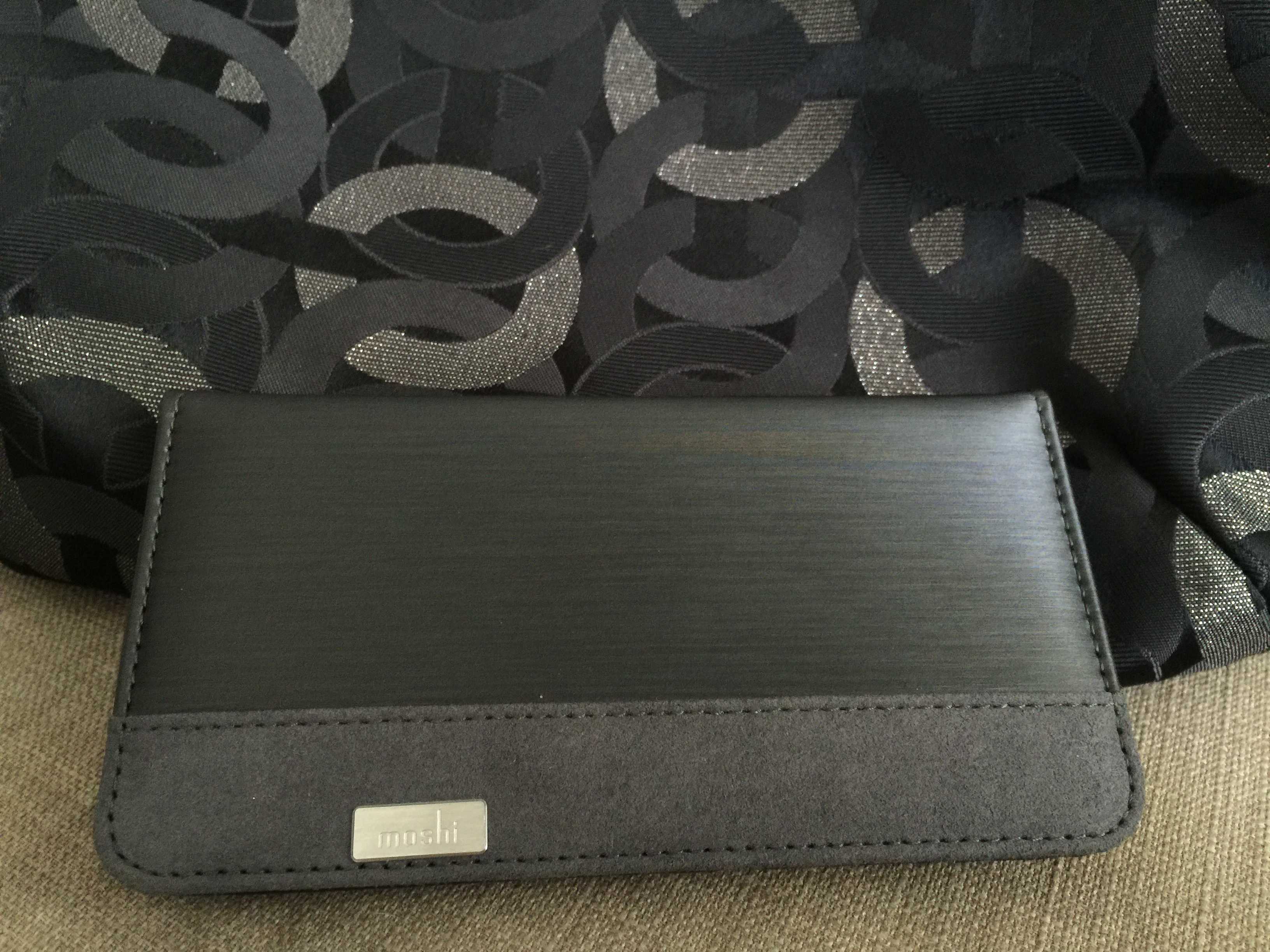
Moshi's wallet case can turn chaos into magic. Photo: Traci Dauphin/Cult of Mac
Best List: Overture wallet case by Moshi
I love wallet cases. I love the convenience of carrying everything together in one place. For over a year, I’ve exclusively used Overture folio-style wallet cases by Moshi — first a Sahara Beige model, now a Steel Black one.
I love the new one even more, because black goes with everything.
This is what it sounds like when pigs fly. Photo: Warner Bros./5th Cell
Scribblenauts Unlimited, the latest version of a fun game that’s been on one device or another since 2009, is headed to mobile.
Main character and magic notebook owner Maxwell’s got a sister, Lily, who he’s gotten cursed, thanks to his smart-ass ways. The pair go to see Edwin, one of the 40 other brothers and sisters of Maxwell and Lily (go figure), and find out that doing nice things for people is the only way to earn starite, the magical cure for Lily’s curse.
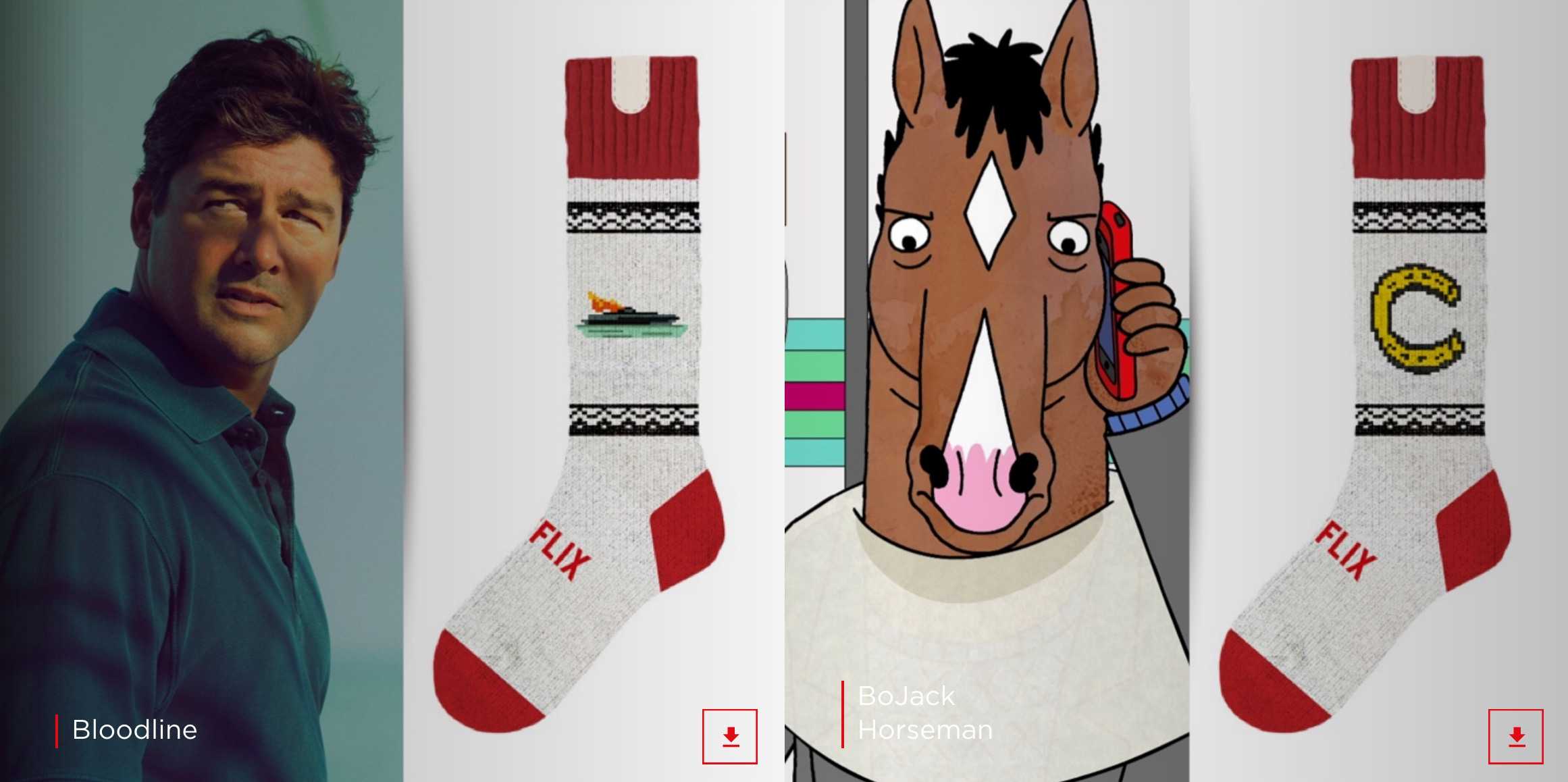
With socks like these, you'll be the hit of any Netflix party. Photo: Netflix
So there you are, watching Netflix, binging on some TV series that everyone’s talking about when you suddenly fall asleep. What happens? Netflix keeps playing, running through a few more episodes while you catch some Zs.
Imagine, though, having a garment — socks, for example — that can automatically detect when you fall asleep and pause that Netflix stream for you. How great would that be?
If you’re comfortable around a pair of knitting needles as well as an Arduino mini-computer controller, some IR hardware and a soldering gun, you just might be the kind of person who should make these socks for a last-minute holiday gift.
New titles and responsibilities in management could reshape Apple. Photo: Jim Merithew/Cult of Mac
Apple made some promotions and tweaked the responsibilities of some of its managers Thursday. Companies do it all the time without much notice or disruption to the goods and services they create.
But this is Apple. Any change in the way it does business could ultimately change our experiences with its product. That is the point behind CEO Tim Cook shifting and shoring up duties for some of his closet managers.
Badland 2, the sequel to popular game that won Apple’s iPad Game of the Year award in 2013, is now available on the App Store for iPhone and iPad.
The new fantasy adventure game comes just in time for Christmas, sending you on a wild ride through a dark alien wasteland full of flamethrowers, buzzsaws, lava, oil and more obstacles to thwart your progress.
This makes all the difference when searching for notifications. Photo: Rob LeFebvre/Cult of Mac
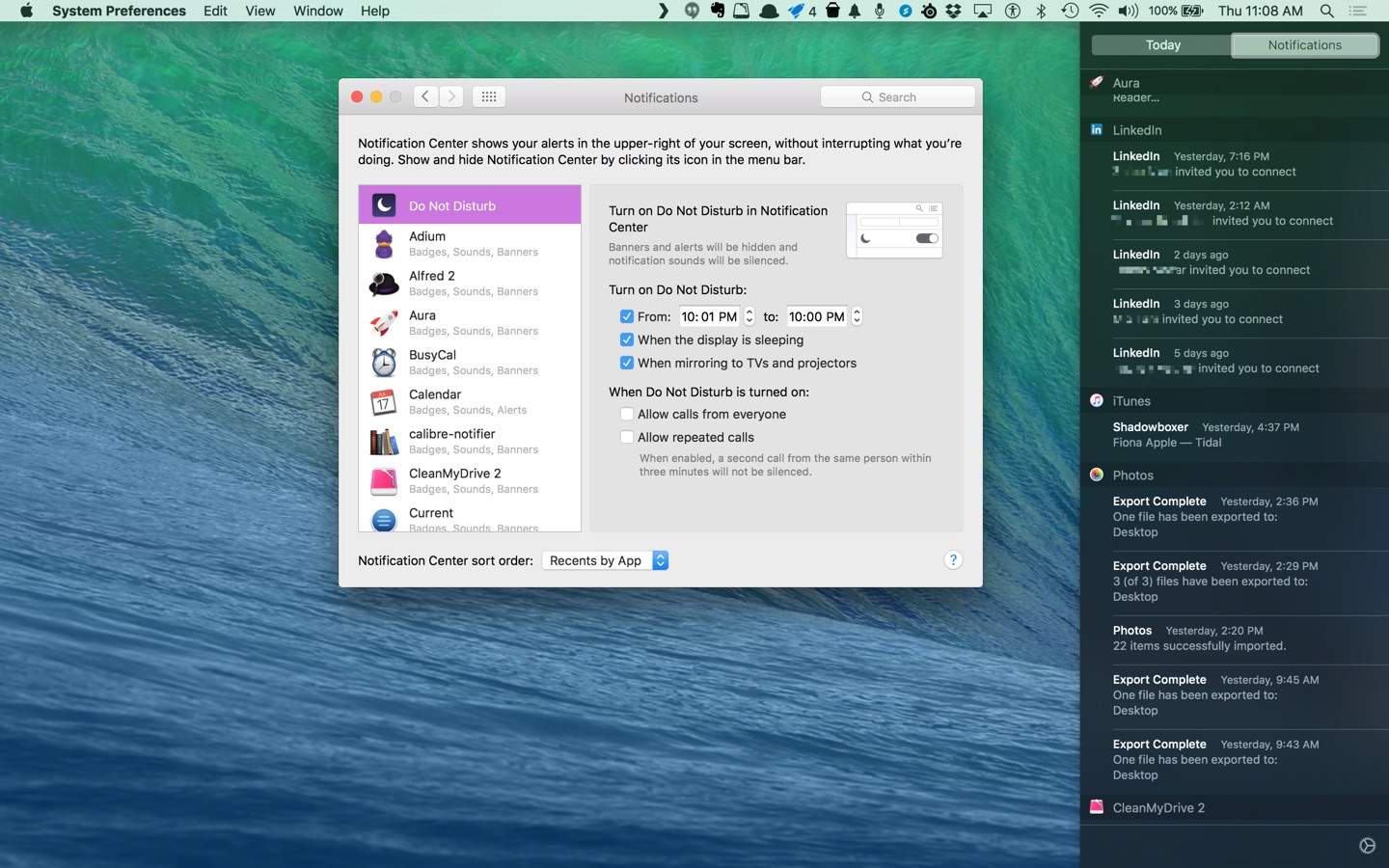
Like iOS, OS X has its own Notifications Center to keep you abreast of all the stuff going on in your world, from calendar events to reminders.
Unlike iOS, OS X El Capitan defaults to a date sorting system that groups all your Notifications together by the date they were triggered. That’s super handy if you’re searching for a notification you got today, but don’t remember what app it came from. If, however, you want to sort by the app the notification is coming from, or–better yet–sort by date and app, you’re in luck.
As smartwatches grow in popularity, the Apple Watch will continue to be the hands-on - or wrist-on - favorite. Photo: Apple
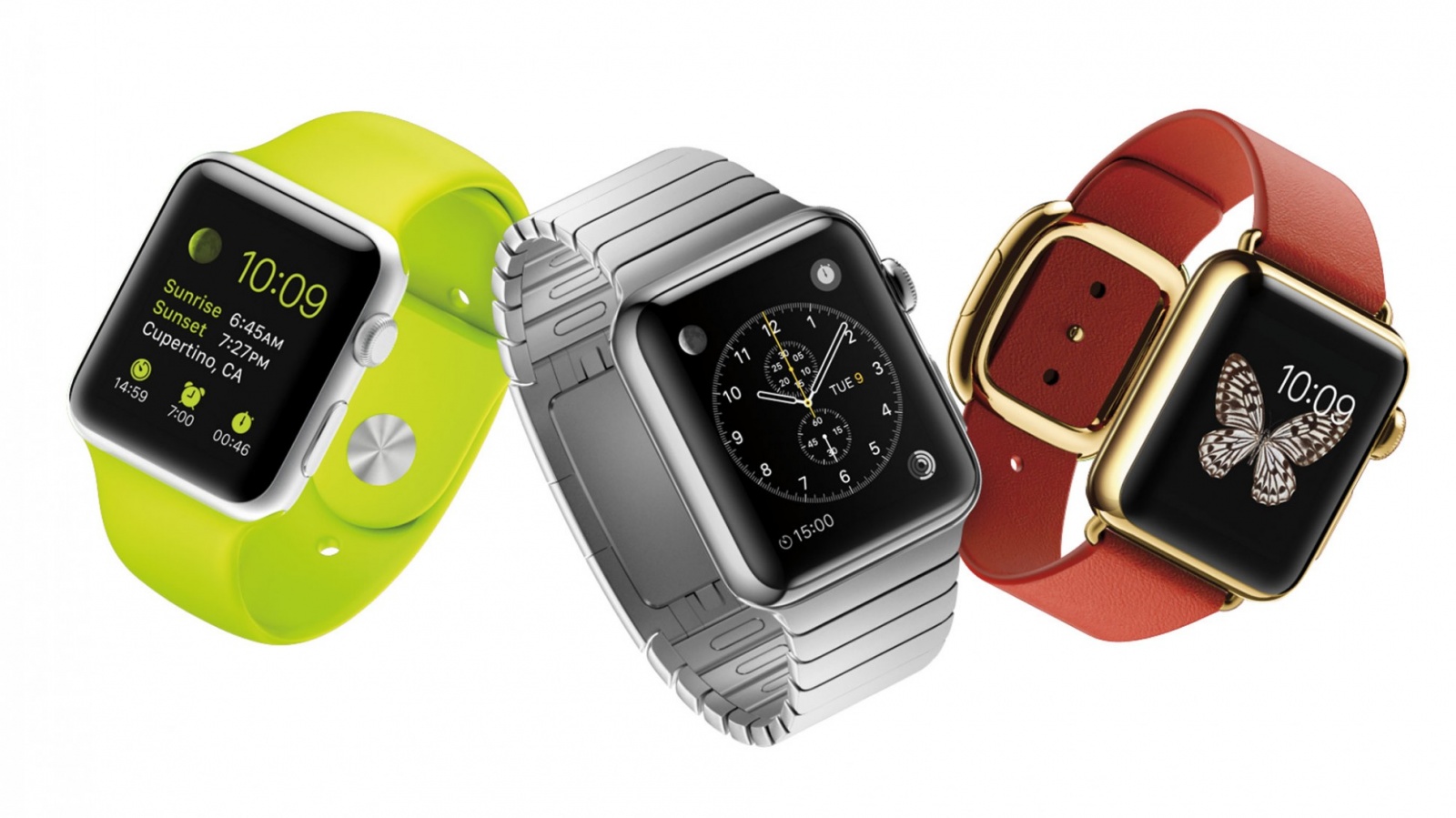
The Apple Watch is the hottest smartwatch on the market. And it looks like it is going to stay that way for a while.
A report by International Data Corporation says the Apple Watch will lead a rapidly growing wearables market through at least 2019 as a skeptical public gets won over by more sophisticated second- and third-generation devices.
IDC projects Apple to sell 13 million watches this year for a little more than 61 percent of the market share. The number of Apple Watches sold will reach 45.2 million by 2019, according to IDC’s report.
Finally, a selfie stick that's not completely obnoxious. Photo: Stikbox
Selfie sticks receive a lot of hate for being annoying instruments of narcissism. They’re inconvinient to carry around and can make you look just plain silly.
A brilliant new selfie stick may have solved the device’s worst problems though with a cleverly designed iPhone case that hides a telescoping 28-inch long selfie stick in the back. It looks like something Data from The Goonies would invent. And for that reason alone, I love it.
Watch out Donald Trump. If some Americans had their way, Tim Cook might be the next president of the USA.
One in three Americans think Apple would do a better job at running the the U.S. government than any politician, revealed a new study by Rbb Communications.
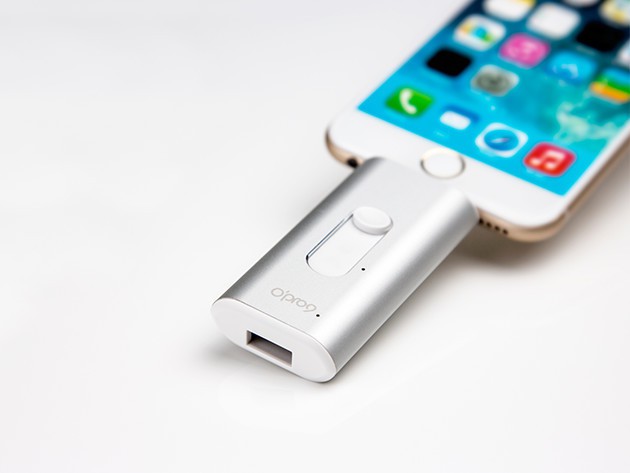
This two-way thumb drive adds an additional 32 gigs to your iPhone. Photo: Cult of Mac Deals
Your iPhone is full of amazing features, but some of the coolest things about it are sold separately. Whether it’s a skin-tight charging case you’re looking for, a keychain-sized tracking device or a foolproof way to keep your phone from dropping, we’ve got you covered.
No weights, classes or gym. The Freeletics app designs a workout program that uses your body weight. Photo: Freeletics
You have a gym membership, but you’ve talked yourself out of going. You paid for a personal trainer and found reasons to cancel.
Maybe fitness can be achieved through your smartphone or smartwatch, but the excuse that now grinds the revolution to a halt is too many apps from which to choose.
Freeletics, a workout app that made its U.S. debut earlier this month, wants to make this an easy choice. First, it invites you to join more than 7 million other users, a community, the company says, grows by more than 6,000 users a week.
The man described by Fortune as "Tim Cook's Tim Cook." Photo: Apple/Cult of Mac
Apple today announced a bit of a corporate reshuffle — with Jeff Williams named Chief Operating Officer, VP of Hardware Technologies Johny Srouji getting a boost up to Senior Vice President level, and Phil Schiller expanding his role as Senior VP of Worldwide Marketing to include running the App Store across all platforms.
Is Apple putting its own interests over the public good? Photo: Killian Bell/Cult of MacIs Apple putting its own interests over the public good? Photo: Killian Bell/Cult of Android
BlackBerry CEO John Chen has waded in on the the question of whether or not Apple is right to refuse to help the government access smartphone data for security purposes.
“For years, government officials have pleaded to the technology industry for help,” Chen wrote in a recent blogpost. “Yet [the requests] have been met with disdain.”
Chen’s position is simple: that, “We are indeed in a dark place when companies put their reputations above the greater good.”
Mac games aren’t as numerous as iOS games, but they tend to be a bit more expensive, making impulse purchases a rare thing. How do you know which ones to spend your money on?
If you’re looking to stuff your stocking with the finest of games for our favorite platform, look no further. We play them all so you don’t have to, and we tell you which are the best ones to grab.
These are Cult of Mac’s picks for best new Mac games of 2015.
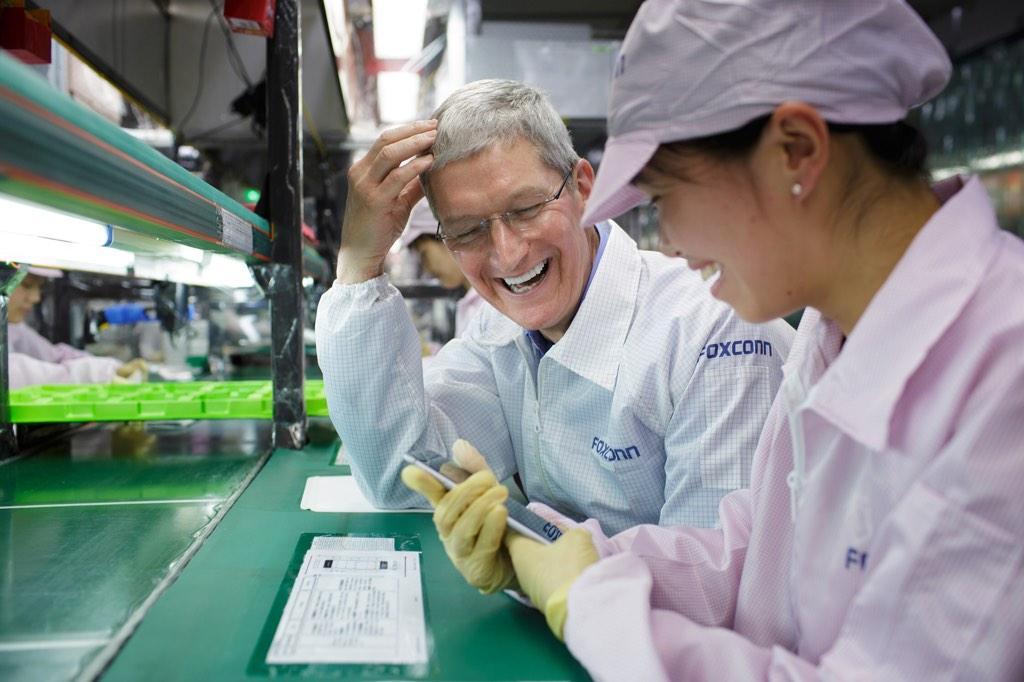
Tim Cook meeting an iPhone manufacturer in China. Photo: Apple
Ten employees of Apple manufacturer Pegatron have been jailed after stealing and selling 227 iPhones, 360 motherboards and 58 Apple batteries — with a total market value of $154,000.
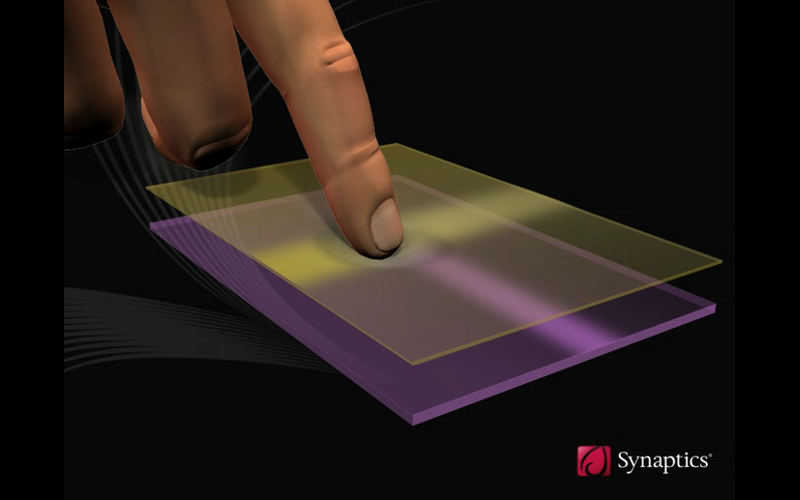
Everyone wants to get in on the 3D Touch game. Photo: Synaptics
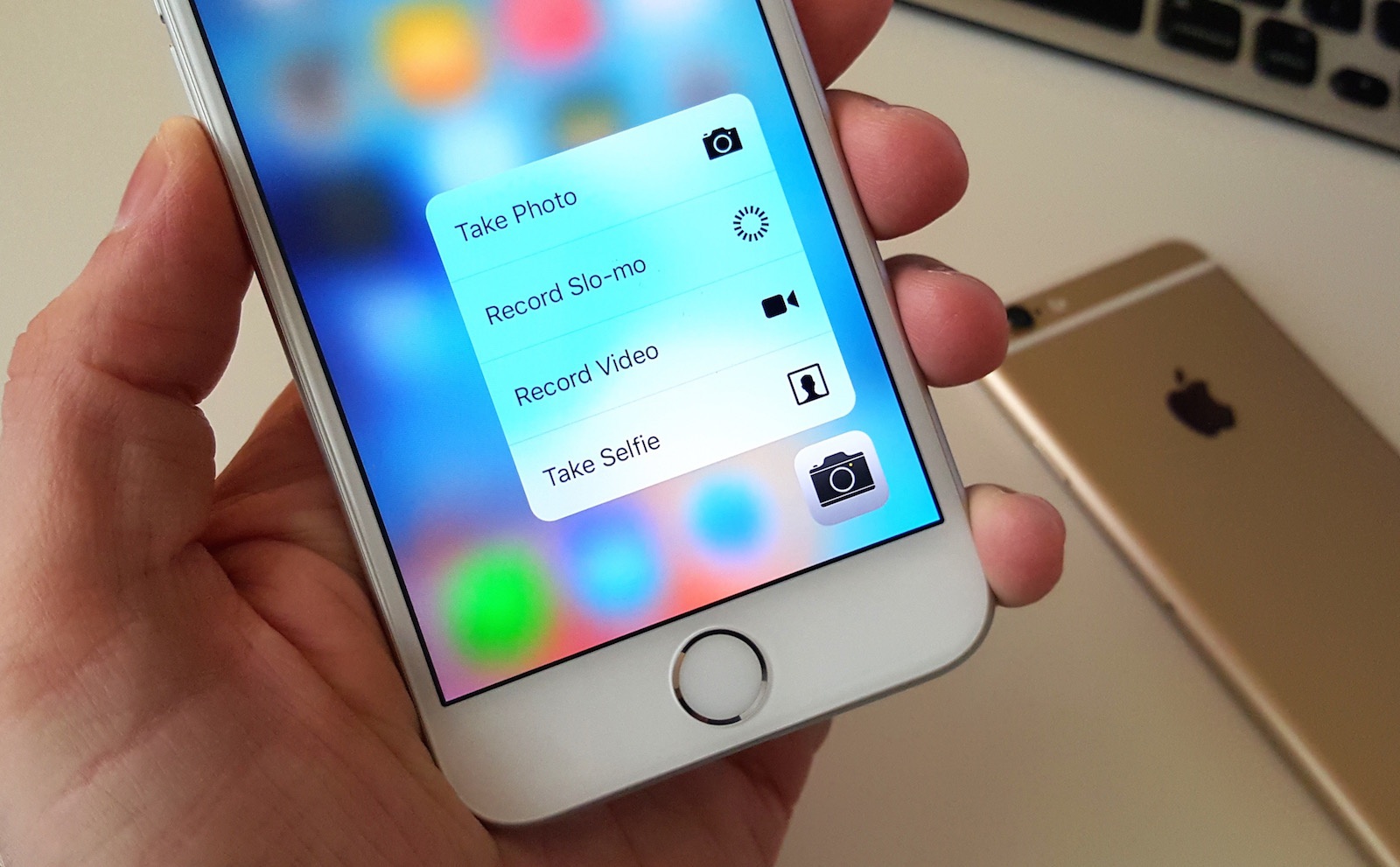
3D Touch was the single biggest selling point of the iPhone 6s, so naturally every other smartphone vendor is tripping over themselves and each other to add their own version of Apple’s pressure-sensitive iPhone feature to their next handset.
Because of this, a new report claims that force sensing module shipments will grow by a whopping 317 percent in 2016 to reach 461 million units. As a result, almost one in four new smartphones shipped will include the technology.
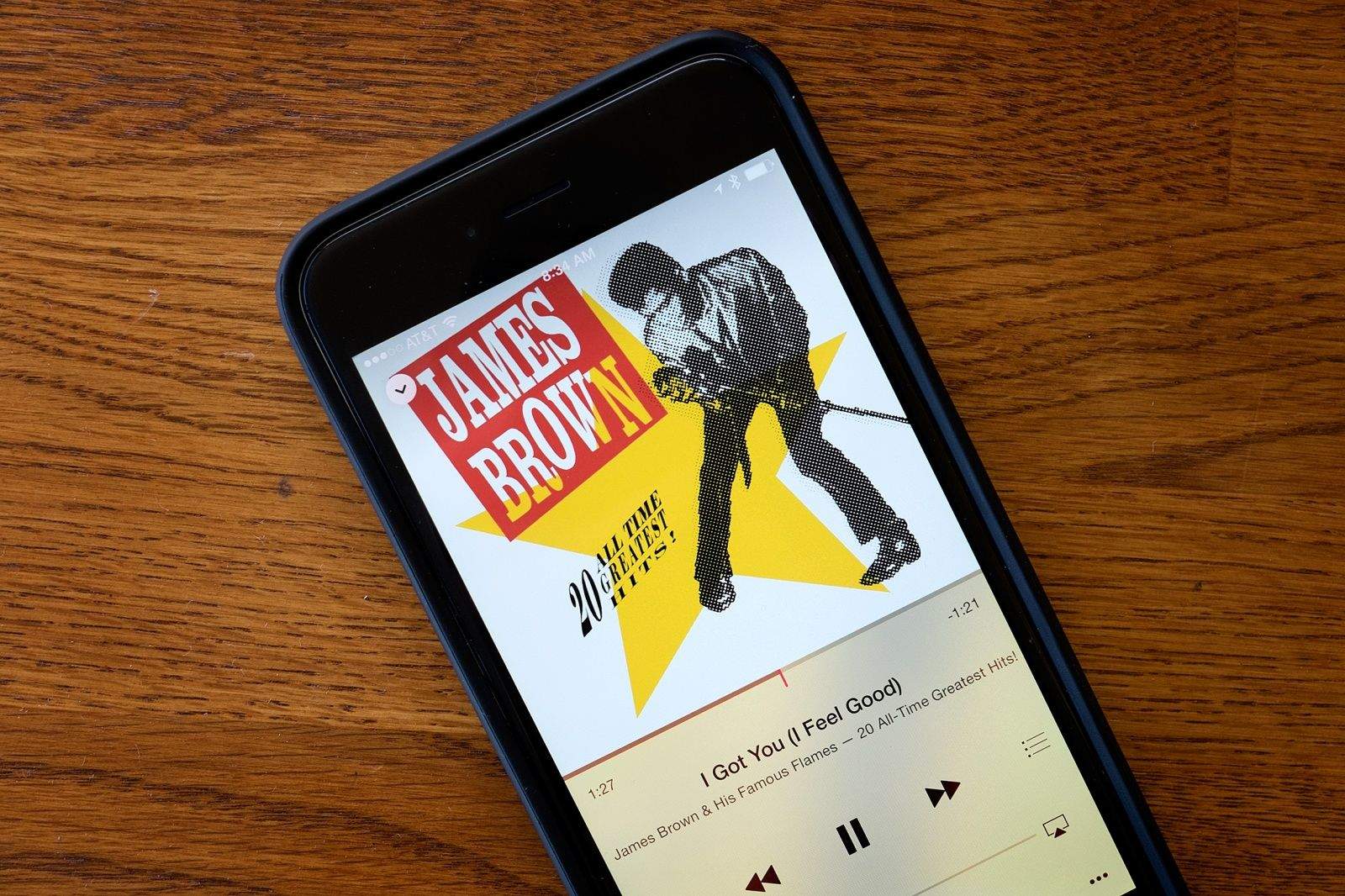
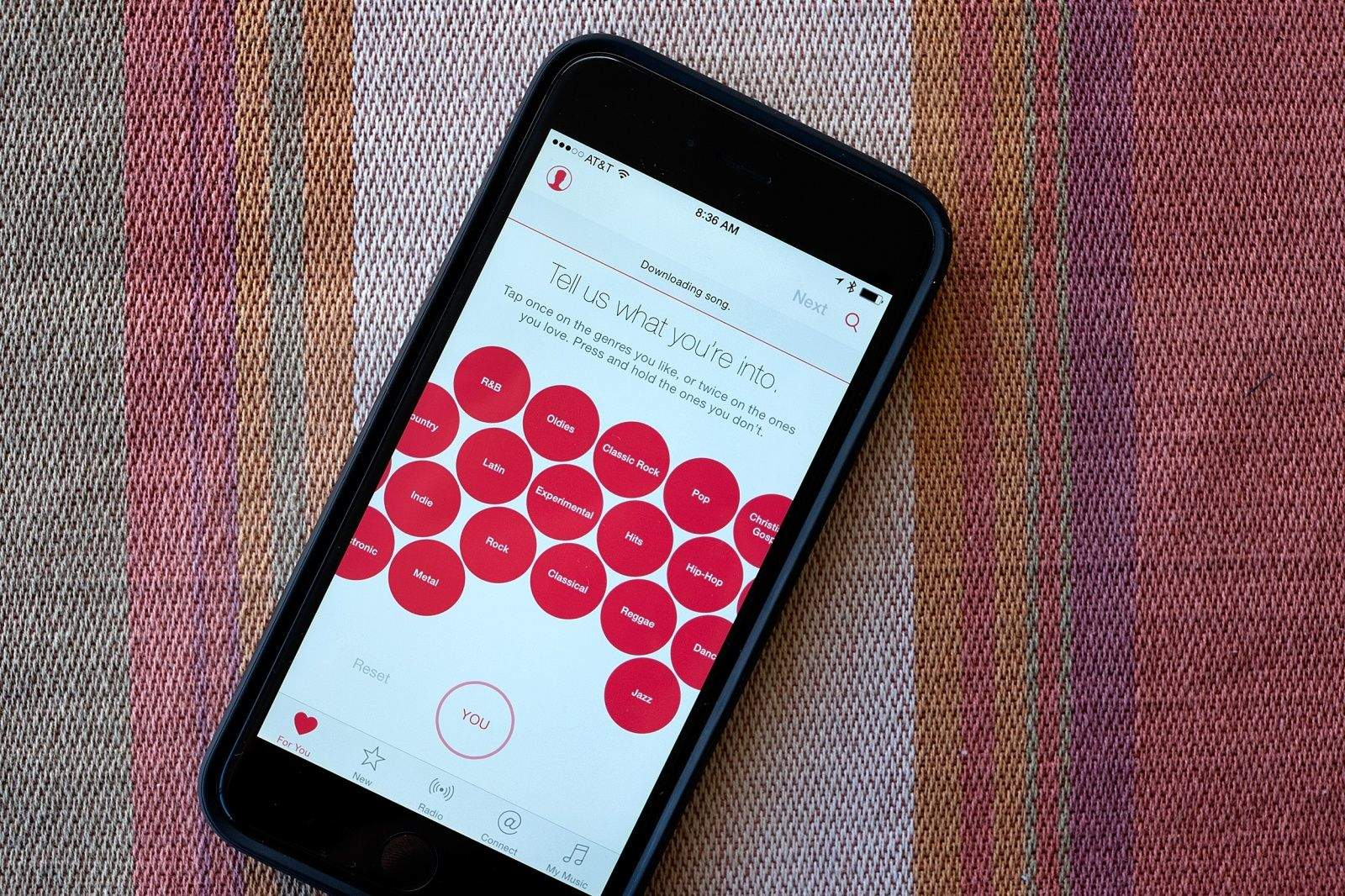
Apple Music could more than double its subscriber rate next year. Photo: Jim Merithew/Cult of Mac
Apple Music has a respectable 6.5 million subscribers right now, but respected music business analyst Mark Mulligan estimates that Apple’s streaming music service will come close to hitting 8 million subs by the end of this year — and a massive 20 million paying customers by the close of 2016.
Free services must pay higher royalties. Photo: Jim Merithew/Cult of Mac
In news which could well be good for Apple Music, but bad for rival free streaming music services, the federal Copyright Royalty Board has ruled that ad-supported internet radio companies such as Pandora must pay higher royalty rates to artists and record labels.
Starting next year, Pandora, iHeartMedia and others will pay 17 cents for every 100 plays of a song on their free tiers. This fee will increase over the following four years in line with inflation.