 Add Nikon to the growing list of companies taking on GoPro in the action camera market.
Nikon made a surprise announcement this week at CES in Las Vegas, unveiling plans for a portable camera that offers 360-degree immersive perspective.
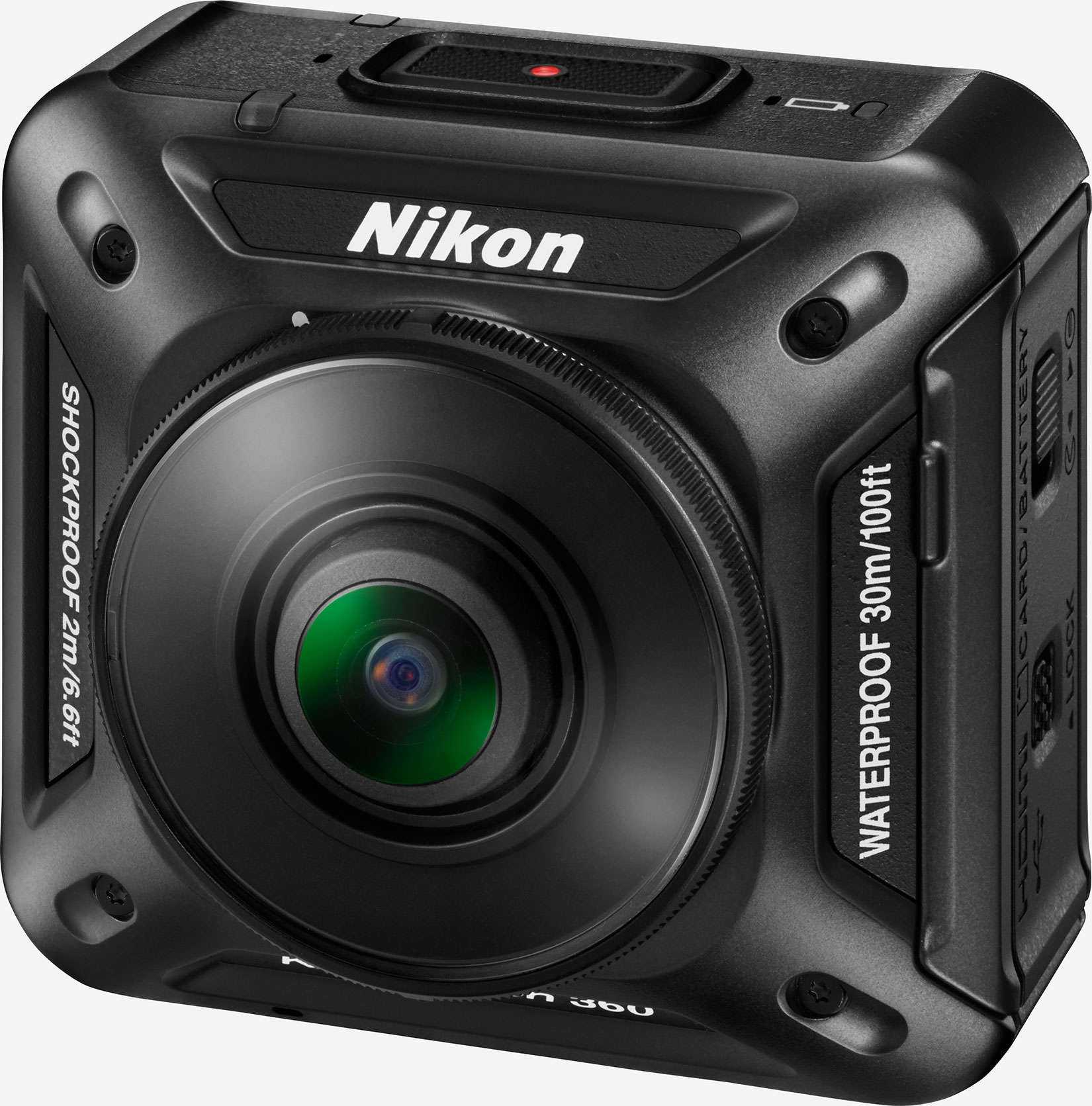
Add Nikon to the growing list of companies taking on GoPro in the action camera market.
Nikon made a surprise announcement this week at CES in Las Vegas, unveiling plans for a portable camera that offers 360-degree immersive perspective.

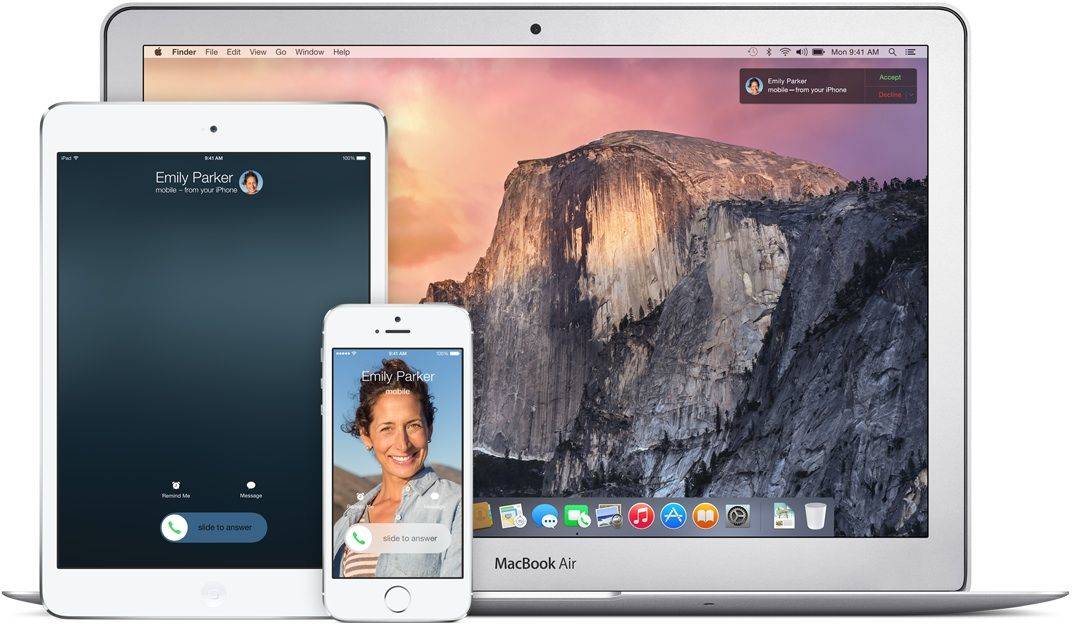
Walt Mossberg has had his say on what Apple needs to fix most: its software.
Now it’s your turn to weigh in with your own opinion–which specific software should Apple fix? We’ve created two polls for you to express your opinion, one for OS X on the Mac and one for iOS on the iPhone and iPad.
Is Apple Mail giving you fits on your Mac? Does Photos on your iPad not fill you with joy? Let us know in the polls below.
If we missed the software you think should be in Apple’s sights for fixing, let us know in the comments.


Android has long been available on desktops in some form, but it has never been done right. That’s going to change later this month with Remix OS, a platform that brings Android to almost any Mac and PC — and makes it usable by adding a familiar desktop interface.
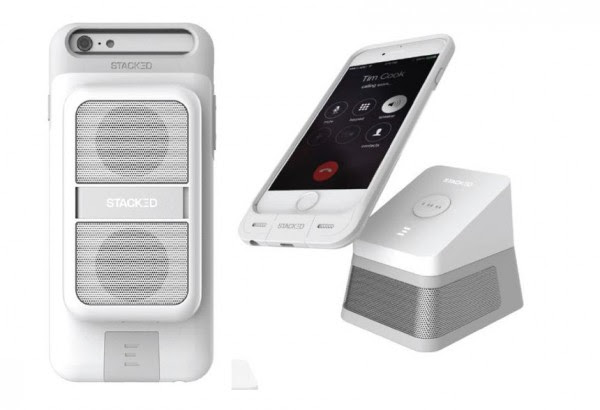
Stacked, the wireless charging case that charges your iPhone with a series of stackable power banks, is expanding it’s line of useful, connected devices to help simplify your life and fill it with music.
The company is showing off it’s two new audio accessories at the Consumer Electronics Show (CES) this week in Las Vegas. The Audio Dock and Boost Speaker connect to your iPhone via the magnetic system of the Stacked power case, reducing wires and making sure you never forget your external speaker at work again.
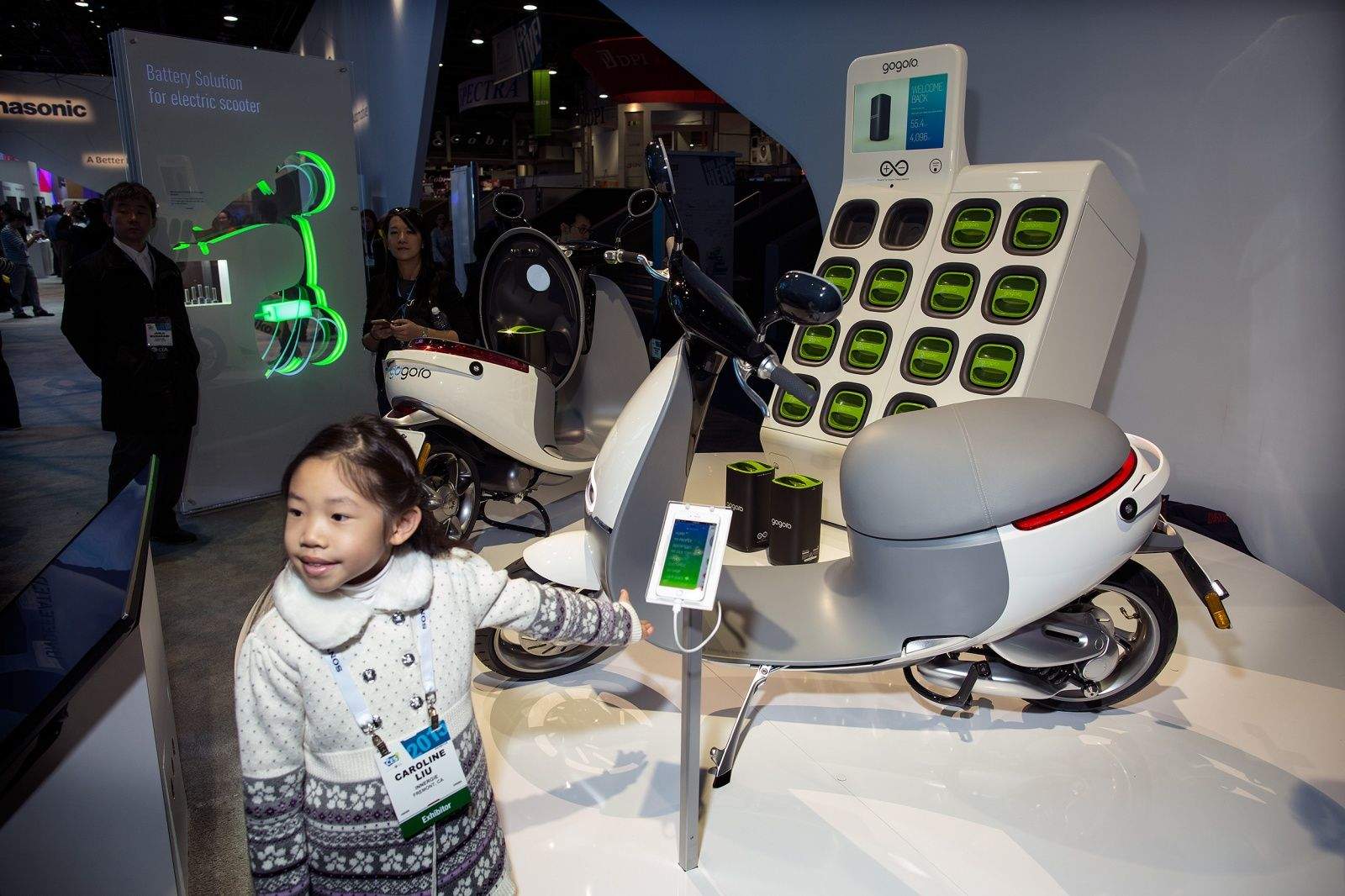
LAS VEGAS — The makers of Gogoro, the electric smart scooter that wowed CES last year, have two unassuming tools for gaining traction beyond their launch city of Taipei.
The first is a charger for their 20-pound battery packs; the second is a website that lets wannabe owners nominate their hometowns to become Gogoro hubs.
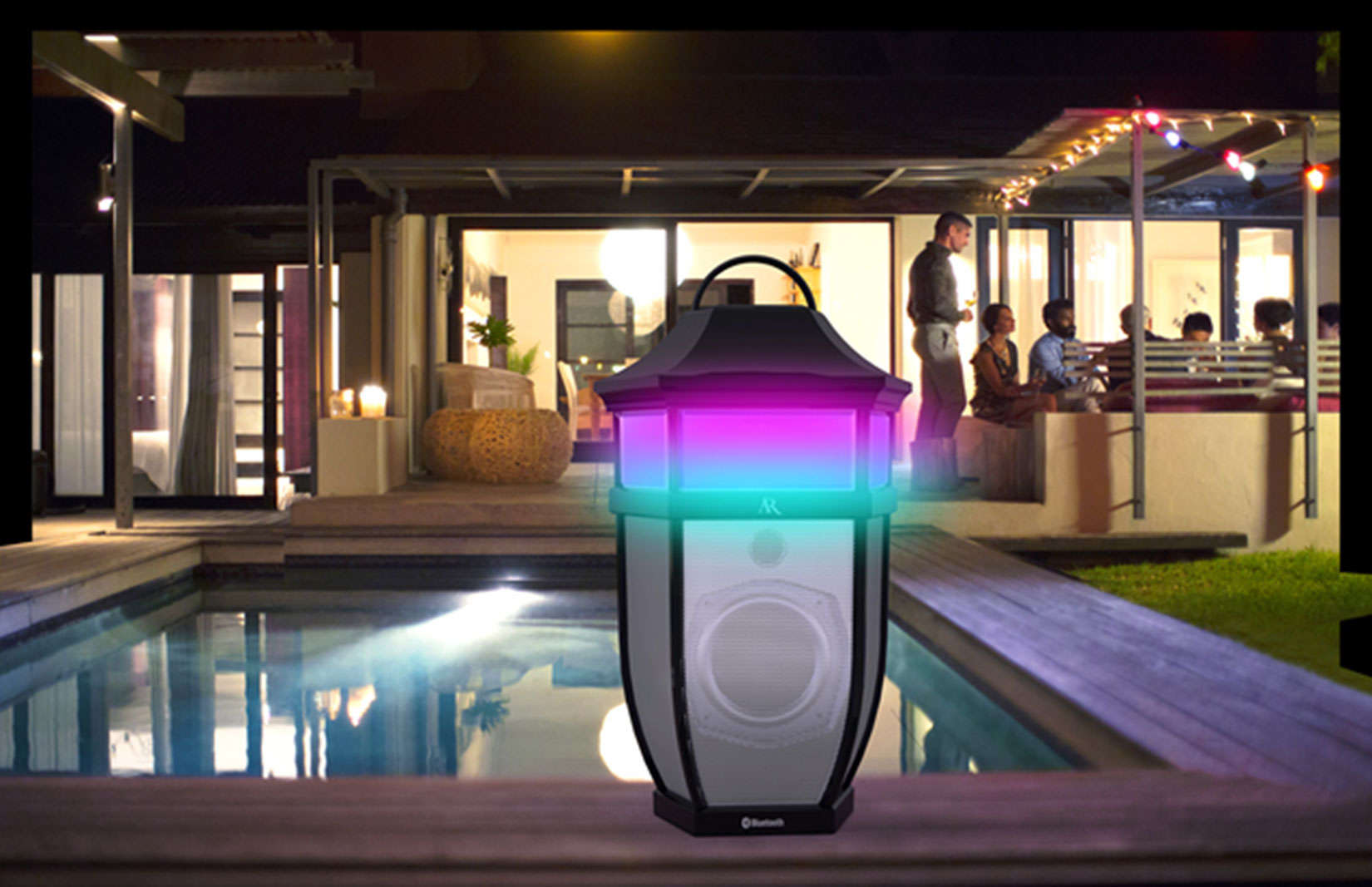
If music is one of the lights of your life, then shouldn’t your speakers shine, too?
Acoustic Research introduced a new line of wireless speakers that offer quality sound, a design attractive indoors and out and a customizable, multi-color LED light to fit the mood of your music and social scene.
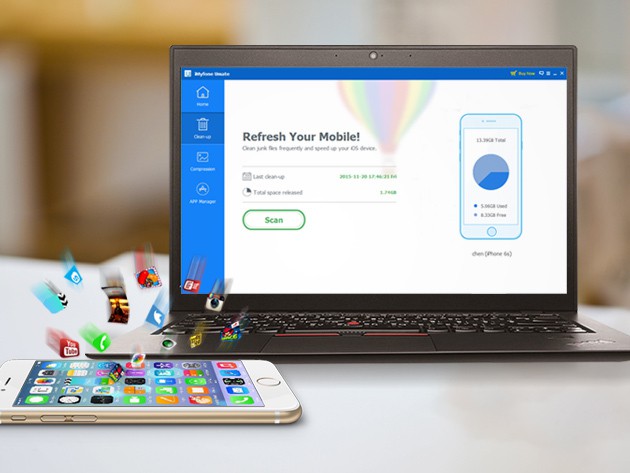
Behind your iPhone’s sleek exterior is a messy interior life, the electronic equivalent of beer can pyramids and old pizza boxes. iMyfone is there to clean up your iPhone’s (or iPad’s or iPod’s) act, cleaning out your device’s digital junk drawers and freeing up space that shouldn’t have been taken up to begin with. It’s a surefire way to kick your mobile’s hoarding habit for $15.99.
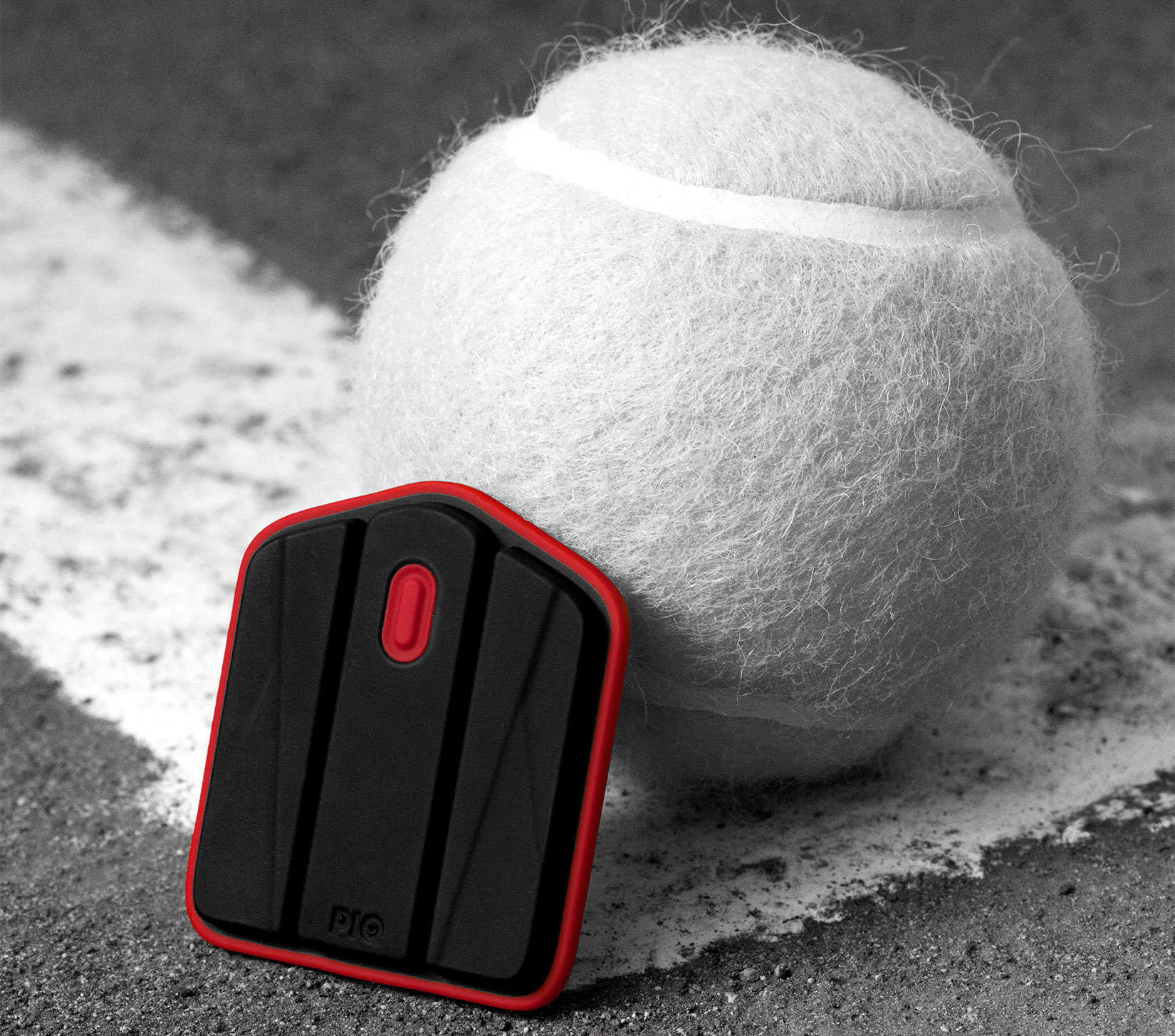
Your god gave you athletic gifts, or so you believe. But don’t listen to yourself or buddies who play alongside you and talk trash about your skills.
PIQ, a multi-sport sensor, can quickly tease out the divine delusion with Earthly performance metrics that, if you’re honest with yourself, can help you improve your game, whether its golf, tennis, skiing or 21 other sports.
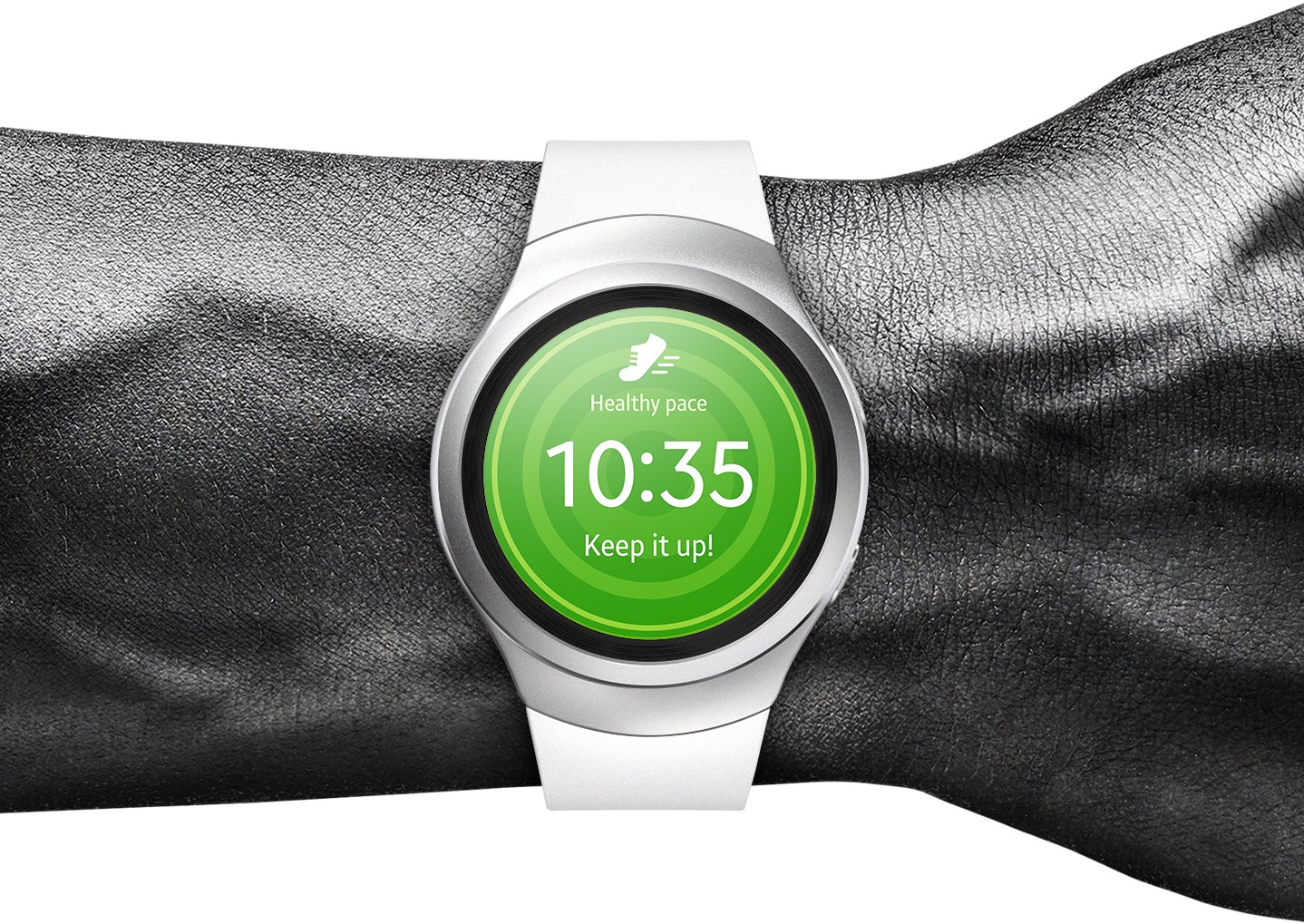
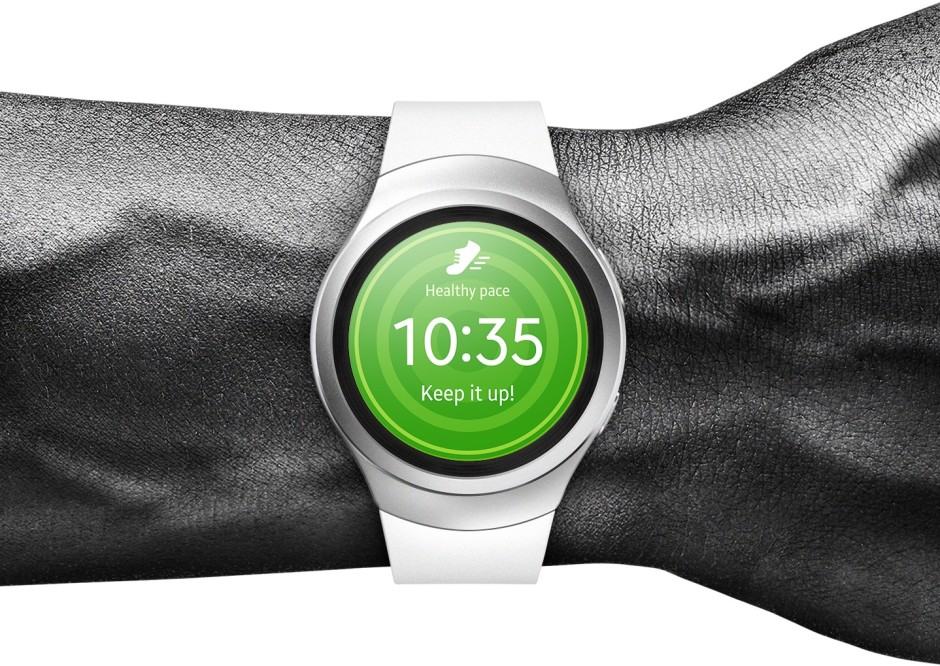
Samsung is making its Gear S2 smartwatch compatible with iPhone to give it an even great chance at competing with Apple Watch and Android Wear. Its latest wearable will get an update later this year that will make it iPhone-friendly.
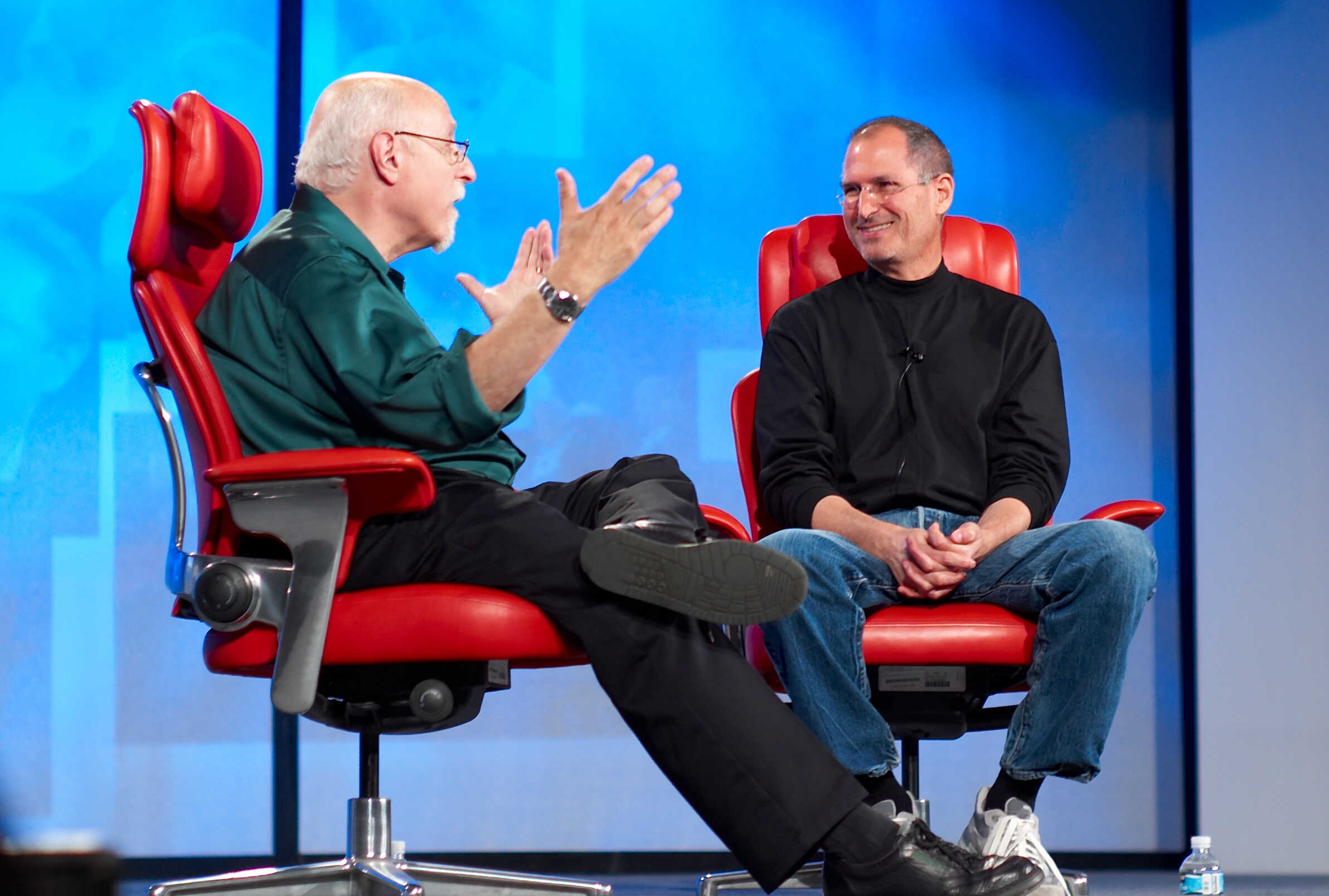
Walt Mossberg was Steve Jobs’ favorite critic, and has long been one of the most respected Apple analysts out there — with some people even arguing that he can be too forgiving when it comes to Cupertino’s mistakes.
But in a new article about what tech companies should do to improve in 2016, Mossberg has no problem taking aim at something a lot of people view as Apple’s big weakness right now: its software.
Apple had a record-breaking holiday season for the App Store, with customers spending over $1.1 billion on apps and in-app purchases in the two weeks culminating on January 3.
The first day of 2016 alone accounted for more than $144 million — smashing the previous one-day record, which was set just one week earlier on Christmas day.

iPhone manufacturer Foxconn is taking the unusual step of cutting the hours of employees building Apple handsets during the upcoming weeklong Lunar New Year holiday next February.
The planned slowdown follows reports that Apple is cutting orders for the iPhone 6s and 6s Plus by up to 30 percent, which is causing investors to hammer Apple stock.
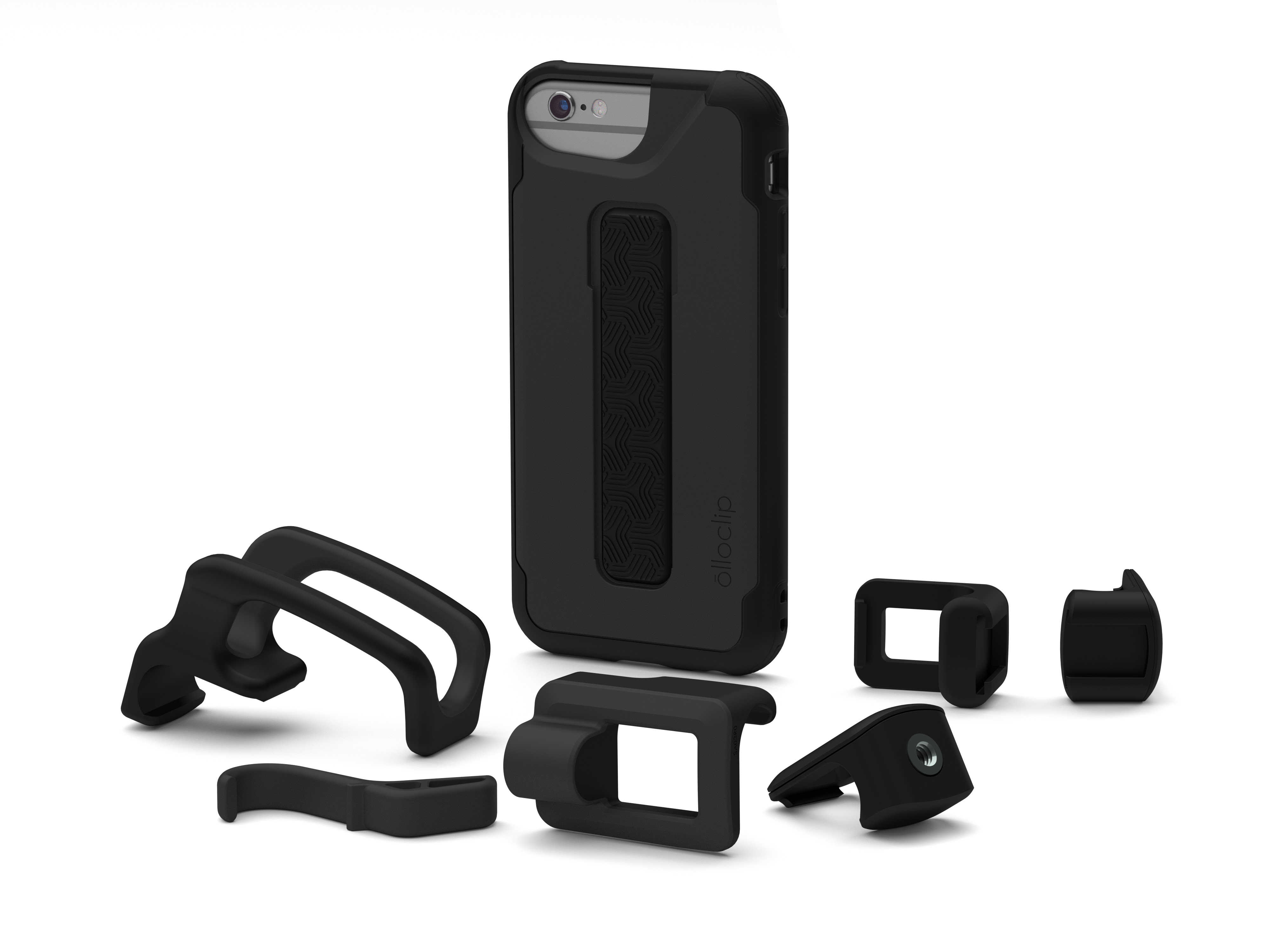
Olloclip has long been one of the best accessory-makers for the iPhone. At CES, the company introduced its latest innovation — a brand new protective case for the iPhone, which features a patent-pending integrated rail-mounting system and a series of mountable photography accessories.
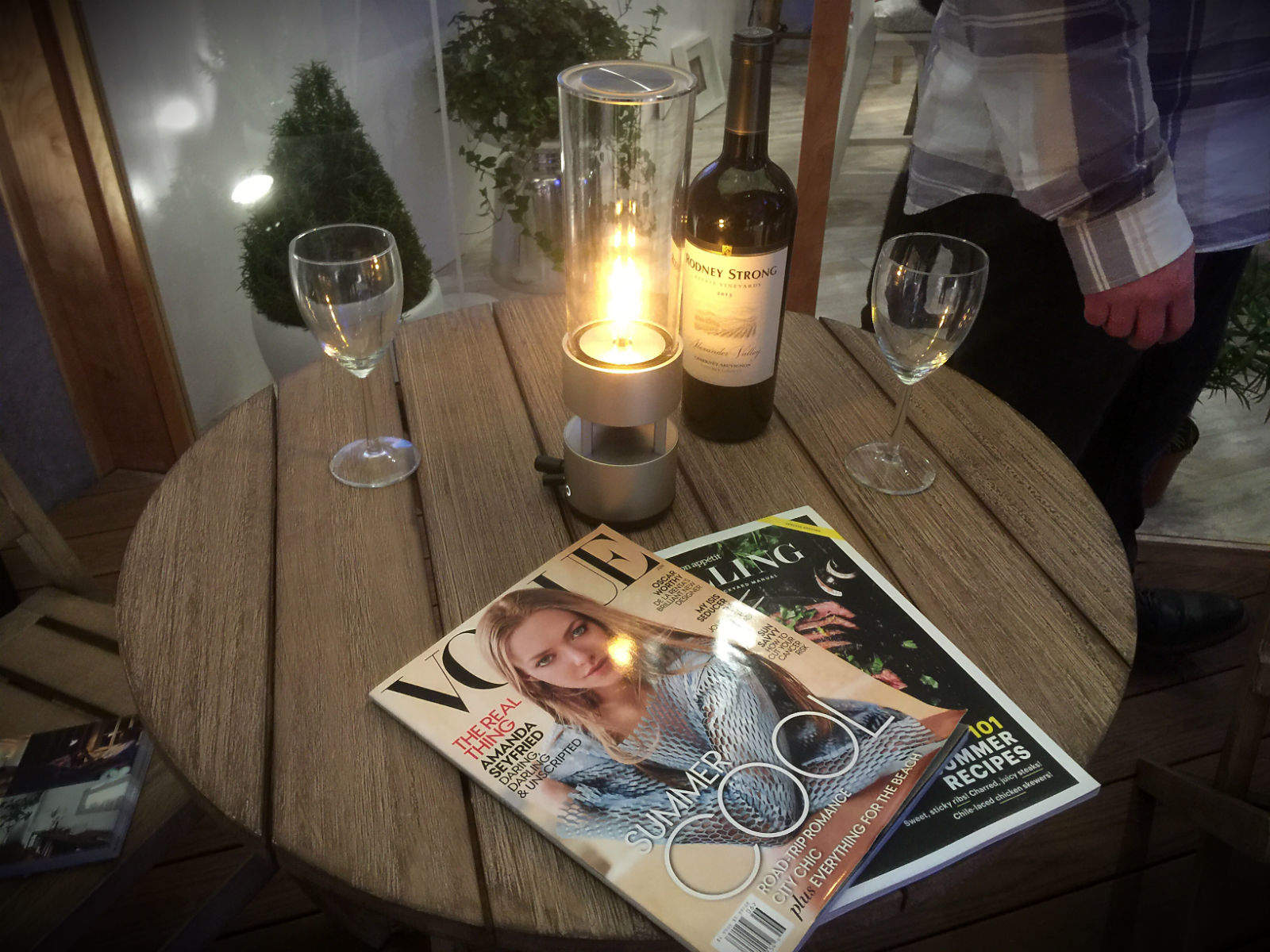
LAS VEGAS — For all Sony’s talk about high-definition audio and video during its CES press conference, the company’s most intriguing new product is a weird glass speaker with LED lights that looks something like a tubular hurricane lamp.
Called the Glass Sound Speaker, it’s a refreshing twist on the ordinary Bluetooth speaker that is certain to add a unique ambiance to any room. I’m not sure how it sounds, but its soothing, candle-like glow practically screams sophistication.
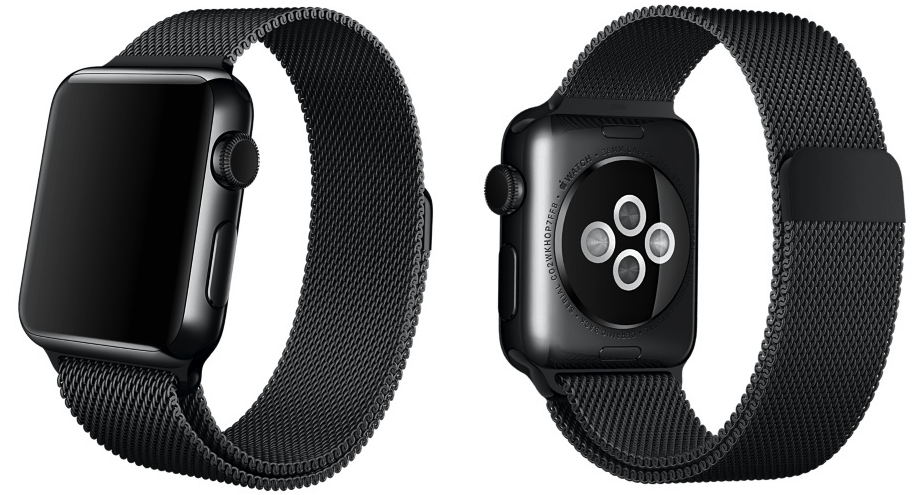
Apple appears to be set to launch a brand new Apple Watch band in the form of a 42mm Space Black Milanese Loop band for Space Black steel watches — and it looks gorgeous!
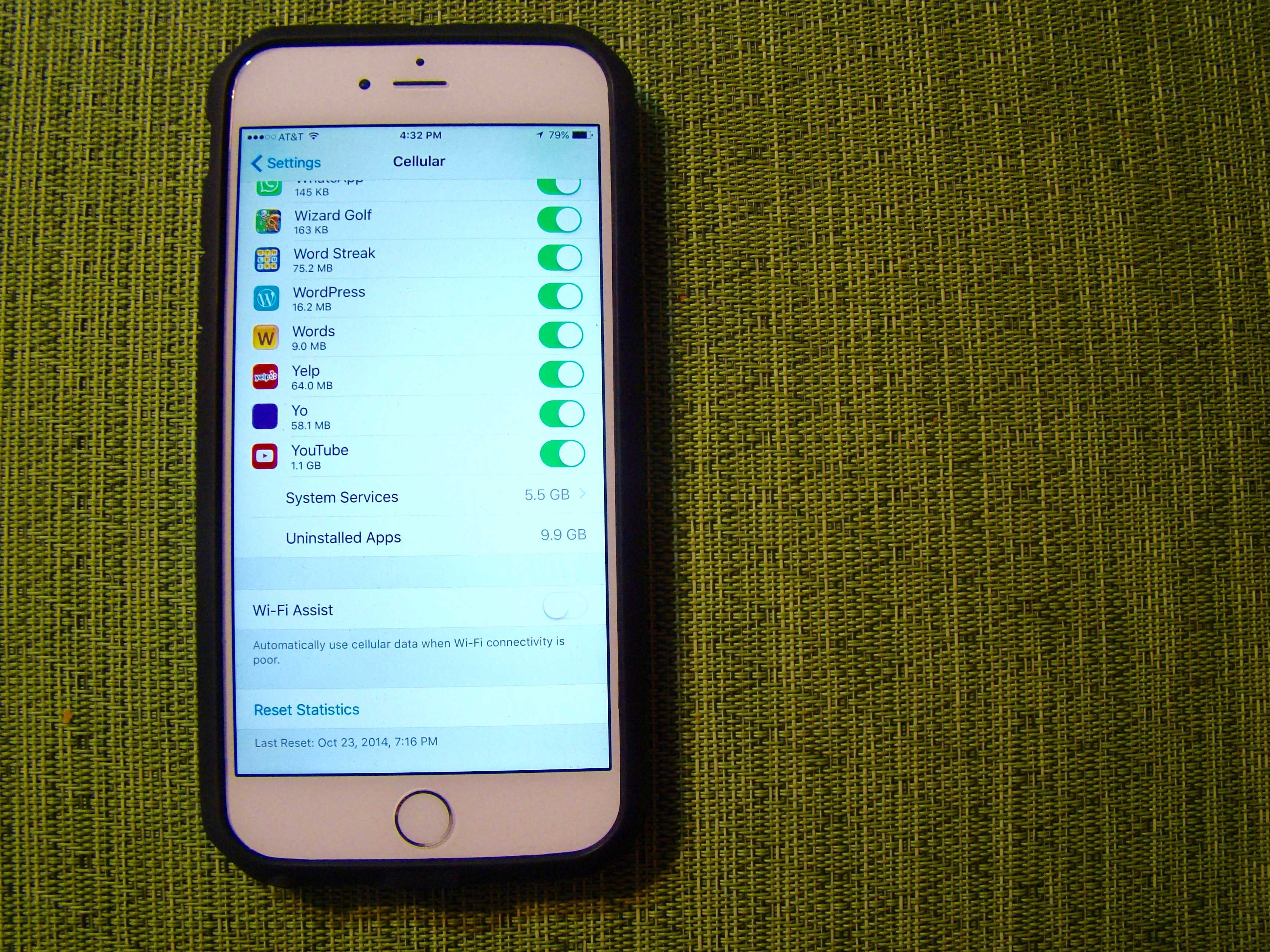
A San Francisco teenager recently found themselves on the receiving end of a massive $2,021.07 phone bill — courtesy of iOS 9’s Wi-Fi Assist feature, which automatically switches phones to use cellular service when the owner is in an area with a weak Wi-Fi signal.
Teen Ashton Finegold made the unpleasant discovery that his bedroom was such a place, which meant that while he thought he was connected to his home Wi-Fi setup, his iPhone actually clocked up 144,000 MB of cellular data.
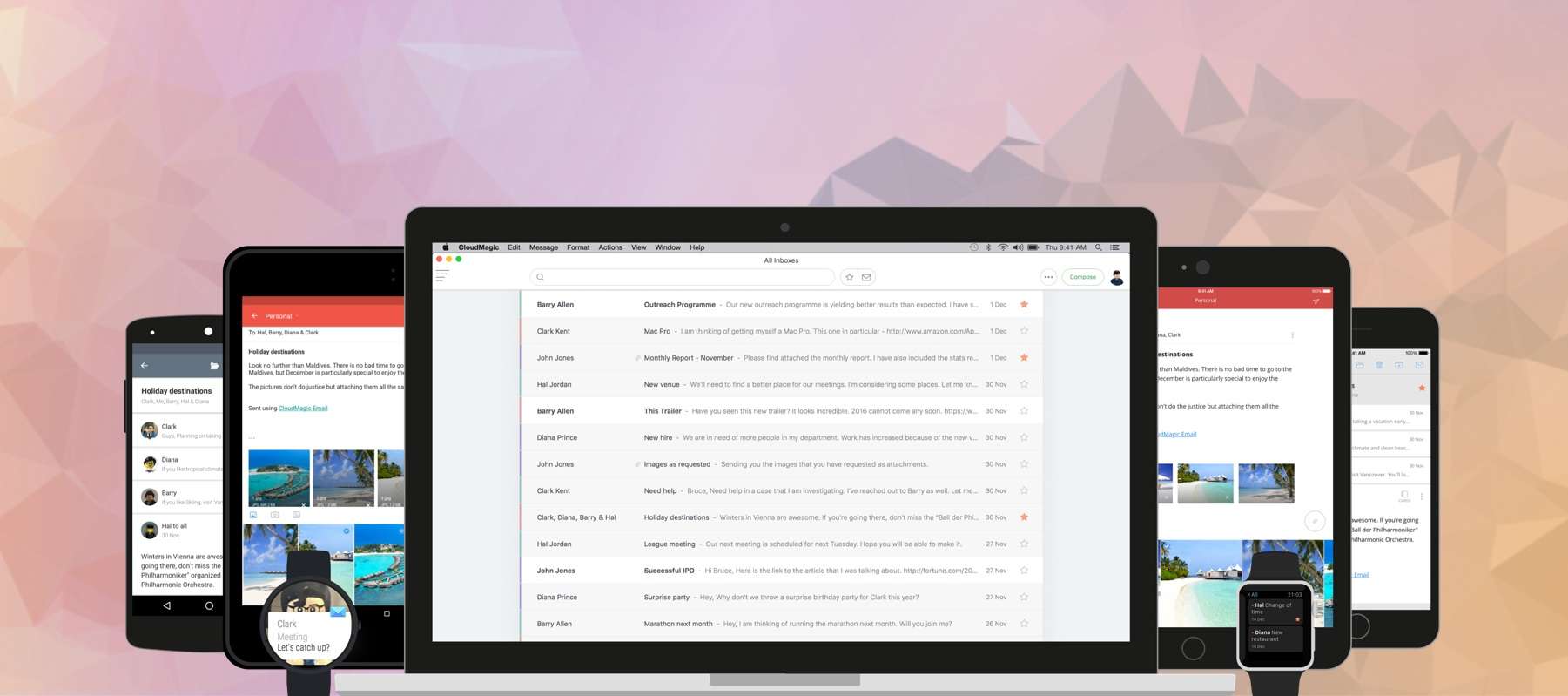
For managing multiple mail accounts on the go, nothing beats the brilliant CloudMagic. It packs everything you need in an email app — and a whole lot more — and supports almost every mail service you can throw at it. And now it’s finally available on your Mac!
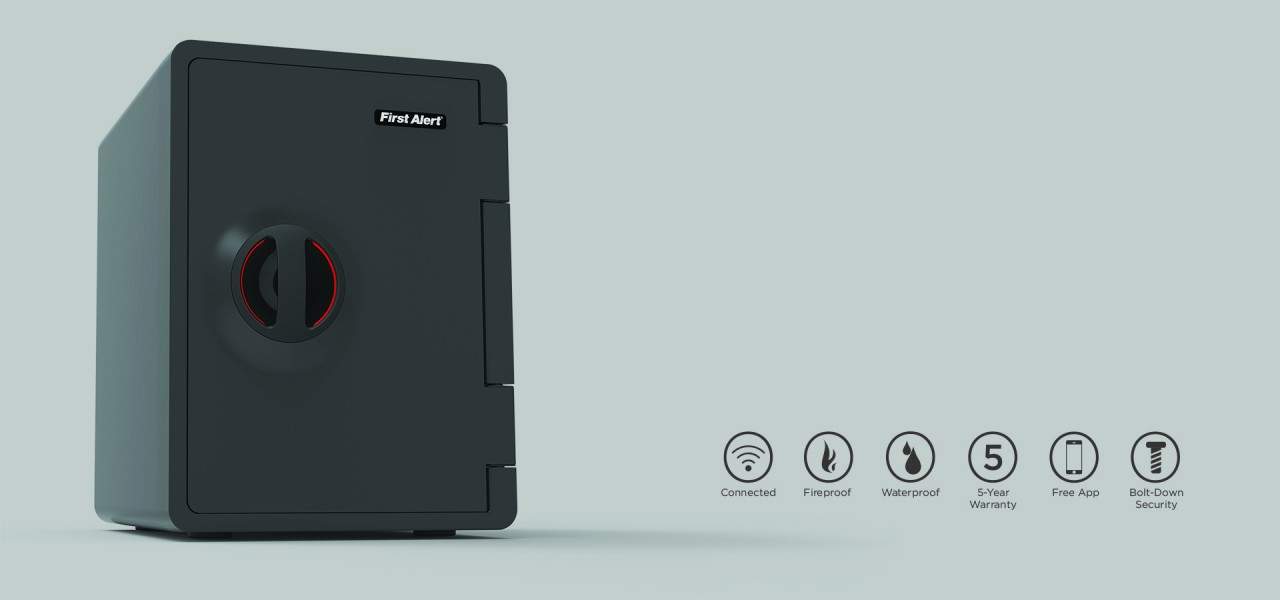
We like HomeKit; don’t get us wrong. Apple’s automation framework has taken our relationship with our lights to strange, wonderful, and not at all awkward new places. And we like the potential of saving money on energy with smart thermostats, getting smoke and carbon monoxide alarms directly on our phones, and using our iPhone or Apple Watch like a virtual bouncer to control who gets into our homes.
That’s the problem, though — that’s basically all anyone’s done with HomeKit. And it’s mostly lights and plugs.
But First Alert has arrived to bust us out of this rut with a promising device that sounds both useful and eminently futuristic: a HomeKit-compatible safe. And if that doesn’t fill you with dreams and vision for what automation can mean, we’re sure you’ll enjoy your bulbs. We really do.

LAS VEGAS — It’s not gadgets that are making the news here at CES 2016, but cars.
For example, at a press event this afternoon the Korean car giant Kia said all of its cars will be fully autonomous by 2030. Not just its high-end vehicles — all the cars it makes. And that’s just 14 years away.
That means you be able to curl up in the back and sleep while the robot drives — or not be in the car at all. It’ll drive itself to the airport to pick you up.
Kia is joined by dozens of other companies with futuristic visions of the car. Both Detroit and Silicon Valley are here at CES 2016 to talk up future cars, which are mostly electric and autonomous. It includes Ford, VW, Toyota and lots of others.
It’s all good news for Apple, which is widely believed to be working on its own car.
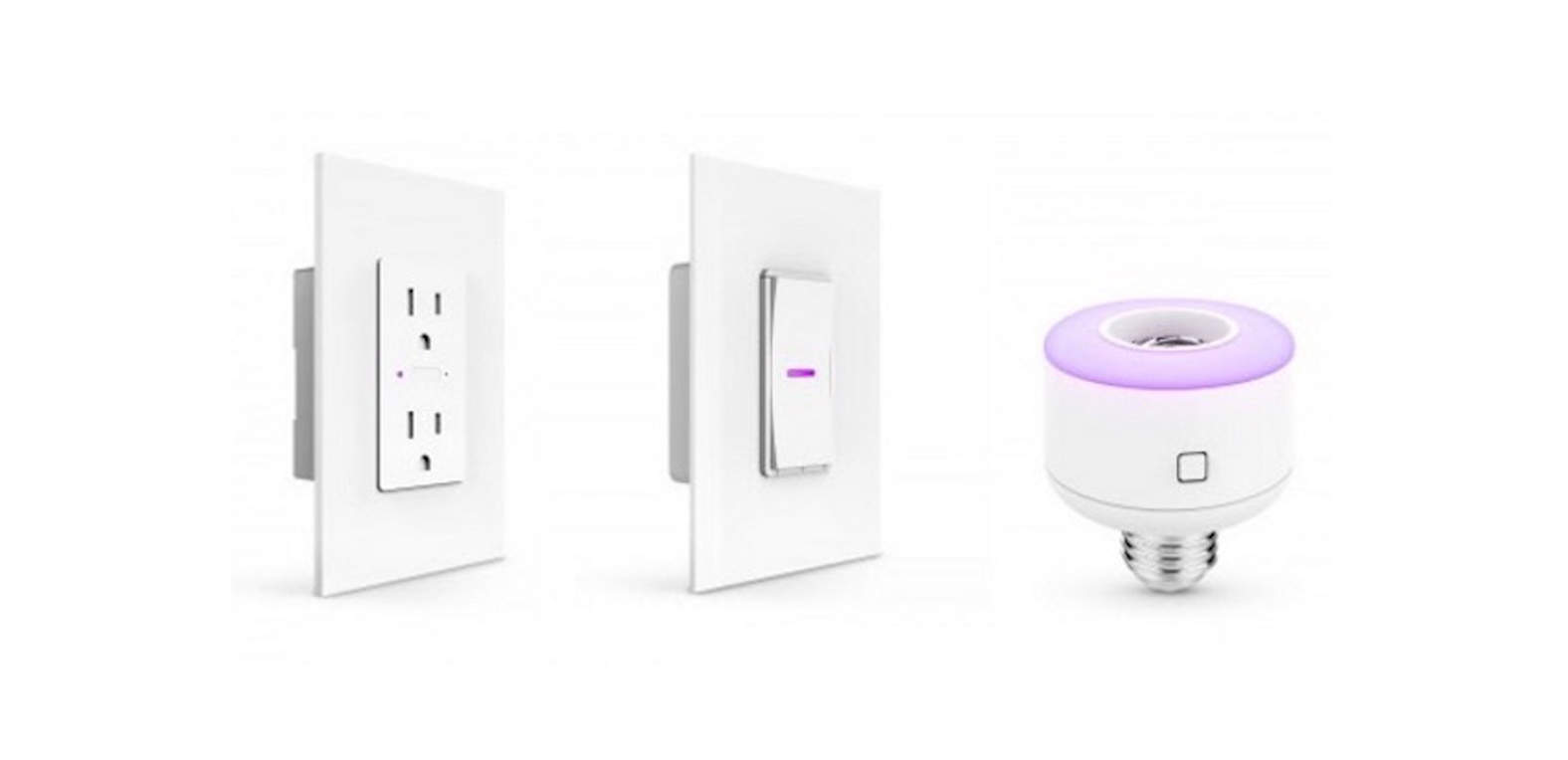
iDevices is doing a better job at pushing HomeKit than Apple is.
That’s the impression we’re getting, anyway, as the peripheral maker just keeps churning out products that are compatible with the home-automation framework built into your iPhone, iPad, and Apple Watch.
The four new devices, which the company is showing off at the Consumer Electronics Show in Las Vegas this week, bring its total number of things digital assistant Siri can control up to seven.
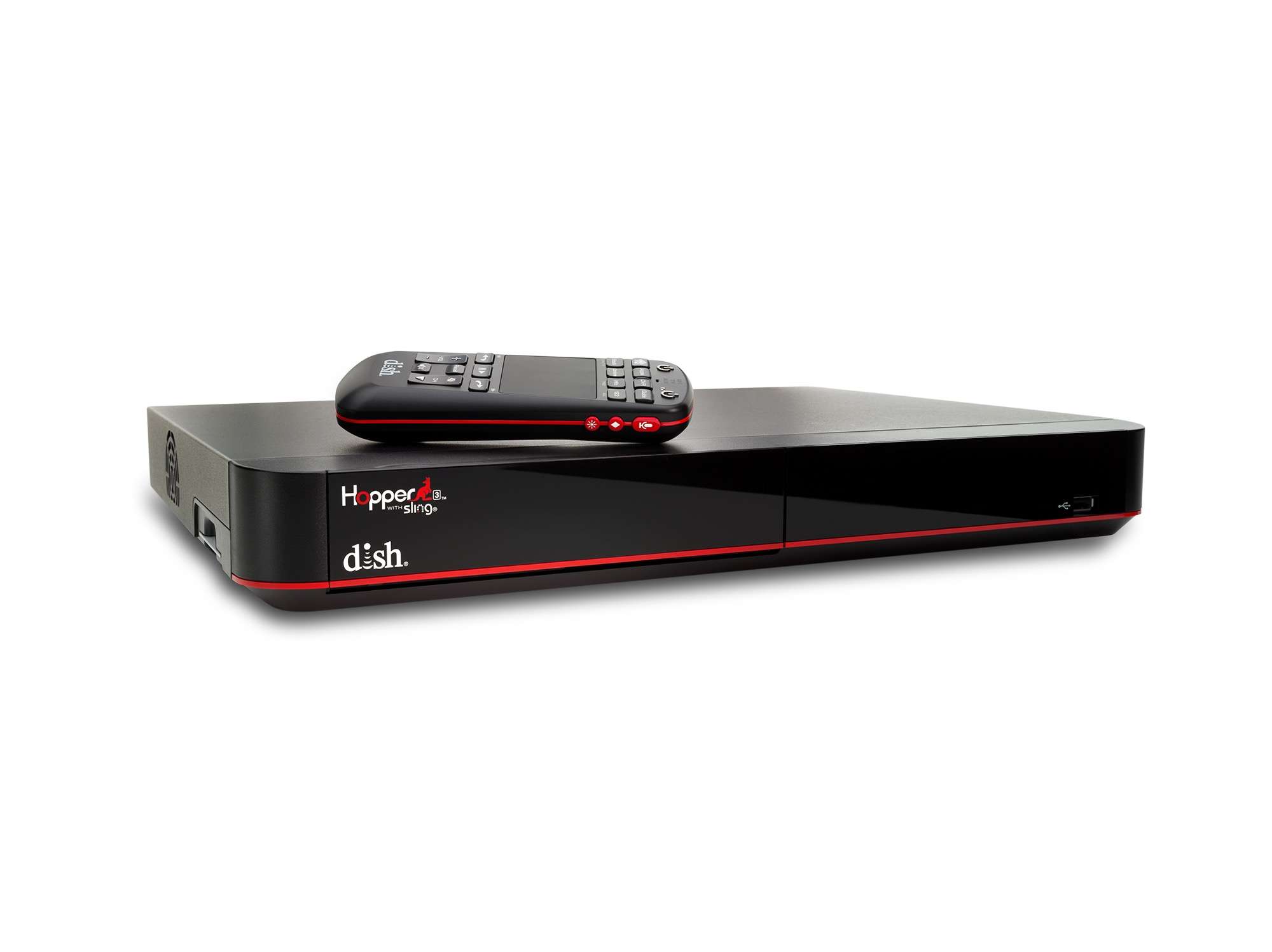
You now have a new buddy to enable you to binge watch TV like never before.
DishTV just rolled out the Hopper 3 DVR, which lets you record up to 16 programs at once. Sixteen! Consider that the first DVR player in 1999 only let you record one show at a time.
It seems like DishTV is putting its eggs in a basket that contrasts nicely with the Apple TV streaming model; the Hopper 3 will store all your shows for you and not have an effect on your bandwidth bottom line.
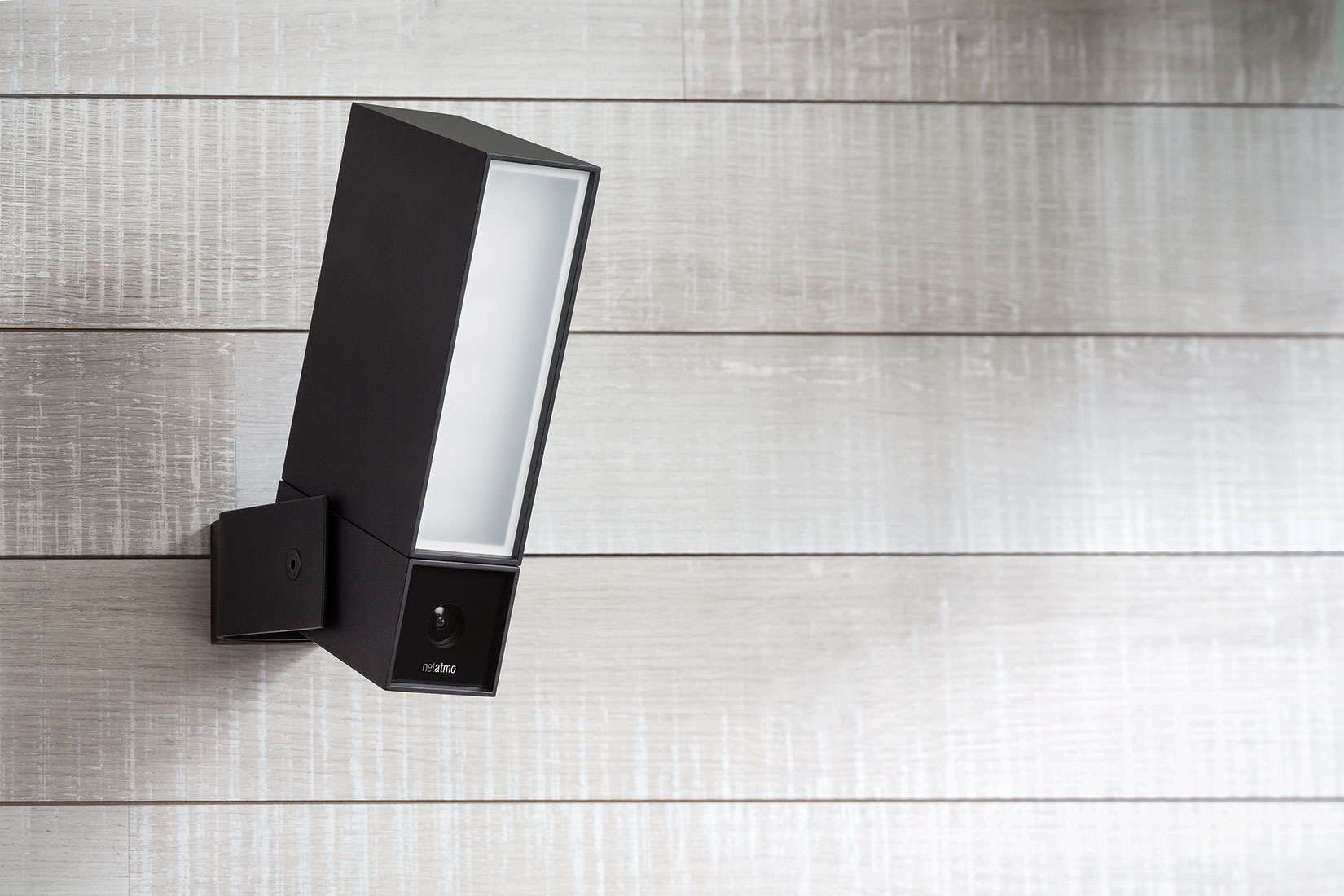
Consumer electronics company Netatmo has made a camera that is easily overlooked as it keeps a lookout outside your door.
The outdoor surveillance camera Netatmo named Presence uses an algorithm to detect whether something in its view is a person, car or animal. It then immediately sends a notification through a companion iPhone or Android app along with an option to see what the camera recorded.
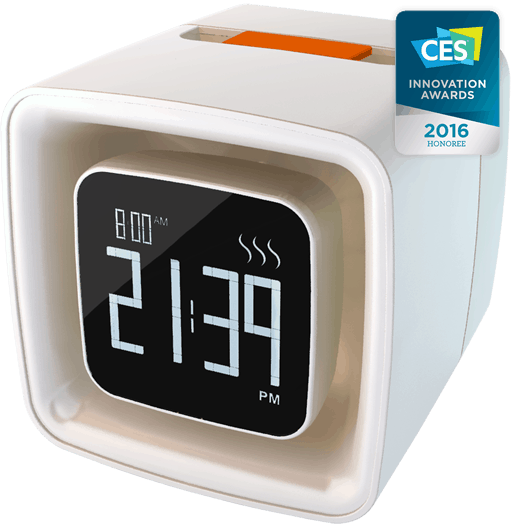
LAS VEGAS — There was a whole lot of sniffing going on at the Sensorwake booth here at CES Unveiled. The first olfactory alarm clock promises a kinder, gentler start to mornings, using scents instead of noise to wake up sleepyheads.
The quirky gadget couldn’t be any simpler: Set the alarm and wake up to one of six dry-air infused cartridges. Sensorwake is similar to a Glade Plugin but with cooler scents. It’s made by a French company, so it pumps out crazy European aromas.
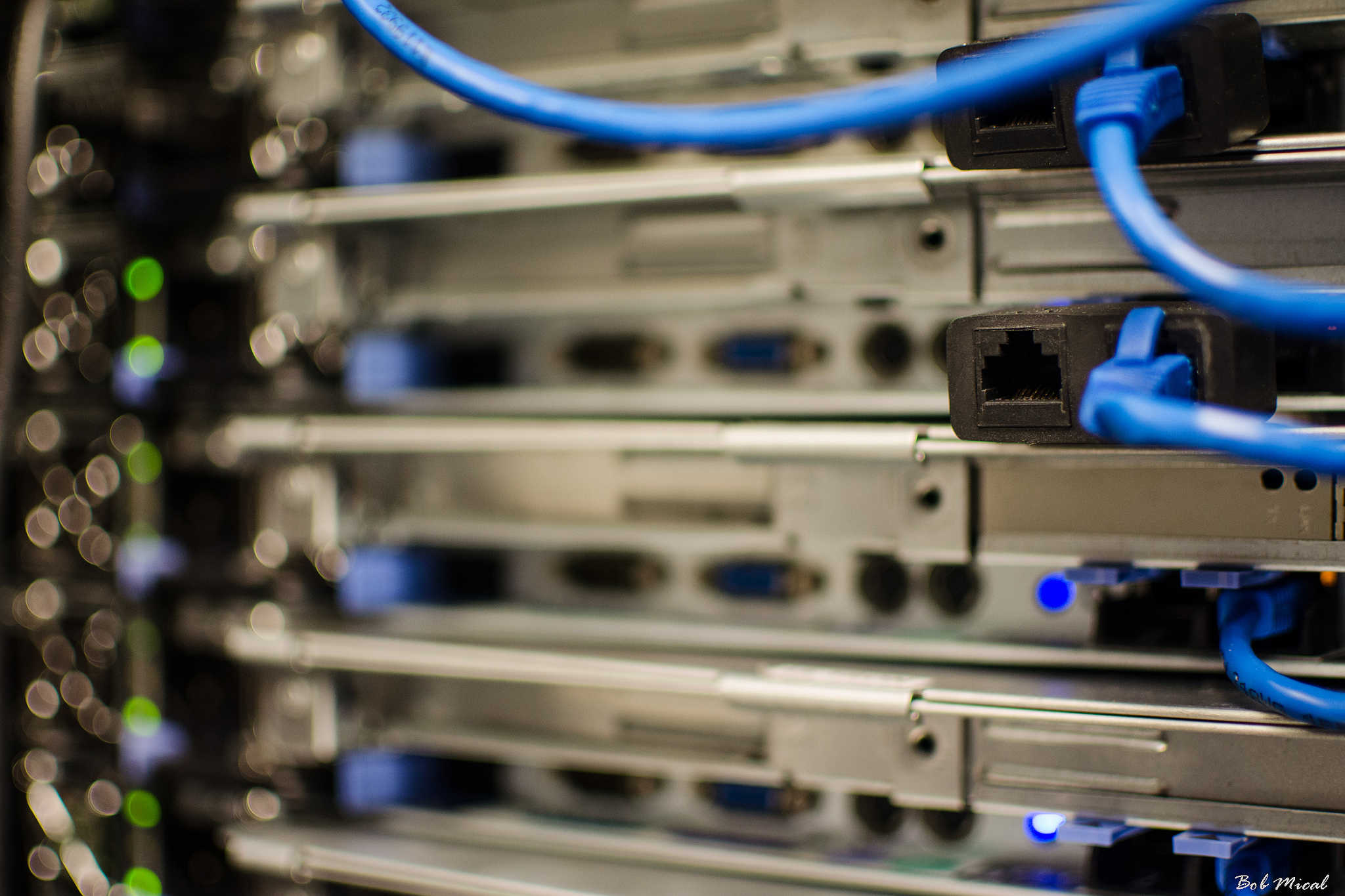
Apple is expanding its presence in Reno Technology Park in Nevada by building a new data center adjacent to its current one. The company filed a permit with Washoe County for “Project Huckleberry,” the codename for the new facilities that will stand next to the current “Project Mills” data center.
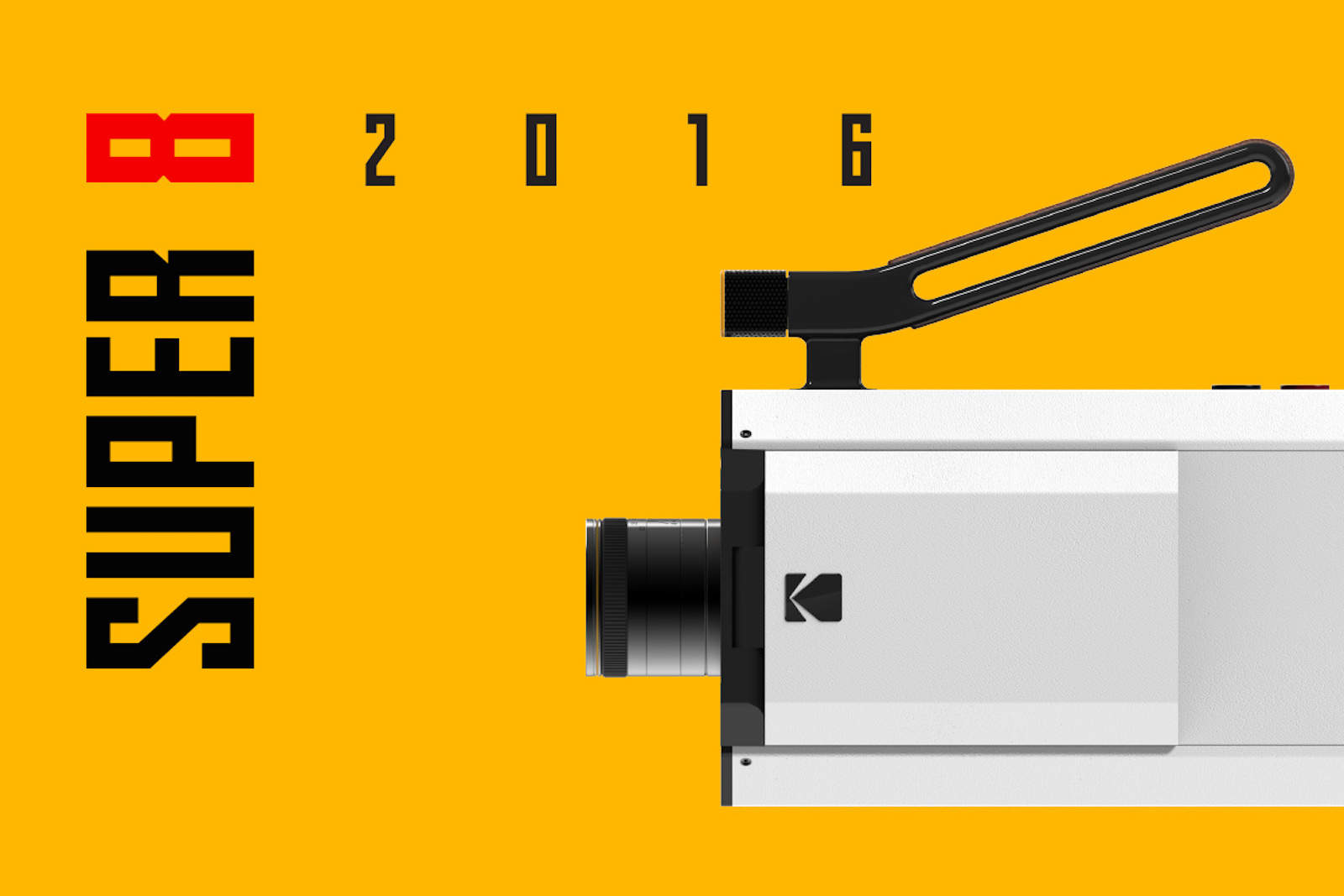
Kodak is not prepared to let analog filmmaking disappear into the digital world.
At the Consumer Electronics Show in Las Vegas this week, the film-stock maker is showing off a prototype for a new camera that will combine time-honored, physical shooting techniques with the latest in digital technology. This powerful combination hopes to capture the best of both traditions, allowing present and future filmmakers to continue to produce their art in whichever way they see fit.