At launch, 3-D Touch was seen as a bit of a gimmick. A very neat gimmick, but perhaps not a useful one. Over time, though, it has become as natural as using your finger to jab at an icon on the screen. And no part of 3-D Touch is as crazy useful as text selection. That may sound a little dull, but if you ever got frustrated trying to place the iPhone’s “cursor” precisely between some letters in order to correct a typo, you will L-O-V-E love this tip.
How to use 3-D Touch to select and manipulate text
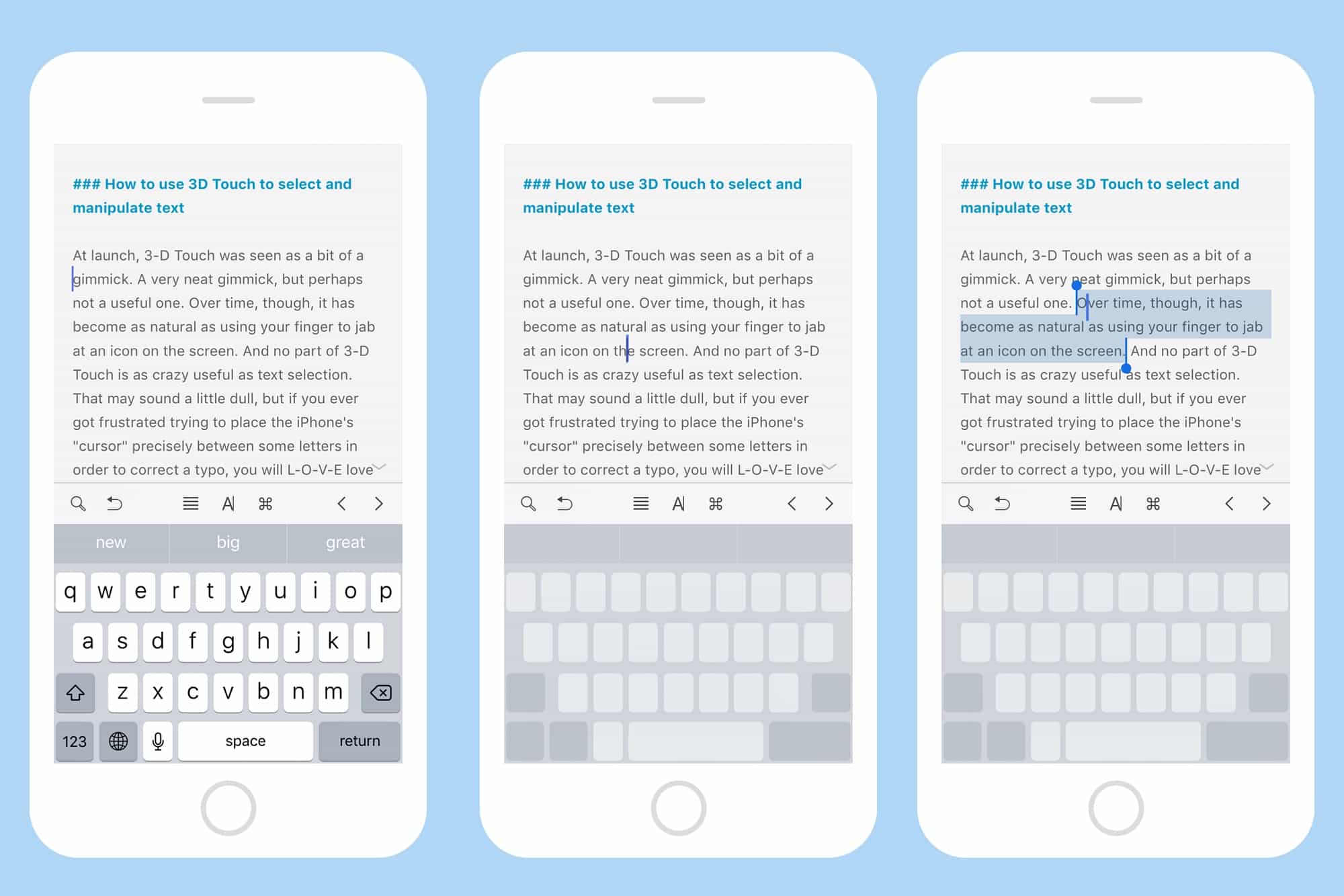
Photo: Cult of Mac