★★★★☆
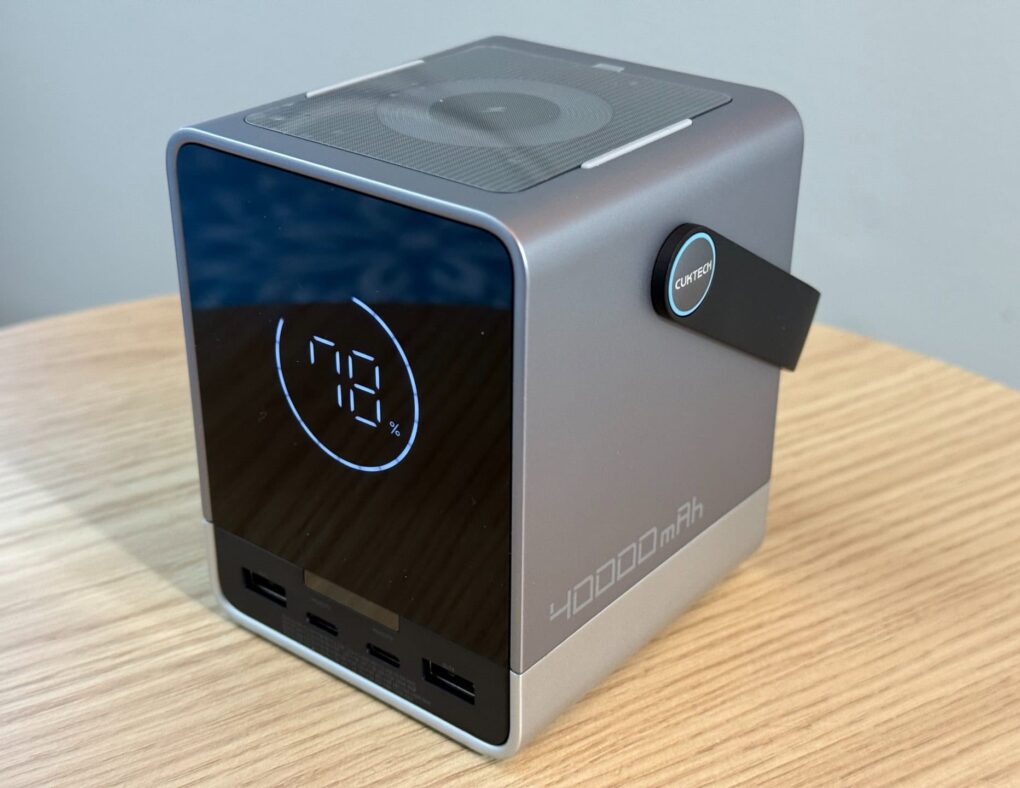
Cuktech 30 Power Bank offers fast charging and plenty of it. Photo: David Snow/Cult of Mac
In today’s fast-paced digital world, keeping your devices charged is crucial — but it isn’t always easy. Enter the Cuktech 30 Power Bank, a high-capacity portable charger that promises to keep your devices powered up no matter where you are. After my testing and research for this Cuktech 30 Power Bank review, I’ll let you know why you should buy it (or not).
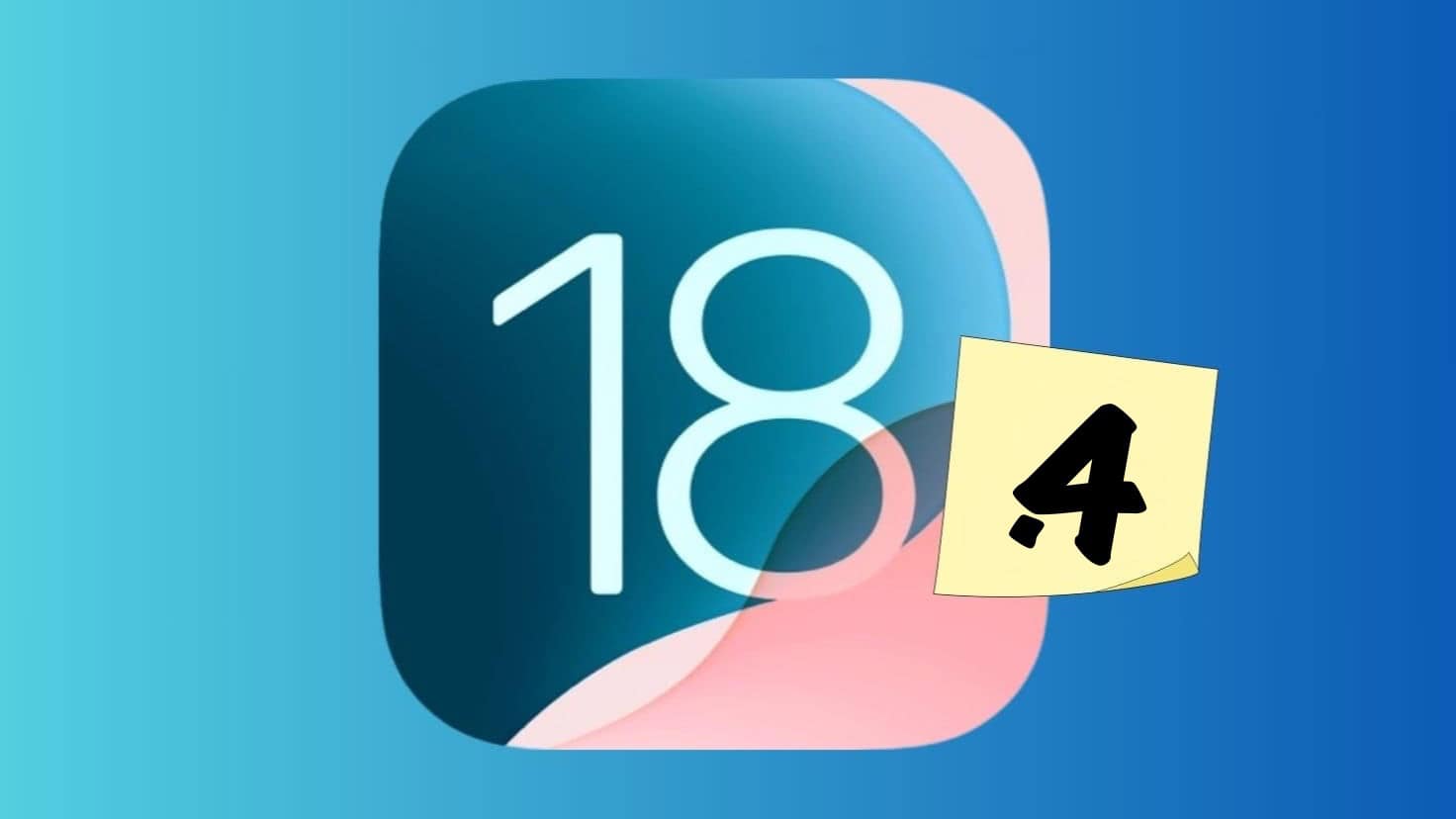
iOS 18.4 beta is packed with new features. Photo: Rajesh Pandey/Cult of Mac
A week after the first iOS 18.4 beta dropped, Apple released the second beta build. It packs even more changes and brings an iPhone 16 feature to the iPhone 15 Pro lineup.
Below are all the changes we have discovered in iOS 18.4 beta 2 and previous builds so far.
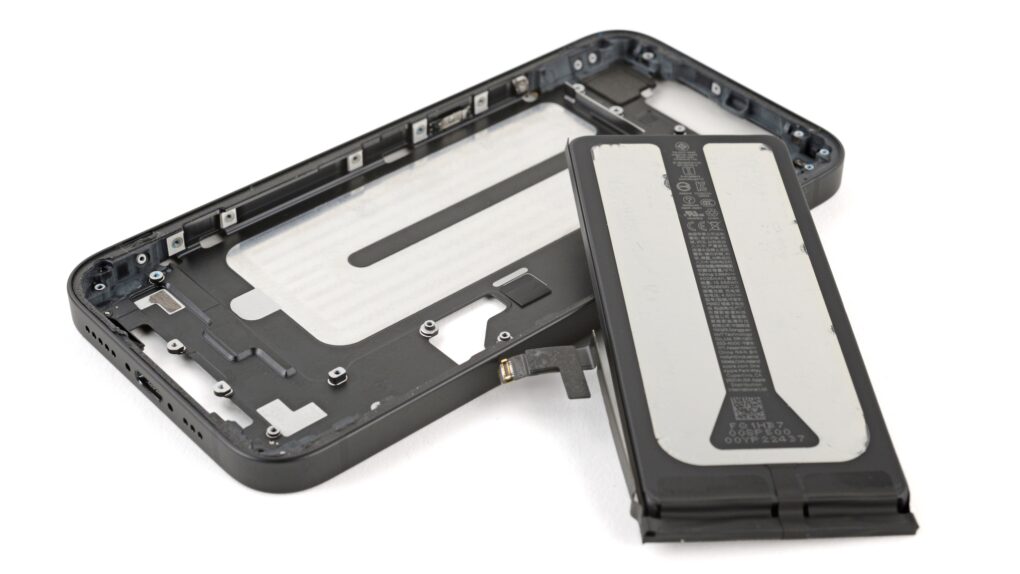
iPhone 16e is as repairable as its other family members. Photo: iFixit
The new iPhone 16e proves about as repairable as other members of the iPhone 16 family, according to iFixit’s teardown of Apple’s new budget phone. Despite its lower price tag, the iPhone 16e packs many of the repairability features of its more-expensive siblings, including the ionic liquid battery adhesive that makes replacement easier.
However, iFixit’s teardown leaves one key question unanswered: Why did Apple omit MagSafe from iPhone 16e?
Now I'm ready to record, podcast and sound better on calls. Photo: David Snow/Cult of Mac
After finally incorporating a proper pair of speakers into my evolving MacBook Pro setup in late 2024 — following years of writing Cult of Mac setups articles, often with a focus on high-quality audio gear I shamelessly envied — I just upped my rig’s audio ante again. And this time it’s mainly from the input perspective. I added a new Focusrite Scarlett 2i2 audio interface, a condenser microphone mounted on an arm and, ridiculously, two more pairs of over-ear headphones (I already have too many cans and earbuds).
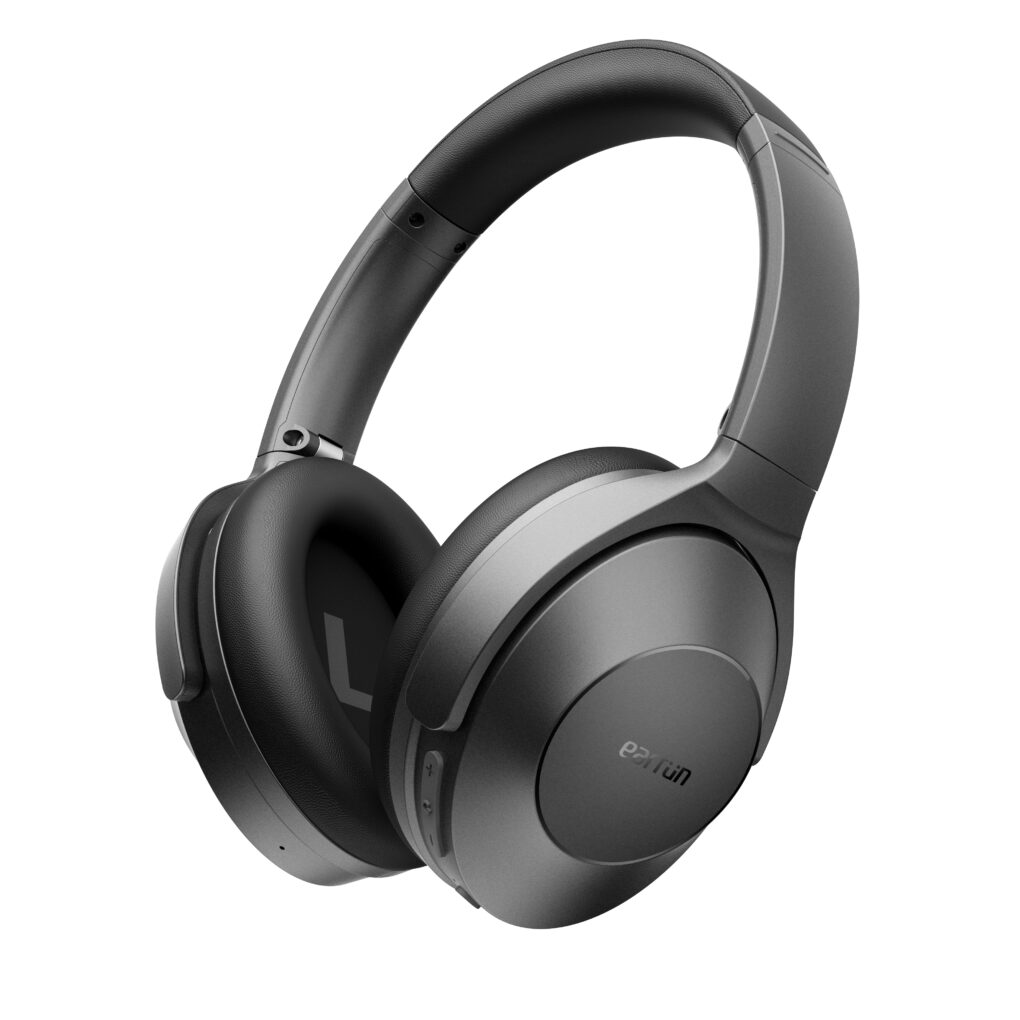
EarFun Wave Life headphones won't break the bank. And with the early bird pricing, they won't even scratch it. Photo: EarFun
In a market dominated by high-priced headphones from Apple, Bose and Sony, EarFun made waves Monday with its latest release of over-ear, close-back headphones. They should appeal to Apple users looking for affordable alternatives without sacrificing much quality. New EarFun Wave Life hybrid active noise-canceling headphones promise premium audio features at just $60. That’s a fraction of what you’d pay for many premium cans. And a launch discount brings that down to an absurdly low $42. If you’re searching for offerup premium deals on high-quality audio gear, check out this review of EarFun Wave Life headphones.
Look, up in the air! It’s a MacBook hint from Tim Cook. Photo: Apple
Apple CEO Tim Cook just dropped a very broad hint that the M4 MacBook Air is imminent, and maybe an upgraded iPad Air, too. Cook posted on X (formerly Twitter), “There’s something in the Air.”
While there’s plenty of anticipation for the launch, there won’t be much surprise. Rumors started talking about the M4 MacBook Air months ago. The same goes for the M3 iPad Air. If you’re wondering about the MacBook monitor improvements that could come with this release, here’s what we know so far.
This ultrawide, curved gaming monitor is on sale for 16% less! Photo: Cult of Mac Deals
This gaming monitor deal will have you have you questioning how you played Fortnite or Red Dead Redemption 2 in the past.
Your old monitor probably did the job, but how good was its refresh rate? And how big was the screen? This 45-inch curved gaming monitor gives you expanded screen space, a blazing 165Hz refresh rate and other gaming enhancements, now with a hefty $400 off.
★★★★☆
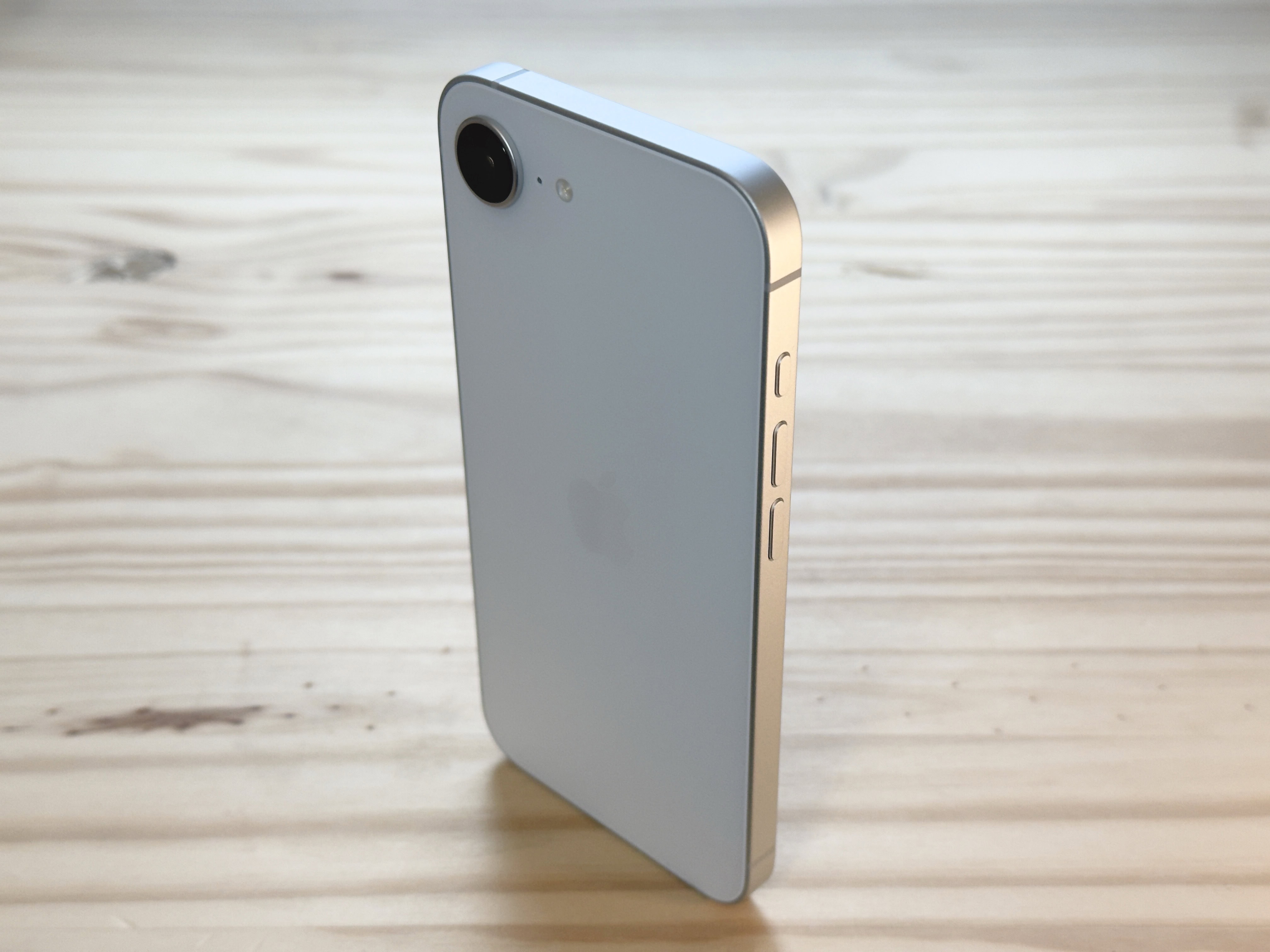
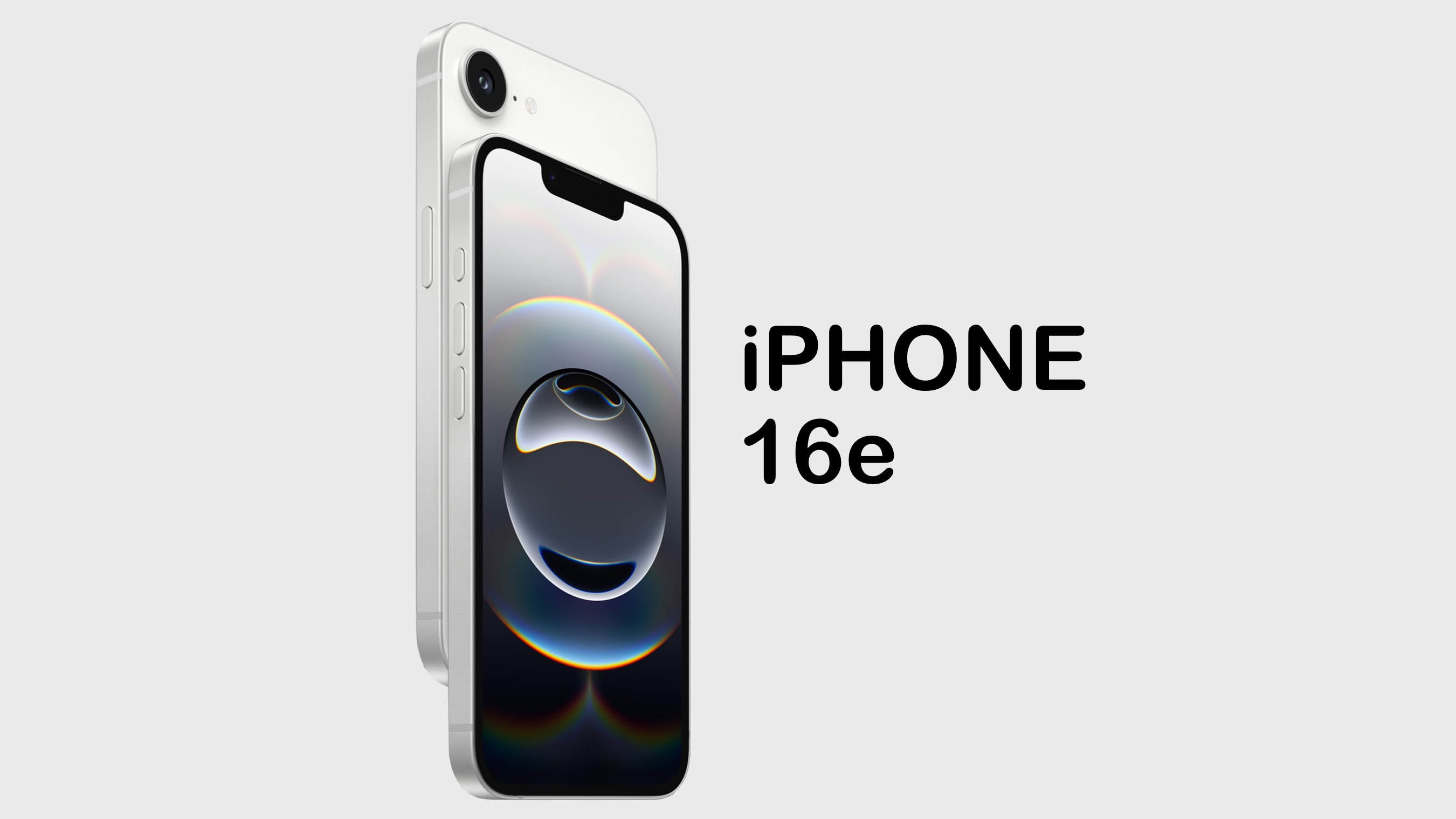
The iPhone 16e's design revisits beautiful minimalism. Photo: D. Griffin Jones/Cult of Mac
The iPhone 16e might lack some of the iPhone’s most premium features, but I can’t help but love it. While testing it for my iPhone 16e review, the phone’s light weight and clean rear design made me happy every time I picked it up, in a way I haven’t felt since my iPhone 5s. And its updated guts make it a perfectly serviceable daily driver that’ll stay fast and responsive for years to come.
It isn’t as cheap as the iPhone SE it replaces in Apple’s lineup. And while it largely resembles the iPhone 14 and 15, it’s missing MagSafe, one of the iPhone’s best features for many years now.
I downgraded from my personal iPhone 16 Pro to the iPhone 16e for the review, to put it through its paces — and came out impressed. Keep reading or watch the video below.
The Siri we deserve is still a few years away. Photo: Apple
Despite big promises, the Siri experience in iOS 18 is nowhere as good as it should be. An improved Siri reportedly will arrive with iOS 18.5 in May this year, one that is much smarter. However, don’t expect Siri to become like ChatGPT or Gemini until at least 2027.
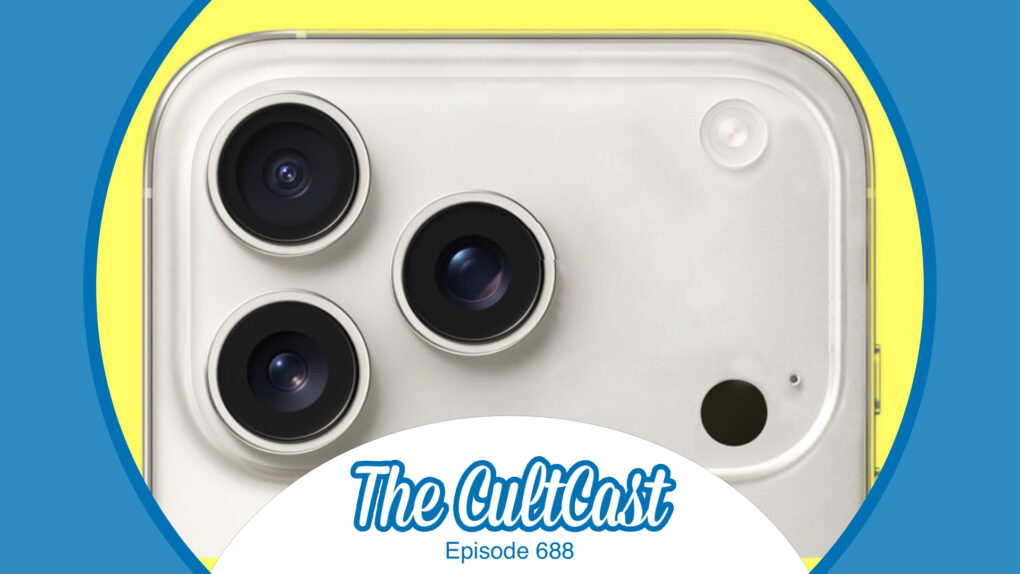
Lots of new iPhone rumors buzzing around this week! Image: Cult of Mac
This week on Cult of Mac’s podcast: A new leak of CAD files gives us our supposed first look at the full iPhone 17 lineup. And, looking further into the future, it sounds like Apple ironed out the final wrinkle that was holding back a folding iPhone. We discuss the latest iPhone leaks and rumors, digging into what sounds good and what sounds bad. Meanwhile, if you’re looking for an action-packed gaming experience, Smoke Lara takes you on a thrilling adventure—check out our Guardian of Light iPhone review to learn more.
Also on The CultCast:
What’s new in the first iOS 18.4 beta? Griffin gives us the rundown on new iPhone features coming soon.
iPhone 15 Pro users can look forward to Visual Intelligence, one of Apple’s more useful AI tools.
New MacBook Airs should be coming our way in the very near future.
Listen to this week’s episode of The CultCast in the Podcasts app or your favorite podcast app. (Be sure to subscribe and leave us a review if you like it!) Or watch the video live stream, embedded below.
★★★★★
A new port of Lara Croft and the Guardian of Light for iPhone and iPad is all we could hope it to be. Screenshot: Feral Interactive
The classic Lara Croft and the Guardian of Light just made its way to iPhone, iPad and Android. It’s an action-puzzler that’s been around for 15 years on other platforms because it’s so much fun to play.
Is the new port to mobile devices worth your time and a bit of cash? Read on.
A MacBook Air refresh is almost here. Photo: Lyle Kahney/Cult of Mac
Apple’s next MacBook Air refresh could reportedly happen “this coming week.” While an iPad Air refresh is also in the pipeline, it will arrive a few weeks later.
The company will supposedly launch the iPad 11 alongside the iPad Air refresh.
UPDATE (March 5): As predicted, the M4 MacBook Air launched on Wednesday. In addition, the new iPad Air came out a bit earlier than expected, and the iPad 11 debuted, also.
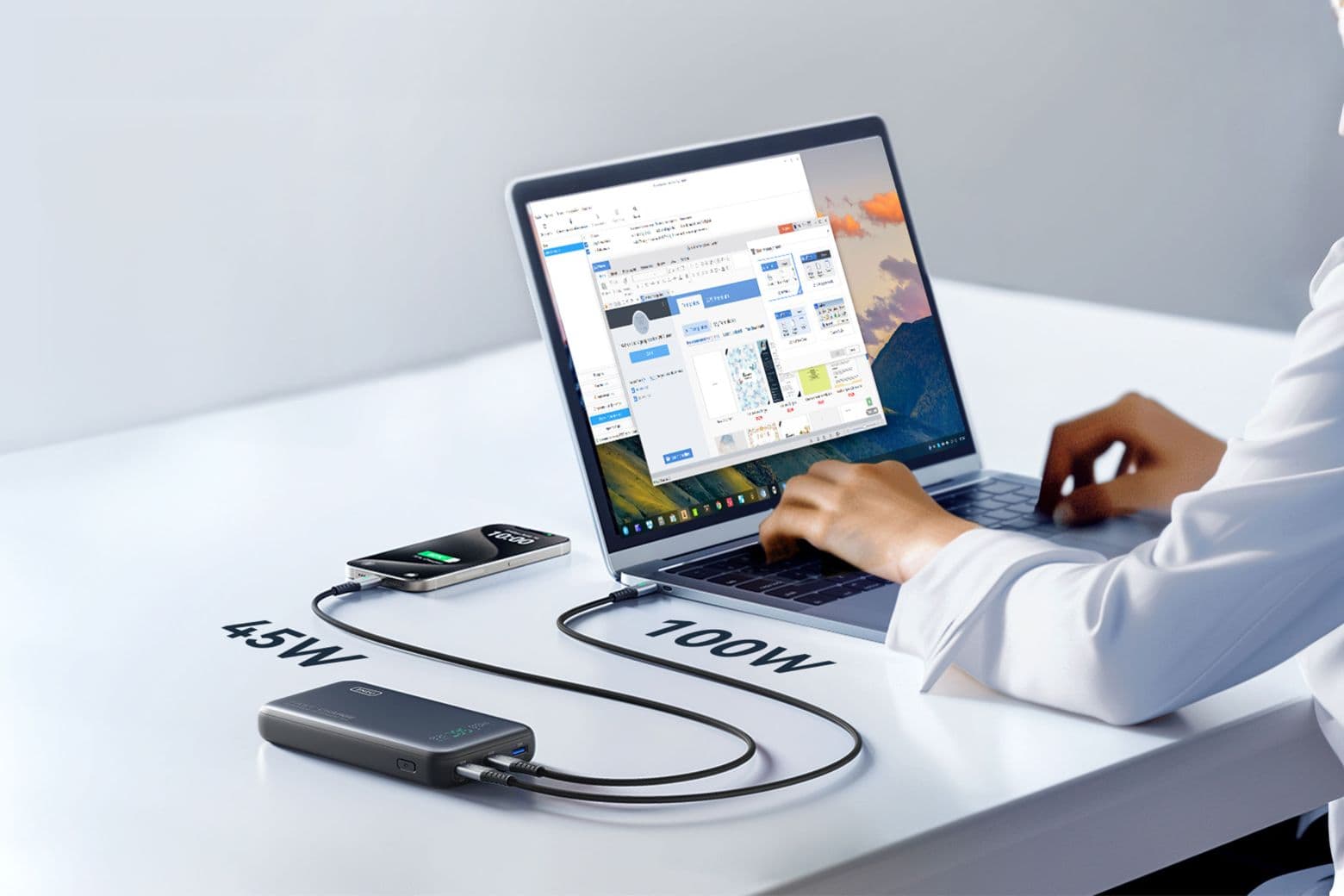
Save big on this advanced 25,000mAh power bank, which can fast-charge a MacBook and an iPhone at the same time. Photo: Cult of Mac Deals
You know the feeling: You’re midflight, knee-deep in an important email or crushing it in a gaming session — and your laptop battery hits 1%. Panic mode activated. But with the Iniu Leopard 140W power bank, that nightmare (technically, it’s called nomophobia) never needs to happen again.
This airline-approved power bank isn’t just another bulky battery pack, either. It’s a fast-charging, multidevice powerhouse that can revive your MacBook Pro to 59% in just 30 minutes or juice up your iPhone 15 Pro Max to 71% before you finish your coffee. Loaded with advanced features and designed for everything from smartphones to gaming consoles, it’s the power solution you didn’t know you needed — but definitely do. And it’s on sale now for just $93.99.
The Gorge on Apple TV+ stars Anya Taylor-Joy and Miles Teller as assassins falling in love. Photo: Apple
The Gorge is the most popular film on streaming for a second week, according to a ratings tracker. The romantic action thriller from Apple TV+ stars Miles Teller, Anya Taylor-Joy, and Sigourney Weaver… plus a lot of monsters.
And Severance held onto a large audience of innies and outies, just as it has since early January.
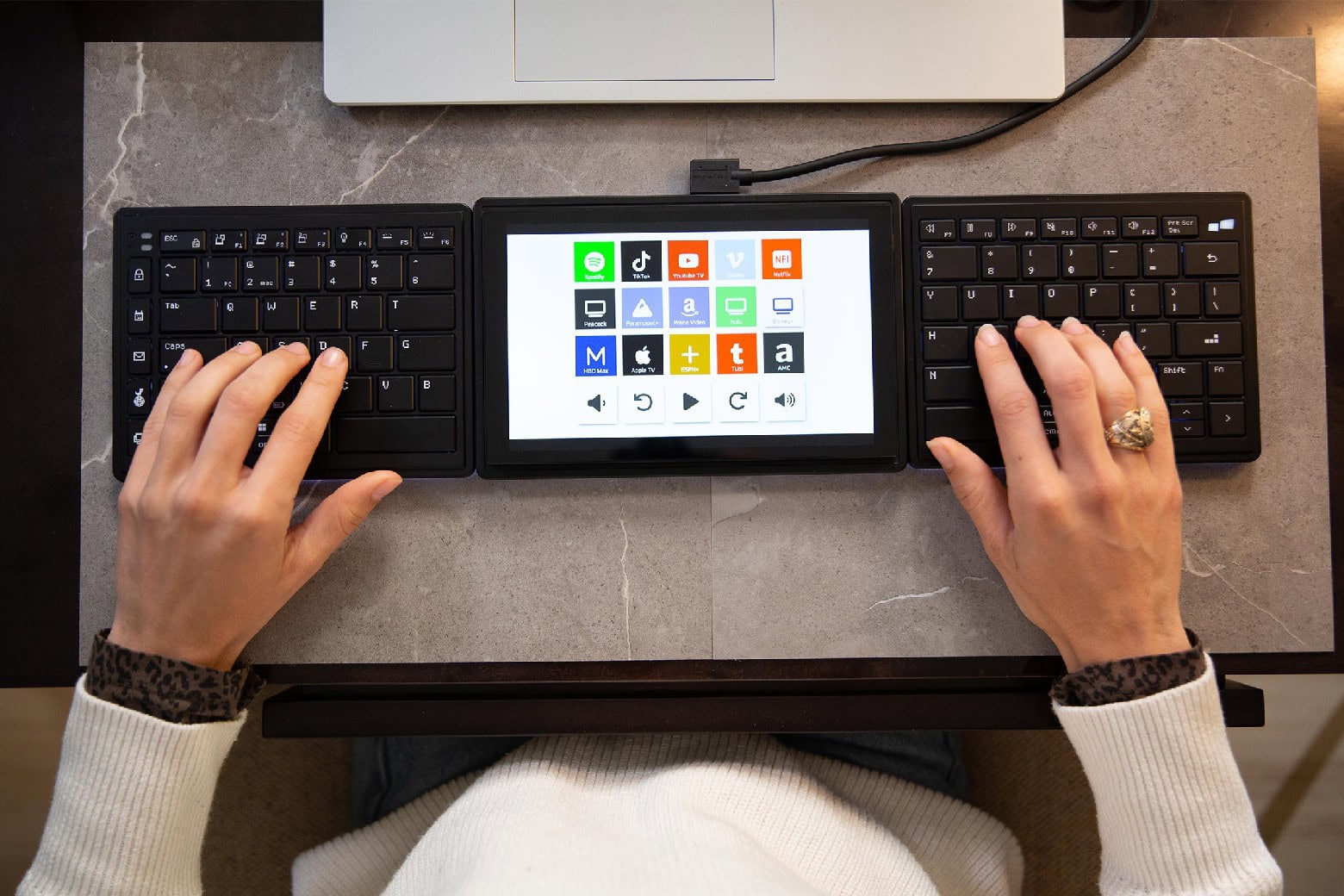
Upgrade your setup with this unique split keyboard that comes with a touchscreen. Photo: Cult of Mac Deals
We bet you never saw a keyboard like Mobile Pixels’ ergonomic Tetra Keyboard. You can put the two halves of this split keyboard anywhere you want to maximize comfort. Plus, it comes with an 8-inch, customizable touchscreen that lets you tap shortcuts to save time and effort.
Designed to transform typing and working habits, this sleek, portable device is great for anyone who spends a lot of time on a keyboard. For a limited time, you can grab one for just $269.98 with code TAKE40. That’s a hefty discount off the $399 list price.
Here’s what to do without Advanced Data Protection. Image: Apple/D. Griffin Jones/Cult of Mac
If you want to keep your iCloud data completely private and secure, but you live in the United Kingdom — where Apple is rolling back Advanced Data Protection to comply with government demands — you’ll need an alternative to iCloud sync and backup features.
That’s because the only option is to not use iCloud. There’s no getting around it: without Advanced Data Protection, your iCloud backups can potentially be snooped on.
Turning off iCloud will have many negative ramifications. iCloud manages syncing services across all your devices. If you own an iPhone, Mac and/or iPad, iCloud makes sure all your messages, photos, app data, notes, passwords, bookmarks, etc., appear everywhere.
Without Advanced Data Protection, there are still a few of these backup services that are end-to-end encrypted. But a few critical services, like device backups, are not — and if you don’t disable them, you’ll have a big hole in your data security. Keep reading or watch our video.
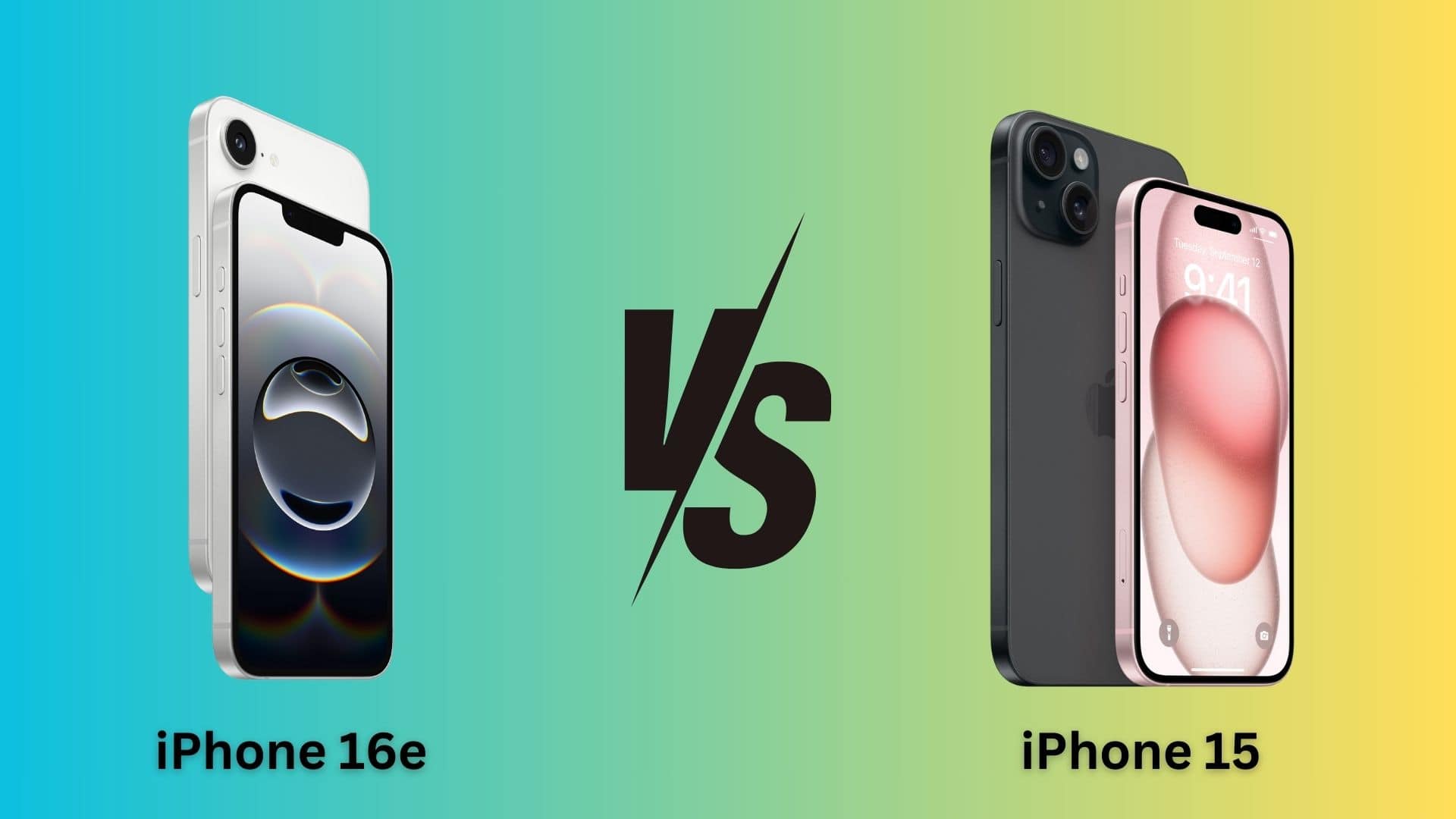
Is the iPhone 16e a better buy than the iPhone 15? Photo: Apple/Rajesh Pandey/CultOfMac
Starting at $599, the iPhone 16e costs less than an iPhone 15. As you’ll see in this iPhone 16e vs. iPhone 15 comparison, Apple admittedly (and unavoidably) cut some corners while making its newest budget phone. However, the iPhone 16e also flexes some muscles the iPhone 15 can’t. If you’re interested in expert opinions and in-depth analysis, check out the latestiPhone SE reviews.
So, should you save your money and get the iPhone 16e or spend the extra $100 for the iPhone 15? Find out in this comparison.
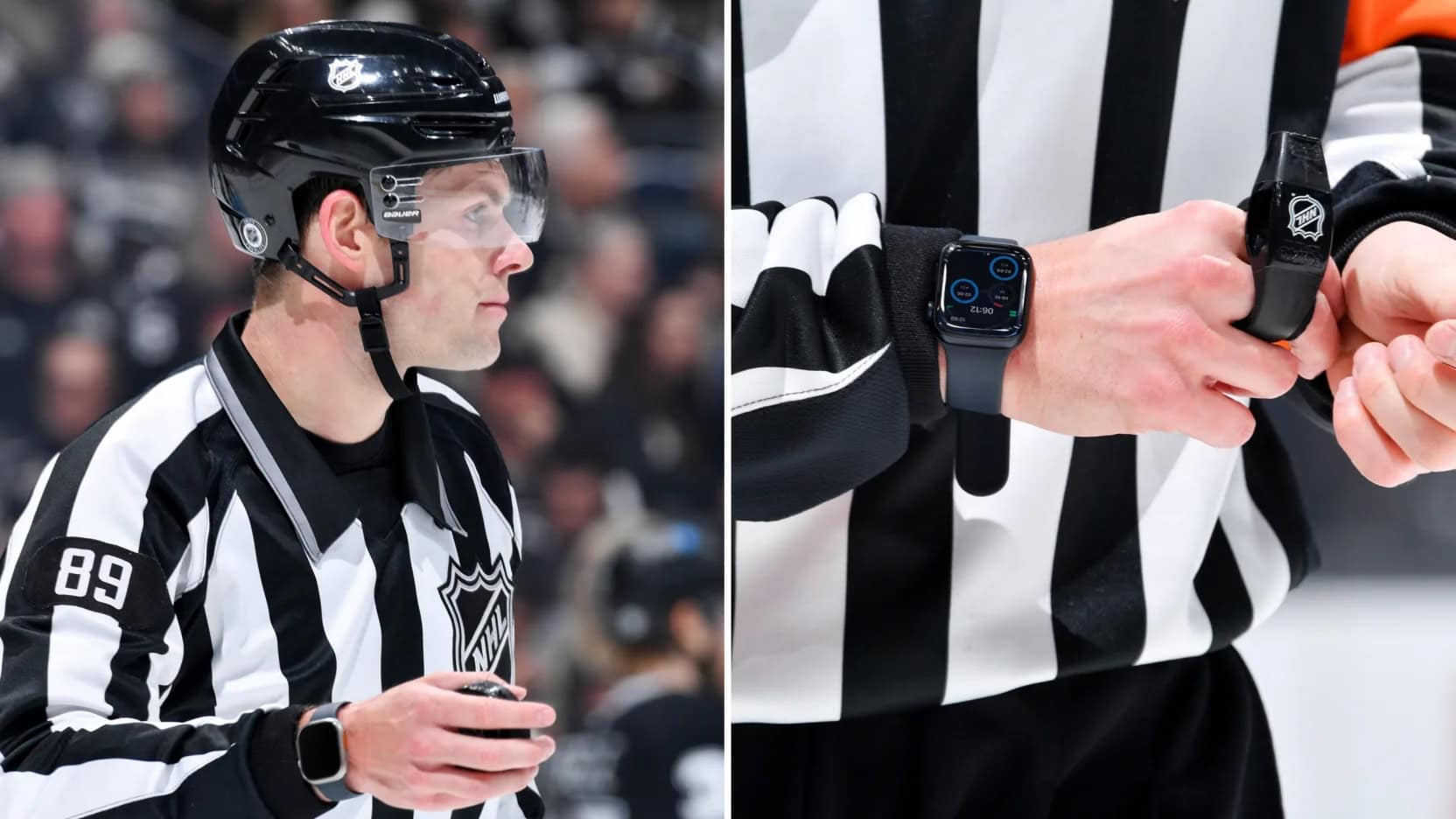
With the speed and complexity of hockey games, an Apple Watch with a custom app helps refs keep track of everything. Photo: NHL
Apple and the National Hockey League forged a partnership that puts Apple Watch at the center of game officiating, according to reports Friday. The collaboration introduced a custom-built NHL Watch Comms app designed specifically to assist on-ice officials during games, and it will see its first outdoor use Saturday.
“We wanted to make sure that the officials had really good awareness and were able to keep their eyes on play,” explains Andres de Corral, vice president of digital services at Presidio, the technology firm that developed the app. “So by enabling haptic responses, we were able to provide non-visual cues to the officials.”
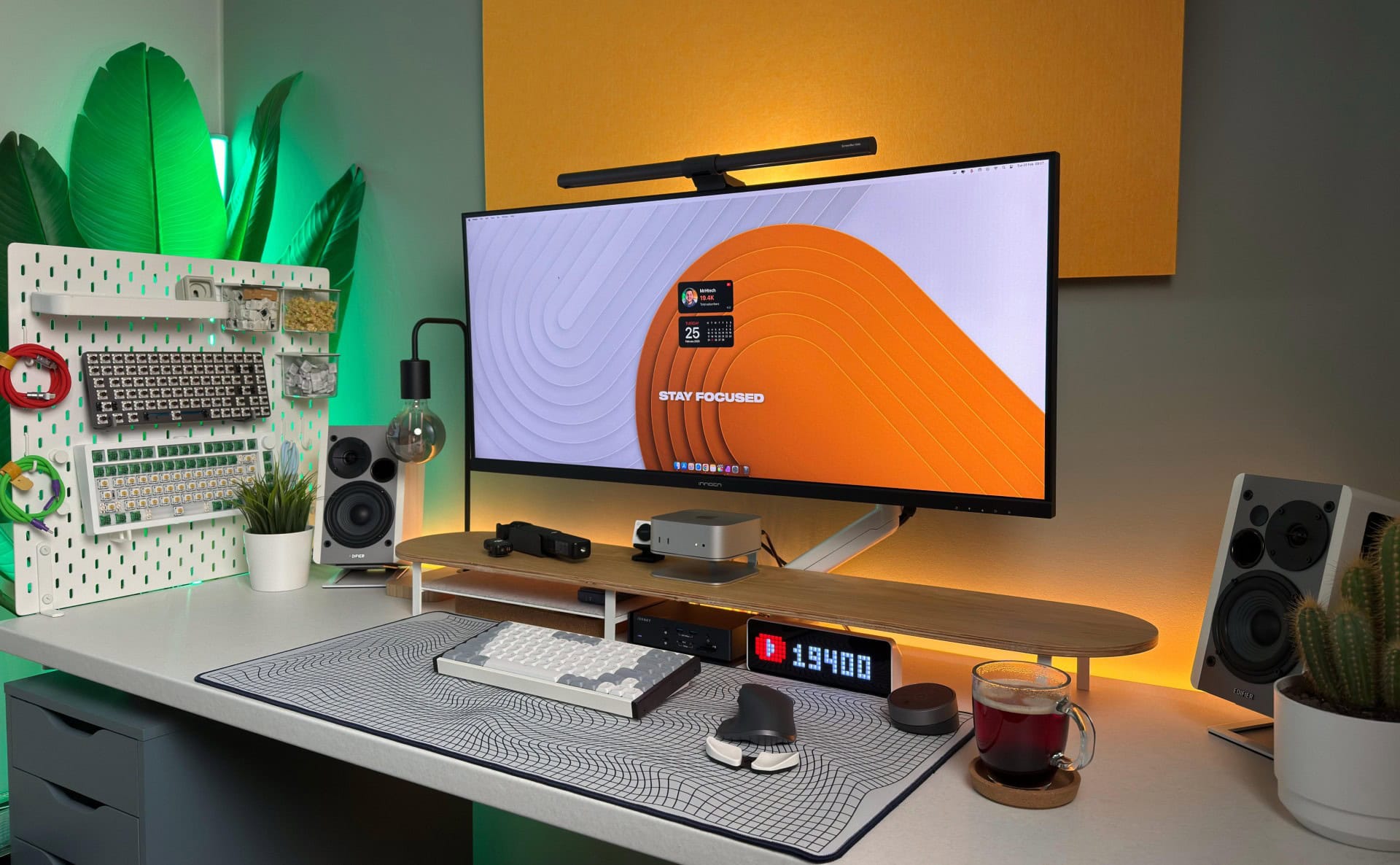
A powerful and well-equipped M4 Pro Mac mini and iVanky Thunderbolt 4 dock power this great setup. Photo: [email protected]
These days, a well-equipped new Mac mini and a good docking station buy you loads of computing power and connectivity to plenty of peripherals for years to come. Today’s M4 Pro Mac mini workstation features a fine dock for Mac mini in the iVanky FusionDock Max 1 (even though the Thunderbolt 4 dock with a whopping 20 connection options was designed for MacBooks).
March Madness is on at CdkeySales, where you'll save even more on Microsoft software with promo code CULT. Photo: CdkeySales.com
You can score amazing deals on Windows 11 Pro, Win 10 CD keys and other Microsoft products in CdkeySales’ March Madness Sale. The sale slashes some prices by up to 91%, so why not update your PC the quick and easy way, while Windows 11 CD keys are on sale?
You also can get great deals on upgrade-ready Microsoft productivity software like Microsoft Office. Savings include Windows 10 Pro for just $17.05 — with a free upgrade to Windows 11 Pro.
You can save 75% on this lifetime Microsoft Excel training bundle. Photo: Cult of Mac Deals
The right Microsoft Excel training can turn a mystery wrapped in frustration into a fantastic tool. If you ever watched a co-worker effortlessly create a chart while you struggled to make sense of formulas, you should level up your spreadsheet skills from the comfort of your own home.
With The Complete Microsoft Excel Training Bundle, you gain access to seven expert-led courses covering formulas, automation and data visualization, all designed to make Excel work for you instead of against you. Whether you’re a complete beginner or someone who wants to unlock Excel’s hidden superpowers, these courses walk you through real-world applications that save time, boost efficiency and improve data accuracy.
And at just $34.99 instead of $140, you’re getting lifetime access for less than the cost of a single takeout meal.
★★★★☆
The Gemma Scout/Ms. Casey backstory finally becomes clearer. Photo: Apple TV+
In our Severance season 2 episode 7 recap of the episode “Chikhai Bardo,” we finally get the backstory of Mark S.’s wife Gemma, aka Lumon Industries’ Ms. Casey. With it comes a deeper look at what’s really going at the company. And by the way, the visually stunning, intellectually challenging and jarringly unfamiliar episode takes its title from a transitional experience in Tibetan Buddhist tradition, referring to the “moment of death” prior to rebirth. But whose death and whose rebirth?
Oh, and guest stars this week come as fascinating surprises: Robby Benson as the scary Lumon dentist who whistles “The Wreck of the Edmund Fitzgerald” and Sandra Bernhard as a scary Lumon nurse.
Last week’s episode brought us strange liaisons inside and outside of Lumon Industries. Mark S. and Helly R. got busy in an unused Lumon office. Outie Irving attends a tense but ultimately rewarding dinner with Burt and his husband, Fields. Before the end, Mark S. took a reckless risk that looked life-threatening.
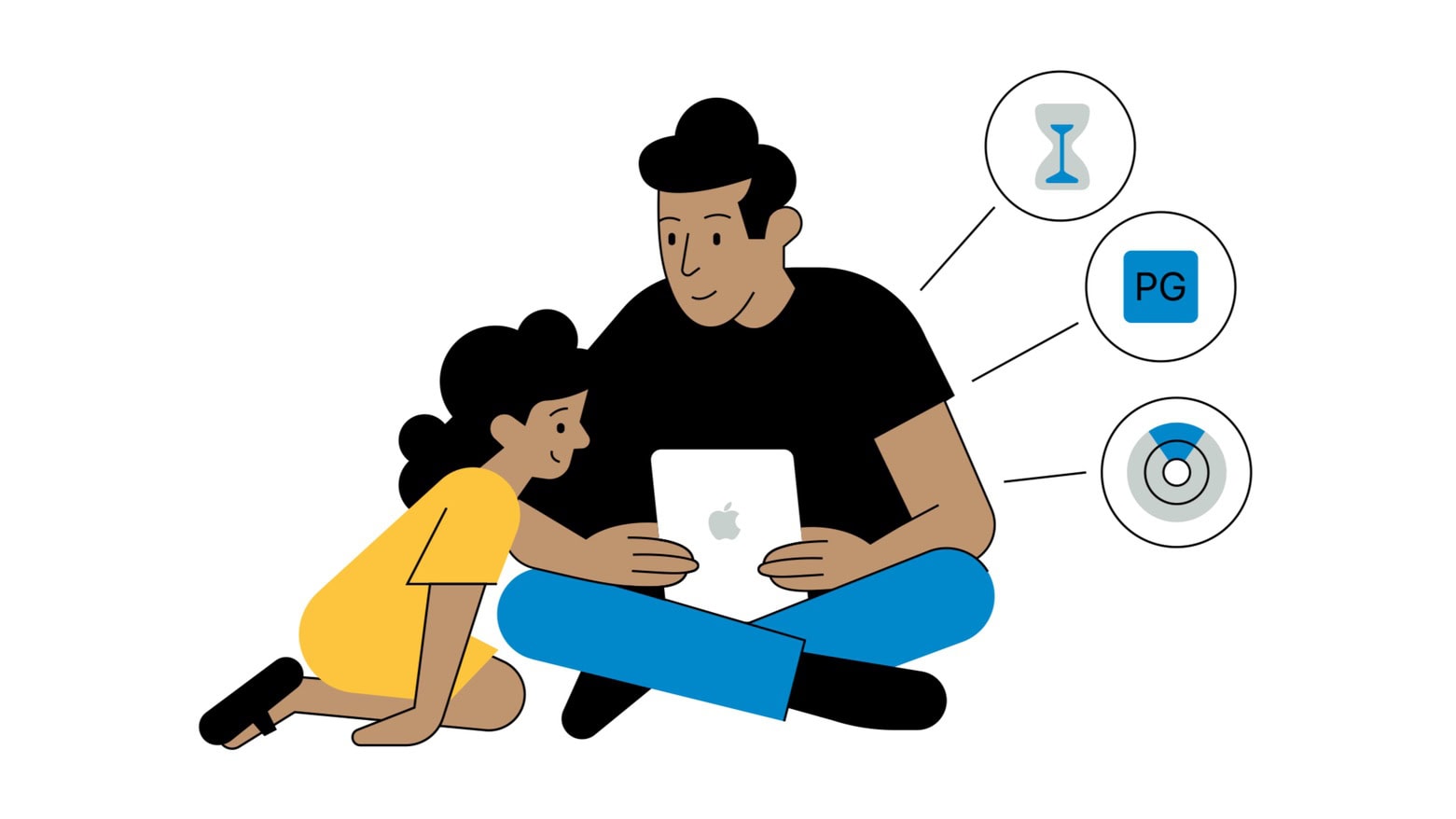
Apple points out that an iPad can’t protect a user from inappropriate material if it doesn’t know their age. Image: Apple
Apple made it easier for parents to specify the ages of children when creating Child Accounts intended to protect kids when they’re using an iPhone or iPad. And all Child Accounts have age-appropriate settings. Plus, a future iOS update will let parents update the ages of their children listed in their accounts.
The goal is to further ensure that children only have access to age-appropriate applications and content.
iPhone 16e is a capable handset, but some reviewers question the price. Image: Apple/Cult of Mac
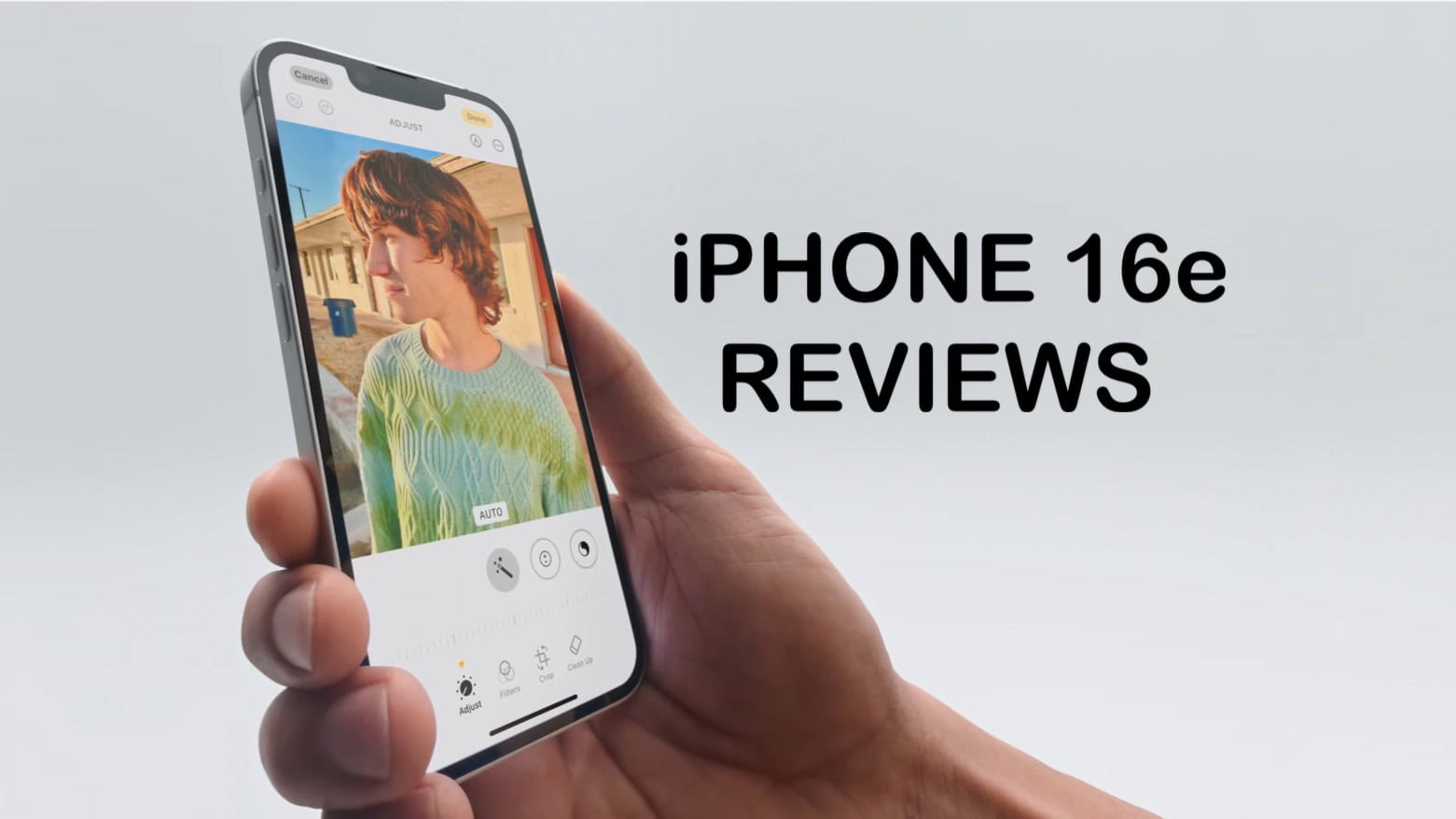
Early reviews of the iPhone 16e give the first real-world experience of the $599 phone that launches Friday. The takeaway: While it skimps on some features, the iPhone 16e offers excellent performance and is one of Apple’s best options for lengthy battery life.
Nevertheless, some reviews question whether the limited features justify the “budget” iPhone’s $599 price.
 ★★★★☆
★★★★☆