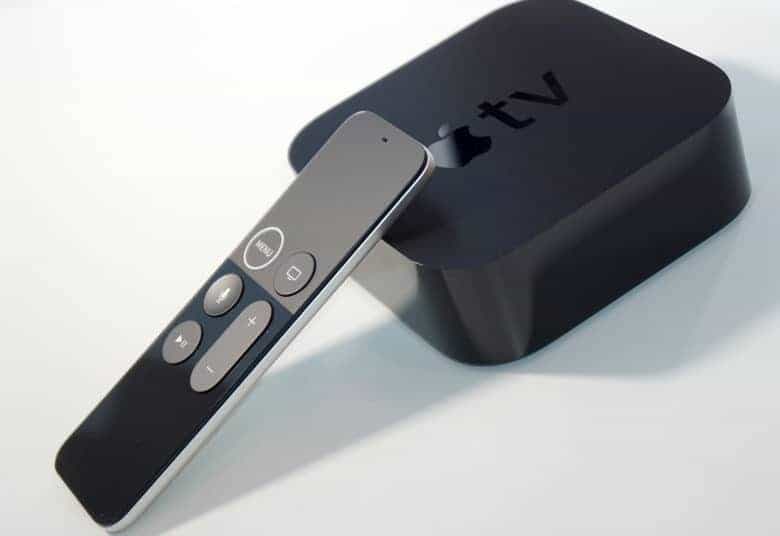
As rumored, Apple has finally delivered on its WWDC promise to bring Amazon Prime Video to Apple TV, with just a few weeks to spare before Apple hit its own end-of-the-year deadline.
The tvOS version of the app is available to download on Apple TV 3rd generation devices or above by searching “Amazon Prime Video” on your set-top box. It brings an end to the days of having to use AirPlay to play Amazon Prime Video on your Apple TV, via another device.