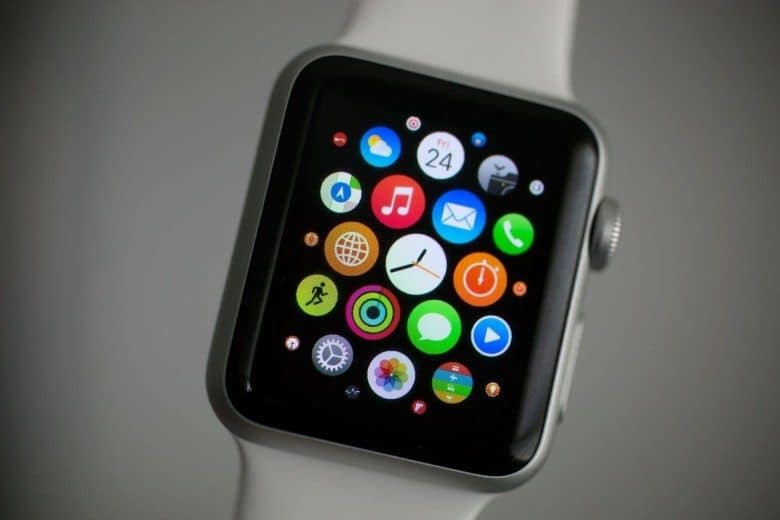
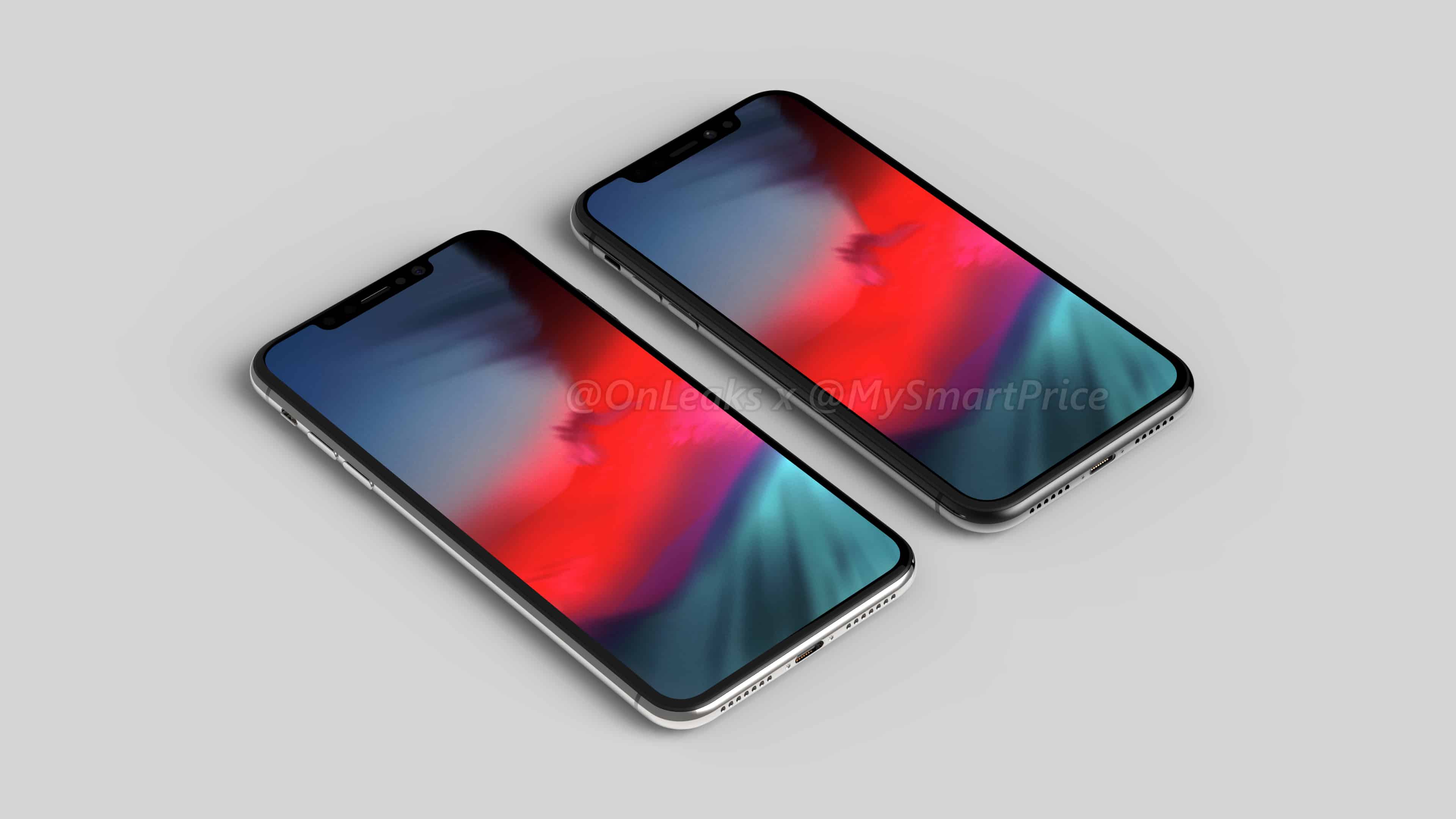
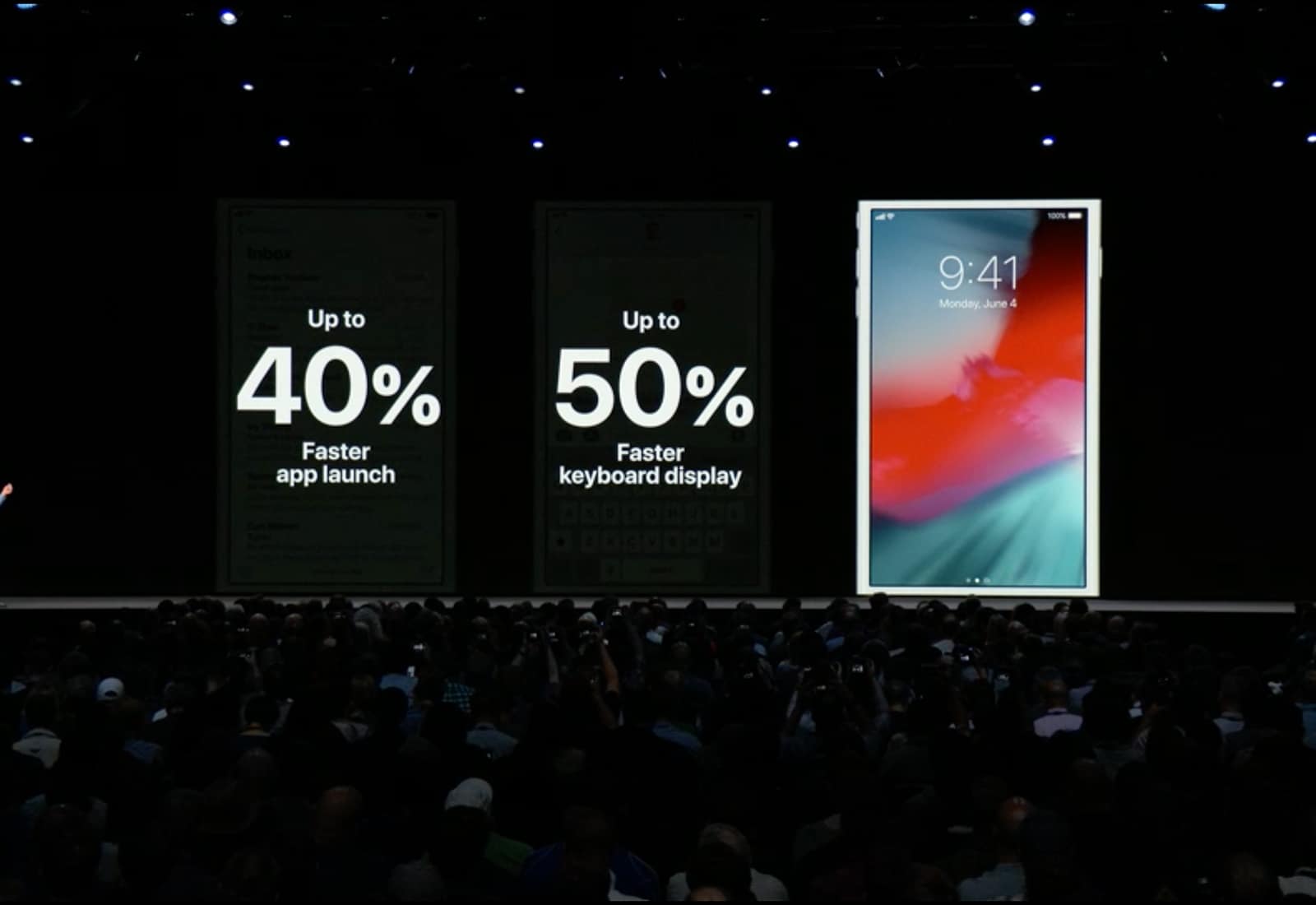
It may not have been action-packed, but this week’s WWDC was bursting with great stuff. Don’t miss our WWDC 2018 reactions on this week’s episode of The CultCast. Then stick around for our list of all the best new iOS 12, watchOS, and macOS features announced at the keynote.
Our thanks to Casper for supporting this episode. Learn why Casper makes the internet’s favorite mattress, and get $50 toward select mattresses at casper.com/cultcast.