Mobile menu toggle

This leather, button-stud Apple Watch band will fit any wrist size

By

form function form
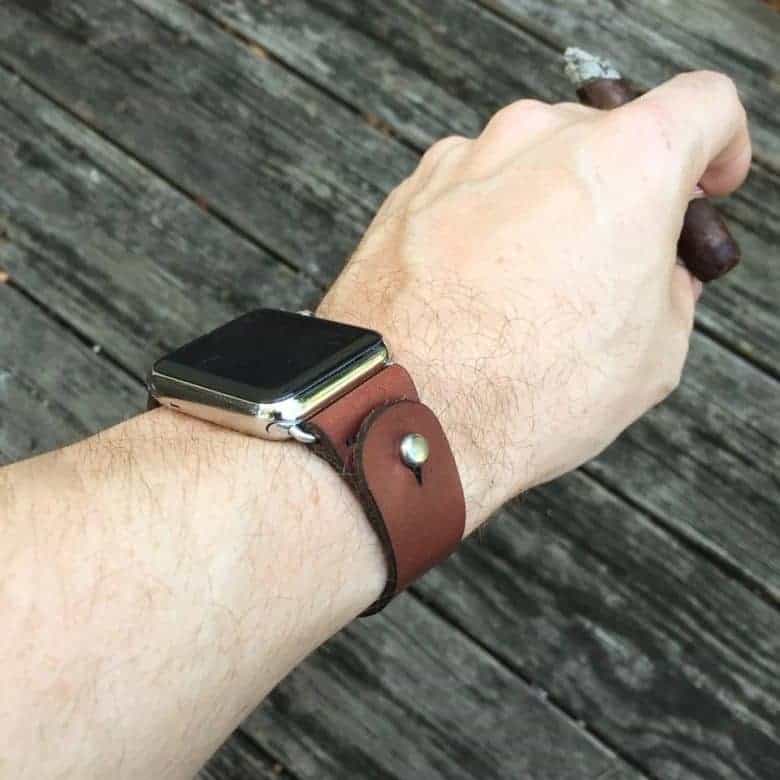
The adjustable length Button-Stud Apple Watch band fits virtually all wrist sizes — from the fleshiest to thinnest!
Photo: Courtesy of Form Function Form

Best List: Button-Stud Apple Watch Band by Form Function Form

Making Apple’s “most personal device ever” personal to you is super-serious business for one Florida purveyor of handmade leather goods.

Echoing the individuality of Apple Watch, Form Function Form takes customization to new levels in the design of its one-of-a-kind Button-Stud Apple Watch Band. This ingenious leather strap has 21 different size options, one of which is sure to fit even the thinnest or fleshiest of wrists. If it doesn’t, the company provides free size adjustments for the entirety of your life.

We’ve added seven new leather colors to the Watch Store lineup! Read on for my review:

How to edit Photos Memories on your iPhone and iPad

By

clock memories
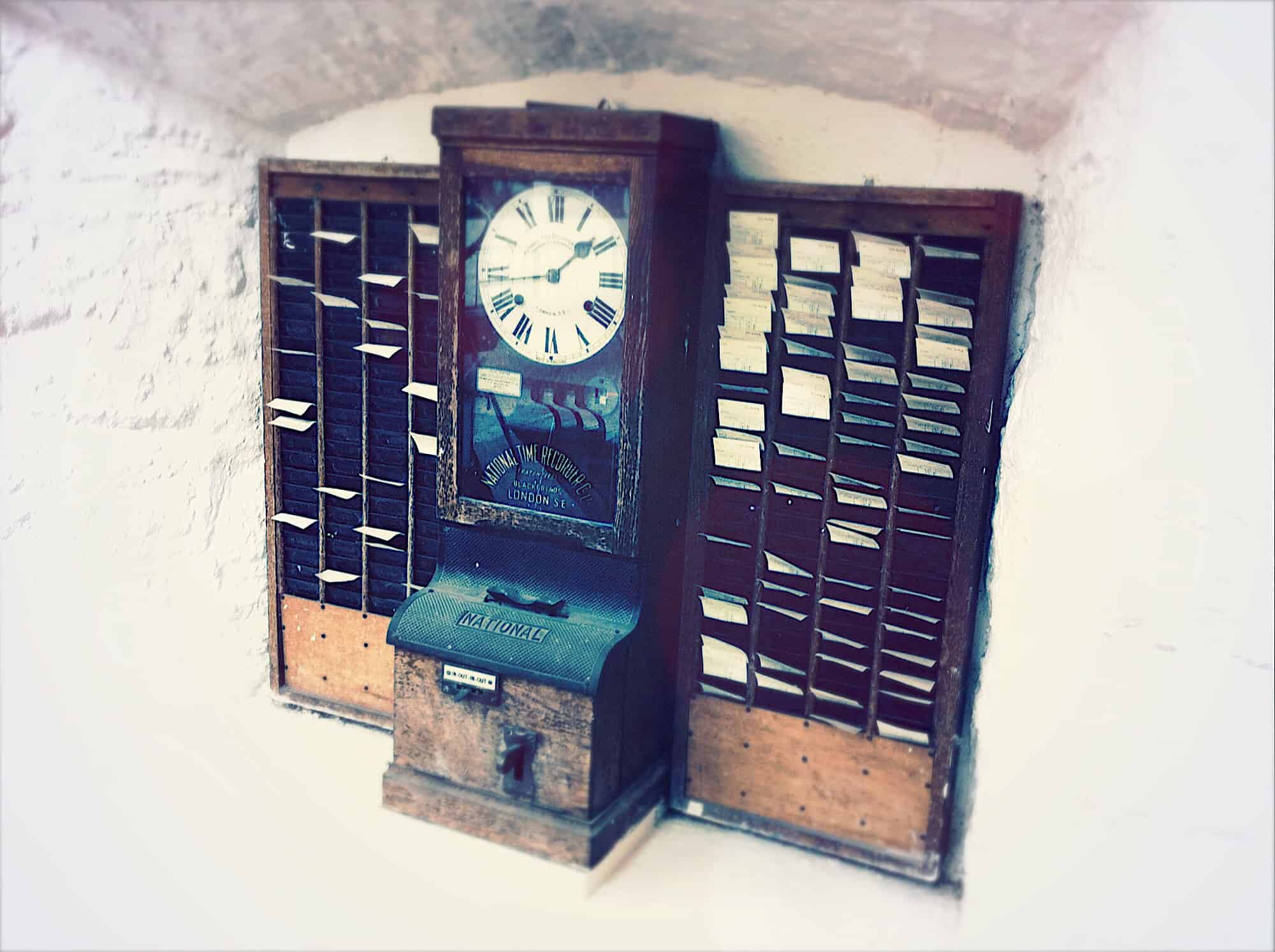
A clock is an easy, if lazy, metaphor for memories.
Photo: Charlie Sorrel/Cult of Mac

Memories is one of the best features of the Photos app. It gathers together pictures into albums that are surprisingly smart. It picks you best pictures, adds music, and uses things like facial recognitions to focus on the important people in the pictures. The whole thing is presented as a slideshow.

But did you know that you can edit those memories? You can change the title, the duration, the music, and more. Let’s take a quick look how to tweak our memories to make them perfect.

Signal for Mac messages set to disappear don’t always go away

By

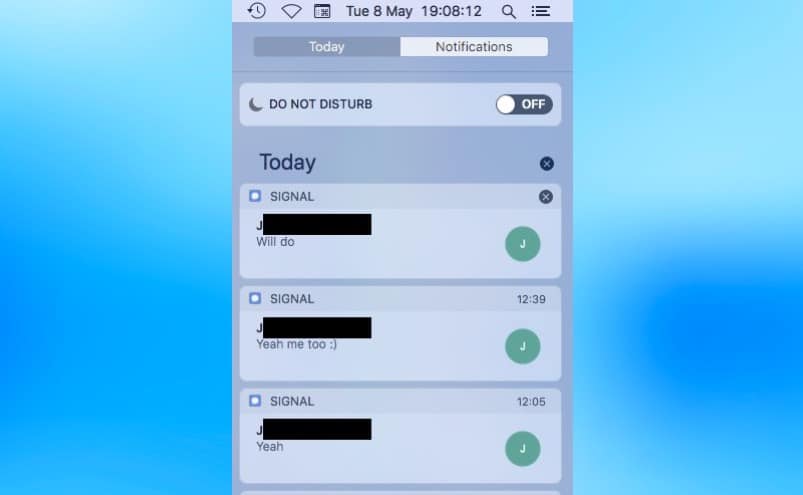
macOS Notification Center is a security flaw for Signal for Mac
The Notification Center copies and stores messages from Signal for Mac, even if the text is set to disappear.
Screenshot: Patrick Wardle

One of the most appreciated features of Signal for Mac is that messages sent by this communication app can be set to automatically erase themselves. However, security researchers have found a flaw in the system.

The problem comes from the notifications macOS provides for incoming Signal messages.

Password-protect iOS file transfers with DearMob iPhone Manager

By

DearMob iPhone Manager
Photo: DearMob

This post is presented by DearMob iPhone Manager.

iTunes was groundbreaking when it launched in 2002. But since then, it’s evolved very little, especially in terms of managing iOS data. Updating your iPhone means mastering a maze of syncing options and data categories. iTunes is also the very definition of a walled garden, limited to moving content around that already lives on it — you can’t just pull music straight from your folders onto your phone.

Pro Tip: Quickly delete numbers in iPhone Calculator app

By

calculator
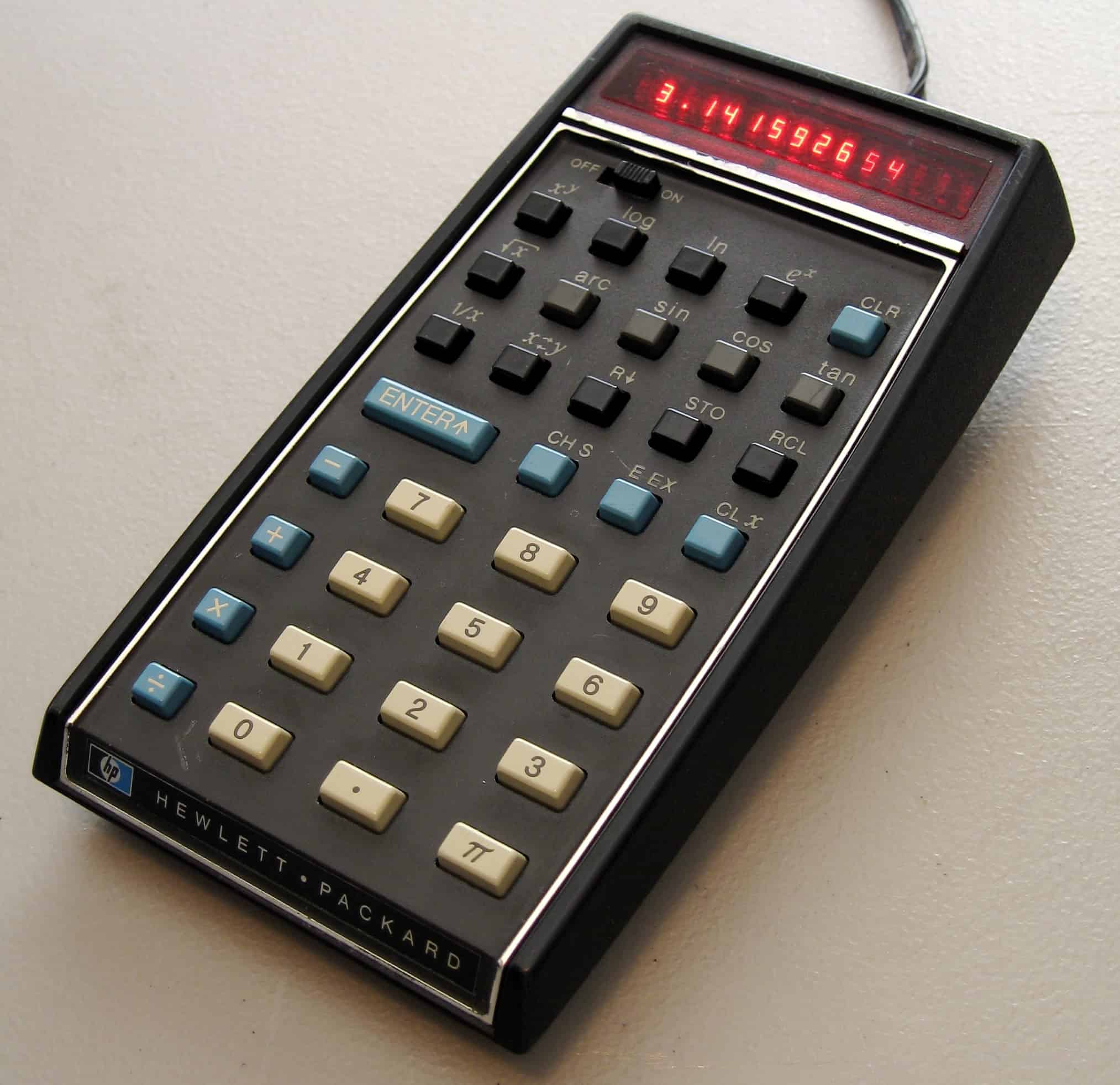
They don't make them like this any more. Thank God.
Photo: Seth Morabito/Flickr CC

Pro Tip Cult of Mac bug Doing a bit of quick adding-up in the iPhone calculator app? Or are you in the middle of a complex series of calculations better suited to a spreadsheet, but you used the Calculator anyway? A mis-hit key can spell anything from annoyance to disaster, forcing you to bang on the C key a few times to reset the the whole calculation, and start over.

But it doesn’t have to be that way. With this quick pro tip, you can easily delete just one digit at a time.

Astro app makes managing email easy and almost fun [50 Essential iOS Apps #11]

By

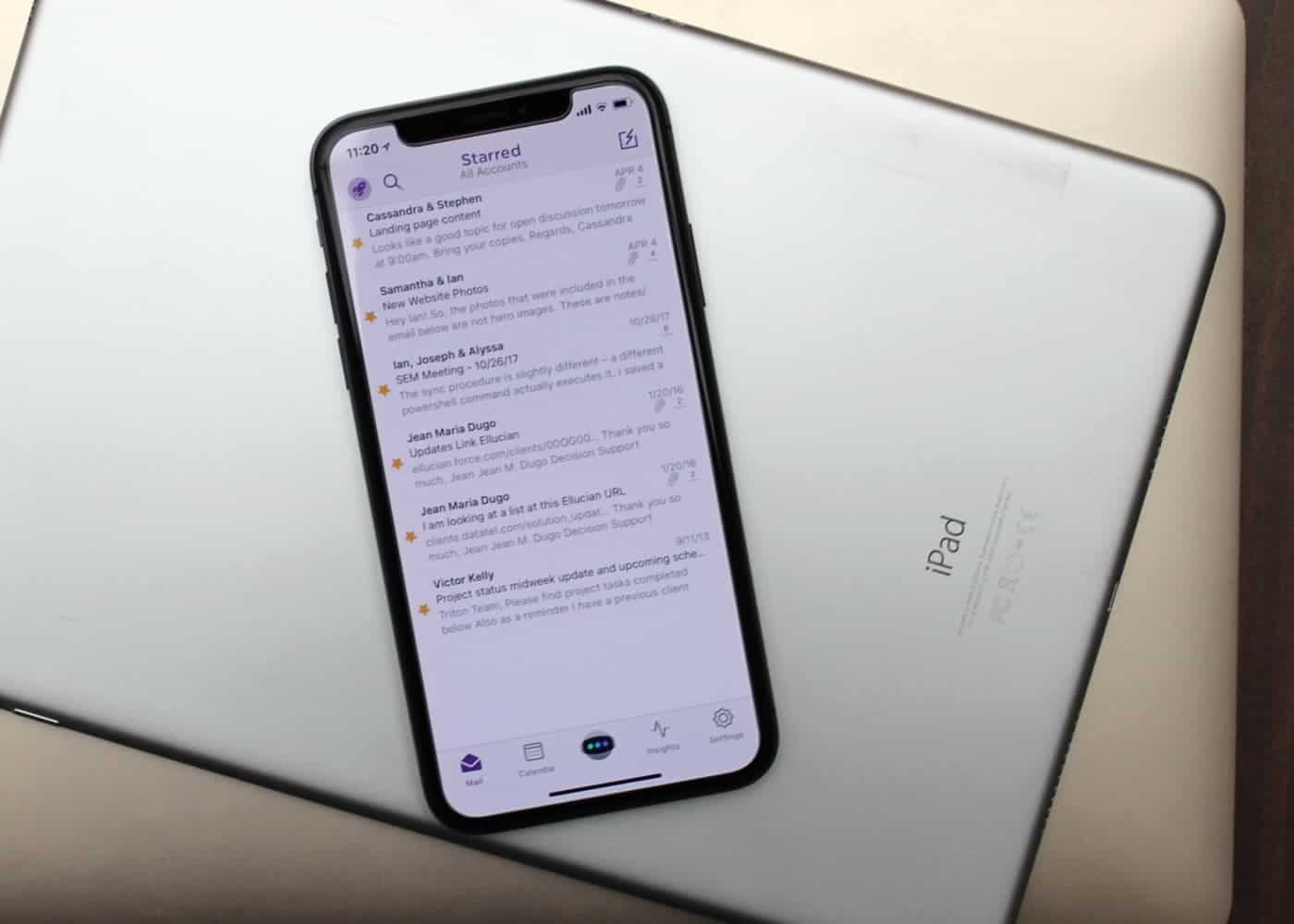
Astro is these best email app for both iOS and Mac.
Mail isn't always best for email.
Photo: Ian Fuchs/Cult of Mac

50 Essential iOS Apps: Astro email app Email is a necessary evil. Whether it’s personal communications, work-related updates or the latest sale at your favorite store, email is something we deal with nearly every day.

After trying dozens of email apps over the past eight years, Astro is the best email app I’ve come across, and the first that I both recommend and enjoy using.

Apple ‘cash machine’ puts profits ahead of innovation

By

Apple cash machine
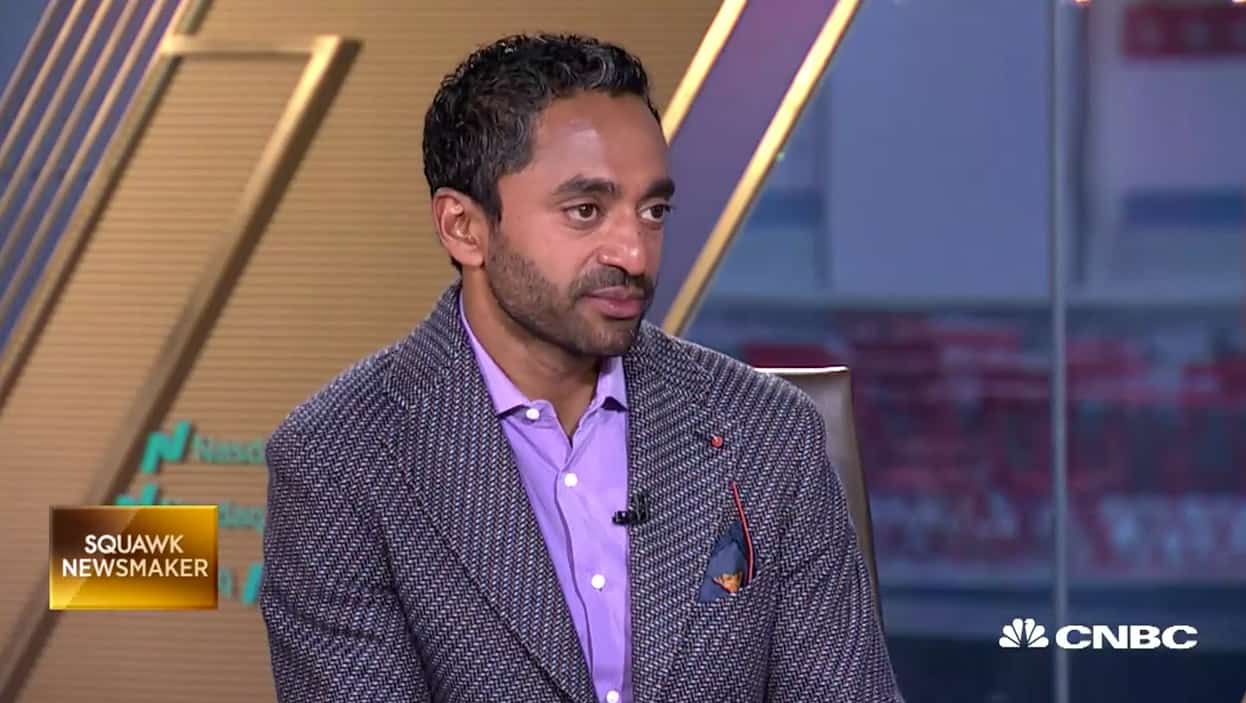
Chamath Palihapitiya is impressed with the Apple "cash machine."
Photo: CNBC

Apple to many seems to have lost its mojo for innovation. But it knows how to build a pile of cash.

This is the impression of Silicon Valley venture capitalist Chamath Palihapitiya, who told CNBC Wednesday the very thing that feeds the frustrations of Apple fans – innovation in Cupertino is slipping.

Apple wants official permission to test new drone program

By

Apple drone
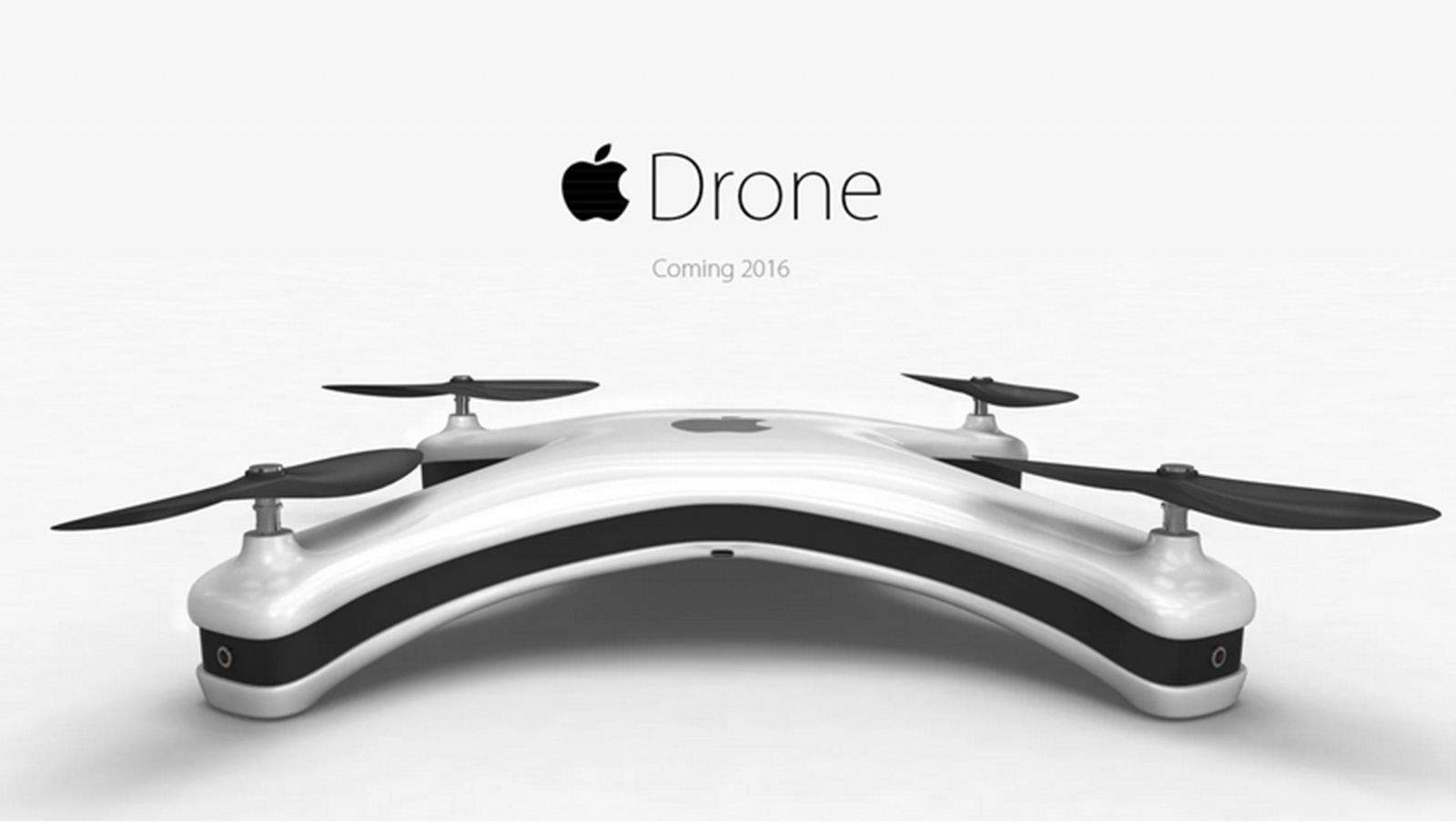
Who wouldn't want their new iPhone delivered via drone?
Photo: Eric Huisman

Apple is one of a number of big companies seeking permission to be part of a new U.S. drone testing program, launched by President Donald Trump last year.

With the government now opening up applications for the new program, Apple has joined other tech giants including Amazon, Intel and Qualcomm in applying. It’s not yet clear what Apple is interested in achieving with its drone ambitions, although companies such as Amazon have been outspoken about their desire to pursue drone deliveries.

Apple opens developer center in world’s fourth most populous country

By

Jakarta developer Center
Apple's new Jakarta developer center is its first in Indonesia.
Photo: Apple

Apple has opened its first developer academy on the outskirts of Jakarta, Indonesia.

The move is to comply with new government regulation regarding local content requirements. Laws state that 30 percent of content for 4G devices sold in Indonesia must be produced locally. While that’s somewhat difficult to work out with a multinational company like Apple, the laws note that this percentage can cover manufacturing, software, and “innovation.”

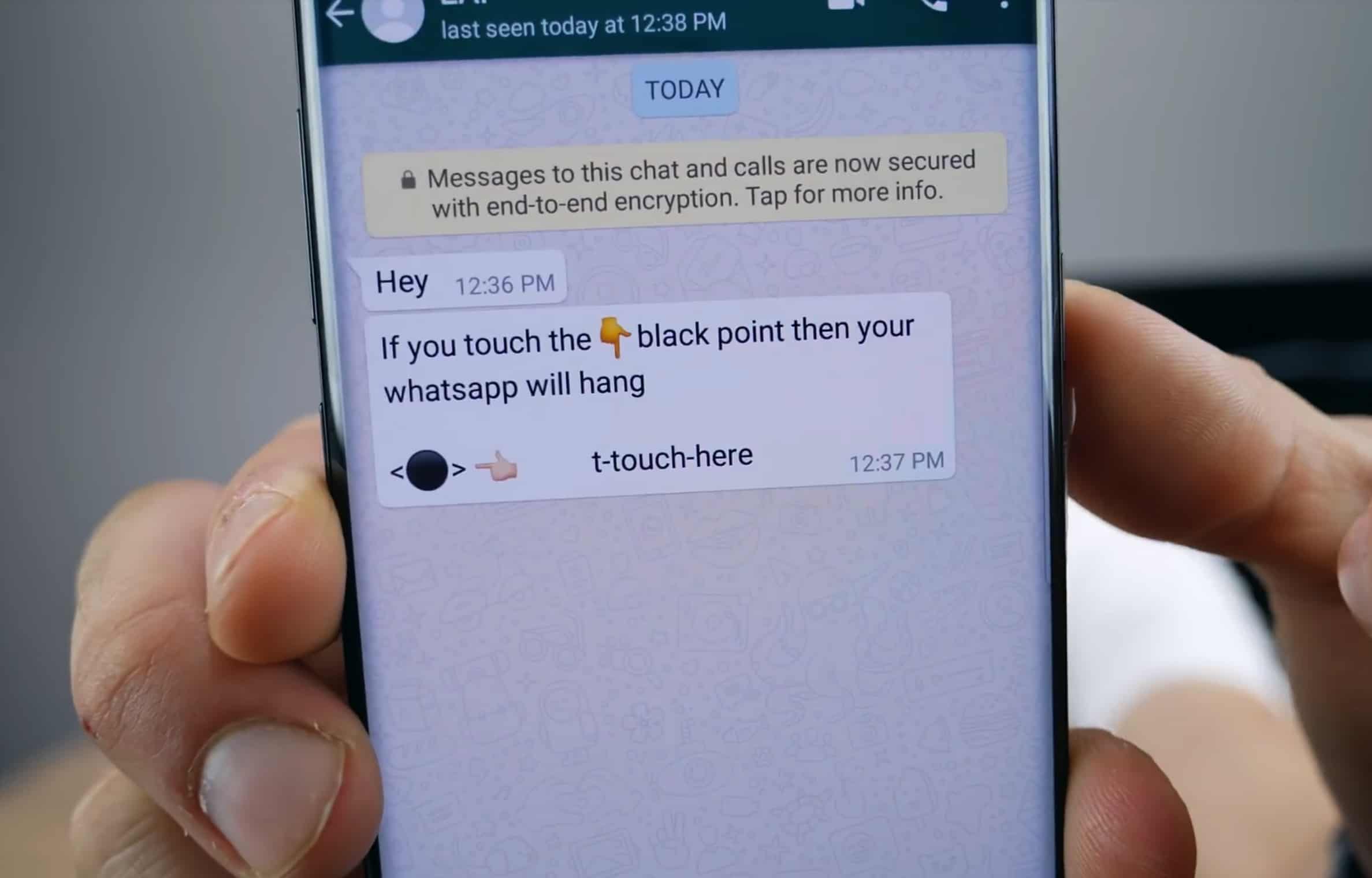
‘Black dot of death’ Unicode bug crashes iOS Messages app

By

Black dot of death
This text message will crash your iPhone.
Photo: EverythingApplePro

Another Unicode text bug has been discovered in iOS, which will repeatedly crash Apple’s Messages app by overloading its memory.

The “black dot” message contains an emoji like ⚫, although it’s not actually the emoji which causes the message to crash the app. The bug affects iOS 11.3 and the current iOS 11.4 beta seeds. A similar message recently did the rounds on Android. As of yet, Apple has yet to release a fix.

Apple is ‘re-evaluating’ previously approved apps which allow location tracking

By

Apple pays $467k for doing business with blacklisted app developer
Apple's cracking down on apps which track their users.
Photo: Apple

In the fallout from Facebook’s Cambridge Analytica scandal, Apple has begun cracking down on apps which share user location data with third-parties. Apple has started sending out emails to developers who infringe on these guidelines, saying that “upon re-evaluation” of their apps they have been found to break App Store rules.

In particular, Apple refers to the clause in the App Store guidelines which notes that Apple can turn down apps which transmit, “user location data to third parties without explicit consent from the user and for unapproved purposes.”

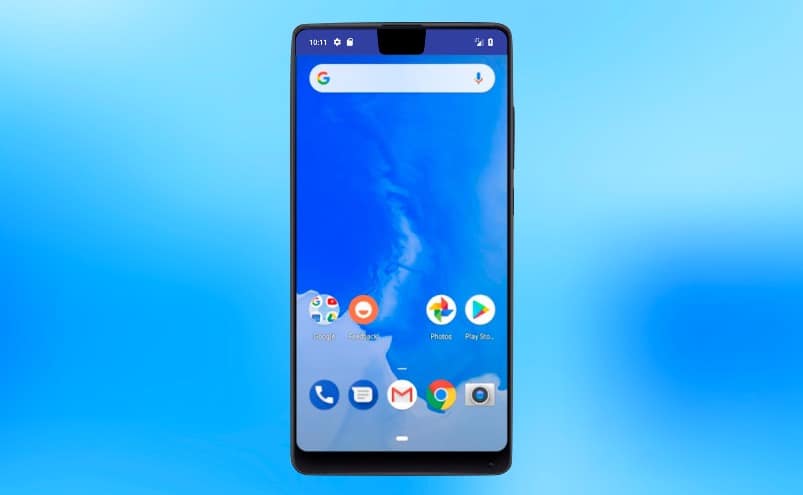
Google borrows iPhone X navigation system for Android

By

Android P has a similar swipe-based navigation system as the iPhone X, and it supports screen cutouts.
Graphic: Google

Anyone who’s used an iPhone X already knows how to navigate around in the next version of Google’s mobile operating system. The company showed off Android P at its developer conference today, and it includes a touch bar at the bottom of the screen, just like Apple’s flagship phone.

Android P also natively supports screen cutouts, so device makers will be able to easily produce iPhone X clones.

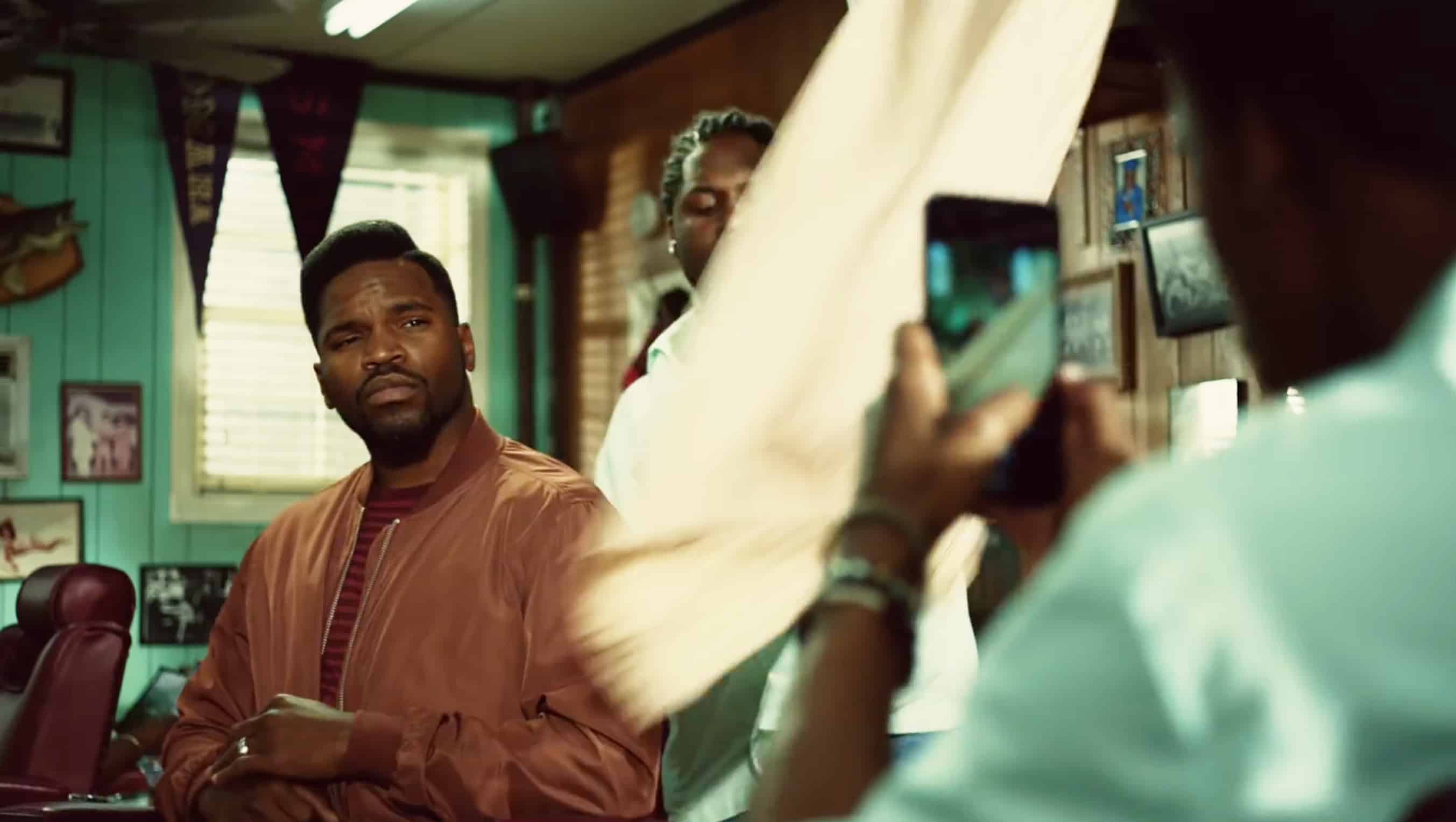
Funny ‘Barbers’ iPhone ad wins major award

By

Apple took Best of Show at the ADC annual awards
This humorous iPhone 7 Plus ad was the big winner at the ADC annual awards.
Screencap: Apple

A TV advertisement for the iPhone 7 Plus’ camera won Best in Show at the prestigious ADC annual awards. The ‘Barbers’ ad comically demonstrates that Apple’s smartphone can make anyone look good.

Watch it below:

Microsoft calls desktops/laptops a ‘second screen’ for phones

By

iphone x
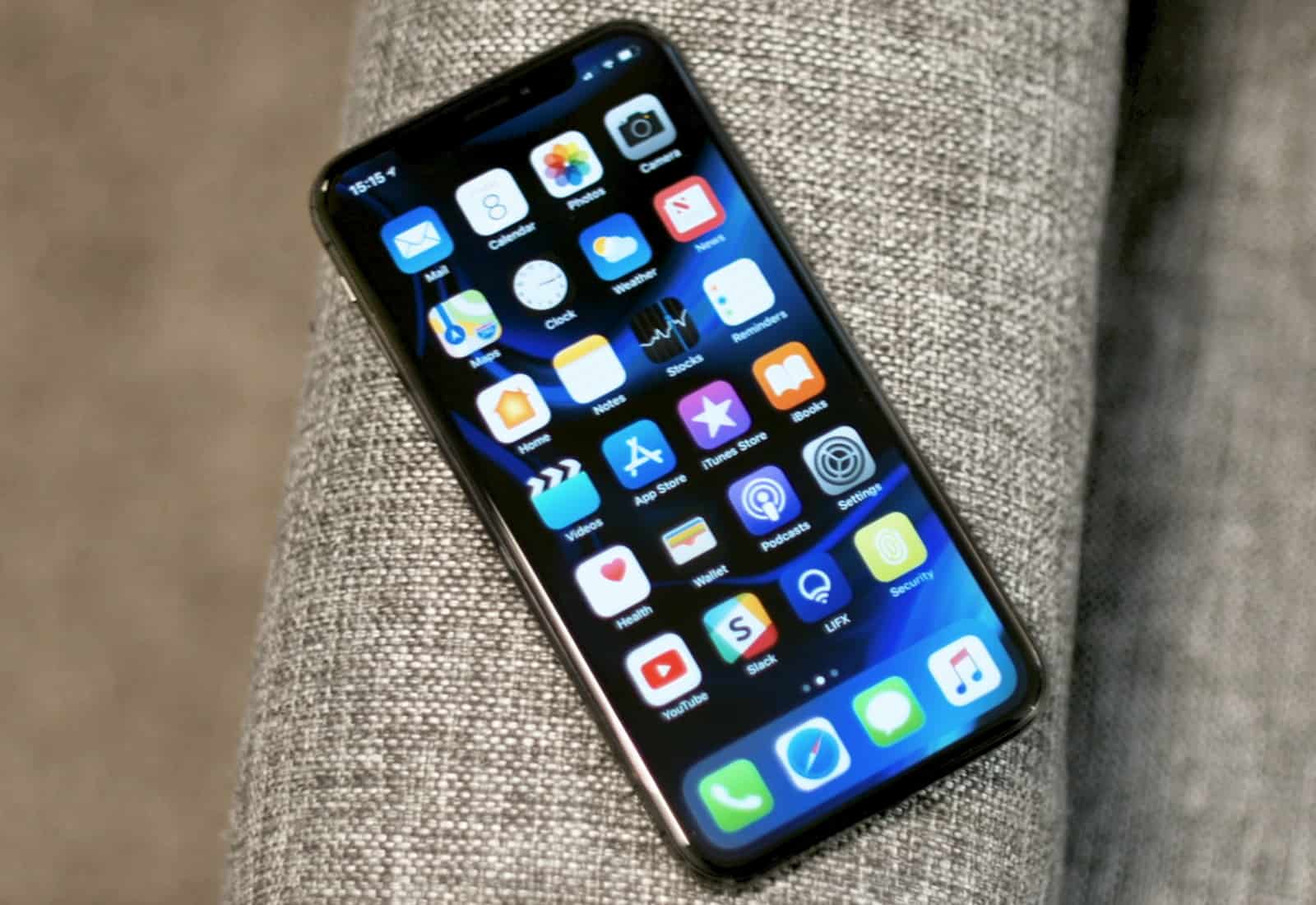
When you're out of the office, this is your primary computer. Your desktop or laptop is your PC second screen.
Photo: Ste Smith/Cult of Mac

Microsoft acknowledged today that PCs take second place to phones for most consumers.  This wouldn’t be an amazing admission for most companies, but it’s startling coming from one that makes virtually all its revenue from desktop/laptop software.

Especially considering Microsoft’s attempts to compete with the iPhone all went nowhere. 

How to automatically troll telemarketers and keep them busy

By

Apple's secret AI sauce gets a new ingredient
Photo: Charlie Sorrel/Cult of Mac

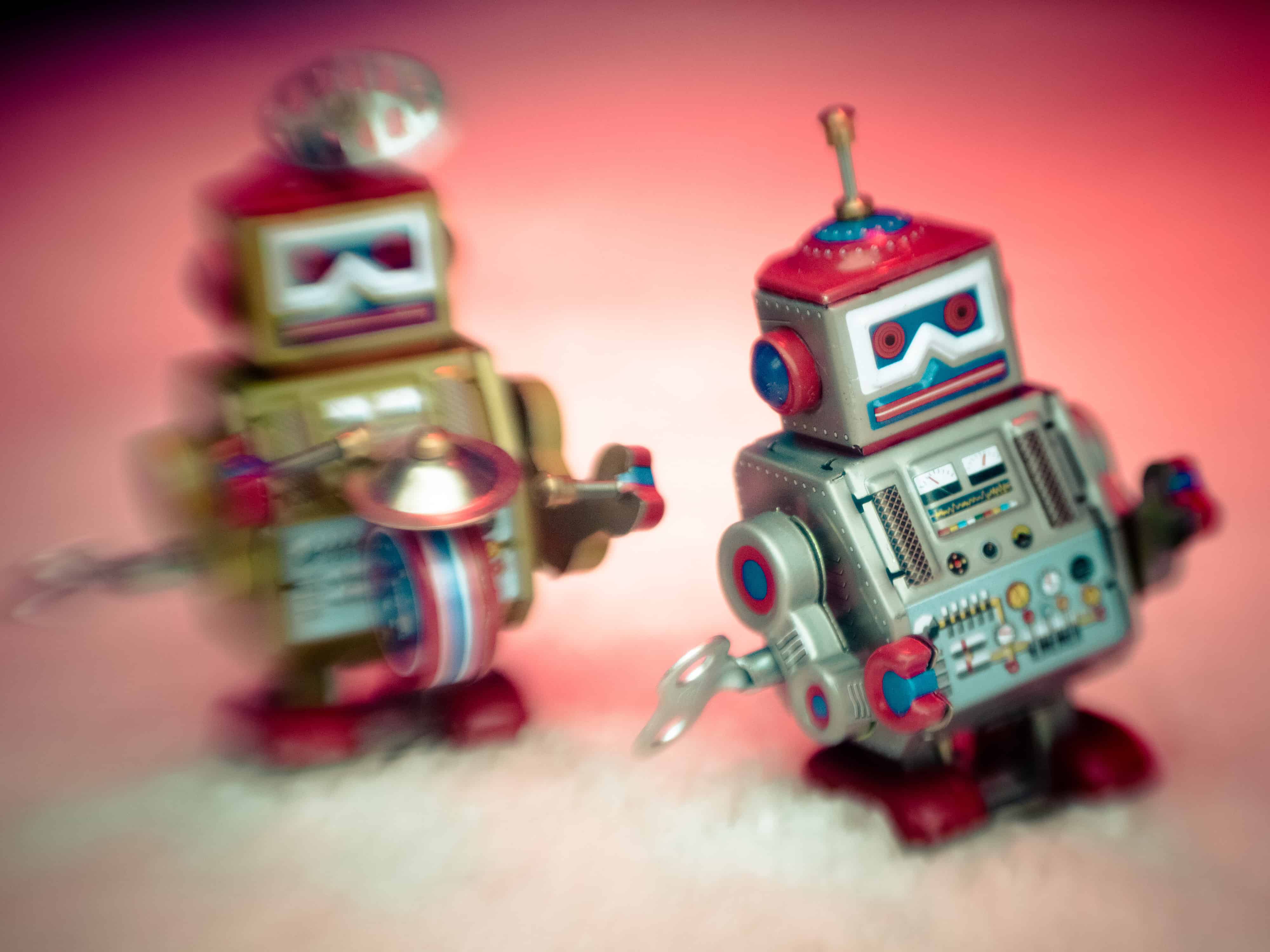
There were 3.4 billion robocalls in April this year, and the chances are it feels like you got roughly half of those to your own phone. These calls aren’t just telemarketing anymore, either. Just like email spam, scams pervade these already-annoying automated calls. One way around this is to unplug your landline phone, and to ignore all phone calls to your iPhone (go to Settings > Notifications > Phone and switch off Allow Notifications).

A better way is to troll the robocallers by hooking them up to a service that answers the calls for you, and uses robots to keep the telemarketers on the line, wasting their time an costing them money. And for that, you need the Jolly Roger.

All the important stuff revealed at Google I/O

By

Google I/O 2018 was full of AI surprises.
Photo: Google

Google just took the wraps off its big software lineup for 2018. If Apple executives were watching, there’s a lot they should be worried about.

Artificial intelligence has always been one of Google’s strengths over Apple. But in 2018, the search company is going all out, putting AI in everything. Pretty much every app the company has is getting some new machine-learning tricks in the next few weeks that make certain iOS features look ancient.

Check out the biggest announcements from this morning’s Google I/O keynote.

Google smart displays will takeover homes in July

By

Google smart displays
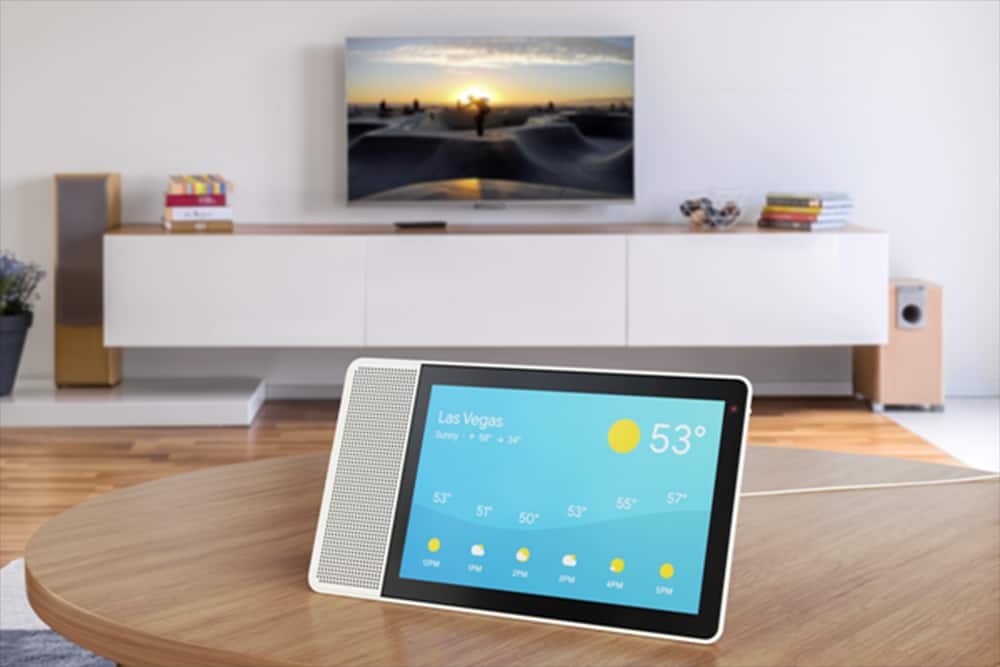
Google Assistant can bring show and tell with smart displays, like this one from Lenovo.
Photo: Lenovo

Smart speakers are about to get upstaged at home by an arguably smarter device – smart displays.

During its I/O developers conference Tuesday, Google announced smart displays with Google Assistant would hit store shelves in July, adding yet another screen to vie for our already fractured attention.

How to search Google using Apple Pencil and handwriting

By

google handwriting apple pencil
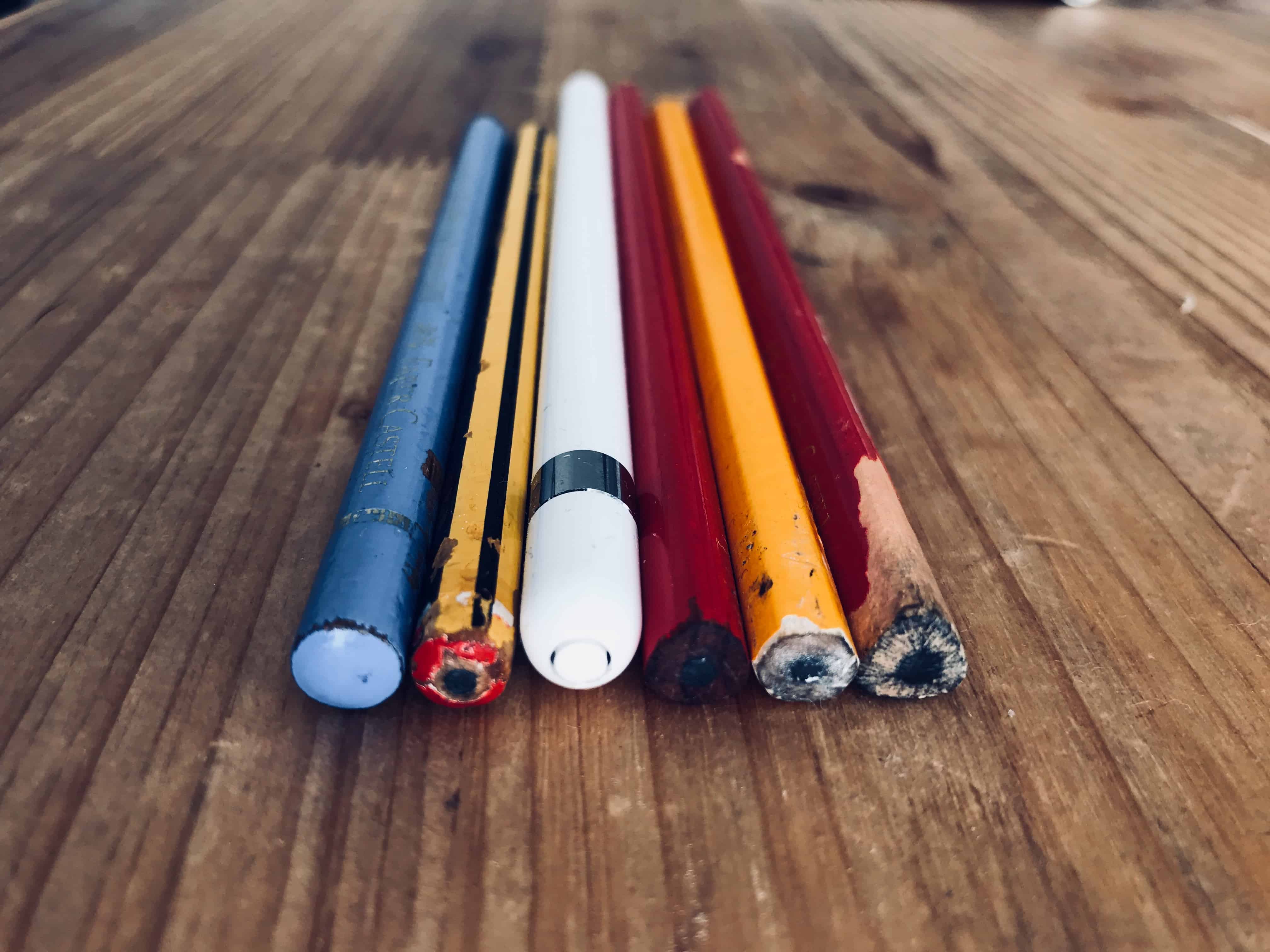
Pencils
Photo: Charlie Sorrel/Cult of Mac

Did you ever open up Google on your iPad, and wish that, instead of just typing your query using the always-accessible keyboard, you could write it anywhere on the Google home page using a finger, or an Apple Pencil? No, me neither. But that doesn’t make the possibility any less real. Now, with a simple settings tweak, you need never type a Google query ever again.

Live blog: Google I/O 2018 delivers the future of Android and more

By

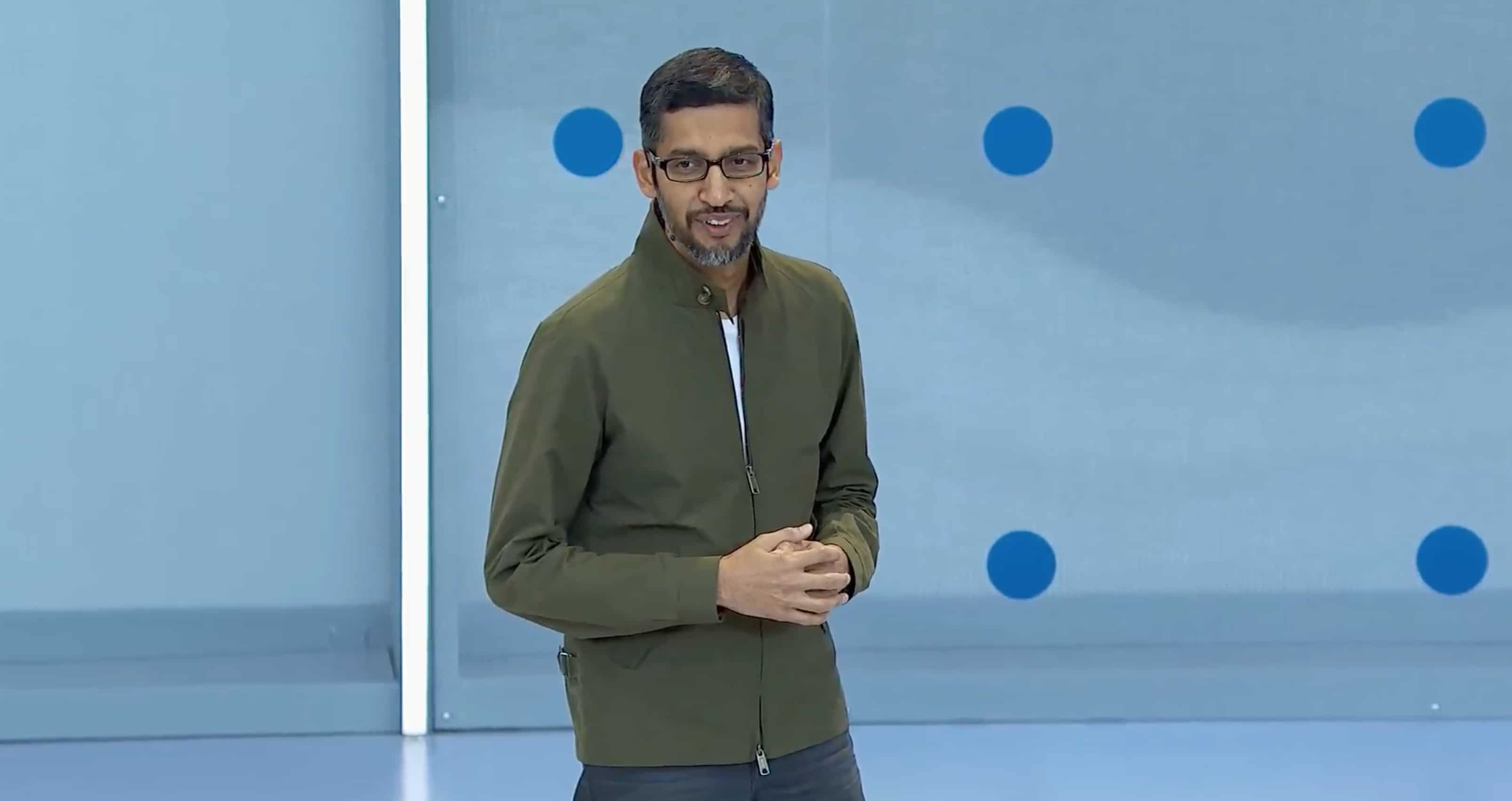
Sundar Pichai at Google IO
What does Google have in store for us this year?
Photo: Google

Google I/O 2018 kicks off in less than an hour.

There’s loads to look forward to this year, including an update on Android P, and previews of what’s to come for Chrome, the Google Assistant, Android Auto, and more. The recently-rebranded Wear OS may also get some much-needed attention.

Google is live-streaming its big keynote, which kicks off at 10 a.m. Pacific. If you can’t tune in, follow our live blog below to stay up to date with everything that’s happening in Mountain View.

Watch today’s big Google I/O keynote live right here

By

Google IO 2018
Google I/O starts today!
Photo: Google

Google I/O 2018 kicks off today in Mountain View, California. The two day event starts with a big Google keynote that will see the company lay out its plans for the future of its biggest products, including Android and Chrome OS.

You can watch the whole thing live right here from 10 a.m. Pacific.

Philips Hue update makes colorful lighting even easier

By

Philips Lights
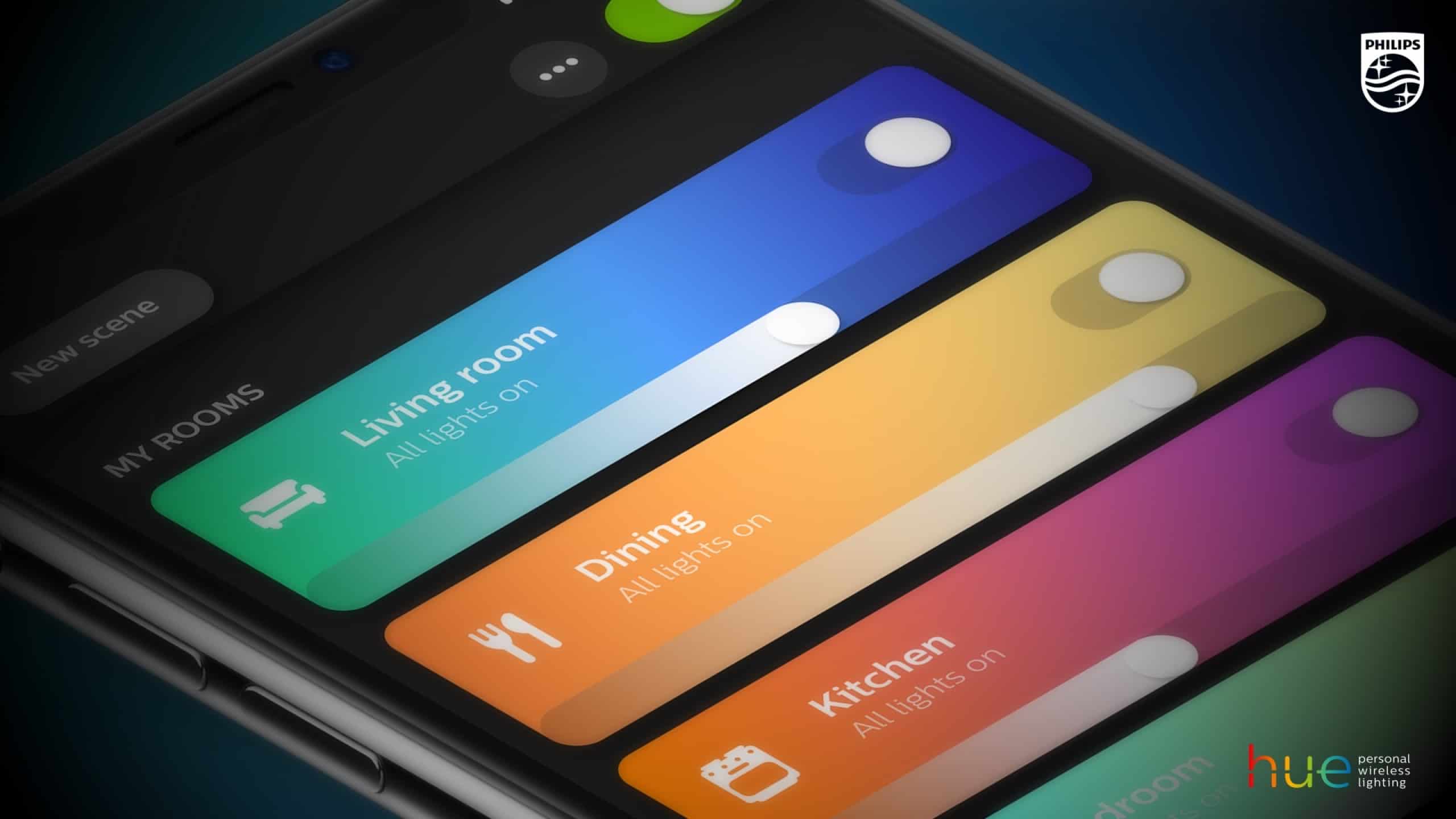
Controlling your lighting just got easier.
Photo: Philips

If you’ve got Philips Hue lighting in your home then you’ll want to make sure to upgrade to the latest version of the associated iOS app.

Making the company’s smart home lighting even smarter — both figuratively and literally — the app has received a visual overhaul, along with a number of nifty new features. And the gratefully received return of an old favorite.