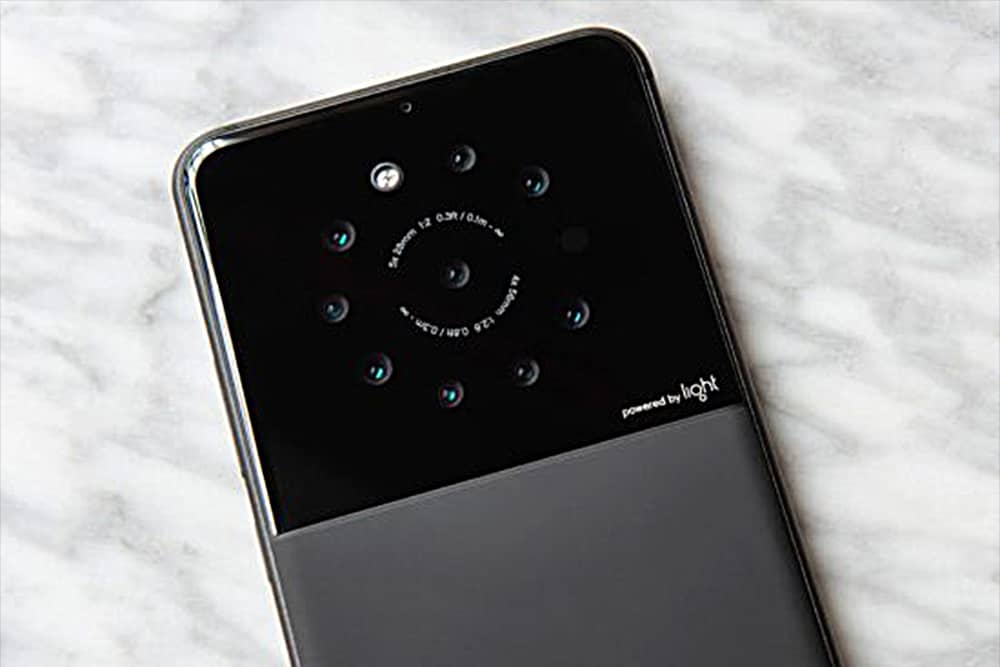
An iPhone with a third lens is in the pipeline, rumor has it. But why just three, when you can have a smartphone with nine lenses?
Light, maker of a futuristic camera with 16 lenses, reportedly plans to introduce a smartphone with five to nine lenses by the end of 2018.