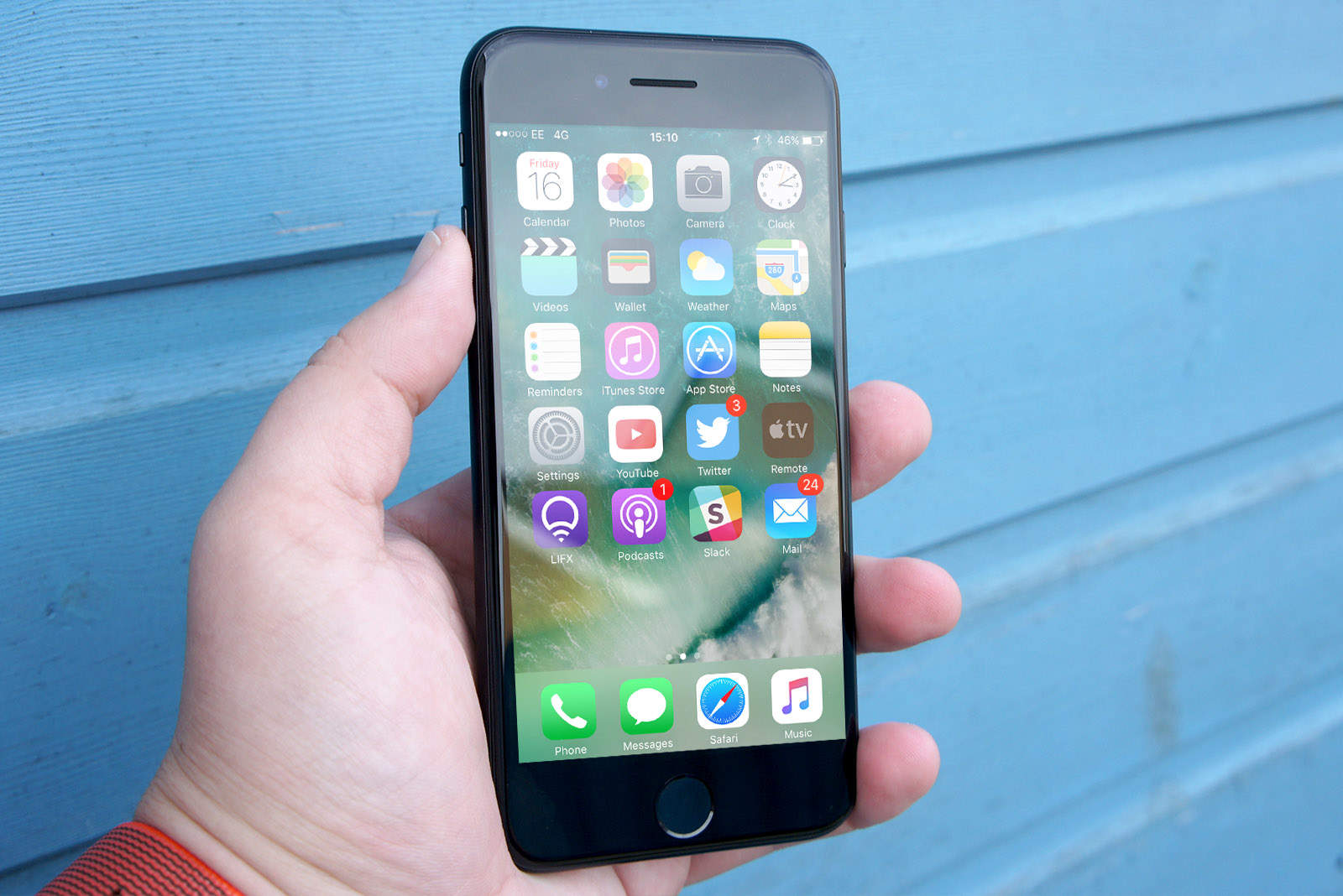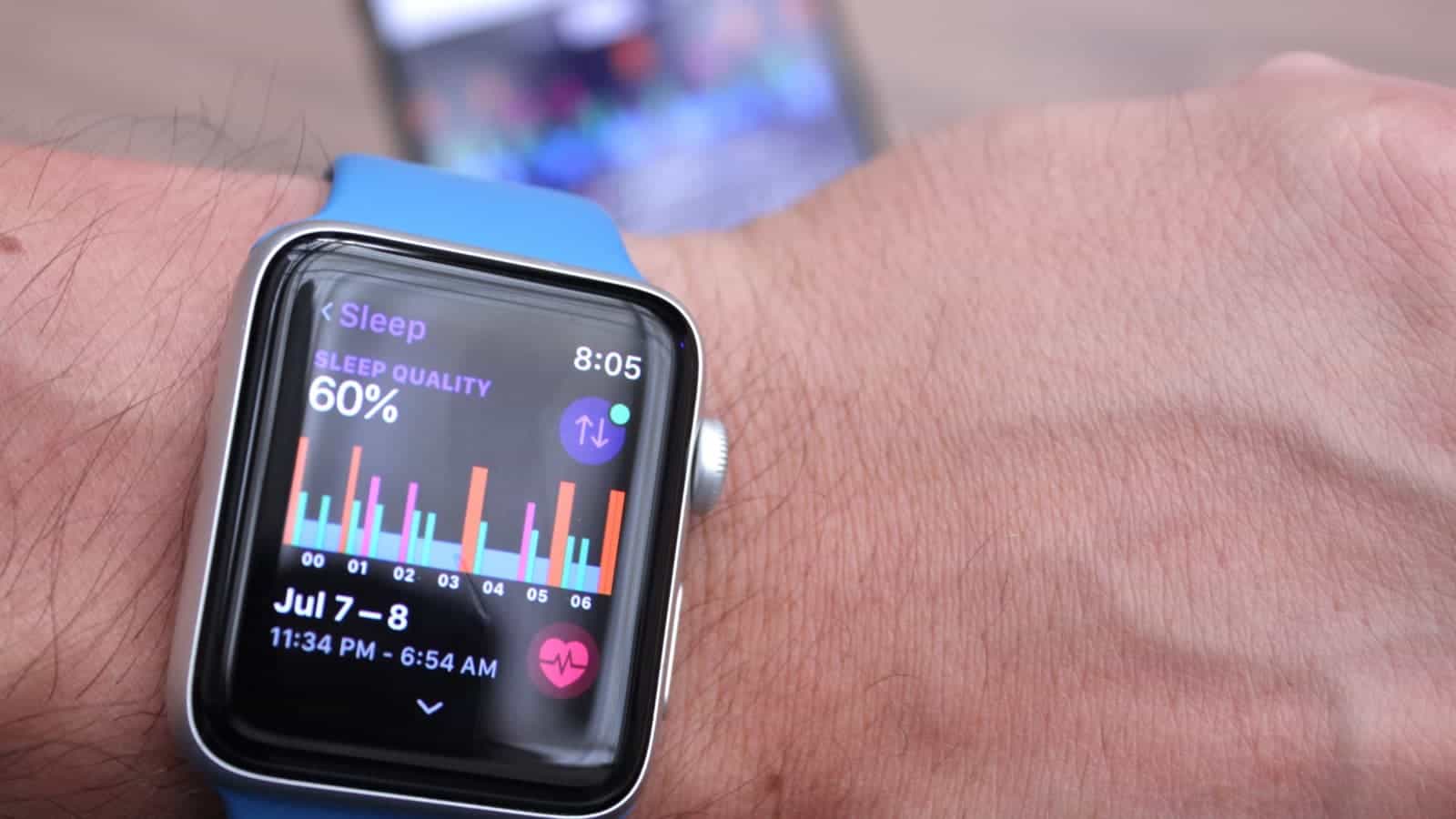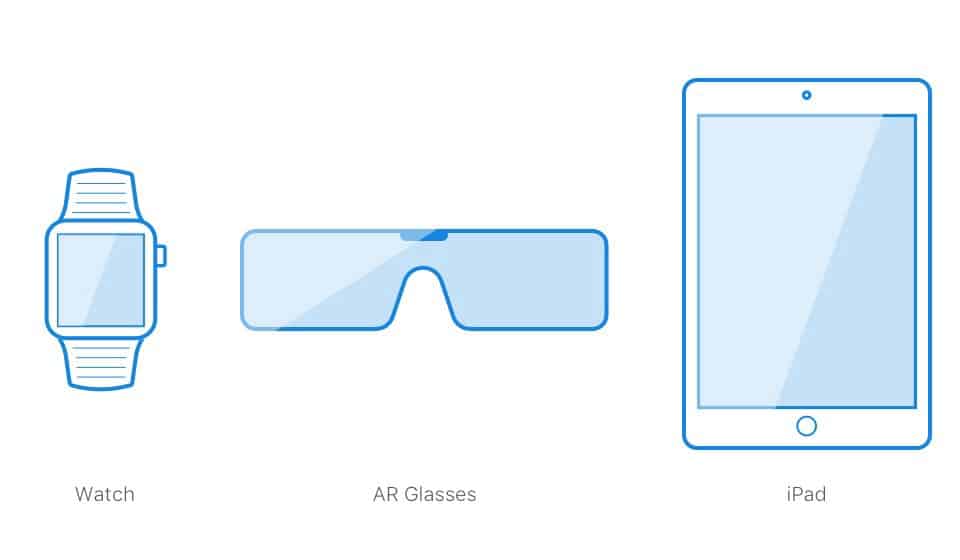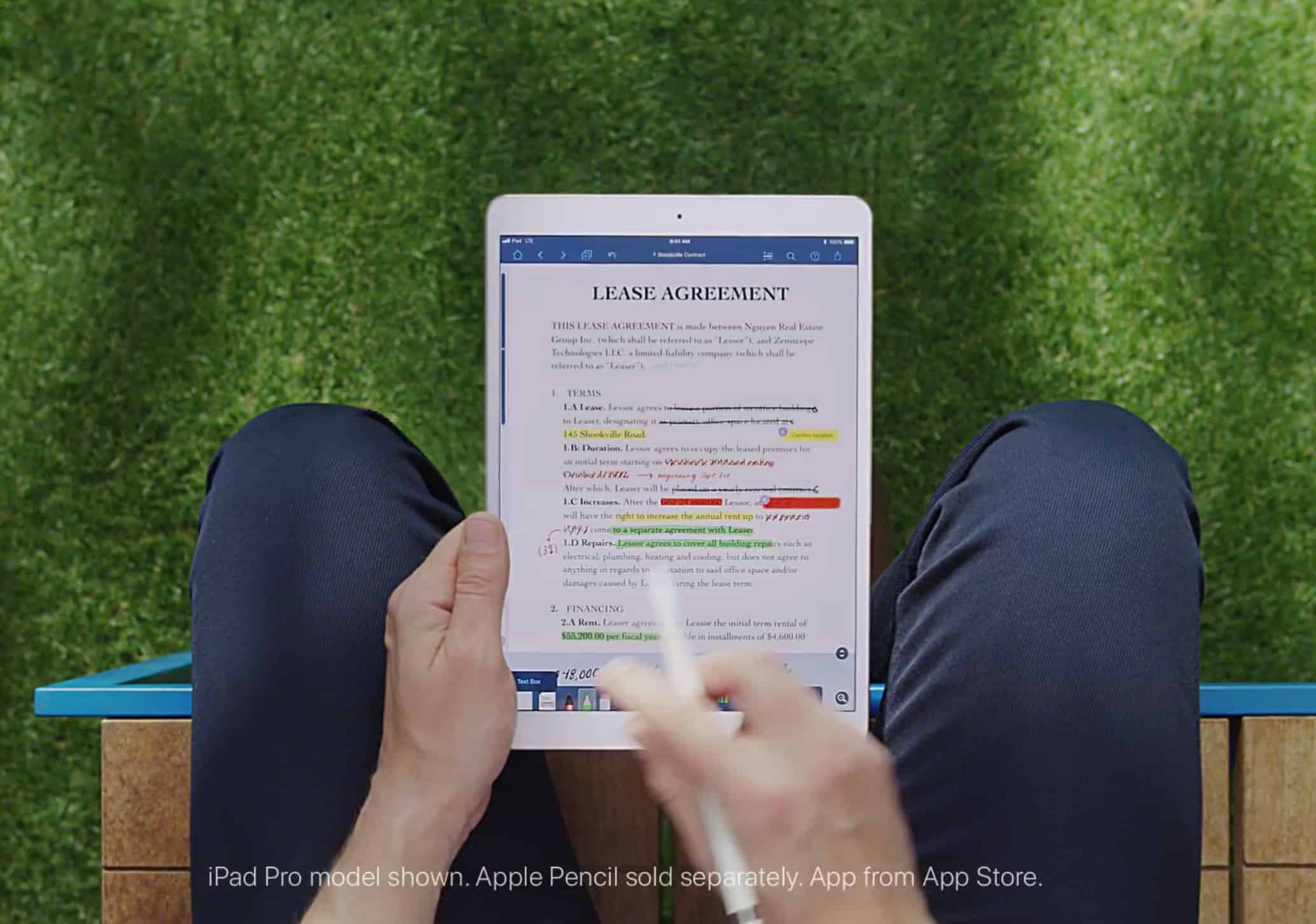
 Did you know that, if you have your iPhone set to share incoming calls with your Mac, your iPad, and/or Apple Watch, then the iPhone won’t let you reject incoming calls? The red telephone icon isn’t there. You have to either answer the call, or scramble to another device in order to bump the call without picking up first.
But there’s a great hidden trick that lets you reject any call from your iPhone, without even touching the screen.