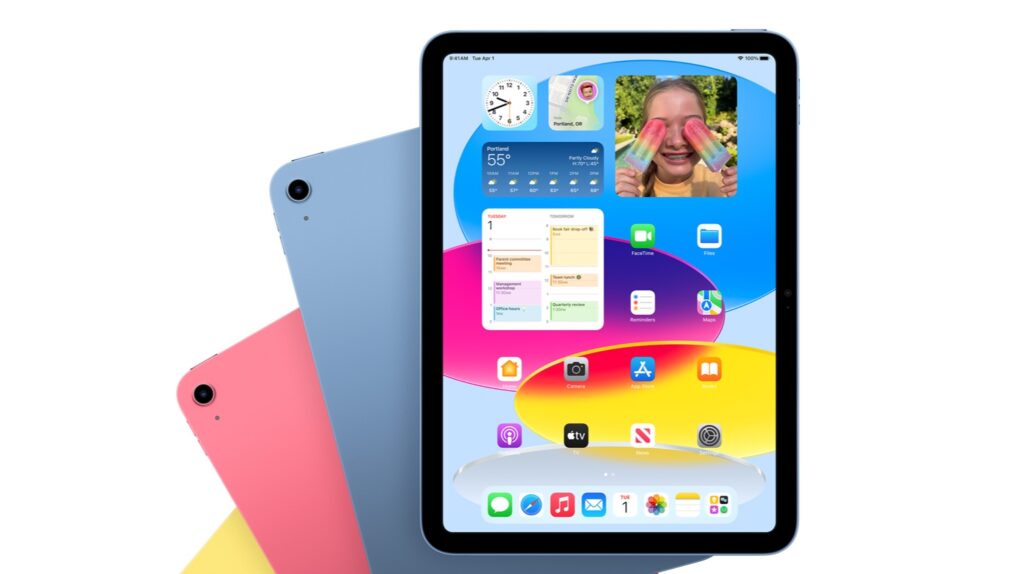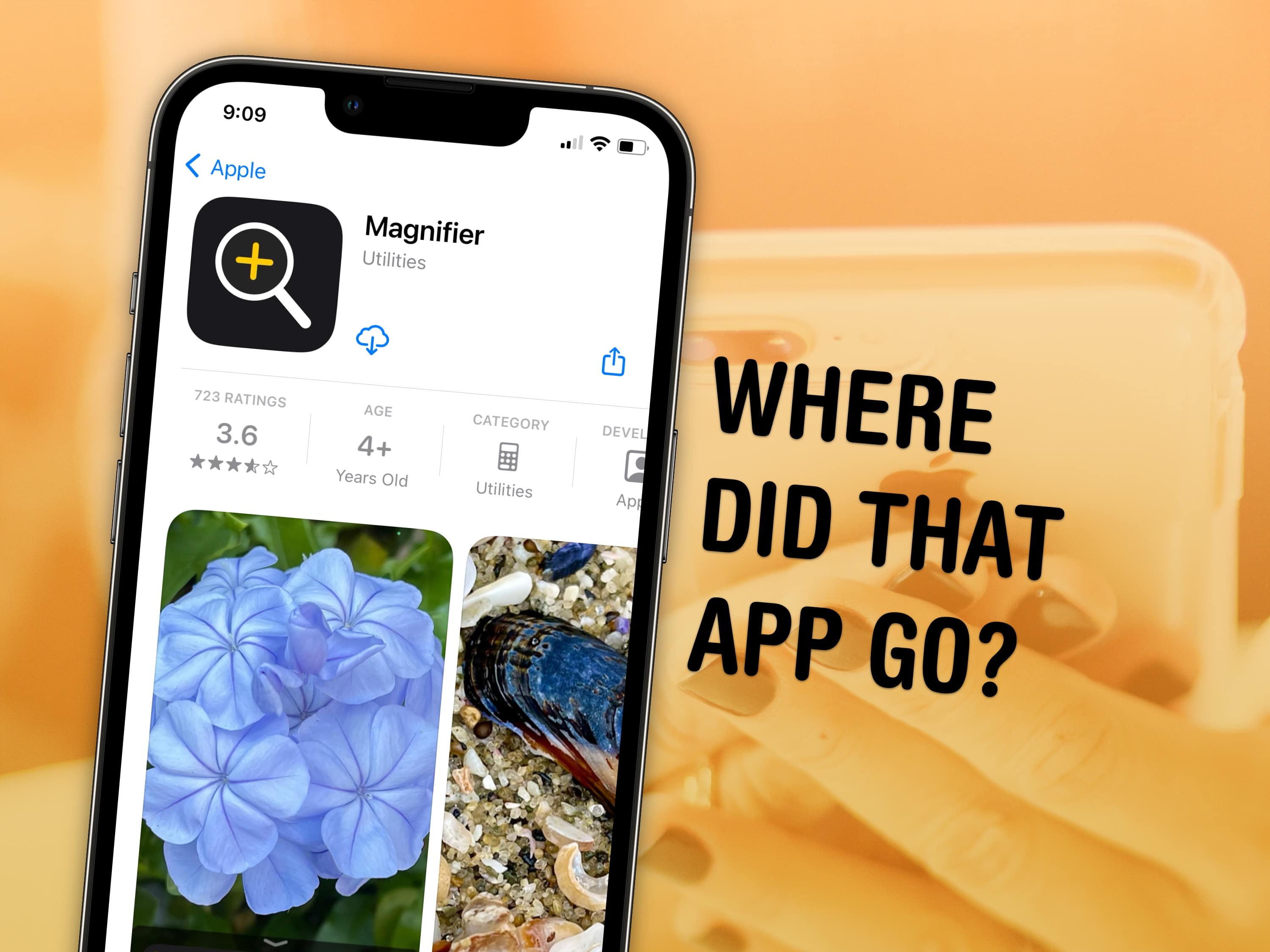
You can visit the App Store to download Apple apps like Music, Podcasts, Weather, Maps and Find My missing from your iPhone or iPad. If you can’t find them. It’s possible you uninstalled them and your device needs to download them again. Or they might have simply disappeared from your Home Screen, and are now hiding in the App Library.
There are also a few iPhone apps that Apple hasn’t made available on iPad. This was the case with Calculator until very recently, so you may need to install an update to get it.
I’ll walk you through all the possibilities, showing you how to get Apple’s stock apps back on your iPhone or iPad.

![Cuktech 30 Power Bank: A hefty yet portable powerhouse [Review] ★★★★☆ Cuktech 30 Power Bank review](https://www.cultofmac.com/wp-content/uploads/2025/03/Cuktech-30-Power-Bank-1020x788.jpg)
![IPhone 16e: Lightweight power in a beautiful package [Review] ★★★★☆ iPhone 16e standing up vertically on a pine table surface, used to illustrate an iPhone 16e review](https://www.cultofmac.com/wp-content/uploads/2025/03/iPhone-16e-Standing-Up.jpg)
![Lara Croft and the Guardian of Light makes your iPhone and iPad more fun [Review] ★★★★★ Lara Croft and the Guardian of Light for iPhone and iPad](https://www.cultofmac.com/wp-content/uploads/2025/02/Lara-Croft-and-the-Guardian-of-Light-1020x574.jpg)