Silk Labs' privacy policy reads like it was written by Tim Cook. Photo: Silk Labs
Apple has reportedly acquired an artificial intelligence startup that specializes in on-device machine learning software.
Silk Labs’ technology processes data without sending it to the cloud, which is a perfect fit for Apple’s privacy-conscious approach to AI. It’s not clear how much Cupertino paid for the company when the deal was struck earlier this year.
Apple wants to provide a central hub for all your clinical data. Photo: Jim Merithew/Cult of Mac
Apple is in discussions with the U.S. Department of Veterans Affairs to provide veterans with access to their electronic medical records on iOS, a new report claims.
The company began discussions last year, with a view to allowing up to 9 million veterans to migrate their health records to iPhone to simplify medical treatment. It’s not clear how far plans have progressed since then.
Jony Ive recently spoke at the Cambridge Union. Screenshot: Vanity Fair/YouTube
Sir Jony Ive — the first recipient of the Stephen Hawking Fellowship — delivered a lecture at the Cambridge Union, the University of Cambridge’s debate society, earlier this week.
Ive reflected on everything from his earliest experiences with Apple devices to the philosophical challenges of design.
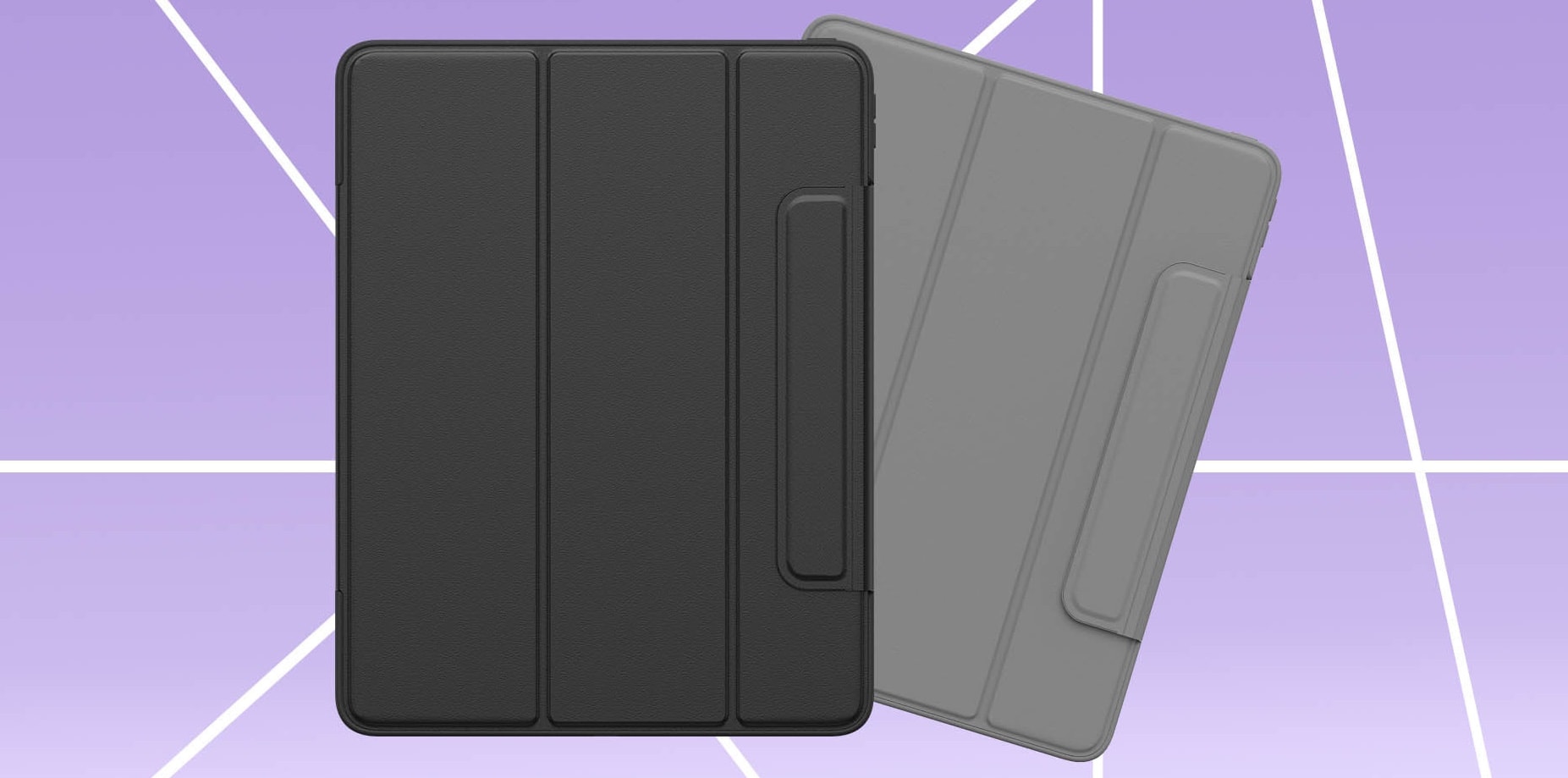
Symmetry Series 360 offers sleek protection for iPad Pro (11-inch) and iPad Pro (12.9-inch) (3rd Gen). Photo: OtterBox
The Symmetry Series 360 just became the first OtterBox case released for the newest iPad Pro. This isn’t one of the super-rugged cases this company is best known for, but it brings some protection without adding a lot of bulk.
A bulkier OtterBox Defender case promising even greater shelter for the latest iOS tablet was announced a few weeks ago but is not yet available.
Apple has a special message for the holiday season. Photo: Apple
Apple’s annual holiday ad is atleast here and per usual, it’s a tear-jerker.
For this year’s ad, Apple used a mixtured of practical sets with computer animation to tell a heartwarming story of a creative girl with a hidden gift she’s reluctant to share. Billie Elish, a 16-year old songwriter created the original song for the charming new ad which is one of the longest commercials the company has made.
A totally legit audio-routing setup. Photo: Charlie Sorrel/Cult of Mac
Up until last year, if you plugged a pair of headphones into your Mac, the speakers were effectively disconnected. There was no way to send simultaneous audio stream to both headphones and speakers. Now, with modern T2-equipped Macs, you can double up on audio. For instance, you could have alerts sound through the built-in speakers, with music routed through the headphone jack, so you don’t get notifications interrupting your banging tunes.
The best part is that its really easy to set up. And, if you prefer the old behavior, you don’t have to do anything.
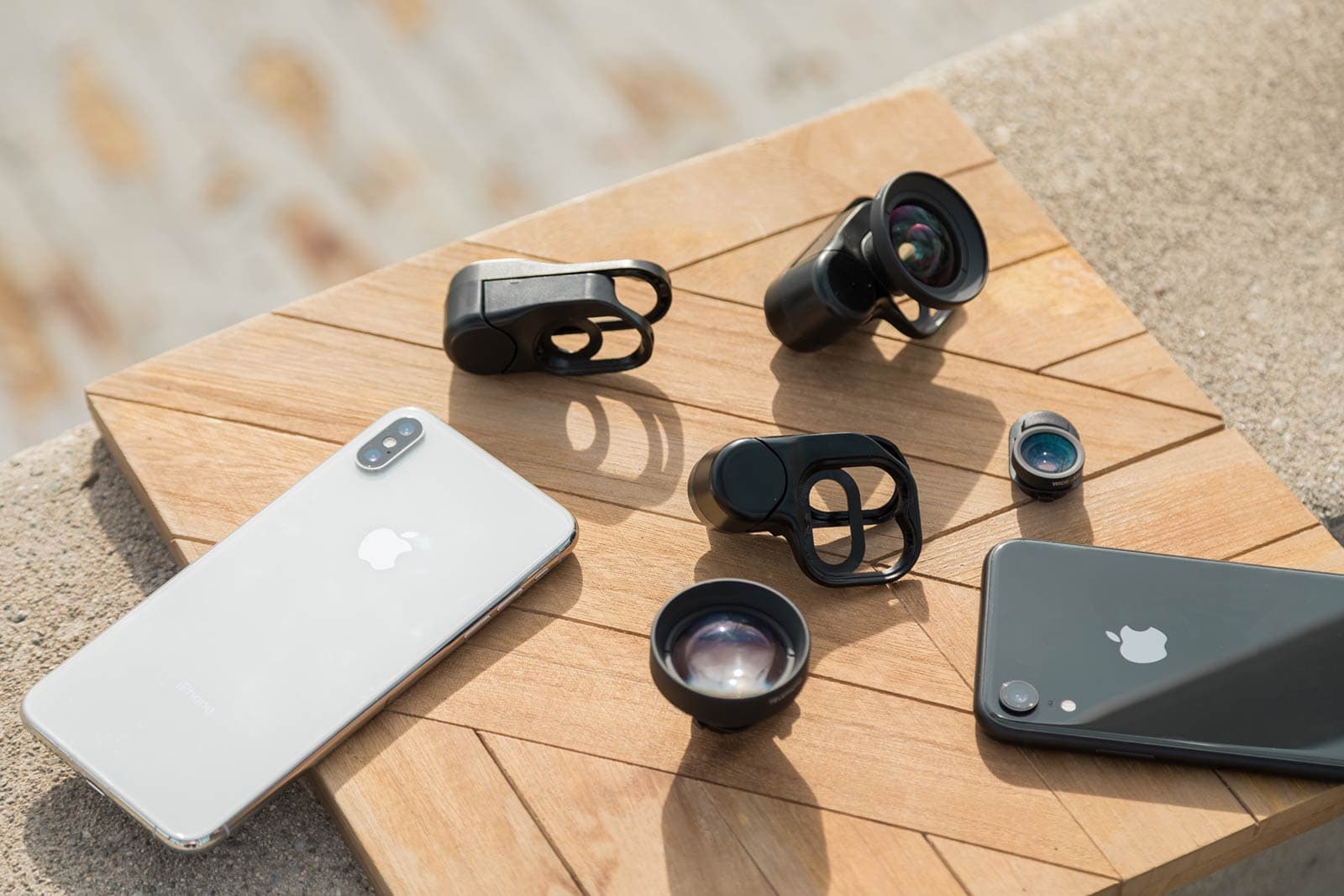
olloclip releases lens mounts so its Connect X lenses fit the three newest iPhones. Photo: olloclip
olloclip Connect X lenses will now fit on the iPhone XR and XS models thanks to new mounting clips rolled out today.
The release of dedicated clips for Apple’s latest flagship handsets comes two weeks after olloclip announced new Pro and intro lenses in the Connect X line-up. The new lenses were designed after the release of the iPhone X to cover larger image sensors.
There's more than one way to get back into your locked iPhone, including this great toolkit from dr.fone. Photo: Wondershare
This post is presented by Wondershare.
Every iPhone owner fears forgetting the passcode that unlocks his or her device. If you created a fresh passcode for your new iPhone XR, XS or XS Max, there are a few ways to find your way back in if the magic numbers slip your mind. (Yes, even if you’ve forgotten your Apple ID.)
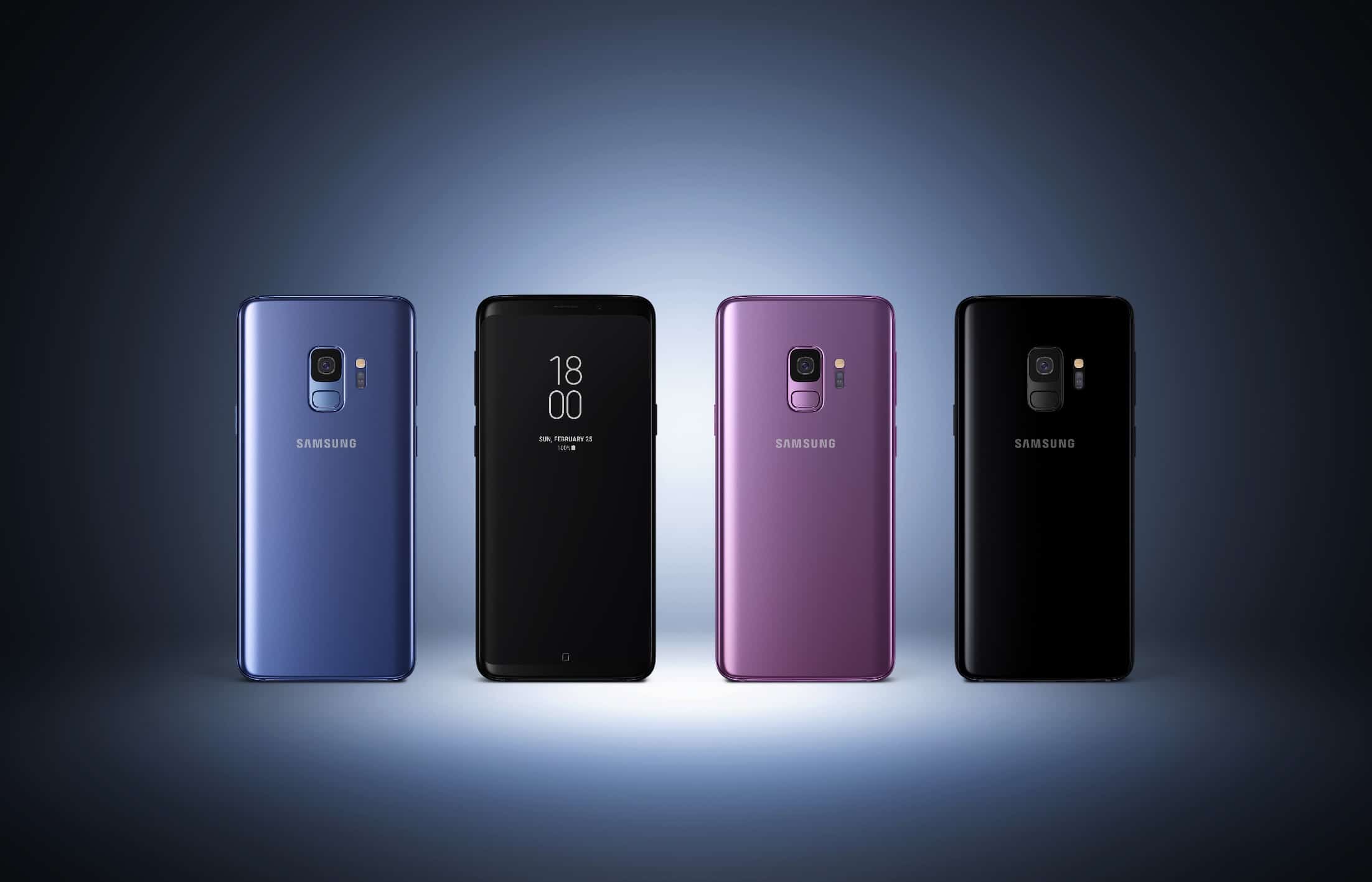
The 2019 Galaxy lineup is coming in February. Photo: Samsung
The iPhone is set to get some huge competition from Apple’s biggest rival in 2019.
Samsung is reportedly planning to unleash its biggest phone ever for the 10th anniversary of the Galaxy lineup. If the report is accurate, Samsung’s Galaxy S10 will pack two times as many camera lenses as the iPhone XS Max and come with an even bigger display.
The new USB-C hub indicator icon on the 2018 iPad Pro. Photo: Cult of Mac
When you plug a USB-C hub into your new iPad Pro, you will see a new icon appear in the iOS status bar, up on the right by the battery, Wi-Fi, and LTE status icons. It’s a little blue lozenge with an icon of an old-style Camera Connection Kit in it, and it appears for just a short moment.
The new icon is handy to let you know that your hub has been recognized, but it doesn’t always work as expected.
Your Apple Watch could warn you to get out of the Sun. Photo: Skitterphoto/Pexels
A future version of the Apple Watch could monitor how much ultraviolet radiation the user is being exposed to, and alert the wearer if they’ve been in the Sun for too long.
According to the World Health Organization, “Ultraviolet (UV) radiation is a known cause of skin cancer, skin ageing, eye damage, and may affect the immune system.”
Coming soon to a Mac near you. Photo: Feral Interactive
Shadow of the Tomb Raider, the twelfth game in the Lara Croft-starring franchise, is coming to Mac in 2019. The generally well-received title, set in South America, launched on PC, PlayStation 4 and Xbox One back in September.
Tim Cook has spoken out about how he believes tech needs regulating. Photo: Apple
It seems that the majority of Americans agree with Tim Cook when it comes to regulating data-hungry tech giants, a new survey suggests.
Carried out by Axios, the survey suggests that 55 percent of people are concerned that the federal government isn’t doing enough to regulate large tech companies.
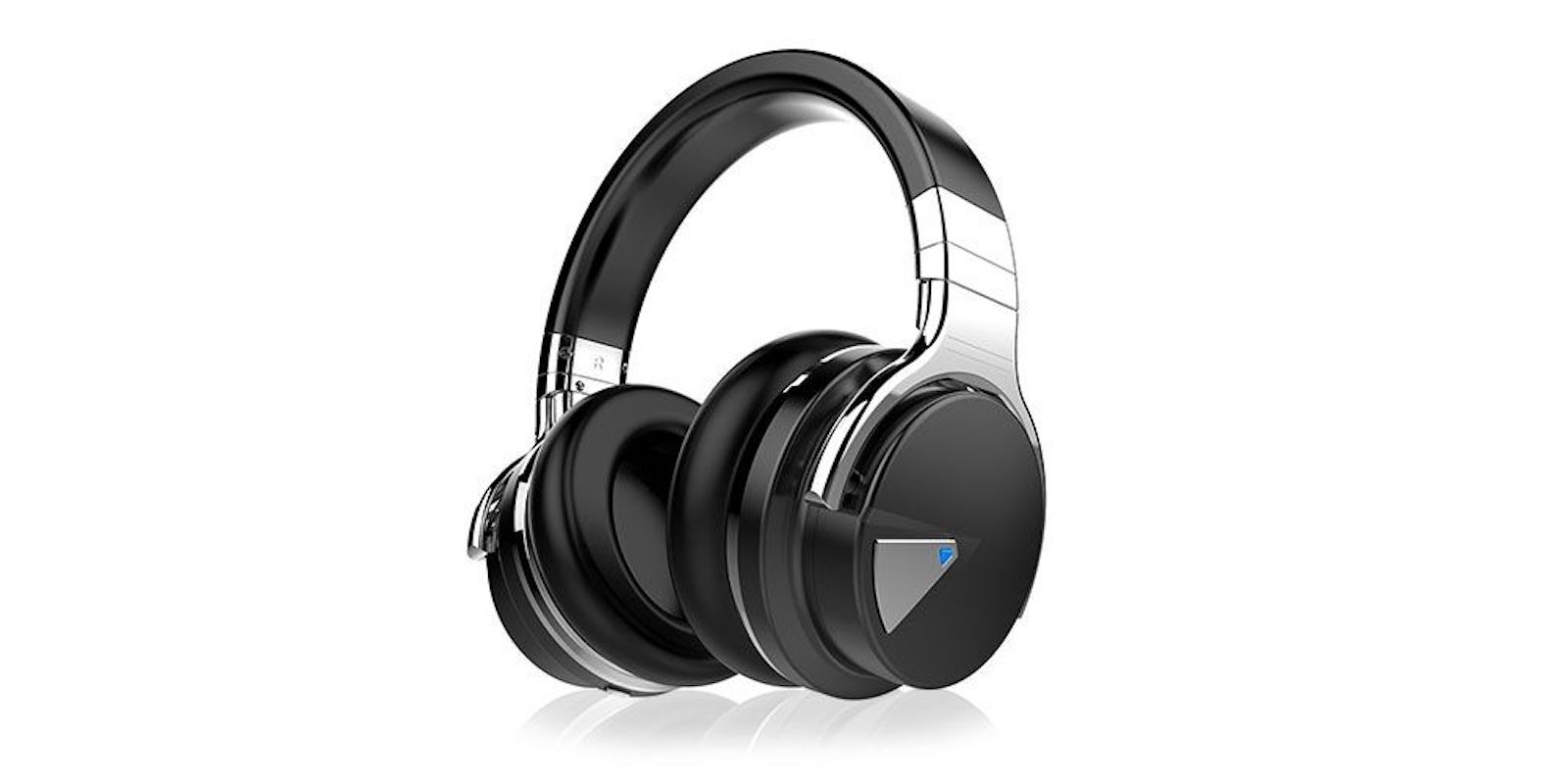
These Bluetooth over-ears sport noise cancellation and a 30 hour battery life, making them the perfect travel companion. Photo: Cult of Mac Deals
Let’s be honest. For most of us, traveling is more about the sights than the sounds. On the plane, train or out in the world, noise-canceling headphones make it easy to be alone with your music or shows. Black Friday approaches, so it’s a great time to get a set for a fraction of the usual price.
Winter is coming to Battle Royale. Photo: Epic Games
Fortnite players can look forward to more changes as we approach the end of 2018, with dynamite on the way in an upcoming release, and a possible snowstorm that will bring a winter theme to the Battle Royale map.
Apple is still worth a whole lot. Just not as much as it was. Photo illustration: Ste Smith/Cult of Mac
Apple’s market cap has taken one heck of a beating over the past six weeks. But it’s far from alone.
A new report notes that tech’s FAANG stocks (that’s Facebook, Apple, Amazon, Netflix, and Google) have lost a combined $728 billion of their combined value in one-and-a-half months. That’s slightly more than the GDP of Saudi Arabia and only a bit less than that of the Netherlands.
Better performance than most laptops comes up in Apple’s new video called 5 Reasons iPad Pro can be your next computer. Screenshot: Apple
In a previous iPad advertisement, Apple famously asked “What’s a computer?” The company has taken a step past that with its latest ad that urges people to make an iPad Pro their next computer.
The less-than-a-minute video goes on to delineate some of the capabilities of the latest iOS tablet.
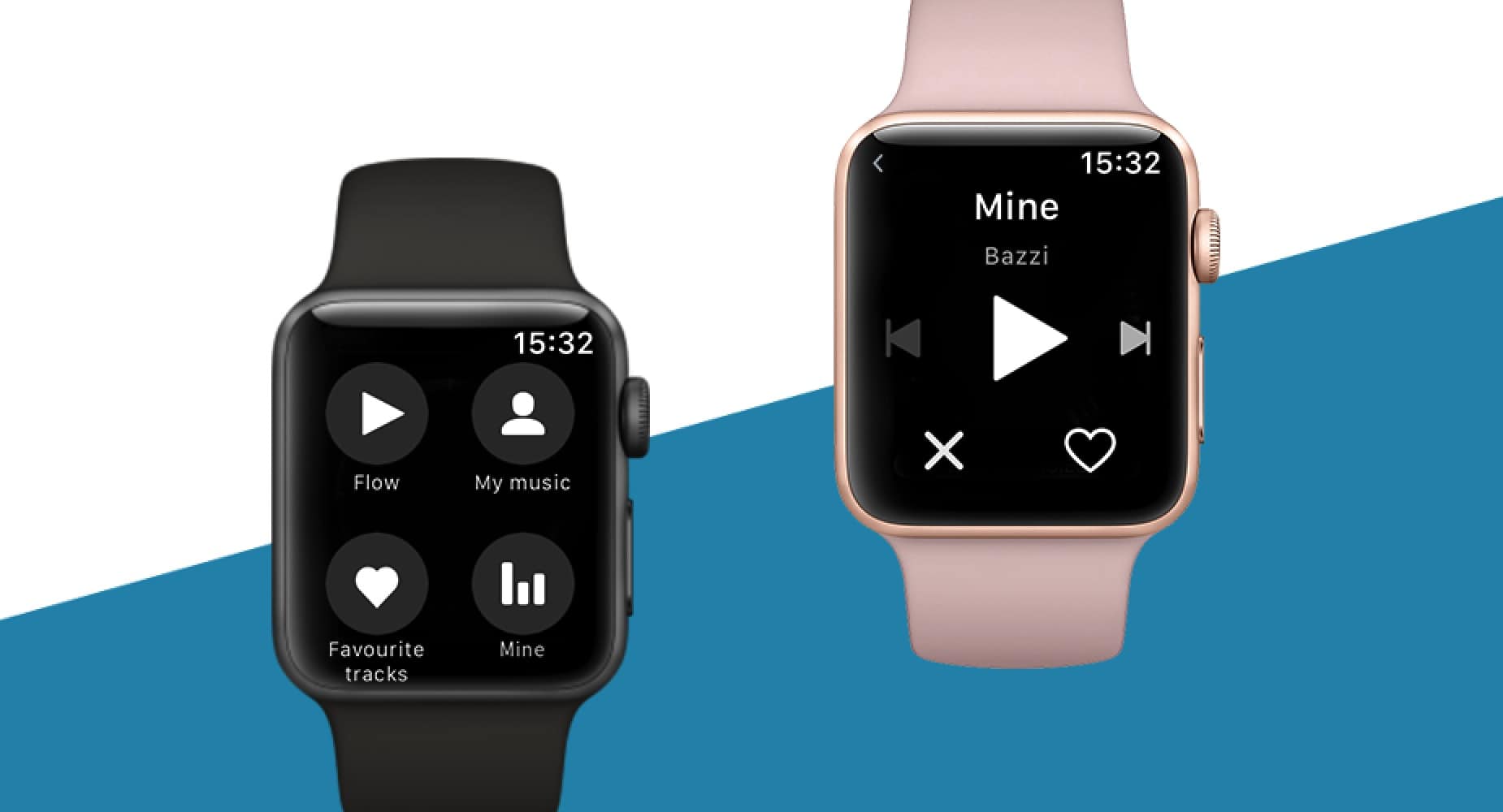
Deezer hopes to offer the best wrist-based music experience yet. Photo: Deezer
Following on from Spotify’s Apple Watch debut, rival streaming music company Deezer has given its Apple Watch app a major version 2.0 overhaul.
The upgrade includes brand new features such as direct access to recently played tracks, favorites, and Deezer’s “Flow” personal music discovery system.
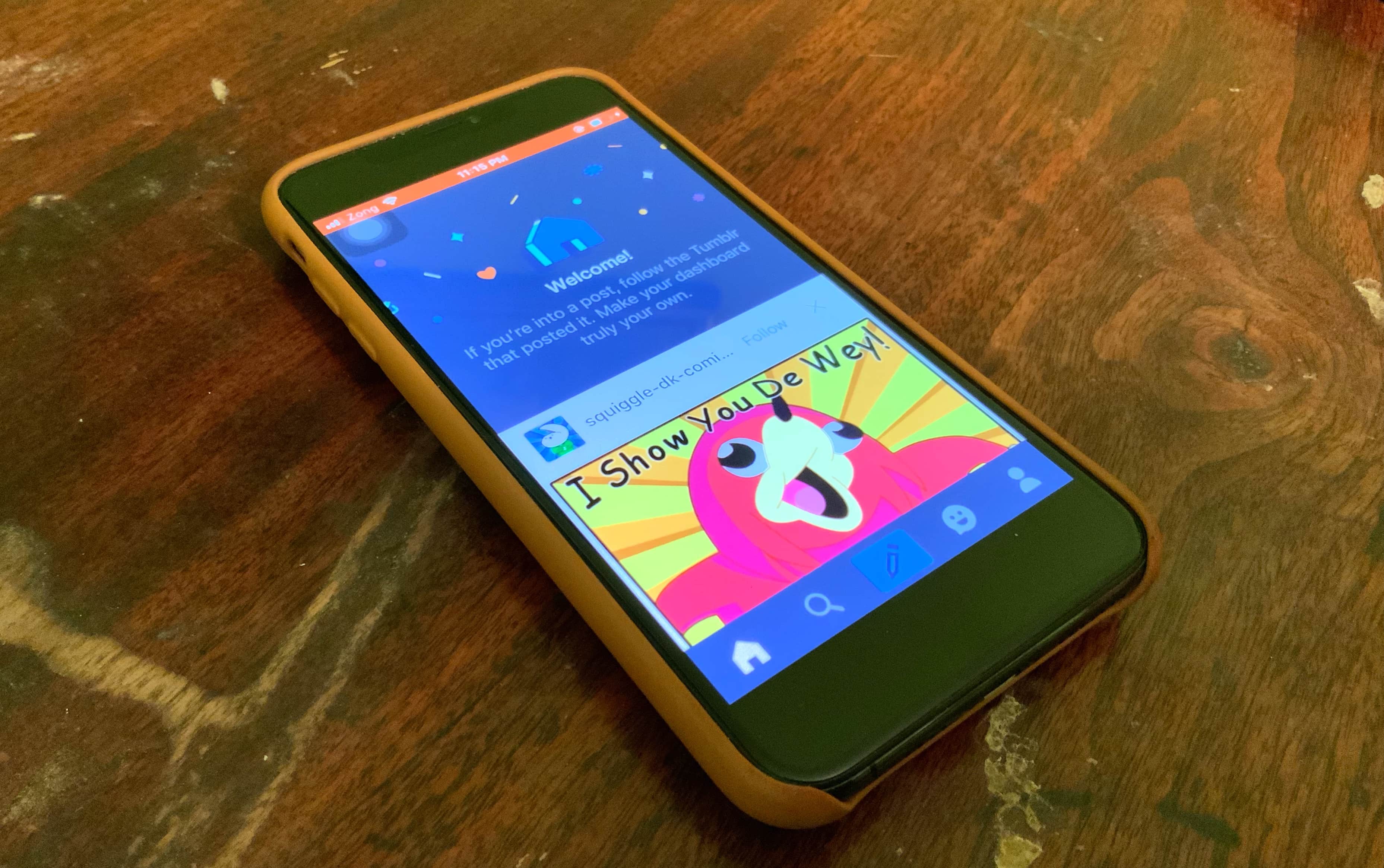
Tumblr was booted out of the App Store over the weekend. Photo: Ed Hardy/Cult of Mac
It’s not every day that an app as well known as Tumblr vanishes from the App Store. That’s exactly what happened over the weekend, however, when the microblogging social network app was wiped off the face of Apple’s app repository.
Now a new report claims that the reason it was removed was because it contained child pornography, which somehow managed to get around Tumblr’s filters.
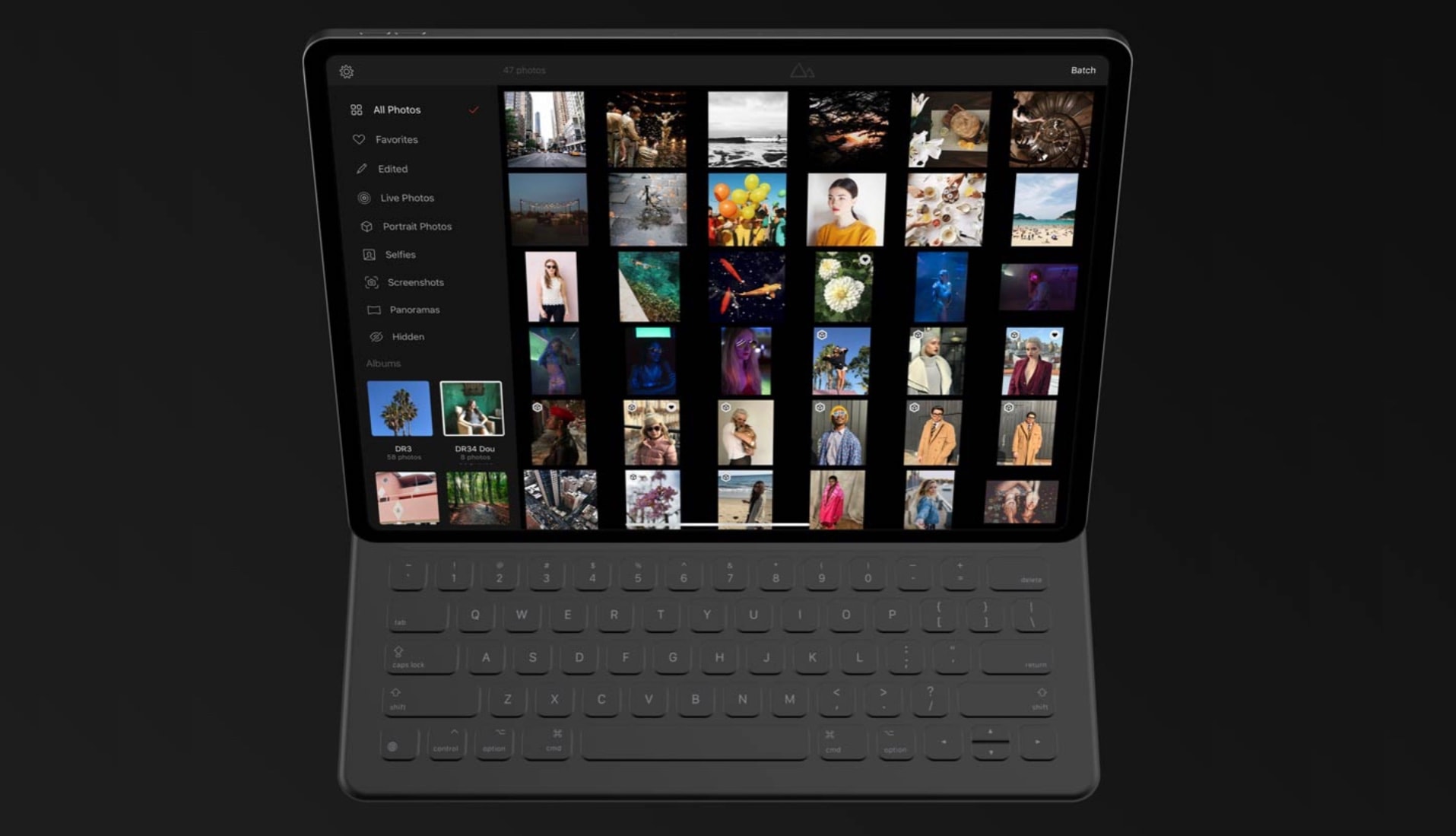
Darkroom is making the jump from iPhone to iPad. Photo: Bergen
Darkroom is a photo-editing application that invites comparison to Adobe’s Lightroom. But it’s always had a limitation: the only version was for iPhone.
That’s about to change, as an iPad version is out in beta.
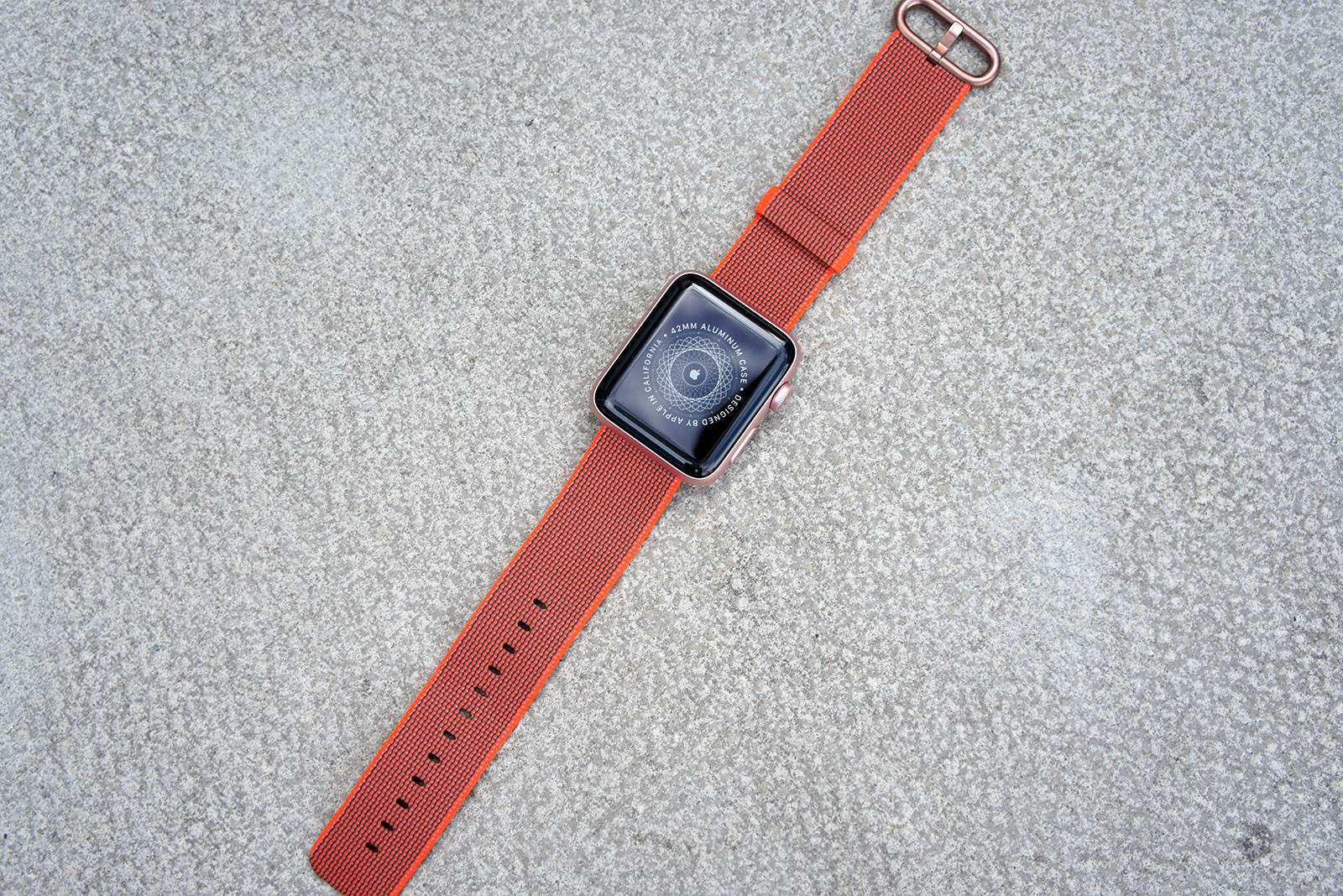
Bag an Apple Watch for under $185 today only. Photo: Ste Smith/Cult of Mac
Retailers are offering big discounts on the Apple Watch for Black Friday, and you can fund your upgrade by selling your old model to Cult of Mac. The whole process is quick and easy, and we typically pay more than other buyback services like GameStop and Gazelle.
Find out how much your Apple Watch is really worth today!
If only all text was so easy to translate. Photo: Charlie Sorrel/Cult of Mac
Today we’re going to make a Siri Shortcut that takes any text, converts it into English, and copies it to the clipboard. Never again will you have to struggle with a foreign menu on a web page, or a snippet of text from a non-English news site.
There are a few ways to translate text and websites on iOS, but this shortcut has two big advantages: It’s really, really fast, and it automatically copies the result to the clipboard. If you ever used the otherwise-excellent Microsoft Translate share extension, you will already be sick of having to manually select the result in a tiny window, and then use the share sheet again just to copy it.
The Yohann Wood MacBook Stand is artful and sturdy. Photo: David Pierini/Cult of Mac
In German, the boy’s name “Yohann” means “gift of god.” The same could be said about the Yohann MacBook stand, a sculptural walnut base divine in both look and function.
You may want to say a little prayer when you place your MacBook Pro on this elevating perch for the first time, though. You will wonder how this thing can support your rather expensive machine.
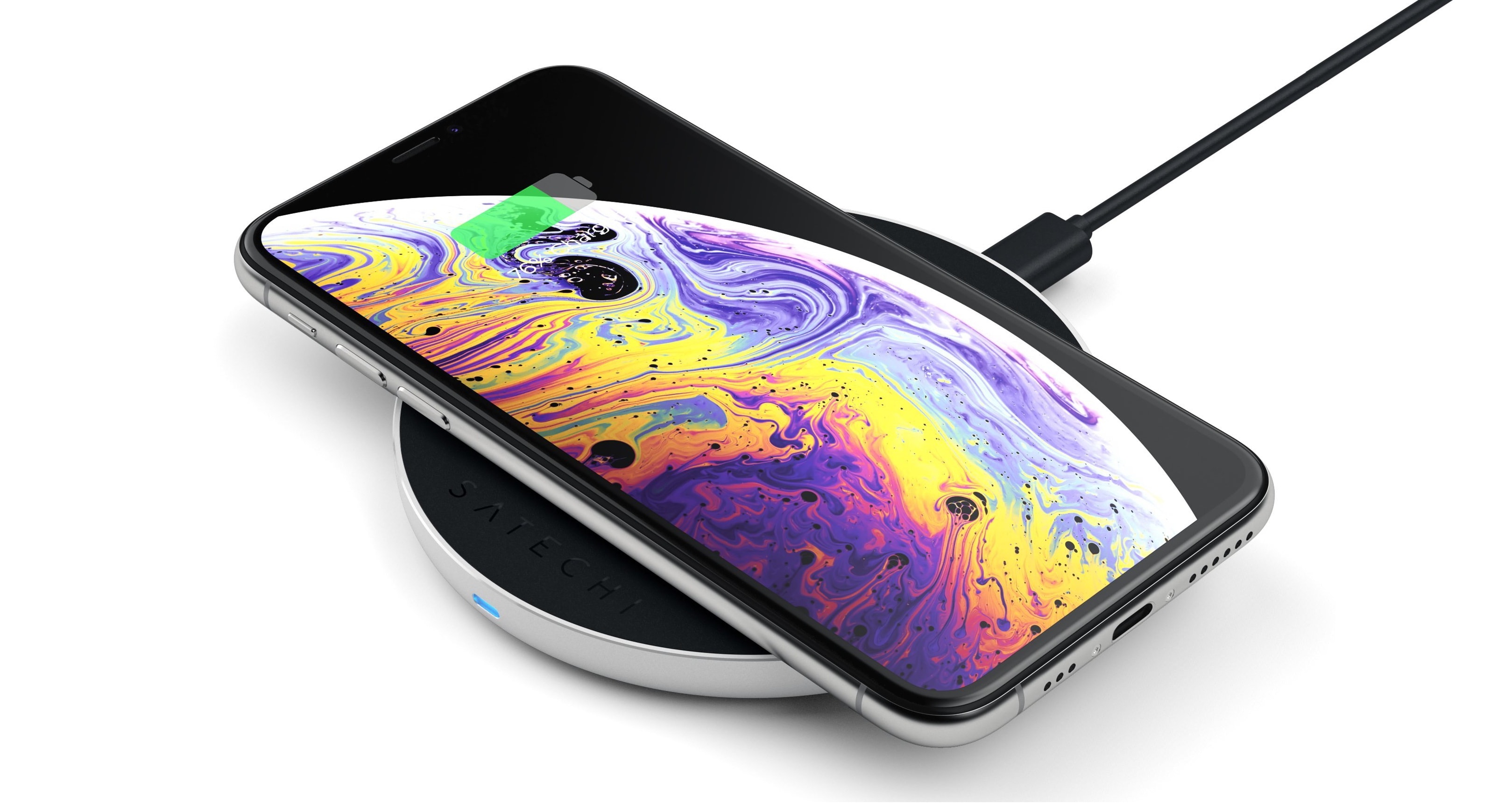
A stylish new iPhone wireless charger uses USB-C. Photo: Satechi
Satechi has a new wireless charger for Qi devices, including all recent iPhone models. This includes a USB-C port and can transmit power as quickly as iOS and Android devices can receive it.
Its casing has a more modern look that previous versions from this company.