Fact: I’m currently waiting for my lazy optician to supply my first pair of “old-man glasses” aka specs with progressive lenses. In young-folk terms that means I get glasses which let me read without holding the iPad at arms-length.
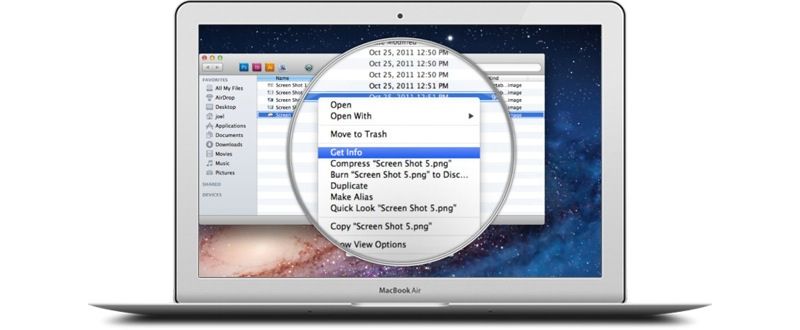
In the meantime, I have boosted the size of my iPad’s text, but on the Mac I might give Zoom It a spin. It’s a loupe app that magnifies whatever is under it’s little virtual glass eye, and it’s now compatible with Mavericks.
With Zoom It running, just hold the z key and the loupe will pop up, magnifying the screen beneath its window up to 5x. You can move it around, as well as changing the magnification, and you can even snap a screenshot of the loupe’s-eye-view, making this a great tool for designers, not just folks with stiffening retinas. The loupe’s size and shape can be easily changed, and there are keyboard shortcuts for everything.
And yes, you can zoom the screen of any Mac already just by pressing the control key and scrolling with the mouse or trackpad, but Zoom It’s loupe seems a less intrusive method to me. $3 on the Mac App Store.
Source: Zoom It

Charlie Sorrel writes reviews and how-tos. Follow Charlie on Twitter at @mistercharlie, and at micro.blog on @mistercharlie

