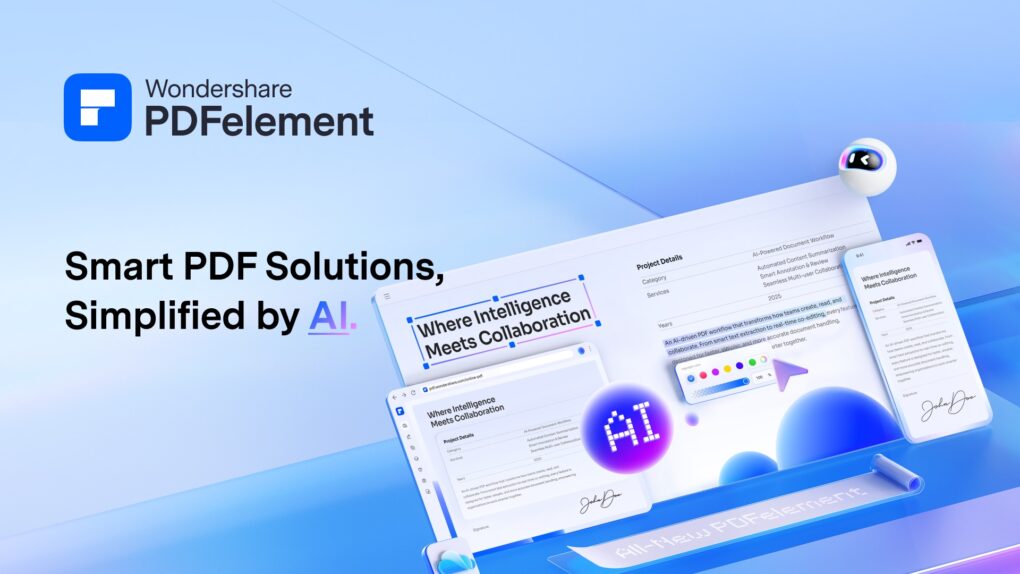
For basic PDF viewing, annotations, and document signing, Apple’s Preview remains one of the most convenient tools available on macOS.
However, modern PDF workflows often require more advanced capabilities, including PDF editing, OCR, file conversion, document organization, security controls, and AI-powered productivity tools. Wondershare PDFelement provides these features within a single platform, making it a practical choice for users who regularly work with PDFs beyond simple viewing and markup.
This post contains affiliate links. Cult of Mac may earn a commission when you use our links to buy items.
Wondershare PDFelement helps Mac users do far more than simply view PDFs
Wondershare PDFelement is a one-stop PDF solution powered by AI. Fast, affordable, and easy way to edit, convert, sign PDFs, and more – accessible across desktop, mobile, and web platforms.
- Highly affordable.
- Full-featured PDF editor.
- Powerful AI tools.
- High-accuracy OCR.
- Excellent value for money with flexible pricing.
Apple Preview remains one of the most underrated apps included with macOS. For reading PDFs, adding signatures, and making quick annotations, it’s hard to beat.
The problem is not that Preview is bad at what it does. It is that modern PDFs are no longer just documents to read or mark up. They are contracts that need direct text edits, reports that need clean conversion, scanned archives that need searchable OCR, and long documents that need faster review. As these workflows become more demanding, many Mac users are looking beyond Preview to dedicated tools like Wondershare PDFelement that can handle the entire PDF lifecycle in one place.
Modern PDF Workflows Demand More Than Viewing
Think about the PDF tasks you handle during a typical week. You might need to:
- Edit a contract before sending it to a client
- Merge multiple PDF files into a single report
- Convert a PDF into an editable Word document
- Extract pages from a large proposal
- Fill out forms
- Protect sensitive information
- Search scanned PDFs using OCR
- Review and annotate documents with teammates
Individually, none of these tasks seem unusual. Collectively, they highlight how PDFs have evolved from static files into active workspaces. The challenge is that most built-in PDF viewers were never designed to support this level of functionality.
Editing PDFs Without Starting Over

Photo: Wondershare
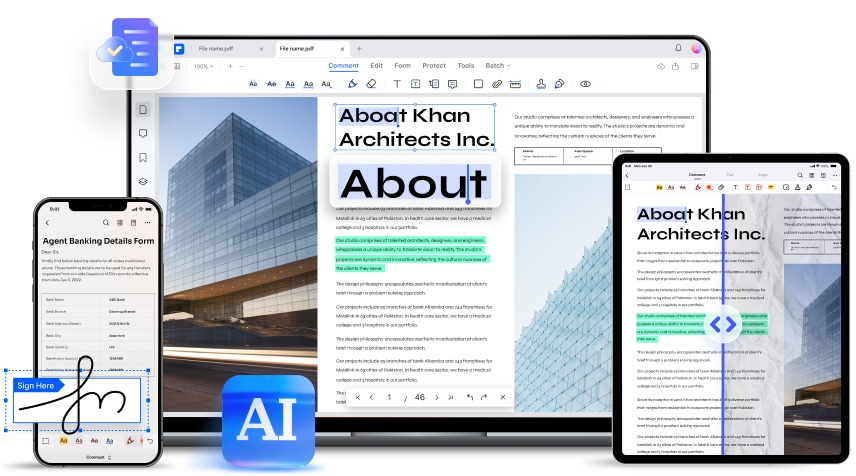
One of the biggest frustrations Mac users face is receiving a PDF that requires changes. Preview allows comments and annotations, but it doesn’t offer true PDF editing.
For professionals working with client-facing documents, that can save hours every week.
Combining and Organizing Documents in Minutes
Many projects involve multiple PDF files, such as contracts, invoices, research reports, supporting documentation, and project briefs. Rather than sending a dozen attachments, most professionals prefer a single organized PDF.
Wondershare PDFelement makes it easy to:
- Combine PDFs
- Split large files
- Rearrange pages
- Extract specific sections
- Delete unnecessary pages
- This kind of document organization is particularly useful for consultants, freelancers, project managers, and legal professionals who regularly work with large document packages.
OCR Turns Scanned PDFs Into Usable Documents
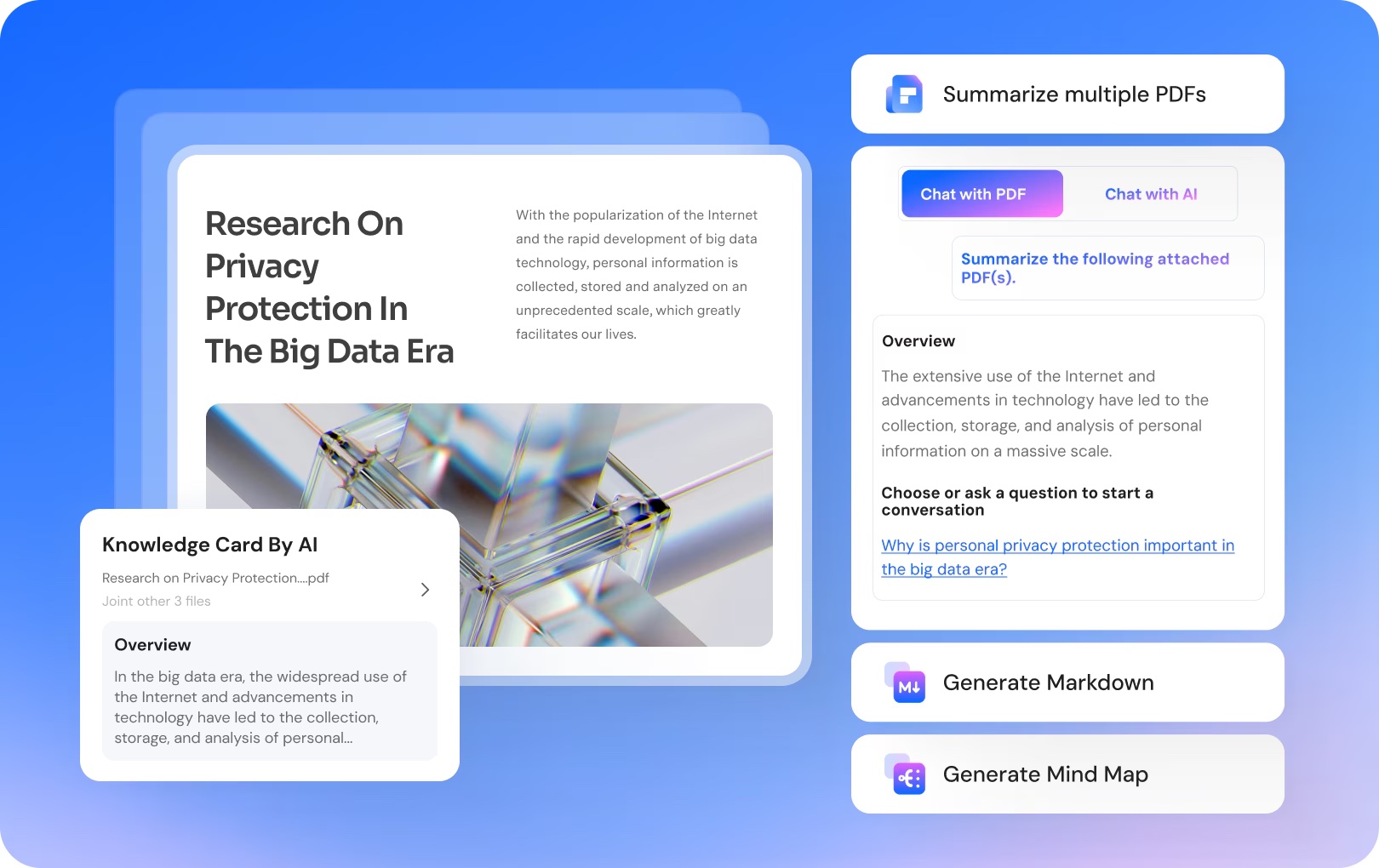
Photo: Wondershare
One area where Preview quickly reaches its limits is scanned documents.
Some image-based PDFs can be recognized by macOS, but that does not always mean they are easy to edit, cleanly extract, or reuse in another format.
Wondershare PDFelement’s OCR technology converts scanned PDFs into searchable and editable documents.
This is especially valuable for:
- Receipts
- Invoices
- Historical records
- Signed contracts
- Paper archives
- Instead of manually retyping information, users can instantly extract and work with the content.
Converting PDFs Without Breaking Formatting
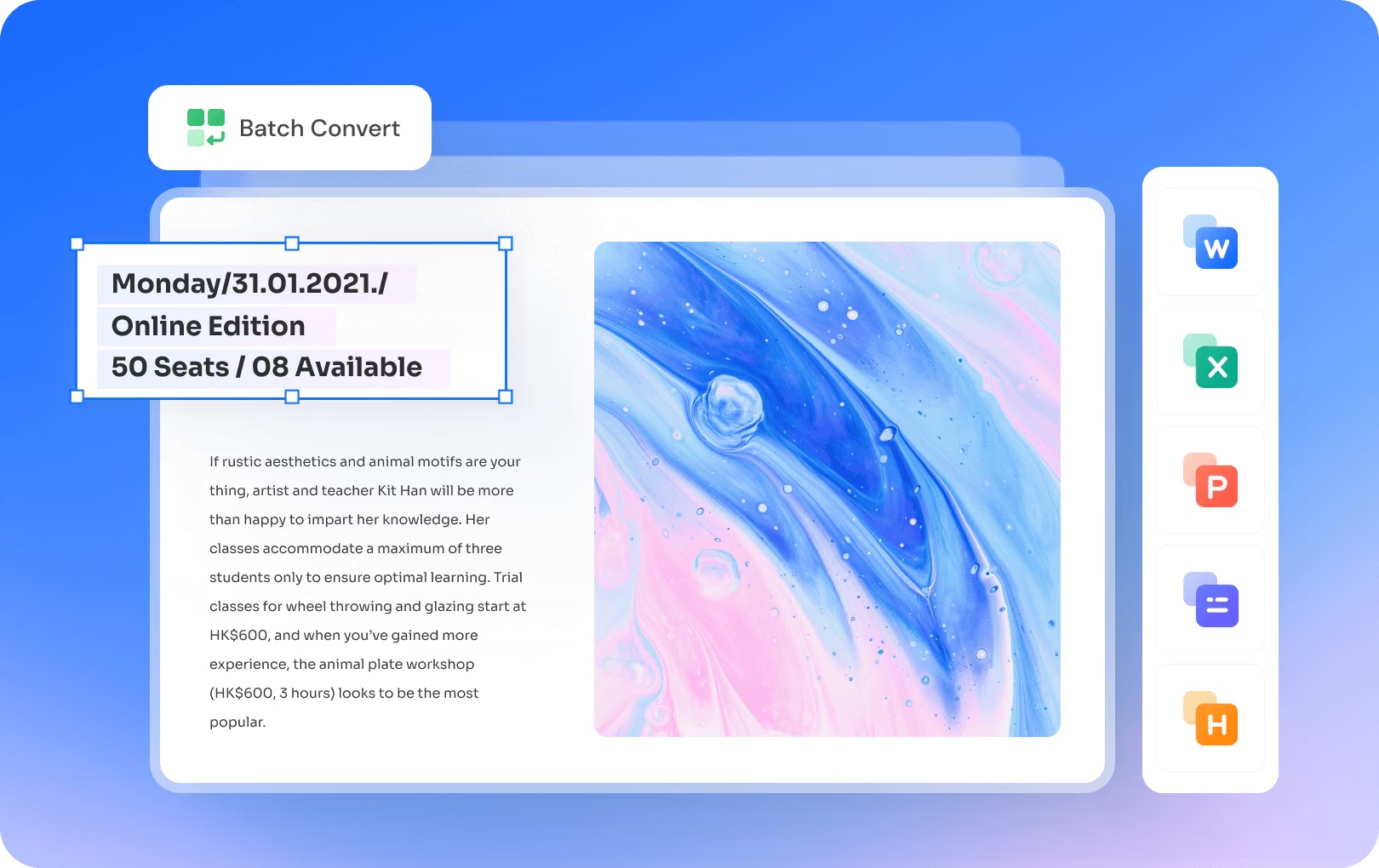
Photo: Wondershare
Anyone who has ever converted a PDF knows the frustration.
- Tables shift.
- Images disappear.
- Layouts break.
- Formatting gets lost.
Wondershare PDFelement supports conversion between PDF and popular formats such as:
- Microsoft Word
- Excel
- PowerPoint
- Images
- EPUB
For users who regularly reuse document content, accurate conversion can dramatically improve productivity.
Protecting Sensitive Documents
Not every PDF should be freely accessible.
Organizations increasingly need tools to safeguard confidential information.
Wondershare PDFelement includes features that help users:
- Password-protect PDFs
- Add digital signatures
- Apply watermarks
- Redact sensitive content
For legal, HR, healthcare, and finance professionals, these capabilities are becoming essential rather than optional.
AI Is Reshaping PDF Workflows
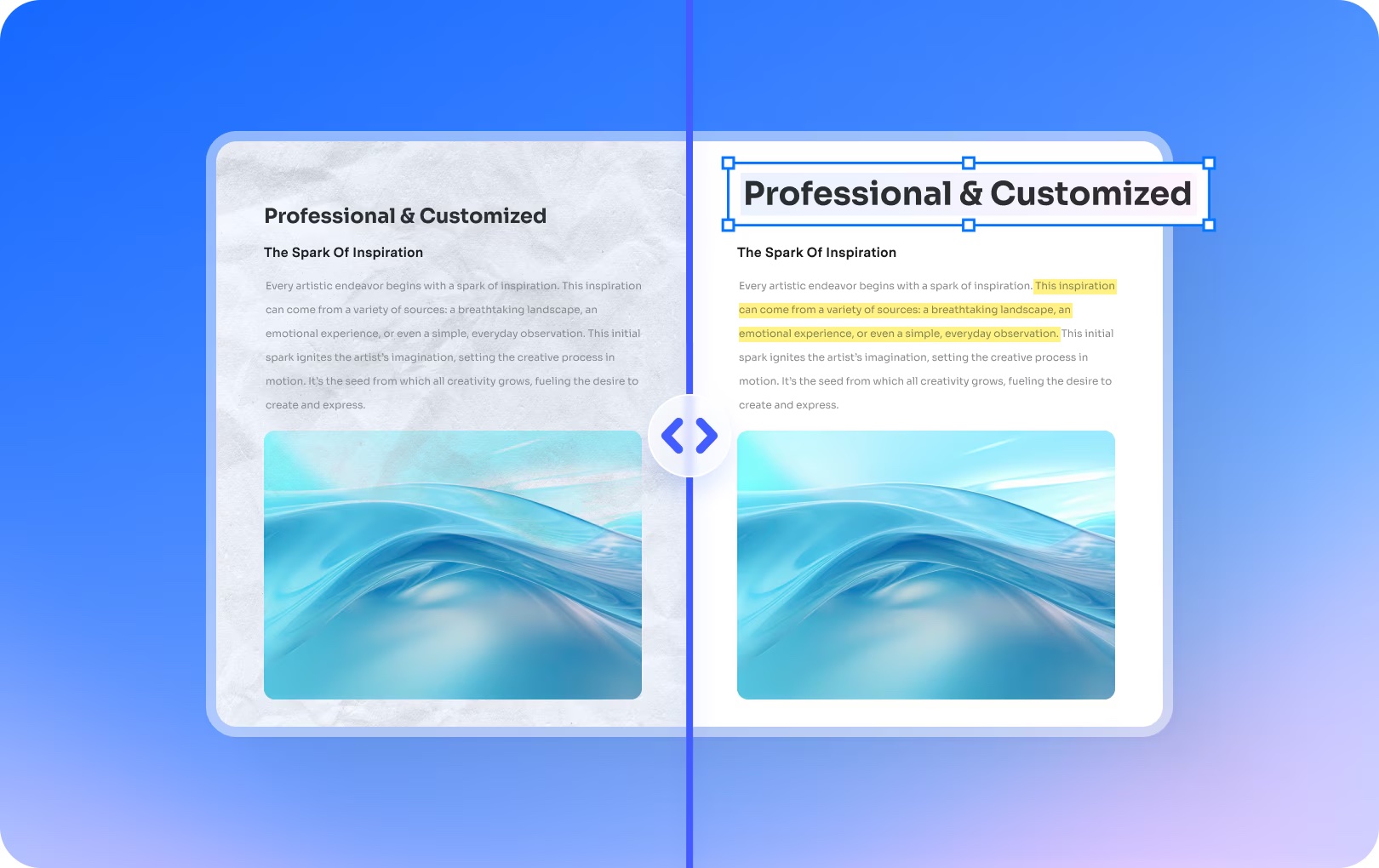
Photo: Wondershare
Perhaps the biggest change in PDF software isn’t editing or OCR. It’s artificial intelligence. Wondershare PDFelement now incorporates AI-powered capabilities that help users:
- Summarize lengthy documents
- Translate PDFs
- Explain complex content
- Extract key information
Instead of manually reading hundreds of pages, users can quickly surface the information that matters most.
As document volumes continue to grow, AI-assisted workflows are becoming a significant productivity advantage.
Why Many Mac Users Are Choosing Wondershare PDFelement
Apple Preview remains one of the best free utilities included with macOS.
For viewing PDFs, adding signatures, and making quick annotations, it’s still difficult to beat.
But today’s document workflows require far more than viewing.
Users increasingly need a solution that can:
- View PDFs
- Edit PDFs
- Annotate PDFs
- Combine PDFs
- Convert PDFs
- OCR scanned documents
- Manage PDF pages
- Create and fill forms
- Protect sensitive files
- Leverage AI-powered document tools
Rather than relying on multiple applications to complete these tasks, Wondershare PDFelement brings them together in a single platform optimized for modern Mac workflows.
For users who spend significant time working with documents, that convenience alone can make a meaningful difference.
Final Thoughts
The role of PDFs has changed. What were once static documents have become interactive, collaborative, and information-rich workspaces.
Apple Preview remains a fantastic starting point for everyday tasks.
But for professionals who regularly edit, organize, convert, protect, and analyze documents, a dedicated solution like Wondershare PDFelement offers a more complete toolkit. As PDF workflows continue to evolve, the software we use to manage them must evolve as well.
Download Wondershare PDFelement today and take control of your PDF workflow.
Wondershare PDFelement is a one-stop PDF solution powered by AI. Fast, affordable, and easy way to edit, convert, sign PDFs, and more – accessible across desktop, mobile, and web platforms.
- Highly affordable.
- Full-featured PDF editor.
- Powerful AI tools.
- High-accuracy OCR.
- Excellent value for money with flexible pricing.

Cult of Mac is your source for news on tech and culture as seen through an Apple lens.

