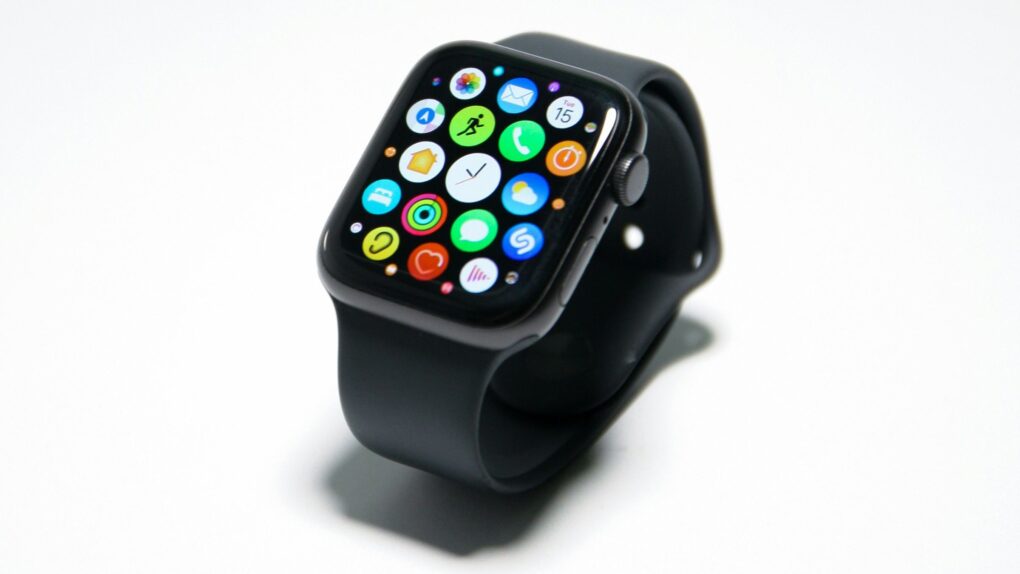
watchOS 27 removed the app switcher from the Apple Watch, making it harder to quickly jump back to the last app you were using. Thankfully, Apple will address this regression to an extent with watchOS 27.2 later this year.
The app switcher is back, but it works differently
The latest watchOS 27.2 beta brings back the app switcher on the Apple Watch. However, you still can’t double-press the Digital Crown to jump to the previous app. Instead, you now need to press and hold the bottom of the screen when inside an app. This will bring up the list of recently used apps.
Apple has brought back the App Switcher!
On watchOS 26 and earlier, you could access the App Switcher by double-clicking the Digital Crown, then turning the Digital Crown to navigate through your recently used apps. You could also swipe left on an app and tap the "X" button to… pic.twitter.com/G5fa0TeTR9
— (@limpless_skelly) September 22, 2026
Once the app switcher is open, like before, you can scroll through the list using the Digital Crown. Or, swipe left on an app to reveal the ‘X’ button for closing it.
On watchOS 26 and earlier, you could jump back to the previous app using the app switcher by double-pressing the Digital Crown. For unknown reasons, Apple removed this functionality in watchOS 27.
Currently, clicking the Digital Crown brings up the dynamic app grid in watchOS 27, which recommends five apps based on your activity and location. There’s also a shortcut to quickly launch Siri or jump to the full app drawer.
Your Digital Crown muscle memory won’t help
While this would be a welcome change, it still breaks years of muscle memory. Ideally, Apple should have restored the old way of triggering the app switcher. But it seems the company will use the double-press of the Digital Crown for the Audio Intelligence feature Live Rewind.
Apple should release watchOS 27.2 to the public in late October or early November.

Rajesh has been writing about consumer technology for over a decade, with a strong focus on iPhones, Macs and Apple’s ecosystem. He enjoys digging into Apple software updates, hardware changes, and discovering new Mac apps that make work faster and more enjoyable.
You can reach out to him at mail[at]rajeshpandey.me.

