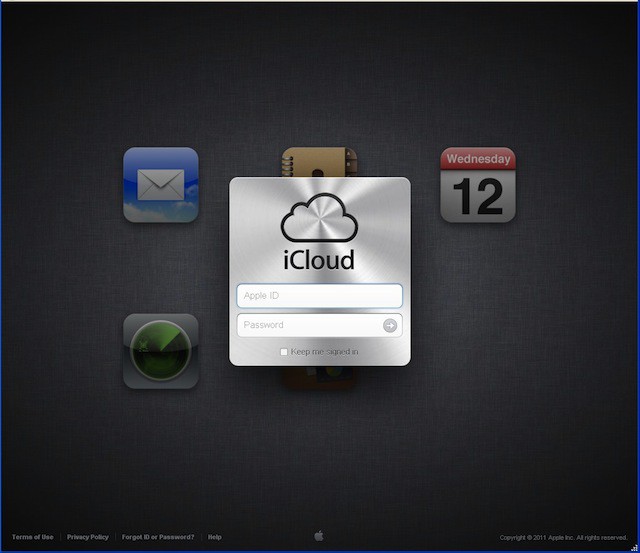
Once you click the Move to iCloud button the process starts. I haven’t tried, but I bet there’s no going back once you’ve done this so think about it first.
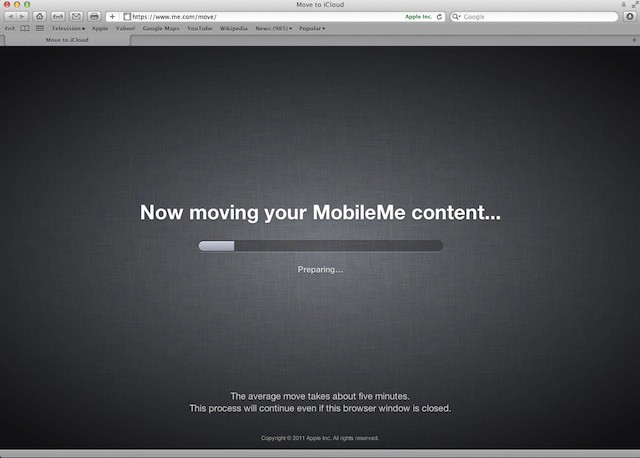
MobileMe gets its move on into the iCloud.
That’s it you are all done!
Some next steps…
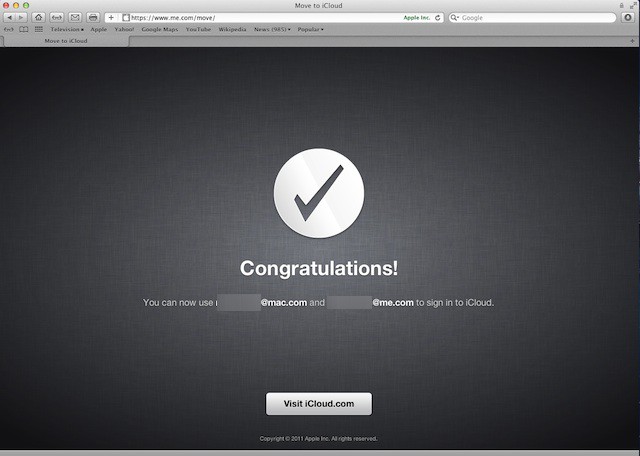
Congratulations — you are all done!
Now log into http:\\www.icloud.com with your Apple ID or MobileMe ID and have at it.
This is the screen you’ll see after logging in. It looks like iwork.com has finally grown up.
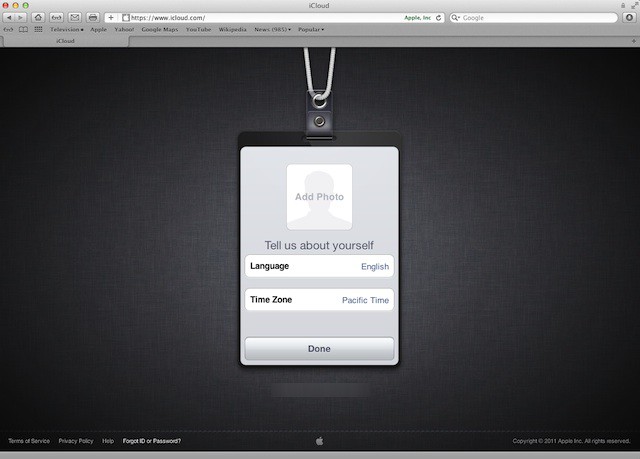
Customize your iCloud badge with your own photo, setup your time zone and language.
Select your time zone.
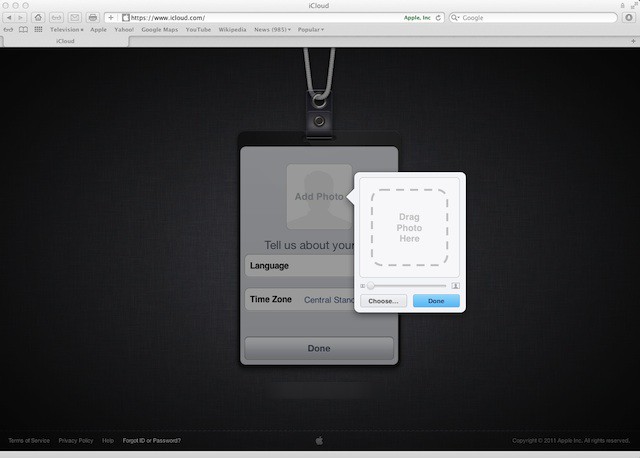
Add your own image to customize your iCloud experience.
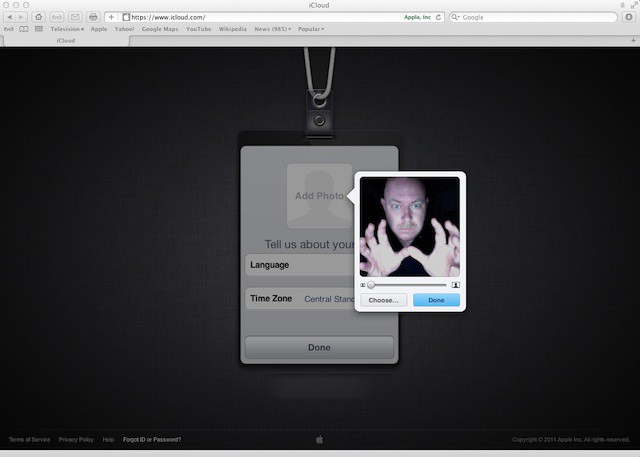
As you can see I like to have a little fun with this image stuff. Shazam! You are all done. Now you can enjoy iCloud.


68 responses to “This Is How You’ll Transition From MobileMe To iCloud [Gallery]”
What about if you have an expired MobileMe account?
Hope they add keychains and some kind of iDisk feature soon, why would I want a 25GB account without some kind of storage? Just copy dropbox already…
So let me get this straight. If we didn’t update to Lion (for many obvious reasons) and chose to stay with Snow Leopard, we can’t move our MobileMe to iCloud? Ever?
when does 10.7.2 come out? what was the point of them releasing iCloud without the lion update?
There’s going to be an update for SL.
Turns out I don’t have and can’t update to Mac OS X Lion 10.7.2 yet. :\
I have a mobile me that is a different id to my apple id, how’s that supposed to work?
It works fine with expired accounts.
So how does one go about upgrading to 10.7.2? Software Update isn’t showing anything available as of 11:30am CST.
Does the web version of iCloud’s Mail look better/work better than MobileMe’s?
10.7.2 is live.
Not according to Apple. It says Lion only. What a bunch of crap. Lion sucks and now they’re going to force me to upgrade to it to get iCloud… which they’re forcing me to use because they killed MobileMe… a service that I paid for. Unbelievable. Windows 7 is looking better and better every day.
On my first migration page it only shows Mail and Calendar…no Contacts. Anyone else having this problem. I don’t want to migrate and lose all my contacts
Well then go use Windows 7. No one is stopping you!
So did you merge your Apple ID>MobileMe>iCloud is that correct? If yes from now on you can log in into your Apple ID with your iCloud ID?
Do I have to update to iCloud? I know I will; but for now can I just ignore the iCloud pref and keep with MobileMe until things settle down (by that I mean any bugs). I notice the MobileMe pref panel is still present so if I don’t upgrade/transition will things be the same? Including iDisk?
I don’t want to upgrade to Lion since 1) 75% of my software does not compile under the pseudo-gcc complier distributed with the OS 2) I find Snow Leopard better 3) Rosseta does not exist under Lion. But I’d like to use iCloud! Who should I write to when SJ is dead? (R.I.P.)
After you run the process, you login using your email and password as you have with iTunes each and every purchase you made. Universal key.
You can keep your current MobileMe account until June 2012. Then you lose it. Apple extended the deletion of MobileMe to give users time to copy all their stuff from MobileMe onto their desktop so it does not get deleted until then and you can migrate photo stream and Documents in the Cloud.
To answer my own question you can update and just keep using MobileMe like before. I will hang on for a couple of weeks before migrating over to iCloud. All of my work life is on MobileMe so I can’t risk errors like the update to iOS5…
Indeed, no one is stoping him to move to Win7, but someone or something ought to stop you from being an arrogant sod. What Apple is doing now by not making iCloud available to SL users is nothing short of a disgrace. Unfortunately they rely on the vast hoards of dumb gits like you who only use their Macs for Twitter and Facebook and can’t even begin to comprehend that there are LOTS of apps that DO NOT WORK with Lion, hence forcing people into choosing between useful, curent use apps and the ability to synch their data between multiple Apple devices, which any way you put it, sucks salty chocolate balls. In what I am concerned, they just drove me out of the 4S with this revolting crap!
I thought that you cannot merge your Apple ID with iCloud/MobileMe and Apple is working on that?!
MobileMe and Apple ID have been universal keys since it’s inception. You can buy games, music, videos, etc.
What you can not do is merge two accounts into one. If you have been buying stuff from [email protected] and you’ve been using [email protected], you can not transfer gmail purchases to me.com.
You can make purchases and write emails from MobileMe. And you can migrate your MobileMe to iCloud and keep your Me.com account.
What Apple will not let you do is take two accounts (GMail and MobileMe) and migrate them into MobileMe. They have never allowed this since it’s two purchasers for security reasons.
I’ve had issues with the updating as well. Takes time. You’re talking a billion computers to update.
Apple ID can be used with MobileMe which can be used in conjunction. You can buy stuff using MobileMe’s account.
However GMail/Yahoo/etc and MobileMe are two different accounts.
If GMail buys stuff and MobileMe doesn’t, you can’t migrate that. You would have to have been buying stuff from MobileMe to keep all your purchases in one seed.
What migrates is this:
* Photos
* Documents
* EMail/Calendar/Contacts/Find My Devices
* Purchases from MobileMe
* Device Restore storage
What Apple will not backup is not entirely pertinent. Other than saving your KeyChain (Password storage), Dock Settings, and Mac’s Mailbox settings. Not many use Rules, Signatures, etc from a MacBook Apple’s logic is. It’s all from iCloud now.
Yea I know! However, I had my Apple ID [email protected] long before I subscribe for MobileMe! So on Macrumors there are so many threads that I don’t even know where to start :(. So far I’m a bit confused of how I can merge my Apple ID [email protected] and my MobileMe [email protected] into iCloud all together! Here is what I see so far. If I get my Apple ID [email protected] into iCloud it will make me a new @me.com account, and if I merge my MobileMe account [email protected] it will be the same. Am I right?
I just tested iCloud using my GMail account and here’s what you get with iCloud while using a GMail account or Yahoo account. You get everything except Mail. Mail will utilize your IMAP account, but you can use your calendar, contacts, etc via iCloud.
Right now the only thing that it won’t do is sync to Google Calendars, Google Contacts, and anything else by Google. or Yahoo for that matter.
You would have to use the Yahoo mail setup and ignore iCloud all together if you want to use Yahoo’s services. Or use iCloud and allow it to merge your iPhone’s current into iCloud which will upload the stored iPhone data into iCloud.
So on iCloud, login as Yahoo and you can use all but Mail for the time being. You can not merge Yahoo and (Me) into one account. Apple has denied this for security reasons.
Um, you can still use gcc in xcode. The options are LLVM, GCC, or LLVM-GCC (from snow leopard).
So If I have iCloud now, how do I get mobileMe control panel deleted? Do I want it deleted? My account expired months ago so I only use iCloud now.
Can I delete the control panel from 10.7.2 somehow?
Thanks!!
You can still use iCloud with out upgrading to Lion. You just have to log in online. So if you want to use it on your iPhone, iPad, etc you can and then use the mobile website version on you Mac… They’re not making it impossible.
server still busy, can’t migrate mobile me to iCloud. Bet it’s nice?
I am trying to start iCloud on my MacBook but it says I have to move from MobileMe first. But when I go to me.com/move I get automatically redirected to me.com/find and it wants to search for my iPhone, I don’t even have an iPhone.
after the login toe me.com, I get redirected to me.com/find and can’t process the move, so can’t login into iCloud from the mac, although I can log in on the web, on the phone and iPad…
what is wrong ?
Don’t do it! Don’t downgrade to iCloud!
For those who are unhappy with iCloud not being available for Snow leopard, there is a petition going, please support it. You can find it at:
http://www.thepetitionsite.com…
Thanks

