
iPods are great nifty little devices that allow you to take music off of your computer and carry it around town with you inside a magical Apple electronic device. But what happens when you want to transfer the music that’s on your iPod and put it back on your Mac? Despite all of its friendliness, iTunes is unwilling to pry the music of your iPod or iPhone. In this walk-through we’ll show you how to reclaim your music from your iPod and get it back on your Mac.
Step 1: You’re going to need to download and install some software. There are a number of software applications that you can pay for to get the job done, but we like freeware, so we’ll be showing you how to do this using a program called ExPod. You can download the latest version of ExPod right HERE.
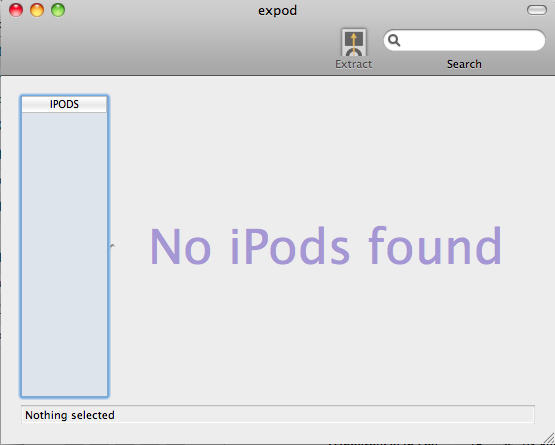
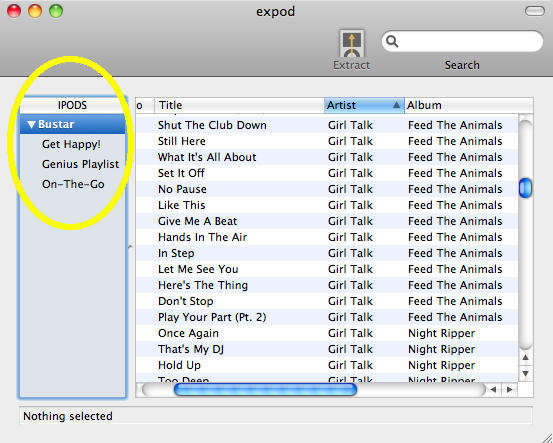
Step 2: Now that the app is installed plug-in your iPod or iPhone. You should now see your iPod and playlists in the left table, and all or your songs in the right table.
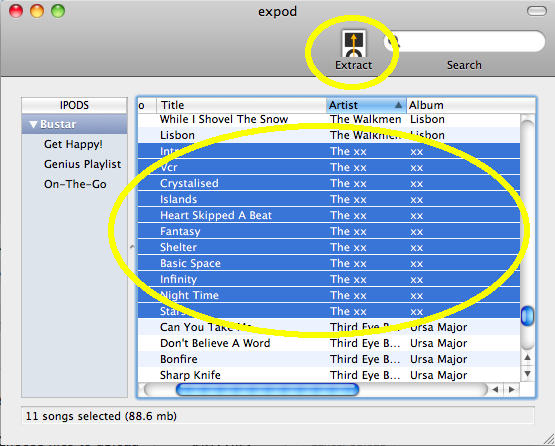
Step 3: Select all the songs that you would like to extract from your iPod, and then hit the Extract button.
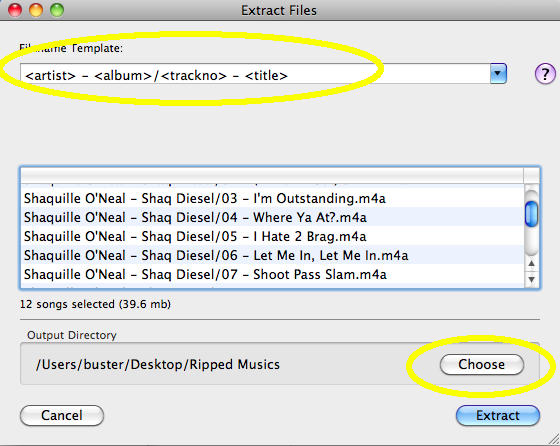
Step 4: Choose your Filename Template & where to extract your music to on your Mac. You can extract it straight into your iTunes folder if you like, or you can put it into a folder of your choosing and then add it to iTunes later.
Step 5: Hit Extract and watch the blue bar fill up across the screen as it transfers your files! If the ExPod detects that a duplicate file will be created it will alert you.
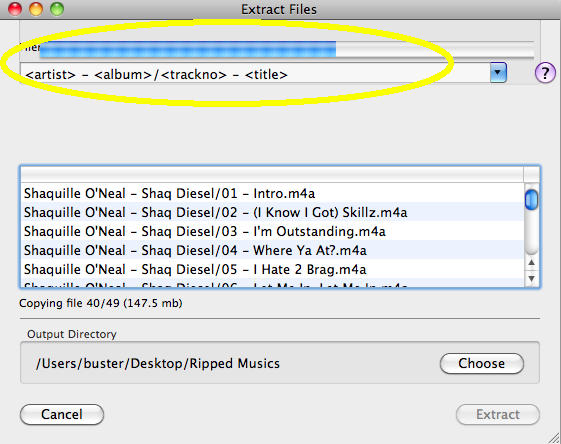
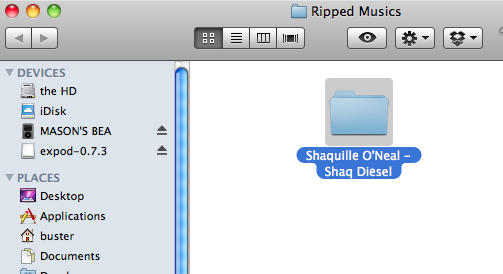
Step 6: Drag and Drop your folders into iTunes and enjoy
Note: ExPod isn’t a perfect product, but I’ve tested it on my iPhone 4, iPod Nano 4G, iPod Classic, and 2G iPod Touch and had no problems. If you have any problems using ExPod please refer to the developer’s website https://expod.joynt.net/
If you’re looking for some cheap, reliable software with dedicated support I’d recommend Senuti 1.1.8 which you can learn more about at https://www.fadingred.com/senuti/

Buster Hein is a freelance writer who lives in Phoenix, Arizona. Twitter: @bst3r.

