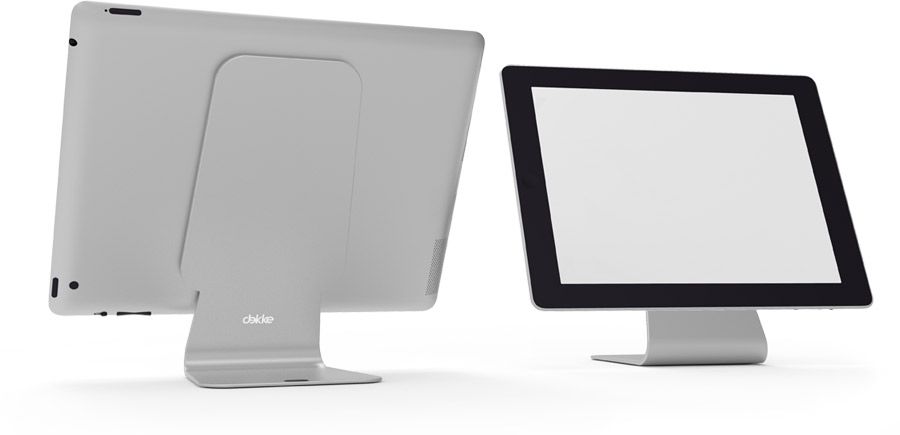
The Slope is similar to the MiStand I reviewed yesterday, only it goes long on style and short on utility. It’s essentially a bent piece of aluminum with sticky pads on each side, and it holds your iPad, hovering, above your desk.
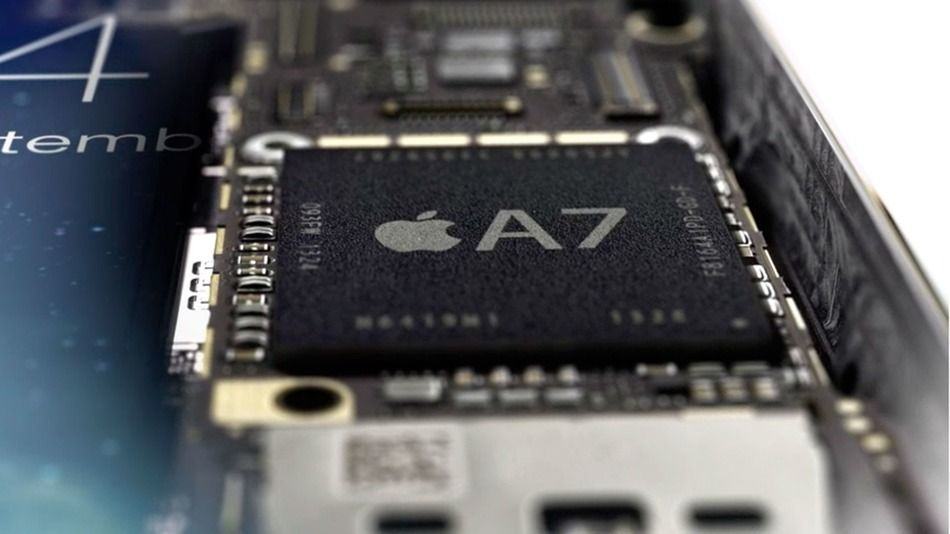
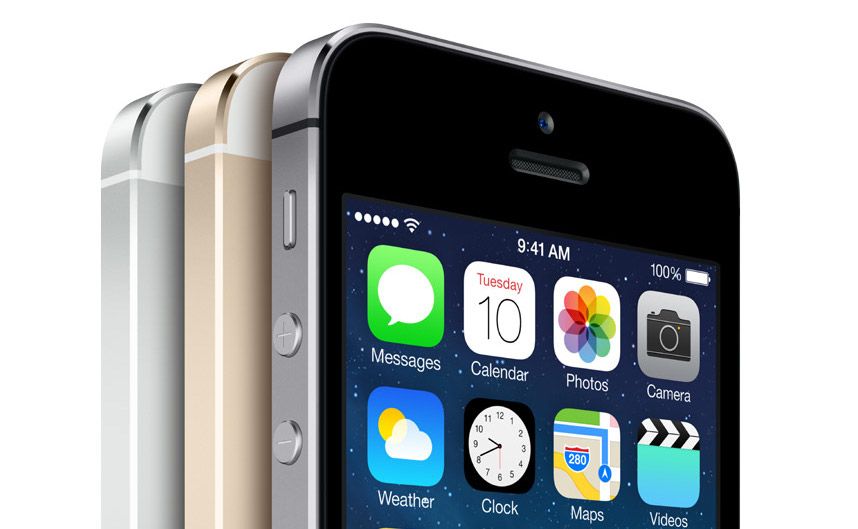
The Retina iPad mini suddenly went on sale this morning, and the device’s benchmarks have been posted online. Apple chose to put the same 64-bit A7 processor in the iPhone 5s, iPad Air, and new iPad mini. The result is a hardly noticeable change in performance across the three devices.
MiStand byMi Category: Stands Works With:iPad, Kindle, anything really Price: From ~$64
The MiStand looks like the mystery tool you might find at the back of a machine shop, especially in the industrial blue colorway of my test unit. It has a utilitarian angularity, a huge, over-engineered ball joint and it is as sturdy as anything you have in your home. It’s also just about the best iPad desk stand I’ve ever used.
Apple likes to keep its secrets close to the chest, but Cult of Mac has grabbed an exclusive look at some behind the scenes video of Apple iPhone 5s repair processes. A tipster behind the Genius Bar has shown us portions of Apple’s official iPhone 5s and iPhone 5c repair videos that showcase the emphasis Jony Ive and the design team placed on repairability when creating the latest iPhones, as well as the crazy little repair tools Apple uses to ensure quality repairs.
Despite launching to record breaking sales numbers in September, Apple’s iPhone lineup has come under fire again and again for its apparent lack of repairability. Catherine Rampell at the the New York Times went on a bullshit parade two weeks ago claiming Apple tries to make your iPhone break so you have to buy a new one. Even Apple fans like our pal Kyle Weins, at iFixit,bemoaned Apple for not making the iPhone 5s more repairable for users.
To consumers, the locked enclosures of the iPhone 5s may seem like a guarded unfixable fortress, but the truth is that the iPhone 5s is one of Apple’s most repairable devices ever, you just have to be a Genius to get the right tools for the operation.
The segments of the 12 training videos we saw provided detailed animations of the iPhone 5s and 5c internal components, as well as guides on how to access and swap six components on the device – speaker, receiver, vibration motor, iSight camera module, battery, and sim ejector tool.
Here’s a picture from Apple’s training guide of the five specialized tools required to swap out iPhone 5c components:
The App Store is full of things that play white noise or some ocean sounds to punch your ticket for the Sleepy Train to Snoozeville, but I haven’t seen one as good-looking and versatile as Relaxia. It has six noise “themes” with about eight sounds in each; you can play multiple files at once and adjust their volumes to make your own custom mix of sleep fuel, and you can set a timer so it’s not still playing in the morning.
Because it would really be awful if you woke up, thought it was raining, and then it wasn’t.
The iPad mini with Retina display is finally here now that Apple managed to surprise us all by making units available to the Apple Store Online last night. The launch comes sooner than many expected, but if you’re hoping to run down to the Apple Store and pick up a new Mini you’re sure to be disappointed.
Apple sent out an official press release this morning to announce the immediate availability of Retina iPad mini units and also clarified that units will only be available for purchase from the Apple Store Online, or via the Personal Pickup option that allows users to check if local Apple Stores have available units on hand to pick up after ordering.
With the new Mac Pro, Apple has proven its serious about bringing at least some manufacturing back to the States. The next step, though, is chips, and a new report says that Apple is bringing chip fabrication of its A-series chips stateside at a new $6 billion facility in upstate New York. And Samsung is said to be involved.
Got a problem with your Mac that makes you call an AppleCare representative over the phone? You no longer have to use mere words to try to explain what’s wrong. Apple has now updated its support site, allowing users to initiate screen-sharing with the AppleCare rep on the other side of the line.
Calling it an “honor, a privielege and truly from my heart to Steve,” Apple VP and kahuna beach moondog Eddy Cue accepted a posthumous award on Steve Jobs’s behalf last night, as the Apple founder was inducted into the Bay Area Business Hall of Fame. And Cue had a pretty cool anecdote to tell about Steve.
Typhoon Haiyan has devestated the Phillipines, and Apple is trying to do something about it: following the perfect storm’s landfall, Apple is now accepting donations to the Red Cross via iTunes.
Steve Jobs was a genius — no doubt about that. Apple was six months from bankruptcy when he took over as CEO in 1997. Under his leadership, Apple became one of the world’s most powerful companies, the most trusted brand, and disrupted entire industries. He didn’t have an easy career. He spent many years in the wilderness, and even when Apple was bouncing back, he didn’t get the credit he deserved. It was only late in his career, after the iPhone became a smash hit, that he started to be lionized as a business genius. And after his death, he was deified.
But was it all Steve Jobs? Is the company doomed without him? What happens when one man gets all the credit? The truth is more complex. Apple wouldn’t be Apple without Steve Jobs, but it wasn’t just him. Jobs didn’t design anything, and he didn’t write any code. The creative work was done by others, though he had a hand in guiding it.
iPhone 5s shipping times have improved this week as Apple slowly catches up with demand for the new device. At the beginning of this week, customers ordering the handset through the Apple online store would have seen shipping estimates of 2-3 weeks, but as of today, they’re down to 1-2 weeks.
Target has today revealed its Black Friday deals for November 28 to November 30, which include some incredible savings on the latest Apple devices. Consumers will be able to pick up a 16GB Wi-Fi iPad Air — usually priced at $499 — for $479 with a free $100 Target gift card.
The 16GB iPad mini (original model) can also be had for $299 with a free $75 gift card.
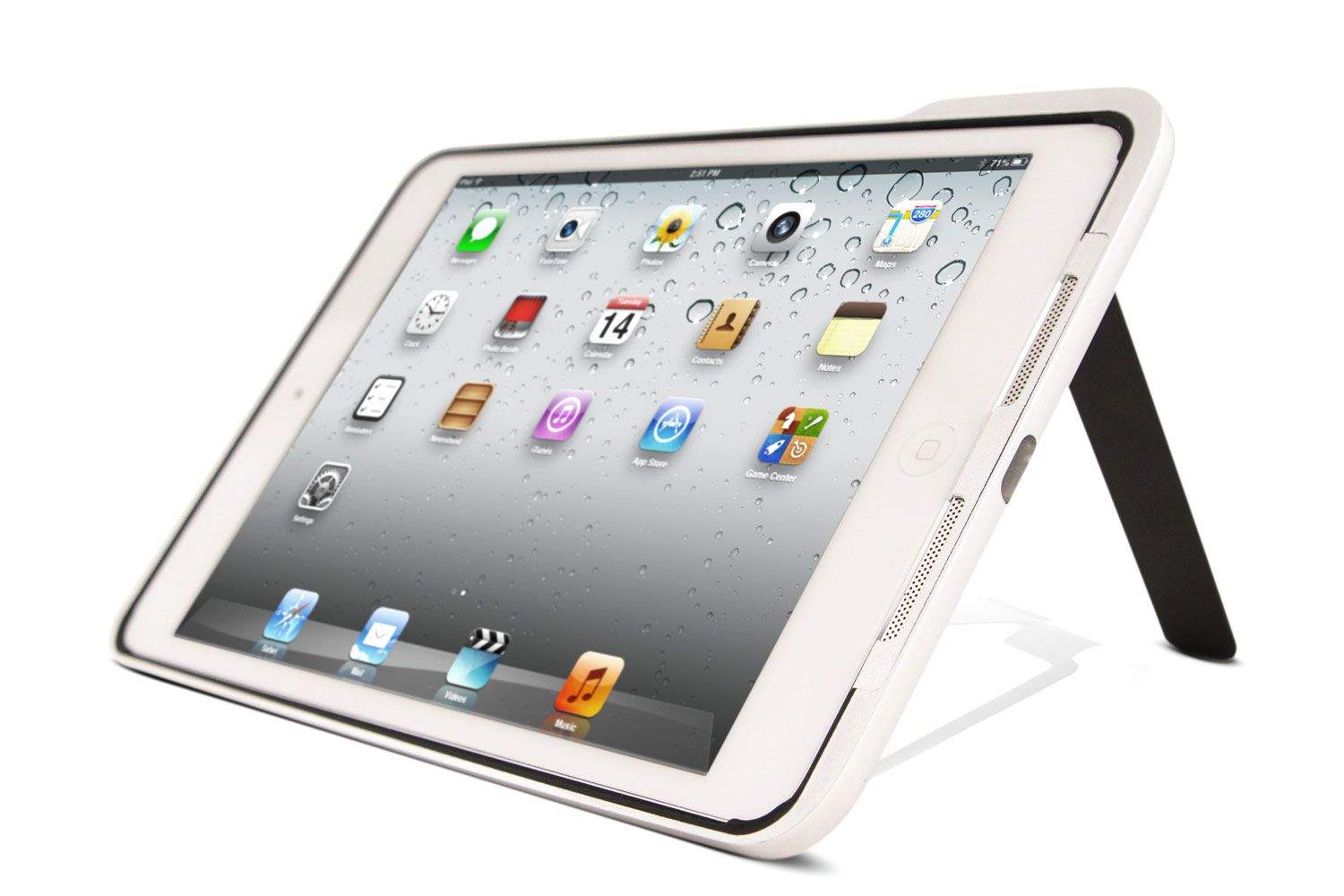
Most iPad cases we see are rehashes of the same old Smart Cover or Folio designs, but the Case 66 is a genuinely clever new design. It’s an aluminum bumper mixed with a kickstand mixed with a beautiful cloth-lined leather case. Somehow, it manages to fit all of these features in whilst still looking great, and it only costs $50. What?
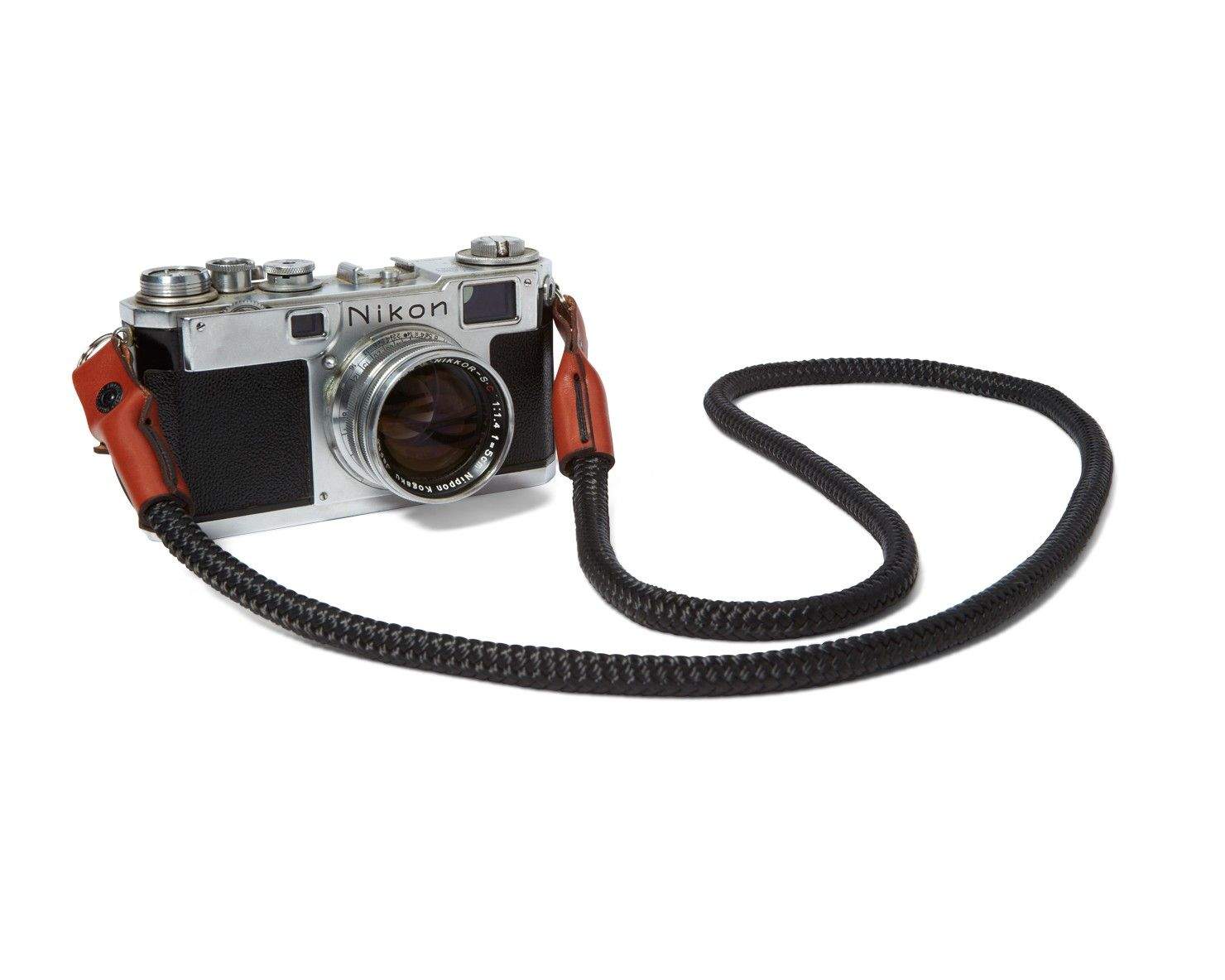
If you can get over the fact that you’re paying $89 for a strip of paracord with a pair of leather end caps, you are going to love Killspencer’s new camera strap: it’s absolutely gorgeous, and probably weighs less than your iPod nano.
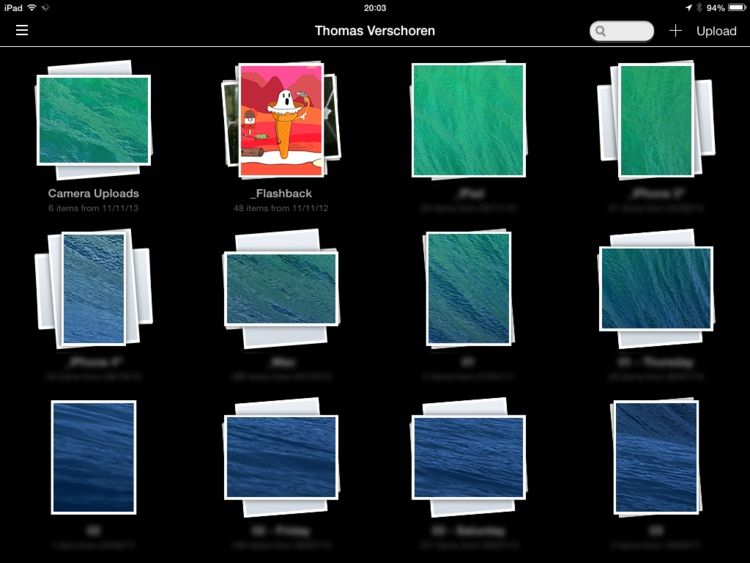
It seems like people really miss Everpix’s great Flashback feature. I have spent far too many hours over the past few days trying to find a way to replace it, but Thomas Verschoren went one better, and rolled his own Flashback. It relies on your photos being stored in Dropbox, and requires you to set an Automator action to run automatically every day using iCal, but it’s pretty simple as Thomas provides all the pieces for you.
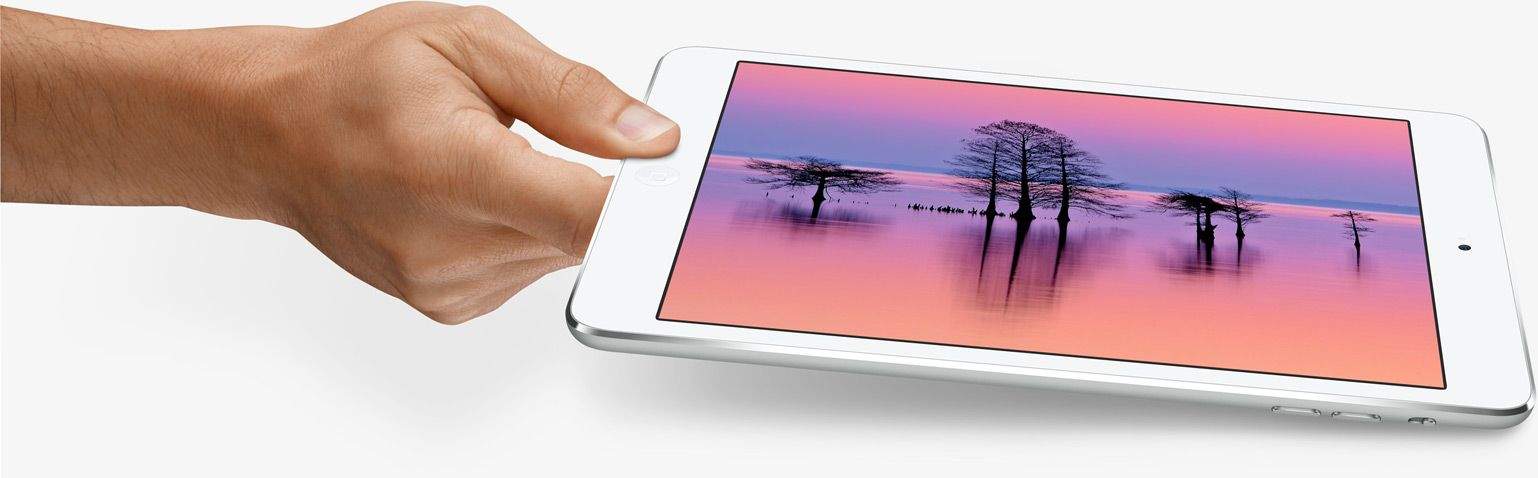
It’s finally here, folks — the iPad mini with Retina display is now available to order from the Apple online store. Prices start at $399 for a 16GB Wi-Fi model, which are currently shipping in 1-3 business days. Those equipped with LTE connectivity start at $529, and they’re shipping in 5-10 business days.
Unbound for Mac has finally reached v1.0, and you’re probably going to love it. Point Unbound at a folder on your Mac and it’ll turn any folders inside into beautiful, browsable photos albums. It’s like what iPhoto would be if iPhoto had grown up in an alternate universe where bloated software was a bad thing.
All of Thinksound’s earphones encompass three basic principles: They’re made of wood; they’re given the sort of pro-green marketing and manufacturing attention that would satisfy even the most spirited hippy; and they offer big, warm sound for a relatively small price.
But aside from its requisite earthy wooden elements and green cred, Thinksound’s new supra-aural On1 studio monitors is taking the small company into uncharted territory.
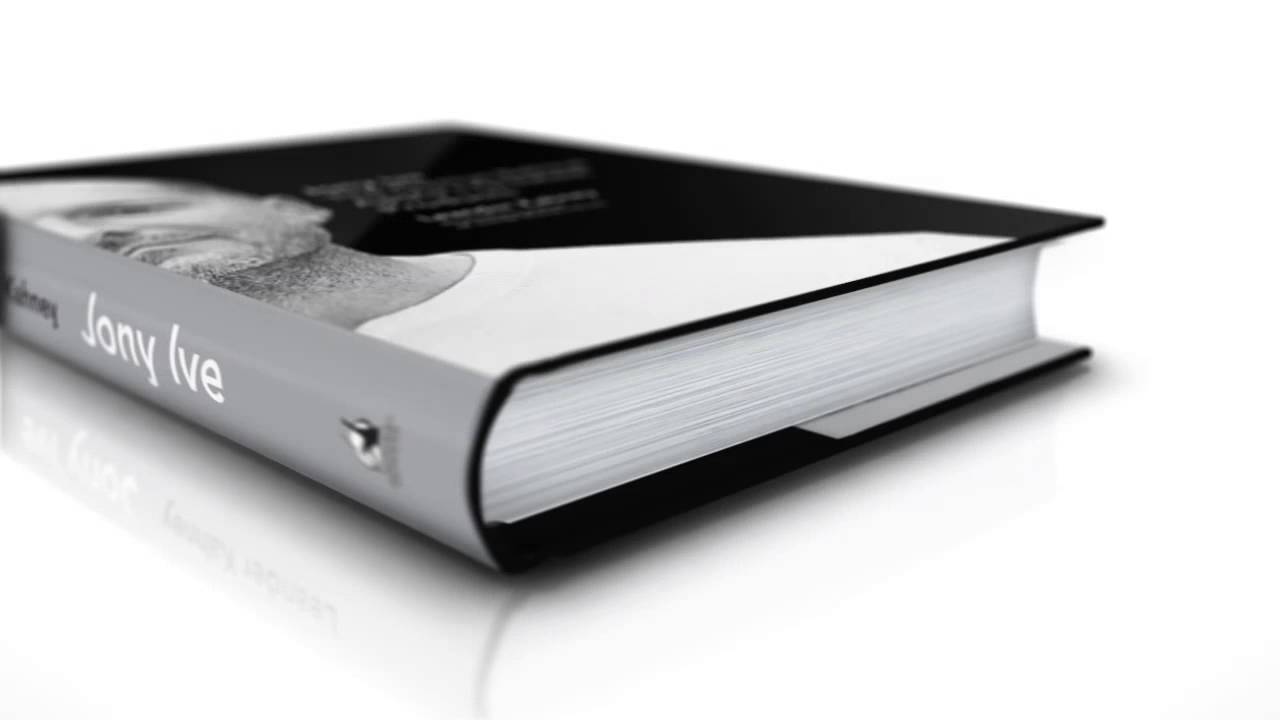
Apple Design Genius, Jony Ive and famed designer Marc Newson have teamed up to create a one-of-a-kind collection of items to be auctioned off for Bono’s Project (RED). Not only have the pair collected a number of objects for the auction that are fantastic in their own right, but they’ve also teamed up to create some truly lustworthy products like the gorgeous Leica M, a super-minimalist aluminum desk and this $60k red Mac Pro.
The auction is set to take place on November 23rd and even though mere mortals like us can only dream of having enough cash to drop 70 large on a “Zvezda” Soviet Cosmonaut Suit – all in the good name of fighting AIDS and Tuberculosis of course – Sotheby’s has published a video of Jony and Marc discussing why they chose the items in their collection.
Short answer, via Jony: “The criteria that we both had was that we both just wanted to own each one really badly.”
Apple’s glass and steel mothership isn’t scheduled to land in Cupertino until 2016, but we’ve already seen plenty of renders of what Apple Campus 2 will look like from the outside. We covered all the fine details of Apple Campus 2 in the last issue of Cult of Mac Magazine, but some new renders have been released giving us our first glimpses inside the mothership.
After digging through the latest Apple Campus 2 filings, Kyle Vanhemert at Wired found some unseen renderings that show what it will be like to work at Apple Campus 2, including new details on the underground theater, Transit Center, parking garage, visitors center, pavilion and much more.
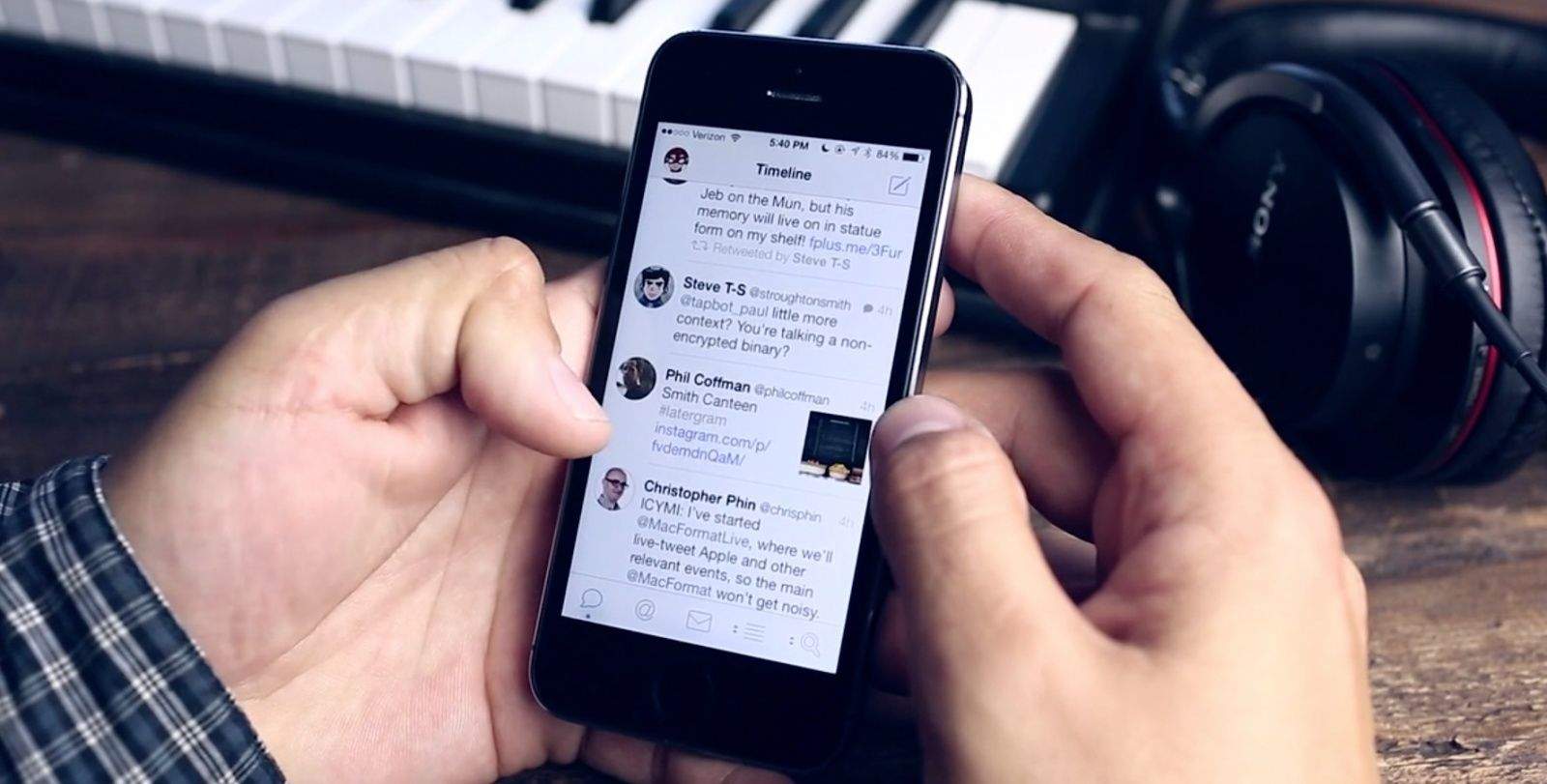
Tweetbot 3.1 for iOS just hit the App Store, and it comes packing a whole bunch of new features — some of which a being brought back from its predecessor. You can now view lists as timelines again, set square avatars instead of circular ones, and resize text within the app — plus lots more.
Forget 3-D printing. The future of personal manufacturing is now 2-D printing – when you’re making iPhone keyboards that it. Using nothing but a keyboard printed onto a sheet of regular paper, along with Gyorgyi Kerekes’s new Paper Keyboard app, you can type and play games as if you’d dropped cash money on a real 3-D metal and plastic keyboard.
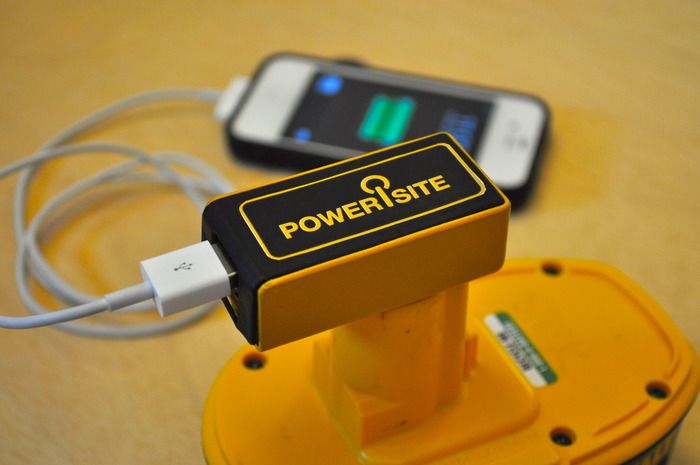
I haven’t spent time on a construction site for some time, so I don’t know if it’s still true that every builder has a transistor radio. I do know that we had our kitchen remodeled a few months back and the guy our landlord sent to do it had the same kind of plaster and dirt-caked mains-powered radio you have been able to see for decades the world over.
He also seemed to spend a lot of time texting instead of working, so maybe he could have done with one of these iPhone chargers that uses a DeWalt battery pack for power.
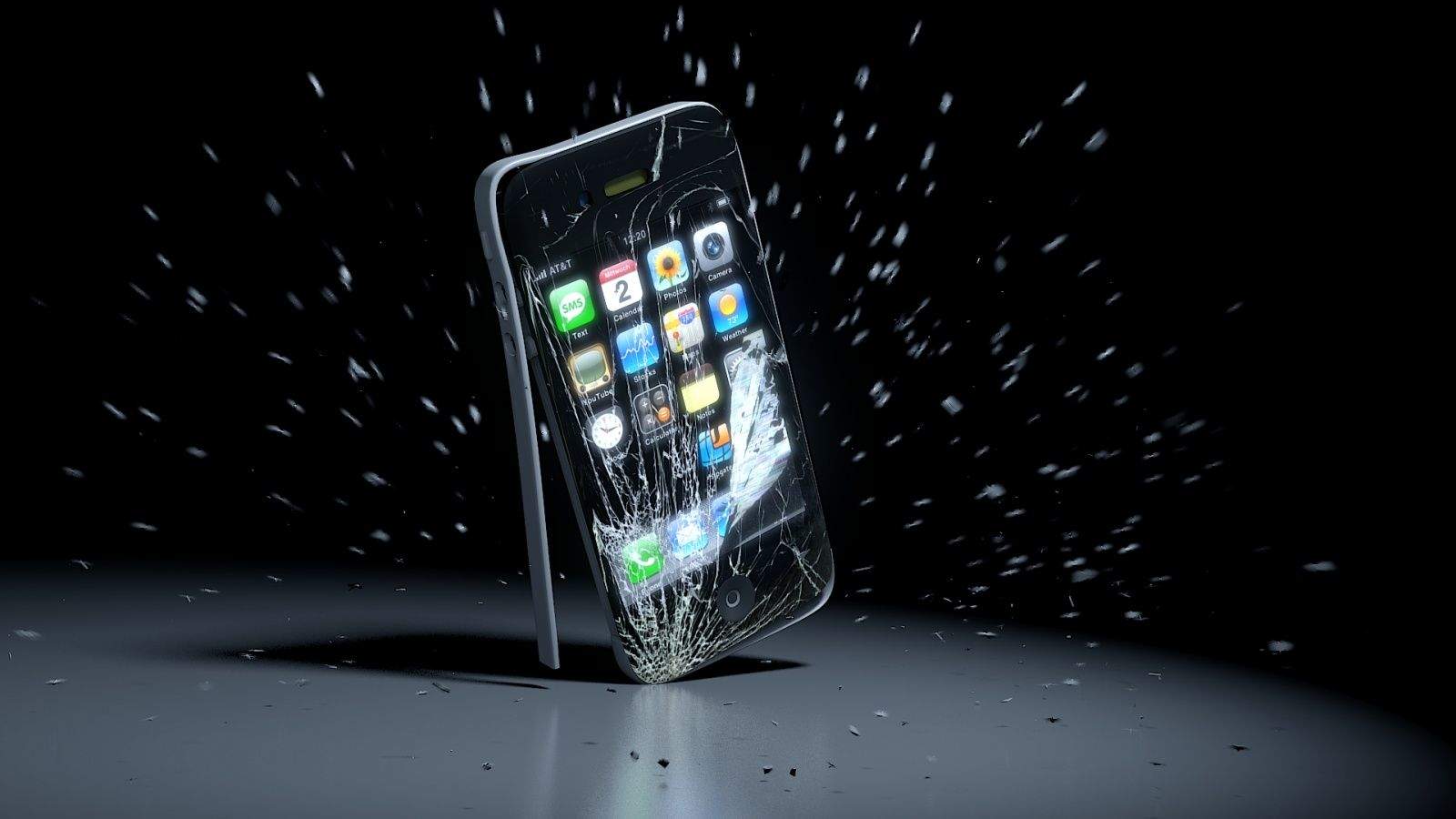
The answer, it turns out, is no, but that didn’t stop the wasteful doofuses at TechRax lit an iPhone 5s on fire with a combination of gasoline and Axe body spray anyway. They set the iPhone to record, lit it aflame, then dunked it in a bucket of water to cool it off. Incredibly, they then seemed disappointed they could not retrieve the video from the iPhone 5s — perhaps dropping it in a bucket of water had something to do with that? — so they then start smashing it with a hammer.
Ladies and gentlemen, all hail the gadget dork’s moronic, mindlessly destructive id!