The iPhone 18 Pro and iPhone 18 Pro Max charge faster than any previous iPhone. This means a quick top-up will enable the phone to last a few additional hours.
However, to get the best speeds, you need to pick the right USB-C charger and cable for your iPhone. Here’s what you need for fast wired and wireless charging for the iPhone 18 Pro, and what to check before buying new accessories.
This post contains affiliate links. Cult of Mac may earn a commission when you use our links to buy items.
Wired charging is the fastest and most reliable way
If you want the fastest way to charge your iPhone 18 Pro, stick to wired charging. Apple bumped the iPhone 18 Pro’s wired charging speeds even further this year, enabling the phones to pull up to 60W of power.
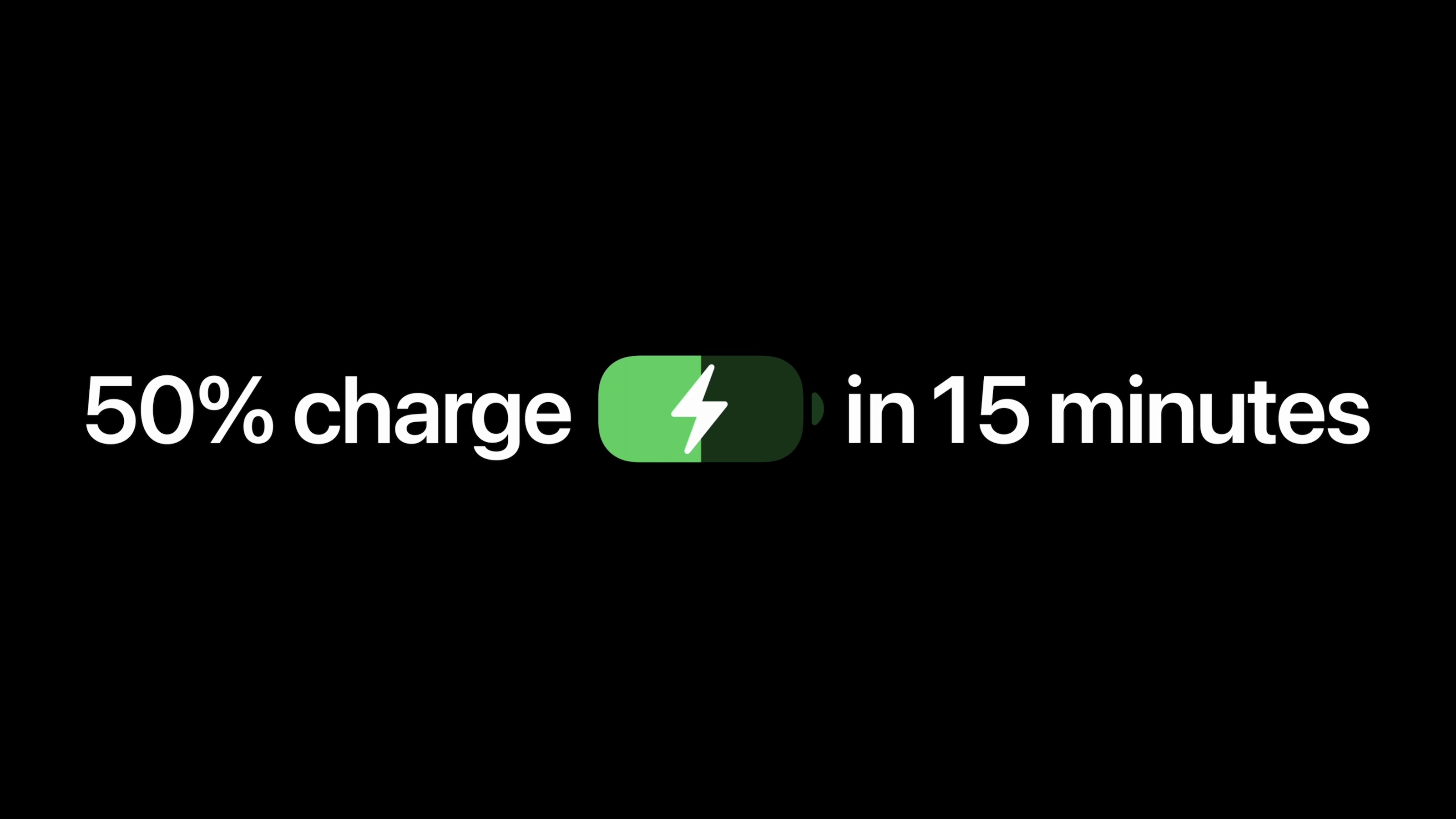
As a result, both the iPhone 18 Pro and iPhone 18 Pro Max can charge to 50% in about 15 minutes. However, you need the right setup to hit peak speeds. This includes:
- A USB-C power adapter capable of 60W or higher with Adjustable Voltage Supply (AVS)
- A USB-C charging cable, such as the one included with your iPhone.
AVS support is important; it means that any regular 60W or higher USB-C power adapter may not fast-charge your iPhone 18 Pro at full speed.
What is AVS?
Don’t buy a 100W or higher-wattage USB-C adapter for your iPhone 18 Pro thinking it will deliver up to 60W of power. AVS support is the key.
True to its name, Adjustable Voltage Supply (AVS) allows the charger to adjust its output voltage. This is just one of the many USB-C Power Delivery (PD) protocols
Most 65W USB-C power adapters currently on the market do not support AVS. So, double-check the specs of the power adapter you plan to use or are considering buying. The situation should improve in the next couple of months.
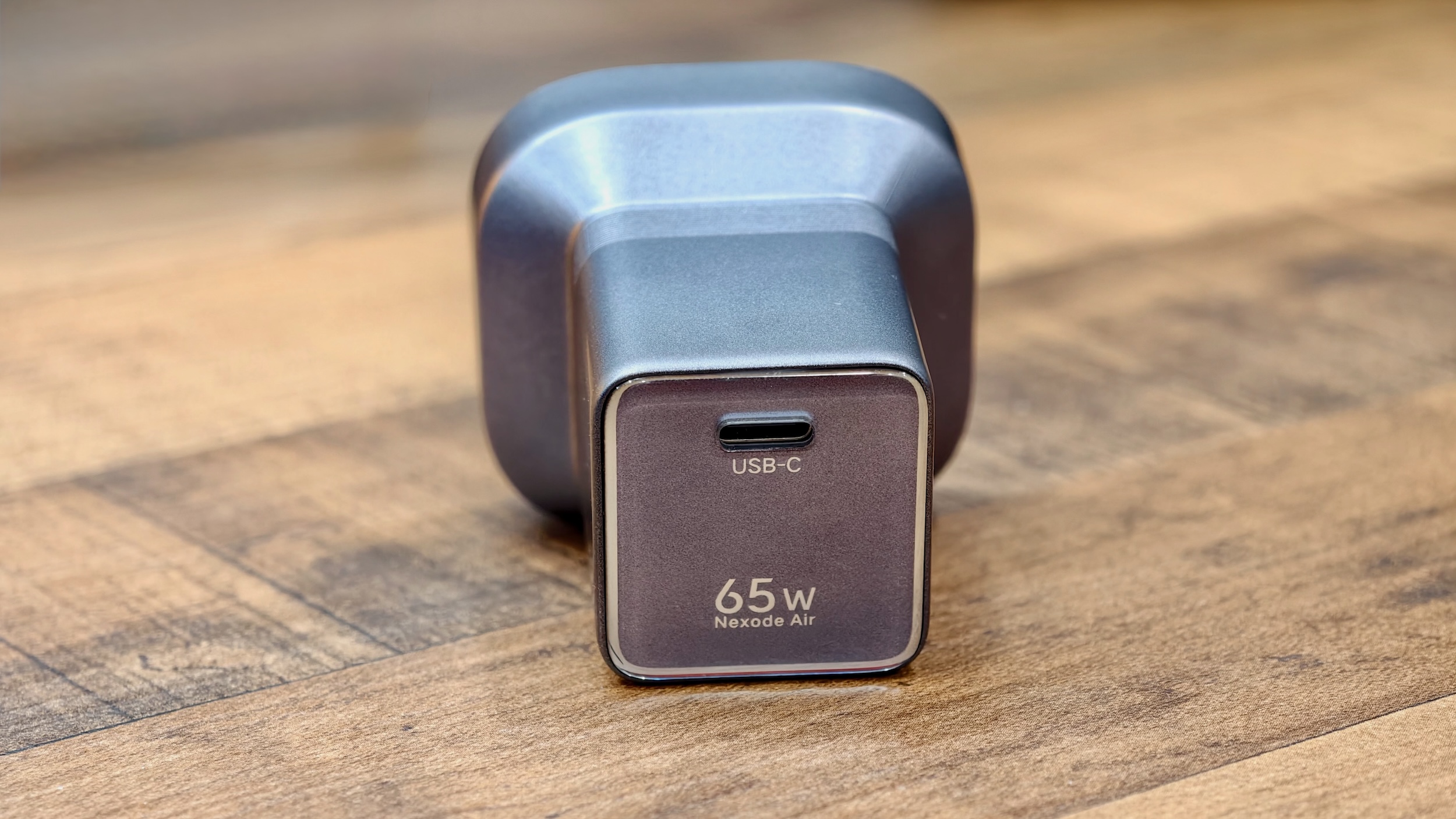
Photo: Rajesh Pandey/Cult of Mac
Apple’s $39 40W dynamic power adapter with 60W max meets the requirement. Apple’s $39 40W dynamic power adapter with 60 W max meets the requirement. Despite the 40W in its name, it can dynamically deliver up to 60W and supports AVS. Apple’s own testing for the iPhone 18 Pro’s charging speeds was done with this adapter.
Below are some USB-C chargers you can consider buying to fast-charge your iPhone 18 Pro or 18 Pro Max.
This compact Baseus charger features a TFT display and three USB-C ports with a total power output of 100W. It comes in a Dark Cherry color, matching the iPhone 18 Pro's hero shade.

The Ugreen Nexode Air 65W is among the most compact 65W GaN chargers on the market. It comes with a 5-foot USB-C cable and can fast charge your MacBook Air/Neo/Pro, iPhone 17 16, Galaxy S26/S25, and iPads.
- Super-compact design
- Up to 65W power output
- Can get hold under full load

This four-port GaN foldable compact fast wall charger is great for for MacBooks, iPads, iPhones and other devices.
- 100 watts of efficient GaN power
- 4 ports and wide compatibility
- Portable
- If you want even more ports or power, look elsewhere

If you already own a 65W or 100W power brick, don’t go ahead and buy a new AVS-compatible fast USB-C charger solely to fast charge your iPhone 18 Pro.
Tests show that with a compatible 60W power brick, the iPhone 18 Pro Max can charge to 50% in 15 minutes and go from empty to 100% in 55 minutes.
Note that the same limitations also apply to power banks with 60W or higher output. Most of them top out at 45W, though. That’s still plenty of power to fast charge your iPhone 18 Pro or iPhone 18 Pro Max.
The Ugreen MagFlow Pro 10,000mAh magnetic power bank delivers up to 25W wireless and 45W wired charging. Its micro-pump liquid cooling system helps keep your iPhone and the power bank cool during fast charging, while the built-in USB-C cable doubles as a lanyard.
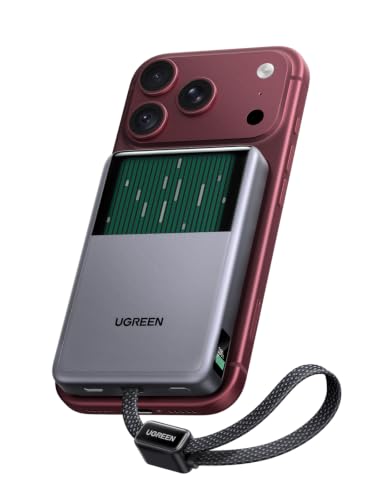
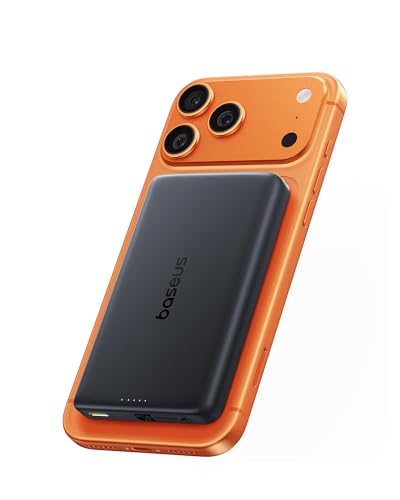
This sleek 10,000mAh magnetic power bank from Baseus supports Qi2.2 for 25W wireless and up to 45W wired fast charging.
Without an AVS-compatible USB-C power adapter, the speeds decrease, but it’s not a dealbreaker. With a 40W or higher adapter, the iPhone 18 Pro Max can charge to 50% in 20 minutes. That’s only 5 minutes slower than using an AVS-compatible charger. The 0-100% charge time takes a bigger hit, taking around 80 minutes or longer.
Still, if all you care about is getting a quick top-up for a few additional hours of run time, stick to your current USB-C charger. Just make sure it supplies more than 40W of power.
As for the USB-C cable, the one that Apple bundles with the iPhone 18 Pro works. If you are using a third-party option, make sure it supports 60W of power transfer.
Ideally, get one with 100W or higher support, so that you can also use it to charge your MacBook and other USB-C devices.
How to fast wireless charge your iPhone 18 Pro
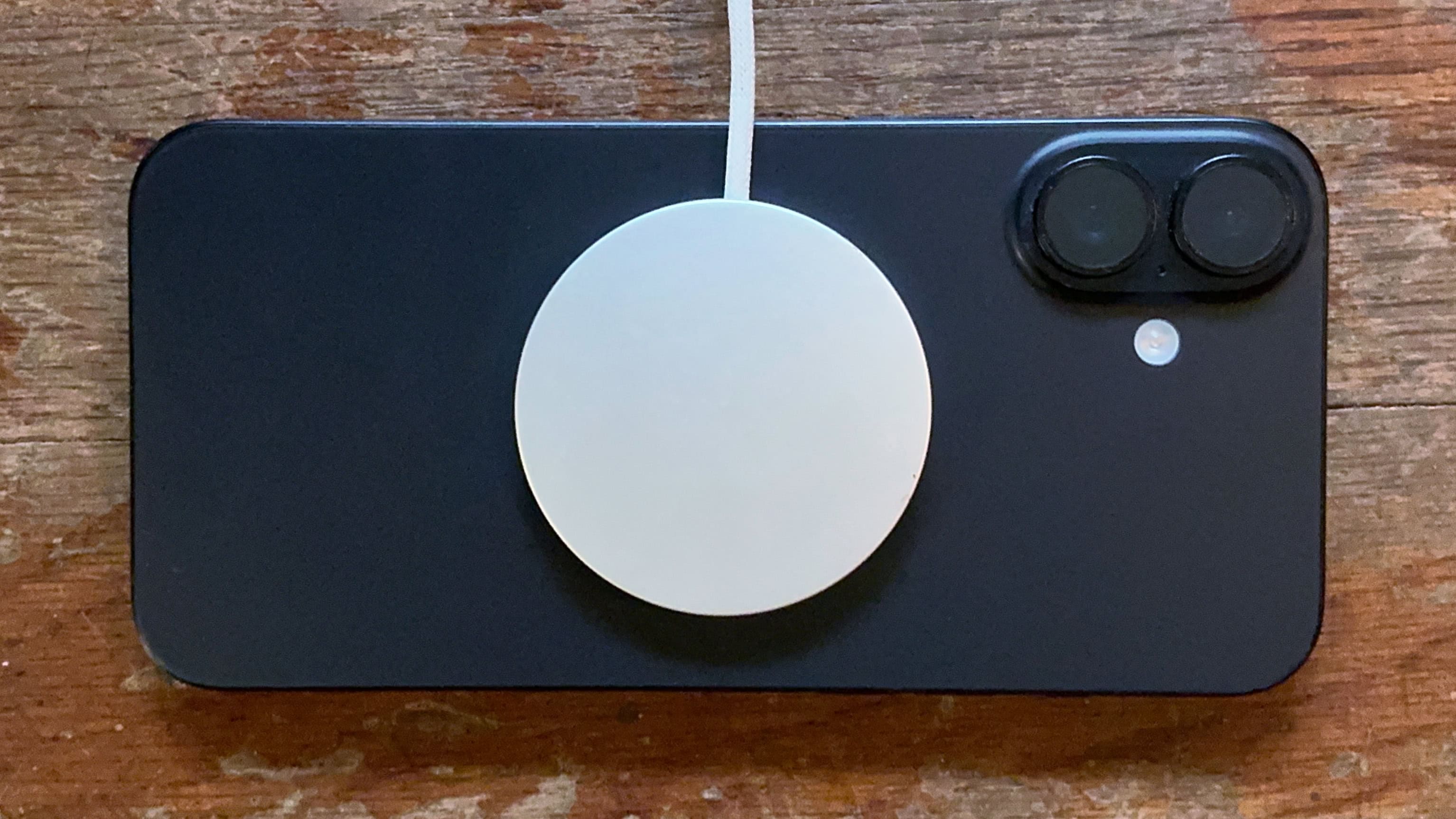
Photo: Ed Hardy/Cult of Mac
Fast wireless charging your iPhone 18 Pro or iPhone 18 Pro Max is not as complicated as wired charging. As long as you use a Qi2.2-compatible MagSafe wireless charger, the phone will pull up to 25W of power.
Apple says iPhone 18 Pro and iPhone 18 Pro Max can charge from 0-50% in 30 minutes with a compatible MagSafe charger. That’s the same speed as the iPhone 17 Pro.
When using a 25W wireless charging pad, use a 35W or higher USB-C power adapter. Similarly, a 2-in-1 or 3-in-1 charging station may need a more powerful adapter to charge your iPhone, Apple Watch and AirPods simultaneously.
Don’t assume that any 45W adapter will suffice. Check the station’s required input and whether the manufacturer includes a suitable adapter. Most brands include a relevant adapter with their offerings.
The Ugreen MagFlow Pro 3-in-1 Wireless Charging Station delivers up to 25W wireless charging while powering your iPhone, Apple Watch and AirPods simultaneously. Its built-in fan and TEC cooling module help prevent excess heat and thermal throttling. A small LCD shows the charging status of connected devices.

Anker's compact three-way charger can juice up your iPhone, Apple Watch and AirPods at maximum speed. It folds up into a small size (3.74 inches × 2.38 inches × 1.22 inches) and doesn't weigh much (8.11 ounces), making it great for travel.
- 25W ultra-fast MagSafe charging (Qi2.2).
- Small and lightweight for travel.
- Attractive design with quiet fan for cooling.
- Not the cheapest option.

Check the charging pad as carefully as the wall adapter. Apple’s MagSafe charger supports 25W wireless charging. But the original model (A2140) topped out at 15W. So, make sure you’ve the right model.
If you use a third-party wireless charger, look specifically for Qi2 25W certification. Earlier Qi2 products support 15W, so the Qi2 name alone doesn’t establish the higher speed.
Wireless charging will generate more heat
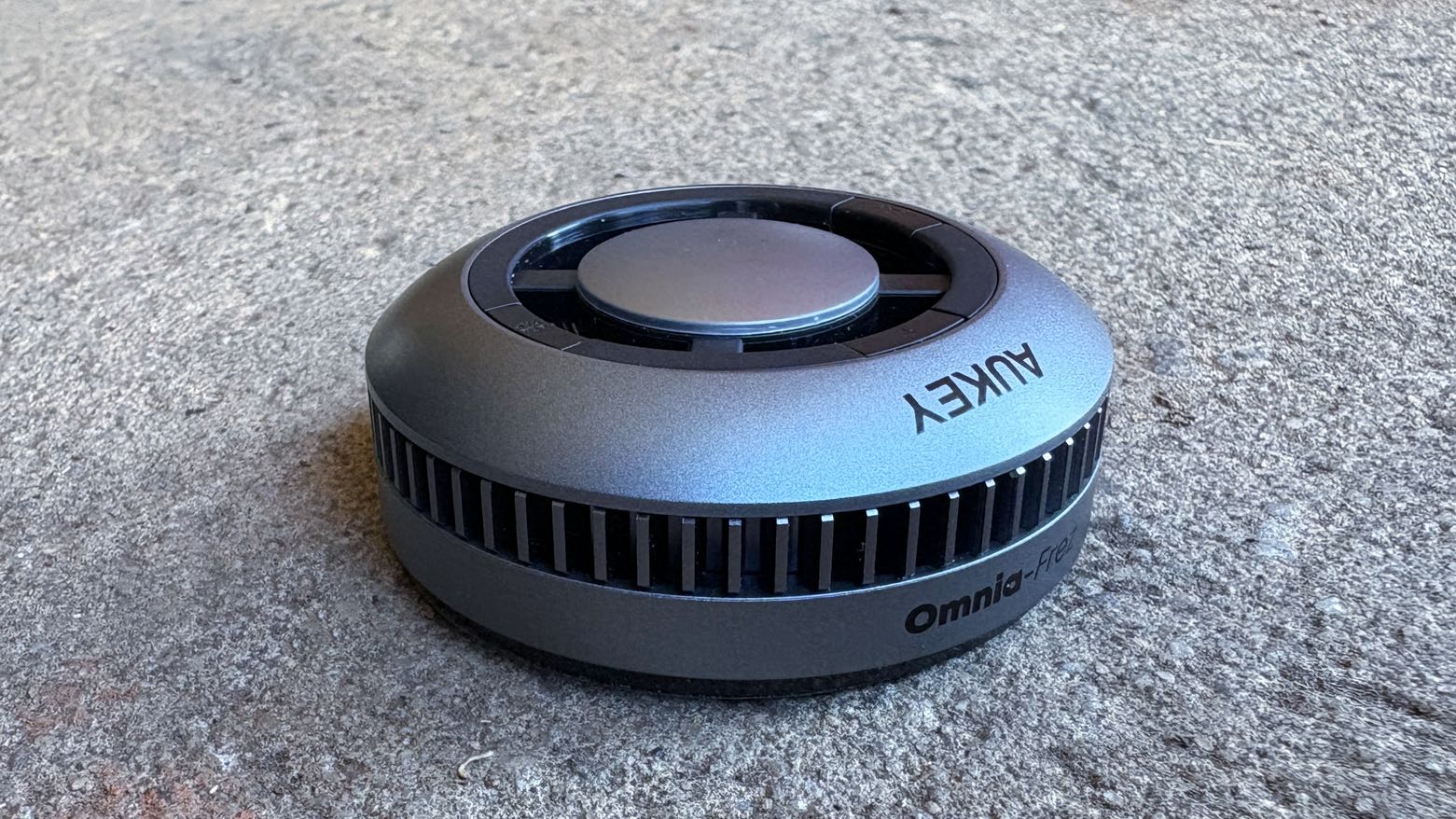
Photo: Ed Hardy/Cult of Mac
However, wireless charging is inherently not as efficient as wired charging. So, your phone will get warm and will take longer to charge.
Wireless charging, especially at 25W speeds, also generates considerably more heat. Thankfully, you will find wireless chargers with an active cooling system to keep your iPhone’s temperature in check.
Even power banks from Ugreen and Anker now come with active cooling systems to keep the generated heat in check.
Get the most out of wireless charging
Plug the MagSafe Charger into power before attaching your iPhone. Apple says this lets the charger establish the conditions for maximum power delivery.
If you attach the phone first, remove it, wait three seconds and place it back on the powered charger.
Also remove any wallet attachment between the phone and charger. Make sure the phone sits properly against the charging surface. And don’t connect a USB-C cable to the phone when it sits on the MagSafe charger. That will not speed up charging.
A compatible wired charger will top up your iPhone 18 Pro’s battery the fastest. That’s important when you’re in a hurry and only have a few minutes to spare. A 25W wireless charger makes everyday top-ups convenient, so place it on your nightstand or office desk.

Rajesh has been writing about consumer technology for over a decade, with a strong focus on iPhones, Macs and Apple’s ecosystem. He enjoys digging into Apple software updates, hardware changes, and discovering new Mac apps that make work faster and more enjoyable.
You can reach out to him at mail[at]rajeshpandey.me.

