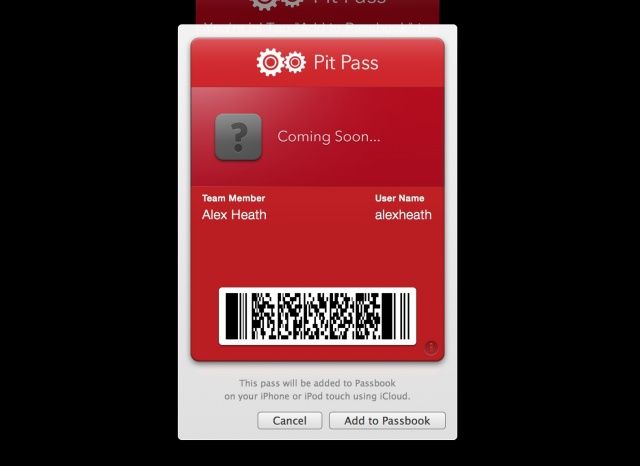
Did you know that you can add Passbook passes to your iPhone from your Mac? It’s a feature Apple hasn’t really promoted, but iCloud syncs passes added from OS X to the iPhone with a click of a button.
Hat tip to David Chartier for pointing out this feature on his Finer Things in Tech blog. When viewing a Passbook pass from a source like Ticketmaster or Second Gear Software, simply click the “Add to Passbook” button. You’ll then see the above prompt, and the pass will be added to your iPhone via iCloud.
For more great Passbook tips, check out our handy roundup.
Source: Finer Things in Tech

Alex Heath is a journalist who works for Tech Insider. He’s the former co-host of The CultCast. He has been quoted by the likes of the BBC, KRON 4 News, and books like “ICONIC: A Photographic Tribute to Apple Innovation.” He lives in Lexington, Kentucky. If you want to pitch a story, share a tip, or just get in touch, additional contact information is available on his personal site. Follow him on Twitter.

