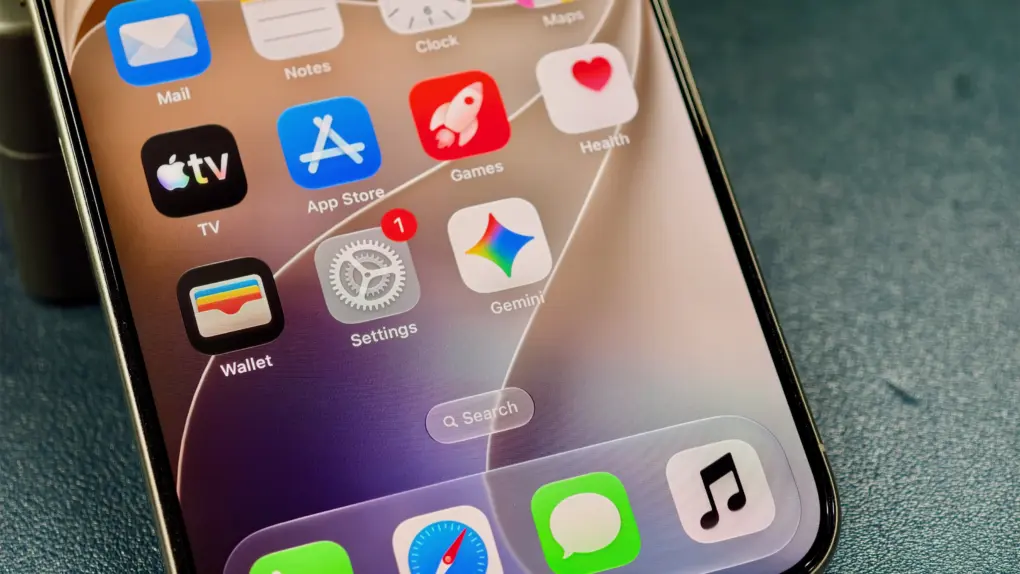
With the new Gemini app for CarPlay, you can now invoke and talk to Google’s AI assistant directly from your car’s infotainment. Among other things, this allows you to talk to Gemini live while driving.
This enables you to catch up on emails, prepare for meetings, or brainstorm ideas along the way.
Your commute gets an AI companion
Google already offers Gemini in Android Auto and Cars with Google built in. Now, it is bringing the same conversational experience to iPhone users using CarPlay.
With the dedicated Gemini CarPlay app, you can start a new Live conversation or resume a recent chat with Gemini right from your car’s display. As on your phone, you can talk naturally to Gemini Live to add details, switch topics or even pause the conversation when you need to concentrate on driving.
A waveform will appear on your car’s infotainment display when Gemini is listening, thinking, or responding, so that you know what the status is.
The Gemini app is now available directly on Apple CarPlay. iOS users can have free-flowing conversations with Gemini Live right from their car’s display, hands-free.
Use Gemini in CarPlay to catch-up on what you have coming up in your schedule, talk through your inbox, or brainstorm out loud.
Tap the Gemini icon on your CarPlay display on your next drive to try it out 🚘
— Google (@Google) November 11, 2026
Let Gemini tackle your morning catch-up
Gemini Live can connect to and pull data from Gmail and Google Calendar. So, while driving, you can ask Gemini to summarize lengthy emails, catch up on unread messages, and check your schedule.
You can also ask for lunch recommendations, learn more about a local landmark and more.
Google says Gemini for CarPlay is rolling out globally in every language Gemini Live supports.
To use Gemini on CarPlay, you’ll need the latest version of its iPhone app. Make sure you’ve granted it microphone access and tried Gemini Live on your phone at least once. After that, connect your iPhone to your car and open Gemini from the CarPlay screen.

Rajesh has been writing about consumer technology for over a decade, with a strong focus on iPhones, Macs and Apple’s ecosystem. He enjoys digging into Apple software updates, hardware changes, and discovering new Mac apps that make work faster and more enjoyable.
You can reach out to him at mail[at]rajeshpandey.me.