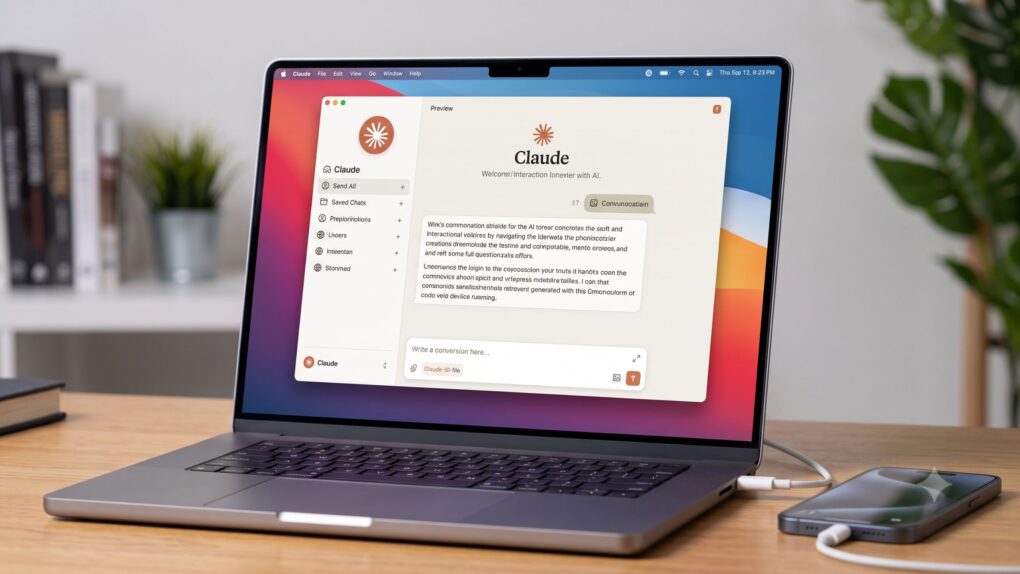
Anthropic’s AI-powered coding assistant Claude Code just got a lot more visual for iPhone developers. The new Claude Code iOS Simulator streams your app’s screen live while talking to it, as Claude does the heavy lifting for you.
Available as a public beta for Claude Code Desktop on macOS, it requires Apple’s free coding suite Xcode to work. But you can tap through the simulator anytime while Claude keeps working.
How the Claude Code iOS Simulator works
Claude’s new iOS Simulator exemplifies how AI coding assistants are evolving from autocomplete engines into semi-autonomous co-workers who can build an app, run it, inspect the results and show their work in real time. The payoff is faster iteration for iPhone developers; the tradeoff is yet another AI-related privacy concern.
“The iOS Simulator pane shows your app running in Apple’s iOS Simulator next to your conversation in Claude Code Desktop,” Anthropic said in a post about the new feature. “When Claude builds, installs, launches, or checks your app in a simulator, the pane opens automatically and streams the device screen live. Use it to watch Claude run and test your app, or to tap through the app yourself while Claude keeps working.”
Developers who ask Claude to test an app will see the pane pop up next to the conversation with the coding chatbot. From there, Claude installs the app, taps through it, and even reads the screen to verify its changes while you watch. You can also drive the simulator yourself. Just tap and swipe on the device screen, or use the same hardware-button shortcuts you would on Apple’s own Simulator app.
No cloud, only local sessions
The pane only works for local sessions, meaning Cloud and SSH sessions can’t use it. This is because Claude runs on a different machine in those setups.
From the command line, Claude uses the computer, allowing it to control the simulator the way you would with a mouse. (This is why it skips the macOS Accessibility and Screen Recording permissions.)
There’s a privacy tradeoff with Claude Code iOS Simulator
The feature is available for Claude Pro, Max and Team subscribers on Claude Desktop 1.24012.0 or newer. It supports macOS only, same as Apple’s iOS simulator.
But there’s a privacy tradeoff worth flagging. Claude takes screenshots of your simulated device and sends them to Anthropic. Plus, they’re stored under your normal conversation retention settings. Anthropic advises users to avoid signing in to real accounts on devices that Claude is using.
What it means for developers
The live, tappable simulator view should prove useful for anyone building iOS apps with Claude. It means you no longer need to take Claude’s word for whether a button works or not. You can watch the testing happen and tap the screen yourself to double-check the results.

Anurag Chawake is a tech-focused writer specializing in smartphones, apps and consumer technology. His interest in computers began during the Windows 98 era, eventually leading him to explore everything from operating systems to mobile devices and PC hardware. Anurag previously contributed to The Indian Express, covering Apple, Android, gaming and the broader technology landscape.

