Apple celebrates the Chinese New Year by offering its fans in Asia one-day “Red Friday” deals, similar to the Black Friday sale it holds for customers in the United States. And the Cupertino company has today begun teasing the event via its online store with a big red advert that promises “great gifts for everyone on your list.”
Apple’s Back to School promotion has begun in Australia and New Zealand ahead of the new school year. Like previous years, the promotion offers a free gift card with new Macs and iOS devices purchased for education, and it’s open to students, parents, and teachers. This year’s deal includes the MacBook Air and the MacBook Pro, the iMac and the Mac Pro, and the iPad with Retina display.
My name is Mike and I’m a digital nomad. “Hi, Mike!”
A digital nomad is simply a person whose work is location-independent because of mobile technology and the Internet.
Location independence doesn’t mean travel. If you choose to work from home, but could travel if you wanted to, you’re still a digital nomad taking advantage of your ability to choose.
I’ve been a digital nomad for about a decade, and during that time I’ve lived abroad briefly while working.
Before I converted to all-Apple, all the time — and before Apple launched the App Store, the iPad and had Apple Stores all over the place — the experience of living abroad while working was hard, limited and isolating.
But since Apple became the “New Apple,’ and since I switched to Apple products — and also since a host of great online services came online — digital nomad living abroad has become easy, empowering and highly connected.
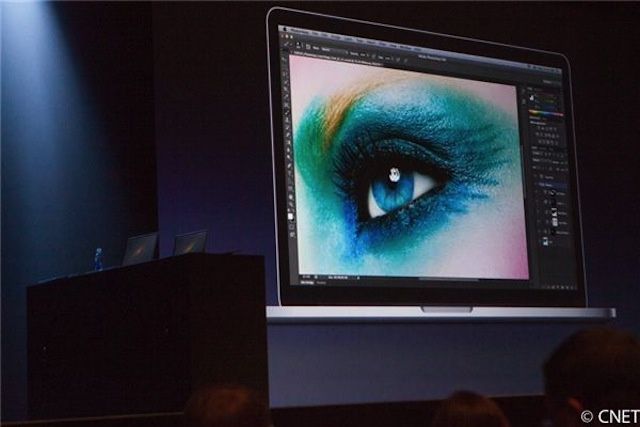
Apple has settled a lawsuit with Swiss photographer Sabine Liewald over the alleged misuse of a photograph of an eyeball that the Cupertino company used during a keynote presentation for its Retina MacBook Pro. News of the settlement came in an order of dismissal issued by the U.S. District Court for the Southern District of New York on Thursday, January 3, but the terms of the deal are unclear at this point.
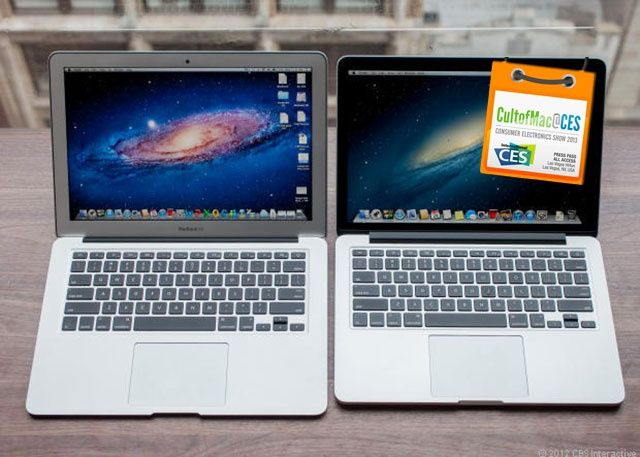
LAS VEGAS, CES 2013 – There was a lot of nonsense being spouted at Intel’s presser today here in Las Vegas, but what isn’t nonsense is their next-generation Core chip technology, which could make a 20% lighter and thinner MacBook Air with 13-hour battery life a reality by the end of the year, or a Retina MacBook Pro with nine hours battery life. Wow.
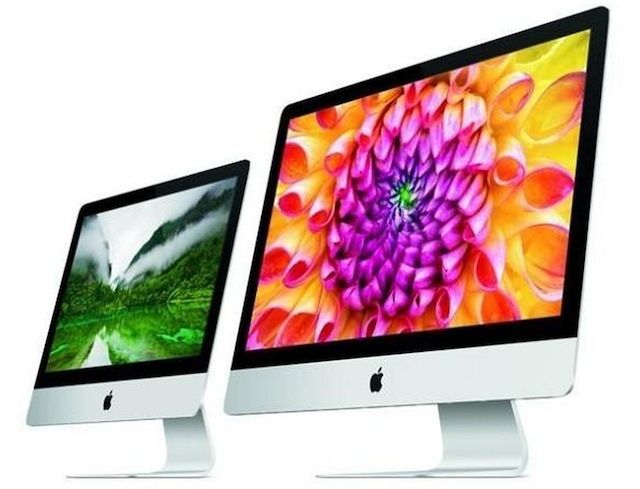
When Apple’s all-new iMacs made their debut in late November, a super speedy Fusion Drive was only available as a build-to-order option with the 27-inch models. But that’s no longer the case. Over the weekend, Apple made the 1TB Fusion Drive an upgrade option for the entry-level 21.5-inch iMac, too.
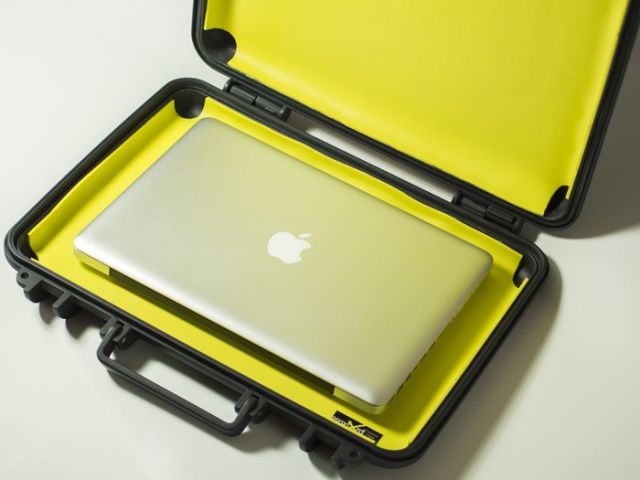
Feeling a bit secret agent lately, and looking for the ultimate in protection for your Macbook Pro or Macbook Air? The folks over at ViVAX think they have the solution, with their completely sealed, impact-proof laptop case using a variety of cutting edge technologies. Made completely in Italy, the developers behind the project claim this is the first Italian-based Kickstarter project of its kind, and they’d like you to help fund their dream goal of producing and eventually selling this amazing case.
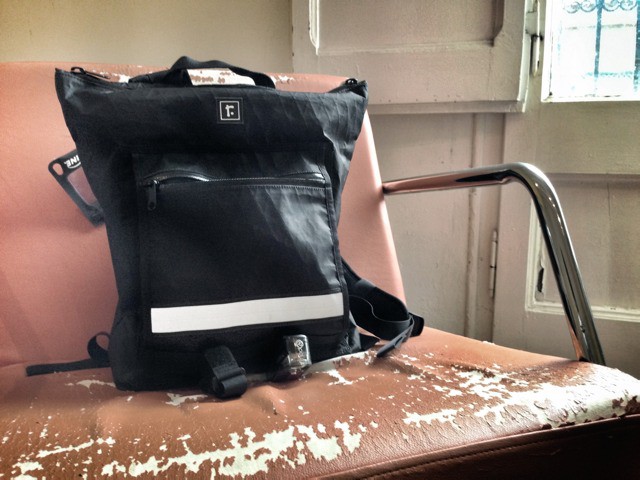
Could it be that, after spending a lifetime looking, I have finally found the perfect bag? Of course not. There’s no single bag that can perform every task.
But I might just have found the perfect day-to-day backpack. It’s the medium Velo from Rickshaw Bagworks in San Fransisco, and it’s pretty damn awesome.
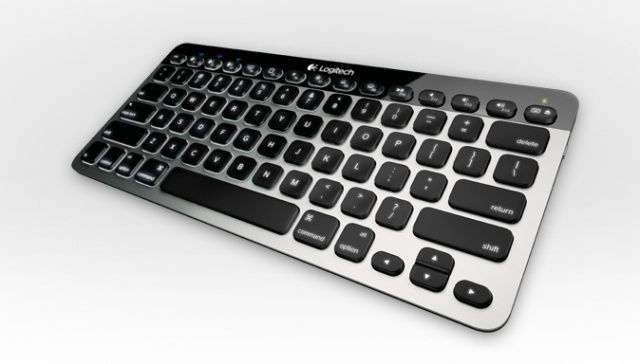
Logitech produces some of the best portable keyboards there are for the iPad, and it’s just announced another that will also work with your Mac, too. But not only is it compatible with both Mac and iOS devices, its awesome ‘Easy-Switch’ feature allows you to connect to up to three via Bluetooth at the same time and then quickly switch between them at the touch of a button.
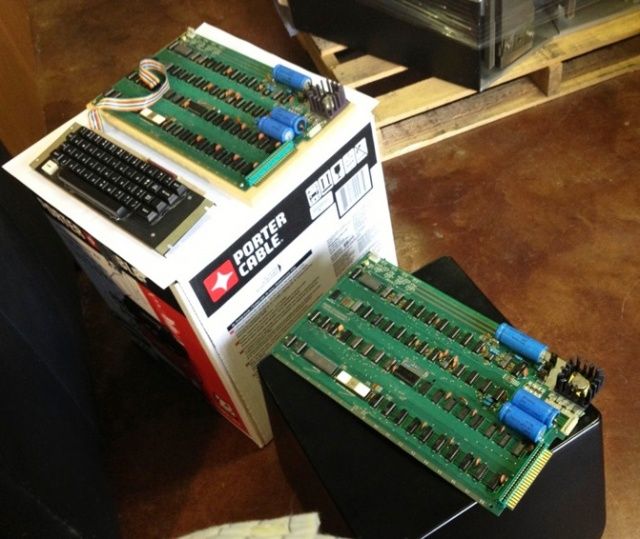
One of these just sold for more than half a million dollars.
A working Apple I, the first computer built by Steve Jobs and Steve Wozniak in 1976, has been sold at auction for a record $640,000. That’s considerably more than the machine’s original asking price of $666.66, and almost $270,000 more than the previous Apple I record set by Sotheby’s back in June.
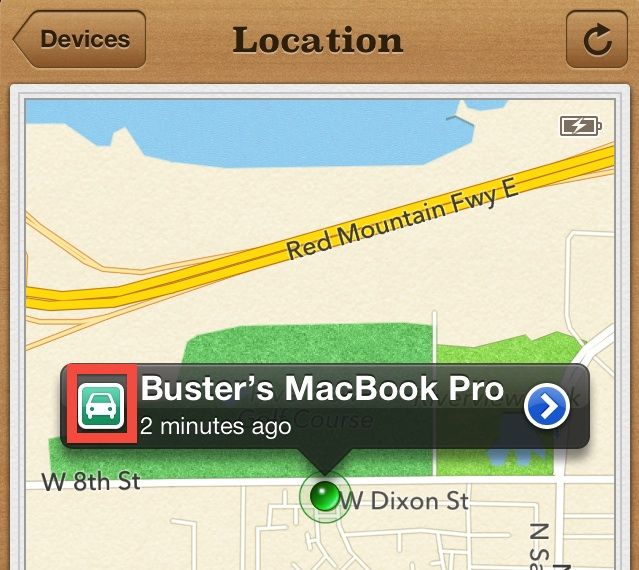
We’ve seen a numberofstories over the years where Find My iPhone helped iPhone and iPad owners reunite with their lost devices. Now Apple’s making things even easier for people hunting down their devices by including driving directions to each device.
Find My iPhone for iOS will now tell you the exact route you should take to get your lost iPhone back. To use the driving directions features, users must be updated to iOS 6 because Find My iPhone gives driving directions through Apple Maps.
Adobe Photoshop and Illustrator CS6 versions are now Retina display ready, and available for download via Adobe Software Update. You can also grab the update file directly from the Adobe website.
Was your iPad mini stolen at JFK airport? Sean Henry might have it.
A TSA agent caught stealing iPads and numerous other electronic devices was arrested this week following a sting operation at New York City’s John F. Kennedy Airport. Sean Henry, 32, joins the growing list of TSA workers who have been accused of stealing from passengers as they pass through airport checkpoints across the United States.
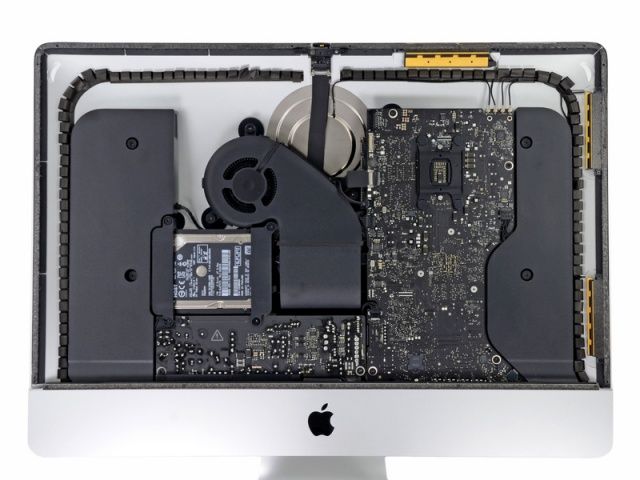
Not all of Apple's new iMacs are being assembled by Foxconn.
When you open up a new Apple gadget — whether it be a new MacBook Pro or an iPhone 5 — the packaging will almost always tell you it’s been “designed by Apple in California” and “assembled in China.” But Apple’s new iMacs are an exception to that, because some of the all-in-ones are being assembled in the good old United States of America.
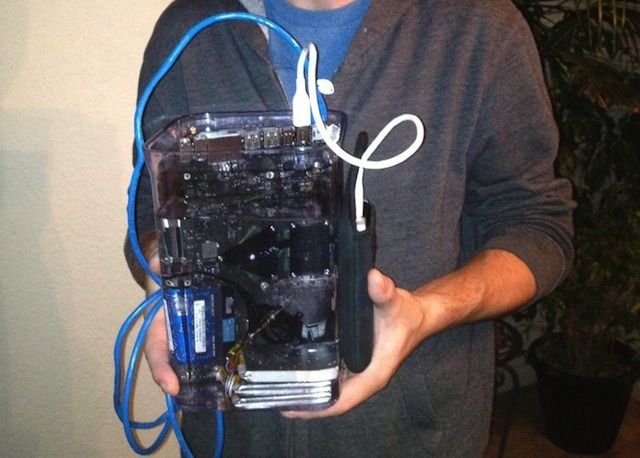
Maybe you’ve never heard of mineral oil but it’s an amazing liquid that let’s you perform all kind of magic. You can do neat crap with it, like take apart your perfectly good MacBook Pro, dump the components in a vat of mineral oil, and it’ll still work.
I don’t know why you would want to waste a perfectly good MacBook Pro, but one Reddit user decided a liquid cooled MacBook would be the bee’s knees, so he built it himself.
Apple promised us its new 21.5-inch iMac would go on sale in November, and it has just about met that deadline. You can now order the Cupertino company’s sexy new all-in-one via its online store, with shipping in 1-3 business days. The 27-inch model is also available to order, but that one will take 2-3 weeks to ship.
Apple has just reissued the OS X Mountain Lion 10.8.2 supplemental update for late-2012 Macs, including the 21.5-inch new iMac and Mac mini, as well as the 13-inch Retina MacBook Pro. There aren’t any reasons given for the original retraction of the update, and no noticeable changes in the list of fixes that are included in it.
Photoshop CS6 seems to look good on the Retina MacBook Pro.
Adobe has released a teaser video for Photoshop CS6, which the company will unveil on December 11, and it suggests one of the software’s new features will be support for the high-resolution Retina displays in Apple’s latest MacBook Pros. The 15-inch machine actually features in the clip, and there are plenty of close-ups that show rather crisp visuals.
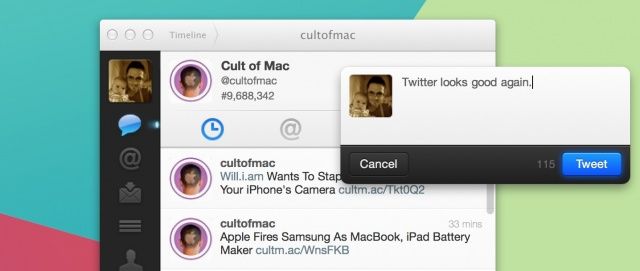
Twitter may have given up on its official Mac client, which hasn’t seen an update in well over 18 months, but one third-party developer hasn’t. Deniz Mert Edincik, an iOS developer from Turkey, has taken it upon himself to patch the application to provide support for Apple’s new Retina MacBook Pros.
Apple’s Black Friday sale is now live at Apple.com. As expected, the Cupertino company has reduced the price tags of several Macs, the iPad and iPad mini, and the iPod nano and iPod touch. A lot of its own accessories, such as iPad Smart Covers and the Magic Mouse, are also included in the sale.
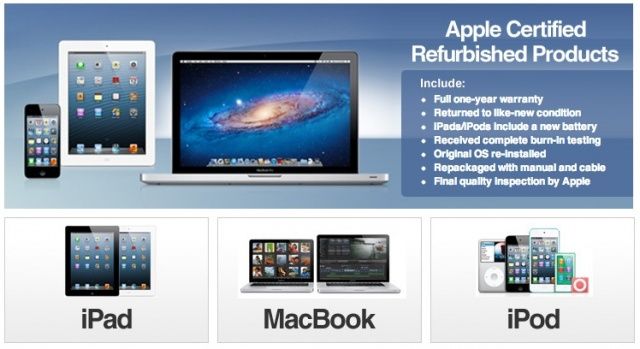
There’s another way to get refurbished Apple stuff, and it’s…eBay? Oddly enough, the online auction retail site has a dedicated page for Apple certified Macs, iPods, and iPads, each coming with their own one year warranty just like they do in the onlineApple Store.
All the devices on sale through this eBay page are refurbished to seem like new, and even given new batteries in the case of iOS devices. The original operating system is also installed, and the unit gets a full round of testing, just like it does on the Apple Store.
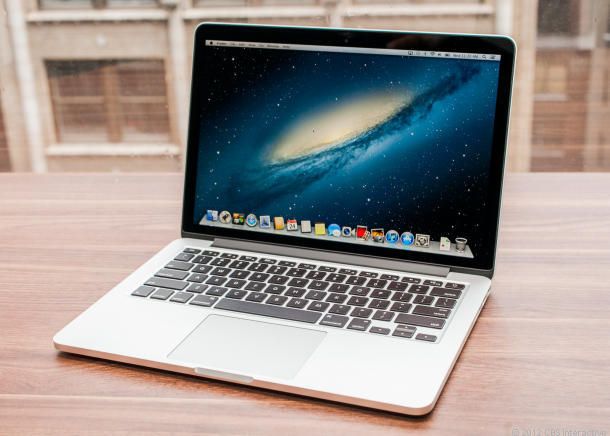
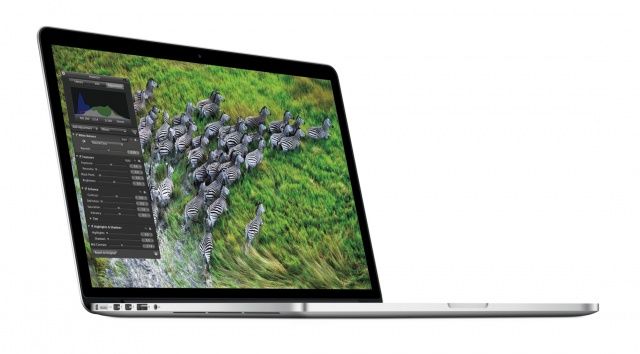
I bought a 15-inch MacBook Pro with Retina display this summer, and I’m absolutely in love with it. I firmly believe that it’s the best laptop Apple has ever made, and it has totally changed my workflow.
One of the main qualities of the Retina MacBook Pro is its portability. It’s crazy thin. I carry this laptop with me everywhere, and I knew when I bought it that I needed something to help keep it protected.
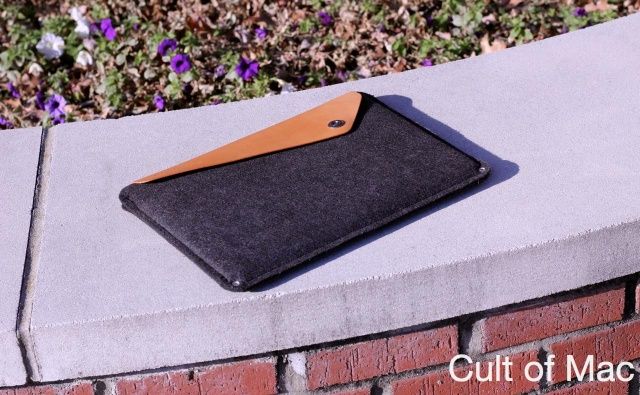
I’ve been using Mujjo’s wool MacBook sleeve nonstop for the past couple months, and I couldn’t be more pleased.
The biggest shopping day of the year is fast approaching. The day after Thanksgiving in the United States is Black Friday, and it’s the best time to begin you’re holiday gift shopping — if you can face the frenzy, that is. Retailers all over the U.S. will be offering big discounts on some of this year’s hottest gifts, and the Apple store will be no exception, having given Black Friday discounts to Apple Store customers for the last few years regularly.
Next Friday the 23rd is Black Friday, and while Apple hasn’t tipped its hand as to when
If you’re looking to save cash on the latest Macs, iOS devices, and accessories, then Black Friday is an ideal time to buy them. Based on Apple’s previous Black Friday deals, here’s what you can expect to see this year.
Apple's latest EFI update for the Retina MacBook Pro should be avoided if possible.
If you haven’t already installed Apple’s latest EFI firmware for your 15-inch Retina MacBook Pro, you may want to avoid it for a little while. Users on the Apple Support Communities forum are reporting that the update causes reduced frame rates and processor slowdowns when using graphically-intensive applications.