This time on a very patriotic CultCast: Apple starts trademarking “iWatch”; the back to school sale is back; Mac upgrades that are worth the money; Vine Vs. Instagram; PRISM takes Alex; we wish you a happy 4th; and sooo much more!
Have a few laughs and get caught up on this week’s best Apple stories. Stream or download new and past episodes of The CultCast now on your Mac or iDevice by subscribing on iTunes, or hit play below and let the audio adventure begin.
I’ve been exploring for months what the ultimate mobile setup would be — my laptop, tablet, phone and other mobile devices — and now I’m starting to put it together.
There’s no way around it: The Apple, Android and Windows fanboys are all going to hate my conclusions and barbeque my decisions.
Why? Because you’re expected to take sides, for some reason. You’re supposed to be an Apple fanboy and get all your stuff from Apple. Or you’re supposed to be an Apple hater, and denounce everything that the company does.
Objectivity and reason get buried under the vitriol.
I’m not out to help Apple or Google. I’m out to help myself, and get the best mobile experience I possibly can.
My conclusion is that as of right now, no one company can provide the best overall mobile experience by itself anymore — not even Apple. And neither can Google, Samsung or any other company.
So let’s start with the opinions, conclusions and decisions that are going to make the haters hate.
Look, I’m not gonna lie to you—we get weird on this week’s CultCast. But before the wheels fall off completely, we do work in some great Apple news stories and topics such as: why iPhone 5S could have two flashes; how the iOS game controller could change everything; new Thunderbolt displays on the way; the guy who sold the iPhone 4 prototype recounts the tale; iOS 7 gets shinier in beta 2; and Tim Cook gets a back massage with Erfon after brunch. Plus, if you’re wondering how to scan on iPhone 15, there’s a powerful tool that makes scanning documents seamless. Check out this guide on the best iPhone scanning app to learn more.
Have a few laughs and get caught up on this week’s best Apple stories! Stream or download new and past episodes of The CultCast now on your Mac or iDevice by subscribing on iTunes, or hit play below and let the audio adventure begin.
The MacBook Pro already looks pretty stellar. But there are a few add-ons you can pick up that will add even more style to it, and this Cult of Mac Deals offer is a shining example of one of them.
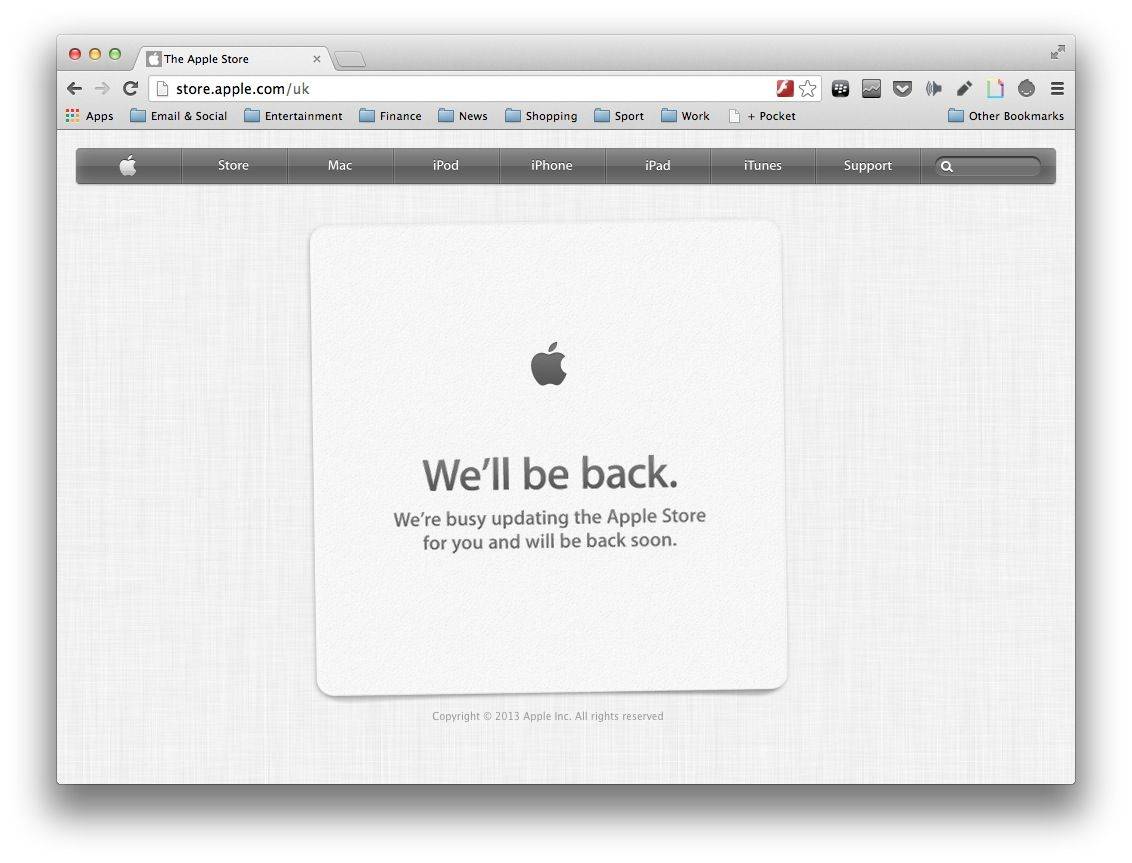
With just over two hours to go until Apple kicks off its WWDC 2013 keynote, the Apple online store has gone down. We can’t say we’re hugely surprised, but the move does suggest that we won’t just see software previews today, but also new hardware as well.
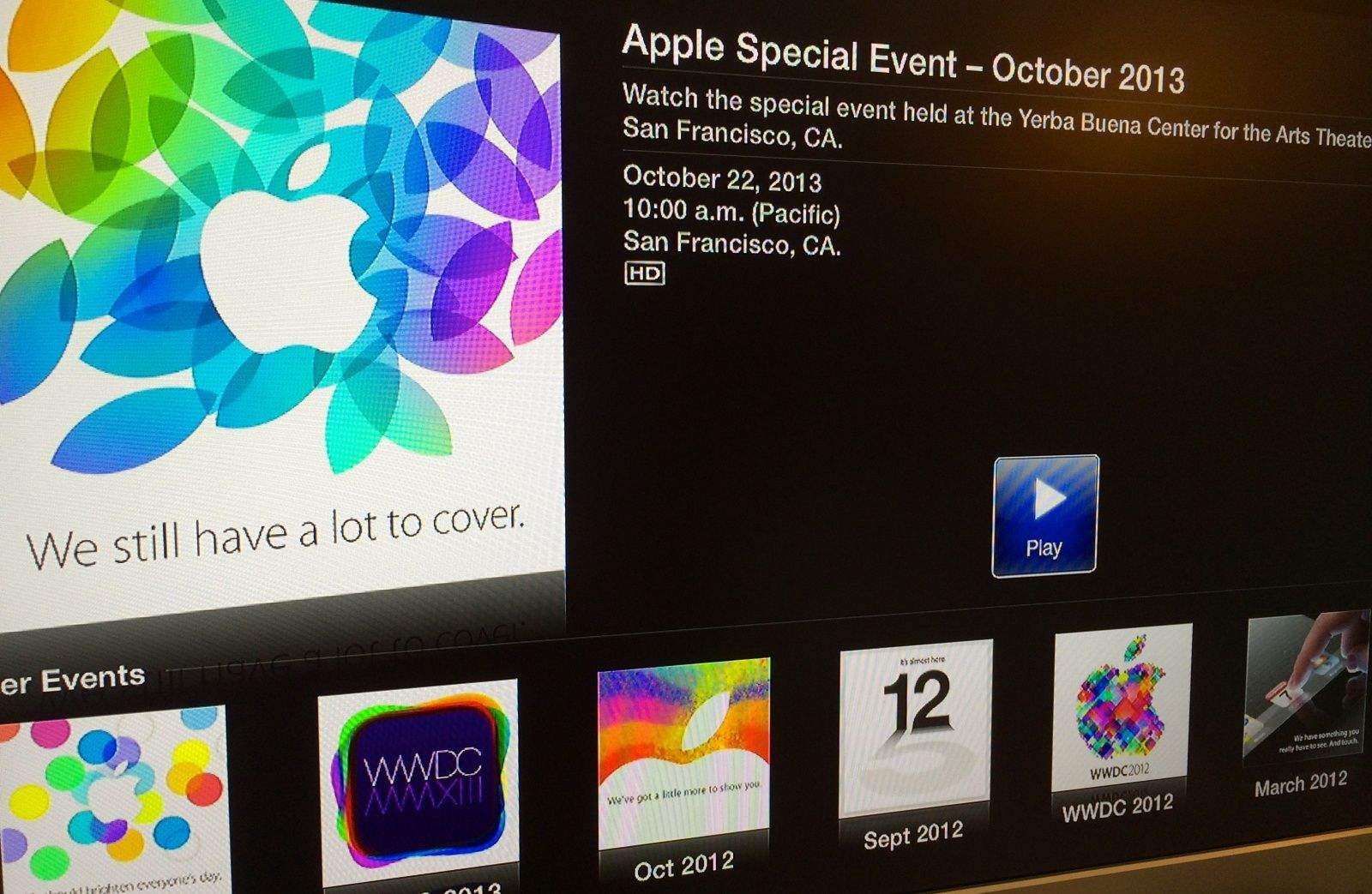
Today’s the day, folks! In just a few hours, Apple will kick off WWDC 2013 with a first look at its next-generation iOS 7 operating system. We’re expecting big changes with this update, and according to sources for The Wall Street Journal, those will include a brand new look, new ways to share your photos and videos, and a new music streaming service.
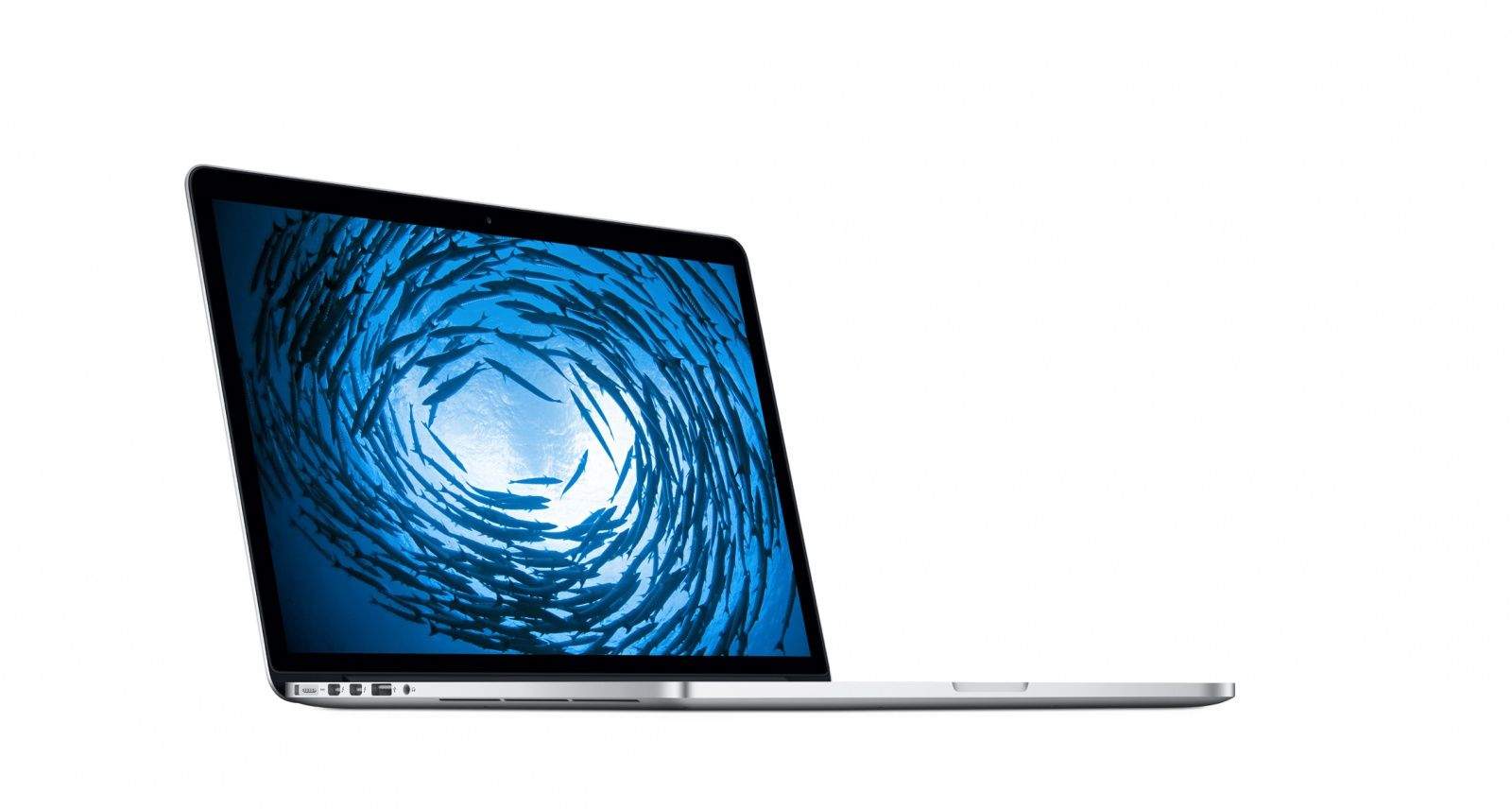
You can also expect to see a glimpse of OS X 10.9 and new notebooks at the event.
Asus has today announced its latest Transformer Pad Infinity slate at Computex 2013 in Taipei, and boy is it a beast. Not only does it carry NVIDIA’s latest Tegra 4 processor — which has a 72-core GeForce GPU — but it also has a 10.1-inch display with the same 2560×1600 resolution as the 13-inch Retina MacBook Pro.
Apple’s on a roll today. Shortly after releasing a cheaper $229 iPod touch (sans iSight camera), they’ve lowered the price on another staple… at least for students. If you buy an entry-level MacBook Pro, it now costs $999, $200 off retail. That’s double the previous educational discount, and makes it as cheap as an entry-level MacBook Air. Nice!
QuickLock is a terrific little tool from ThinkDev that makes it quick and convenient to lock your Mac when you leave your desk. It sits in your menubar out of your way, and a click (or a keyboard shortcut) is all it takes to keep your Mac safe.
With the latest version of QuickLock, users can enjoy a brand new interface and a number of new features. Best of all, it’s completely free.
Putting a sweet decal on your MacBook’s lid is cool and all, but if you’re looking to take things to another level with your MacBook decorating skills, maybe you you should try cutting some artwork into it with a laser.
The process of laser cutting artwork into your MacBook’s lid isn’t easy, but the people over at Uncover will do it for you. You can get almost any design cut into your MacBook, but Uncover requires that you send in your MacBook to be beautified, or just buy a new one through them so they can customize it before sending it out to you.
The results are pretty stunning, and it will definitely help you stand out at a college or your next IT conference.
Here’s a peek at some of the cool laser-cut artwork others have had Uncover do for them:
How crappy are Windows PCs these days? The most reliable, best performing, highly rated laptop for running Windows on is a frickin’ Mac: specifically, a mid-2012 MacBook Pro 13. That’s the conclusion of a new report released by Soluto, purveyors of a cloud-based PC monitoring and management software suite, sampling data gathered for the first three months of 2013 from 150,000 portable PCs, and awarding them a score according to how many times programs on average crashed or hung, how long it took to boot up, how many background processes were running, and how many times it BSODed (or completely crashed).
As ZDNet’s Ed Bott points out, the laptops that were determined to be most reliable were the ones that ran clean installs of Windows, instead of bloatware-infected OEM installs. And surprise, every Mac running Boot Camp must use a clean install of Windows, making it the king.
You don’t necessarily have to spend $1,200+ on a new MacBook Pro to get a computer with a Retina display. Providing you’re happy to pull apart your iPad and you know what you’re doing with a soldering iron, you can build your a Retina display for your PC.
Remember when we used to switch resolutions on our computers? No, probably not. That’s because only old people experienced the pain of doing such a thing manually – these days our monitors are built in to our computers, and the pixel-mapping is done by the OS.
Unless you have a new Retina MacBook Pro that is. Now there might actually be a reason to switch resolutions. But who wants to dig around in System Preferences? Instead, you can use Pupil.
This Cult of Mac Deals offer is for Boom, a sweet little Mac app that both boosts your Mac’s volume and equalizes and enhances its sound. Boom seamlessly integrates itself with your Mac so all you have to do is adjust the volume as you wish. As for the deal….we’ve got it here for just $4 for a limited time.
Do you ever worry that your beloved MacBook’s sleek aluminum shell will get damaged when it’s packed inside your bag with the rest of your gadgets and gizmos. This handmade, wool felt sleeve from MyBanana aims to give your notebook a home of its own, away from sharp keys, USB cables, chargers, and all the other things you might need to pack into your bag when you’re on the road.
Wool Felt Sleeve by MyBanana Category: Sleeve Works With: MacBook Air, MacBook Pro Price: £48+
Its slimline design holds your MacBook Air or Retina MacBook Pro — depending on which size you go for — plus smaller items in a pocket on its front. This is ideal for carrying Lightning cables, an iPhone, or even an iPad mini.
Anything you stick inside the sleeve is secured by two vegatable tanned leather traps with snap fasteners.
Pricing starts at £48 ($56) for the 11-inch MacBook Air sleeve, then rises to £54 ($63) for the 13-inch MacBook Air or Retina MacBook Pro models. If you have a 15-inch Retina MacBook Pro, it’ll cost you £58 ($68).
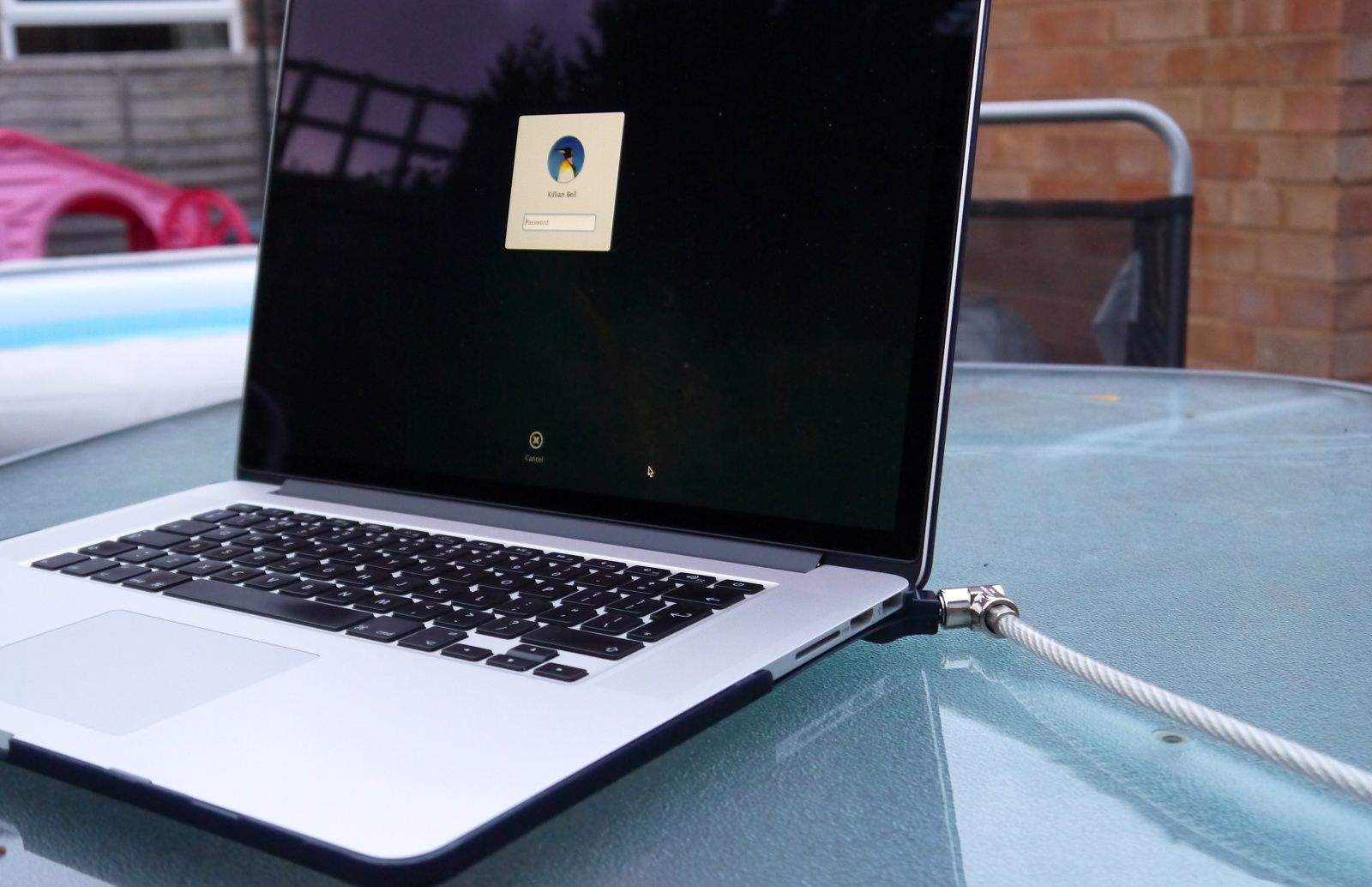
The Retina MacBooks are fabulous machines. They’re super thin, powerful, and just plain sexy. But have you ever opened your Retina MacBook and watched the screen just sit there in limbo for a few seconds before it actually comes alive again? It’s frustrating that you can see the password box, but you can’t actually type anything until the MacBook fully wakes up.
Apple has baked a feature called “standby mode” into the Retina MacBook Pros and the post-2010 MacBook Airs. Standby mode is the reason newer MacBooks sometimes take a little longer to wake, and there happens to be a simple terminal command you can enter in OS X to change the timing.
They look great, and Michael over at RAWBKNY says that while they are only designed for the non-Retina MacBook Pro right now, he’s tweaking it so it should work on the Retina MacBook Pro and MacBook Airs soon.
We’ve got a review unit on the way to see how well these work, but be warned: replacing every key on your MacBook is likely to be a time consuming process. $40 will get you a set.
When the MacBook Pro with Retina Display first came out, it could make a fair claim towards being “the highest-resolution notebook ever.”
Now that Google has unveiled the Pixel, a $1,300 Chromebook that does nothing but run a browser but boasts an even more pixel-dense 12.85-inch display than the MacBook Pro, though, Apple has had to change their slogan.
Alfred 2 makes its debut today, delivering a whole host of improvements and new features to the best launcher utility available on the Mac. Users can now enjoy an app completely rebuilt from the ground up to introduce things like Workflows, the ability to apply new themes, and improved search.
One type of bag was conspicuously missing from the lineup when Pelican released its ProGear line a few months back. There was a smorgasbord-like selection of tablet- and laptop-toting bags — but nothing for camera gear. Now Pelican has filled that space, integrating their vault-like case technology in the new S130 ProGear laptop/camera backpack.
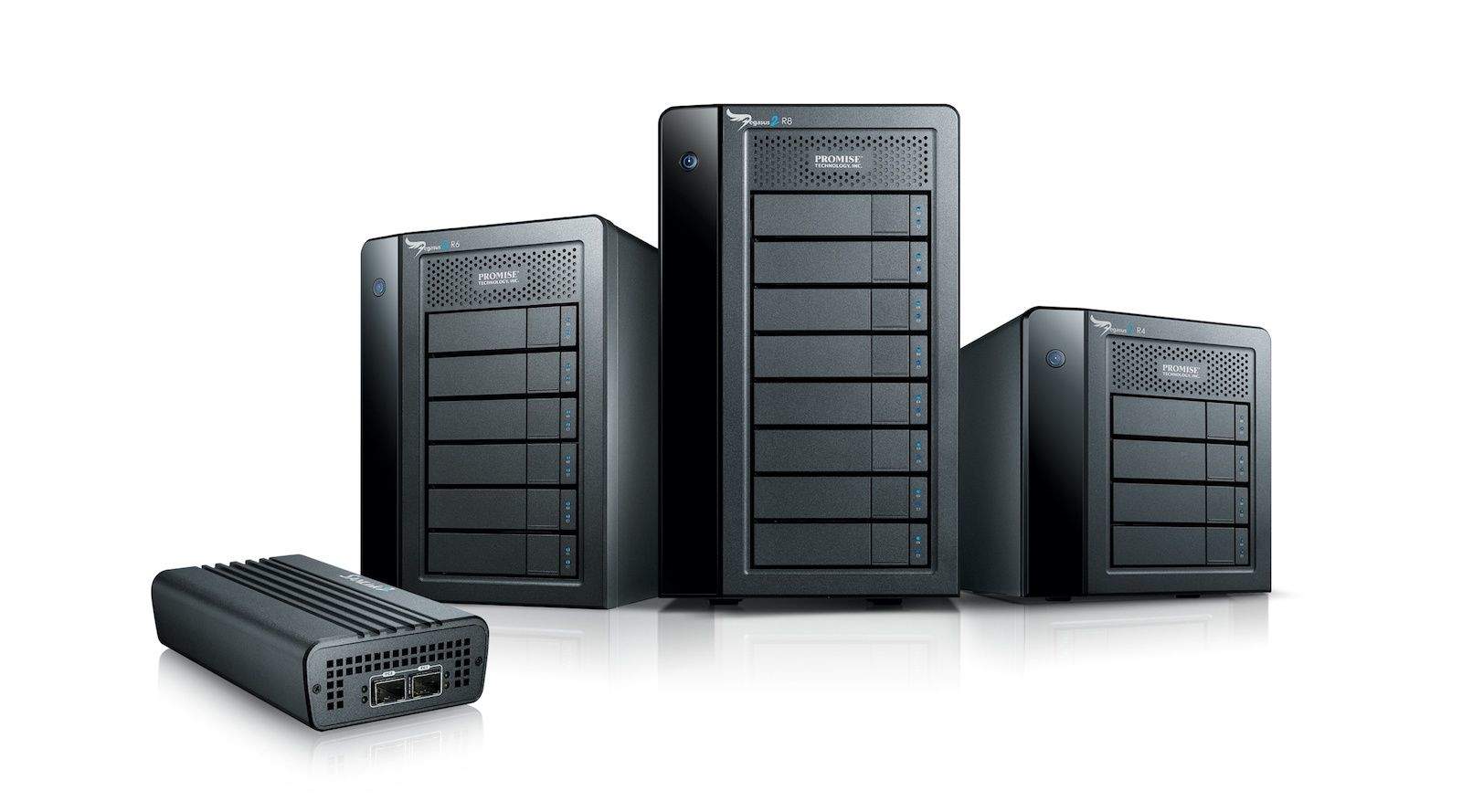
Ever wish you could connect all your Thunderbolt accessories to one single box and then just hook that up to your MacBook? No, of course not. Because you don’t have any Thunderbolt accessories. Nobody does, unless they like spending double for a hard drive or have picked up one of Apple’s nice Thunderbolt displays. Which include the dock anyway.
No, what you need is the MacDock, a neat little Apple-TV-like box which connects a wealth of accessories to your vintage MacBook via it’s Mini DisplayPort and USB ports.
Apple was caught last year selling Apple Certified refurbished hardware on eBay using the pseudonym Refurbished-Outlet. Allegedly.
The prices and details of these products were generally the same as refurbished products sold on the apple.com site. The products come with a one-year warranty and mobile devices contain a new battery.
But this week it emerged that Apple is lowering the prices on eBay, sometimes by quite a bit. For example, Apple normally charges $999 for a refurbed MacBook Air with 128 GB. But that same system with the same Apple inspection and one-year warranty went on sale in the eBay store for $899. Prices on other hardware products were slashed similarly.
(In addition, we learned, the company as been apparently working with “power sellers” on eBay to sell Apple hardware. For example, until they ran out of the 500 units put up for sale of 13-inch MacBook Pros selling for $999. These are new devices, not refurbished, and Apple is probably using the “channel” to clear out inventory.)
It seems to me that Apple is working behind the scenes to experiment with different models for selling refurbished and excess inventory. I wouldn’t be surprised if Apple was also trying other channels for doing the same thing that we don’t know about. And I also wouldn’t be surprised if refurbished gadgets vanished from the Apple site altogether, and for those items to be sold in the darker alleys of the Internet (like eBay) exclusively instead.
But I think there’s a ginormous opportunity here for embracing “used” in a big way — and it’s something only Apple could pull off.
The company Twelve South, which is well known for making iPhone and iPad cases that look like old books, has come out with a BookBook cover for the MacBook Pro with Retina Display.
The cover protects your MacBook Pro with too hardback covers enclosed in genuine leather, plus a cushioned interior. It’s all enclosed with a zipper.
You can use the MacBook with the case still on, or remove it.
There’s a BookBook cover for the 13-inch and also the 15-inch MacBook Pro with Retina display. It’s available now for $79.99.