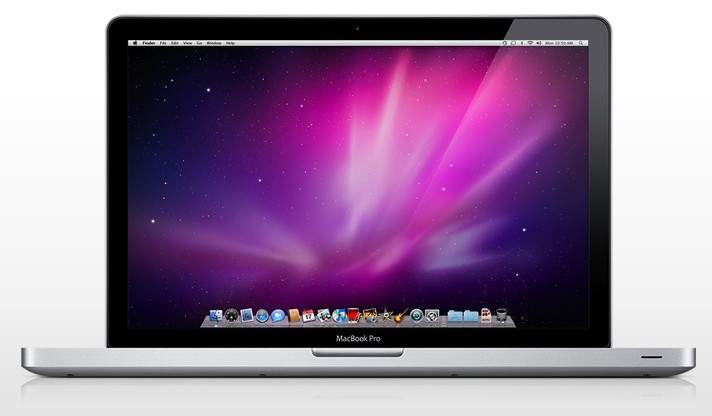
Grab a great deal on a refurbished MacBook Pro Ivy i5 Dual 13" Laptop. Photo: Cult of Mac
Score an amazingly low price on a MacBook Pro, or the best deal we’ve ever seen on the iPad Air 2 16GB WiFi. These and more are in this week’s best Apple deals.
Apple will seamlessly integrate Touch ID into the MacBook Pro. Photo: Ste Smith/Cult of Mac
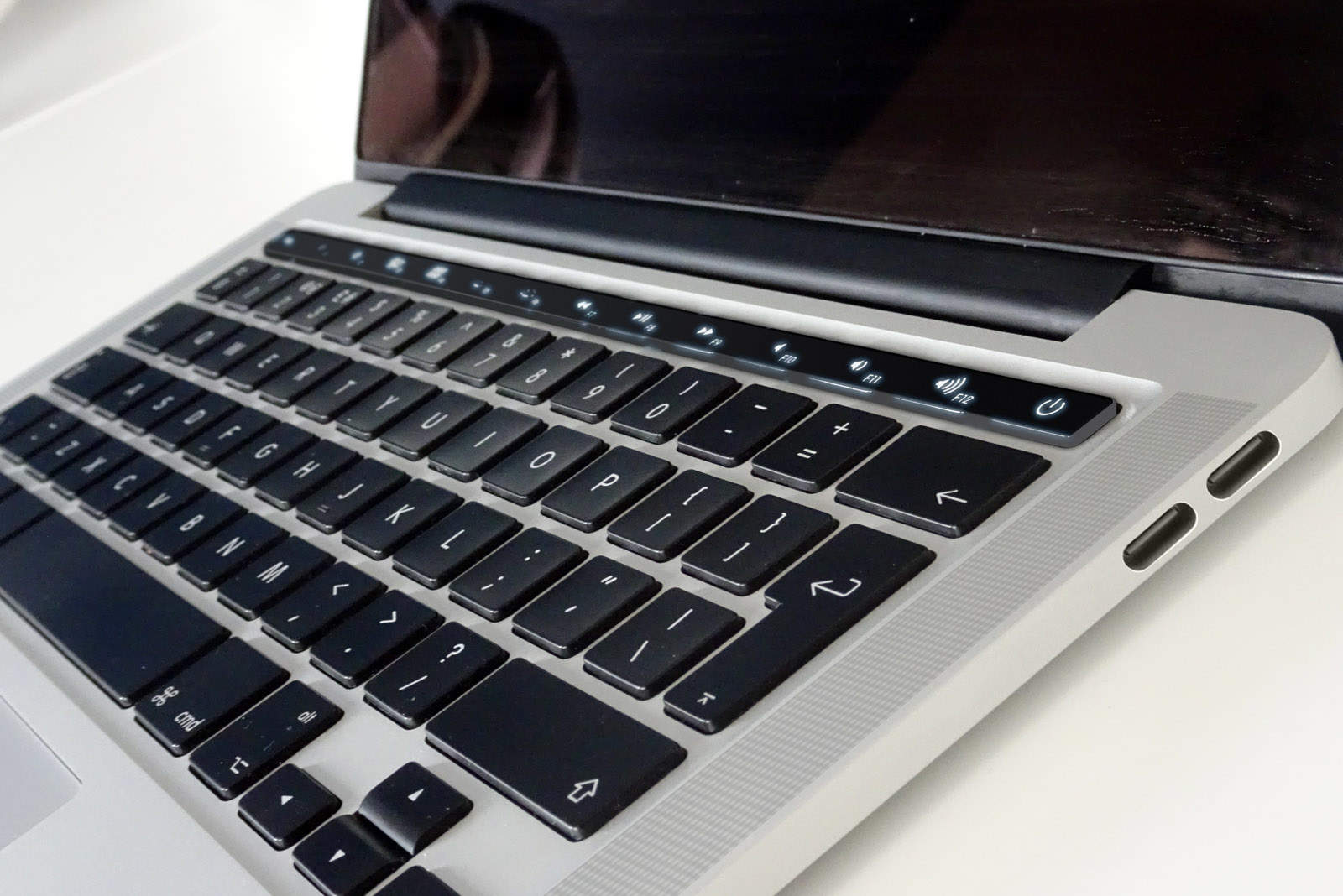
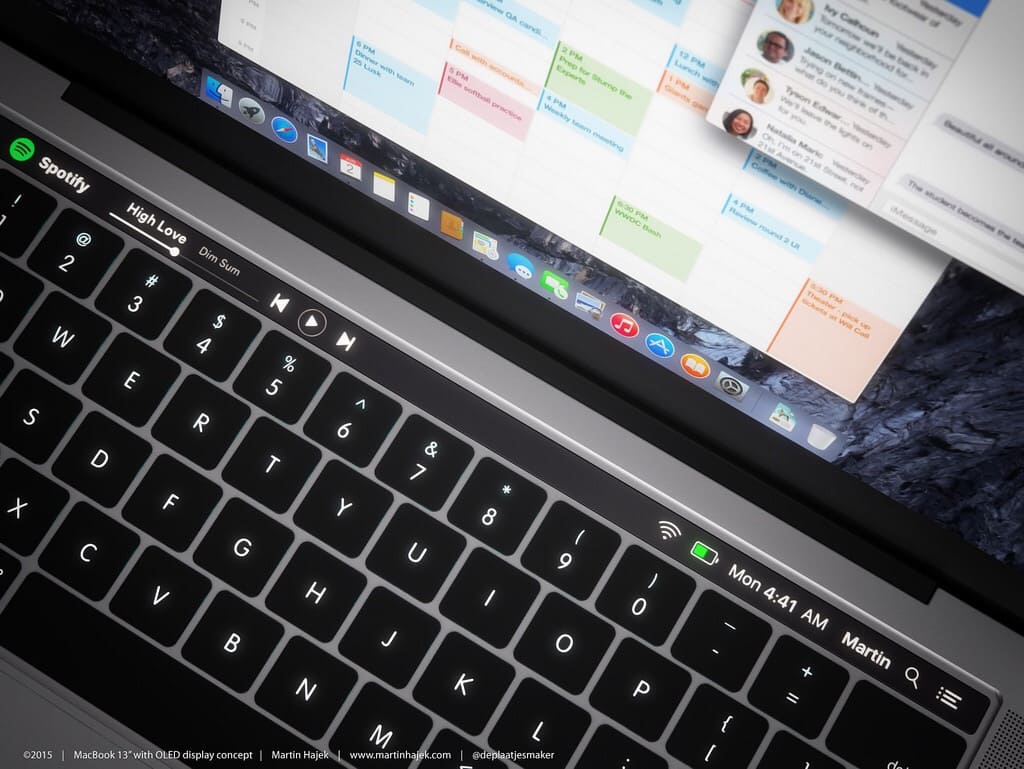
Apple’s upcoming MacBook Pro refresh won’t just bring a fancy OLED touchbar for customizable function keys, but also the first Touch ID sensor on a Mac, according to a new report. And it will be built into the notebook’s power button.
This week, on The CultCast: iPhone 7 gets a new 3D Touch home button and a reported September 9th pre-order date! Plus: we may be just weeks away from Apple’s Macbook Pro and Apple Watch 2 launch event; the big gun is back—Apple puts Big Bob Mansfield at the helm of their top secret Apple Car project; one of the internet’s best web series is now an Apple Music exclusive; and stick around for apps, man—we’ve got some sweet picks for you.
Our thanks to TunnelBear, the simple privacy app that makes it easy to browse privately and enjoy a more open internet, for supporting this episode. Visit GetTunnelBear.com to get your free TunnelBear today.
The MacBook Pro might not be the only laptop Apple updates this year. Photo: Martin Hajek
The death of the MacBook Air has seemed pretty much inevitable ever since the introduction of Apple’s super-thin retina MacBook last year, but it appears that Apple may have at least one more update in the pipeline.
Apple is supposedly planning to release a new MacBook Air with USB-C, according to the latest rumor out of Asia, though no timeframe has been given on the launch date.
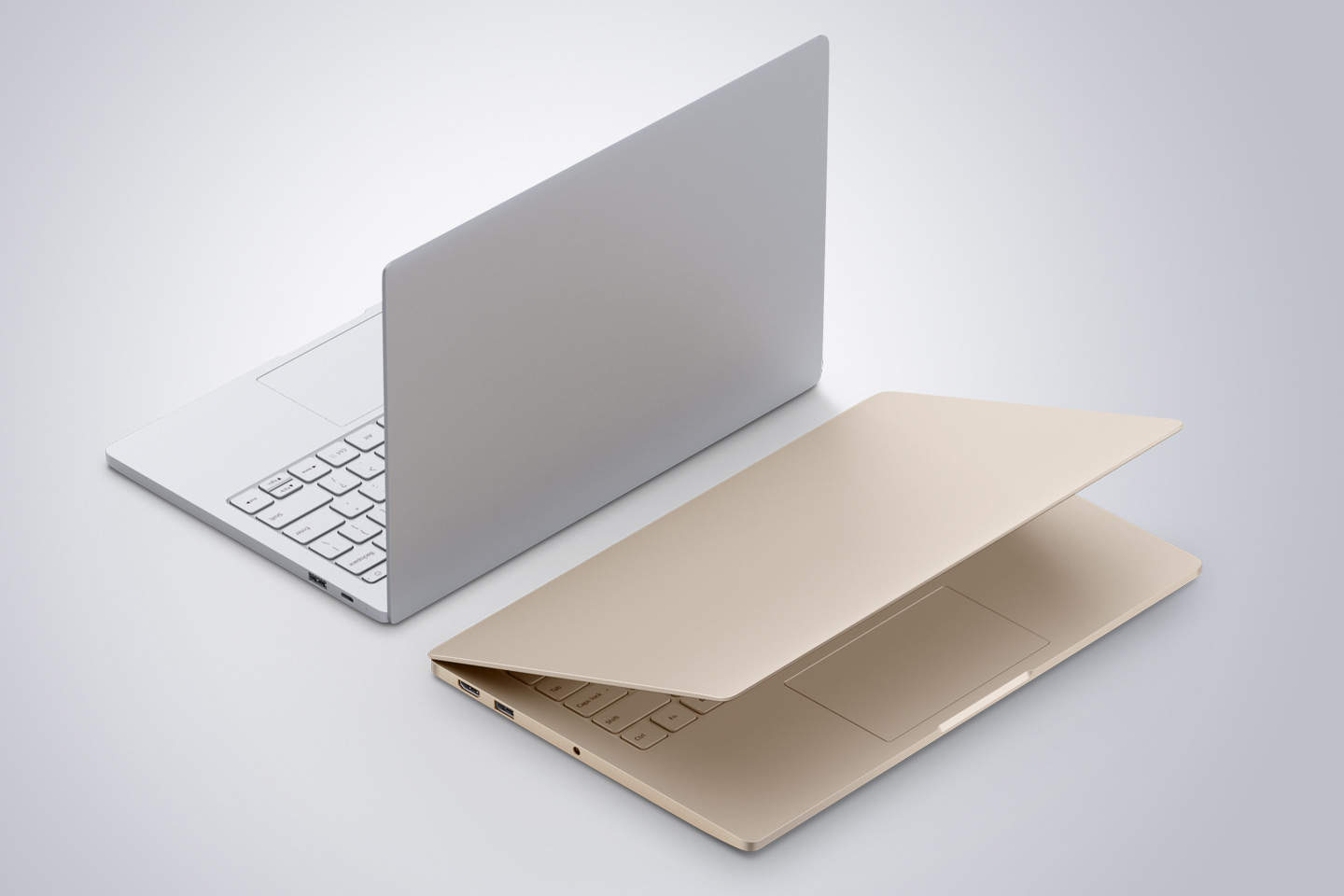
Evan Apple has to be impressed with the Mi Notebook Air. Photo: Xiaomi
Xiaomi has finally delivered its first laptop, and just as expected, it wants to battle the MacBook Air head-on. Its new Mi Notebook Air is thinner, lighter, and more powerful than Apple’s machine — and yet it’s still kinder on your wallet.
Do you find it difficult to choose Apple products? Photo: Ste Smith/Cult of Mac
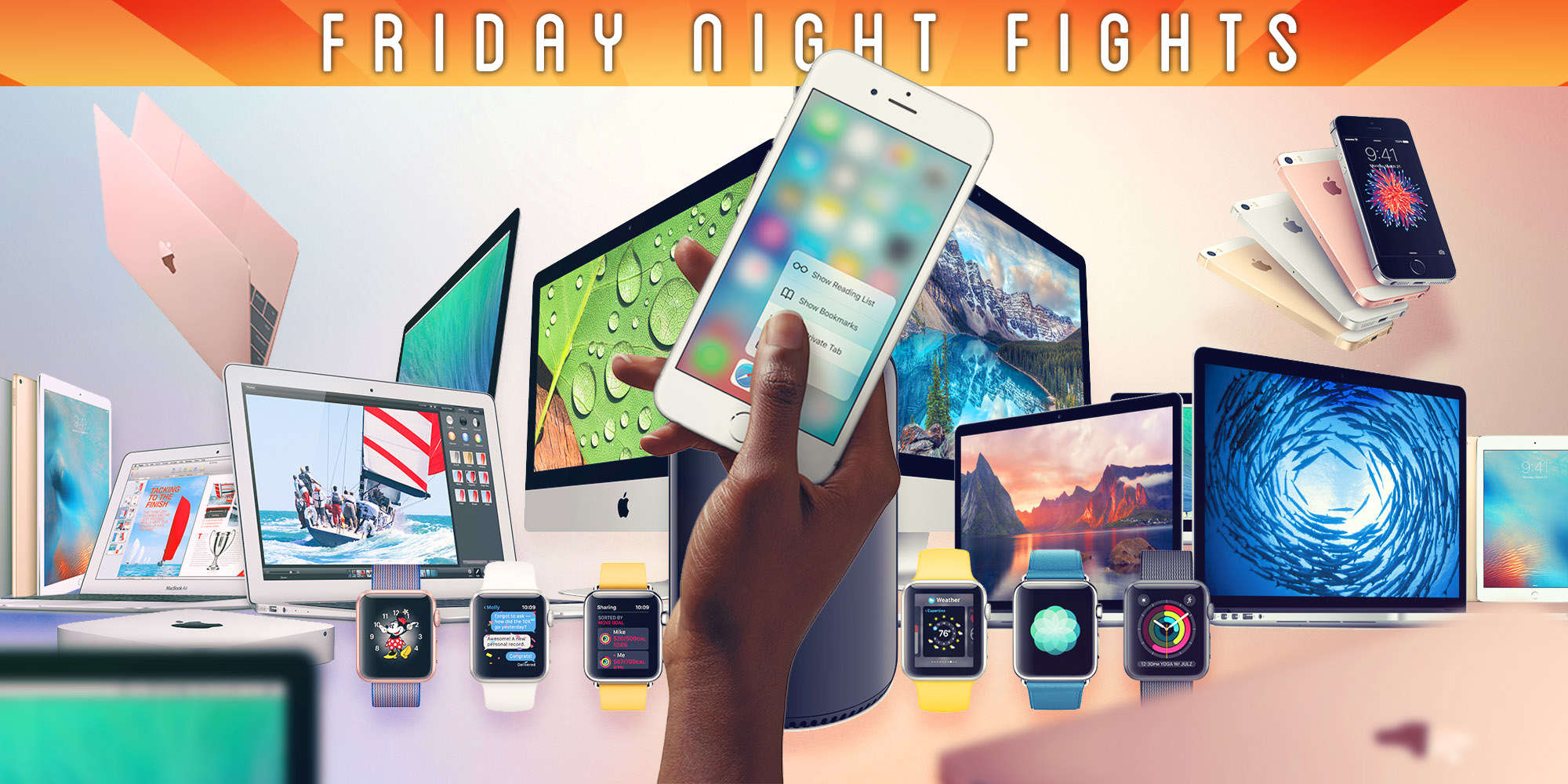
Apple’s product portfolio has expanded quickly since Tim Cook replaced Steve Jobs as CEO, what with the launch of larger iPhones, Apple Watch and the 12-inch Retina MacBook. But are things getting out of hand?
Some fans might argue Apple has too much on its plate, and that other products — particularly its software — are suffering as a result. Others might argue that Apple needs everything in its current lineup — and more! — to keep up with the competition.
So, who’s right? Join us in this week’s Friday Night Fight as we exchange insults and virtual blows over whether Apple desperately needs to streamline its product lineup.
Refurbs, open-box items and a great Groupon sale mean hot deals on Apple gear. Photos: Apple, Groupon, Jim Merithew/Cult of Mac
This week’s best Apple deals include some amazing offers on hardware, from refurbs to open-box devices to brand-new MacBook Airs. Read on to see these savings and more.
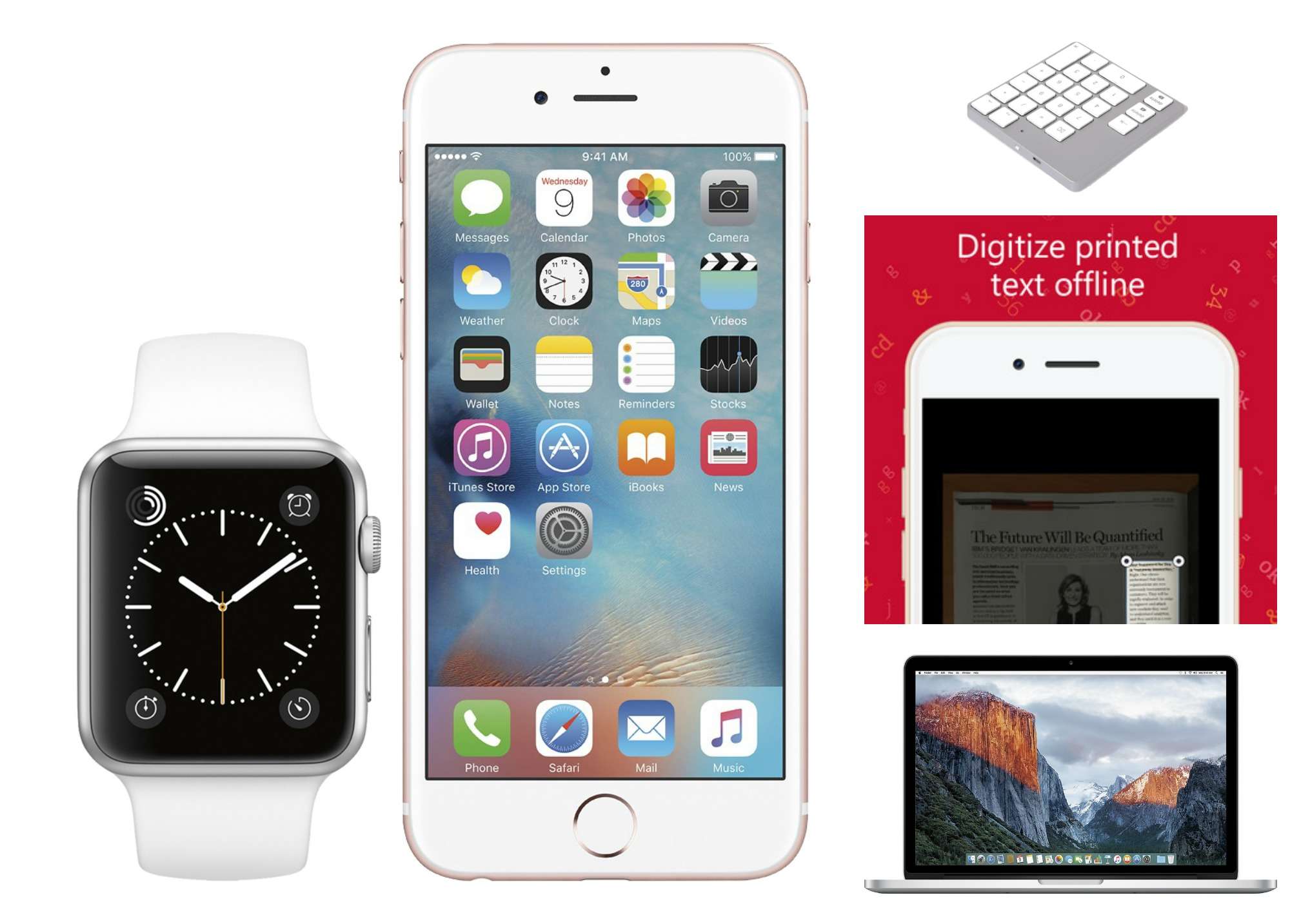
It's the best deal yet on Apple Watch (but there's a catch). Photos: Best Buy, LMP, ABBYY, Apple
It’s the cheapest Apple Watch we’ve ever seen by far … you just have to buy an iPhone to get the astonishing $49 price tag. That screaming deal, a great student discount on a MacBook Pro, and more are in this week’s roundup of the best Apple bargains.
Is the non-Retina MacBook Pro on its way out? Photo: Apple
Apple has begun removing the 13-inch non-Retina MacBook Pro from its retail store displays. The machine is still in stock and available to purchase at most locations, but it would appear that its future is starting to look bleak.
You'll need to be a registered developer to get them today. Photo: Apple
This week on The CultCast: It’s our WWDC 2016 reactions! Plus: All the WWDC announcements worth getting excited about; the best hidden iOS features not mentioned onstage; more confirmation that a MacBook Pro with OLED touch bar is imminent; and a very strange iPhone 7 rumor surfaces.
Our thanks to Freshbooks for supporting this episode. FreshBooks is the easy-to-use invoicing software designed to help small business owners get organized, save time invoicing and get paid faster. Get started now with a 30-day free trial.
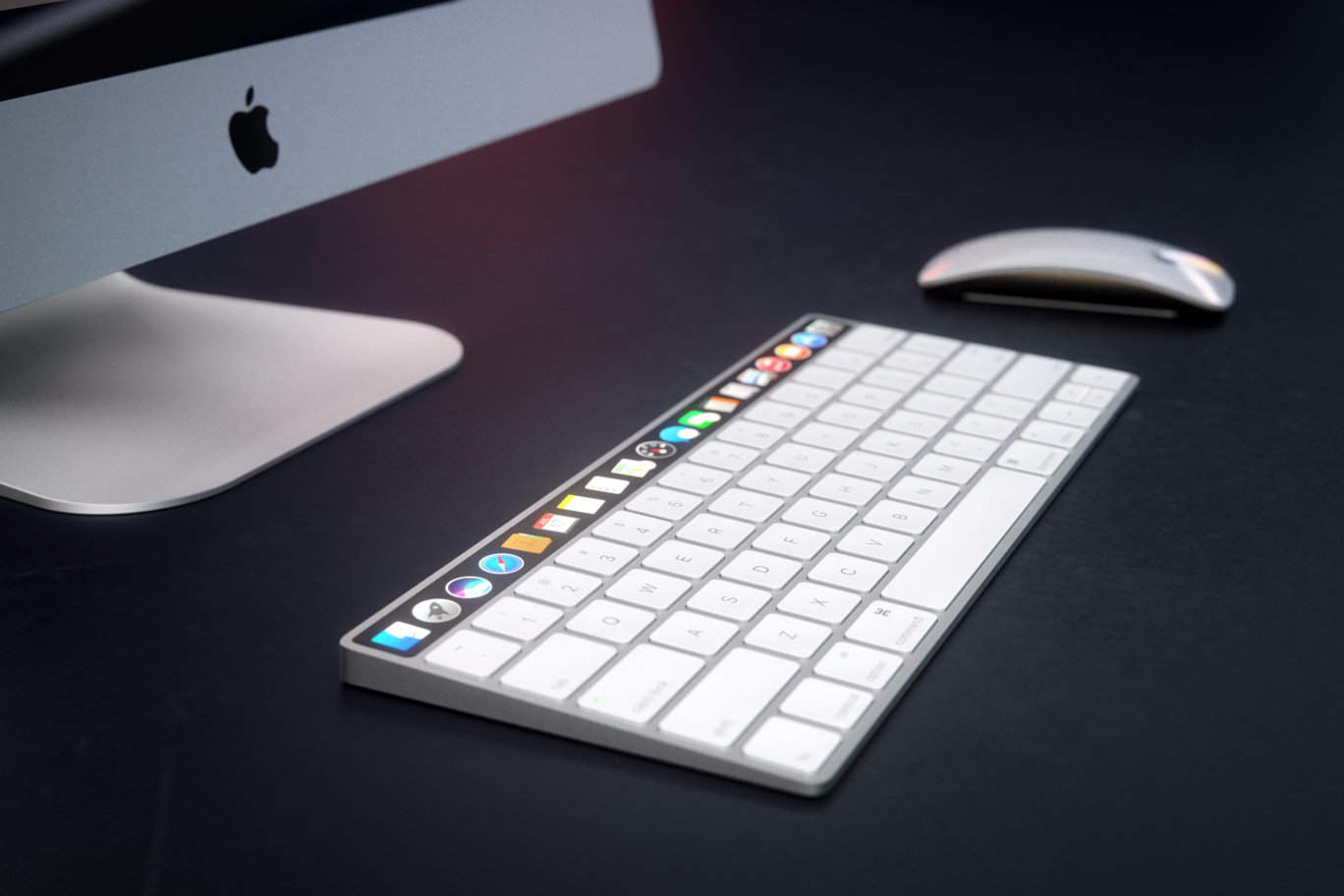
After Apple brings an OLED touch pad to the MacBook Pro later this year, the feature is likely to make its way to other notebooks — and maybe even the Magic Keyboard. This awesome new concept video imagines what that might look like.
You'll want that touch bar even more after seeing this. Photo: Ste Smith/Cult of Mac
If you aren’t already stoked for this year’s big MacBook Pro upgrade, perhaps this concept will help. The video imagines the rumored OLED touch bar that all the rumors have been promising, and all the incredible functionality it could bring.
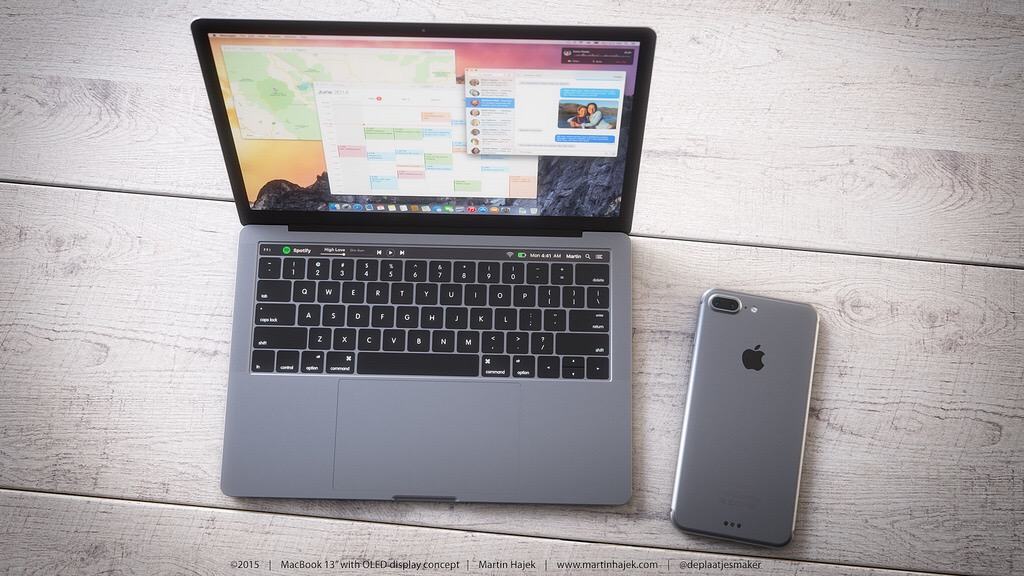
Adding an OLED touchpad could make the MacBook Pro even more magical. Photo: Martin Hajek
Apple’s WWDC 2016 keynote came and went without any new hardware announcements, but you might not have to wait much longer for the unveiling of the new MacBook Pro.
WWDC's opening keynote will be at San Francisco's cavernous Bill Graham Auditorium. Photo: Milo Kahney/Cult of Mac
Apple’s keynote to kick off this year’s Worldwide Developers Conference is going to be huge. So huge, in fact, that Apple already revealed some stuff early because Tim Cook and his Cupertino cronies won’t have time to cover everything during the jam-packed, two-hour event.
While WWDC might seem like a bit of a snoozefest for Apple fans who don’t know anything about Xcode and Swift, the 2016 edition of the annual developer conference should bring lots of new stuff even normals can get hyped about. The WWDC keynote will give us a peek inside the ever-evolving Apple ecosystem — and thus our clearest picture of the future of all Apple products.
This year, all of Apple’s platforms are set to get major updates, as are some of the company’s most popular services, like Siri and Apple Music. Here’s what to watch for during Apple’s keynote, which will kick off WWDC 2016 next Monday morning in San Francisco.
Some fans aren’t happy about that. Many love the physical function keys already found on the MacBook Pro, while others don’t believe it will be a suitable “pro” machine without standard USB ports. But isn’t it time they moved on?
Join us in this week’s Friday Night Fight as we battle it out over the rumored changes to the MacBook Pro.
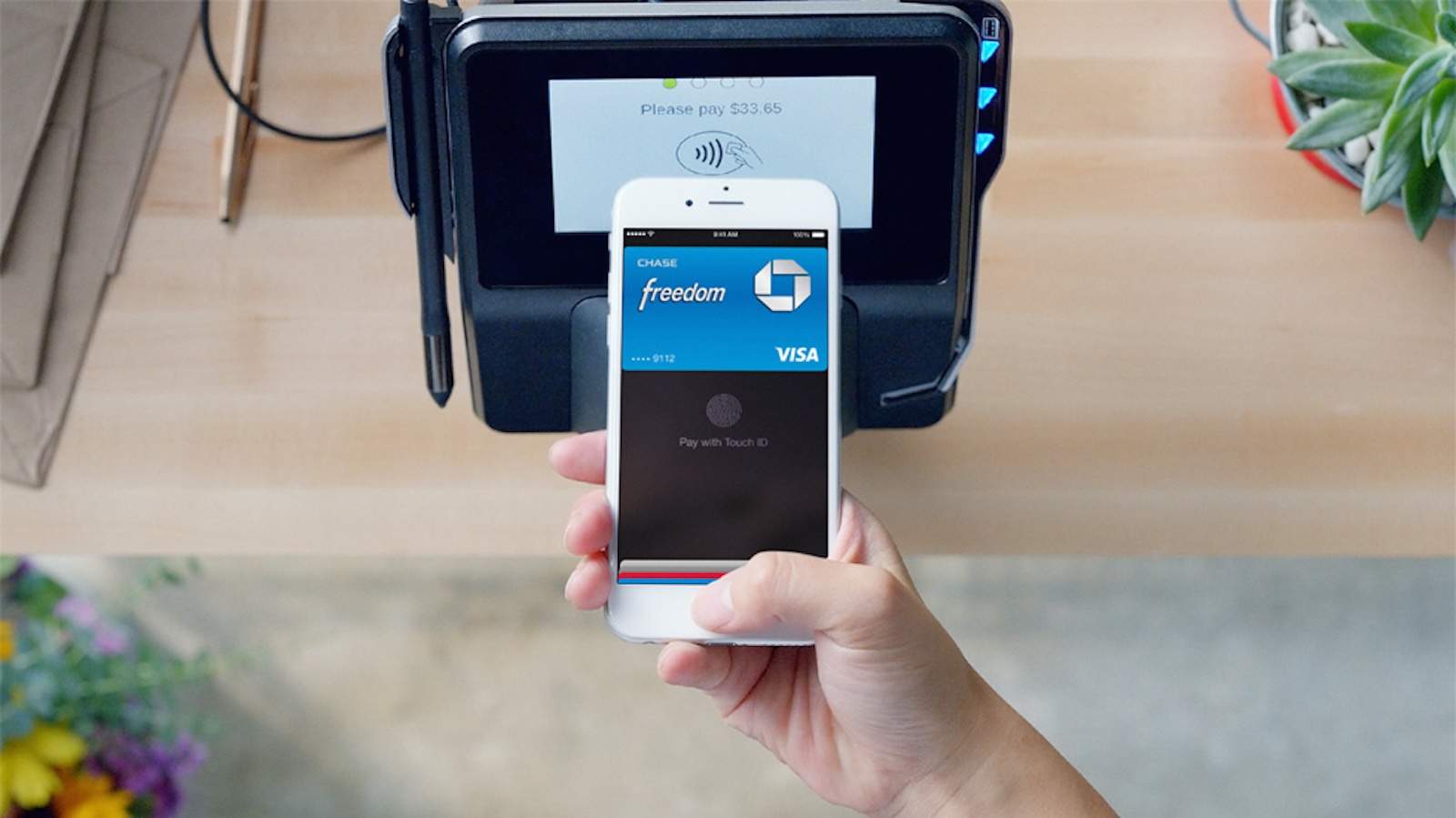
Pretty soon when you’re shopping online, Apple Pay might become the quickest way to checkout instead of using PayPal.
Rumors have been floating around the web for months that Apple plans to bring Apple Pay to the web and according to a new report, Apple’s WWDC 2016 keynote will be the site of the grand unveiling.
This is what the new MacBook Pro may look like. Photo: Martin Hajek
Apple might not unveil a radically redesigned MacBook Pro at WWDC next week, but thanks to artist Martin Hajek we’ve got the next best thing: concept images.
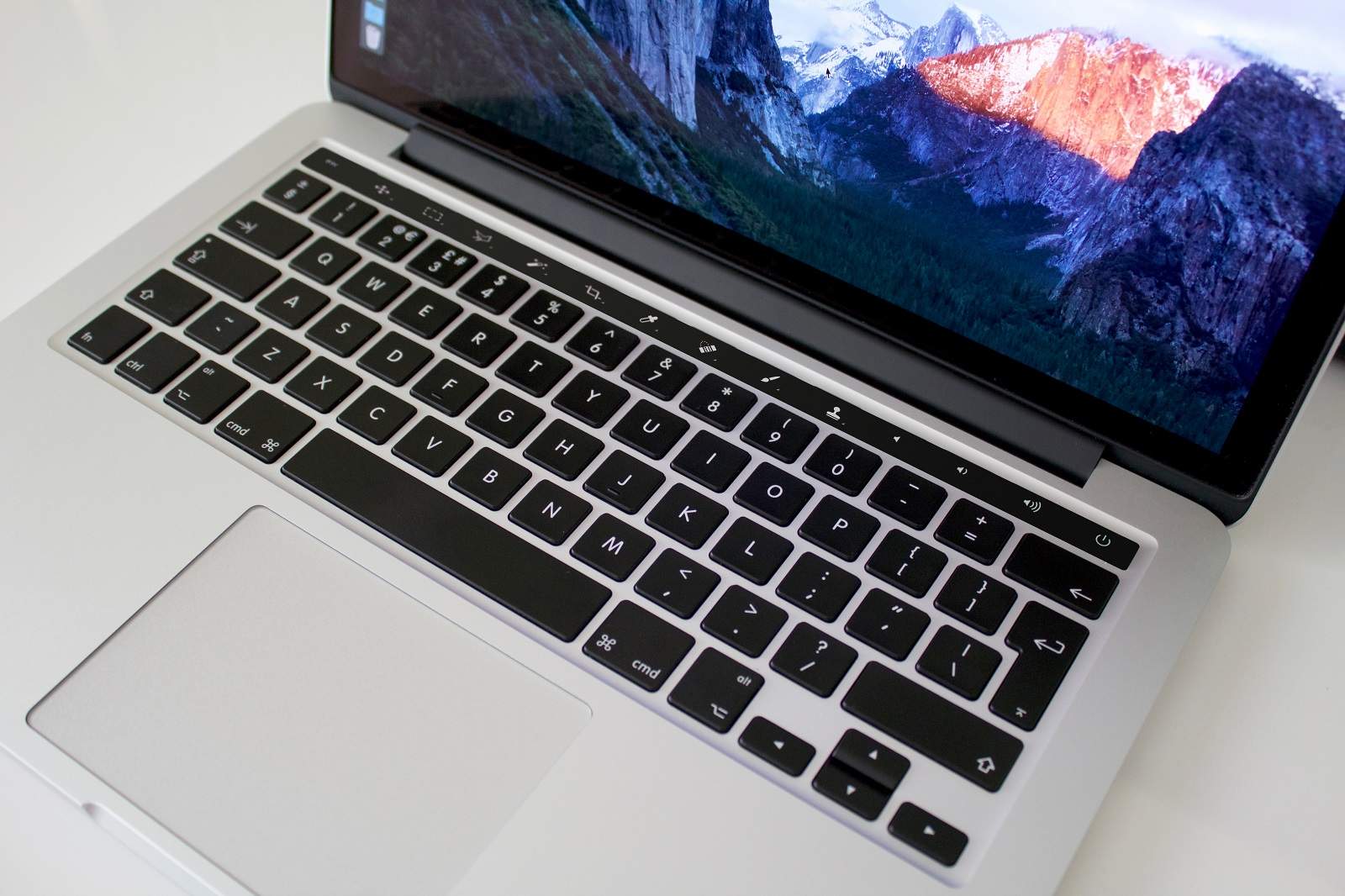
Cult of Mac’s favorite concept artist has created a series of mockups that show just how awesome it will be when Apple adds an OLED touchpad to the MacBook Pro. While last week’s spy photos gave us an early look at the new MacBook Pro’s frame, Hajek’s images show how the OLED touchpad could automatically change based on the apps you’re using.
Take a closer look at the rumored MacBook Pro OLED touchpad:
Update your fancy wrist computer to the latest watchOS. Photo: Ste Smith/Cult of Mac
With WWDC 2016 just days away, you’d be right to hesitate at buying new Apple gadgets this week. But with experts expecting more new software than hardware, rest assured that these great deals and freebies will still look good next week. Read on for free headphones, free classes at the Apple Store, and more in this week’s best Apple deals.
The new MacBook Pro won't be shipping soon. Photo: Apple
Apple will unveil a new MacBook Pro this month along with a minor update to the MacBook Air lineup, according to the latest Apple rumor out of China.
The big announcement will supposedly happen in June, though it might not happen at WWDC. A “reliable Chinese supplier” claims the new MacBook Pro will ditch USB-A connectors, Thunderbolt 2 and MagSafe 2 charging for USB-C, just like the spy shots we posted, but you’ll have to wait a few more months to get it.
The new MacBook Pro vs the Old. Photo: Cult of Mac
The next-gen MacBook Pro is nearing completion, according to a new report that claims an Apple supplier has already shipped hinges that will be used in the upcoming 13-inch model.
In order to make the MacBook ultra-thin, Apple will reportedly use metal injection molding hinges from Taiwanese supplier Jarllytec, which shipped them to Apple in May.
The new MacBook Pro vs the Old. Photo: Cult of Mac
This week on The CultCast: MacBook Pro spy photos reveal some juicy new features, but some old favorites go bye-bye. Plus: Apple may finally update its ancient Thunderbolt display; why moving iPhone to a three-year update cycle would suck; and stay tuned for more weird and wacky super-fan stories from The Cult of Mac.
Our thanks to Squarespace for supporting this episode. It’s simple to build a website that looks beautiful on any device that visits at Squarespace.com. Enter offer code CultCast at checkout to get 10 percent off.
Some MacBook Pro users aren't interested in an OLED touchpad. Photo: Ste Smith/Cult of Mac
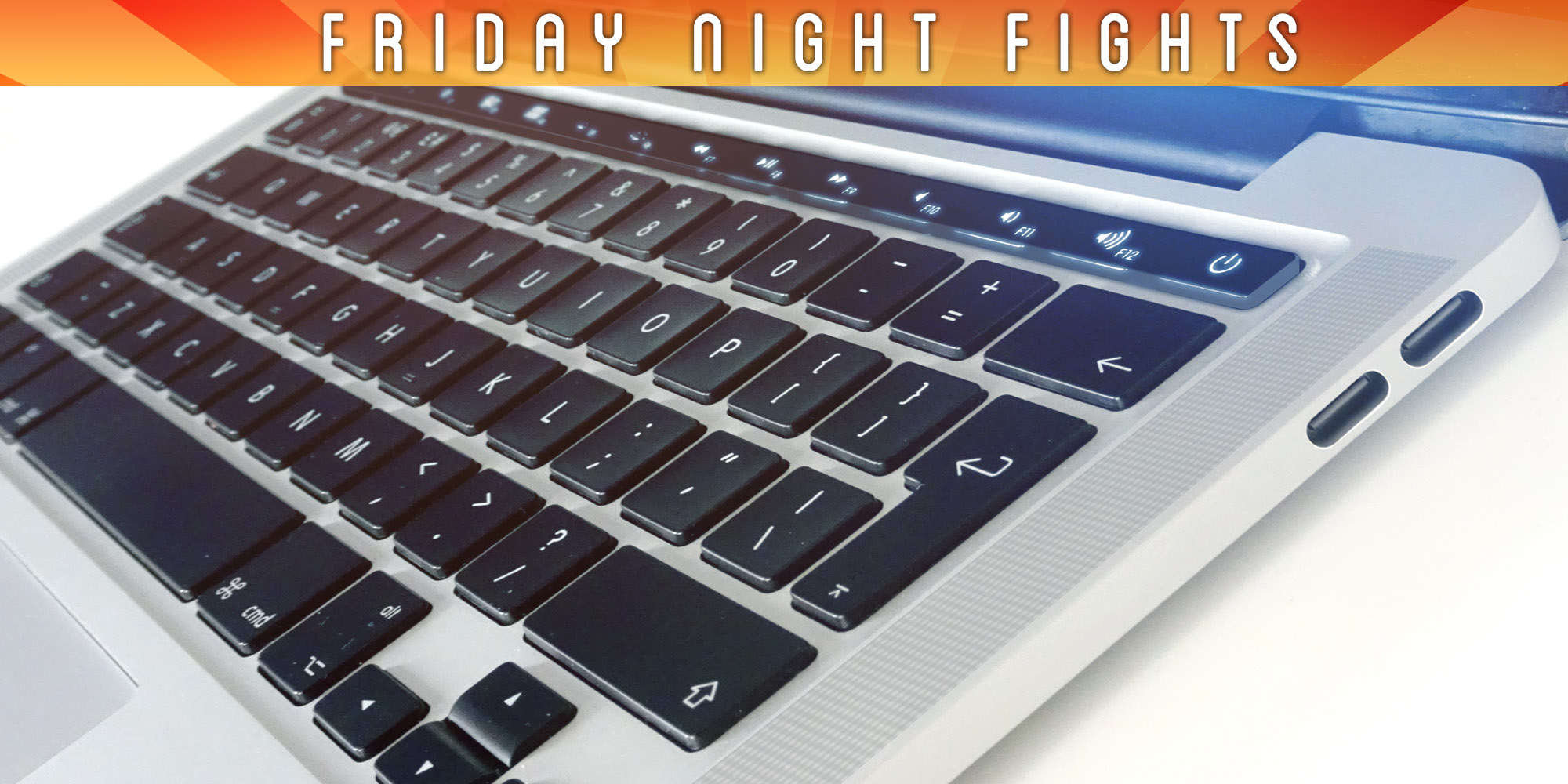
Apple is expected to introduce a massive MacBook Pro redesign later this year, and photos recently published by Cult of Macall but confirm it will feature an OLED touchpad and USB-C connectivity.
But it seems the company will have to win some fans over first, because many aren’t happy about these changes.
Apple has begun inviting members of the press to its WWDC 2016 keynote on June 13.
The event kicks off at 10 a.m. PT in the Bill Graham Auditorium in San Francisco, and it should deliver our first sneak peeks at iOS 10 and Apple’s next major upgrades for watchOS, tvOS, and OS X.
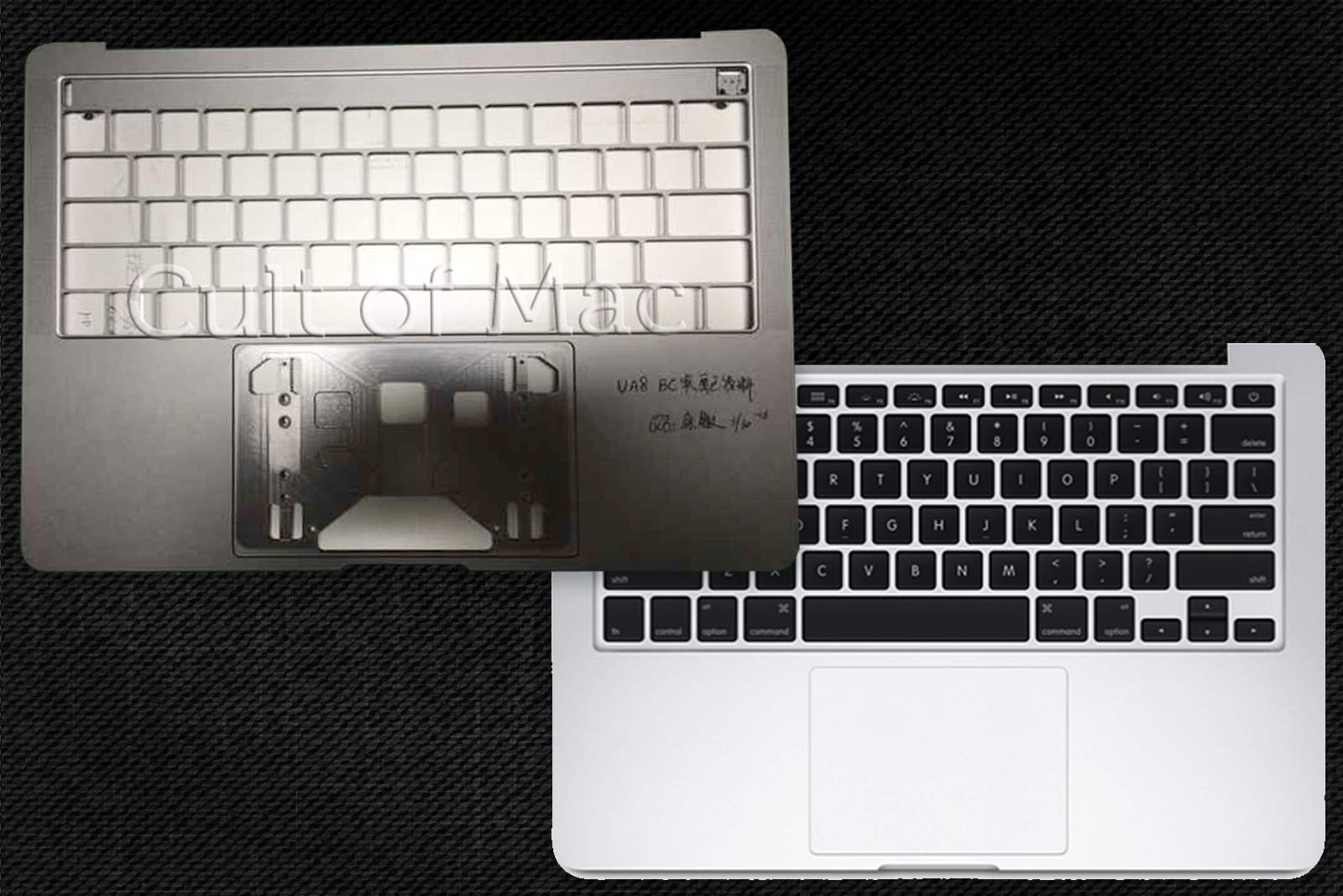
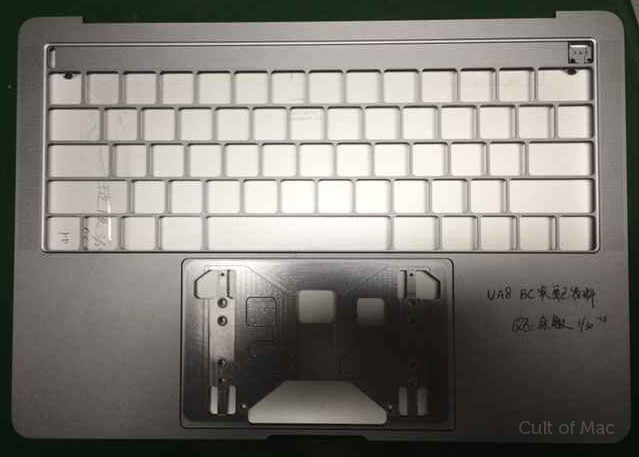
This MacBook Pro chassis is unlike any other. Photo: Cult of Mac
Leaked photos of what is claimed to be Apple’s next-generation MacBook Pro all but confirm it will ship with a new OLED touchpad above its keyboard. The images sent to Cult of Mac also hint at four USB-C connectors.