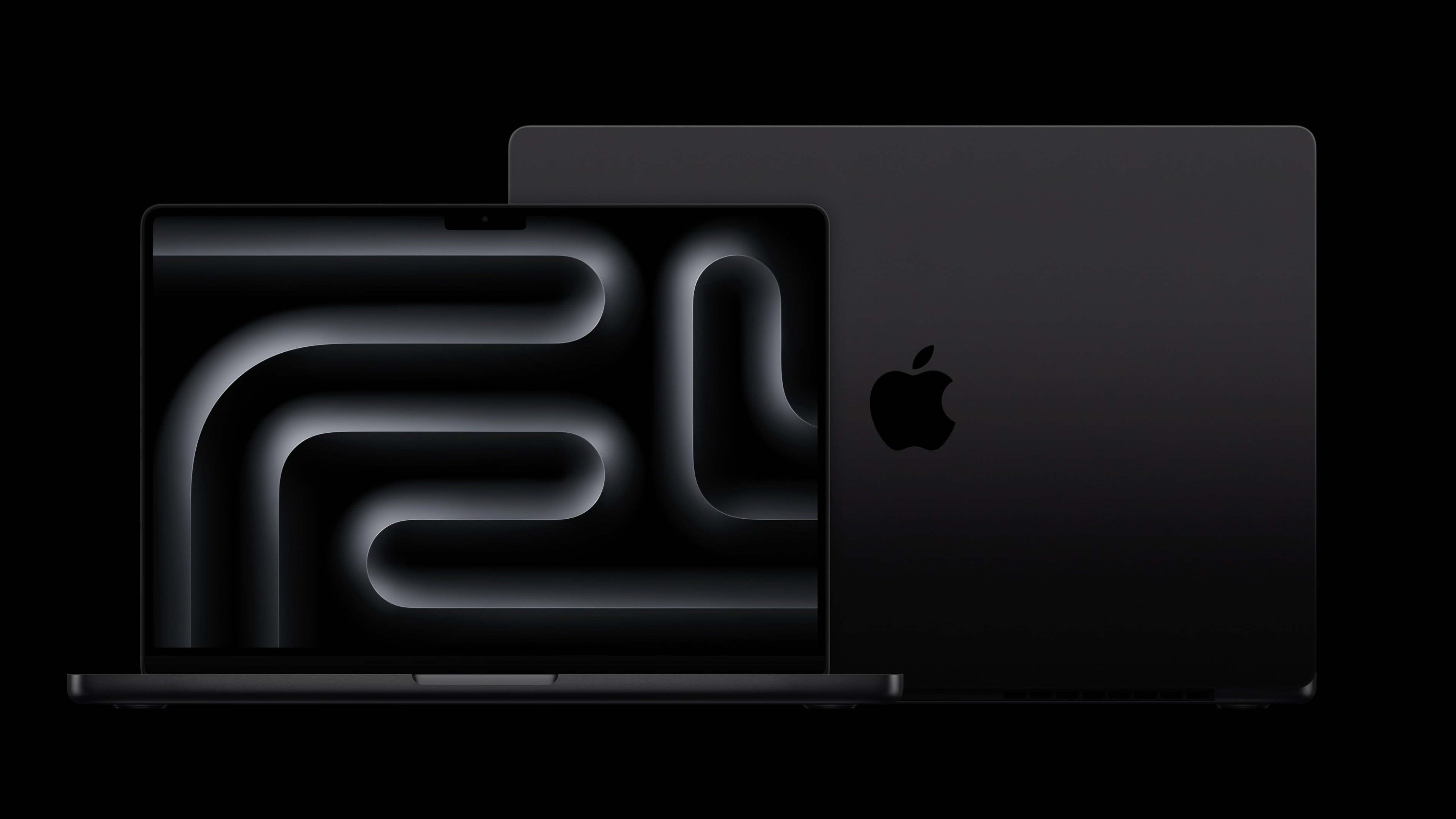
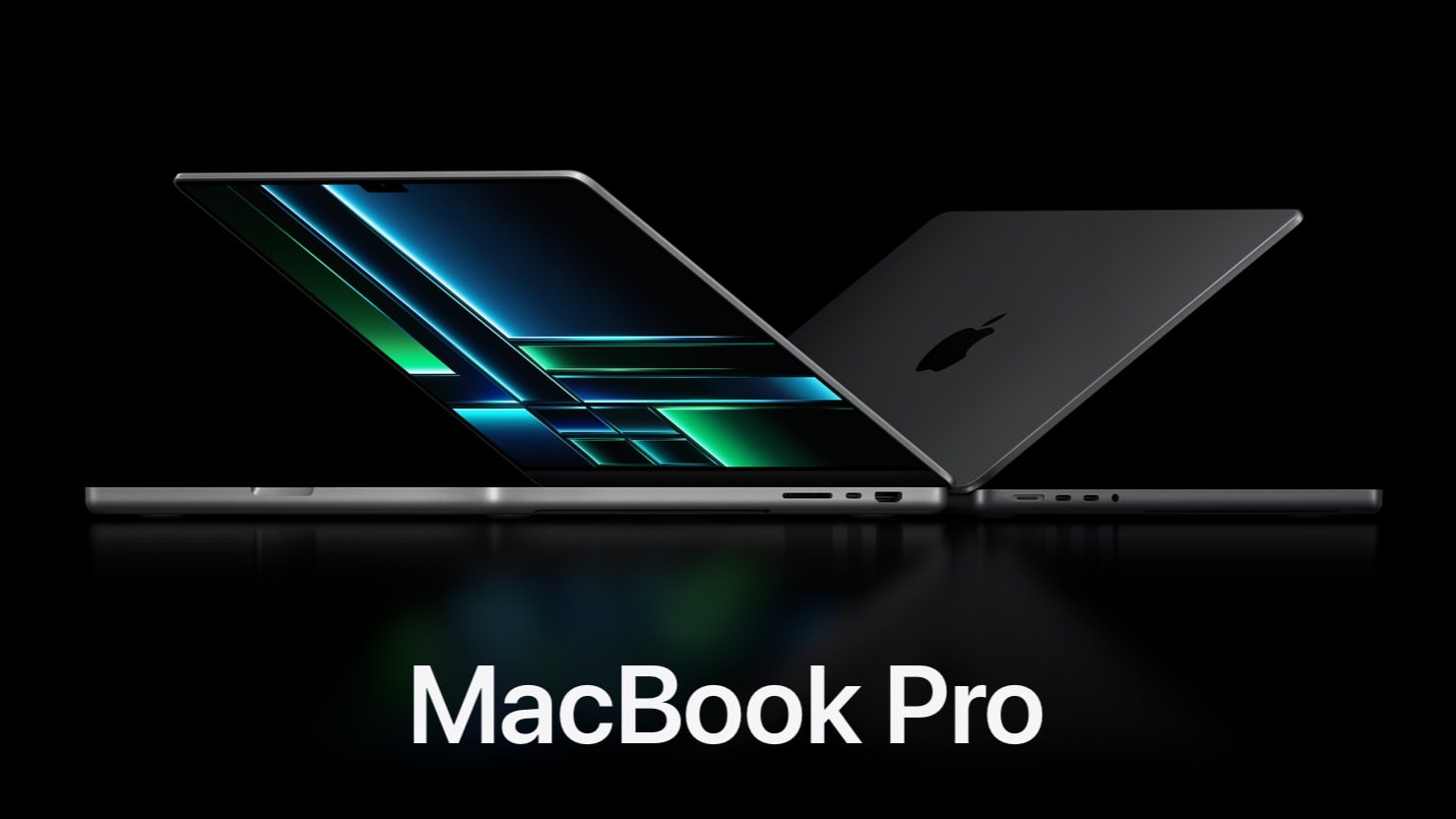
The top two new MacBook Pro models now come in a space black aluminum finish. Photo: Apple
Apple’s M3 Pro MacBook Pros are available with up to $200 off in Amazon’s pre-Black Friday deal. This drops Apple’s latest laptops down to their lowest price within days of launch.
With Amazon’s offer, you can currently get the 14-inch M3 Pro MacBook Pro for $1,849. The 16-inch variant is available with a bigger discount of $200, bringing its price down to $2,299.
It might be worth going with the M3 Max for the huge performance gain. Photo: Apple/Cult of Mac
Professionals looking for a more powerful MacBook will get really significantly more performance by upgrading to an M3 Max processor instead of the M3 Pro.
It’s no surprise that the Max version of one of Apple’s new chips is faster than the Pro, but many people might not be aware how very much faster it is.
Should you save your money and get the M3 MacBook Pro instead of M3 Pro? Photo/Graphics: Apple/Rajesh
The base model in the new 2023 MacBook Pro lineup comes with Apple’s standard M3 chip. This model, which replaces the discontinued 13-inch MacBook Pro, costs $400 less than the next model up, which runs on an M3 Pro chip.
The two laptops look almost identical. The big question is, will the entry-level M3 MacBook Pro suit your needs? Or should you spend the extra $400 and get the one with the M3 Pro chip? Find out in this comparison.
Not every M3 MacBook Pro is created equal. Image: Cult of Mac
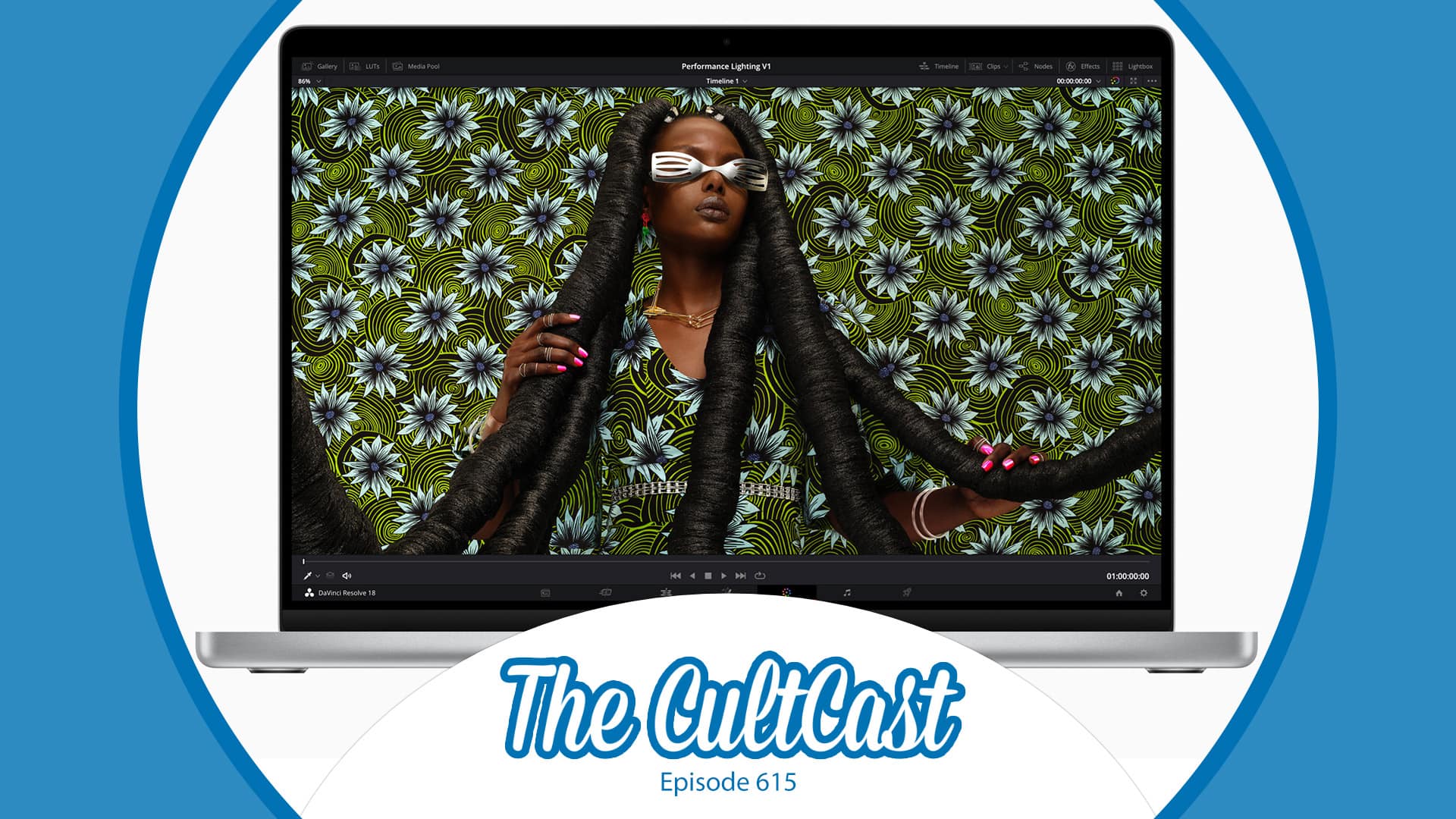
This week on Cult of Mac’s podcast: Erfon breaks down the specs/performance of Apple’s recently released MacBook Pro lineup, and he’s convinced there are only two models any sane person would buy. Listen to found out which models make the grade!
Also on The CultCast:
Apple reportedly slammed the breaks on the development of next year’s iPhone and Mac operating systems to concentrate on busting bugs. But was the pause really that big of a deal?
Elgato made a simple, smart change to its USB-C cables — and every manufacturer should follow suit.
An intriguing rumor indicates Apple might have a battery breakthrough in the works.
Listen to this week’s episode of The CultCast in the Podcasts app or your favorite podcast app. (Be sure to subscribe and leave us a review if you like it!) Or watch the video live stream, embedded below.
Fix software updates on your new MacBook Pro. Photo: Apple
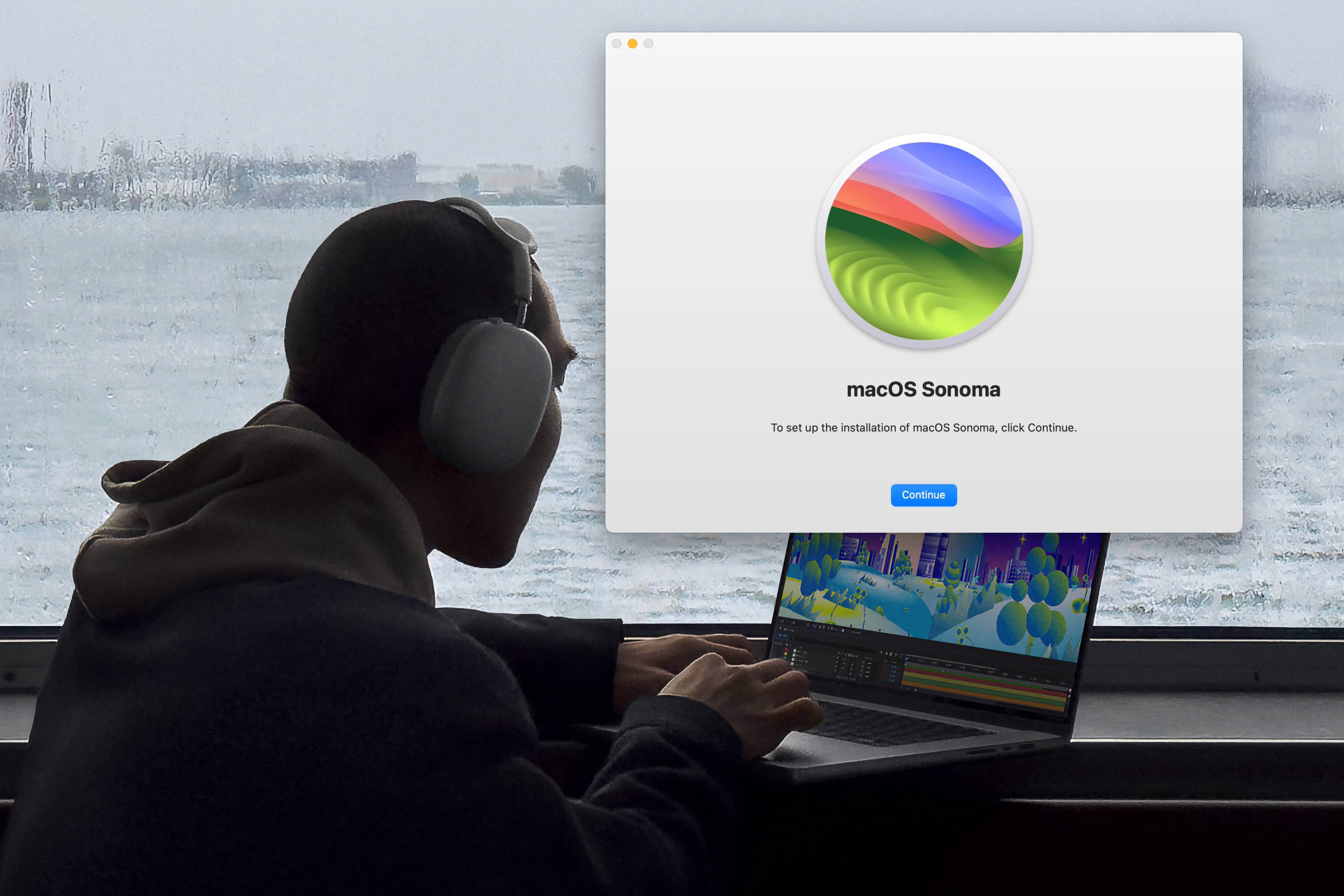
Some lucky first-day owners of the new M3 MacBook Pro unboxed their machines Tuesday to discover a reversal of fortune: Their new Macs arrived with a broken version of macOS that can’t install software updates.
Some MacBook Pros shipped to customers with an unreleased (well, more like unintentionally released) build of macOS Ventura 13.5. This version can’t be updated to macOS Sonoma through the standard Software Update feature in System Preferences.
You can now get your hands on the M3 MacBook Pro or iMac. Photo: Apple
Apple’s new M3 iMac and MacBook Pros are now officially on sale in the United States, the United Kingdom, Europe and select other countries. If you live in one of those locations, you can pick up the latest iMac or M3-powered MacBook Pro from your nearest Apple Store.
The new M3 Max MacBook Pro will go on sale later in November.
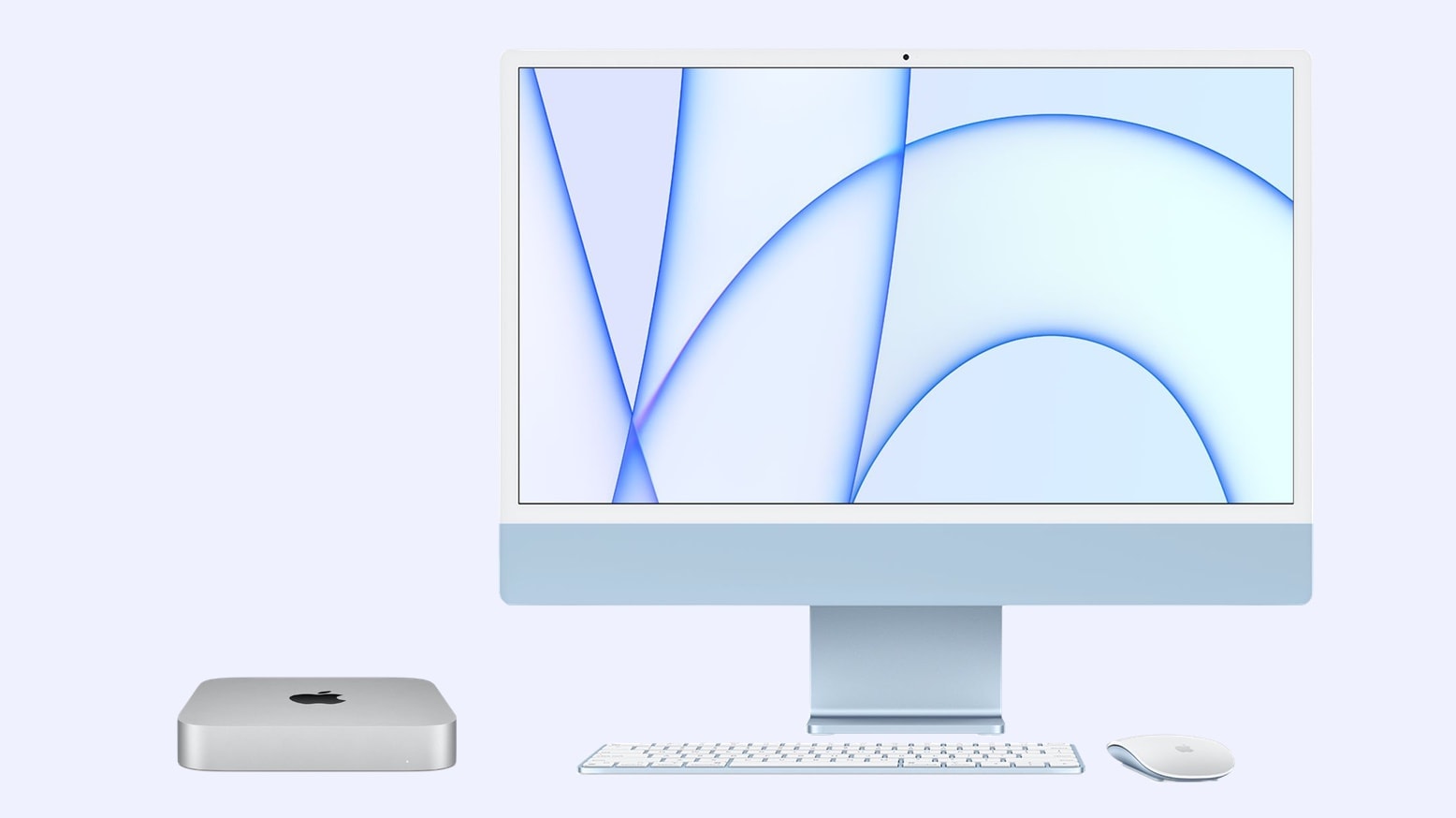
How is the 2023 iMac better than its 2021 predecessor? Photo: Rajesh
Apple unveiled the 24-inch iMac with M1 chip way back in April 2021, and while the rest of the company’s Mac lineup got an M2 upgrade since then, the all-on-one desktop missed the boat. To make up for it, Apple announced the M3-powered iMac at its ‘Scary Fast’ event.
How does the 2023 iMac compare to its predecessor? Does it pack any other improvement besides the faster chip? Read this comparison to find out.
You can no longer buy a MacBook Pro with a Touch Bar. Photo/Graphics: Apple/Rajesh
Following Monday’s launch of the M3-powered MacBook Pros, Apple discontinued the 13-inch MacBook Pro. It was the last MacBook in the company’s lineup with a Touch Bar, a thin, customizable OLED strip at the top of the keyboard that replaced the usual row of function keys.
A cheaper 14-inch MacBook Pro with an M3 chip replaces the older Touch Bar model.
The top two new MacBook Pro models now come in a space black aluminum finish. Photo: Apple
In a first, Apple rolled out three new chips at once — the M3, M3 Pro and M3 Max — during its Halloween-themed Scary Fast event Monday. The new Apple processors power updated 14-inch and 16-inch MacBook Pro models.
The company also utilized a cool-looking space black aluminum finish for the first time on M3 Pro and M3 Max models. The laptops promise to hit speedy new benchmarks.
“Tonight we’re doing something we haven’t done before, as we bring our latest technologies to a broader set of users more rapidly than ever,” said Johny Srouji, Apple’s senior vice president of hardware technologies. “We’re launching the next generation of Apple silicon for the Mac by releasing three great new chips at the same time.”
“The world’s best all-in-one gets even more powerful and even more capable,” said CEO Tim Cook. “We’re giving the iMac a giant leap in performance while keeping the same, impossibly thin design,” said SVP of hardware engineering John Ternus.
iMac starts at the same price of $1,299. You can order it today and it will be available next week.
Wrangling Bluetooth should work this way out of the box, but luckily, there’s AirBuddy to help. Image: Apple/D. Griffin Jones/Cult of Mac
AirBuddy is a handy Mac app that lets you monitor all your nearby Bluetooth devices and AirPods. You can check battery life, switch them back and forth between multiple Macs on your desk, and best of all — get the same beautiful AirPods animations that you see on your iPhone.
It offers granular Bluetooth controls that Apple should build right into macOS.
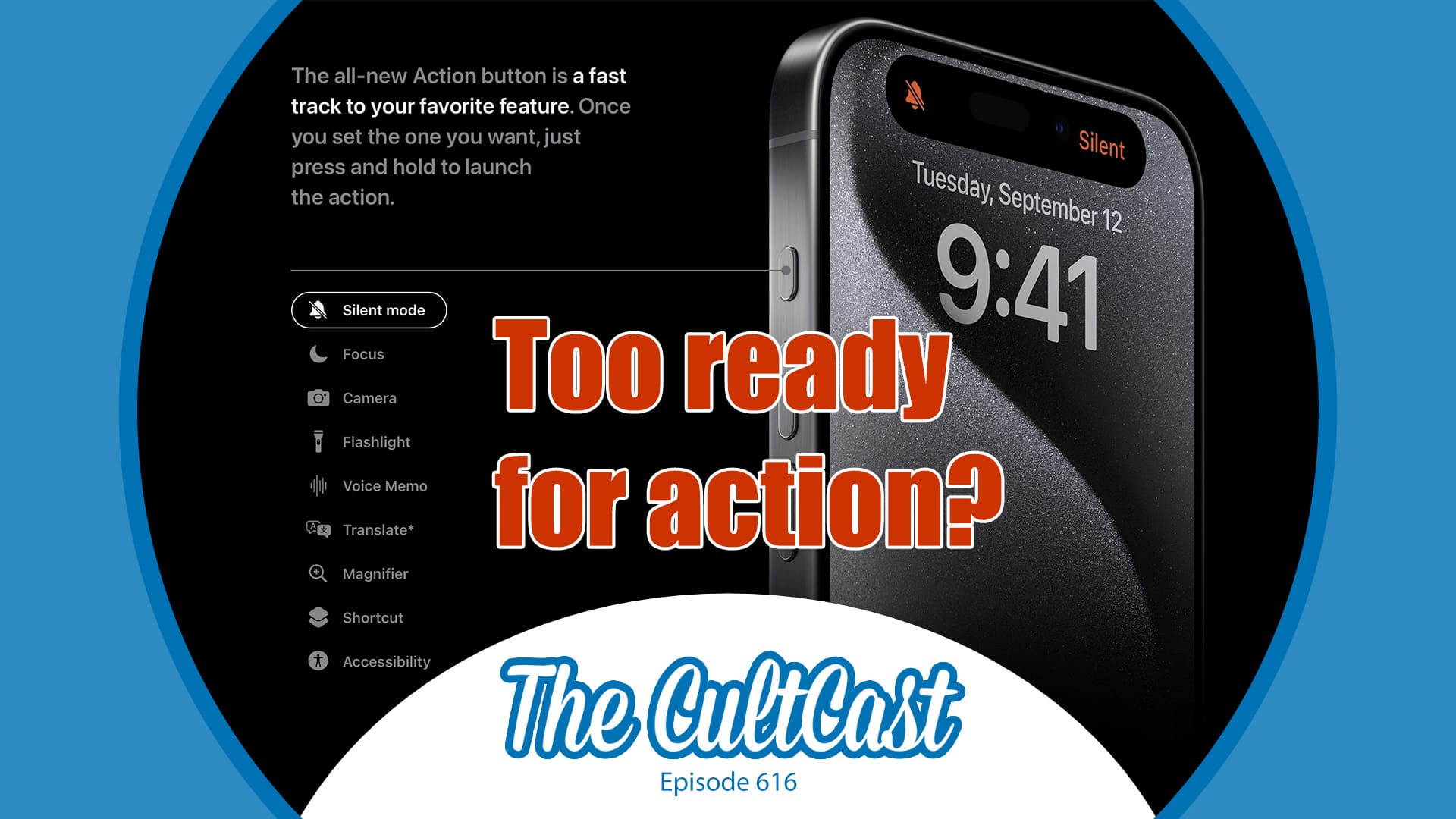
We love the iPhone 15 Pro's Action button just as it is, but hey ... upgrade away! Image: Cult of Mac
This week on Cult of Mac’s podcast: An iOS 17 update supposedly will stop the iPhone 15 Pro’s Action button from triggering in your pocket, at least in certain circumstances. Is this really a problem that needs fixing?
Also on The CultCast:
When it comes to upcoming Macs and Apple Watch, this week’s no news sounds like very bad news indeed.
Apple’s Vision Pro headset seems to be straining the necks of some pencil-necked geeks.
For this week’s Under Review segment, I’ve got a unique-looking charger and Erfon and Griffin bring very different sorts of cameras to the podcast’s version of show and tell.
Listen to this week’s episode of The CultCast in the Podcasts app or your favorite podcast app. (Be sure to subscribe and leave us a review if you like it!) Or watch the video live stream, embedded below.
Macs shipments haven't dropped, despite the end of the pandemic. Photo: Apple/Cult of Mac
Apple shipped 7.2 million Macs in the third quarter of 2023, according to a market analysis firm. That’s a whopping 23% decrease from the previous year, but Q3 2022 was one of the best quarters Apple has ever had for a bad reason.
Ignoring last year’s unusual quarter, Mac shipments are holding steady despite the end of the pandemic. Windows PC makers certainly can’t say that.
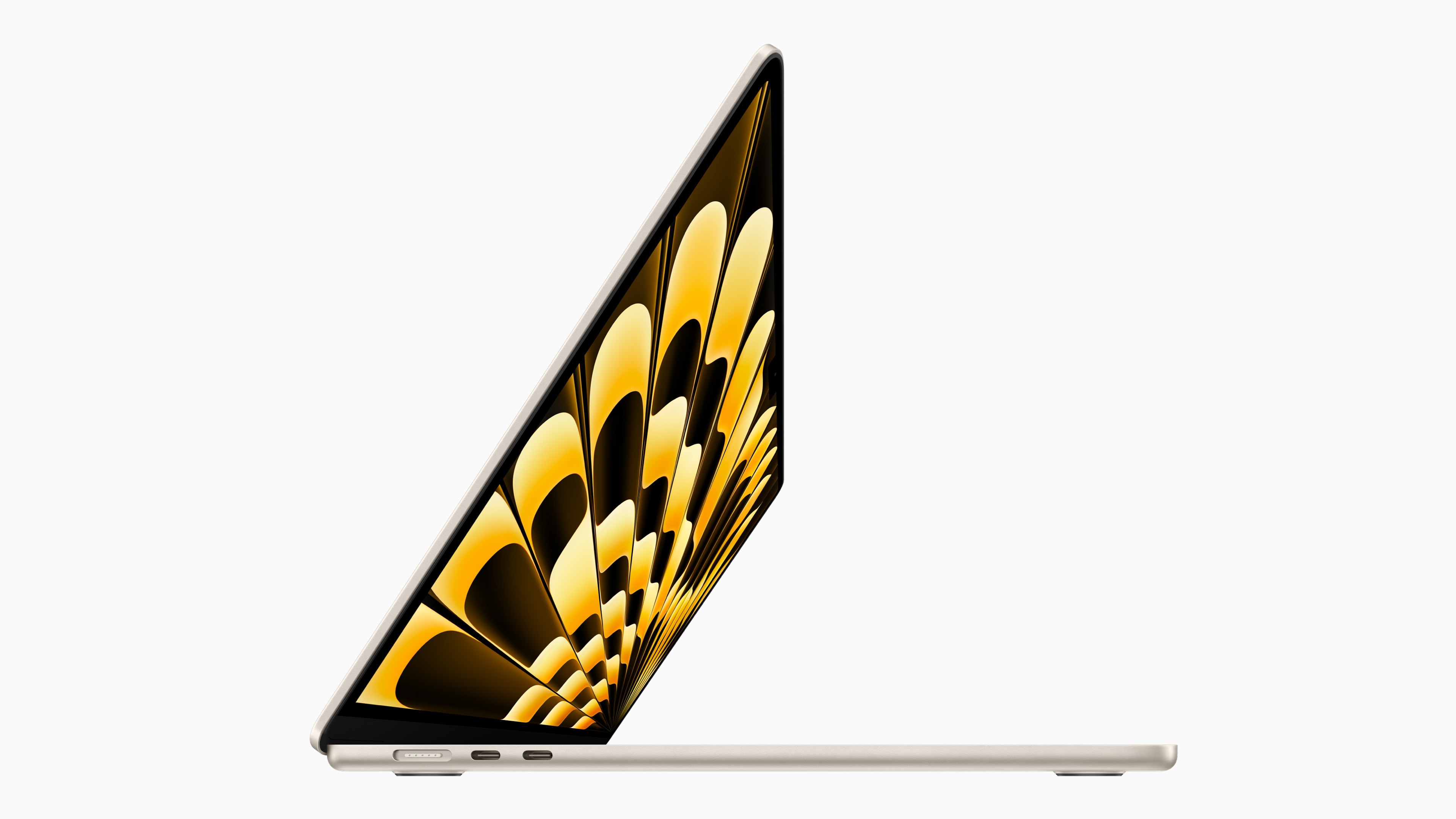
This 15-inch MacBook Air deal is the one you should not miss. Photo: Apple
Amazon is starting its Prime Big Deal Days early by discounting the 15-inch MacBook Air to its lowest price. Apple wants $1,299 for the entry-level 15-inch Air, but Amazon currently drops the price to just $1,049.
That’s a whopping $250 off the machine’s MSRP, making the world’s slimmest 15-inch laptop an even better offering.
Are we really going to see new MacBooks before the year ends? Image: Cult of Mac
This week on Cult of Mac’s podcast: The latest MacBook rumor sounds enticing, but will it come true? It’s time to speculate. Meanwhile, the real fire talk is all about that big, toasty iPhone 15 Pro Max. Apple’s iOS 17 update fixes the overheating problem. (Frankly, “Thermalgate” seems about as overblown as “Printgate.”)
Also on The CultCast:
Did Apple screw up the iPhone 15 Pro’s Action button? We debate our fearless leader Leander Kahney’s controversial stance on the subject.
Apple’s got a secret plan to own its microLED display chain.
If you don’t like macOS Sonoma’s brilliant one-click desktop reveal, we’ll tell you how to turn it off. (We’ll try not to think less of you if you do.)
On the 12th anniversary of Steve Jobs’ death, we ponder the state of Apple’s leadership and vision.
Listen to this week’s episode of The CultCast in the Podcasts app or your favorite podcast app. (Be sure to subscribe and leave us a review if you like it!) Or watch the video live stream, embedded below.
Apple makes a lot of Macs, but they still leave some stones unturned. Photo: Apple
The transition from Intel processors to Apple silicon changed every Mac for the better … almost. But there are a few niches in the lineup that have yet to be filled.
While Apple’s computers are best-in-class, there are a few categories the company does not currently compete in. These are the top seven Macs that Apple doesn’t make.
macOS Sonoma brings widgets to the Mac desktop, but maybe you don't want to see them every time you click. Photo: Apple
Upgraded to macOS Sonoma? You probably noticed by now that clicking on your Mac’s desktop automatically hides all open windows, with the focus moving to your widgets and desktop shortcuts.
This is the new “Click wallpaper to reveal desktop” feature in the new Mac operating system. If you find this functionality annoying, here’s how to turn it off. That way, you can safely click your Mac’s desktop again.
The 2023 Mac Studio can handle your demanding workloads with ease. Photo: Apple
You can now pick up 2023 Mac Studio models from Apple’s Certified Refurbished store. This is a great way to get a new-like Mac Studio with up to 15% discount.
Apple unveiled the 2023 Mac Studio in June, so the machines have quickly hit its refurbished store.
Energiza Pro gives you full control over your battery health. Image: appgineers
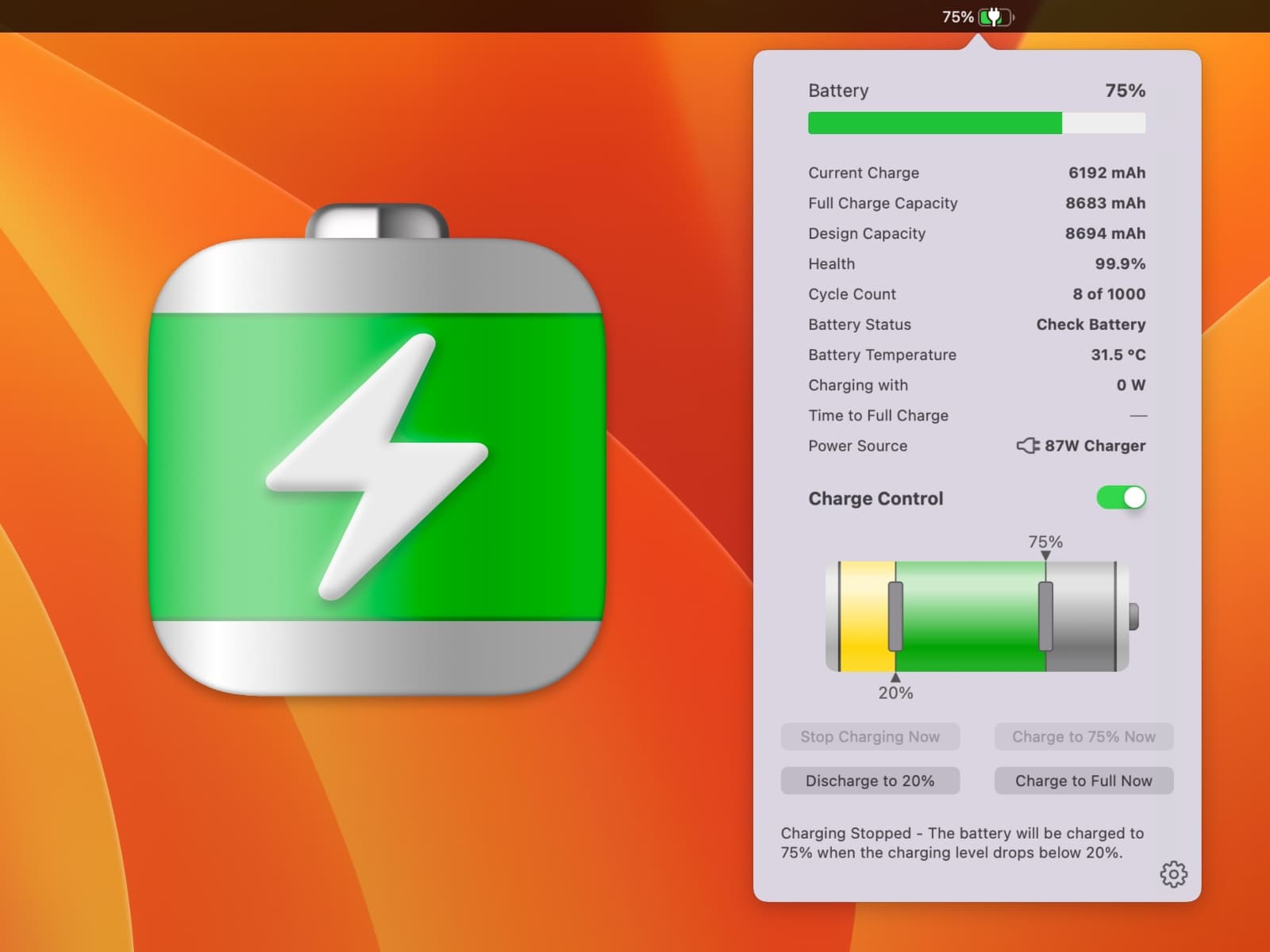
How can you best save your MacBook battery life for many years of use? Your laptop’s battery is the most likely component to wear out, and one of the biggest problems is keeping it plugged in all the time. Apple offers some built-in controls, but they’re pretty basic and inflexible. Energiza Pro, on the other hand, gives you far more options, extending your MacBook’s battery life for years to come.
It’s the smart battery manager you need to keep your MacBook alive for longer.
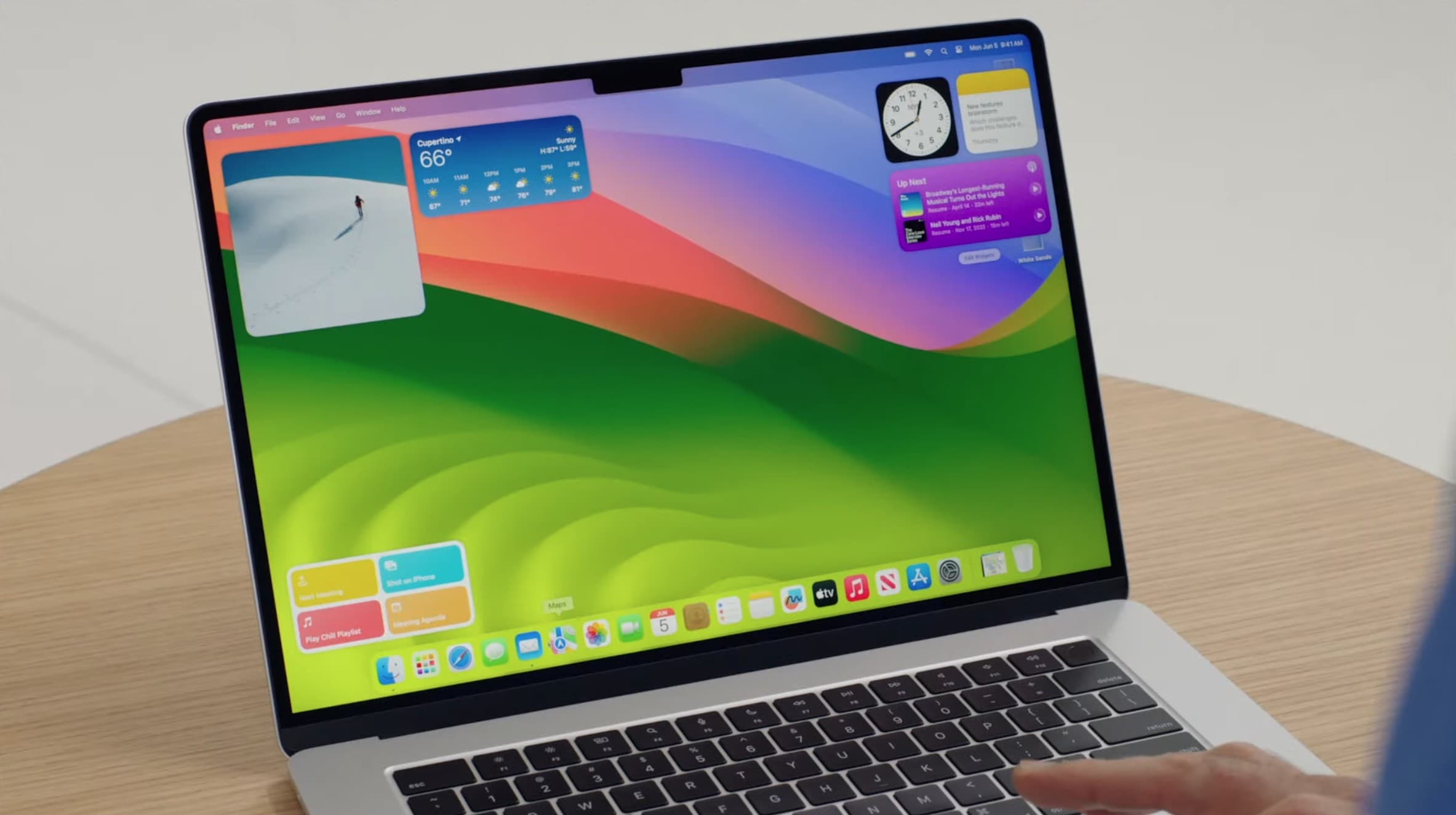
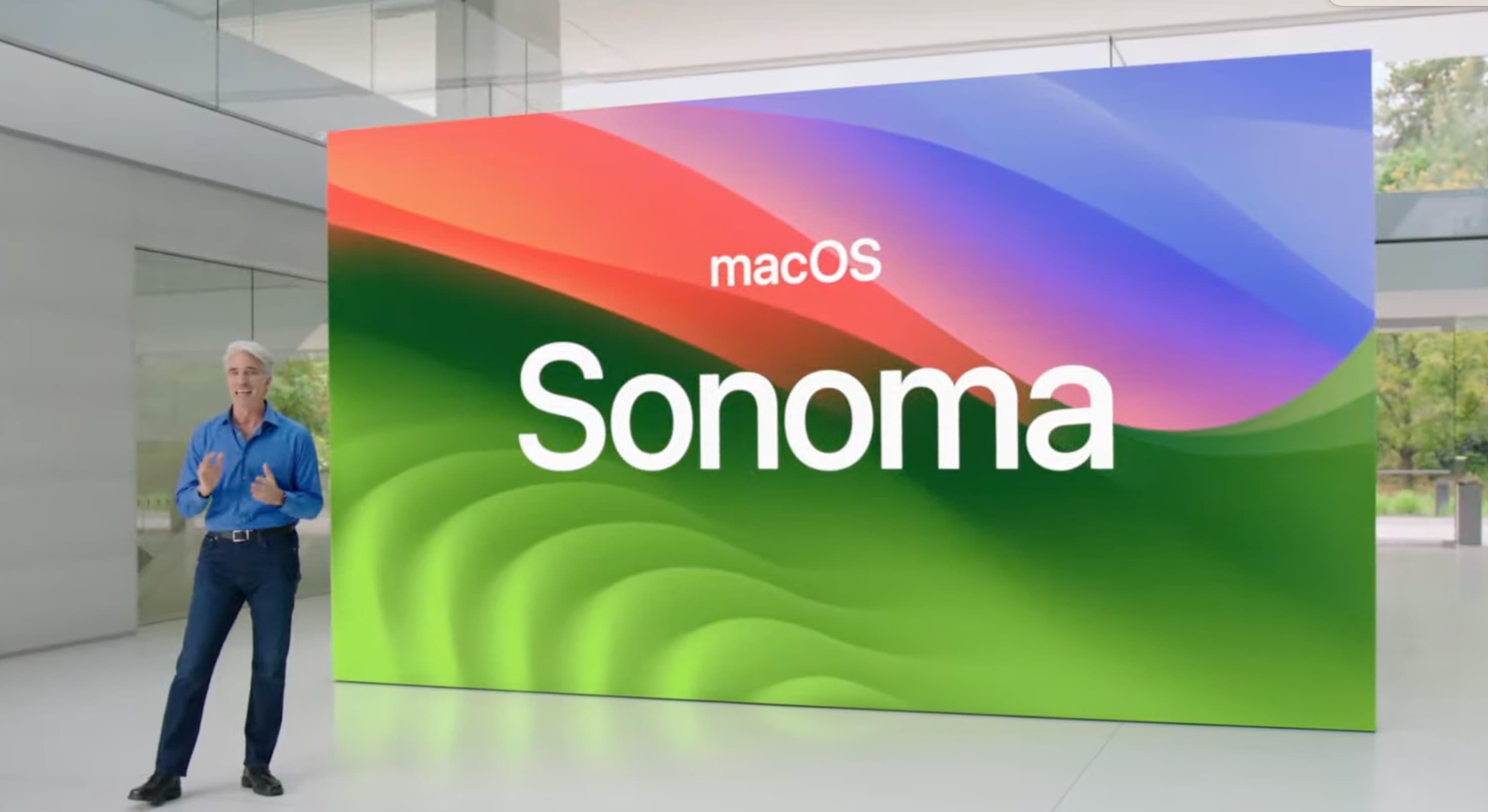
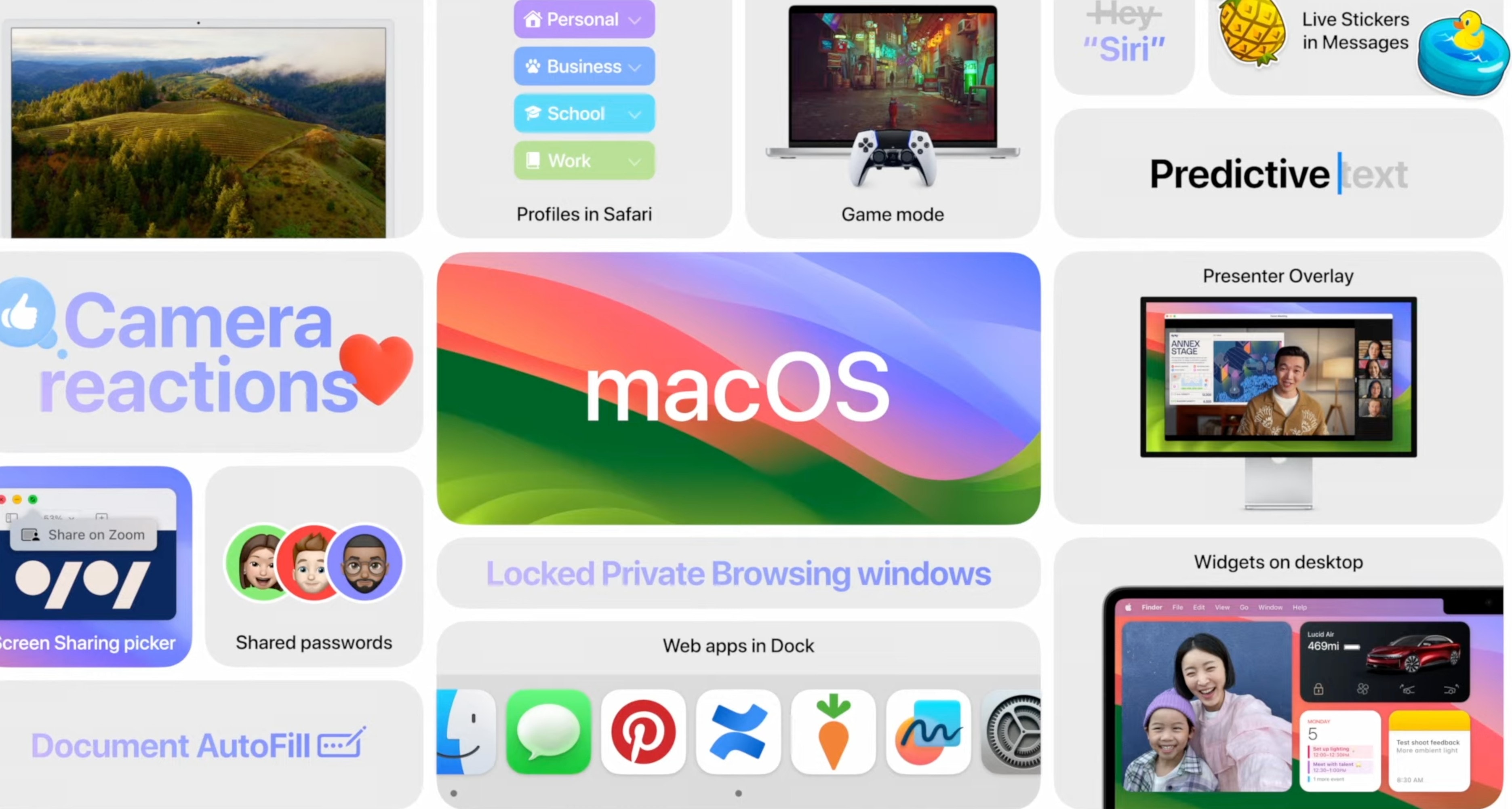
The next major macOS release is here. Dubbed macOS Sonoma, the update packs several usability changes that will help further boost your productivity.
“macOS Sonoma is now available as a free software update, bringing a rich set of new features to the Mac that make work and play even more powerful,” Apple said in a press release Tuesday. “With macOS Sonoma, desktop widgets unlock a new way to personalize the Mac and get more done, while stunning new screen savers, big updates to video conferencing and Safari, along with optimized gaming make the Mac experience better than ever.”
Apple typically drops major new macOS builds in October. But this time, it is releasing macOS Sonoma in September, possibly because it is a relatively minor update.
iOS 17 gives Apple Podcasts users a refreshed player and queue, episode art, search filters and the ability to connect subscriptions to top apps. Photo: Apple
Now you can listen to more than 100 new podcasts from various apps and services in Apple Podcasts, the company said Tuesday.
“Subscribers to Apple Music, Apple News+ and participating apps like Calm and Lingokids can connect their subscriptions to access new shows and more,” Apple noted.
The 2023 MacBook Pro is very sleek, whether it's the 16-inch or 14-inch variant. Photo: Apple
You can get Apple’s most powerful MacBook Pro with M2 Max chip for up to $250 off. Amazon has discounted the 16-inch MacBook Pro with M2 Max to $3,249 from $3,499.
If the 16-inch model is too big, the 14-inch MacBook Pro with the same Max chip is available for $200 less.
macOS Sonoma packs small but important upgrades. Photo: Apple
macOS Sonoma is ready for its public release. The new Mac operating system will drop on Tuesday, just over a week after iOS 17, watchOS 10 and iPadOS 17 launched.
If you can’t wait to try out the next major macOS build, you might want to know its exact release time on September 26 so you can update your Mac as soon as possible. If that’s the case, find the exact macOS Sonoma release time in your area below.
Mac users are very satisfied with their iMac. Photo: Apple
Mac users are very satisfied with their computer. Even more so than last year, according to a survey of users of all types of desktops, laptops and tablets.
Apple computers beat Windows PCs from most rivals in user satisfaction. In fact, there’s only one company that can rival Apple.