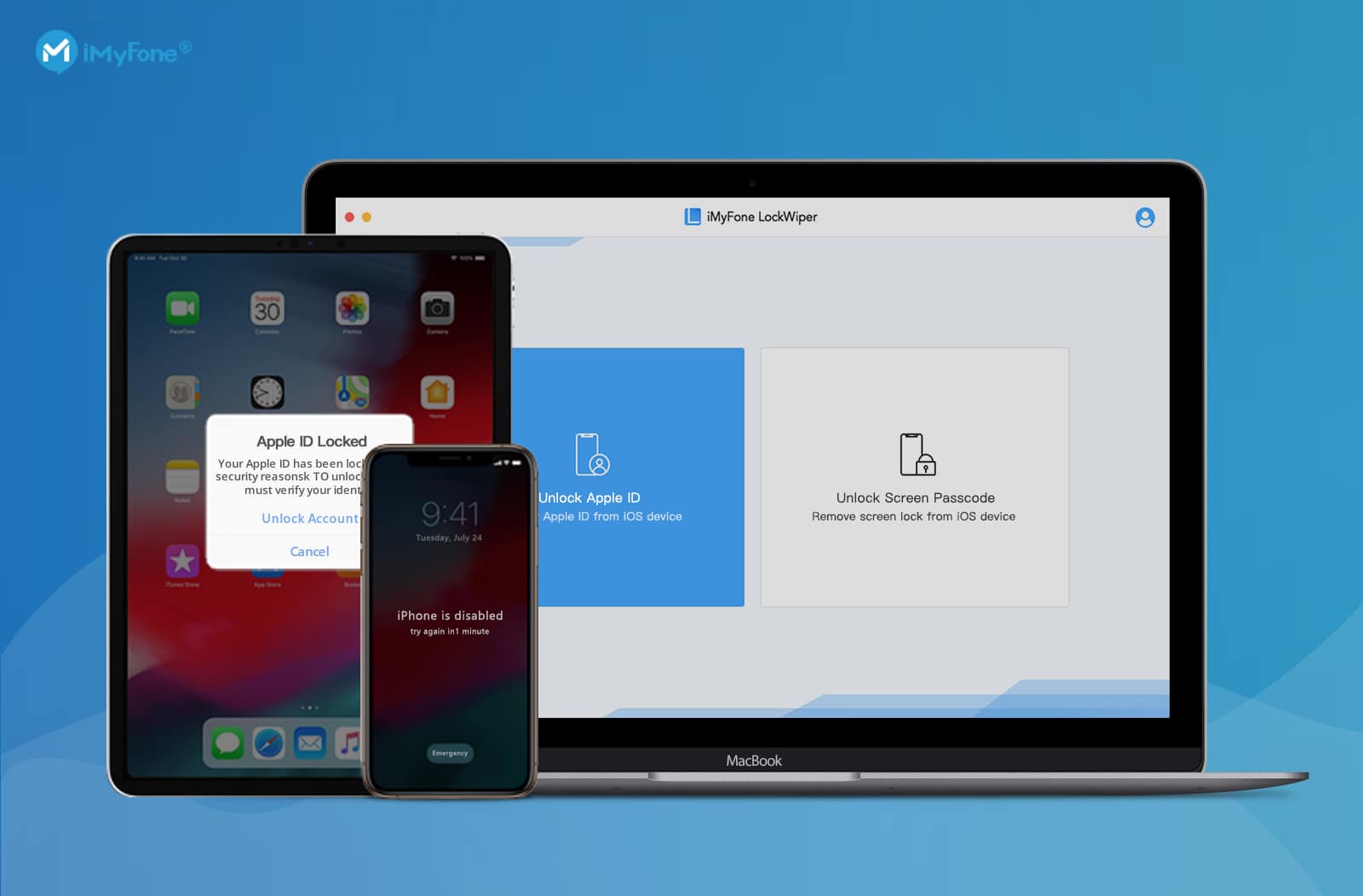
Easily bypass lock screens or forgotten Apple ID credentials with this handy tool. Screenshot: iMyFone
This post is presented by iMyFone, maker of LockWiper.
It’s the unexpected things that give us the most trouble. None of us expect to forget our iPhone password, for example, so when it happens, we’re at a loss. But that doesn’t have to mean being stuck.
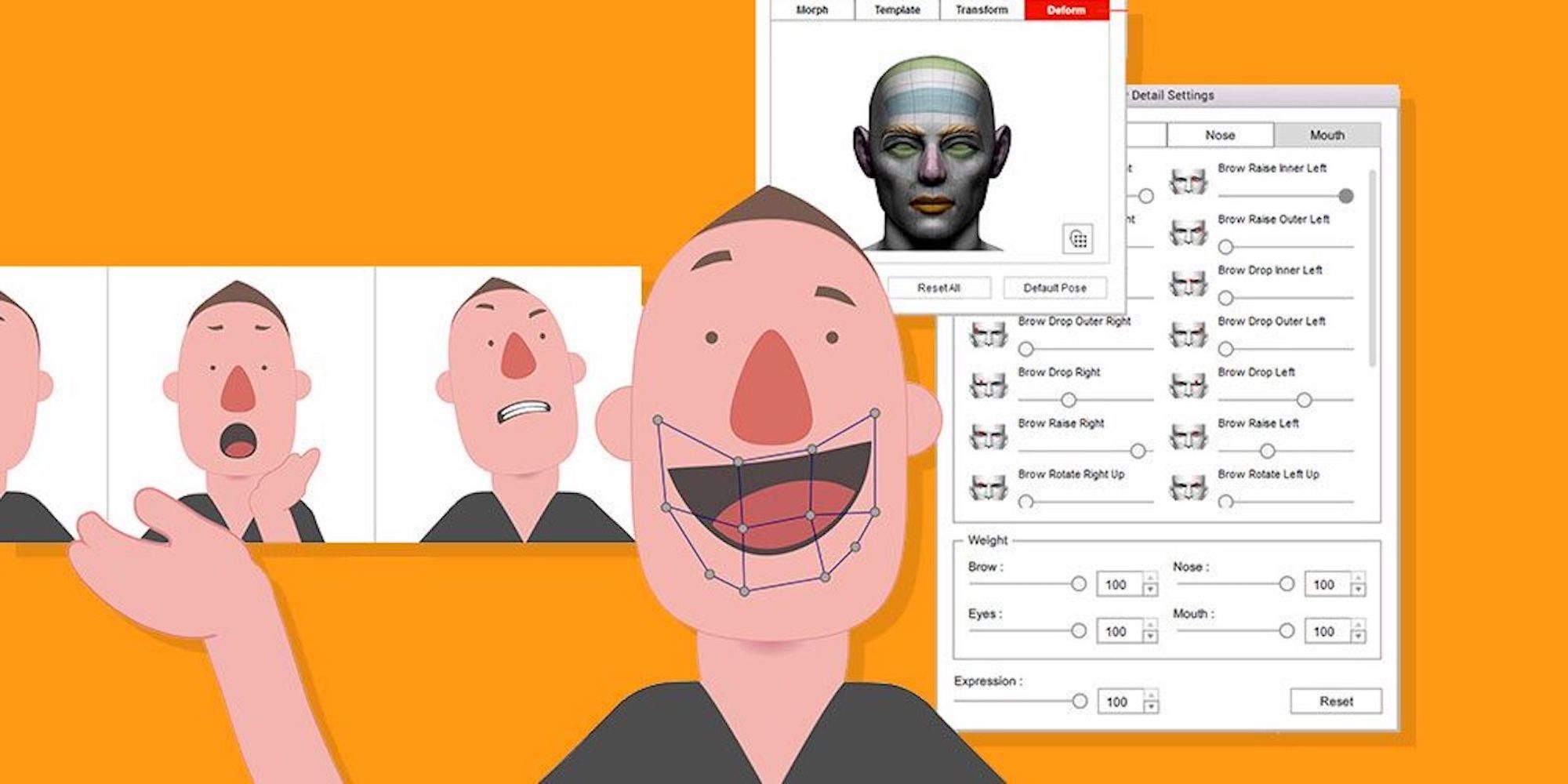
Easily turn any photo or graphic into a realistic, talking animations. Photo: Cult of Mac Deals
Digital animation seems like magic, but it’s actually pretty simple — if you have the right tools. And you don’t even need Pixar’s budget to get them. This Mac app makes it easy to turn any picture or graphic into a speaking, animated character.
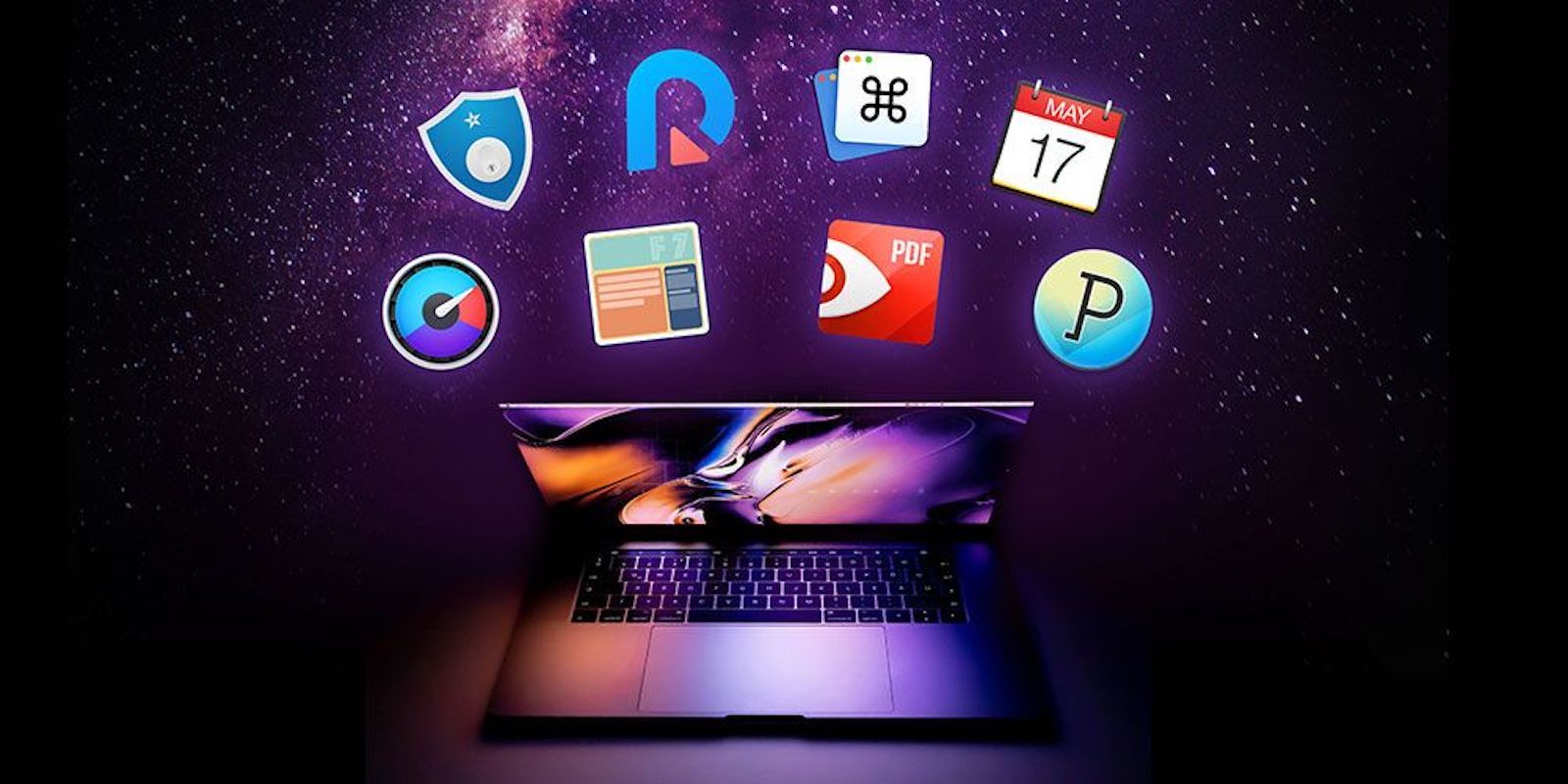
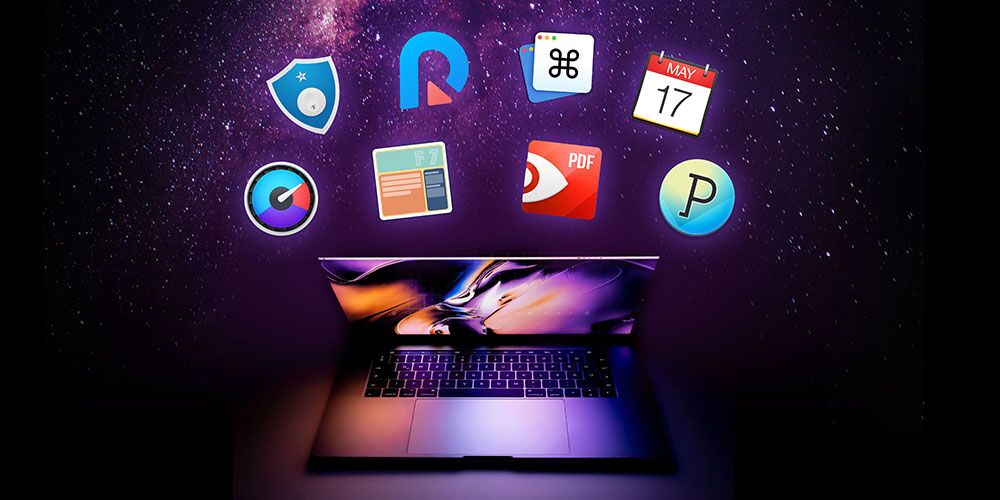
This massive bundle of 8 top apps is discounted by a whopping 93 percent. Photo: Cult of Mac Deals
You’ll never squeeze maximum productivity out of your Mac until you load it up with some fantastic software.
That’s just what you’ll get in the Epic Mac Bundle, featuring Fantastical 2 and PDF Expert. It’s a bundle of eight premium Mac apps that usually costs nearly $500, but right now you can get it for just $22.50 with promo code “LAST25.”
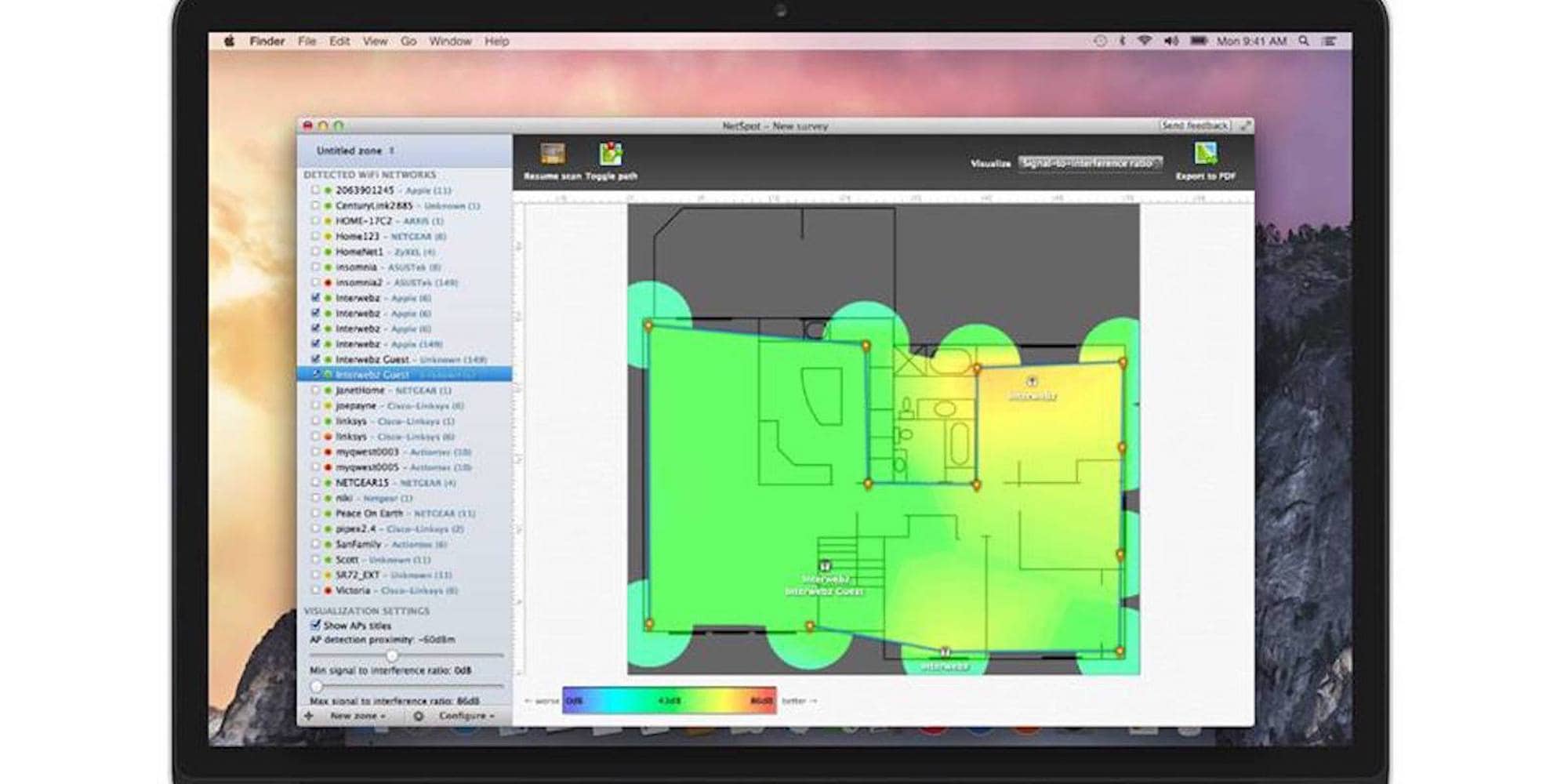
This app creates a heatmap of your Wi-Fi coverage at home or at work, then walks you through the process of fixing the weak spots. Photo: Cult of Mac Deals
At home and at the office, we all rely on Wi-Fi. And it’s a real drag to find weak spots in your coverage. The best solution for wireless dead zones is to find them and fix them. But you need the right tool.
NetSpot Home for Mac offers that tool, packed with features for visualizing, optimizing and troubleshooting your Wi-Fi coverage.
This pro Mac app from Corel includes all the tools you need for creating digital masterpieces. Photo: Cult of Mac Deals
Creating great digital art requires great tools, and a few graphic design apps. Unfortunately that also means spending a ton of money. So this deal on one of the best industry-standard Mac apps is a can’t-miss opportunity.
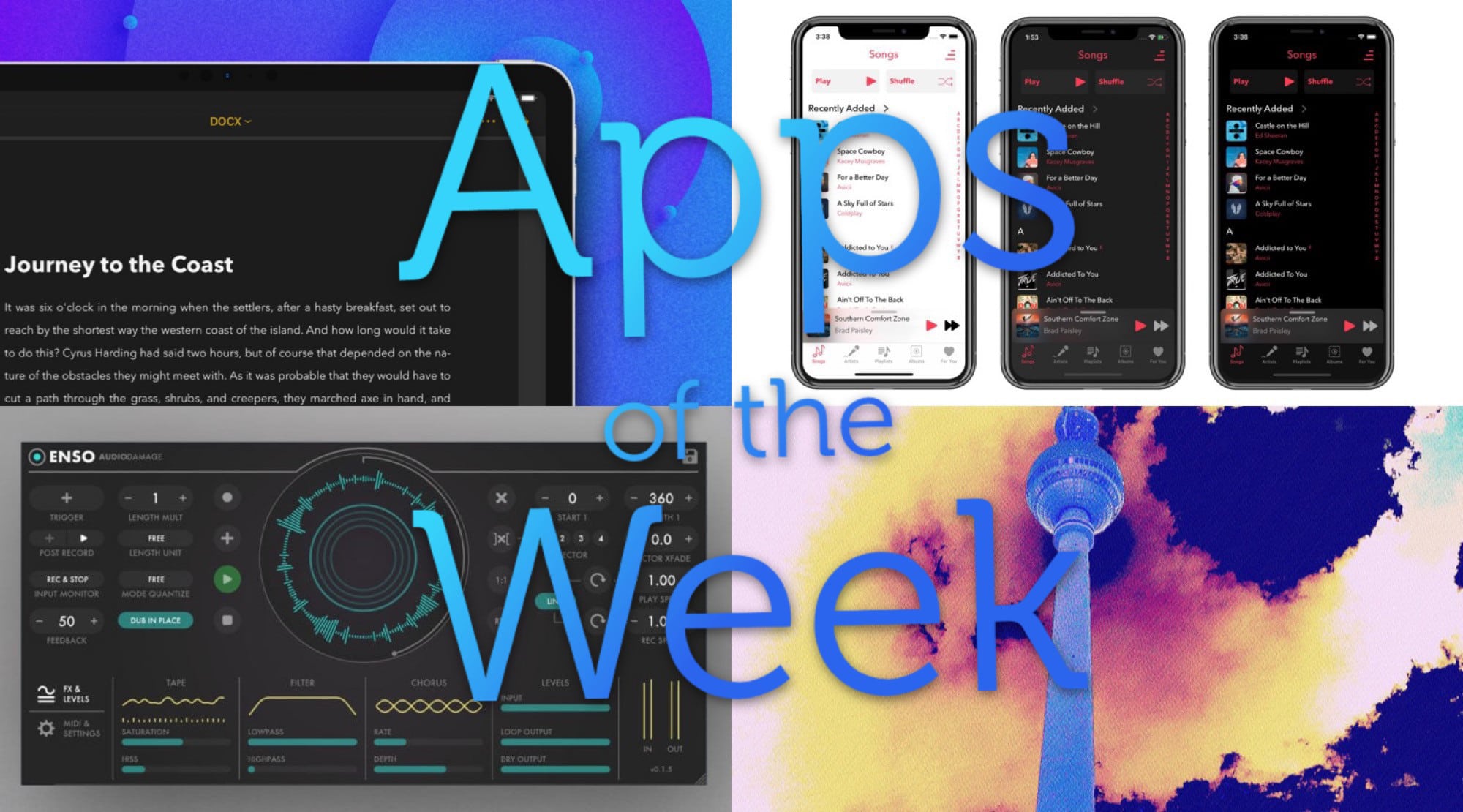
What a feast of glitchy electronica we have for you this week. Photo: Cult of Mac
This week we mangle music with Enso, the amazing new audio looper for iPad, and chop up images with Hyperspektiv 2.0. Plus we showcase a new music player app and a big update to our favorite writing app.
Between these three apps, you can become a creative powerhouse with audio and video. Photo: Cult of Mac Deals
Thanks to digital technology, creativity is not bound by one medium. Music, video, visualizations and other elements are all fair creative game. It’s even possible to create in the moment with these materials, if you’ve got the right tools.
The Mixvibes DJ Software Bundle includes three powerful tools for creating music and visual performances in real time — and you can get all of them at a massive 75 percent discount.
Add an invaluable layer of security to your laptop, with a loud alarm that goes off if someone tries to steal it. Photo: Cult of Mac Deals
If you use a laptop, you probably bring it to public places like coffee shops or libraries. So when you go to get a refill or use the bathroom, the move is usually to ask your neighbor to make sure no one snatches your computer. That’s…not secure.
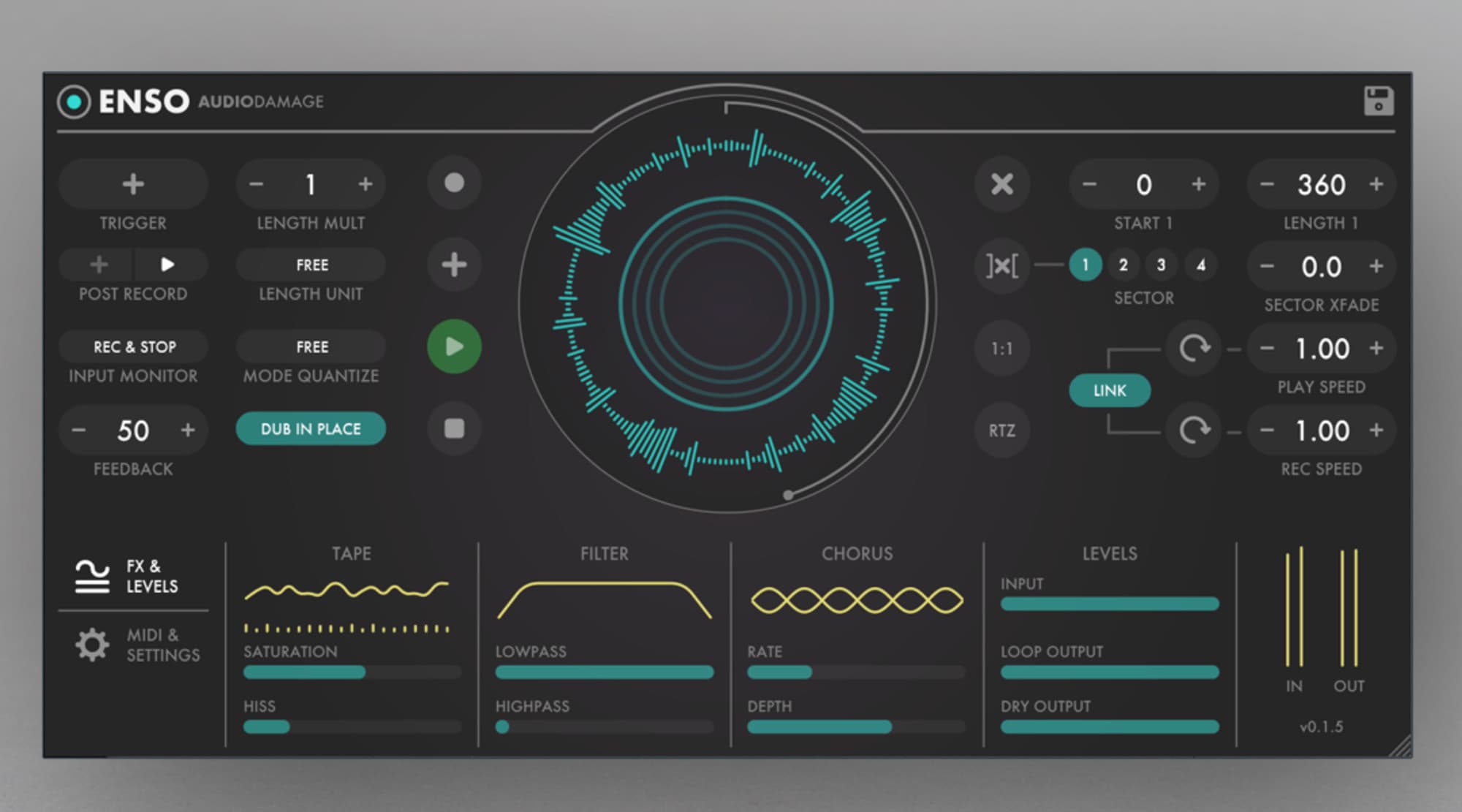
Enso looks as good as it sounds. Photo: Audio Damage
Enso looper is a big, big deal for iOS musicians. In principle, it works like any other looper app or hardware looper: You play music into it, and then that music is looped over and over, forming a backing track for more playing.
But Enso is hot, hot, hot for two reasons. One is the amount of control you have over the looping. The other is that it is an Audio Unit, which means that it can be used inside other apps, like GarageBand and AudioBus.
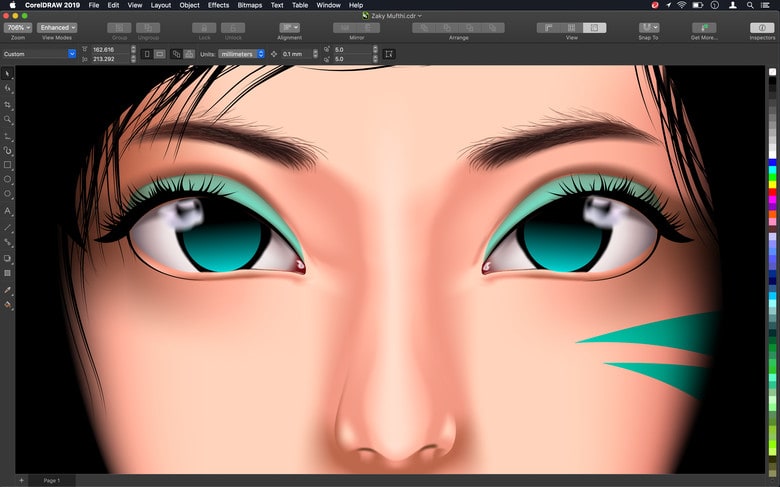
CorelDRAW Graphics Suite 2019 was designed specifically for macOS. Photo: Corel
You have to be of certain age to remember a Mac version of CorelDRAW, but its developer just returned this graphics suite to Apple desktops and laptops.
Corel commits itself to “world-class vector graphics software, professional photo editing, unsurpassed output capabilities, and AI-powered drawing tools.”
Ulysses 15 adds a bunch of welcome new features. Photo: Ulysses
Ulysses just got a big update for both Mac and iOS, but mostly for the Mac. The best text editor and writing app for both platforms remains the best — only now it does a little bit more. Let’s take a look.
The top deals of the week include an awesome AirPods alternative and a powerful task manager. Photo: Cult of Mac Deals
Another week, another roundup of awesome deals on gear and gadgets. This round, we’ve got a truly attractive AirPods alternative, a powerful tool for blocking unwanted calls and texts, the ultimate time-management platform, and a set of camera lenses for your iPhone.
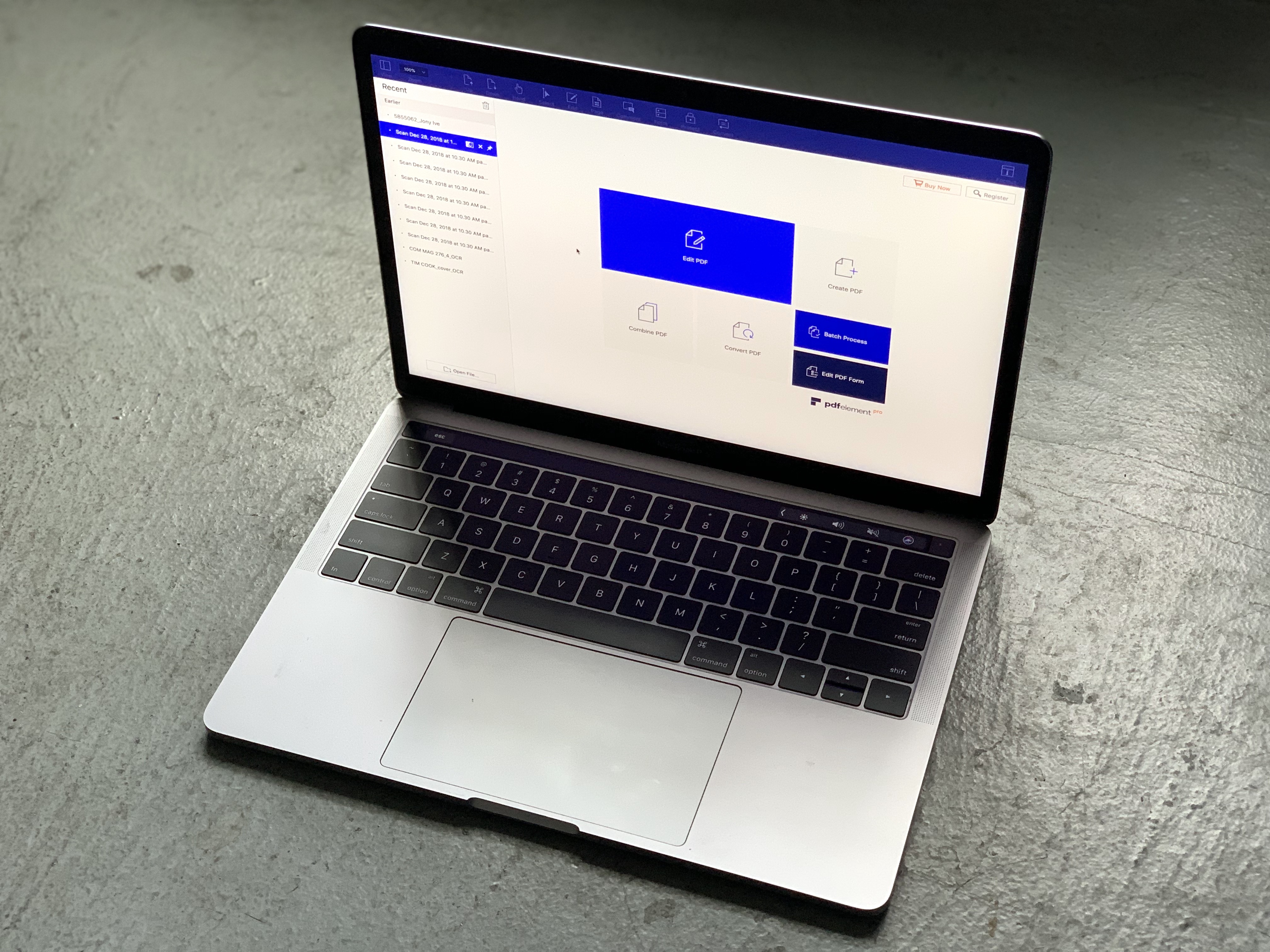
PDFelement works wonders with PDFs. Photo: Leander Kahney/Cult of Mac
This post is brought to you by Wondershare.
PDFs are an increasingly common way to share documents of all kinds. From résumés to entire e-books, PDFs are as common as Word documents are. But unfortunately, they are not always easy to edit.
To really grapple with PDFs, you need good PDF-editing software. Introducing PDFelement 6 Pro for Mac, a powerful and easy-to-use PDF editing app that makes working with PDFs dead easy.
Check out our video below for a quick look at how PDFelement 6 Pro for Mac works. (We also have an exclusive 40 percent discount for Cult of Mac readers.)
Dig into the four best deals at the Cult of Mac Store this week. Photo: Cult of Mac Deals
It’s been a red banner week for deals at the Cult of Mac Store. So we rounded up four of the very best, from refurbished iPhones to affordable AirPods alternatives. We’ve also got a replacement for your Mac’s Dock and more.
Most of these deals are discounted by more than half, so get ’em before they disappear!
Get the most out of your Mac with these 8 apps, including Fantastical 2, PDF Expert, and more. Photo: Cult of Mac Deals
Your Mac is a mighty machine for productivity, if you’ve got the right apps. So if you’re looking to get more done at the keyboard, this bundle of 8 apps is for you. Additionally, it’s available at a massive 93 percent discount.
Make eject great again. Photo: Charlie Sorrel/Cult of Mac
Take a look at the top right corner of your keyboard. Unless you’re using a recent MacBook, you’ll see a vestigial Eject key. It used to be used to eject CDs, DVDs and even floppy disks back in the olden days. Now it sits there doing nothing1.
I wonder how many eject keys are manufactured each year? How much plastic is wasted? Truly, we humans do not deserve this Earth.
Sorry, back to the point: Ejector is a Mac app that reclaims this useless plastic square, turning it into a way to eject USB drives and more.
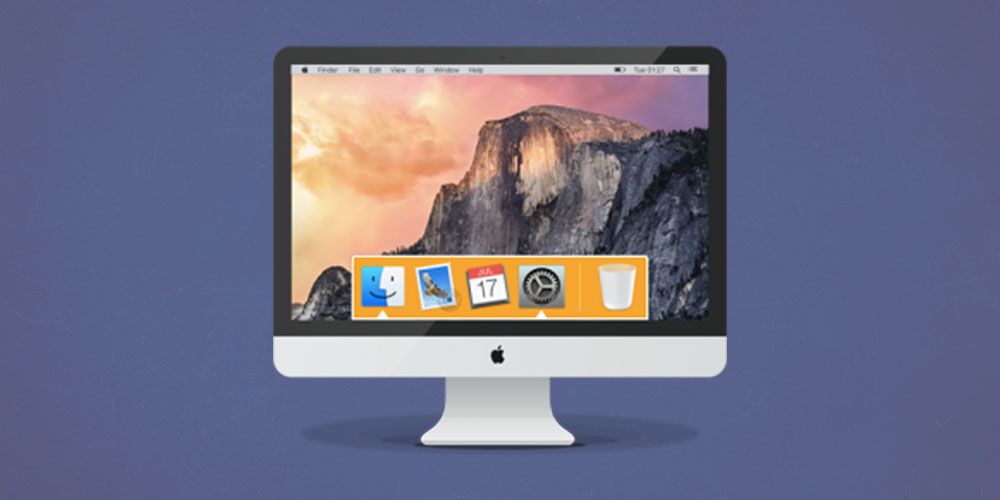
Add extra utility and flair to the tired old Mac Dock. Photo: Cult of Mac Deals
If you’re using a Mac, you’re probably accessing apps through the Dock. You might not think about it much, but the Dock could become a much more useful tool. That is, if you replace it.
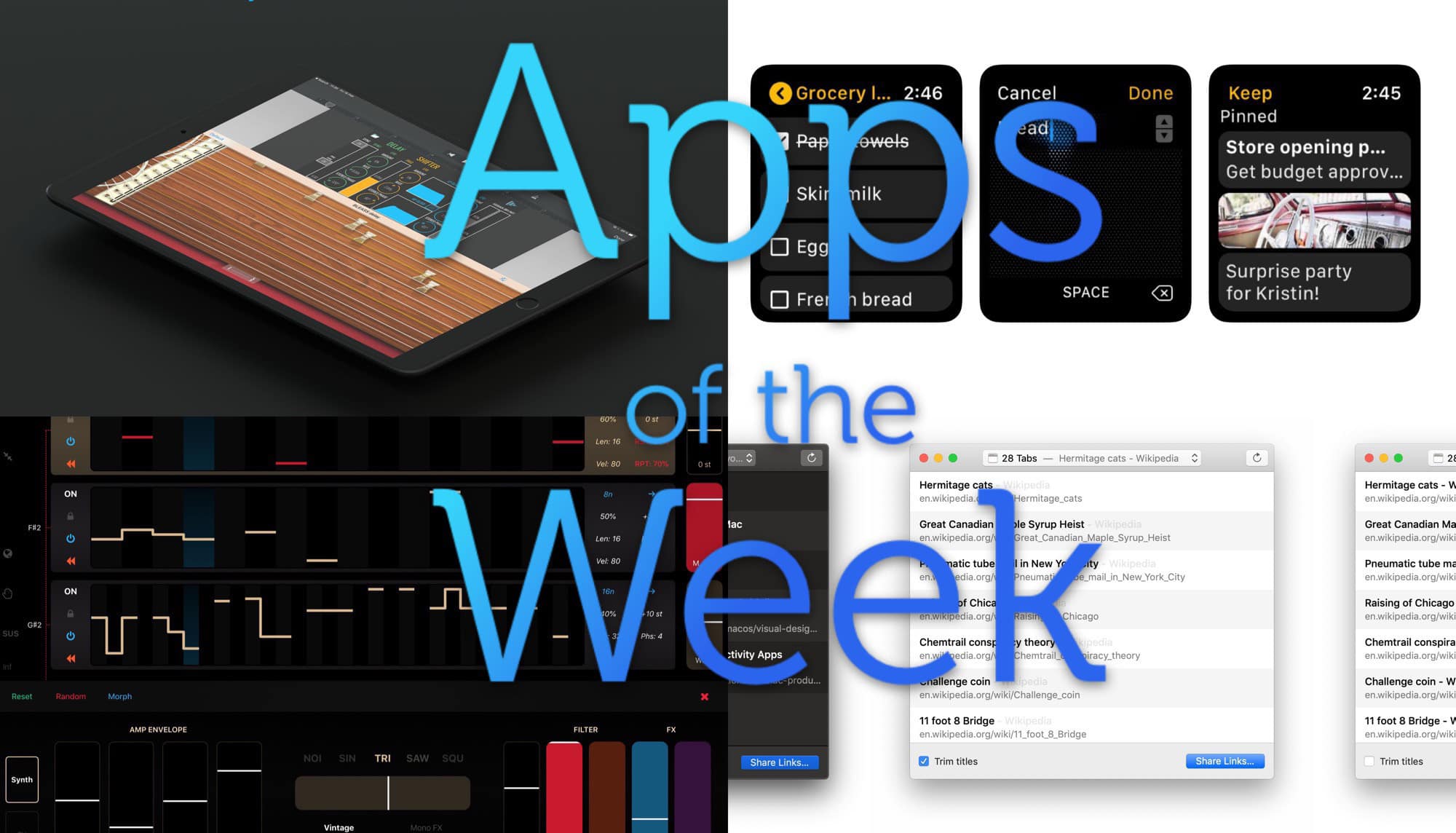
Check out this week’s bevy of awesomeness. Image: Cult of Mac
This week we mangle music with Bleass Delay, take notes from our wrists with Google Keep, quickly save all our Safari tabs to links, and more. So, so good!
Become an instant animator thanks to powerful but intuitive tools. Photo: Cult of Mac Deals
Thanks to the internet, there are plenty of ways to express ourselves. From music, to blogging, vlogging, making memes and beyond, the list seems endless. So why is it that animation doesn’t come to mind? Maybe because it seems too hard, but it doesn’t have to be that way.
Observe Presidents Day by saving big on some awesome gear, apps and lessons. Photo: Cult of Mac Deals
Happy Presidents Day! If it’s not an occasion that brings you joy, well, we can’t blame you. But that can change in round two of our roundup of deals on gear, apps and lessons. From a head-up display for your car to a powerful video processor and a massive course in iOS 12, we’re leading the free world in deals.
We’ve updated our Presidents Day sale with even more deals!
Ring in Presidents Day with big savings on cloud storage, wireless charging and more. Photo: Cult of Mac Deals
Looking for a reason to celebrate on Presidents Day? We’ve got it, in the form of a pair of roundups of awesome gear, software and lessons, all at big discounts. From a cloud hub to a sleek wireless charger and more, read on for details.
Save on an essential tool for recovering data from damaged drives. Photo: Cult of Mac Deals
No matter how careful you are, one thing is certain: eventually your computer drive is going to freeze up. Maybe it’s because of an accidental drop or spilled soda, or just from good old wear and tear. So something else is certain: you’ll want a reliable tool for recovering lost data.
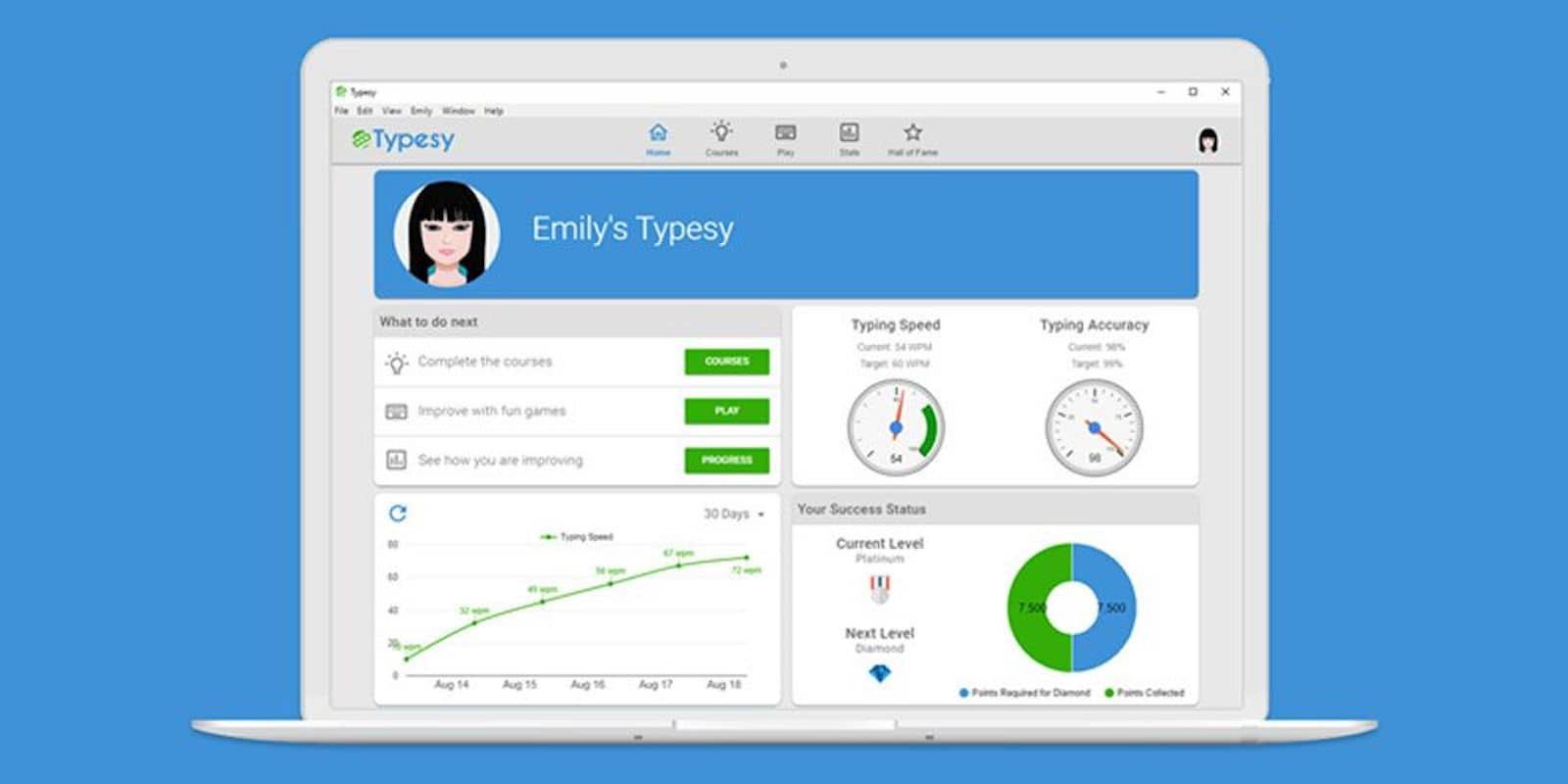
Get your typing speed and accuracy up to snuff with dozens of games and exercises. Photo: Cult of Mac Deals
Emails, articles, reports, social media, basically any task that involves typing can turn into a real time drain. So it makes sense to improve your speed and accuracy at the keyboard. In the modern workplace after all, typing is a basic skill worth keeping sharp.
Need a QuickTime alternative for Mac so you can play Blu-ray discs? Photo: Leawo Software
This post is presented by Leawo Software.
These days it’s normal to watch movies on our Macs. Usually that means streaming from Netflix or some other online service. But why should your old Blu-ray discs be left out of the party? Maybe you’ve got the discs lying around, or copied to your hard drive. Either way, you won’t be using QuickTime.
There are two ways to play Blu-ray discs on Mac: Convert Blu-ray for iTunes or make use of Blu-ray player software directly. If you’re looking to bring Blu-ray discs to your Mac, this free app can make it happen.