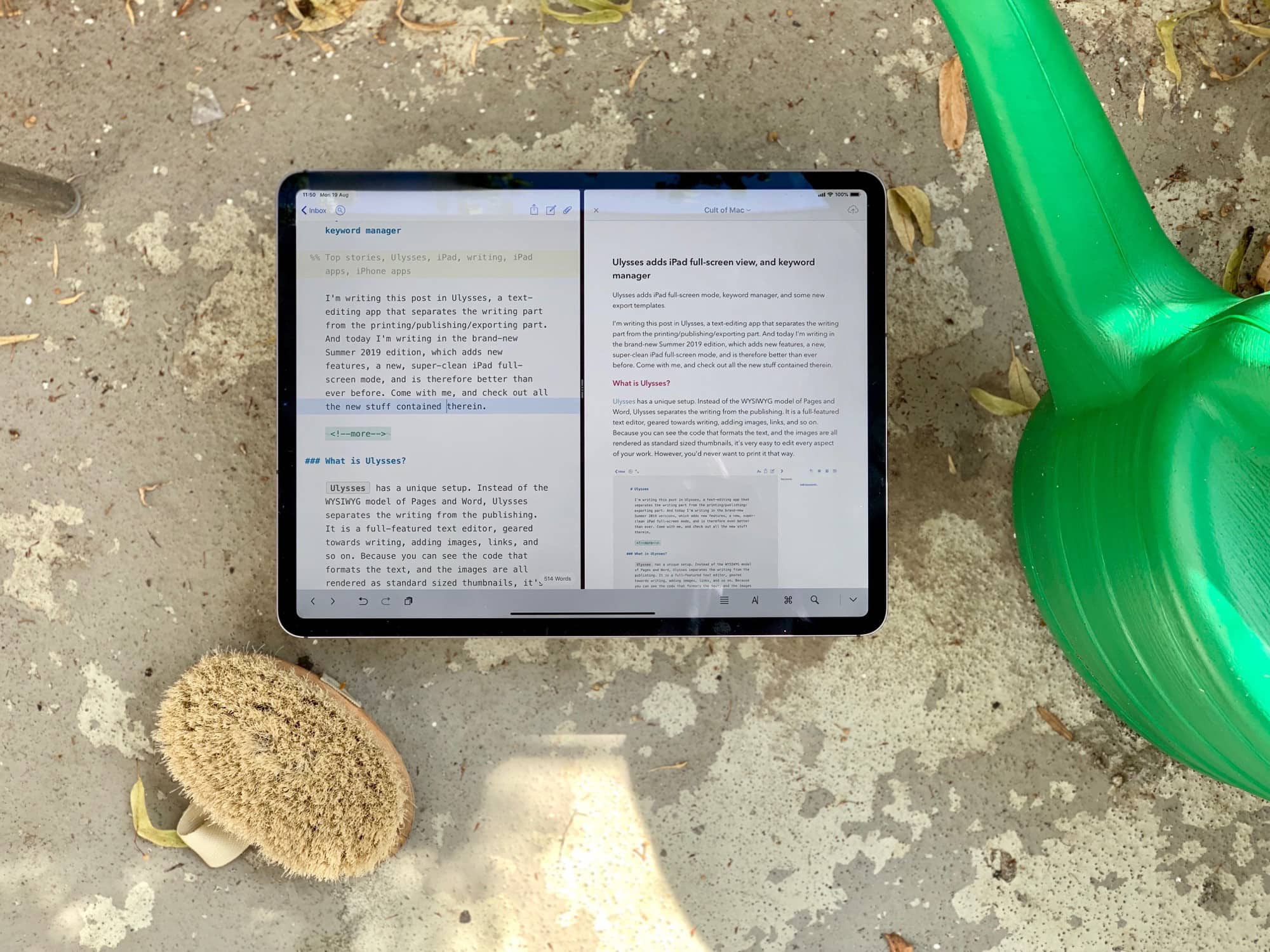
Ulysses Summer 2019 edition. Photo: Charlie Sorrel/Cult of Mac
I’m writing this post in Ulysses, a text-editing app that separates the writing part from the printing/publishing/exporting part of the process. And today I’m writing in the brand-new Summer 2019 edition of Ulysses, which adds new features and a new, super-clean iPad full-screen mode.
Ulysses is therefore better than ever before. Come with me, and check out all the new stuff contained in Ulysses 17 for iOS.
Your iPhone could soon make this hassle unnecessary. Photo: Pexels
Researchers built a smartphone app that can check blood pressure by simply recording a short video of someone’s face, then analyzing the blood flow under the skin.
High blood pressure can lead to heart attack or stroke so making an easy at-home test for it could save huge numbers of lives.
This week we block pesky privacy-invading trackers with Guardian Firewall, make sweet (weird) melodies with Ioniarics, and discover the next best thing to the keytar with Roxsyn.
News, iPhone apps, iPad apps, podcasts Photo: Charlie Sorrel/Cult of Mac
Overcast, the podcast app of choice for lovers of good design, powerful-yet-straightforward features, and the color orange, just added a brand-new recommendations feature.
Previously, Overcast used a Twitter-based recommendation engine. But developer Marco Arment says almost nobody used it. Now, he’s replaced it with recommendations based on users’ personal listening habits, and the result is amazing. I already added a few new podcast subscriptions based on its suggestions.
Here a mechanic mansplains bikes to a customer. Photo: Swapfiets
Swapfiets is a subscription-based bike that always works. You pay 19.50 euros ($22) per month. If your bike breaks, goes wrong or gets stolen, the company will deliver a new one the same day. And if it’s a simple repair, the Swapfiets repairperson can fix it right there.
Everything happens via an iPhone (or Android) app. At first glance, Swapfiets does not seem like a cheap option. However, it offers some serious advantages over public bike-sharing schemes or owning your own bicycle.
What a bevy of beautiful apps we have this week. Photo: Cult of Mac
This week we embed YouTube videos in music apps, do kind deeds with the Awesome social network, and never search for files again on the Mac (thanks to Hook).
Check out this week's barrel of excellence. Photo: Cult of Mac
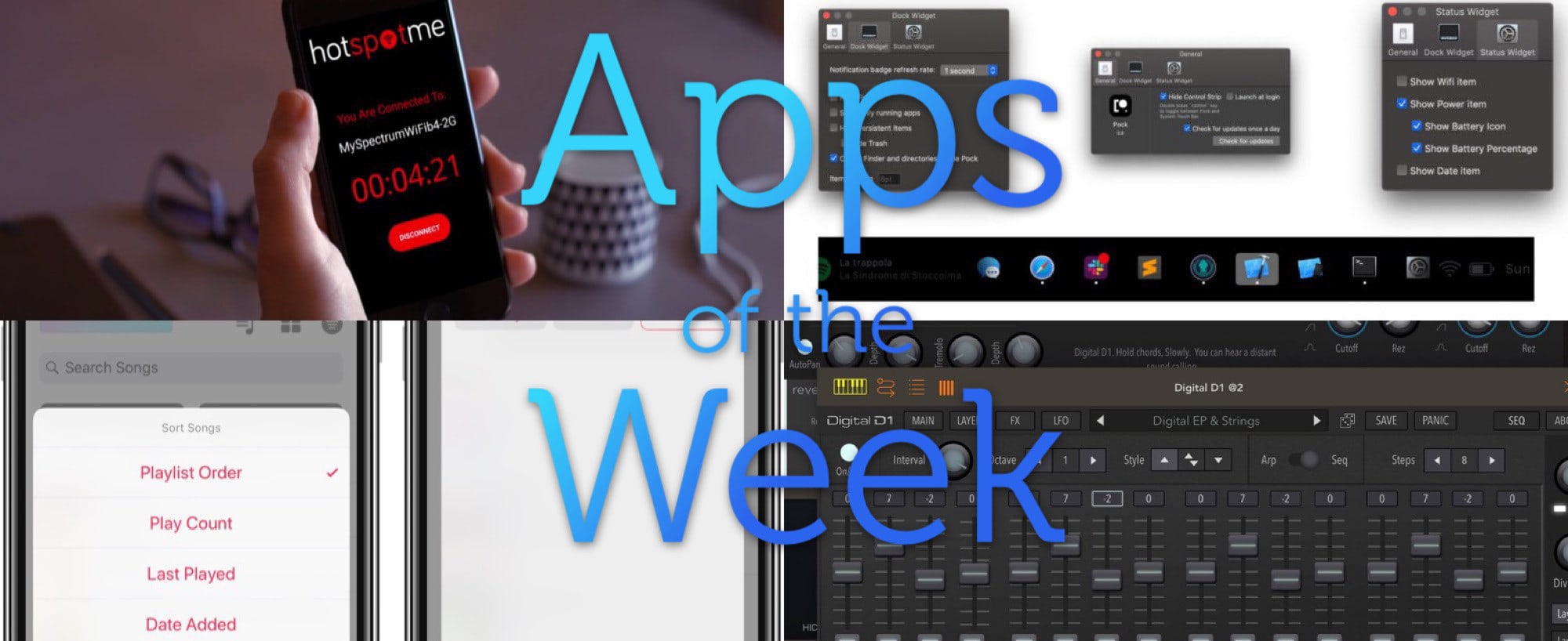
This week we create smart playlists with Miximum, let anyone use our internet connections with HotSpotMe, put our MacBook’s Dock in the Touch Bar with Pock, and more.
It’s impossible to create smart Apple Music playlists directly on the iPhone. Or rather, it was impossible. Previously, you had to fire up iTunes on your Mac or PC, create a smart playlist there, and then let it sync to your iPhone over iCloud.
Even in iOS 13, this is still the case. But now there’s another way. A new iOS app called Miximum can create smart playlists, and even sync them to the regular Apple Music app. It is, as they say, a game-changer.
What a sweet suite of apps we have this week. Photo: Cult of Mac
This week, we remix memes with Meme Machine, sync SSH in iOS with Secure ShellFish, and go two-up in the Finder with Commander One. And more. As usual.
Roll up, roll up! Look at the apps we have for your this week! Photo: Cult of Mac
This week, we make our music more magical with FabFilters on iOS, edit multiple streams of 4K video with Lumafusion 2, stay private with Guardian Firewall, and ridicule Microsoft’s Office to-do app, which has finally been released on the Mac.
A partial visual pun for a firewall. Photo: Charlie Sorrel/Cult of Mac
Guardian Firewall claims to be the first proper firewall app for iOS. It works by routing all the network connections from your iPhone or iPad through a VPN, and then filtering out privacy-invading trackers on Guardian’s own servers.
The idea is that all the heavy lifting is done on those servers, so you don’t have to worry about battery drain, or on the iOS security features that prevent an app from futzing with your internet connection.
Sounds good, but should you trust Guardian Firewall?
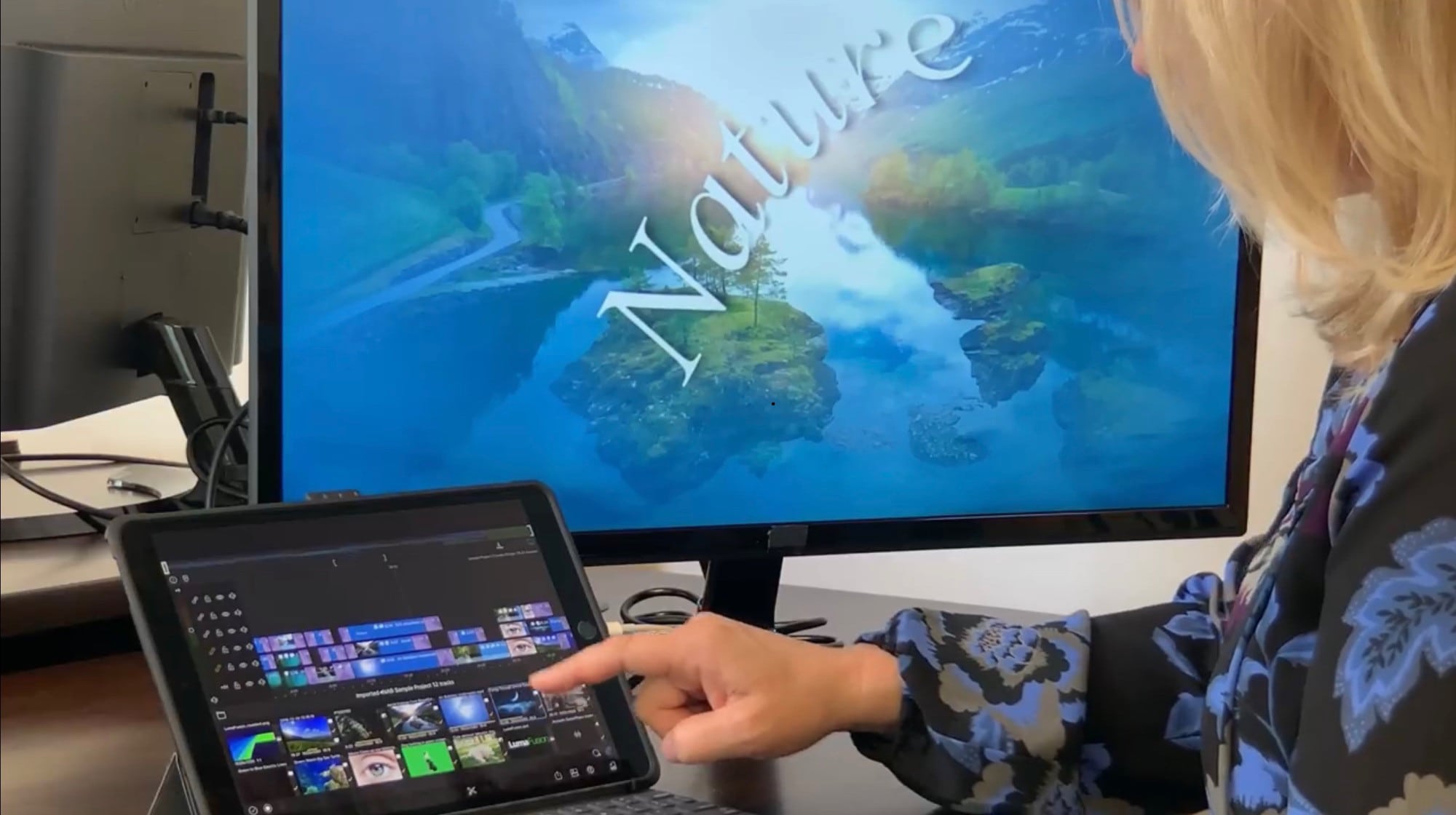
LumaFusion 2 works with external screens. Photo: Luma Touch
LumaFusion is probably the best video-editing app on the iPad. It’s so capable that you can use it to edit movies at a professional level, and plenty of people do. And now you can buy LumaFusion 2, an updated version with more power, and some great new features, including support for working on an external screen, and six tracks of 4K video.
This week we have our first iOS 13 pick! Photo: Cult of Mac
This week we play GTA III on our iPad Pros with real playstation controllers, use the new keyboard shortcuts in Affinity Photo, sequence samples with WoodStepper, and create AR promos with Captum.
Wait 'til you see the apps we have for you this week! Photo: Cult of Mac
This week we find nearby friends with Yoke, count our steps with Pedometer++, add lights and shadows to our photos with Apollo, and enjoy Ulysses’ superior split view on the iPad.
Some illustrative fire. Photo: Charlie Sorrel/Cult of Mac
Fiery Feeds is my favorite RSS reader app on iOS. It strikes the perfect balance between power, good looks, and ease of use. For instance, you can customize the entire look of the app with themes, you can set it to share stories to your chosen apps with a single swipe, and the whole thing is navigated with swipes. Version 2.2 just showed up, and it’s a biggie. Apart from some neat UI changes, Fiery Feeds now has iCloud syncing, and its own built-in Instapaper alternative.
Change the tempo of any song in Apple Music. Photo: Charlie Sorrel/Cult of Mac
Perfect Tempo lets you speed up or slow down any song in Apple Music, so you can learn how to play it. Unlike every other app that does this, Perfect Tempo works on any song on the Apple Music service, not just purchased and/or downloaded songs. It also has a great, easy-to-use design, which is way better than the utilitarian drop-down lists of many other apps.
Check out this week’s amazing apps Photo: Cult of Mac
This week we control our HomeKit homes form our wrists, control our iPad music with Audiobus 3.4, get help talking to foreigners with Day Interpreting, and more.
AUM should be on every musician’s iPad. Photo: Charlie Sorrel/Cult of Mac
If you’re an iOS-using musician, then AUM is an utterly essential app. It’s an audio mixer, but that description hides its power. AUM does let you mix the audio from various apps, but it also hosts audio units (like plugins), routes audio between them, records those channels, and more.
This week, AUM got a huge update, adding a whole bunch of great new features.
Readdle’s Wi-Fi Transfer gets our ‘stamp’ of approval. Photo: Charlie Sorrel/Cult of Mac
If you have an old Mac that doesn’t support AirDrop, or you use a PC with your iPhone or iPad, then getting files from one to the other is a real pain. Readdle’s Documents app fixes this, making it easy to beam anything from one place to the other, wirelessly. Today we’re going to see just how easy it is. And one other neat trick is that you can use this on any computer, not just your own.