Mobile menu toggle

iPhone apps - page 6

Roland’s Go Livecast is an iPhone live-streaming studio in a box

By •

livecast go
Livecast anything, with a super-simple setup.
Photo: Roland.

Roland’s new Go Livecast is a pretty fantastic little box for live-streaming with your iPhone. You can hook up microphones, use the companion app to do the streaming, and — get this — you can hook up a second iOS device and switch to its camera.

Let’s check it out.

My 5 most-used apps this year

By •

best apps beatmaker 3
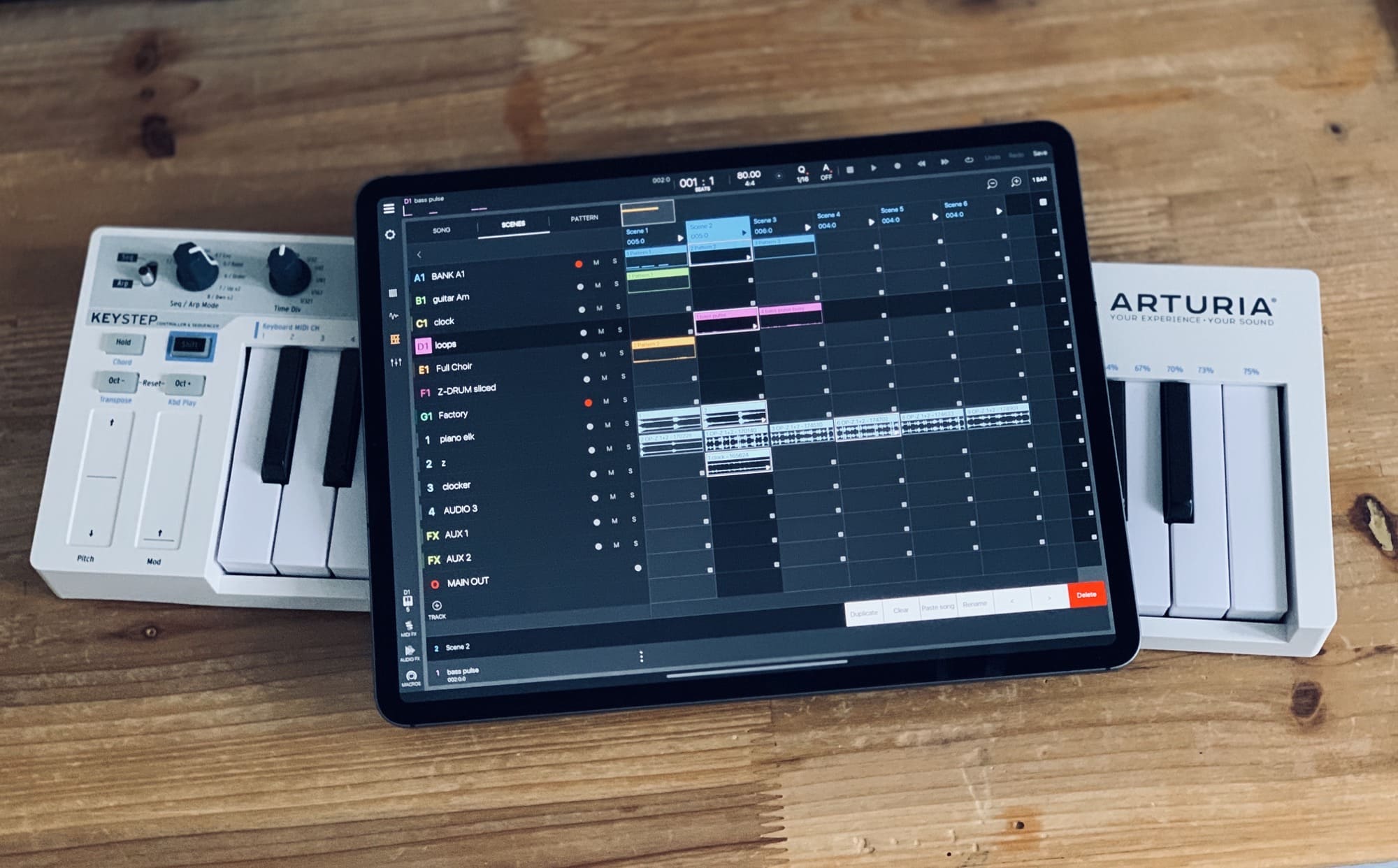
Beatmaker 3 is my favorite app this year.
Photo: Charlie Sorrel/Cult of Mac

For my job at Cult of Mac, I test a lot of apps. But of course, I also use a lot of apps, for work, for recreation, and for making music. I thought I’d make a short list of my most-used apps this year. Few, if any, of these apps are new this year, although some of them received major updates in 2019. But all of them are excellent, well-made apps, well worth checking out.

So, let’s get started.

The best music, music, and — uhh — music apps this week

By •

music app roundup
If you like music -- and only music -- then this week's roundup is a real treat.
Photo: Cult of Mac

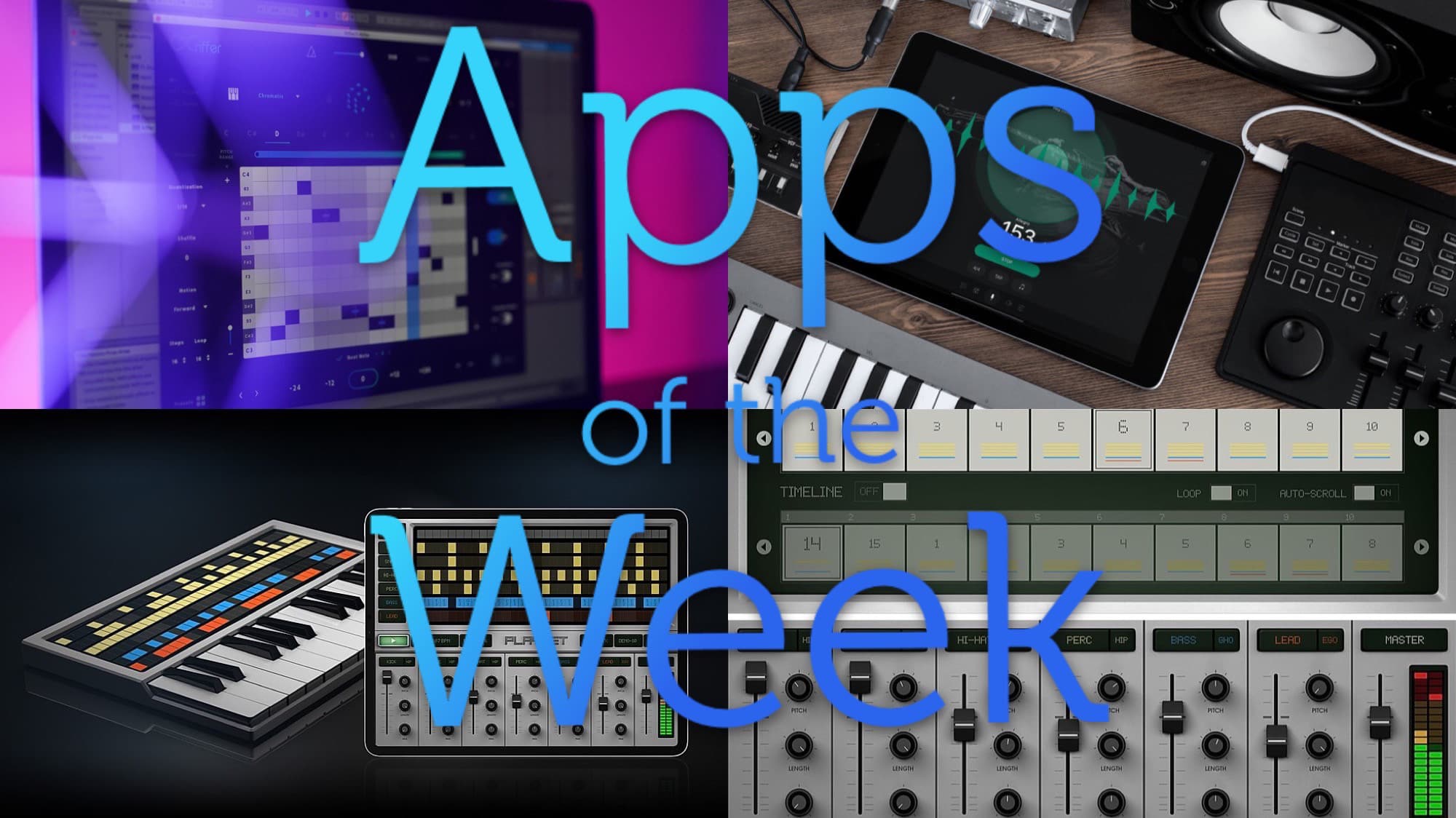
This week we boss a metronome around with only our voices, let a music app write our songs for us, and create beats and tunes like little children might. Yes, the only good new apps I’ve seen this week have all been music apps, so try to enjoy it.

Cubasis 3 is a total rewrite of a beloved music-making app

By •

Cubasis 3 is a complete rewrite.
Photo: Steinberg

Cubasis, the audio workstation app from Steinberg, just got rewritten as a brand new app. Cubasis 3 looks just like the old version, but is all-new, and includes support for the iPhone as well as the iPad. And hopefully, this rewrite also means that in the future, updates that adjust the user interface for new iOS features and screen sizes will be supported a lot faster. It took more than a year for Cubasis to support the 12.9-inch iPad Pro, for example.

So, what’s new in Cubasis 3?

Pure Acid, the best drum and bass machine on the iPad (and iPhone!)

By •

Pure acid
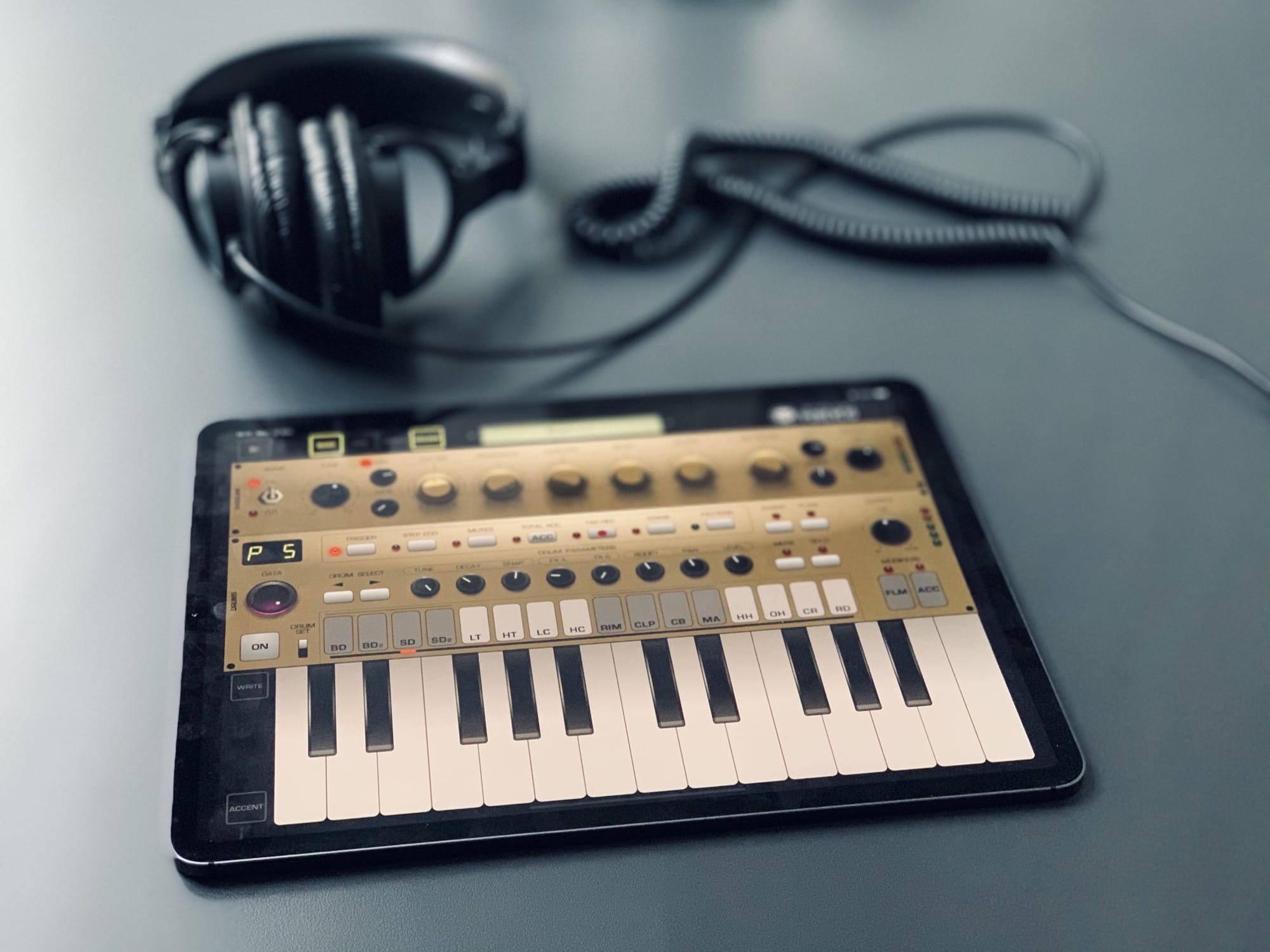
Here’s Pure Acid with a fetching gold makeover.
Photo: Charlie Sorrel/Cult of Mac

Pure Acid is a bass synthesizer and drum machine app for the iPad, and it might just be the best drum machine app ever. It is, for me, the first app that actually feels like you’re using physical drum machine hardware instead of just another touchscreen app. Part of this is down to the one-screen interface, where everything is (mostly) always in the same spot — just like real buttons. And part is due to the app design genius of Pure Acid’s creator, Dmitrij Pavlov (aka Jim Pavloff).

Toolbox Pro brings incredible new tricks to Shortcuts

By •

Toolbox pro
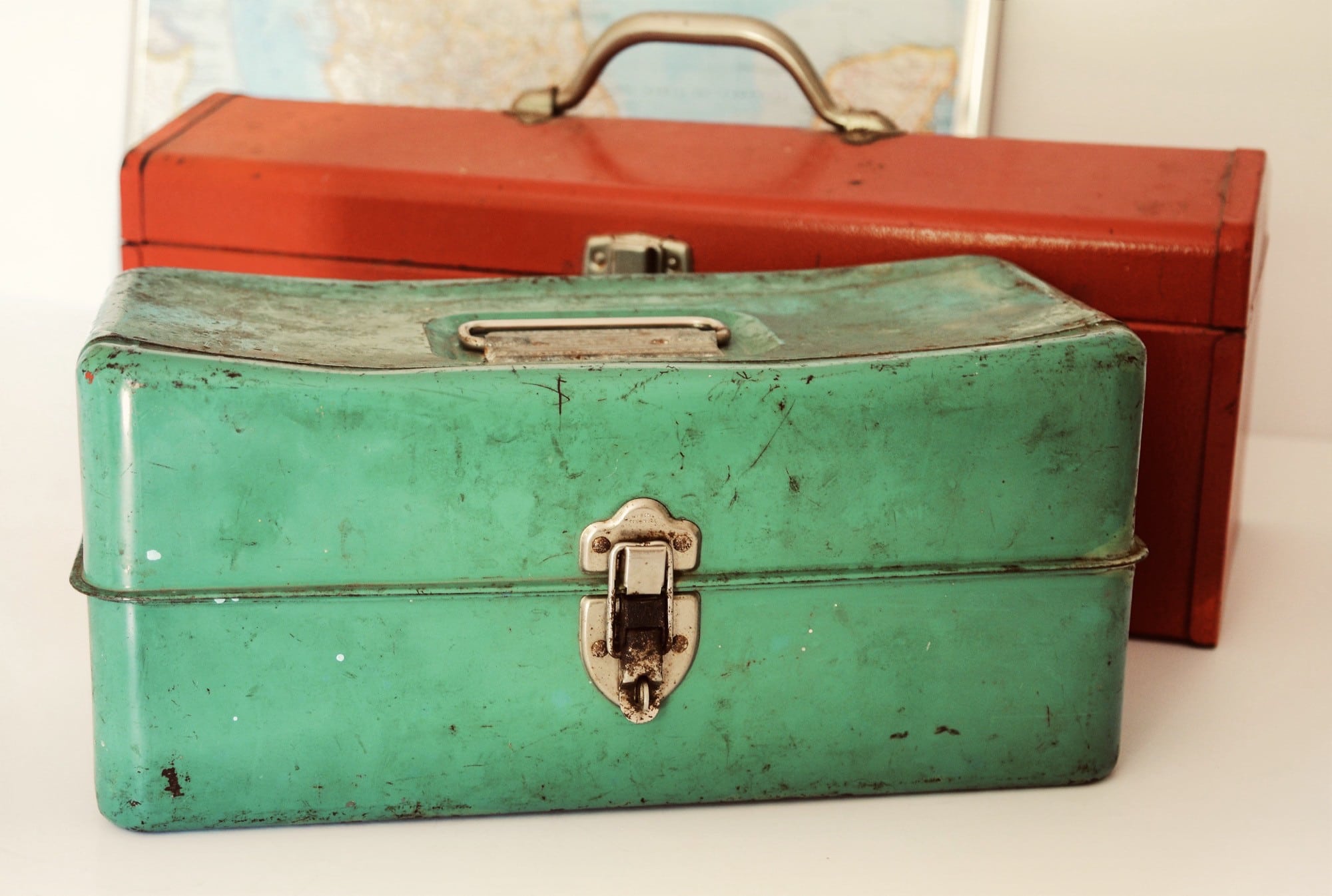
Who doesn’t love a good pro toolbox?
Photo: Susan Holt Simpson/Unsplash

Apple’s Shortcuts app is already a very powerful tool for automating stuff on your iPhone and iPad, and for creating your own push-button mini-apps. But what if it also could use the deep tools that Apple builds into iOS for app developers? What if Shortcuts could use Face ID, or analyze your photos using iOS’ crazy-powerful machine learning? Or if you could use the OCR to pull text out of photos, all inside Shortcuts?

Thats what Toolbox Pro does. It opens up many of Apple’s amazing under-the-hood technologies, and lets you use them just by dragging a new step into your Shortcuts workflows. Let’s see what it can do.

Dropbox Transfer makes sharing huge files from your iPad a snap

By •

Dropbox Transfer
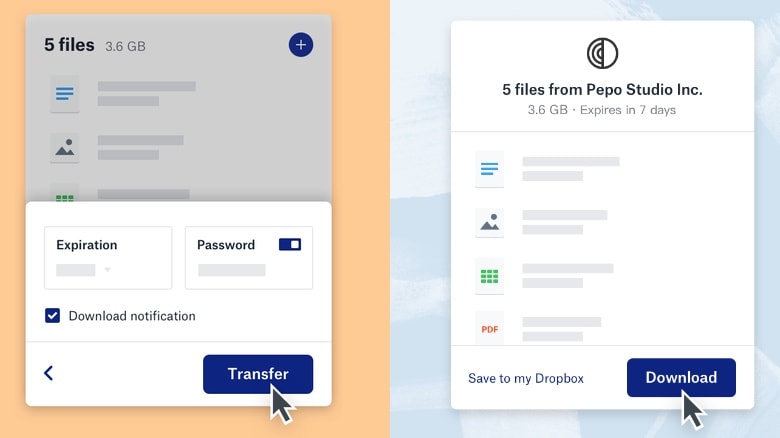
Dropbox Transfer simplifies sending and receiving up to 100GB of files.
Photo: Dropbox

iPhone and iPad can now take advantage of Dropbox Transfer, which allows users to more easily send and receive up to 100 GB of files.

It doesn’t have the size restrictions of email, and is simpler than Dropbox’s traditional system for sharing files.

This app puts a multitrack recorder inside almost any music app

By •

MultiTrack Recorder Plugin
This is how we recorded multiple tracks in the olden days, kids.
Photo: Charlie Sorrel/Cult of Mac

4Pockets’ MultiTrack Recorder Plugin is an audio-recording app that can be loaded inside other music apps. If you’ve ever seen an app like GarageBand or Logic in action, you’ll be familiar with the layout of multiple tracks on a horizontal timeline. MultiTrack Recorder Plugin offers exactly that, only it’s designed to be used inside other music apps. Apps that don’t have their own recording functions.

How to check (and block) apps that track you on iPhone and iPad

By •

Protect iOS your privacy and data with a firewall app.
Photo: Capturing the Human Heart/Unsplash

Safari’s content blockers effectively block trackers and other Bad Stuff on the web, but that only works in Apple’s browser. Any other app you install on your iPhone or iPad can send all kinds of personal information to anyone, without you ever knowing. Your location, the details of your menstrual cycle, how long you spend asleep — pretty much anything.

So how do you stop this? Well, iOS 13 itself can help limit some abuses. But what you really need is an iOS firewall app that can detect and shut down any unauthorized connections.

PDF Expert adds powerful iPadOS 13 features

By •

pdf expert iPadOS 13
PDF Export now supports multiple windows.
Photo: Charlie Sorrel/Cult of Mac

Readdle’s PDF Expert is my most-used PDF app, because it’s fast, powerful and doesn’t get in the way. I don’t even use many of the advanced features, but I still prefer it over most other options.

Now it’s even better. The most recent PDF Expert update adds support for the new features in iOS 13 and iPadOS. Let’s run through what’s new.

The week’s best iOS 13 apps (and one Mac app)

By •

app roundup
Lots of great iOS 13 apps this week.
Photo: Cult of Mac

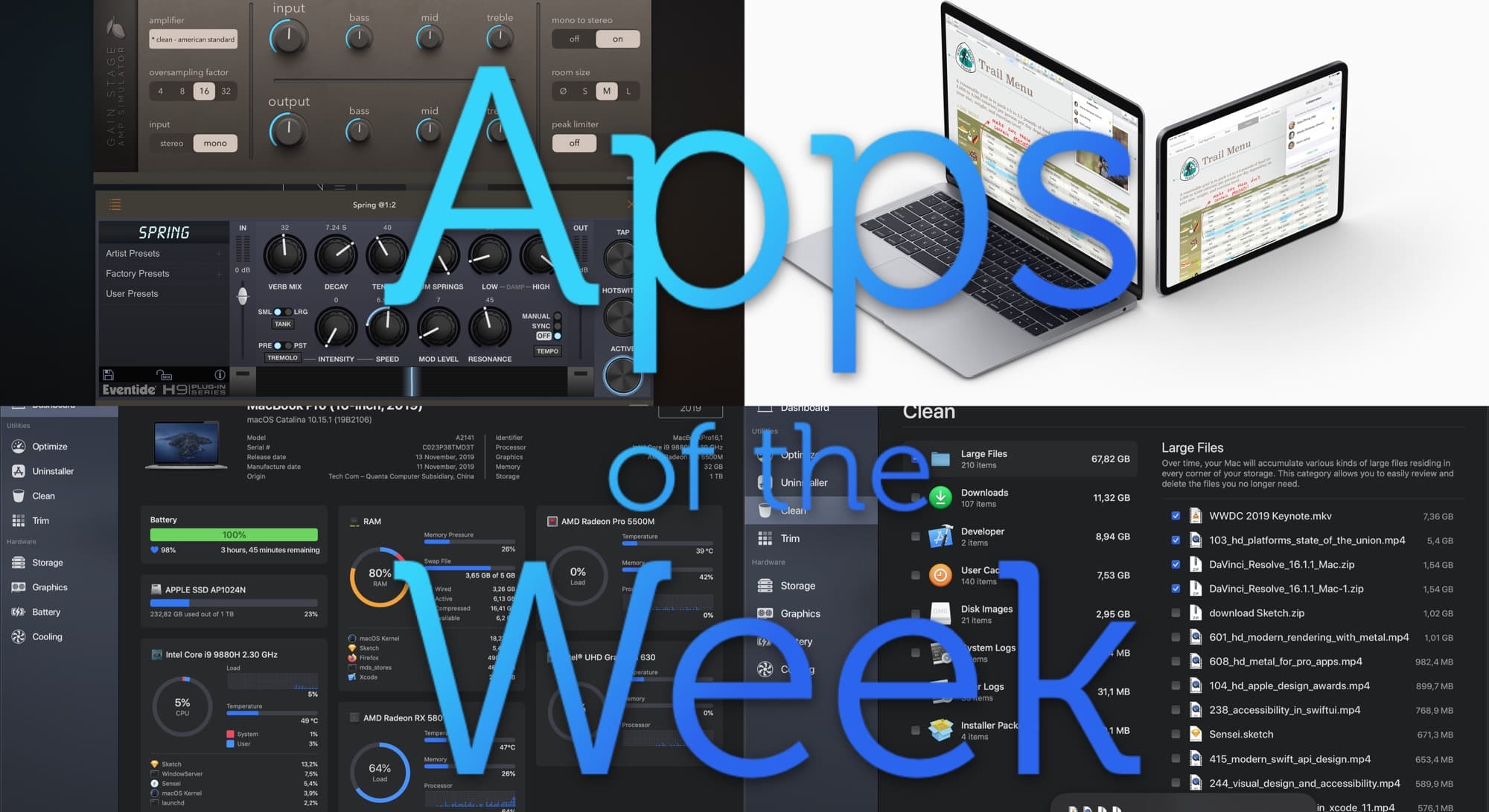
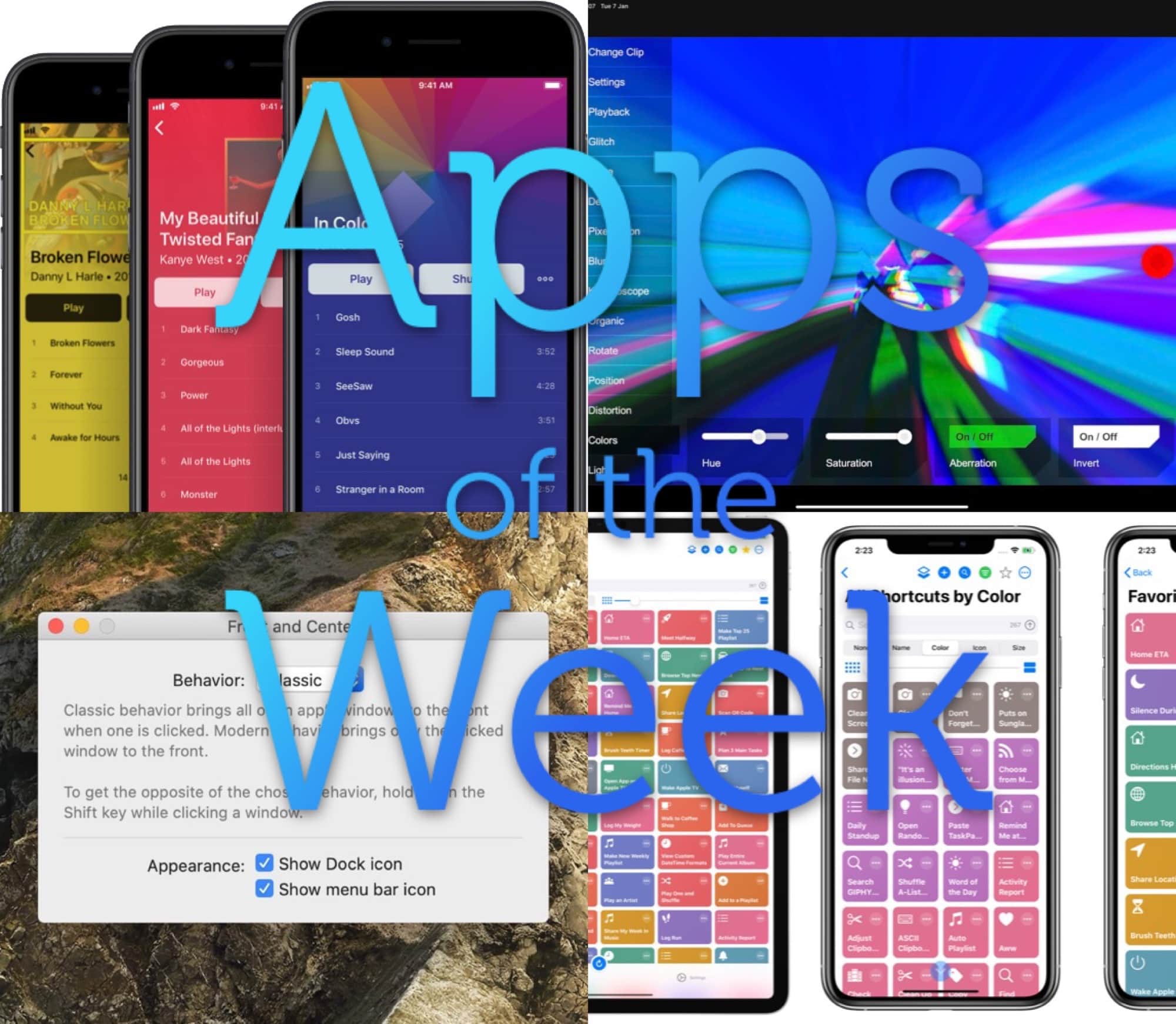
This week we get grooving with EG Pulse, take control of Mission Control, drag stuff around with Yoink, and wonder why we need Pocket Casts.

Read all about the best new and updated apps in this week’s roundup.

Ulysses adds iPad full-screen view, and keyword manager

By •

Ulysses Summer 2019 edition.
Photo: Charlie Sorrel/Cult of Mac

I’m writing this post in Ulysses, a text-editing app that separates the writing part from the printing/publishing/exporting part of the process. And today I’m writing in the brand-new Summer 2019 edition of Ulysses, which adds new features and a new, super-clean iPad full-screen mode.

Ulysses is therefore better than ever before. Come with me, and check out all the new stuff contained in Ulysses 17 for iOS.