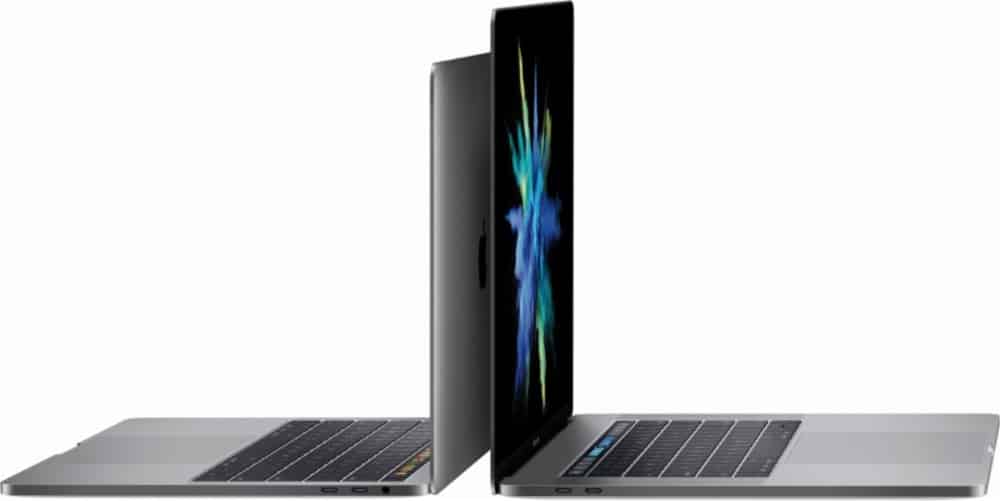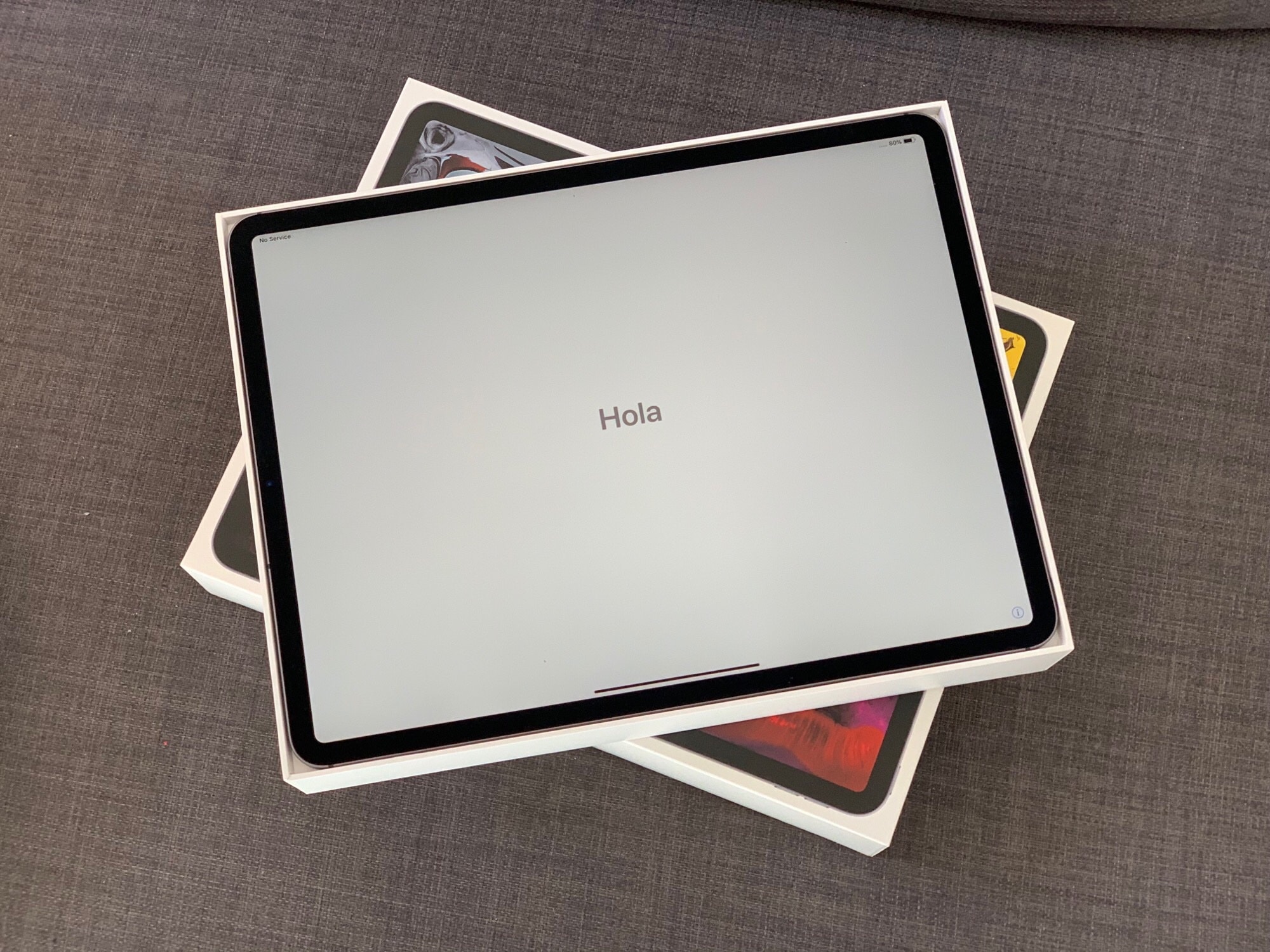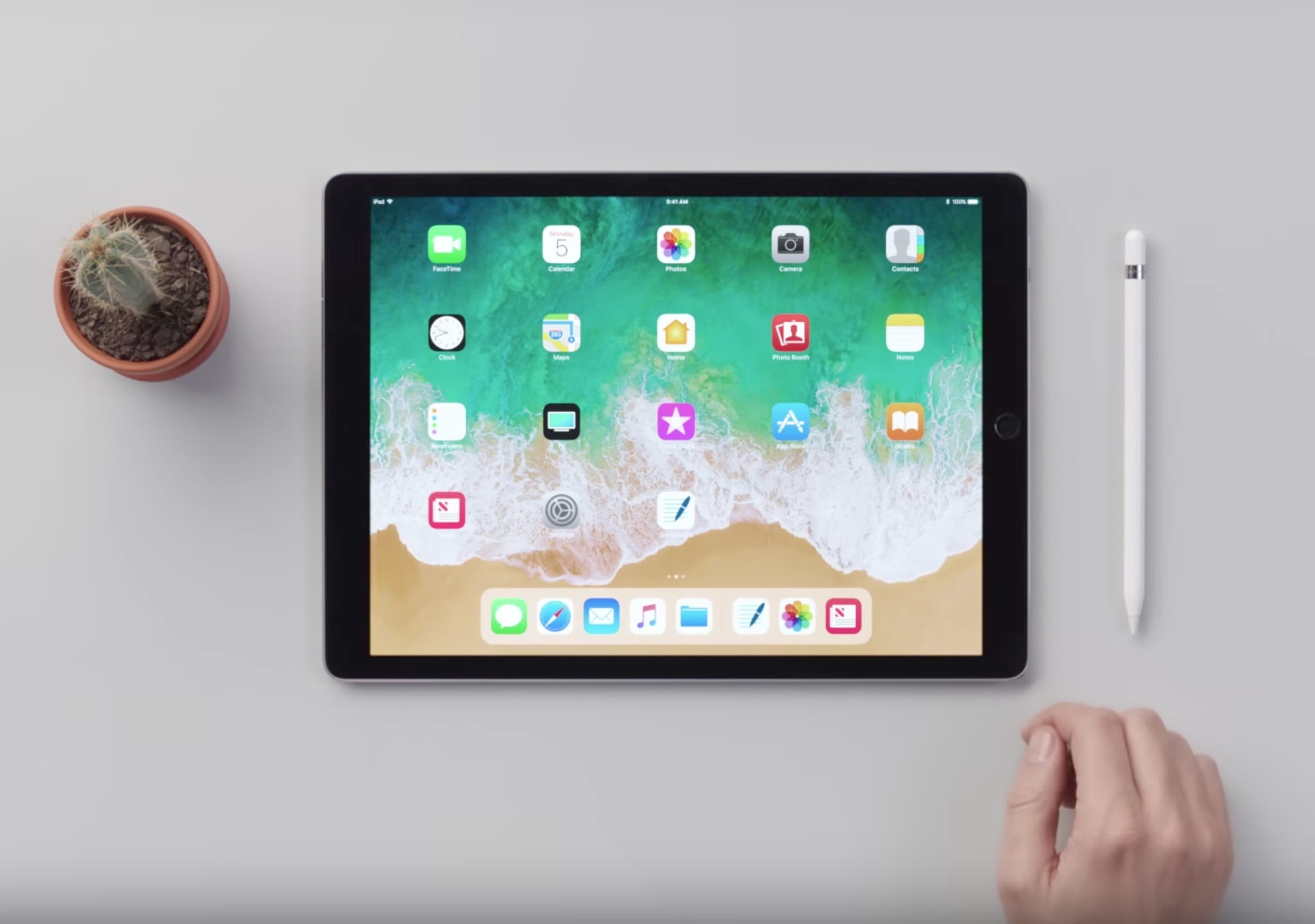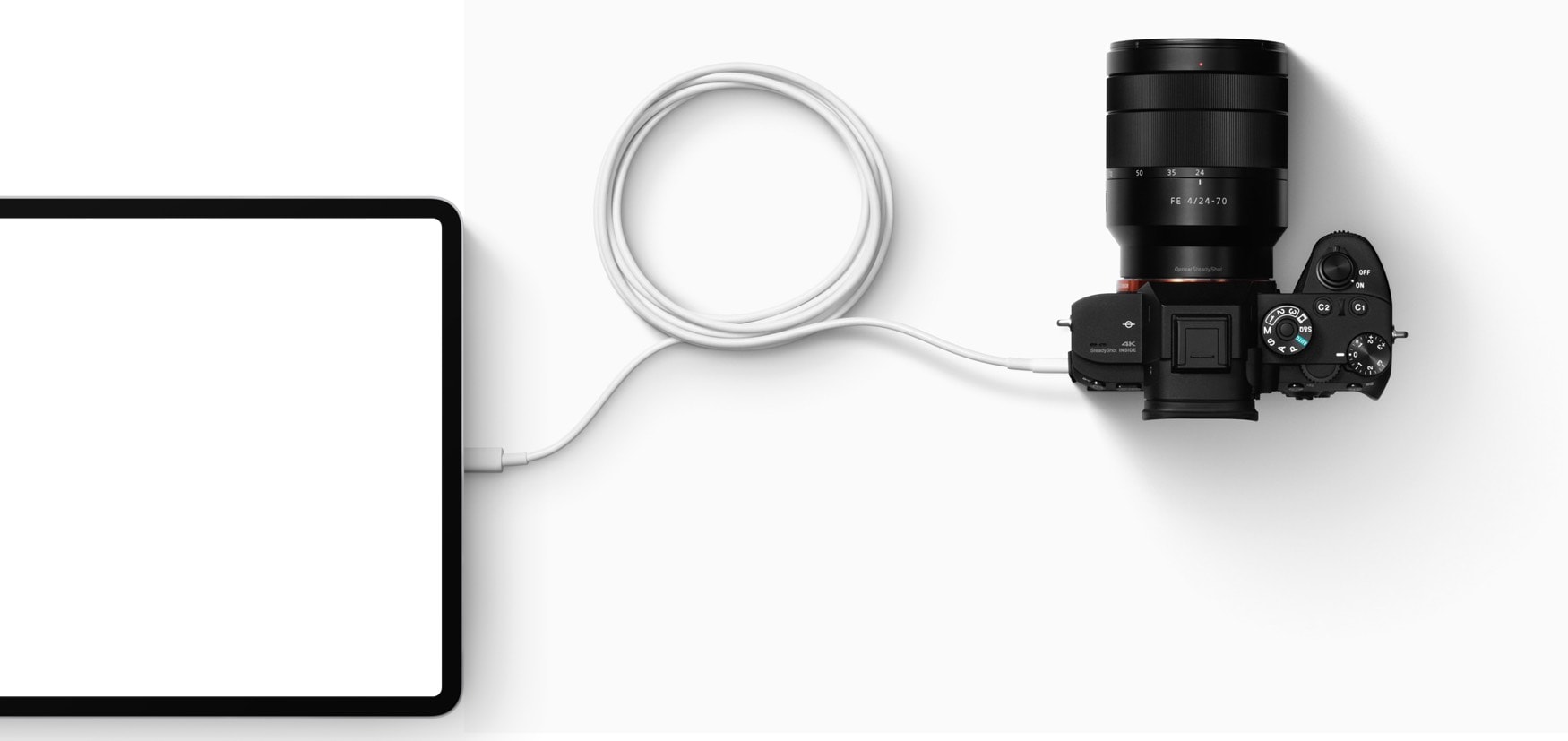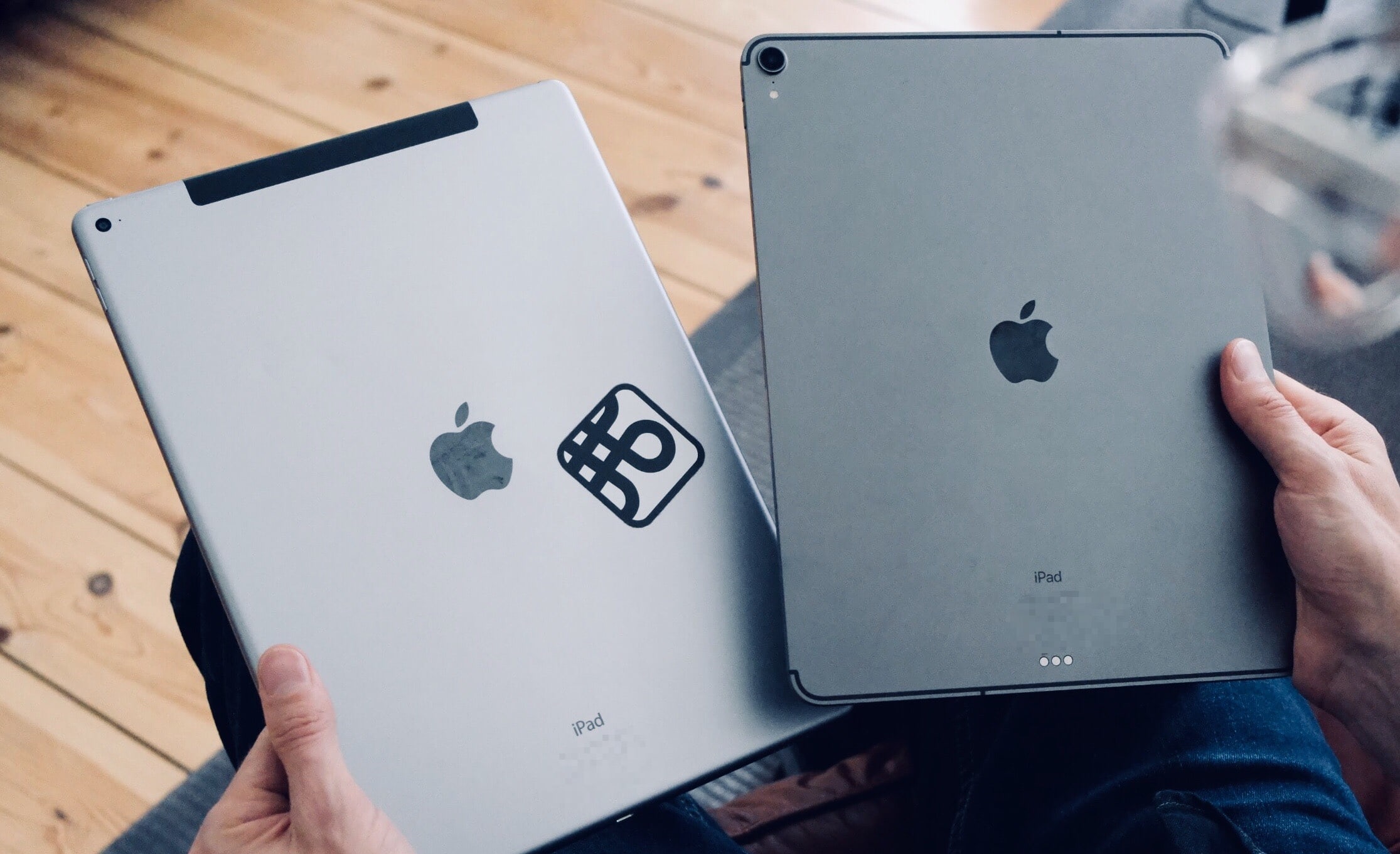
Lightning could have done this, with a dongle anyway. Photo: Apple/Cult of Mac
Despite its drawbacks, USB-C is the future of the iPad. But just what is USB-C? Well, it’s a connector, but not all USB-C connectors are the same. And in fact, not even everything that looks like a USB-C connector is a USB-C connector.
Confused? I was. Today we’ll find out what USB-C is, why it looks just like Thunderbolt, and what hubs you might want to buy.
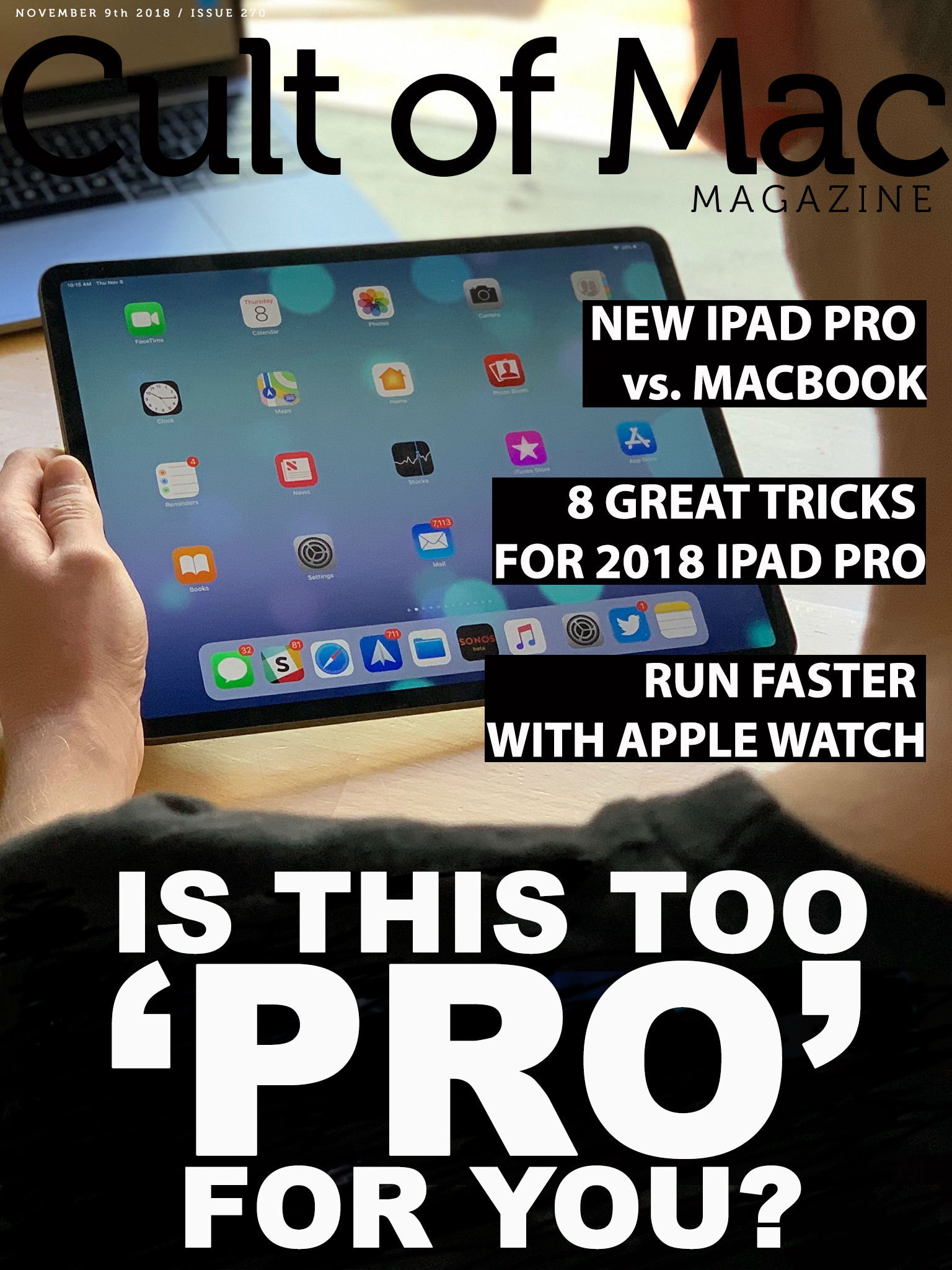
You know you want it. Cover: Leander Kahney/Cult of Mac
The new iPad Pro packs enough power to challenge the Mac. It also costs enough to cause some serious contemplation for anybody worried about pocketbook pain.
We tackle the subject from several sides in this week’s free issue of Cult of Mac Magazine. Get your free issue on iTunes now. Or keep reading for the week’s best Apple news, reviews and how-tos.
Drawing skills let you create in any medium. Photo: Andrea Nepori
Today’s how-to is a little different. I won’t be recommending special apps for learning how to draw, or even AR apps that help you trace pictures onto real paper. Instead, I’m going to give you a few tips that will help you draw what you see in front of you, whether you’re using a pencil and paper, brush and canvas, or iPad Pro and Apple Pencil.
But first, there’s good news and bad news. The good news is that you already know how to draw — you just need to learn how to look. The bad news is that the only way to improve is to practice. A lot. There’s no shortcut. You just have to do a lot of drawing. And if you’re spending long hours sketching on your iPad, having a reliable round charger can keep your device powered up effortlessly—check out this deal on the INIU Leopard 100W GaN Wall Charger.
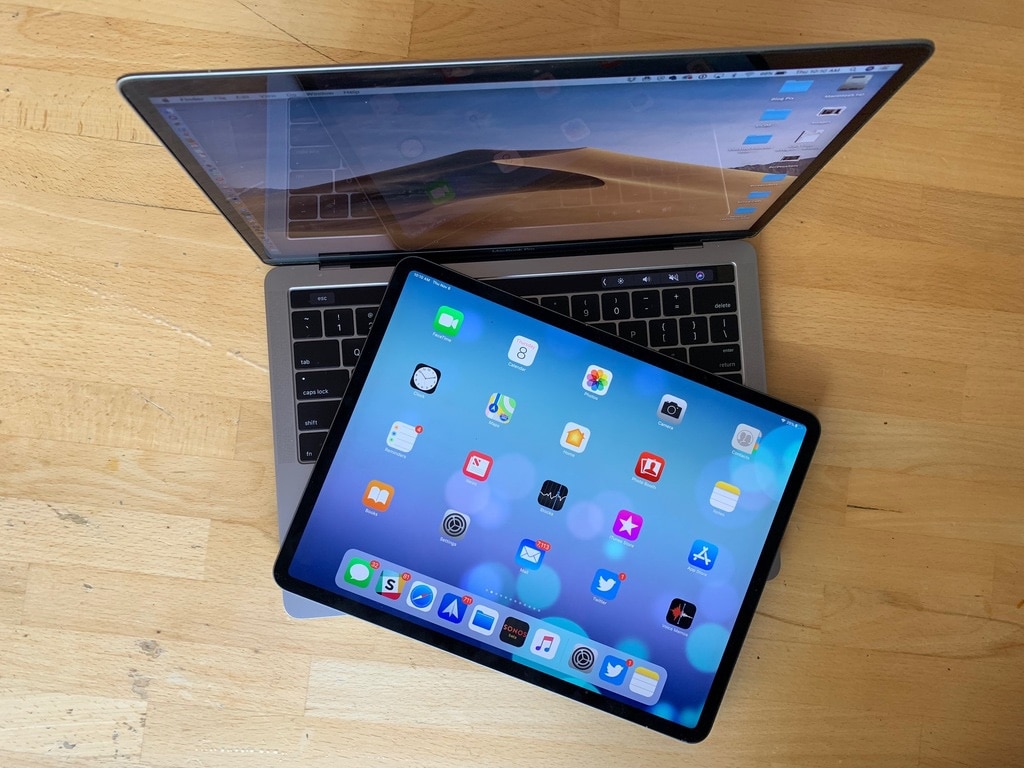
Is the 2018 iPad Pro or a MacBook a better option for you? Photo: Leander Kahney/Cult of Mac
Anyone who thinks you can’t get “real work” done on an iPad is nuts. Likewise, anyone who claims Apple’s tablet is not a real computer sounds like somebody arguing that the 1984 Mac wasn’t a real computer because it didn’t have a text-based command-line interface.
The iPad vs. Mac debate certainly isn’t new. Only the devices have changed.
I think that the folks making these arguments are jealous of the iPad Pro, or scared that it will become more important to Apple than their Macs. They want to use it instead of their Mac, but at the same time they’re unwilling to change anything about how they work. Instead, they want the iPad to be a touchscreen Mac with a detachable keyboard.
Who needs a Mac? Photo: Charlie Sorrel/Cult of Mac
You know how the iPad is a consumption device, like a kind of digital baby spoon? And that Apple’s tablet computer can’t be used for “real work”? Well, Grammy award-winning music producer Henny Tha Bizness disagrees. He uses the iPad exclusively to make music. He also thinks that in a decade, if you haven’t switched to iPad for music production, you’ll be left behind.
In this great video from YouTube video maestro Jonathan Morrison, Henny talks about how he uses the new 2018 iPad Pro to create his music. As a bonus, he asks a producer who hates mixing on a computer to try his iPad, with predictable results.
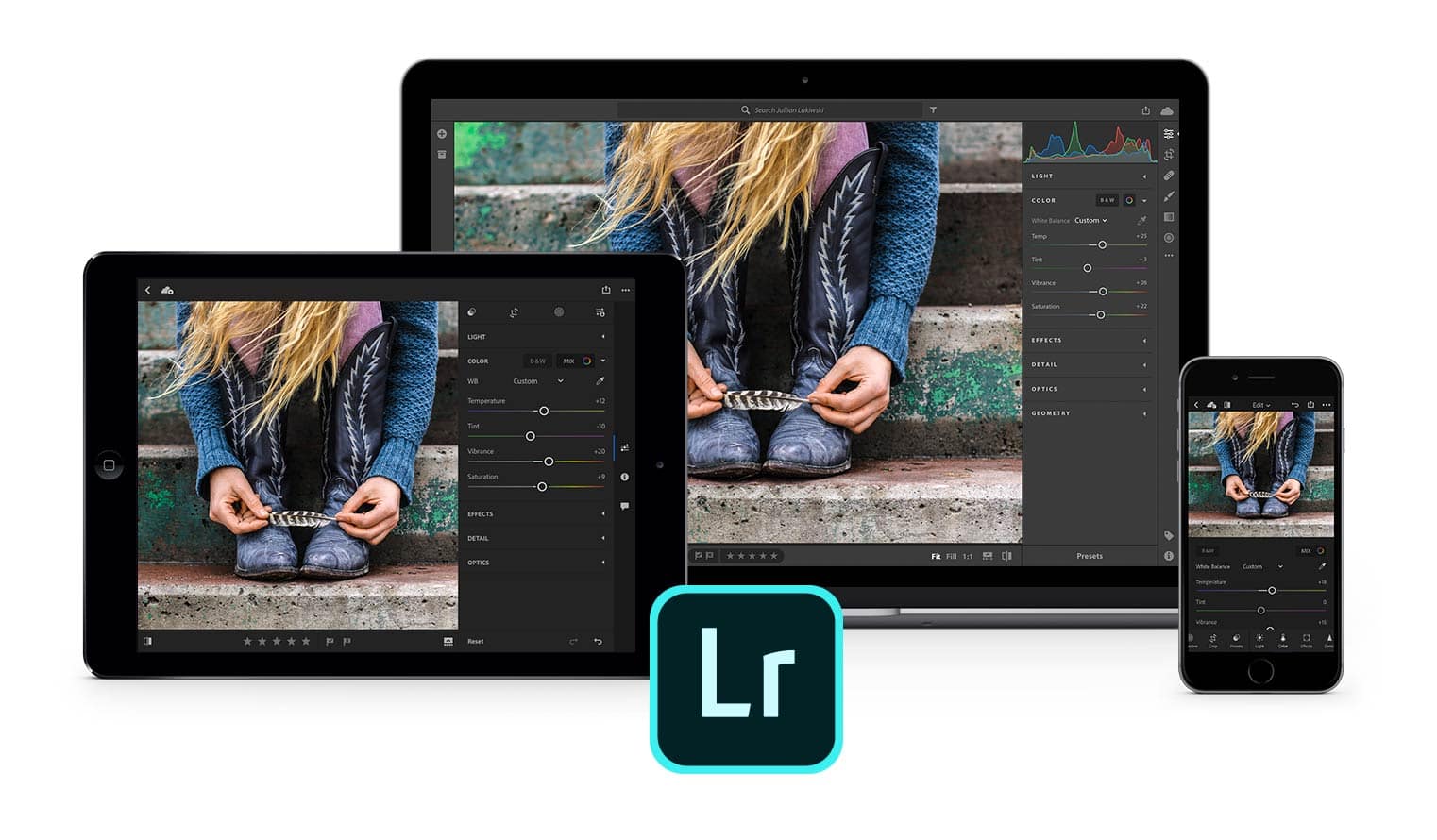
Lightroom mobile updates bring Apple's latest mobile tools into the fold. Illustration: Adobe
Adobe added fresh tasks to its iOS version of Lightroom so that it can be used with Apple’s newest mobile tools.
Beginning today, Lightroom Mobile will support both the latest iPad Pro models and the redesigned Apple Pencil. With the pencil, users can double-tap to switch between paint and erase modes with certain tools.
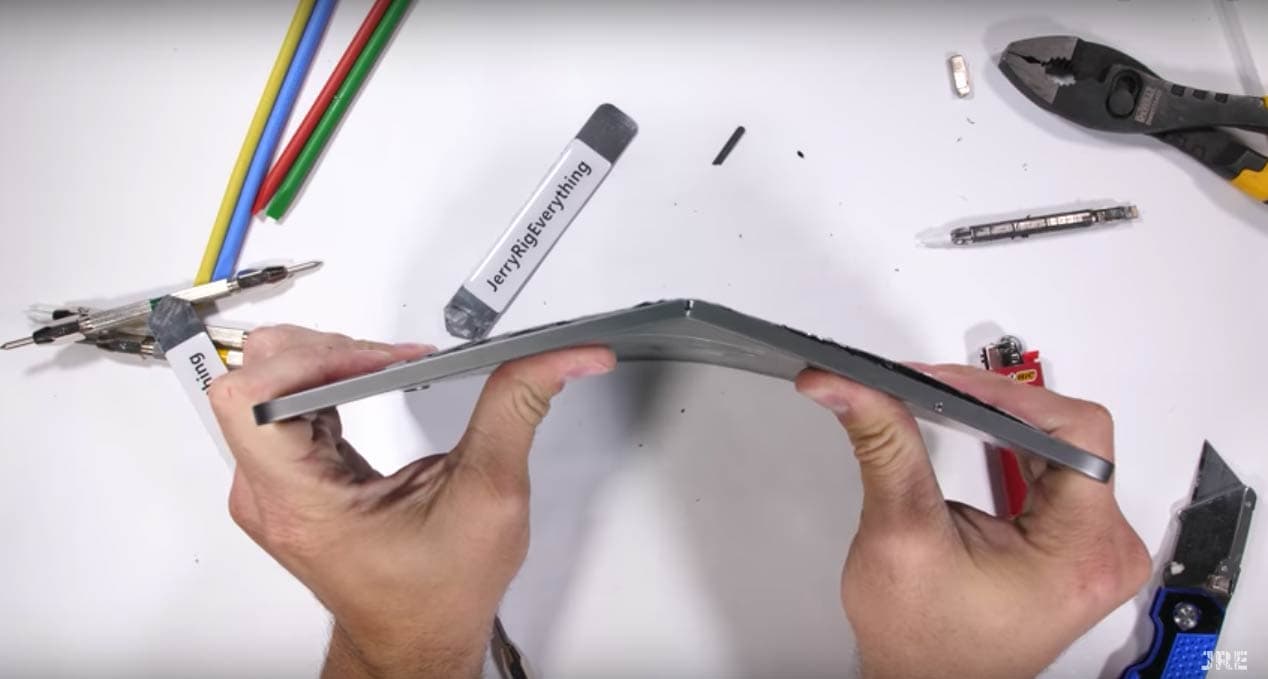
Zach Nelson's iPad Pro teardown video was a snap. Photo: JerryRigEverything/YouTube
An 11-inch iPad Pro and Apple Pencil were the focus of what seemed like a routine unboxing video. That is until the host used his bare hands to destroy both devices.
If you’re among the 2.7 million viewers to JerryRigEverything on YouTube, you’ve come to expect the unusual durability tests host Zach Nelson puts to the latest tech gadgets.
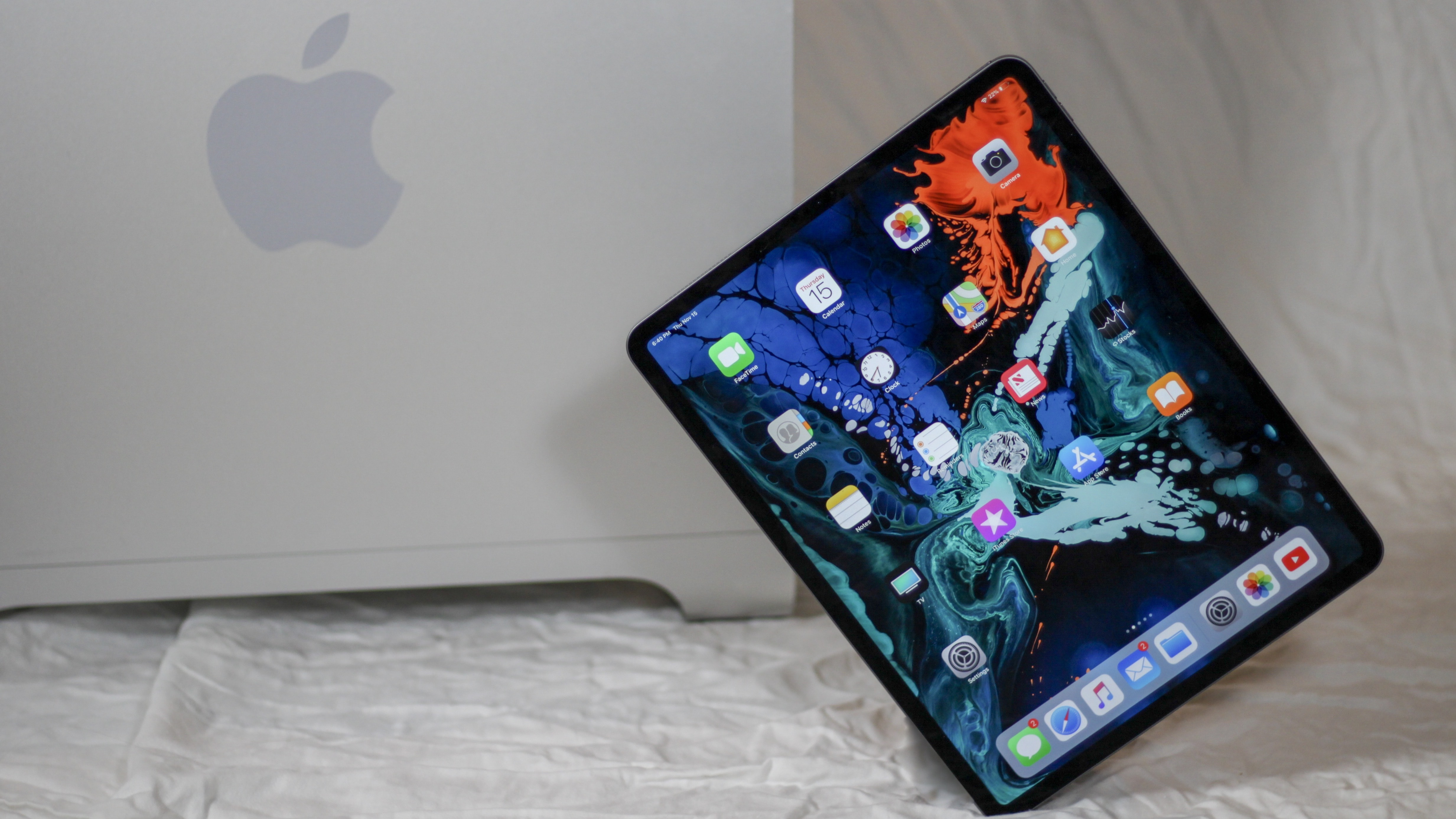
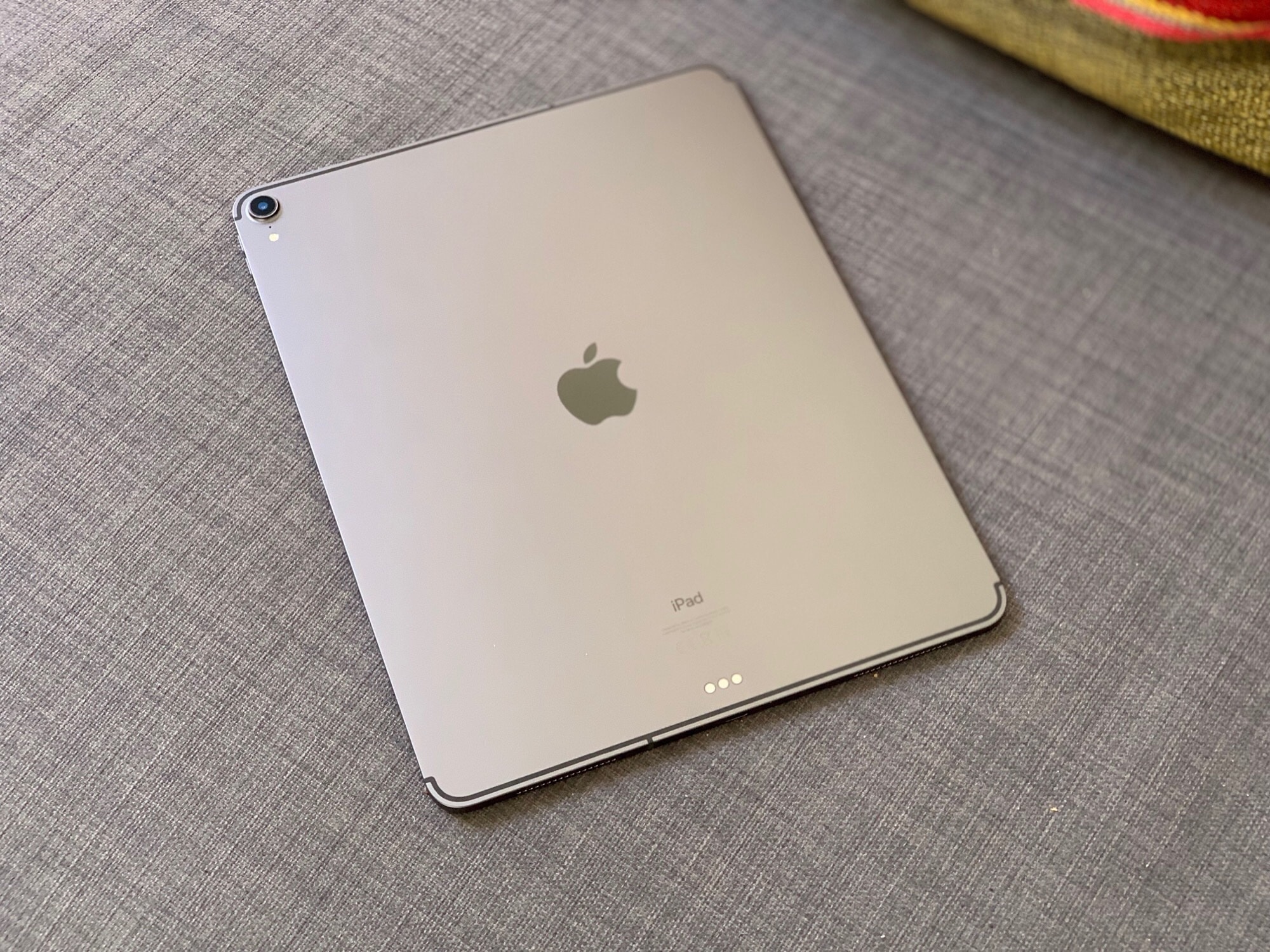
Apple’s on their hardware “A” game with the new iPad Pro Photo: Ian Fuchs/Cult of Mac
The new iPad Pro is arguably the most powerful, most familiar, most versatile, and most fun computer you can get today. Yes, you read that correctly. I said computer.
For the past week, I’ve been testing out Apple’s latest 12.9” iPad Pro. I’ve used it around the house, and at work, in the kitchen, and in bed, at the coffee shop and on the couch – and it’s been great. I actually look forward to using it, and it has replaced both my MacBook and my iPhone for a lot of my most common situations.
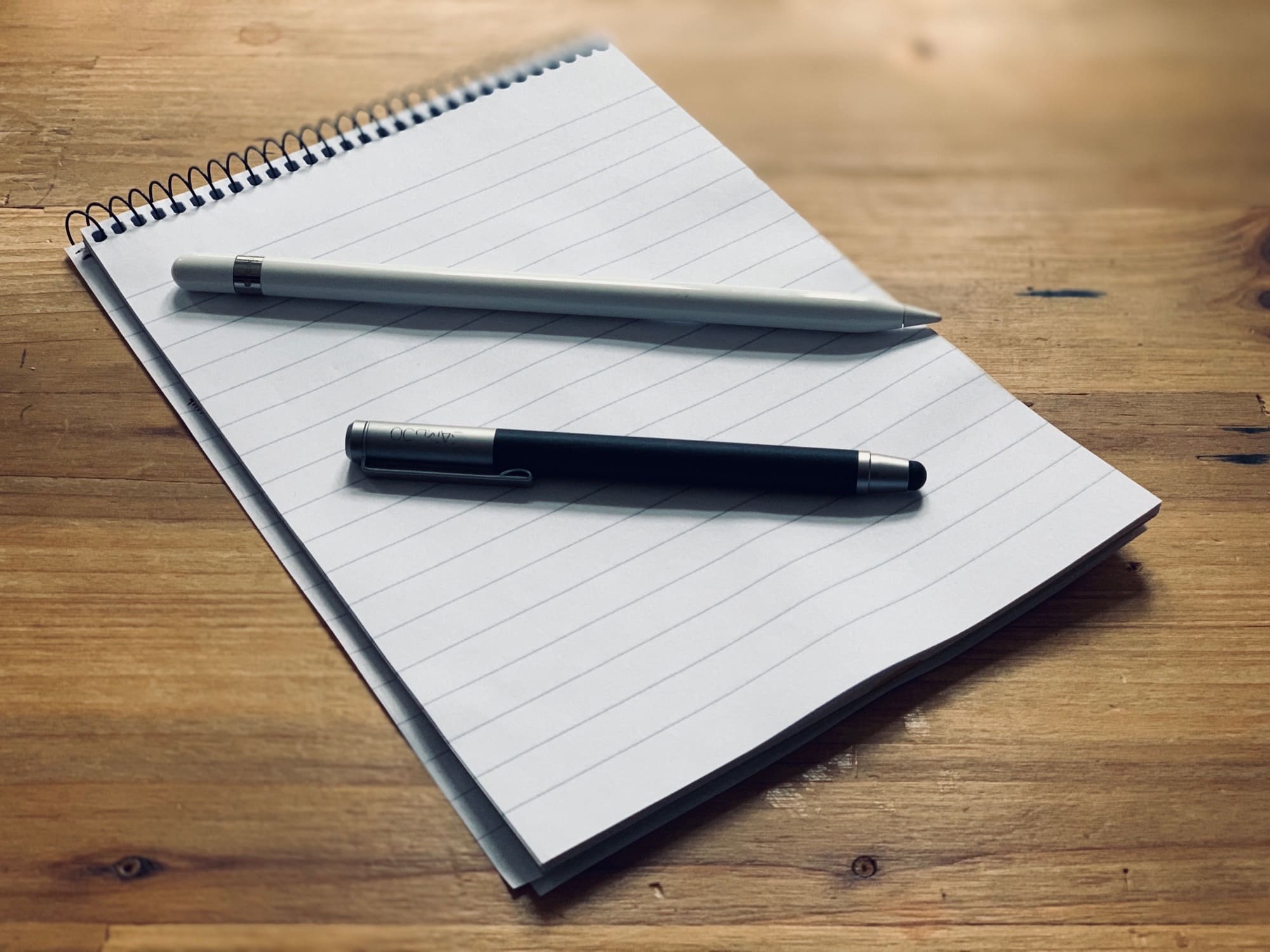
This old Wacom Bamboo stylus is more than enough "pencil" for many people. Photo: Charlie Sorrel/Cult of Mac
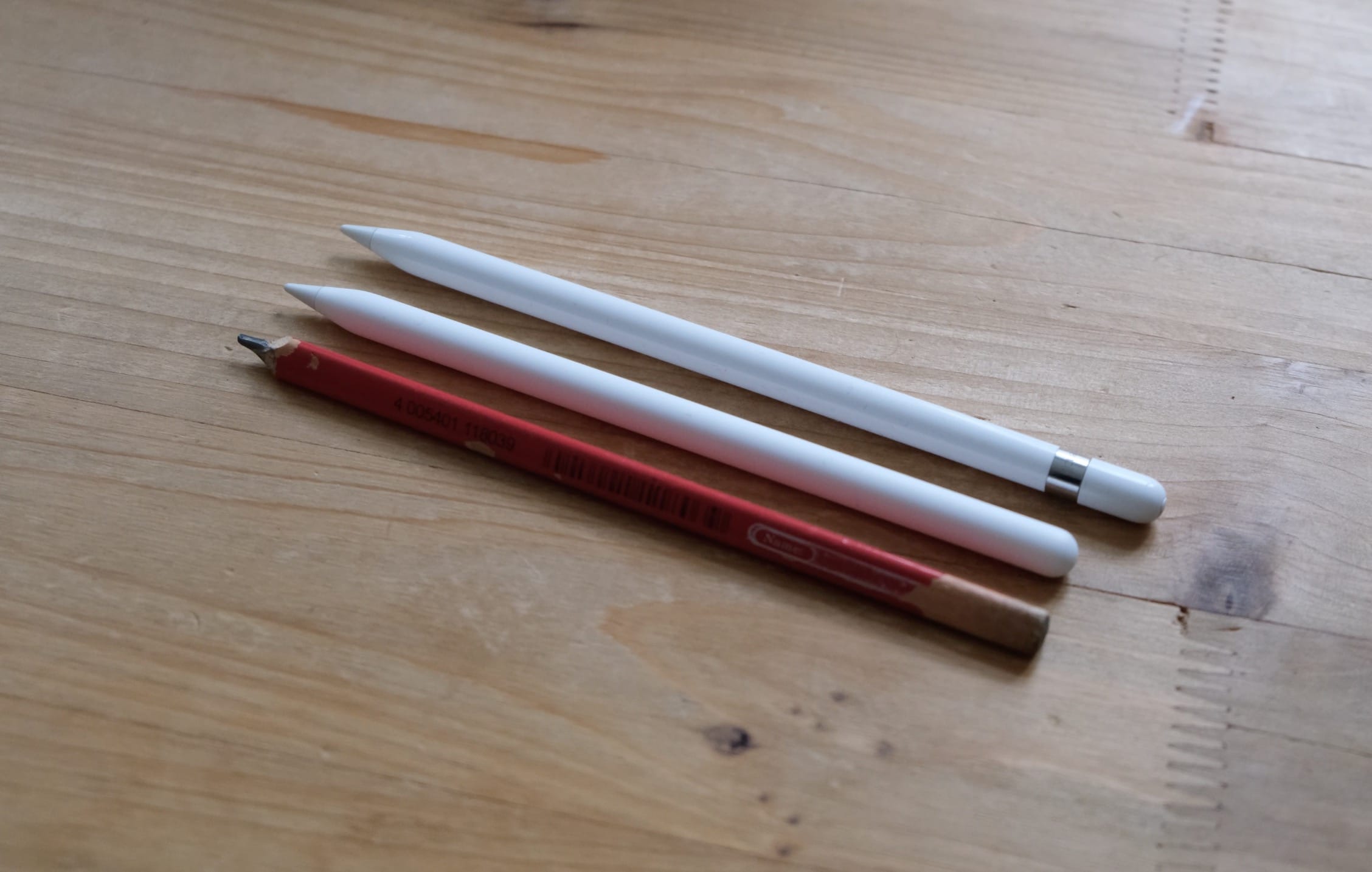
I’ve owned an Apple Pencil since I bought the first iPad Pro a few years ago. There’s nothing to touch it when it comes to drawing and painting on the iPad, but I found I didn’t ever use it for that. I mark up PDFs, make selections when editing photos, and sketch the odd diagram.
This time around, I’m saving my $130 by not buying the Apple Pencil mkII. Why? I don’t need it. Instead, I’m using the cheap, dumb stylus I found in my jam jar of pens and pencils. Let me tell you why.
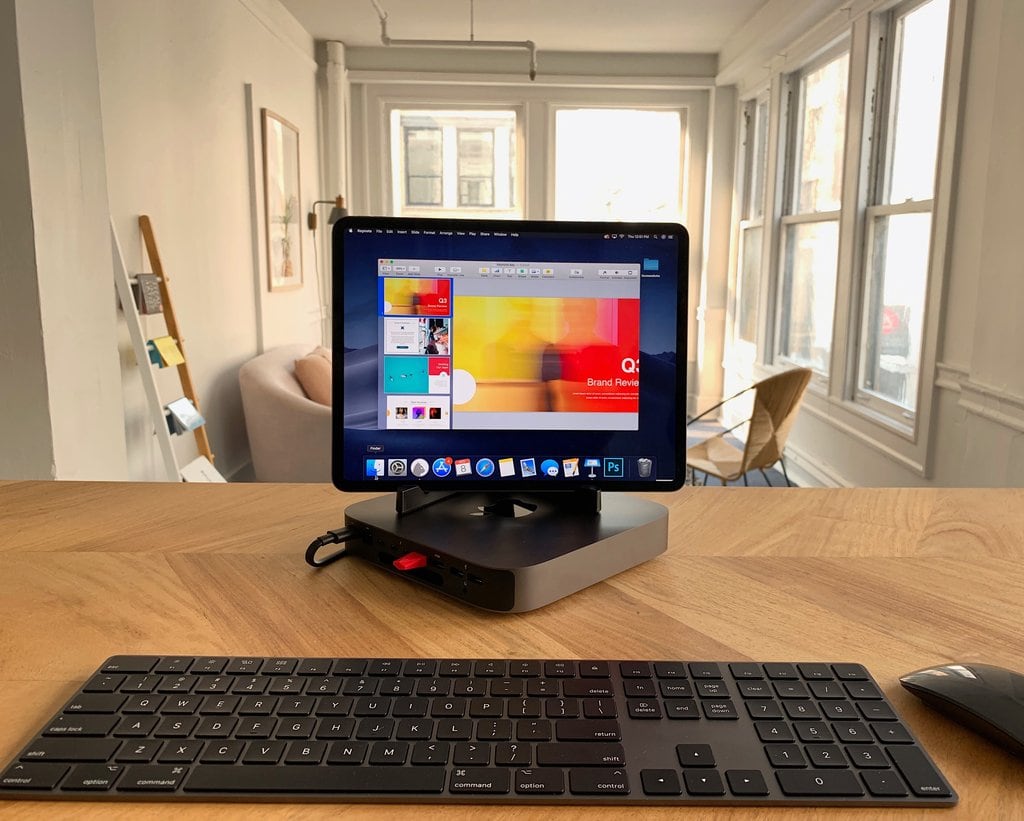
This might be our dream computer. Photo: Luna Display
Having a hard time deciding between whether to buy the new Mac mini or the new iPad Pro?
Why not get both and merge them into one workstation?
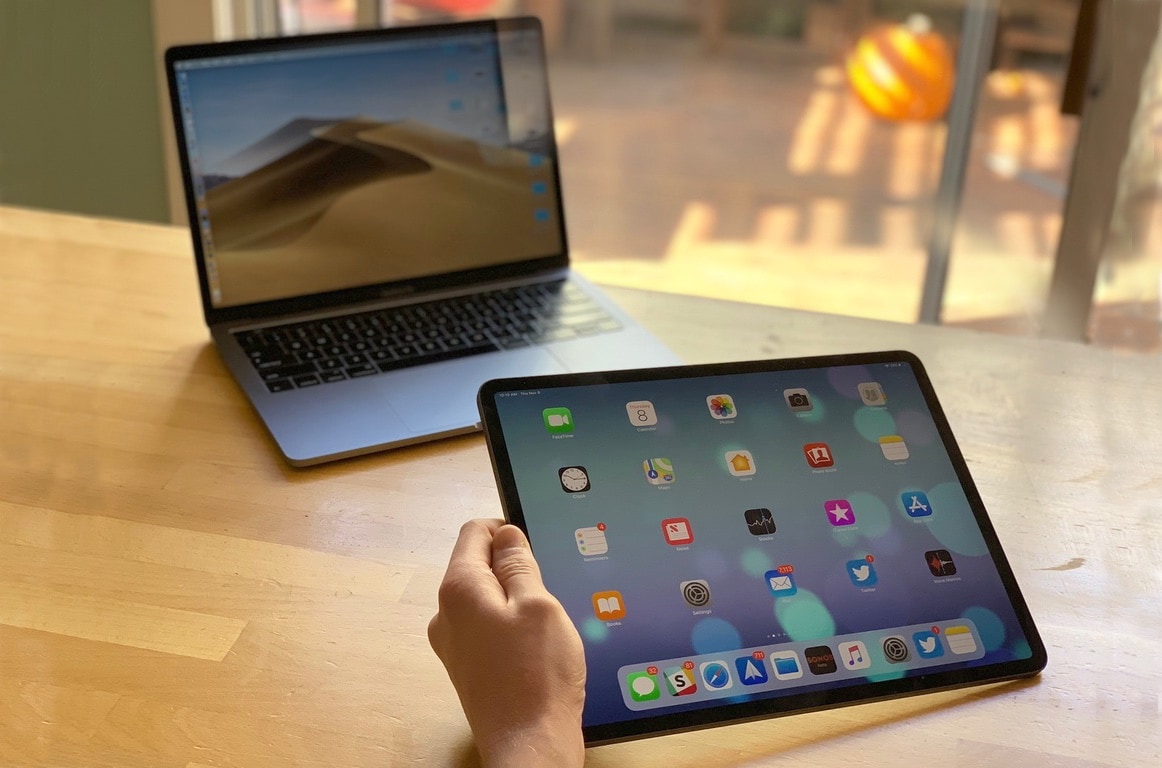
Luma Display revealed that its iPad app can be used with the new iPad Pro to turn it into a display for the new Mac mini. The end result is a workstation that gives you the best of both worlds for iOS and macOS.
Futurists claim the iPad has already eliminated the need for a Mac. Realists say nah. Photo: Leander Kahney/Cult of Mac
Since the new iPad Pro’s launch, debate about the powerful devices has become increasingly polarized into two opposing camps: futurists and realists.
The futurists argue that the iPad is the future computing. Apple’s tablet has eliminated the need for laptops, they say, and anyone who claims they can’t manage their workflows on iOS is living in the past (and should just get with the program).
The realists, on the other hand, retort that while the iPad may be cool, it remains limited by iOS in a lot of very important ways. Those limitations mean it is currently impossible to use the iPad as a primary workstation for pros.
Netflix looks good on the new iPad Pro. Photo: Leander Kahney/Cult of Mac
The Netflix app is now fully compatible with the new iPad Pro.
It takes full advantage of the space offered by the latest Liquid Retina displays, which are the first iPad screens with rounded corners that stretch edge-to-edge.
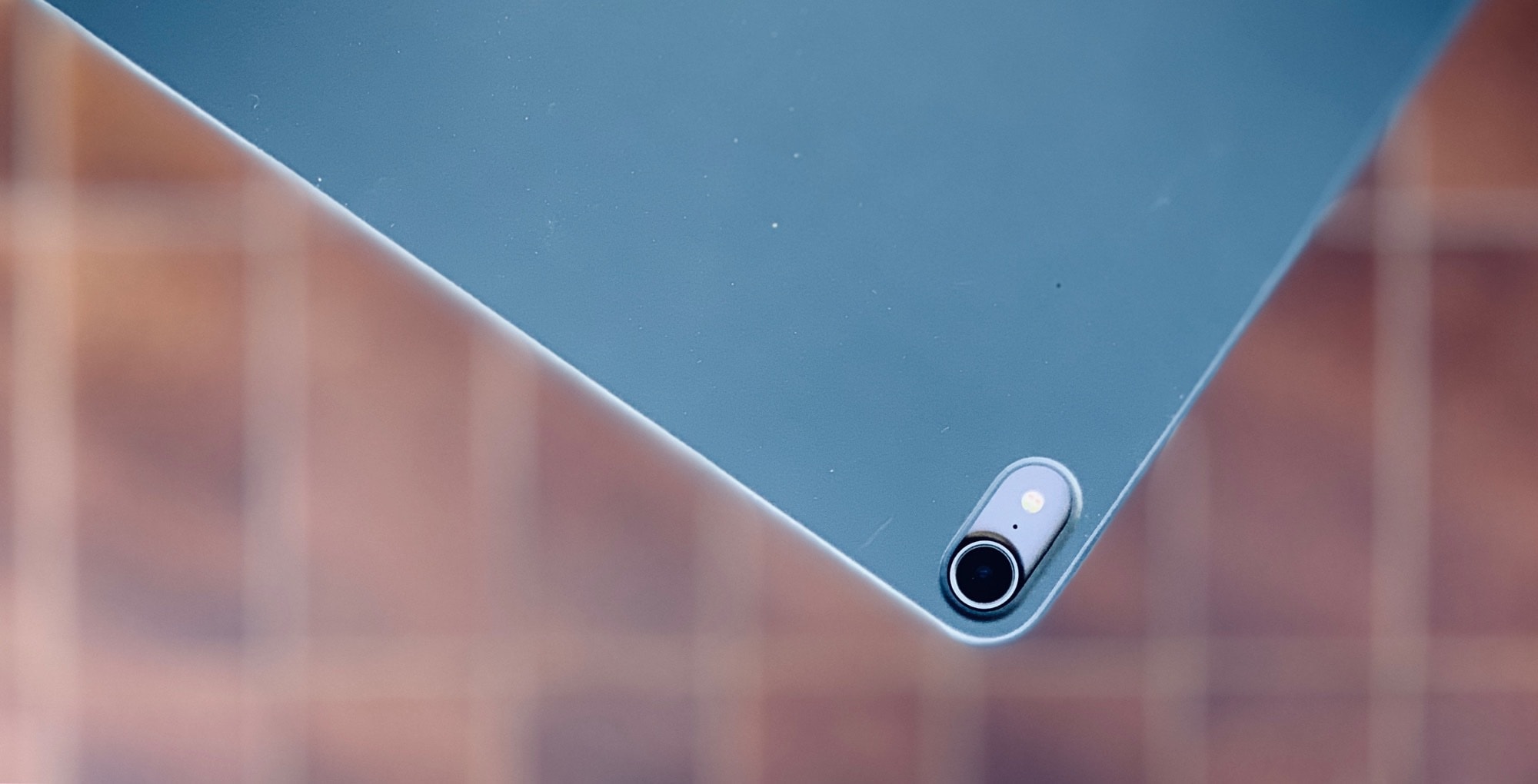
The Smart Folio Cover also eliminates the camera bump. Photo: Charlie Sorrel/Cult of Mac
If you buy a new iPad on launch day, and you want a cover or case, you’ll probably have to buy one from Apple. The first-party covers are great, but the prices are absurd. After using a Smart Cover on my old 1st-gen 12.9-inch iPad Pro for a few years, I swore to myself that I’d wait it out this time, until good third-party cases went on sale, instead of wasting cash on a Smart Folio Cover.
But, after just a couple of hours with the new iPad Pro, I realized there was no way to carry it in my bag without a case. So I put it back in its box, walked to the Apple Store, and gave Apple another 120 euros (or $136 at current exchange rates). Was it worth it?
We pick apart the 2018 iPad Pro from several angles in the latest issue of our free weekly e-magazine. And then we show you how to set up this stunning new tablet and use it properly. Grab your free subscription to Cult of Mac Magazine from iTunes now, and get ready to soak it up on your iOS device.
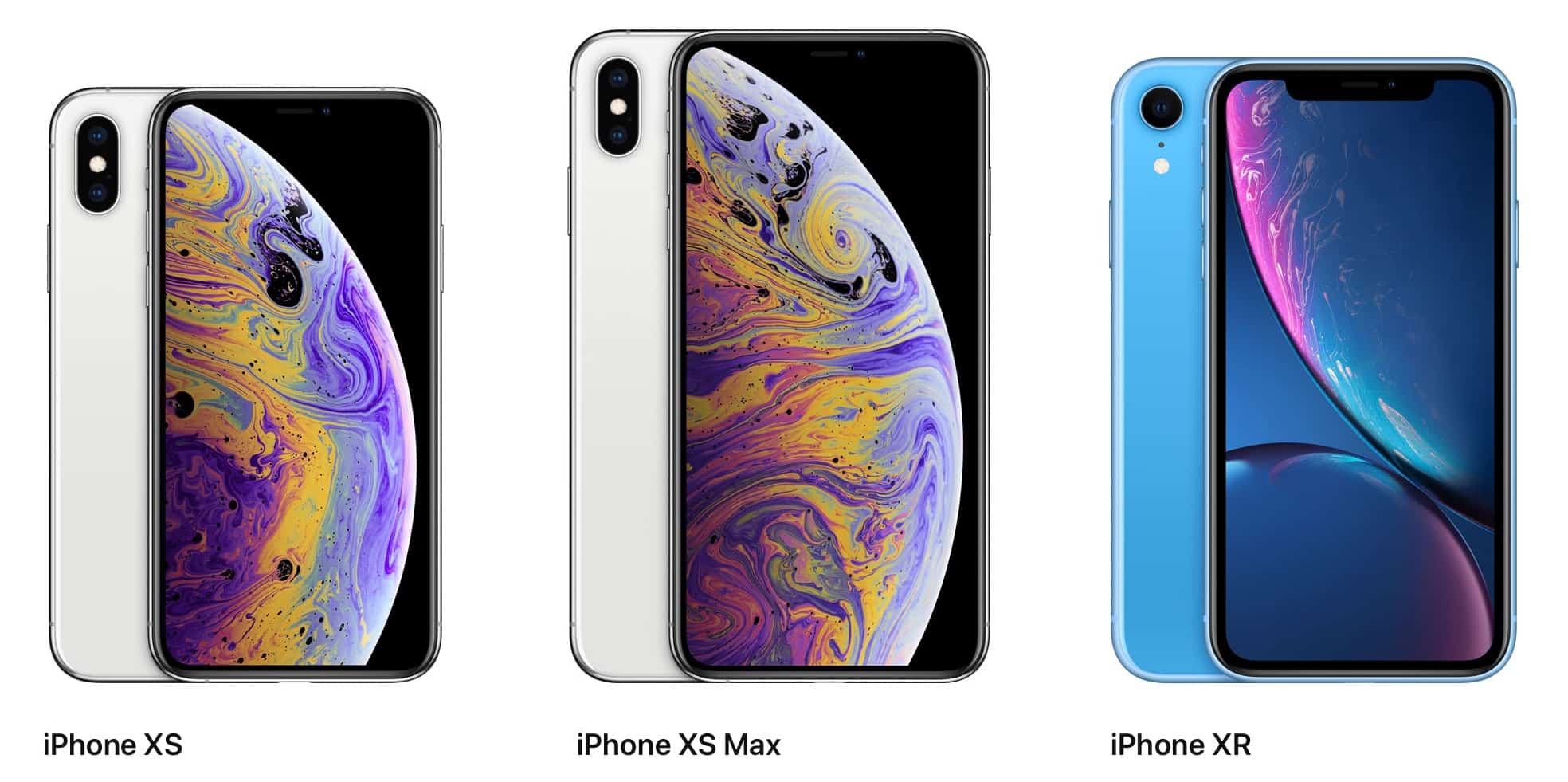
Or read on for this week’s top Apple news, reviews and how-tos — and a chance to win an iPhone XS Max!
You'll be able to scoop an iPhone from Amazon real soon. Photo: Apple
Amazon shoppers are about to see a whole lot more Apple products on the retailer’s online storefront.
Apple and Amazon have reportedly inked a deal that allows Amazon to sell Apple’s newest iPhones and other products. The deal gives Apple a huge new sales channel but there’s one product Amazon doesn’t want to sell for Apple.
Make back some of the money you just dropped on a new iPad Pro. Photo: Andrea Nepori
Your hard-earned savings are probably looking a little beaten after the arrival of the amazing new iPad Pro lineup. But making back some of the cash you’ve just coughed up can be quicker and easier than you think.
The new iPad Pro, Smart Keyboard Folio, and 2nd Generation Apple Pencil are finally here! Photo: Ian Fuchs/Cult of Mac
It’s finally here – Apple’s most drastic change to iPad since it was introduced in 2010. The brand new iPad Pro with slimmer bezels, a gesture-based UI, blazing fast processors, and a downright gorgeous design. It’s the first Apple product in a long time that I’m truly excited to get my hands on.
Finally, GarageBand can be controlled from a keyboard. Photo: Charlie Sorrel/Cult of Mac
GarageBand for iPad just got a great new update, adding three new drummers, gimmicky face-controlled audio effects, and one huge game changer: Keyboard shortcuts.
Have you got yours yet? Photo: Charlie Sorrel/Cult of Mac
It’s wet and miserable outside here in the United Kingdom, but for Apple fans who have preordered one of the company’s brand new devices, it’s going to be a wonderful day.
The first iPad Pro, MacBook Air, and Mac mini preorders have started reaching customers around the world. Those in Australia and New Zealand were the first to get their hands on them, but as the sun rose in other countries, more and more packages arrived.
We're dying for updated AirPods. Photo: Ste Smith/CultofMac
There’s still a slight chance Apple could release updated AirPods before the end of the 2018 holiday season.
A newly granted Bluetooth SIG certification indicates that new wireless earpods are in the pipeline. Tim Cook recently bragged that Apple has the best product lineup ever going into the holidays, but there may not be enough time to add AirPods 2.0 to the roster.
The iPad Pro could be even better than a Mac — with just a few fixes. Photo: Apple
The new iPad Pro is amazing. It’s lighter, faster, better looking, and all-around cooler than its dorky older brother. While the old 12.9-inch iPad Pro is ironing faux leather patches onto the elbows of its corduroy jacket, the new one is ripping holes into the knees of its vintage jeans.
But there are still some things that the 2018 iPad Pro can’t do. And these shortcomings aren’t down to hardware. They’re all down to software, and the limitations still built in to iOS 12. Let’s take a look.
According to early reviews, you should absolutely rush out to get a new iPad Pro when the tablets go on sale Wednesday.
The iPad Pro was already the best tablet money could buy. And yet, Apple somehow made it even better with an improved design, an edge-to-edge Liquid Retina display, and an A12X Bionic chip that delivers unbeatable performance.
Don’t just take our word for it. See what the reviewers are saying below.
This week was one heckuva wild ride for Apple fans. First we got new MacBook Airs, iPad Pros, Mac minis and Apple Pencils. Then Apple threw Wall Street a curveball during yet another surprising (and surprisingly positive) earnings call.
Get the scoop on the latest Apple hardware, plus reviews and how-tos, in this week’s free issue of Cult of Mac Magazine. Then get ready to spend your weekend drooling over it on your iPad or iPhone. Grab your free subscription to Cult of Mac Magazine from iTunes now.
Bonus: Don’t miss your chance to win an iPhone XR!
If you buy the 64GB iPad Pro, you're getting ripped off. Photo: Apple
I’m a pretty seasoned iPad buyer. I’ve been using them since the very first iPad back in 2010, and I’ve always known exactly how much storage to buy. Back in the early days it was easy — never buy the lowest storage tier, and if in doubt, always buy more than you think you’ll need. But today, the issue is a lot less clear. With cheap iCloud storage, and a pretty-decent entry level of 64GB, how do you decide how much space you need? Let’s see.
New Macs, new iPads, new specs, new prices. We break it all down. Photo: Apple
This week on The CultCast: Apple’s “There’s More in the Making” keynote was an action-packed ride stuffed with one hardware update after another! We’ll tell you what we like (and what we don’t) about Apple’s newest product updates. Plus: Apple quietly offers a big “screw you” to 2018 MacBook Pro owners. Prepare for a rant!
Our thanks to Squarespace for supporting this episode. It’s simple to accept Apple Pay and sell your wares with your very own Squarespace website. Enter offer code CultCast at checkout to get 10% off your first hosting plan or domain.