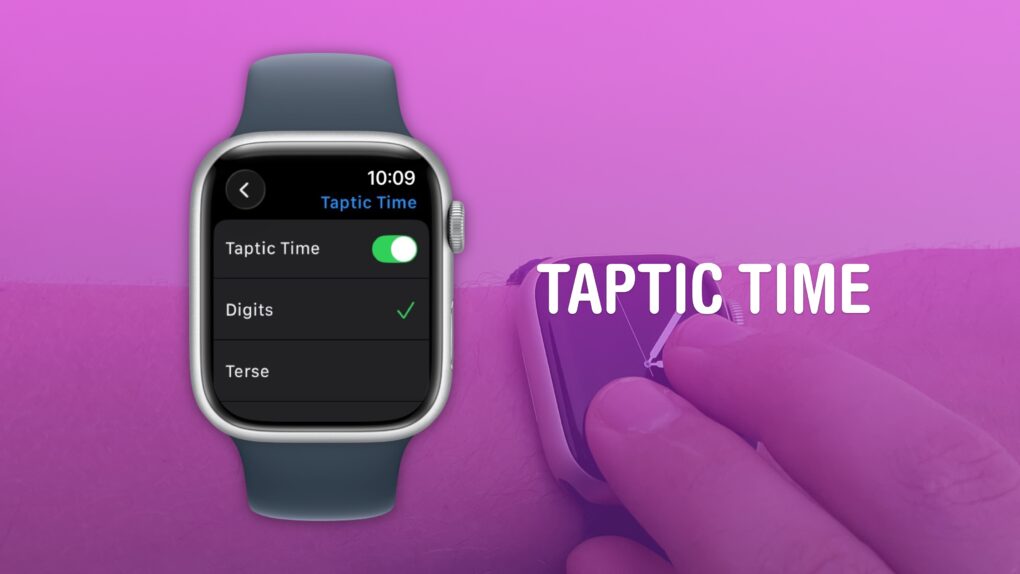
 You can read the time without even looking at your Apple Watch using a little-known feature called Taptic Time. Hold two fingers on the screen and you’ll feel it tap the time out on your wrist.
This is handy if you’re in a meeting and you need to know the time, but you don’t want to look rude checking your watch. Or maybe you’re in the middle of a presidential debate.
Whatever the situation may be, turning this feature on and familiarizing yourself with it may come in handy.
How to get the time without looking at your watch
A big part of the Apple Watch’s introduction was spent on emphasizing that a computer on your wrist would be far, far more accurate than any mechanical watch. You get precision time on your wrist. And since the Apple Watch Series 5, the always-on display makes it just as easy — if not easier — to read in all situations.
But the Apple Watch takes it one step even further. It can tell you the time without even looking at the screen. Good luck getting your Casio or Rolex to do that for you.
Enable Taptic Time
Screenshot: D. Griffin Jones/Cult of Mac
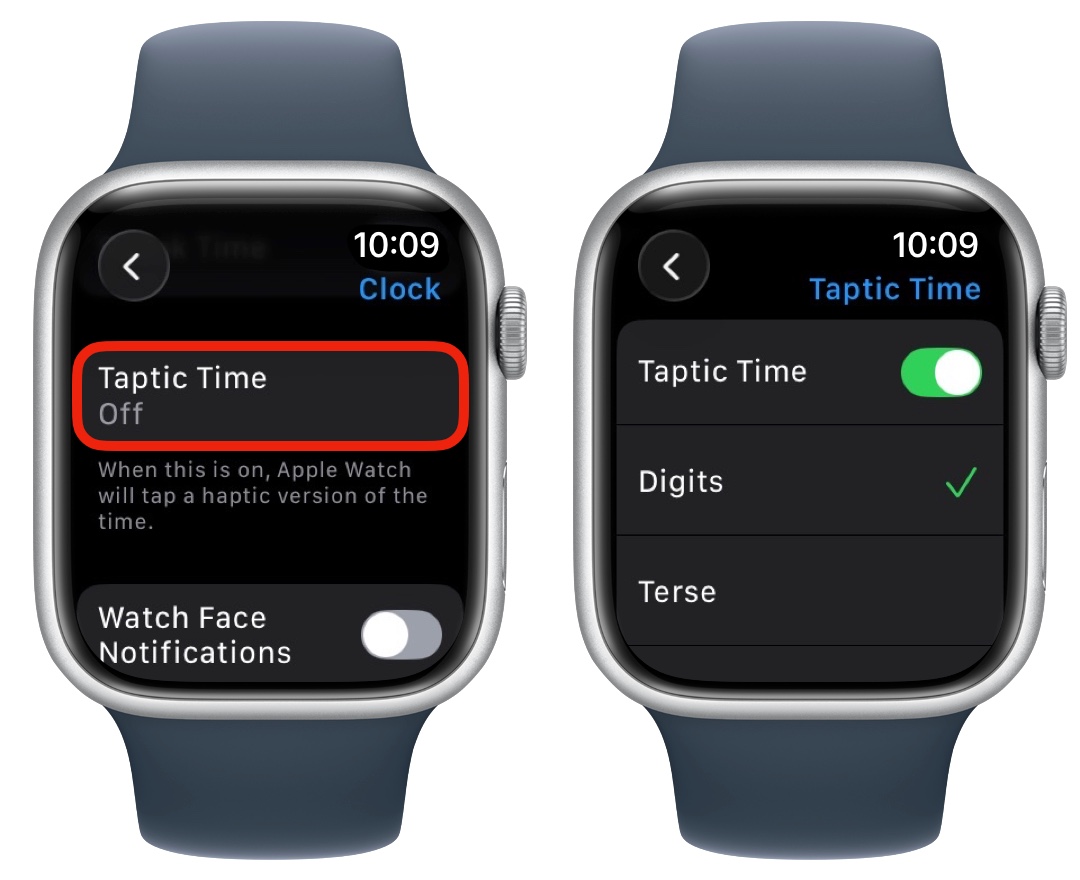
On your Apple Watch, go to Settings and scroll down to Clock. Scroll down past Chimes and Speak Time, and you’ll see another option for Taptic Time. Tap that and turn it on.
You can choose one of three haptic patterns:
- Digits will read out the precise hours and minutes in long and short buzzes. Tens are represented by long buzzes, and ones by short taps. If it’s 12:35, for example, it will be — · · — — — · · · · ·.
- Terse will give a long buzz for every five hours, short buzz for every single hour, and a long buzz for the nearest fifteen minutes. If it’s 6:47, for example, it will be — · — — —.
- Morse code will read out every number in the time using morse code.
Digits is the most intuitive to me, so I stick with that.
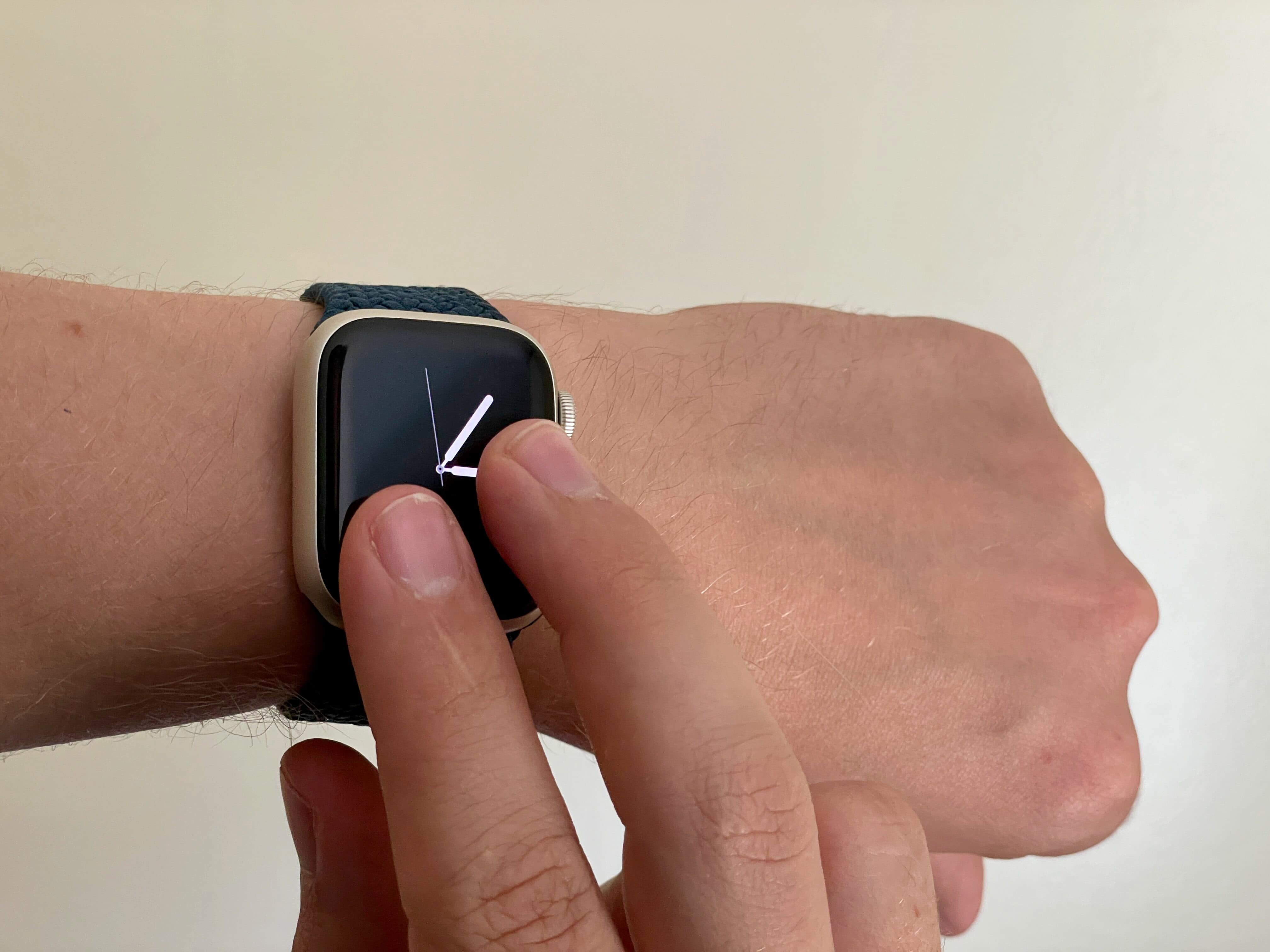
Photo: D. Griffin Jones/Cult of Mac
Click the Digital Crown (the dial) to go back to your watch face. You can activate it by holding two fingers on your watch while it’s on.
I wish this feature worked while the watch face was off, too. It would be even more discreet. That would enable it for a bunch of other useful situations: watching a movie in a theater or riding an airplane on an overnight flight, where the bright screen might bother people next to me.
I don’t think it would take any extra battery life to enable it. And I can’t imagine there would be many false positives for such a weird gesture that requires you to hold your fingers on the screen.
More Apple Watch how-tos
- How to use Water Lock on Apple Watch
- How to silence your Apple Watch, use Do Not Disturb and theater mode
- Easy Apple Watch hack will keep you on time, even if you’re always late
- How to track your Apple Watch activity rings and pause your streak
- How to connect Apple Watch to a Planet Fitness treadmill
- How to find your lost iPhone with Apple Watch
This article on taptic time was originally published on July 19, 2023. We updated it with the latest information on September 25, 2024 and January 9, 2026.

D. Griffin Jones is a writer, podcaster and video producer for Cult of Mac. Griffin has been a passionate computer enthusiast since 2002, when he got his first PC — but since getting a Mac in 2008, he hasn’t turned back. His skills in graphic and web design, along with video and podcast editing, are self-taught over 20+ years. Griffin has a bachelor’s degree in computer science and has written several (unpublished) apps for Mac and iOS. His collection of old computers is made up of 40+ desktops, laptops, PDAs and devices, dating back to the early ’80s. He brings all of these creative and technical skills, along with a deep knowledge of Apple history, into his work for Cult of Mac.

