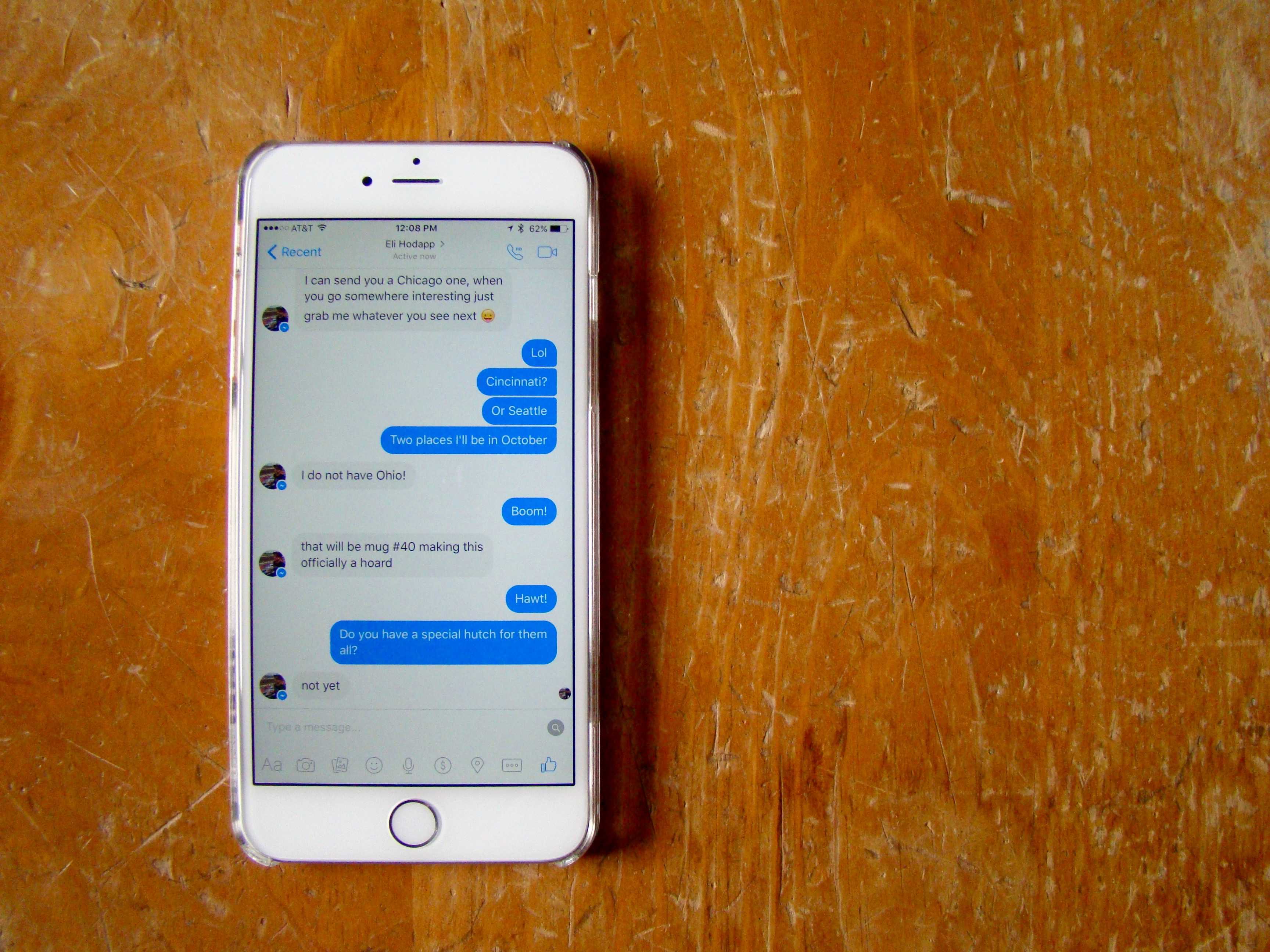
Facebook Messenger keeps buzzing at me while I’m in the app itself. It’s annoying.
It seems like I’m getting messaged more and more via Facebook Messenger these days as my buddies and family take to the mobile messaging platform to connect in real time.
But the incessant buzzing, when I’m right there staring at the conversation, has got to stop. Here’s how I did it.
I’m not a huge fan of getting notifications to begin with, so I turned them off in the Settings app: Settings > Notifications > Messenger. You can turn them completely off, or just tweak them to your own preference.
I did that very thing, so I no longer get a buzz or a banner when a message comes in over Facebook Messenger. I did, however, get an annoying buzz whenever I was in the app on my iPhone, chatting with a friend.
Turns out, you have to use the Settings in the actual app to turn off this ridiculous behavior, and it’s buried kind of deep.
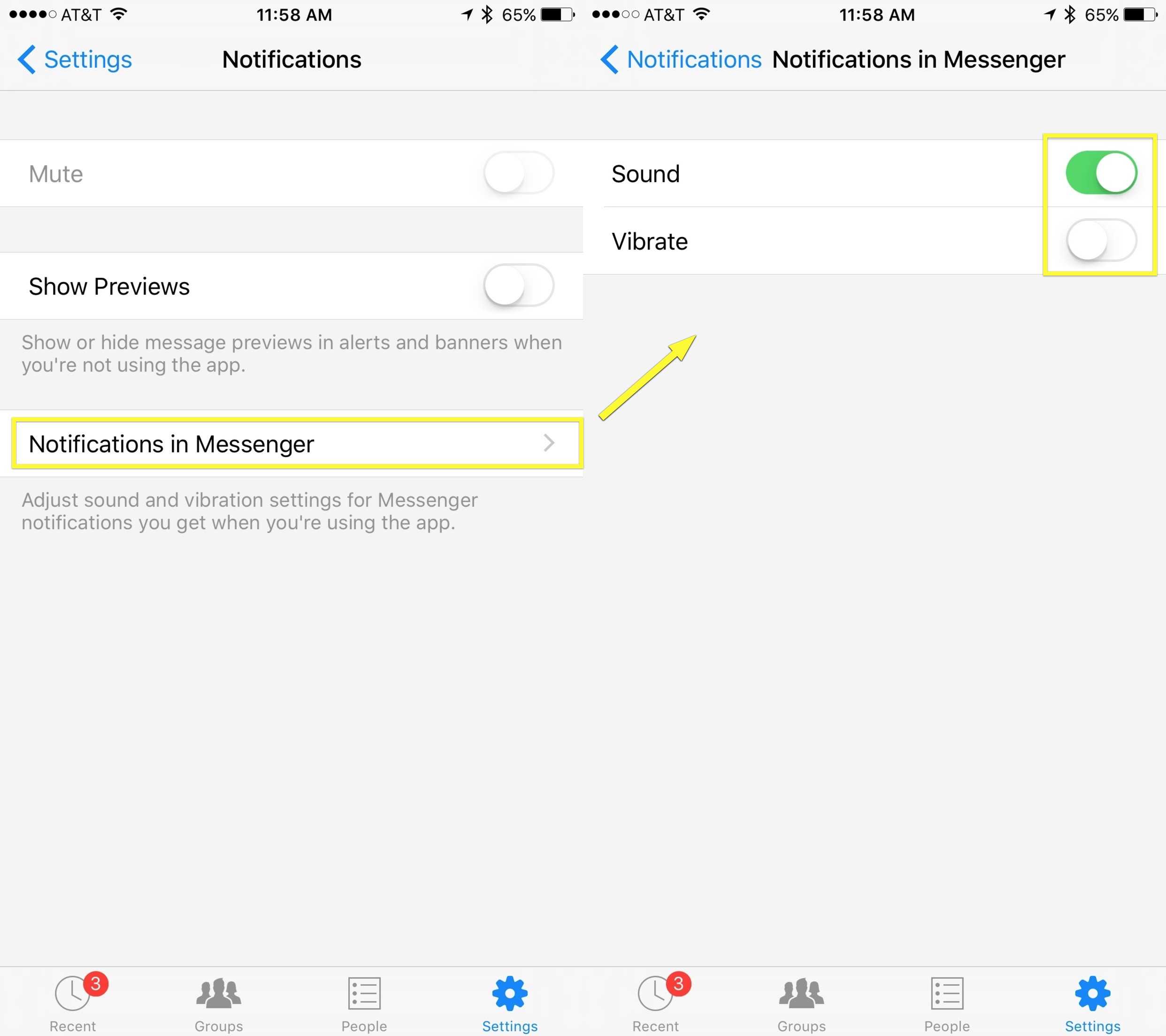
Photo: Rob LeFebvre/Cult of Mac
Launch Facebook Messenger and tap on Settings in the lower right corner. You’ll see Notifications at the top, just under your profile picture and phone number (if you’ve enabled them for Facebook).
Tap on Notifications, and then tap on Notifications in Messenger. Once there, you can toggle Vibrate to OFF, as well as Sounds, if you like. I don’t mind the sound when I have my audio on my iPhone enabled, so I left that ON.
Now, at least, you can manage how Facebook tells you that you have a new message when you’re on the actual screen that shows you messages. Hoorah!
Thanks, Leif!

Rob LeFebvre is an Anchorage, Alaska-based writer and editor who has contributed to various tech, gaming and iOS sites, including 148Apps, Creative Screenwriting, Shelf-Awareness, VentureBeat, and Paste Magazine. Feel free to find Rob on Twitter @roblef, and send him a cookie once in a while; he’ll really appreciate it.


4 responses to “Pro Tip: Get Facebook Messenger to stop buzzing you during chats”
I really wish Facebook would drop that messenger app
Can you also disable the annoying “make sure you don’t miss any notification by enabling notifications in settings” interruption when you switch to the messenger app?
It seems to me that Facebook doesn’t respect the do not disturb feature in this respect. Every other app will shut up vibrate in this mode except Facebook. I’ve lodged multiple bug reports to no avail.
It’s not just Messenger. The native Messages app also plays the ‘message received’ tone with no way to disable it. I usually end up muting my phone so as not to annoy people around me, but then I forget I put it on mute and end up missing phone calls etc. Apple need to sort that.