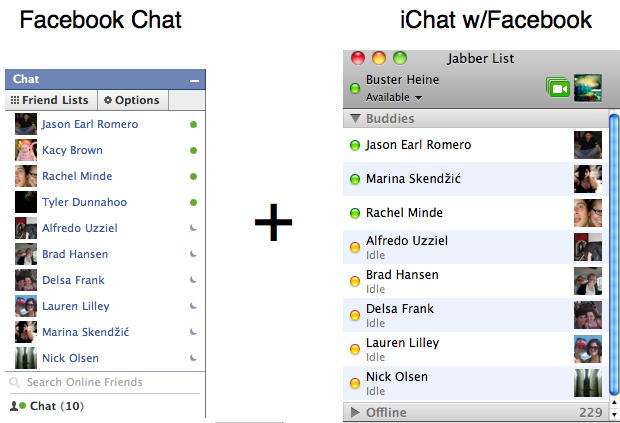
Tired of having to keep that browser tab open to Facebook just so you can keep chatting with your friends? It only takes five Quick Steps to integrate iChat with Facebook’s web-chat client and because Facebook uses the Jabber protocol it’s incredibly easy to set up and use.
First you’re going to need to get your Facebook username. If you don’t remember what this is, all you need to do is visit your own profile page and your username will be listed in the URL (example: https://www.facebook.com/bust3r). You can also find or change your username if you go to Settings > Username.
1) Open up iChat.
2) Under the iChat Menu select “Preferences”

3) Under the “Accounts” tab you will see your accounts listed in the left hand table. A “+” sign is located in the bottom left hand corner. Click on that to add your new account.

4) Under the “Account Setup” Screen you’ll need to change the following settings:
Account Type: Jabber
Account Name: [email protected]
Password: YourFacebookPassword
Click the down arrow to expand the Server Options and enter:
Server: chat.facebook.com
Port: 5222

5) Click “Done.” Your account is now setup and you are free to Chat away with your friends on Facebook without having to keep the website open.


Buster Hein is a freelance writer who lives in Phoenix, Arizona. Twitter: @bst3r.

