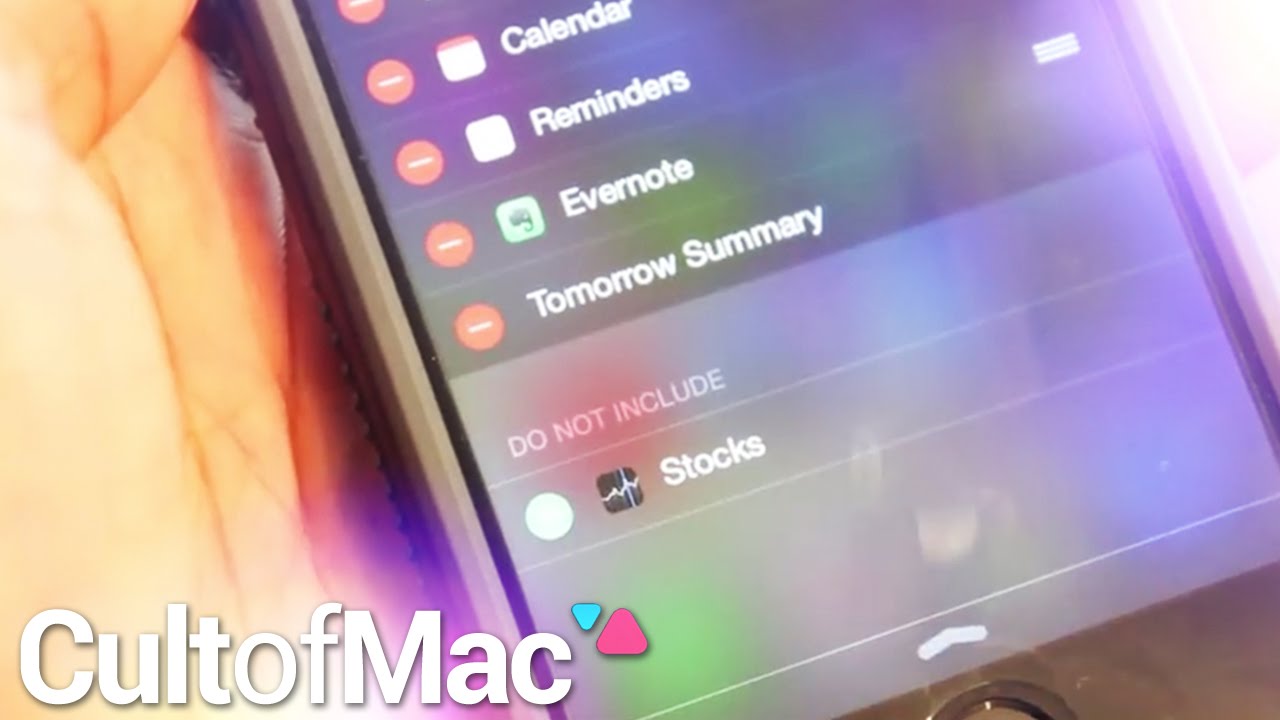
The ability to add widgets to your Notifications dock is easily one of iOS 8’s most useful additions. The new functionality puts some of your favorite apps’ features right at your fingertips.
Only a limited number of apps offer widgets currently, but with developers hard at work you can be sure many more are on the way. In today’s Cult of Mac video, we show you how to install widgets in iOS 8 so you can get started enjoying what’s available now.
In this instructional video, we also give you a look at some of our personal favorites. See how widgets can make managing your to-do list, journaling and checking out your favorite teams’ sports scores easier than ever.
Subscribe to Cult of Mac TV on YouTube to catch all our latest videos.

Joshua Smith is a video reviewer for Cult of Mac, and the founder of the technology news and review service “TechBytes W/ Jsmith”. Joshua created TechBytes to revolutionize the way tech news is delivered. Smith feels that being a part of the Cult of Mac staff and family is the best position for elevating his career in the field of technology journalism. You can follow Joshua on Twitter by simply clicking the attached link.


5 responses to “How to install iOS 8’s most wicked widgets”
#tipUp Tip calculator widget https://itunes.apple.com/us/app/tipup/id918747268?mt=8
I absolutely dislike when you post video posts, especially when the content of the video should be presented graphically and textually. Also, don’t make up stupid words such as one that combines widgets with app. So lame.
Also video posts take more time, I’m sure you only do it for ad revenue and video hits.
Nice effort, but with Apple yanking the widgets app, this is more of a nostalgia piece.
Apple pulled the Launcher app (a 3rd party app), not the “widgets app”.
PCalc Lite is great, as it puts a full-fledged calculator in your notification center. I also really like Transit, which will list the three public transit lines closest to you.