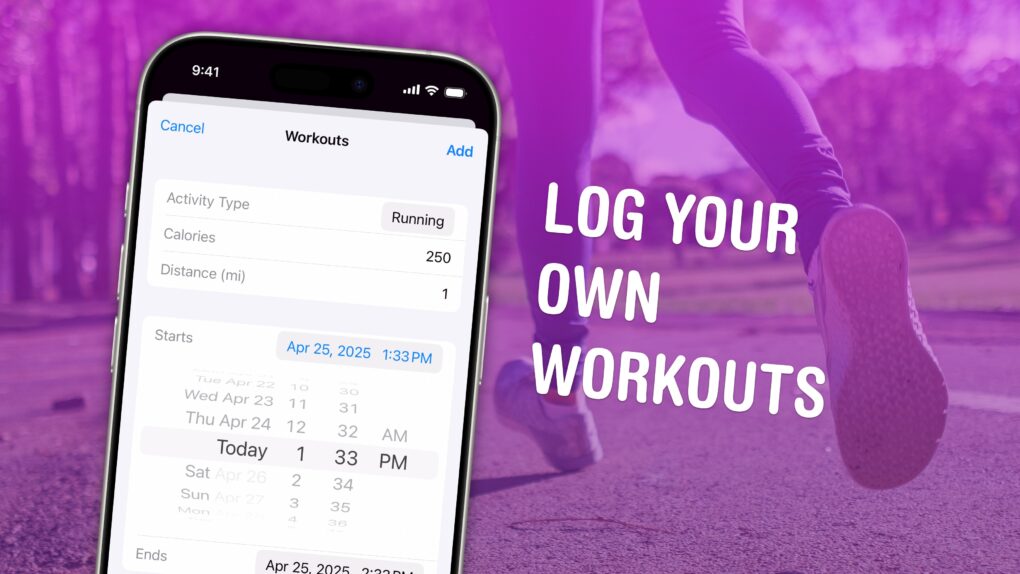
You can manually add a workout to Apple Fitness+ if you need to log some exercise while you weren’t wearing your Apple Watch. Maybe your watch ran out of battery at the start of your run, or maybe you simply forgot to turn it on. By adding a missing workout, you can give yourself credit for the exercise you did.
This power could be used for evil as well as good. You could, hypothetically, say you ran a three-hour marathon every day last week. But you would only be fooling yourself.
To find out how to add a workout to Apple Fitness+, watch our short video or keep reading below.
How to add a workout to Apple Fitness+
Ever since its launch in 2015, the Apple Watch has gamified fitness with daily rewards for staying active, monthly challenges and streaks. That’s why it’s so frustrating when you miss a workout or, worse yet, lose a streak — especially if you actually did work out, but without your watch knowing.
By adding a workout to your health data manually, you can give yourself the credit you deserve.
Table of contents: How to add a workout to Apple Fitness+
- Open the Workouts section in Apple Health
- Add your workout
- Restore a streak
- More health and fitness features
Open the Workouts section in Apple Health
Screenshot: D. Griffin Jones/Cult of Mac
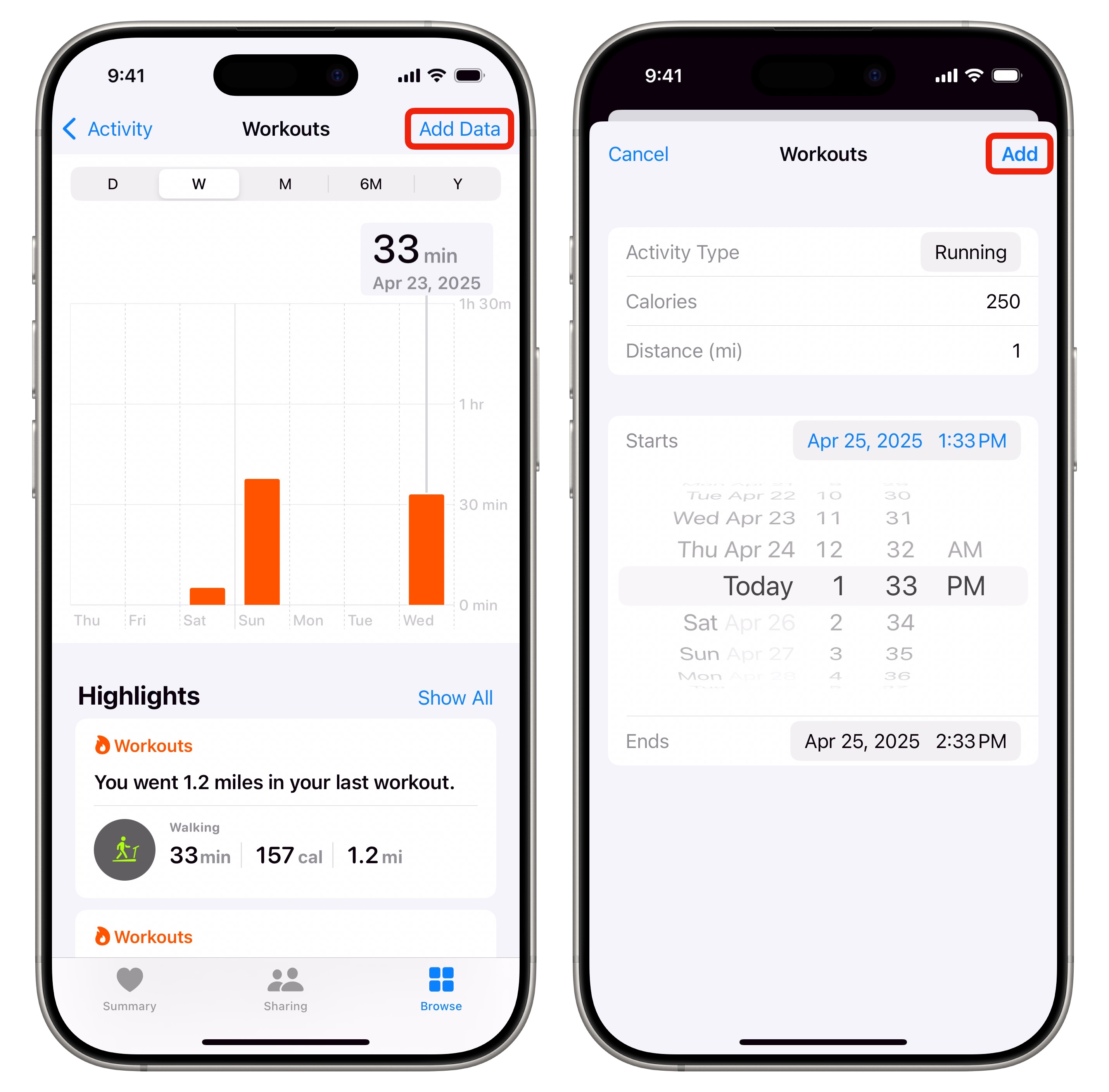
To add a workout to Apple Fitness+, you actually need to open the Health app on your iPhone. Next, tap on the Browse tab at the bottom. Then tap the Activity category and scroll down until you find the Workouts section — tap on that.
Add your workout
Tap Add Data in the upper right corner. You can then add the details of your missing workout to Apple Fitness+:
- Activity Type lets you choose from all the available workouts, like core training, cycling, gymnastics, pilates, running, swimming and yoga.
- Calories (optional) lets you enter the amount of energy burned. This will contribute to your Move and Exercise rings, as well as your Active Energy stats. (Don’t know the difference between Move and Exercise rings? Read our explainer on the subject.)
- Distance (optional) lets you enter how far you traveled during the workout that didn’t show up in Apple Fitness+. This will add to your Walking + Running Distance stats. Certain workouts, like elliptical and tai chi, don’t have distance available.
- Starts and Ends let you enter the date, time and length of your workout. This will add to your Exercise Minutes and Workouts stats.
Restore a lost streak
While it might take a few minutes for the data to update throughout the Health app, adding a missed workout can restore a Fitness streak. Perhaps you forgot to strap on your watch, or its battery died while you were working out — no need to panic over a broken streak. After you manually add the workout to Apple Fitness+, your streak will be repaired.
You could use this feature to lie about your activity, but I don’t recommend that. Logging calories in the Health app does not burn calories in real life. (Maybe Apple will add that in the next software update.)
More health and fitness features
- How to track your Apple Watch Activity rings and pause your streak
- How to connect Apple Watch to a Planet Fitness treadmill
- How to use Apple Watch blood oxygen sensor, and what it’s good for

D. Griffin Jones was a writer, podcaster and video producer for Cult of Mac. Griffin has been a passionate computer enthusiast since 2002, when he got his first PC — but since getting a Mac in 2008, he hasn’t turned back. His skills in graphic and web design, along with video and podcast editing, are self-taught over 20+ years. Griffin has a bachelor’s degree in computer science and has written several (unpublished) apps for Mac and iOS. His collection of old computers is made up of 40+ desktops, laptops, PDAs and devices, dating back to the early ’80s.
Griffin writes for his personal blog, Extra Ordinary, and is currently looking for work.

