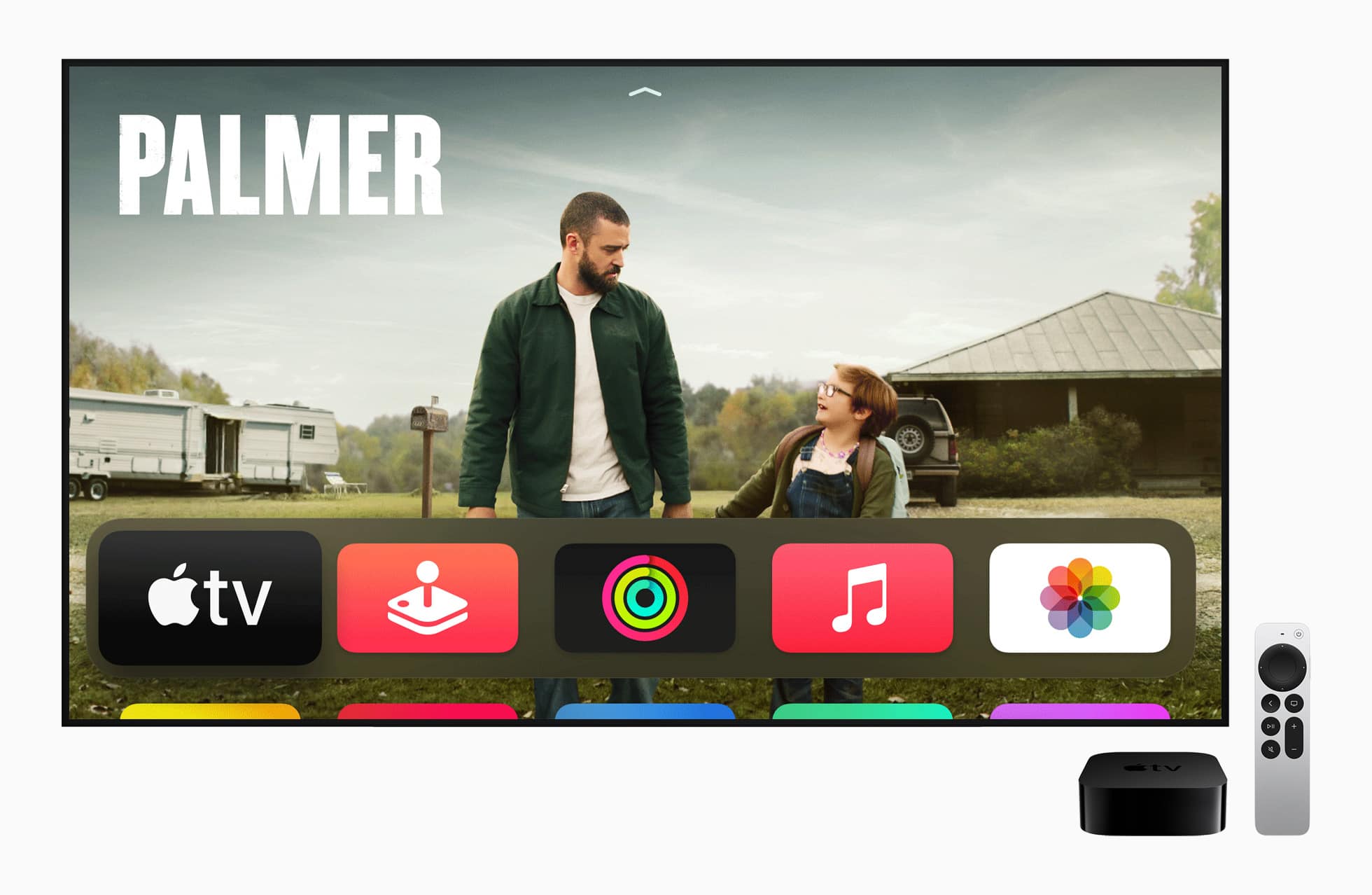
But we'll have to wait a while for it. Photo: Apple
Apple TV engineers say “there isn’t much optimism” over the company’s weak living room hardware strategy, but there plans to change it with new devices, according to a new report from one reliable reporter.
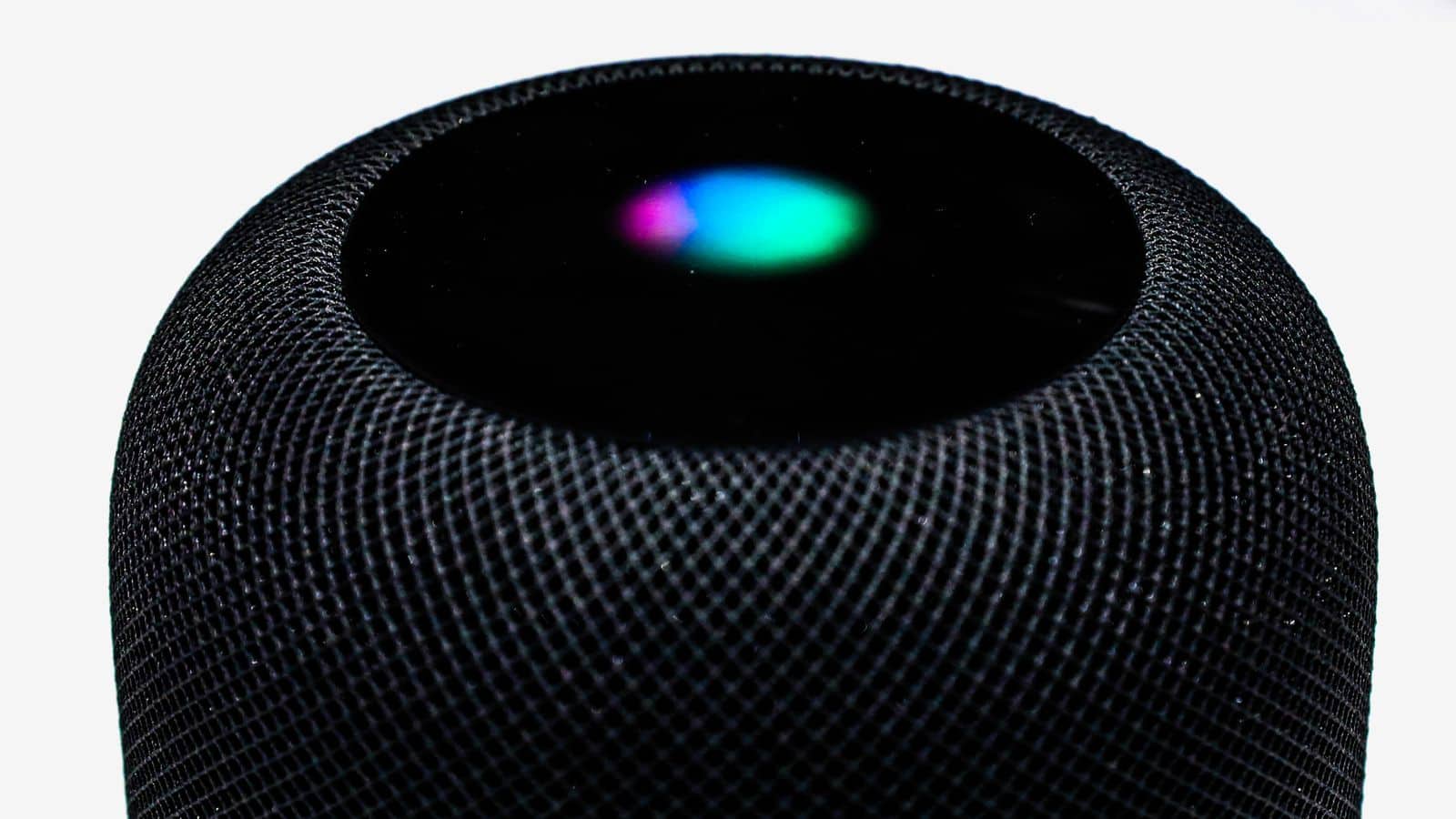
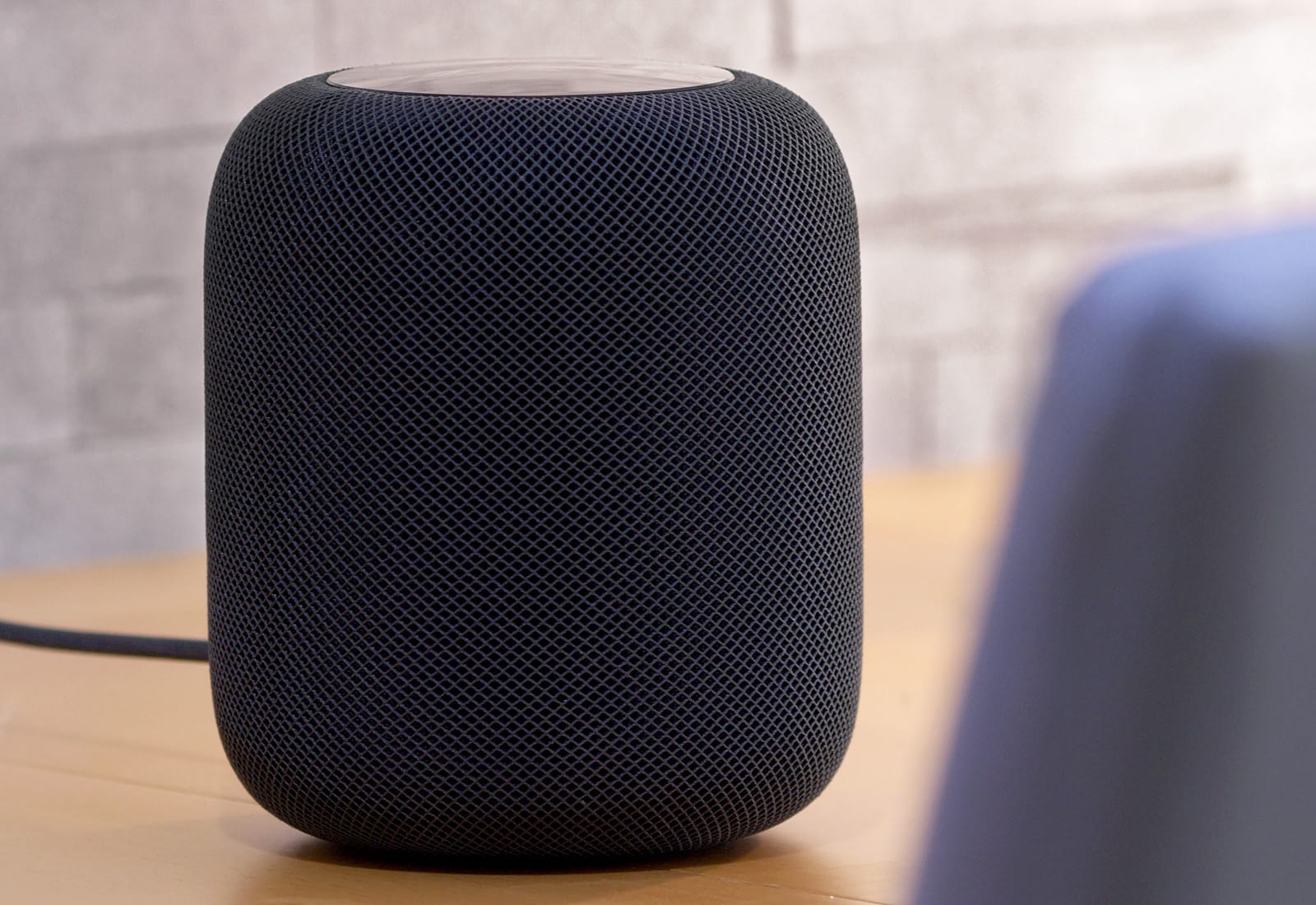
Cupertino is still planning a combined Apple TV, HomePod and FaceTime camera — but it is not expected to appear until “around 2023.”
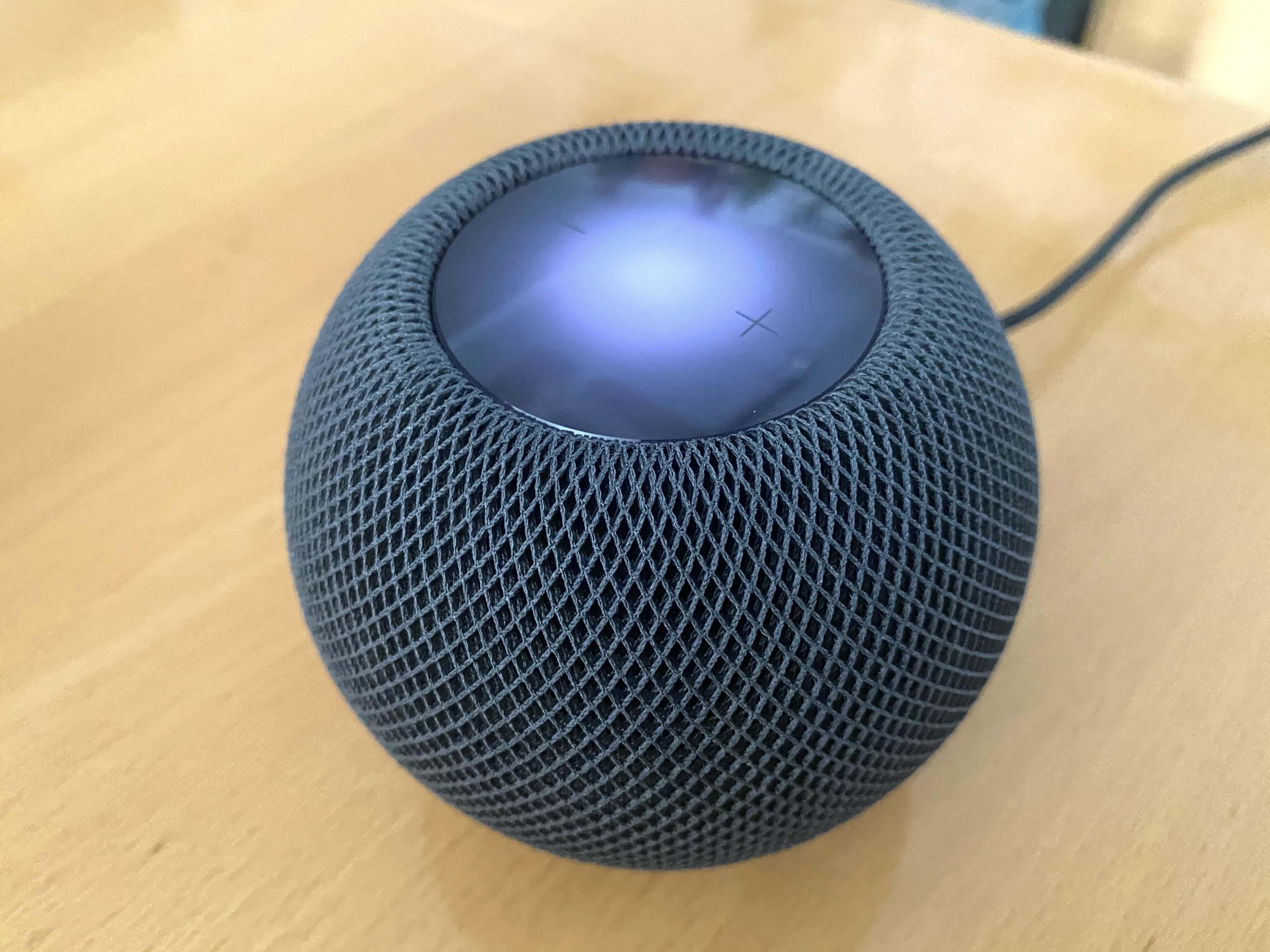
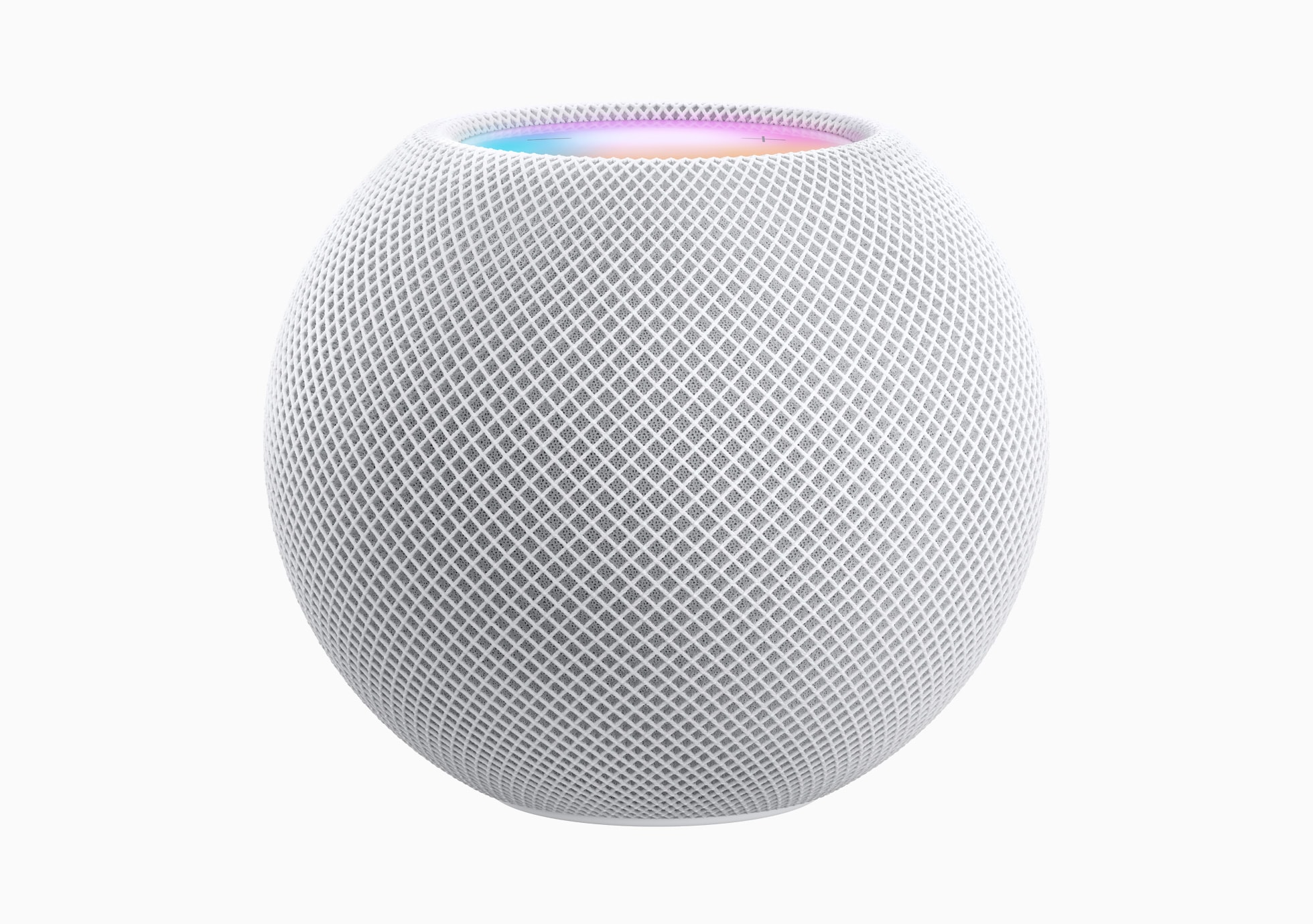
The HomePod mini likely had a lot to do with it. Photo: Leander Kahney/Cult of Mac
HomePod shipments in the United States increased 180% year-on-year in the last quarter, eclipsing the growth of smart speaker makers Amazon and Google during the period, market intelligence firm Omdia reports.
While Apple still lags behind the other two companies on shipments, it is looking more competitive than it has at any point in the history of the HomePod so far. That’s particularly impressive when considering that this was a rough three-month period for smart speakers in the US, whose growth is stalling.
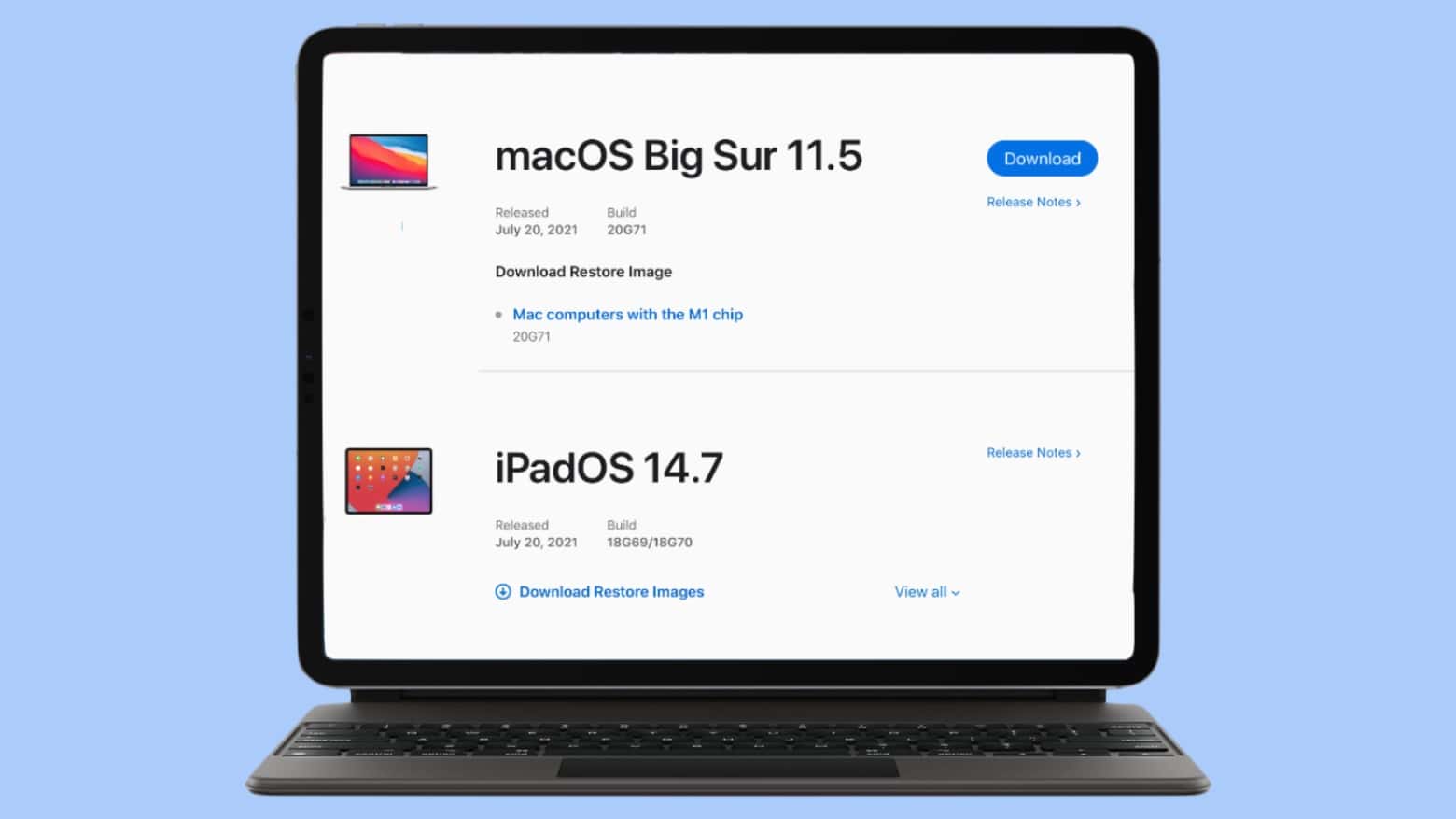
No more betas. You can update your computer(s) to macOS Big Sur 11.5 and/or iPadOS 14.7. Photo: Cult of Mac
Both macOS Big Sur 11.5 and iPadOS 14.7 made the jump from beta to full release on Wednesday. They bring only a handful of new features, though, as well as bug fixes.
It's easier than you think. Image: Killian Bell/Cult of Mac
It’s easy to set alarms or timers on a HomePod smart speaker with Siri voice commands, but HomePod Software Version 14.7 adds the ability to make manual changes to of these with an iPhone or iPad. No Siri required.
HomePod and HomePod mini will soon be able to take advantage of a significant improvement to Apple Music. Photo: Killian Bell/Cult of Mac
The latest beta of the HomePod system software adds support for Apple Music lossless audio. This allows both the large and small versions of Apple’s smart speaker to play music in a very high-quality format.
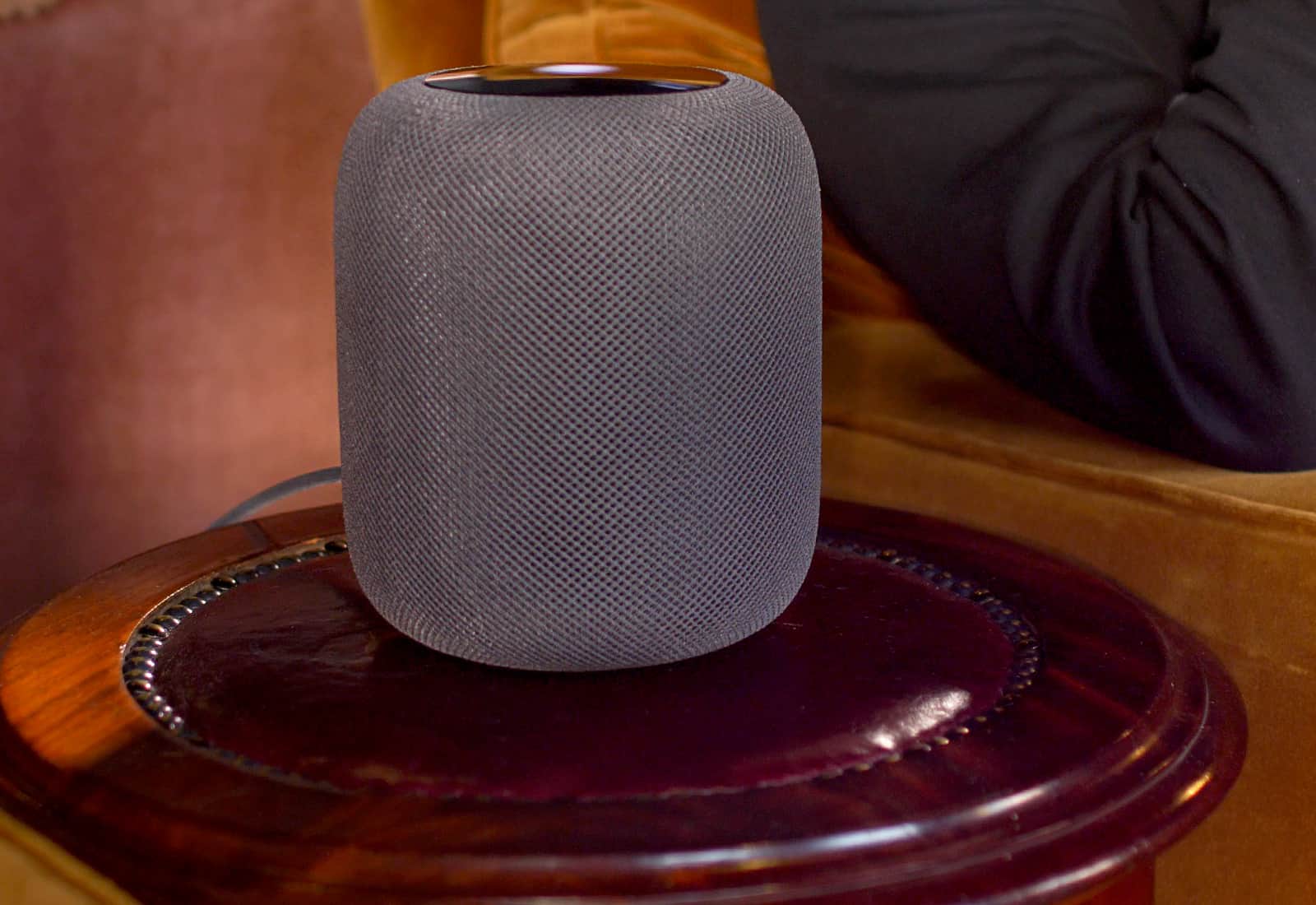
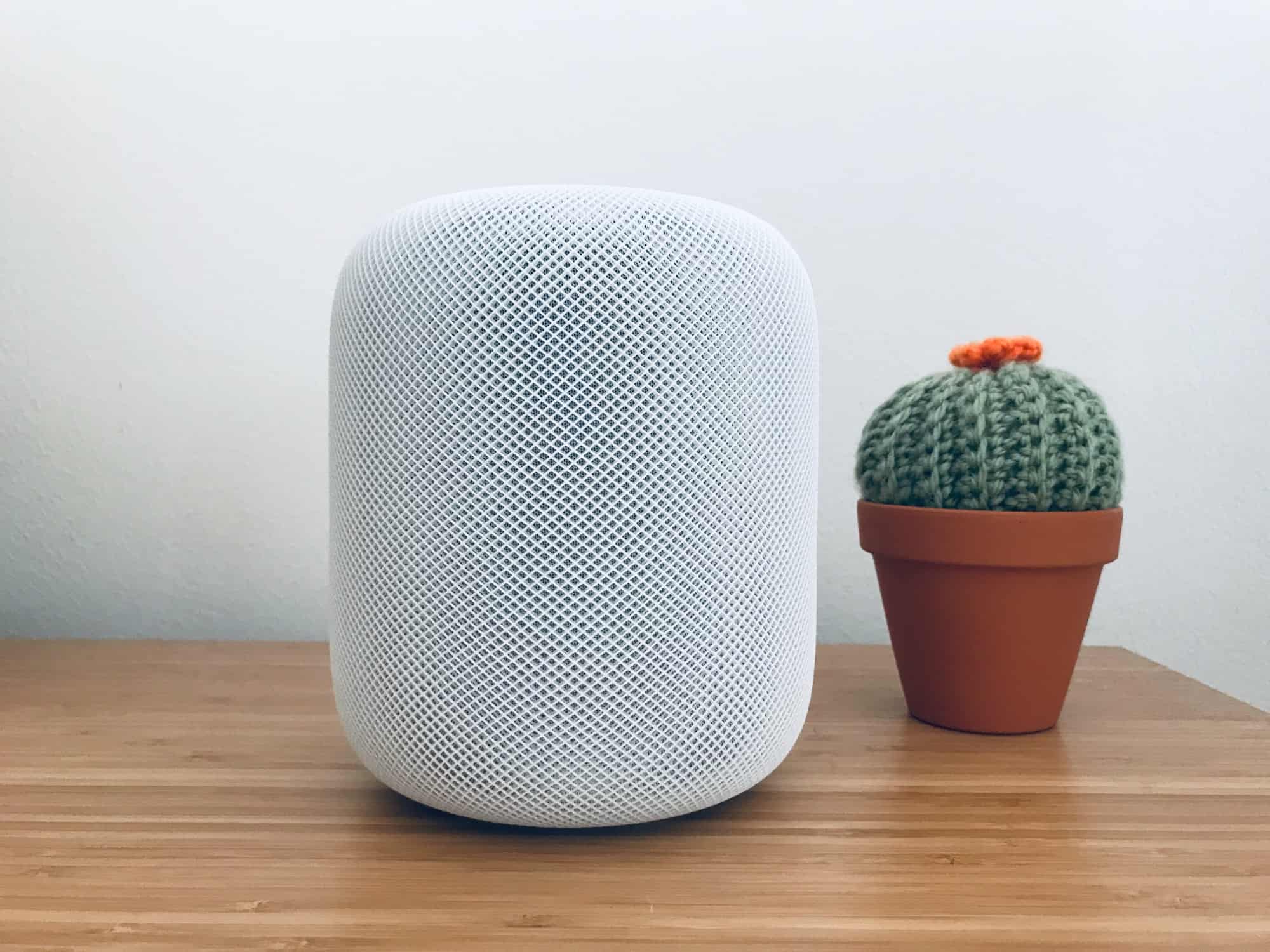
Everything you heard about the HomePod is true. Photo: Ste Smith/Cult of Mac
Recent reports suggest owners of the original HomePod should steer clear of the device’s software version 14.6 and the newer version 15 update for beta users.
After numerous reports surfaced on Reddit and elsewhere, it appears the updates “brick” some users’ devices in certain configurations.
This setup features a tasteful wood-grain desk and a gamer chair fit for Batman. Photo: DeviantSubrbanKid@Reddit
Redditor DeviantSubrbanKid, based in the Philippines, knows how to impress a few computer setup mavens on social media. Make the workstation clean, tasteful and functional. And then add some weird or interesting touches.
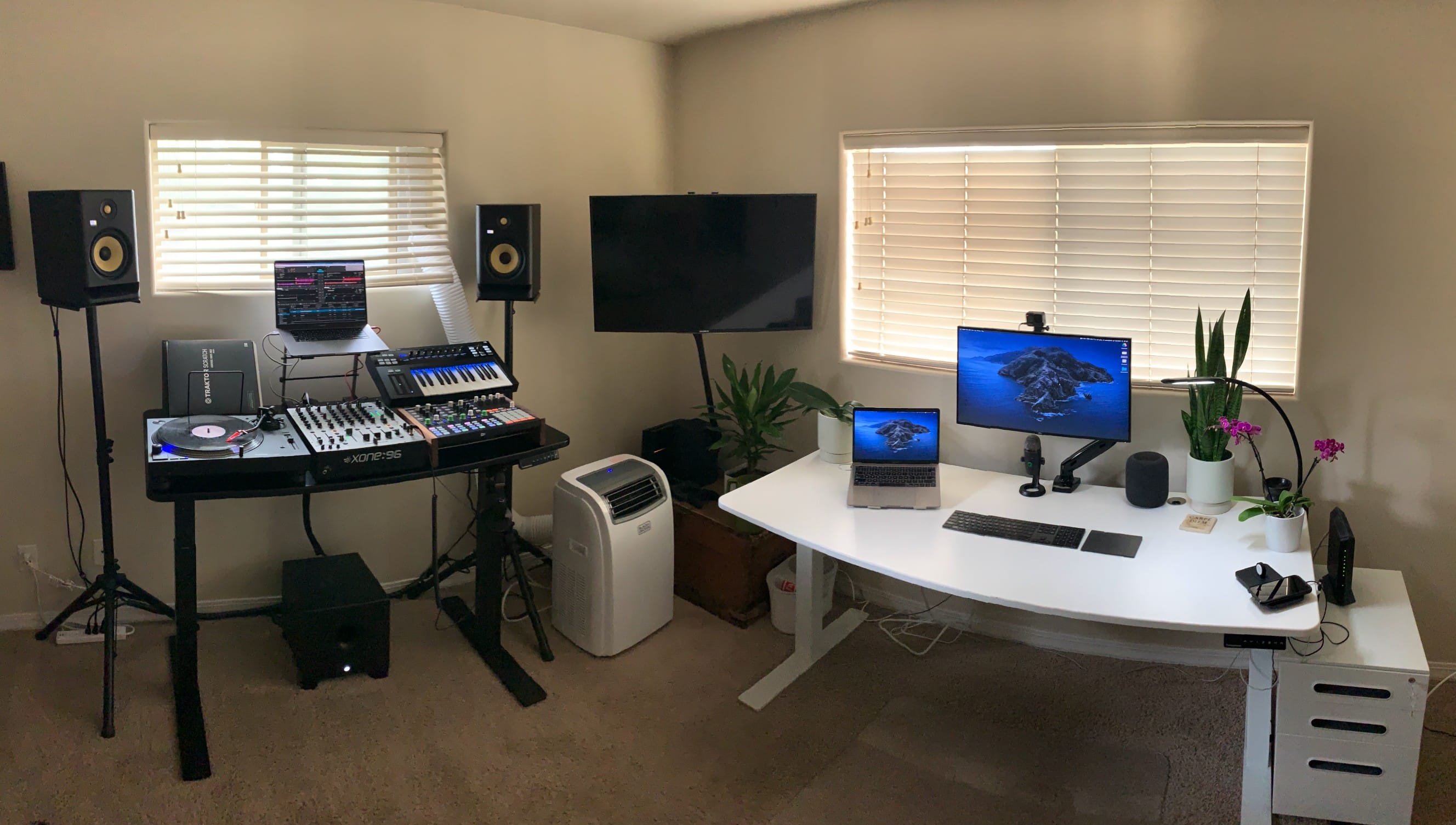
Three setups in one makes for hot fun in the Arizona sun. Photo: Tyler Botha
Arizona-based Tyler Botha, aka theallseeingeye on Reddit, is a TV-focused copywriter for a San Francisco startup and a retired pro DJ. The setup and epic gear list he sent to our attention does triple duty with a capable “WFH Desk,” a powerful “Gaming Corner” and a remarkably complete “DJ Desk.”
Talk about “complete.” Botha’s gear list, represented in the links below, is probably the longest one ever published in a Cult of Mac Setups article. You don’t have to be a DJ to appreciate it, but it helps.
Ready to visual the future of Mac? Cover: Leander Kahney/Cult of Mac
Mac concept-makers are really strutting their stuff lately. This week we saw two eye-catching concepts that ring true. Get a glimpse of what the next-gen Mac Pro and MacBook Pro might look like in this week’s top stories.
You’ll find those stories and more in this week’s free issue of Cult of Mac Magazine. Read it on iOS or hit the links below for browser fun. If you want slightly less fanciful stuff, we’ve also got the latest Apple news, reviews and how-tos to keep you busy this long Memorial Day weekend.
Apple's not given up on HomePod it seems. Photo: Ste Smith/Cult of Mac
A proposed HomePod speaker with a built-in screen, and another device combining HomePod, FaceTime camera, and Apple TV, remain in “early development” at Apple, a Bloomberg report Friday states.
The report, which also includes details of Apple’s AirPods roadmap, describes the pair of devices as being part of Apple’s “broader home, audio and accessories strategy.” Unfortunately, there’s no word on when either might arrive.
HomePod and HomePod mini will be able to take advantage of a significant improvement coming to Apple Music. Photo: Killian Bell/Cult of Mac
Apple smart speakers will be able to play Apple Music’s lossless audio after an upcoming software update. Both HomePod and HomePod mini will get support for the high-quality audio format, according to Apple.
This is good news for HomePod owners who may have been feeling disgruntled about being left out of a signature new Apple Music feature.
Apple's got an intriguing concept for a next-gen smart home device. Photo: Apple
Apple is working on a new smart home product that would combine Apple TV, a HomePod speaker and a camera for FaceTime or Zoom-style video conferencing, Bloomberg reported Monday.
The company “has been a laggard in the smart-home space, but [this] versatile new device in early development could change that,” according to the story, which describes the in-development product as “Apple’s most ambitious smart-home hardware offering to date.”
Changing Siri's accent is easy. Photo: Cult of Mac
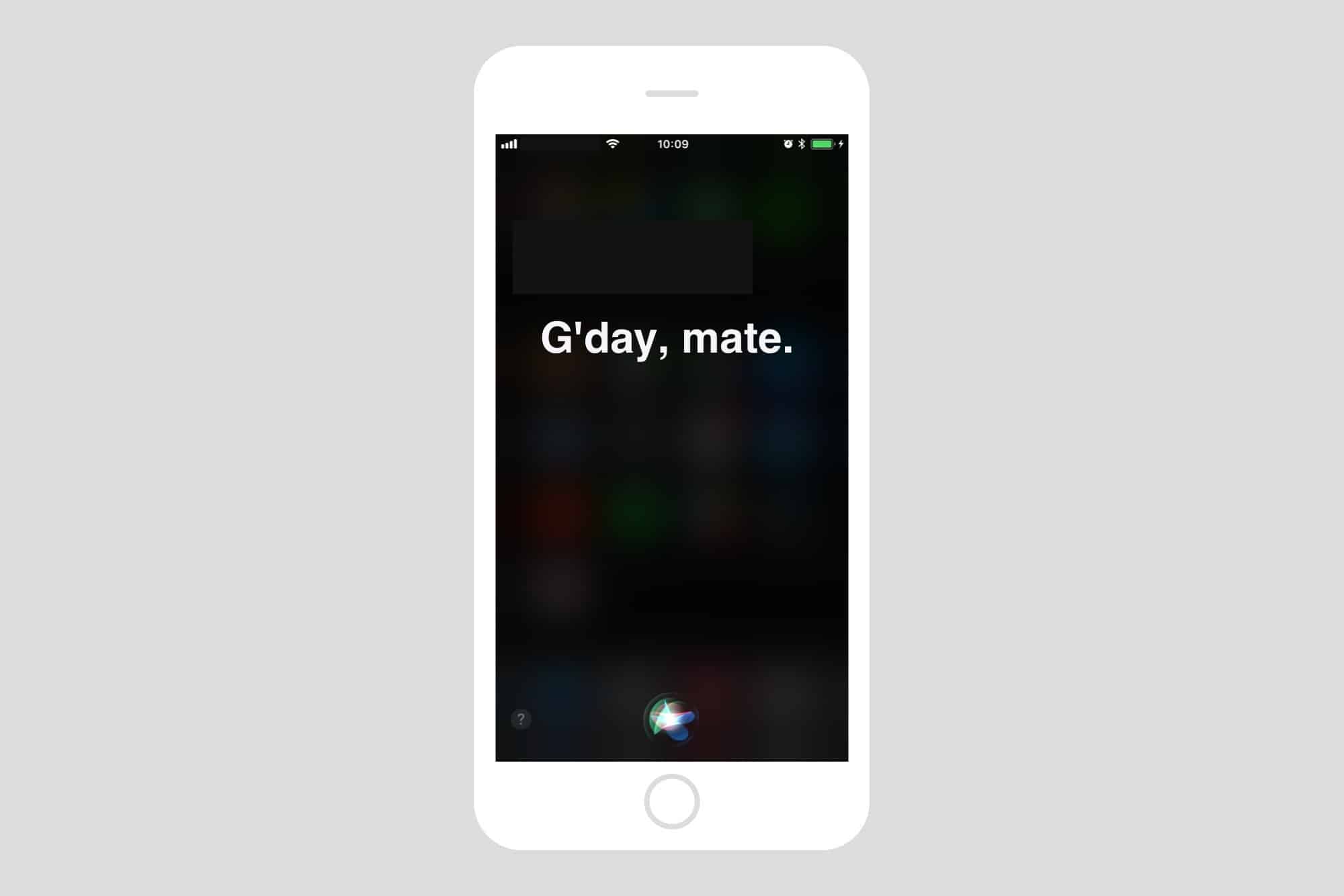
Most folks refer to Siri as “she,” but that’s not always true. The original British English Siri, for example, was male-only up until iOS 7.1 added a female version. And in the latest iOS 14.5 beta, a female Siri is not the default option.
No matter what, you don’t have to stick with your local version of Apple’s comically bad voice assistant. U.S. English speakers, for example, can currently choose from American, Australian, British, Indian, Irish and South African accents for Siri, and also pick male or female versions — with more voices coming soon.
So, if you’re a U.S. native who views the U.K. Standard English accent as quaint, cute, respectful, sexy or reproachful, it’s easy to set your iPhone or iPad to sound like a Brit or whatever you want. And your choice of Siri accent will follow you on all Apple devices logged into with your Apple ID. (In addition to iPhone and iPad, Siri works with just about everything now: Mac, AirPods, iPod, Apple Watch, CarPlay, HomePod and Apple TV.)
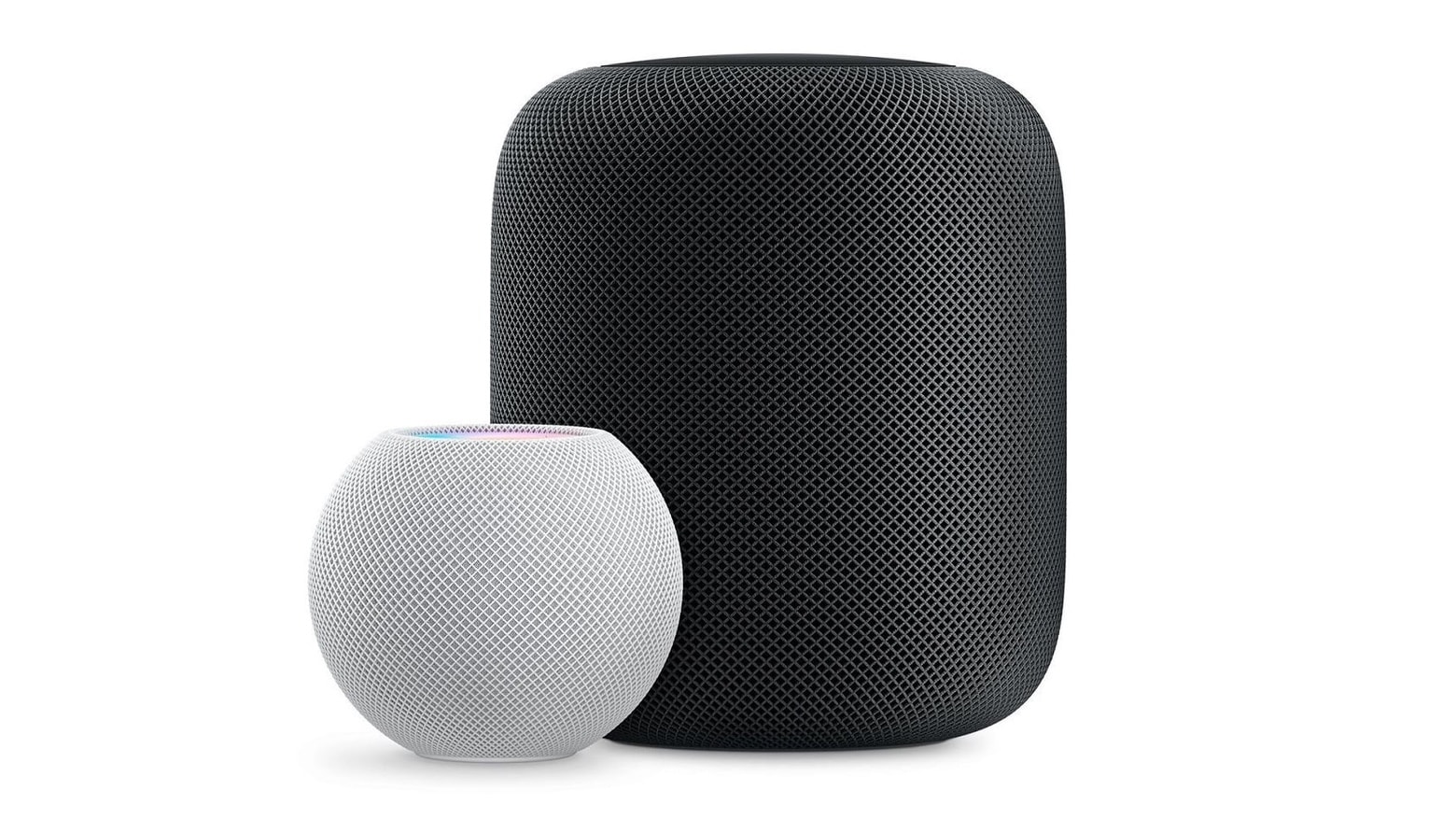
Apple recently pulled the plug on the full-size HomePod to focus on its smaller sibling. Photo: Apple
The HomePod mini has a hidden capability that Apple has yet to put into action: a sensor that measures both temperature and humidity.
According to Bloomberg, the sensor could be used to trigger smart home actions, such as turning a fan on or off depending on the temperature. It’s not clear why Apple has not yet activated the sensor so customers can utilize the feature — or when it might do so.
Apple buries another beloved product. Cover: Leander Kahney/Cult of Mac
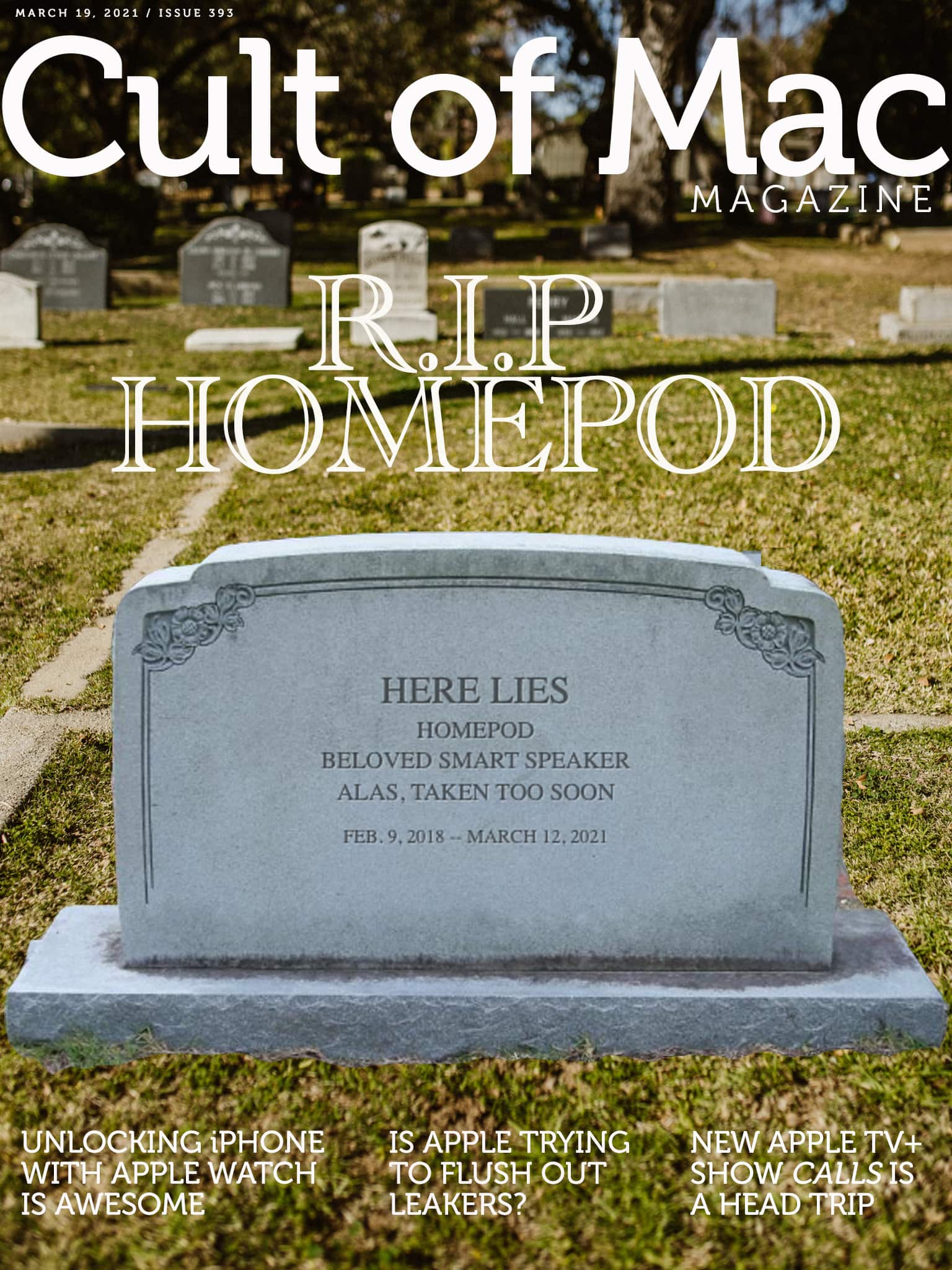
Pour one out for our homie, the HomePod.
Apple recently pulled the plug on its sweet-sounding smart speaker, and the move is definitely not music to our ears. In fact, it calls into question Apple’s strategy of releasing — and then rudely abandoning — expensive, niche products. Maybe it’s time to throw in the towel on that.
Find out why we hope that never happens again in this week’s free issue of Cult of Mac Magazine. Download it to enjoy on iPhone or iPad, or get the stories below in your browser.
They don’t sell well — at least not well enough to keep Apple interested, apparently — and it’s not fair to consumers who shell out big bucks, then get stuck with a product that vanishes after just one generation.
Yes, Apple says it will continue to support the full-size HomePod with software updates, even as it refocuses on the $99 HomePod mini. But the old-school HomePod is a dead-end product.
You can read the HomePod debacle as an admission of failure regarding Apple’s framing of the device as a smart speaker rather than high-end audio gear. But it’s more than that. It’s an illustration of Apple’s faltering strategy of creating premium products for niche corners of the market.
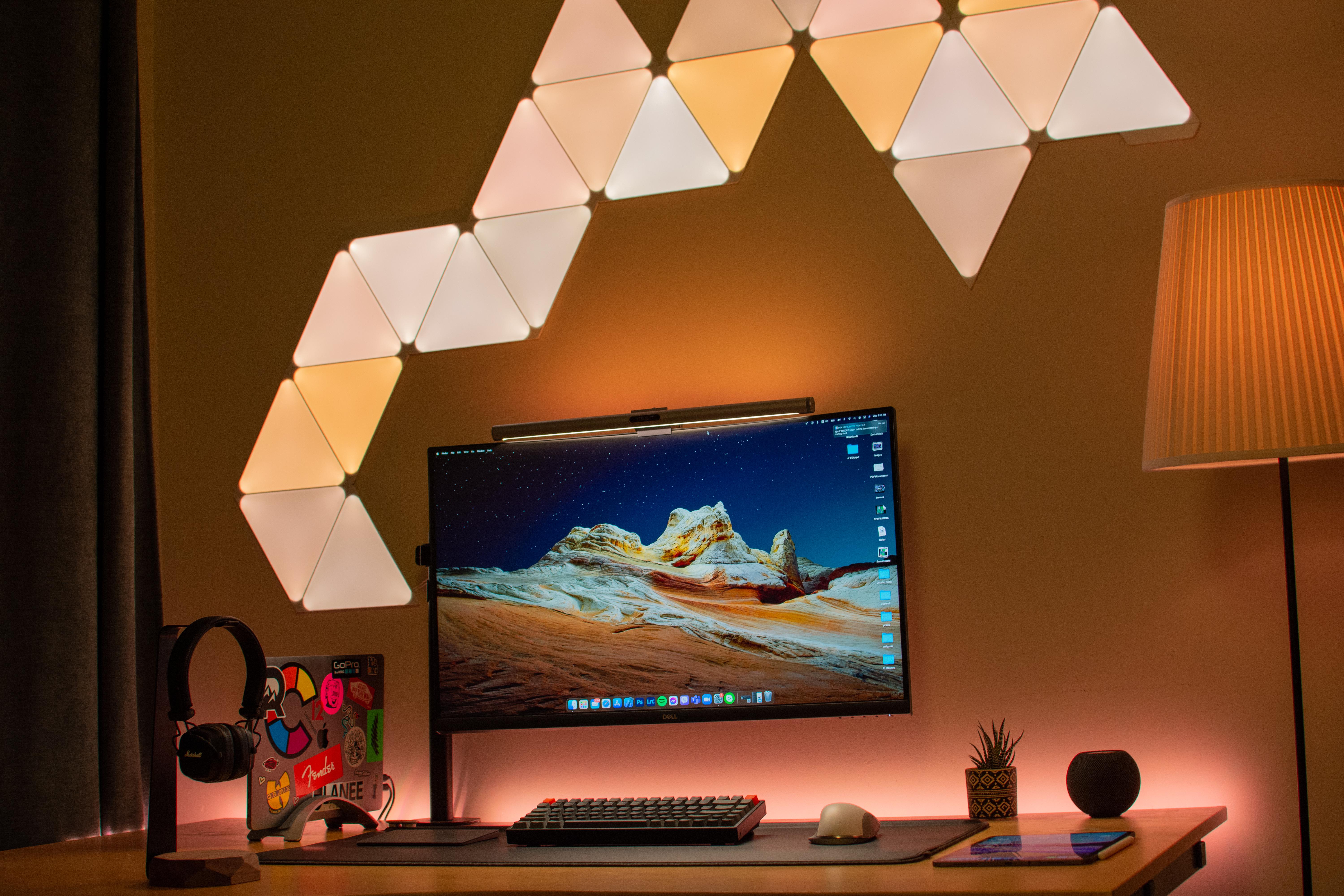
Nanoleaf Shapes give you interesting lighting options. Photo: arnaki_gkioulmpasi@reddit
If one thing catches your eye first about Redditor arnaki_gkioulmpasi’s setup, it’s probably the interesting light show on the wall behind it. That array is made up of Nanoleaf Shapes that can be arranged any which way.
Those cool-looking lights, along with a Yeelight Screen Light Bar Pro atop the Dell 32-inch curved 4K monitor and a standing lamp next to the desk, keep eyestrain to a minimum.
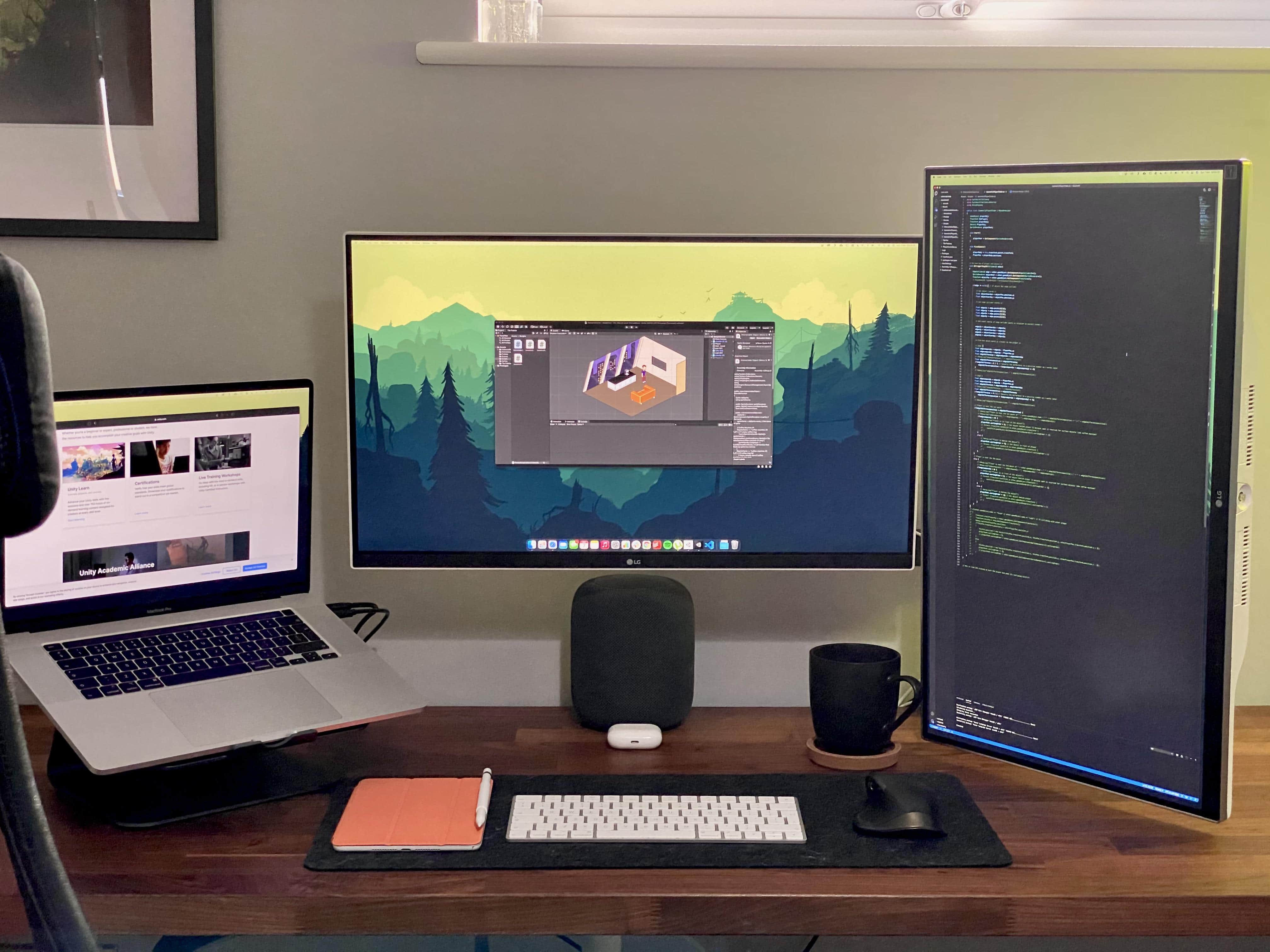
A game developer makes good use of wide and tall monitors. Photo: linden_park@Reddit
UK-based Redditor linden_park just updated their setup while working in the early development phase of a new life simulator game set in space among multiple planets and space stations. Covering all that intergalactic territory, it helps to have both wide and tall screens.
In this setup, an LG curved monitor is great for work as well as movies and TV. Photo: Paul O'Toole
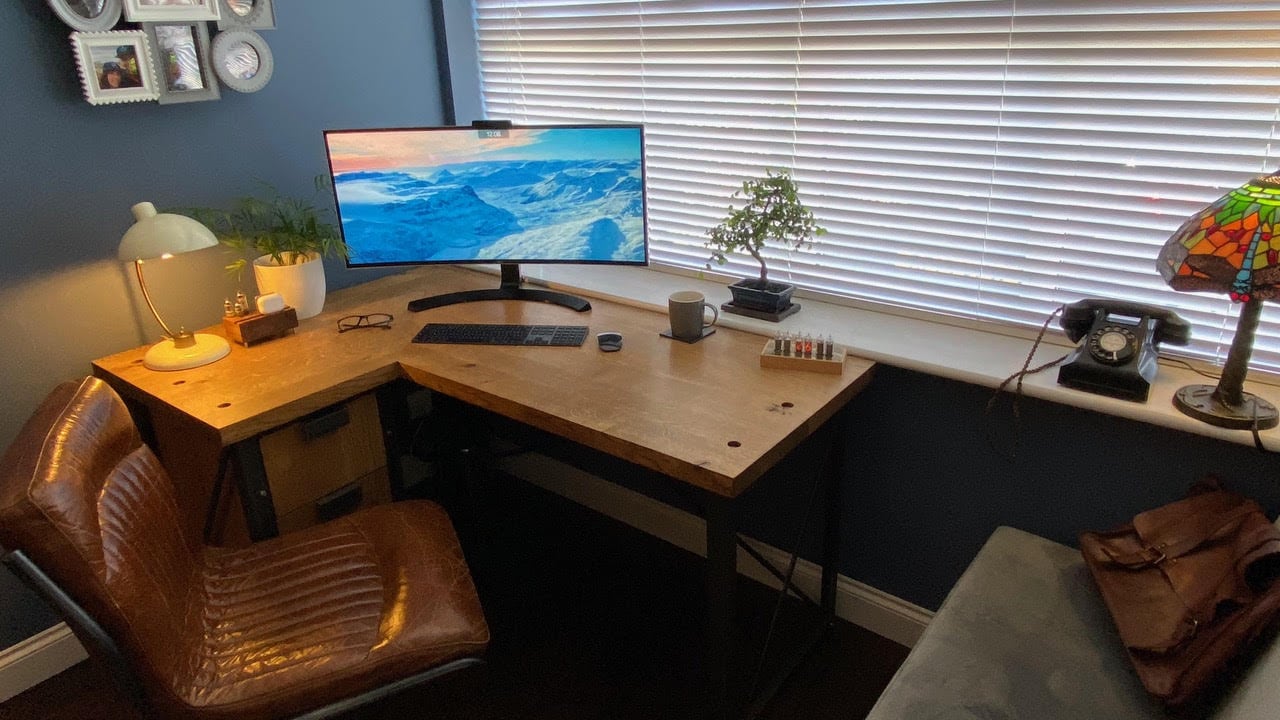
An IT professional who specializes in Mac and iOS home implementations probably has a leg up on the next guy when it comes to building an Apple-centric home office and man cave.
Or is it a man cave and home office? We’ll let Paul O’Toole, an IT pro from Worcestershire, England, decide that. It’s his, after all. He calls it a “sitting room,” actually.
He turned his garage into an office and movie palace, thanks to an LG 34UC99 curved monitor and a pair of HomePods running with his Mac Pro.
It's easier than you think. Image: Killian Bell/Cult of Mac
Are you constantly being ignored by the HomePod that’s closest to you when asking Siri for assistance? Sadly, Apple doesn’t make it completely obvious how to manually specify which HomePod listens to you when you’re using more than one. But it is possible — and super-simple.
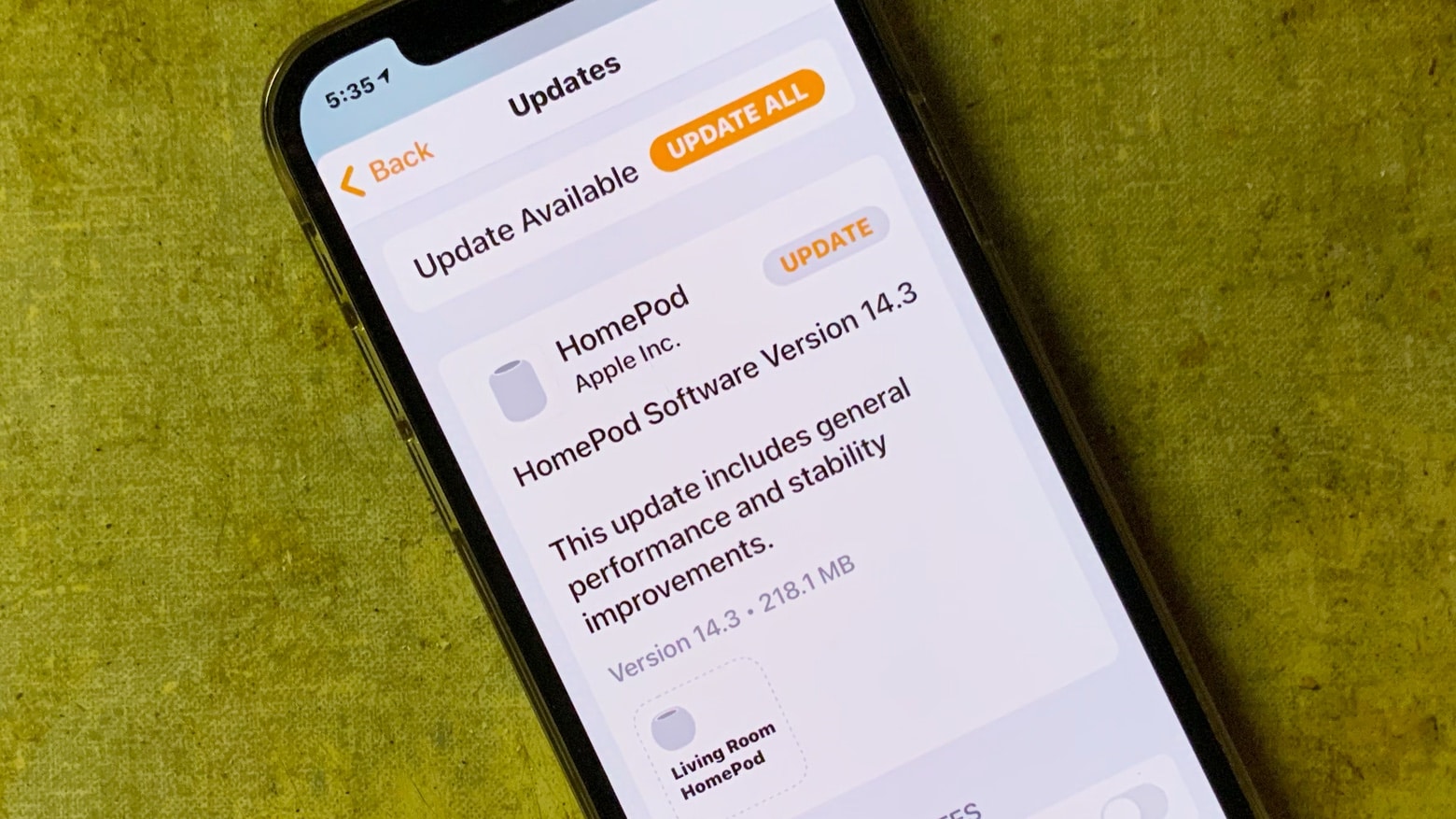
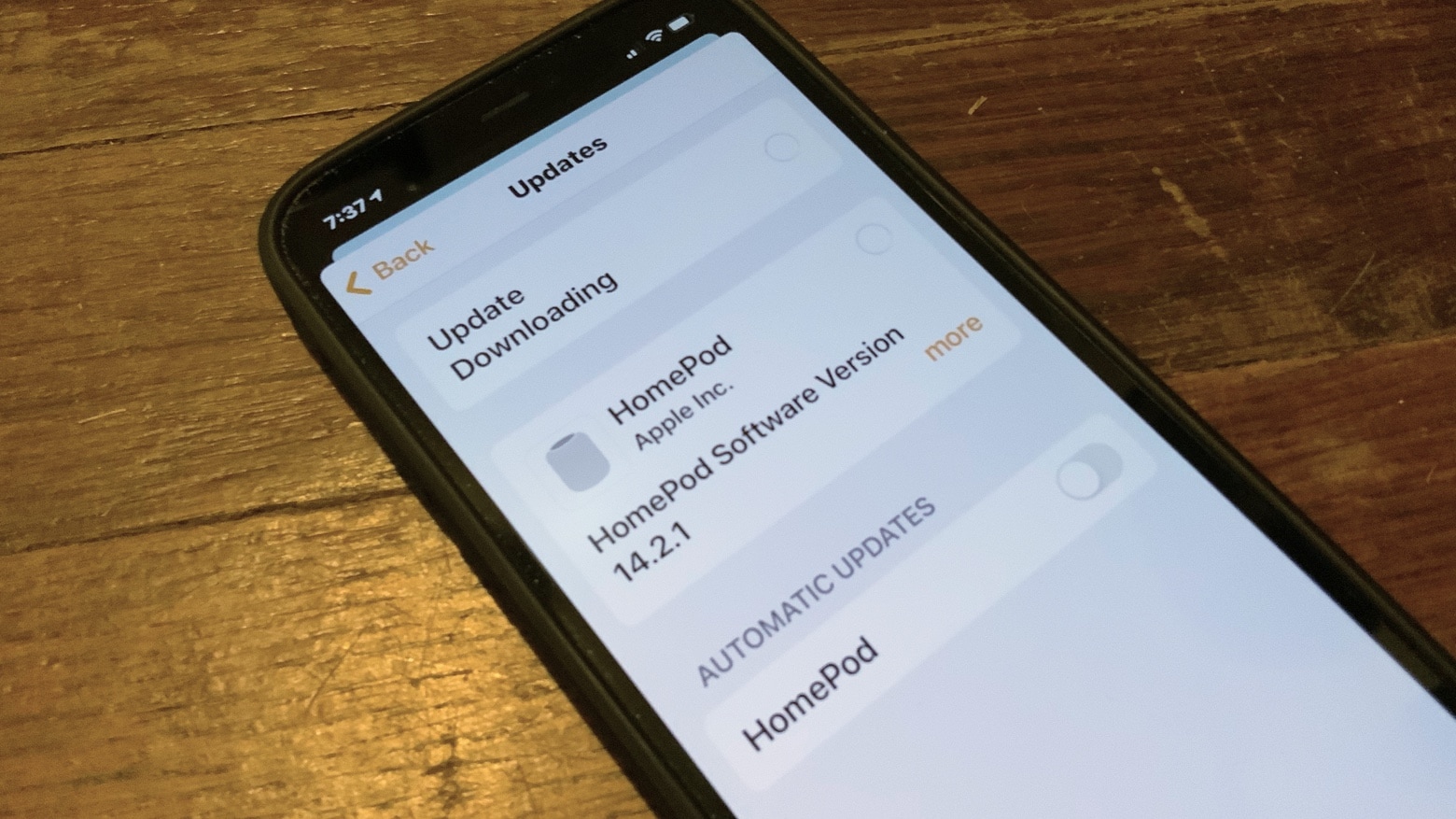
HomePod owners can install an update to Software Version 14.2.1. Photo: Ed Hardy/Cult of Mac
Both sizes of Apple’s smart speaker got an update to HomePod Software Version 14.2.1 on Monday. The new system software promises just general improvements. It’s not yet known if that includes squashing a reported bug in Wi-Fi connectivity for the HomePod mini.