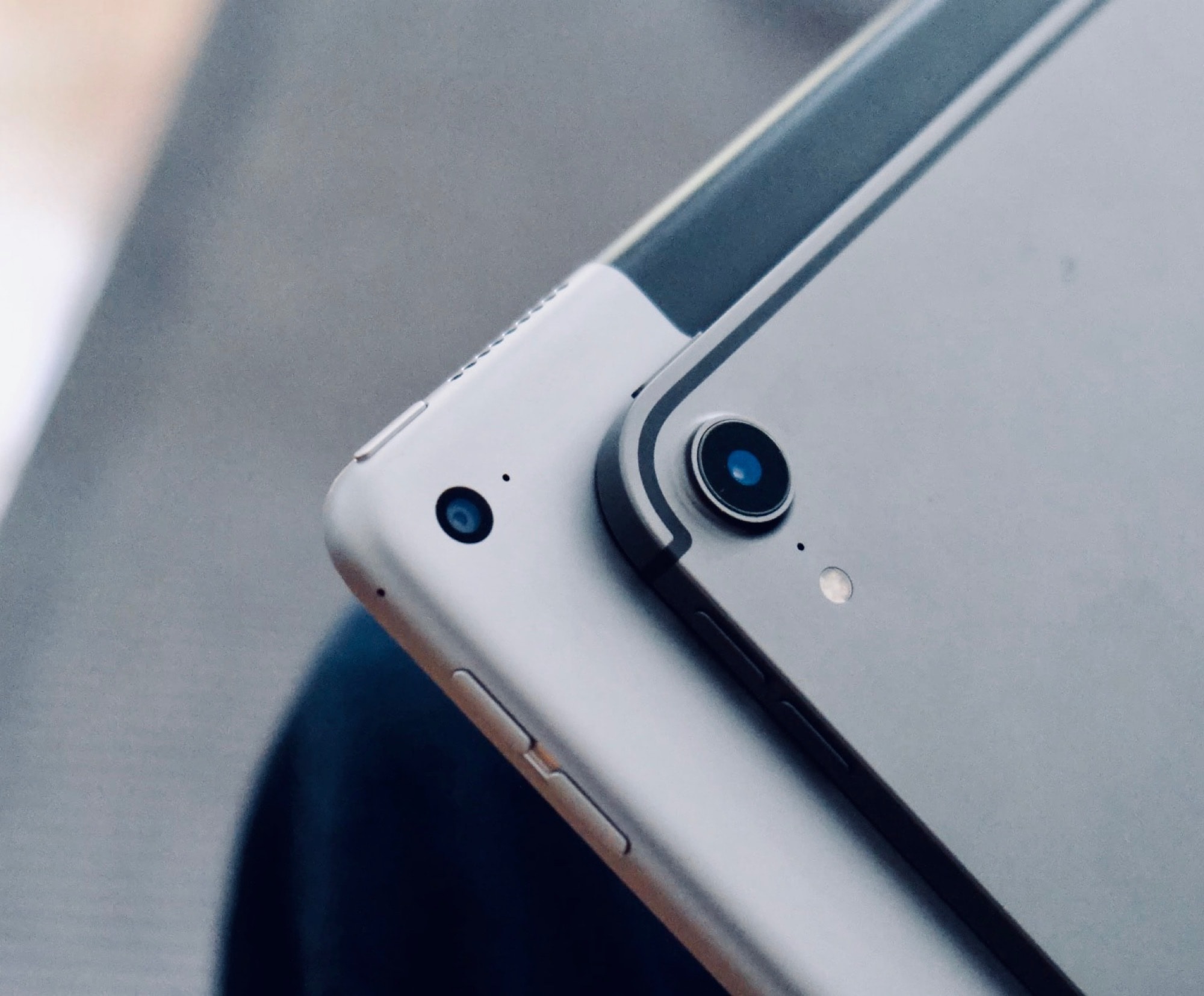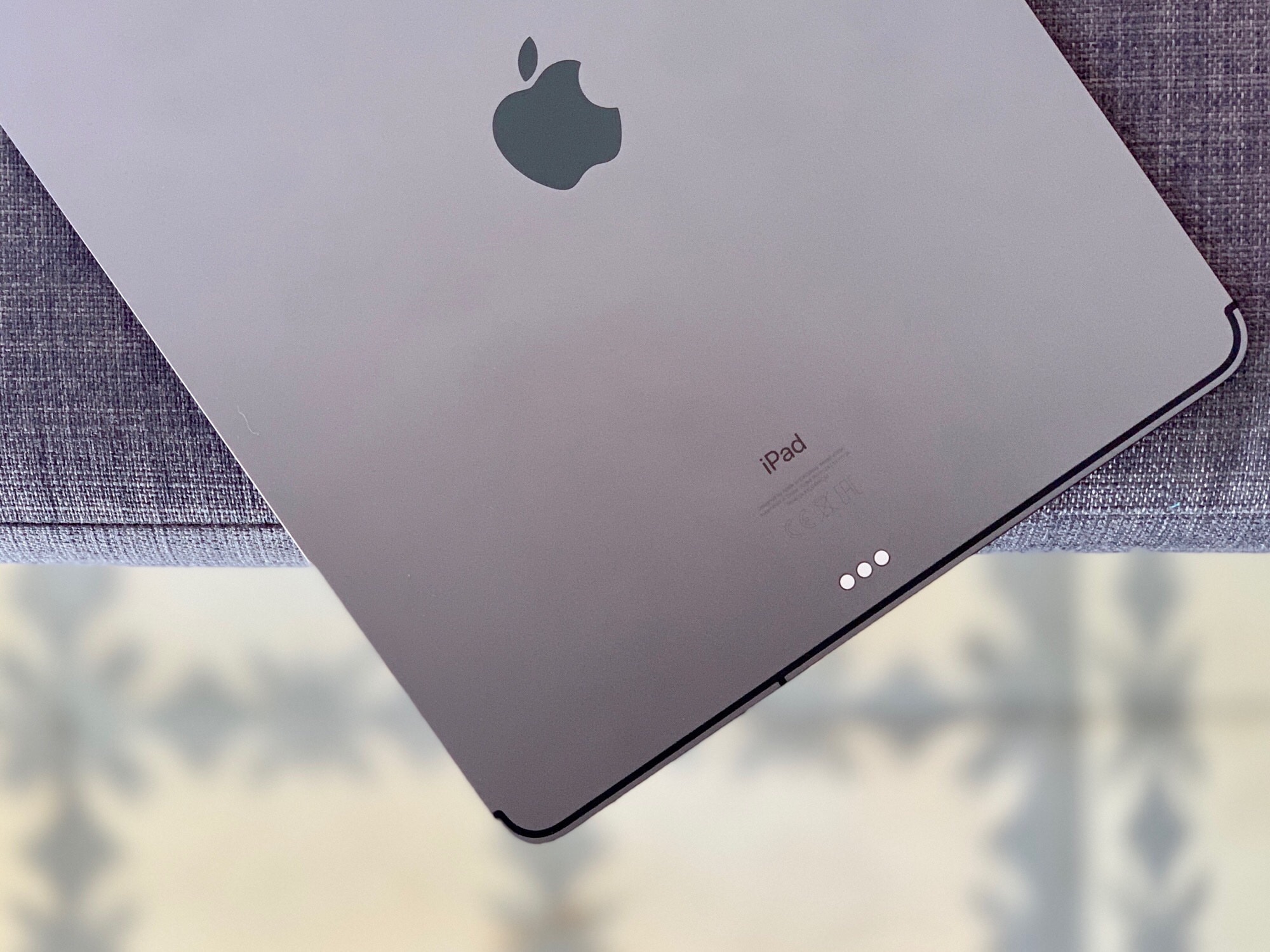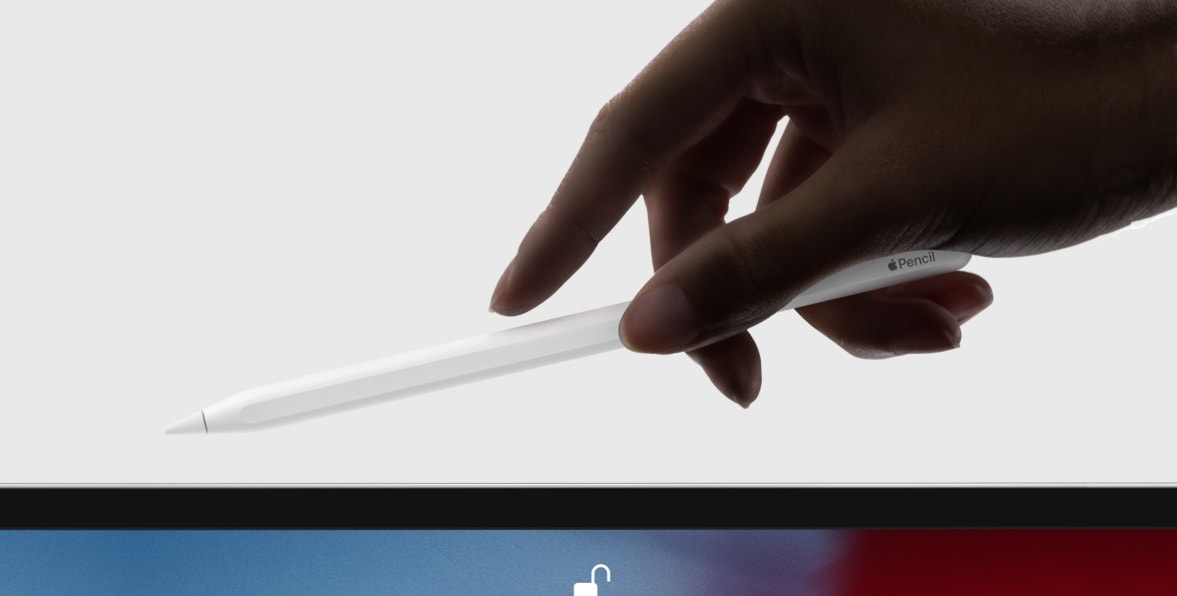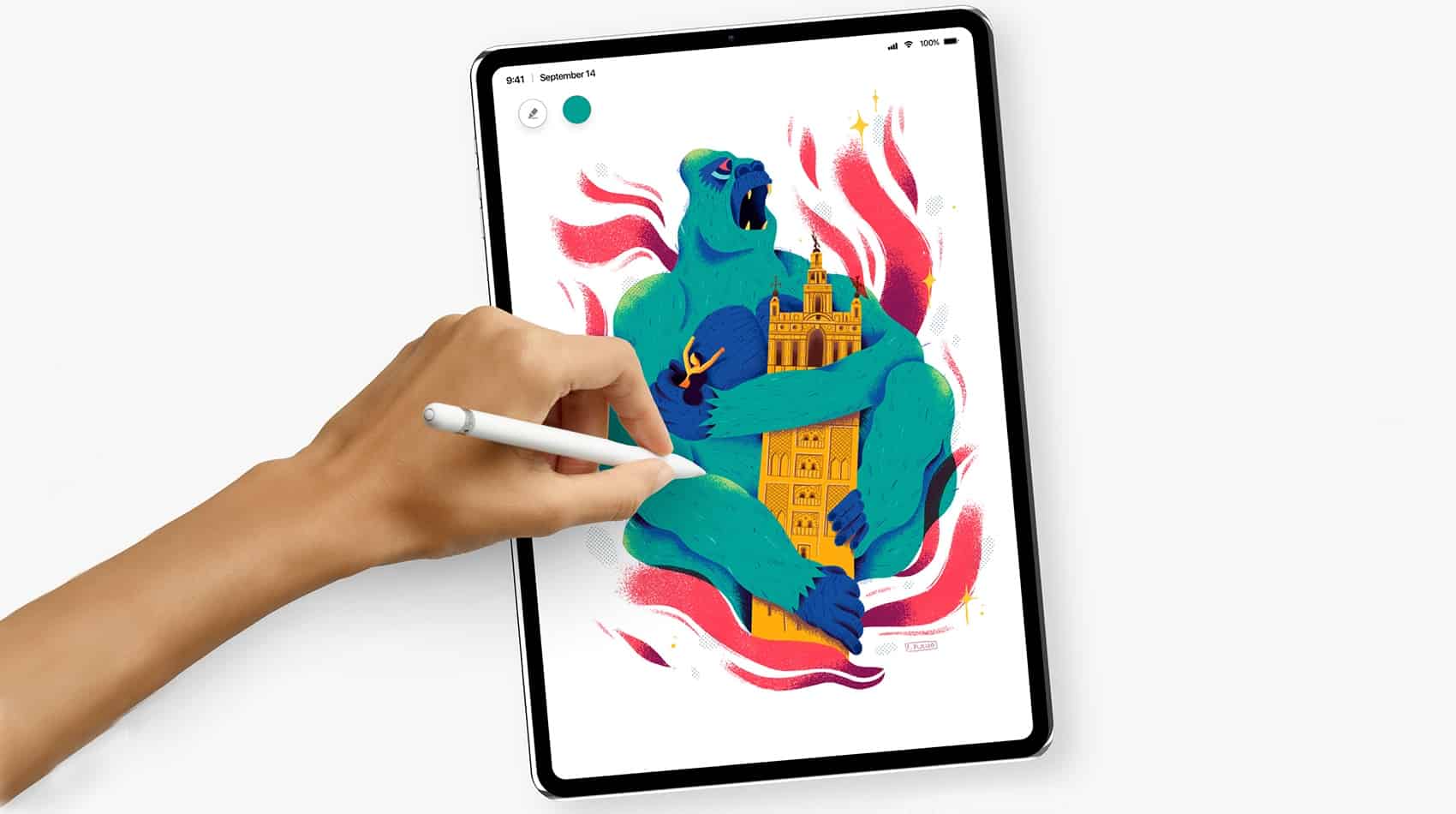
Linea Sketch get a ton of great iPad-Pro ready-features. Photo: Iconfactory
The iPad’s best simple drawing app just got a fantastic update for the new 2018 iPad Pro. Linea Sketch is a crowd favorite thanks to its clean design, its advanced-yet-simple-to-use features, and its great drawing and ink engine. And now it has been brushed up to take advantage of the new 2018 iPadPro and second-gen Apple Pencil.
Buying for an iPad fan? Start here! Photo: Killian Bell/Cult of Mac
The holiday shopping season has rudely crept up on us, which means it’s time to start buying for friends and loved ones who have been good this year. Fortunately for you, Cult of Mac is here to help.
Our gift guides are full of great products Apple fans are sure to love. We’ve hand-picked awesome accessories and glorious gadgets that we all use and recommend, so you know your money is being well-spent.
This guide focuses on the iPad lovers in your life, and there’s something to suit every budget.
Drawing skills let you create in any medium. Photo: Andrea Nepori
Today’s how-to is a little different. I won’t be recommending special apps for learning how to draw, or even AR apps that help you trace pictures onto real paper. Instead, I’m going to give you a few tips that will help you draw what you see in front of you, whether you’re using a pencil and paper, brush and canvas, or iPad Pro and Apple Pencil.
But first, there’s good news and bad news. The good news is that you already know how to draw — you just need to learn how to look. The bad news is that the only way to improve is to practice. A lot. There’s no shortcut. You just have to do a lot of drawing. And if you’re spending long hours sketching on your iPad, having a reliable round charger can keep your device powered up effortlessly—check out this deal on the INIU Leopard 100W GaN Wall Charger.
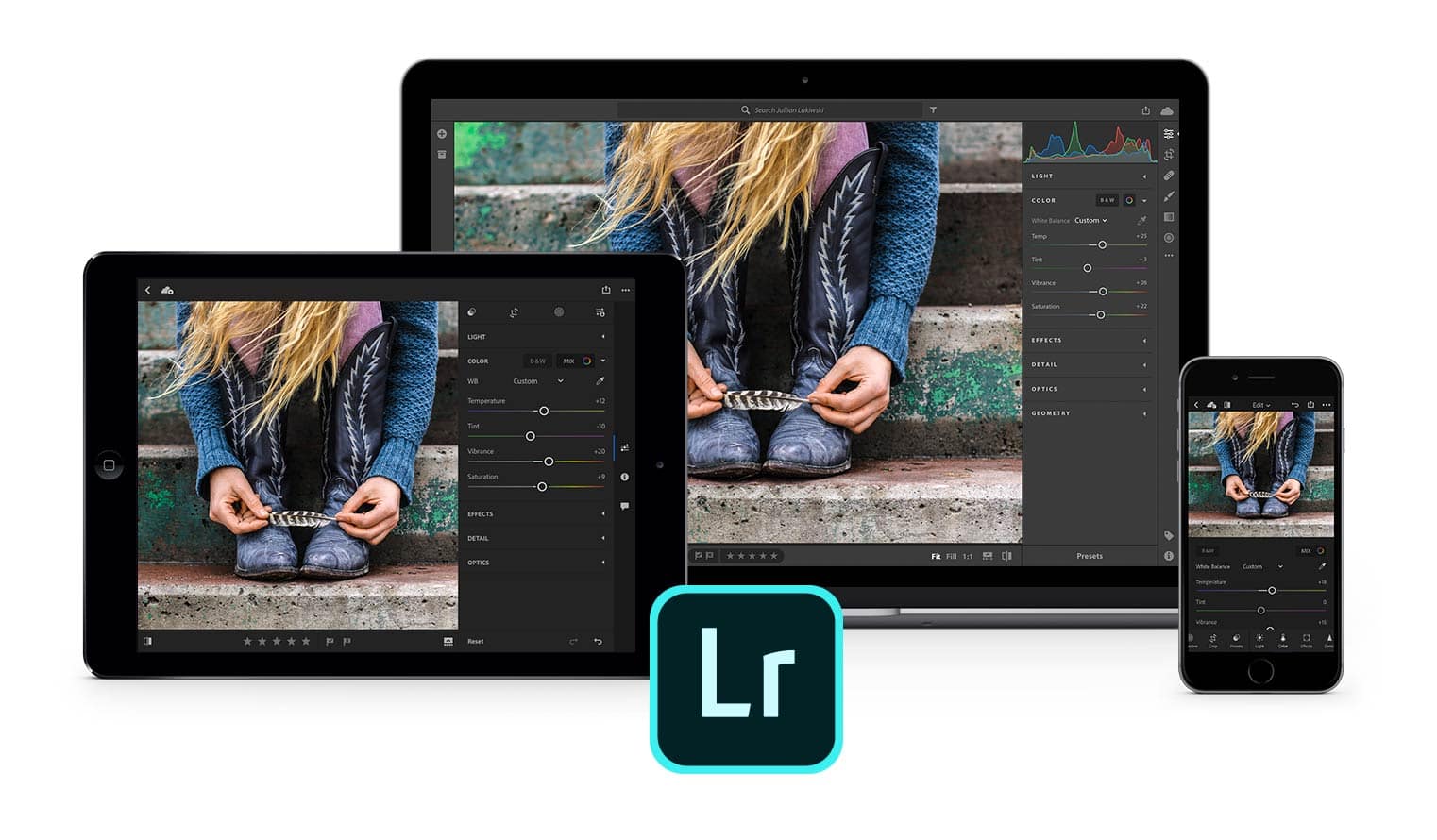
Lightroom mobile updates bring Apple's latest mobile tools into the fold. Illustration: Adobe
Adobe added fresh tasks to its iOS version of Lightroom so that it can be used with Apple’s newest mobile tools.
Beginning today, Lightroom Mobile will support both the latest iPad Pro models and the redesigned Apple Pencil. With the pencil, users can double-tap to switch between paint and erase modes with certain tools.
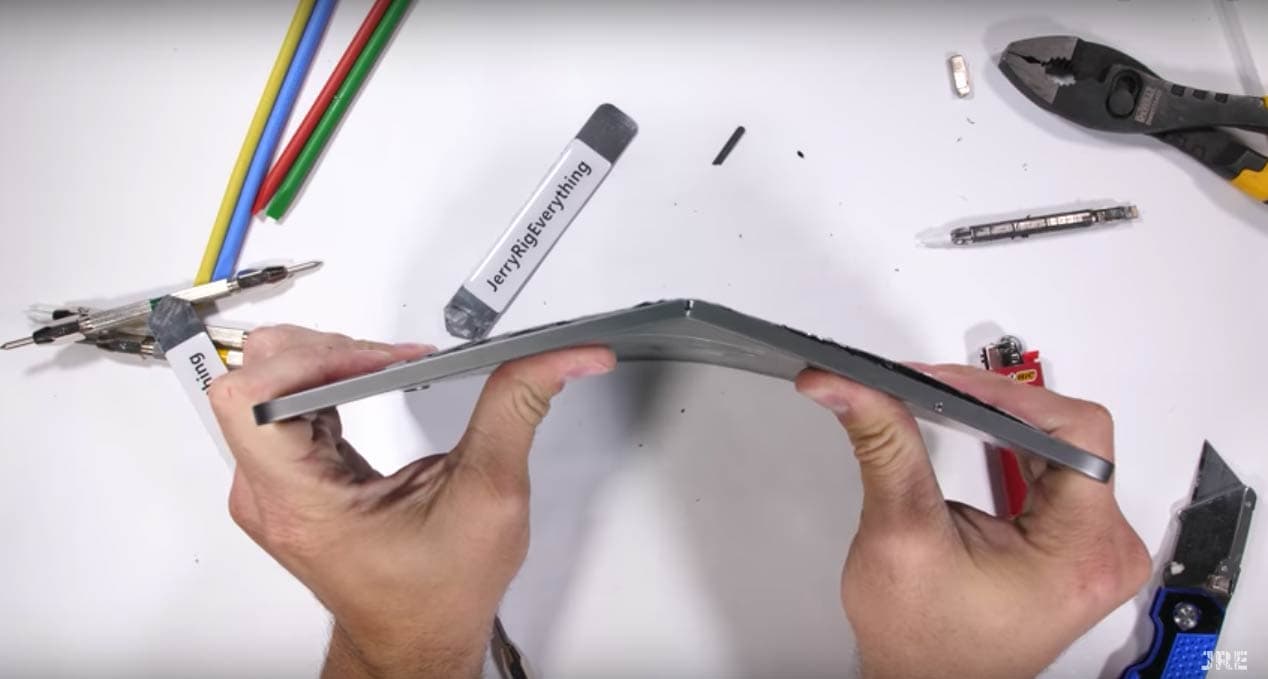
Zach Nelson's iPad Pro teardown video was a snap. Photo: JerryRigEverything/YouTube
An 11-inch iPad Pro and Apple Pencil were the focus of what seemed like a routine unboxing video. That is until the host used his bare hands to destroy both devices.
If you’re among the 2.7 million viewers to JerryRigEverything on YouTube, you’ve come to expect the unusual durability tests host Zach Nelson puts to the latest tech gadgets.
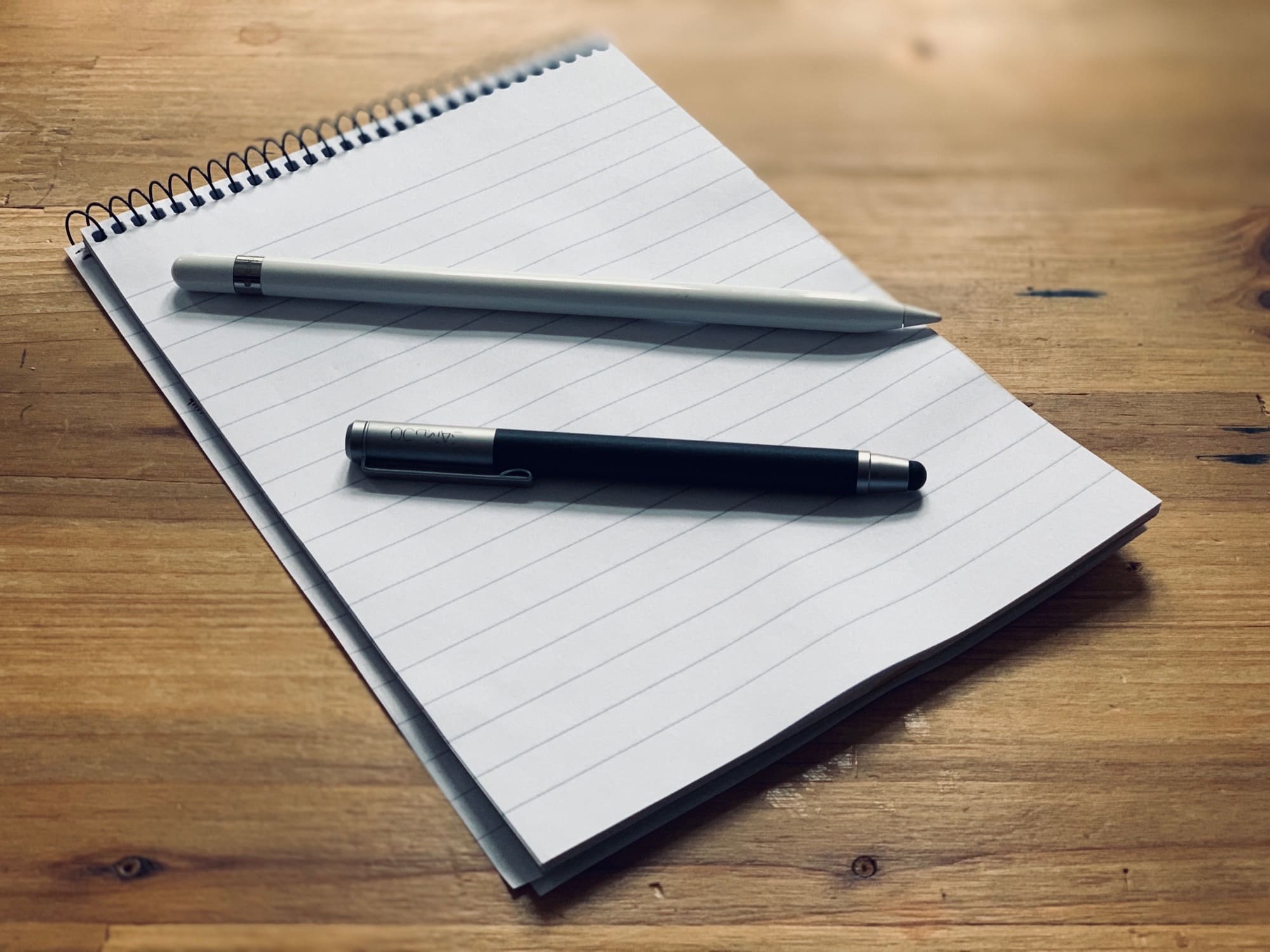
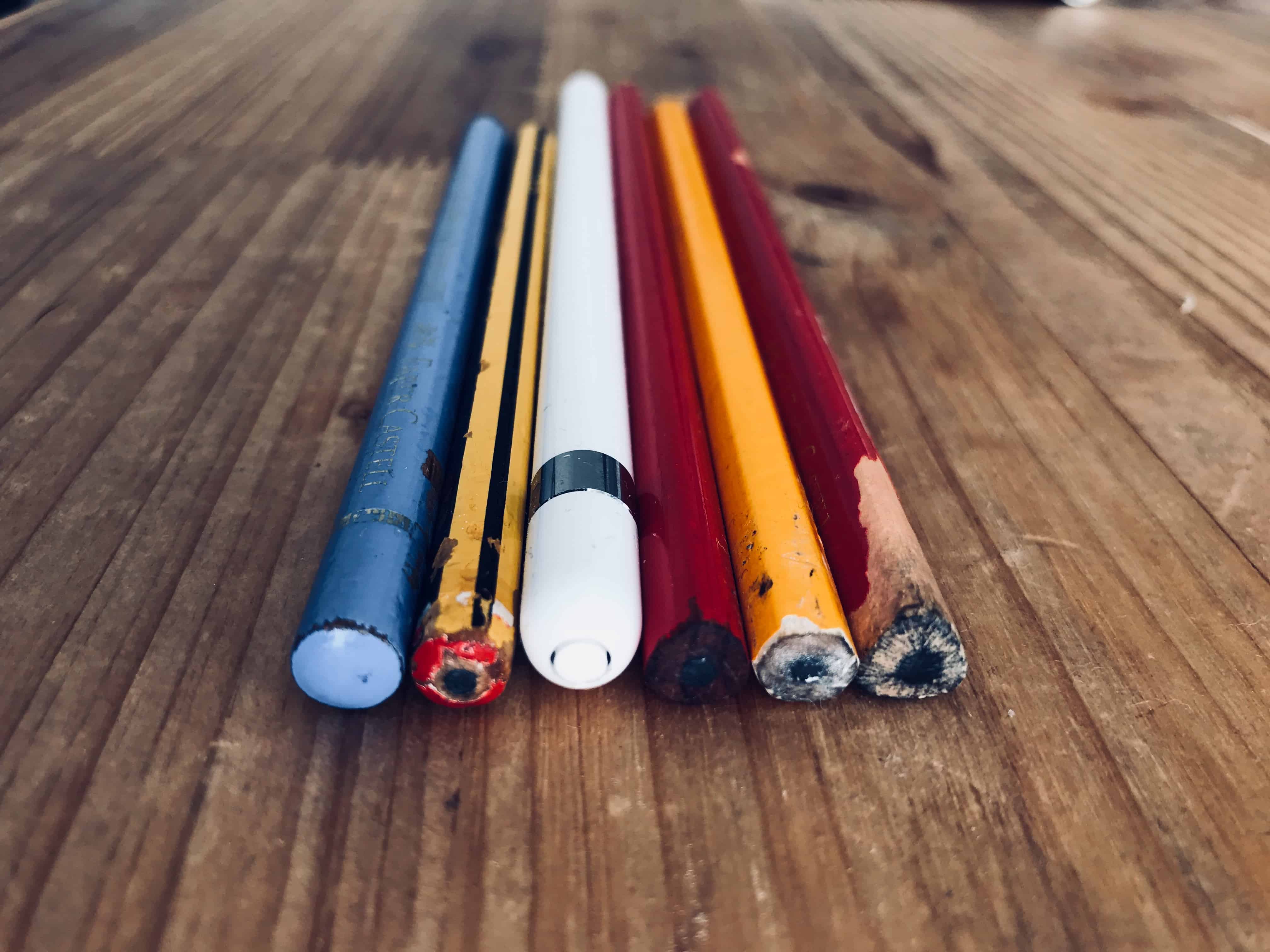
This old Wacom Bamboo stylus is more than enough "pencil" for many people. Photo: Charlie Sorrel/Cult of Mac
I’ve owned an Apple Pencil since I bought the first iPad Pro a few years ago. There’s nothing to touch it when it comes to drawing and painting on the iPad, but I found I didn’t ever use it for that. I mark up PDFs, make selections when editing photos, and sketch the odd diagram.
This time around, I’m saving my $130 by not buying the Apple Pencil mkII. Why? I don’t need it. Instead, I’m using the cheap, dumb stylus I found in my jam jar of pens and pencils. Let me tell you why.
The new iPad Pro is Apple’s best ever portable computer. Photo: Andrea Nepori
Since I got an new 2018 iPad Pro on launch day last week, I’ve used it exclusively. I haven’t touched my aging, decrepit Mac all week. I’ve used the iPad for work, and for play, so I’ve given it a pretty good workout. The short review is: It’s fantastic, and better in almost every way.
The long review? There are still plenty of annoyances.
The new 2018 iPad Pro is a lust object you probably don’t need. Photo: Charlie Sorrel/Cult of Mac
Every 2018 iPad Pro review I’ve read seems to be written by someone who doesn’t use the iPad like a pro. Most of the reviewers focus on using Apple’s new tablet they way most people do: reading the internet, doing some mail and watching lots of video.
Which is a shame, because there’s a lot to like in this iPad for “power” users, aka folks whose everyday carry is an iPad. People like me. The iPad has been my most-used device for years. I do everything on it. (Everything, ironically, except writing articles — but that’s because my ancient 27-inch iMac still works fine, and I like to use a trackpad for editing text.)
Rather than reviewing the iPad Pro from the point of view of a “normal,” I’m going to talk about this gorgeous new device like someone who uses an iPad for work every day.
Be sure to store the Apple Pencil on the side of the iPad Pro. Photo: Apple
The second-generation Apple Pencil has to recharge from a 2018 iPad Pro. No other method is possible. This meands people will have to depend on magnets securely holding this $129 stylus to the side of their tablet because there isn’t any other option.
People criticized the original Pencil’s method of recharging, but it turns out its replacement isn’t perfect either.
The redesigned Apple Pencil magnetically clips to the side of the 2018 iPad Pro, and even wireless charges when its held there. This is a feature many people have been hoping for, but it comes with a significant drawback. This new pressure-sensitive stylus won’t be able to charge through some protective cases.
Case-maker Speck has confirmed that its first offering for the latest iPad will interfere with charging the Pencil, and says many of its rivals will as well.
This week was one heckuva wild ride for Apple fans. First we got new MacBook Airs, iPad Pros, Mac minis and Apple Pencils. Then Apple threw Wall Street a curveball during yet another surprising (and surprisingly positive) earnings call.
Get the scoop on the latest Apple hardware, plus reviews and how-tos, in this week’s free issue of Cult of Mac Magazine. Then get ready to spend your weekend drooling over it on your iPad or iPhone. Grab your free subscription to Cult of Mac Magazine from iTunes now.
Bonus: Don’t miss your chance to win an iPhone XR!
Apple redesigned its Apple Pencil with new features that would’ve made a believer out of late company co-founder and stylus-hater Steve Jobs.
OK, maybe not. But creatives who took to the first Apple Pencil despite its design flaws are going to appreciate the new version launched today in Brooklyn, New York.
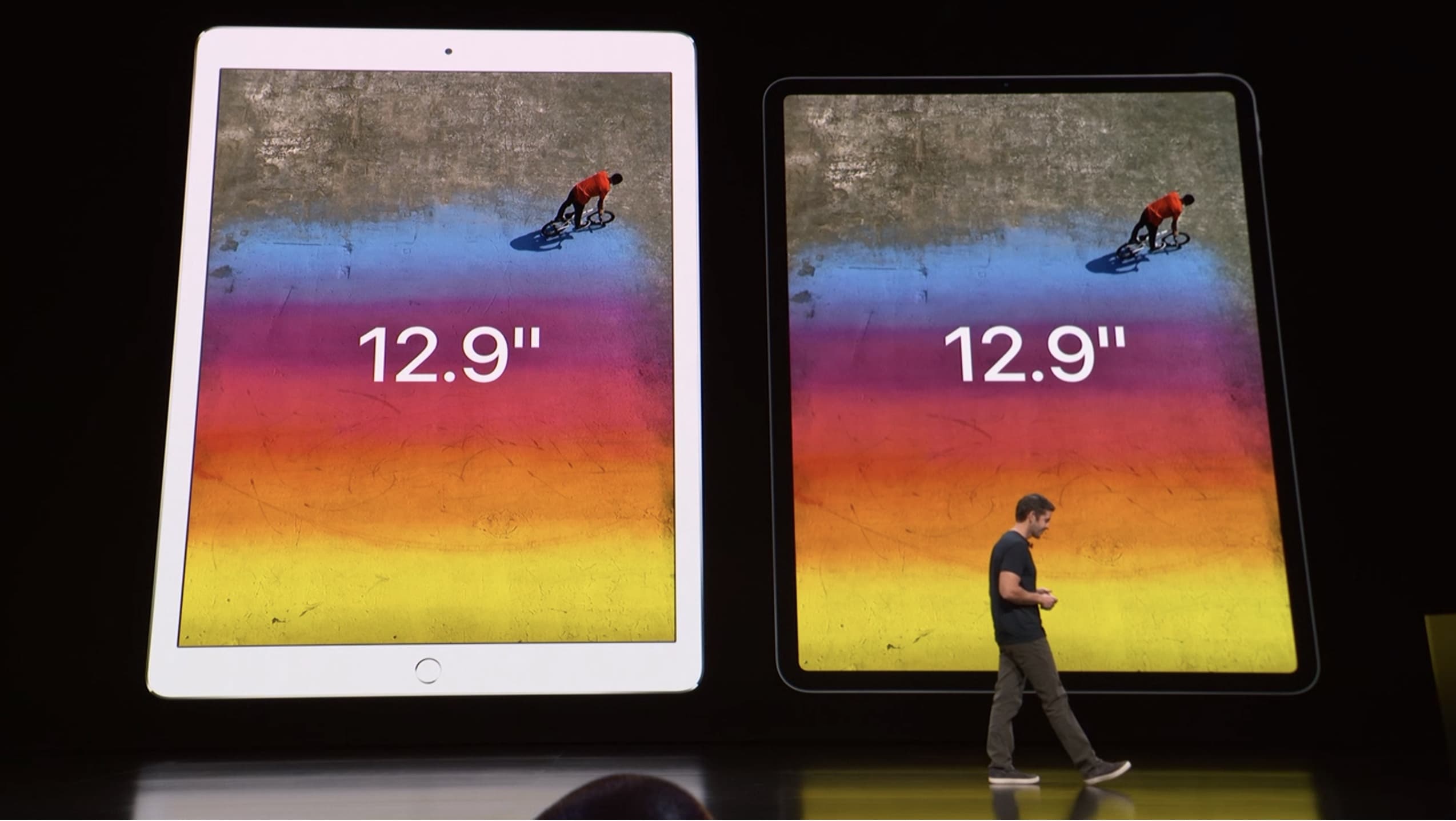
Apple's old 12.9-inch tablet next to the 2018 iPad Pro. Photo: Apple
Apple just unveiled the biggest change to its iPad line since Steve Jobs showed off the first iOS tablet in 2010. The display bezels have been stripped away, essentially giving the iPad Pro an all-screen design.
Equally as important, this is the first iOS device ever with a USB-C port in place of the Lightning port. This will allow the iPad Pro to connect to external monitors and other hardware.
Mock up of the new iPad Pro and Apple Pencil. Photo: Ben Geskin
Apple is planning to unveil a second-generation Apple Pencil during its ‘More in the Making’ keynote tomorrow but full details of the new stylus may have already leaked online.
Notorious Apple leaker Ben Geskin tweeted out new info on Apple Pencil 2.0 today, confirming some rumored features of the device, including a new way to charge the stylus.
Apple's got a few more surprises up its sleeve. Photo: Apple
The second-biggest Apple keynote of 2018 is nearly here, and for some Mac fans, the wait can’t end soon enough.
Unlike last month’s iPhone XS keynote, all the details haven’t leaked ahead of the “There’s More in the Making” event. Still, we have a pretty good idea what Apple’s magic pipeline will pump out next Tuesday.
Apple’s ‘More in the Making’ keynote is less than 24 hours away where the company is expected to unveil a slew of new iPads and Macs.
Unlike last month’s iPhone keynote at Apple Park, this week’s event will be hosted at the Brooklyn Academy of Music and it’s starting early at 10 a.m. ET. If you didn’t get an invite to the event, don’t worry, the entire thing will be live-streamed.
Here’s how to tune in on whatever device you’re using.
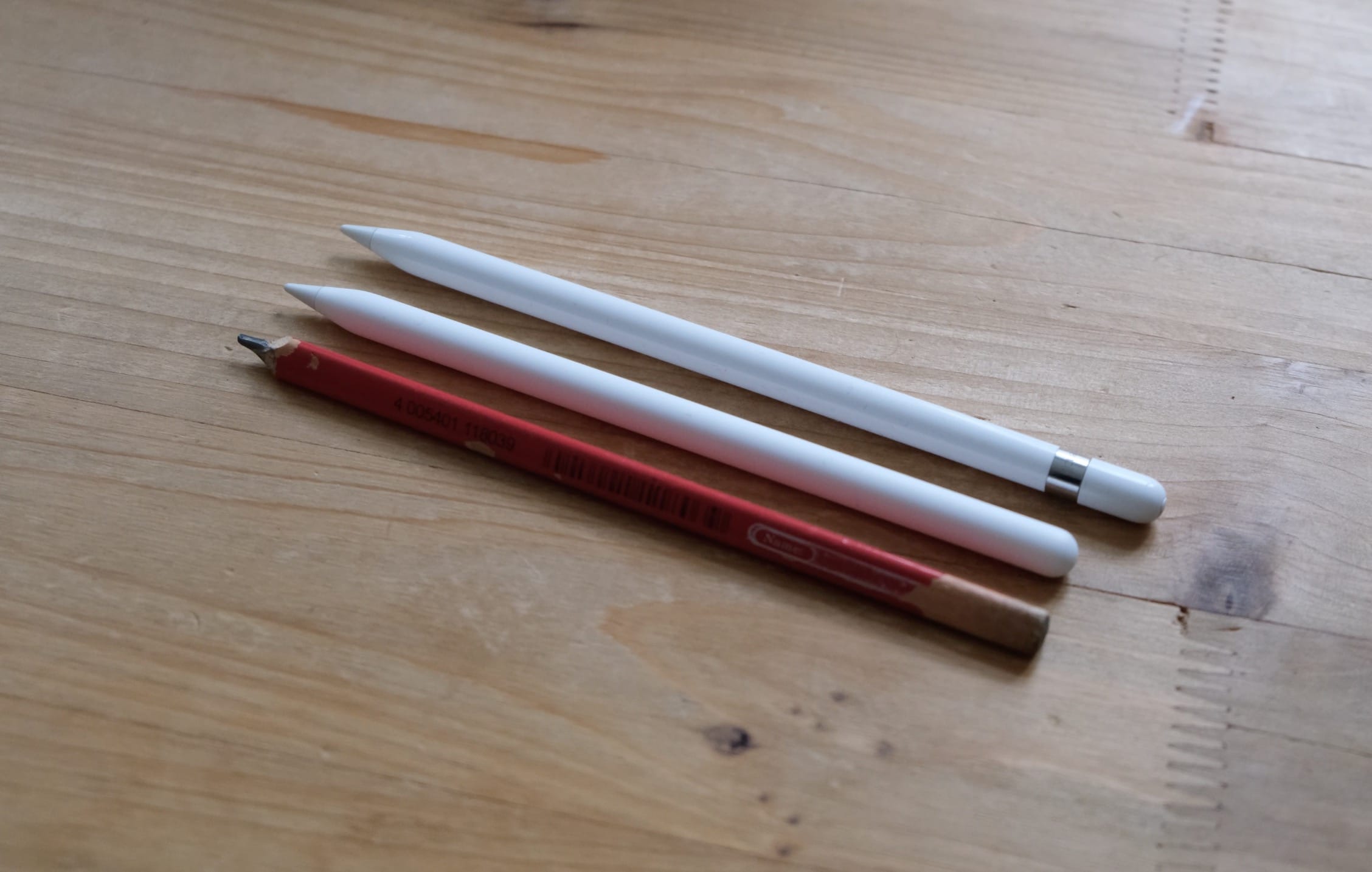
We could see a new Apple Pencil this week. Photo: Charlie Sorrel/Cult of Mac
Apple Pencil is the best iPad stylus money can buy — and it could be about to get even better.
iOS code reveals an updated model, which is likely to make its debut during tomorrow’s “More in the Making” event, will support gestures that make it even more powerful. It could also pack a physical button that provides access to useful functions.
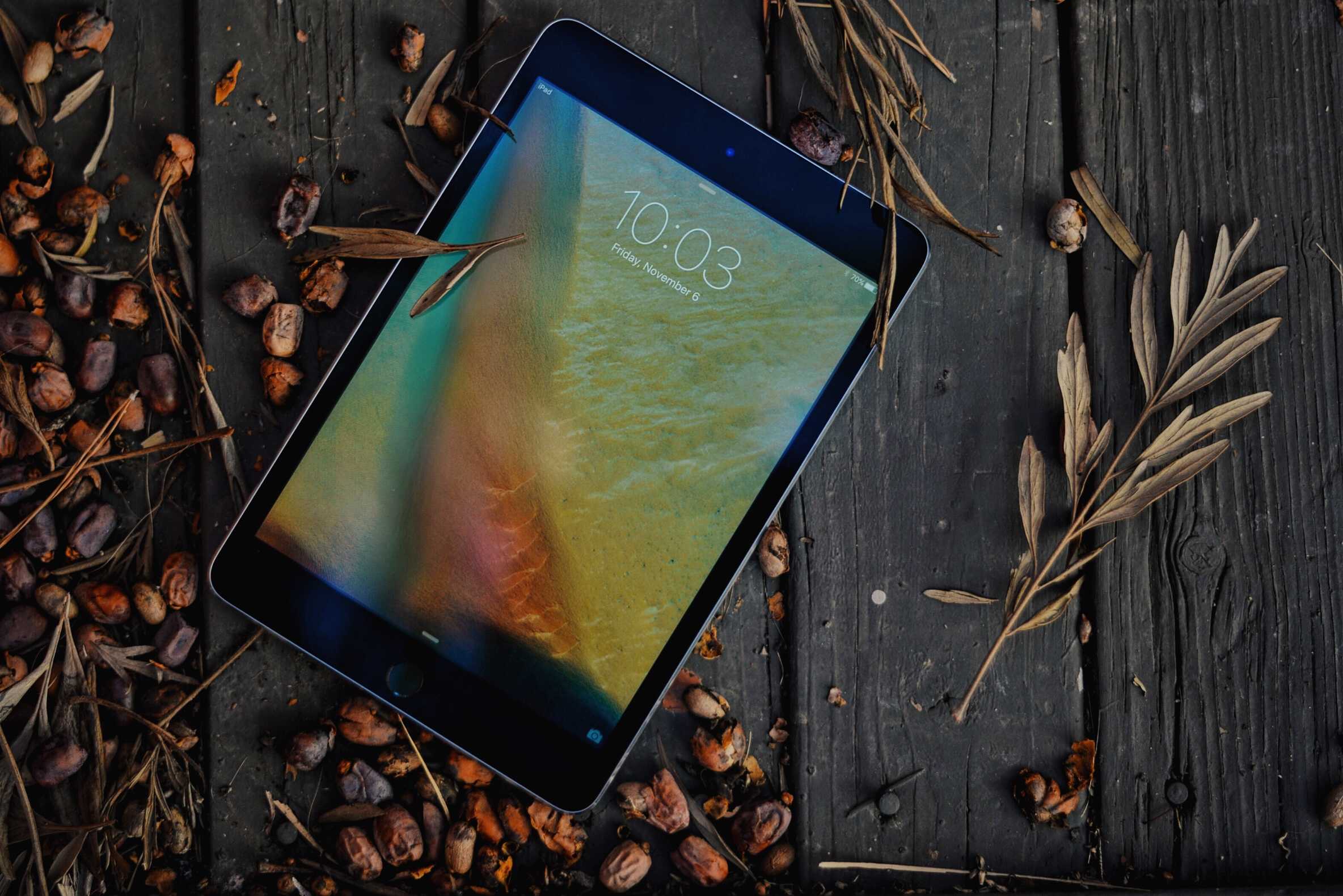
The new iPad mini is more affordable when you sell your old one. Photo: Buster Hein/Cult of Mac
Apple is allegedly making a new iPad mini, according to one of the most reliable Apple analysts around. And new AirPods might be on the way, too.
TFI Securities analyst Ming-Chi Kuo told investors today that he expects Apple to release two new iPad Pros at the October event in New York City. Even more surprising is Kuo’s claim that an iPad mini is in the works.
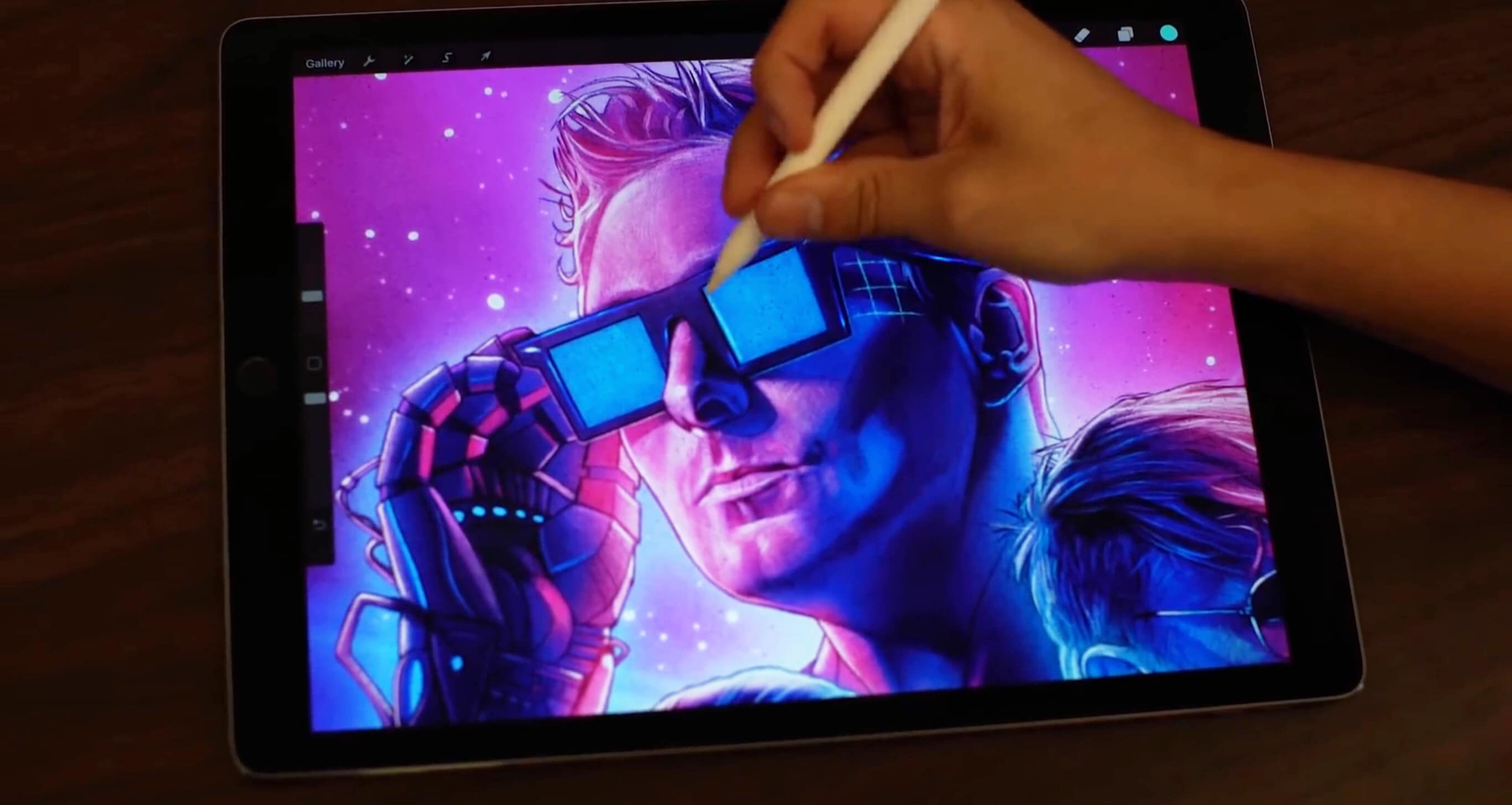
An iPad Pro is the canvas for the artwork for Muse's Simulation Theory album. Photo: Kyle Lambert
Too many people assume that it takes a MacBook Pro or something similar to create serious digital art, while an iPad is more of a toy. The best response to that is a new video showing album artwork for Muse’s new Simulation Theory album being created with an iPad Pro and an Apple Pencil.
Finally! Apple's October 30th event is all about the hardware. Image: The CultCast
This week on The CultCast: Waiting for new AirPods? Need that AirPower charging mat? Don’t you dare miss our “More in the Making” hardware event predictions, cause we bring out the crystal ball, and all is revealed.
Then: Seventeen reasons the iPhone XR should be your next phone; the world’s largest Mac collection could be yours for free; and we pitch our favorite games, shows and scooters in an all-new “What We’re Into”!
Our thanks to Casper for supporting this episode. Learn why Casper makes the internet’s favorite mattress, and get $50 towards select mattresses at casper.com/cultcast.
Here's what to expect from the 2018 iPad Pro. Photo: Álvaro Pabesio
It is looking increasingly likely that Apple will deliver a new iPad Pro lineup before the end of 2018. A new report, citing a number of sources familiar with the company’s plans, reveals some things we can look forward to.
Here’s what to expect from the next-generation iPad Pro’s display, Face ID, Apple Pencil, and more.
President Trump and Apple CEO Tim Cook don't see eye-to-eye on any of the Trump tarrifs. Photos: White House/Apple
President Trump reportedly ordered tariffs on $200 billion more Chinese goods yesterday. After these were first proposed several weeks ago, Apple warned that they’ll likely increase the cost of many of its products.
The list of affected devices includes some of Apple’s most popular offerings.
Trump’s latest round of proposed tariffs will negatively impact Apple’s revenues but according to some numbers crunched by an Apple analyst, investors shouldn’t worry about the company’s profits being hit too hard.
Apple revealed last week that some of the proposed tariffs would hurt the profitability of Apple Watch, AirPods, HomePod and Apple Pencil. Price increases would be passed on to consumers, however, it probably won’t be more than a 20% jump.
Trump's trade war with China will hit consumers' wallets the hardest. Photo: Gage Skidmore/Flickr CC
President Trump’s latest list of proposed tariffs on products manufactured in China would have a negative impact on some of Apple’s most popular products.
In a letter sent to the U.S. Trade Representative, Apple says the Apple Watch, AirPods and Apple Pencil would be caught in the crossfire of Trump’s escalating trade war with China. And regular consumers stand to lose the most.