Folks noticed Monday that the new iOS 16 beta for developers contains a tantalizing clue about an unknown, unreleased HomePod.
Could it be a new version of the discontinued large HomePod Apple dropped in favor of the better-selling HomePod mini?
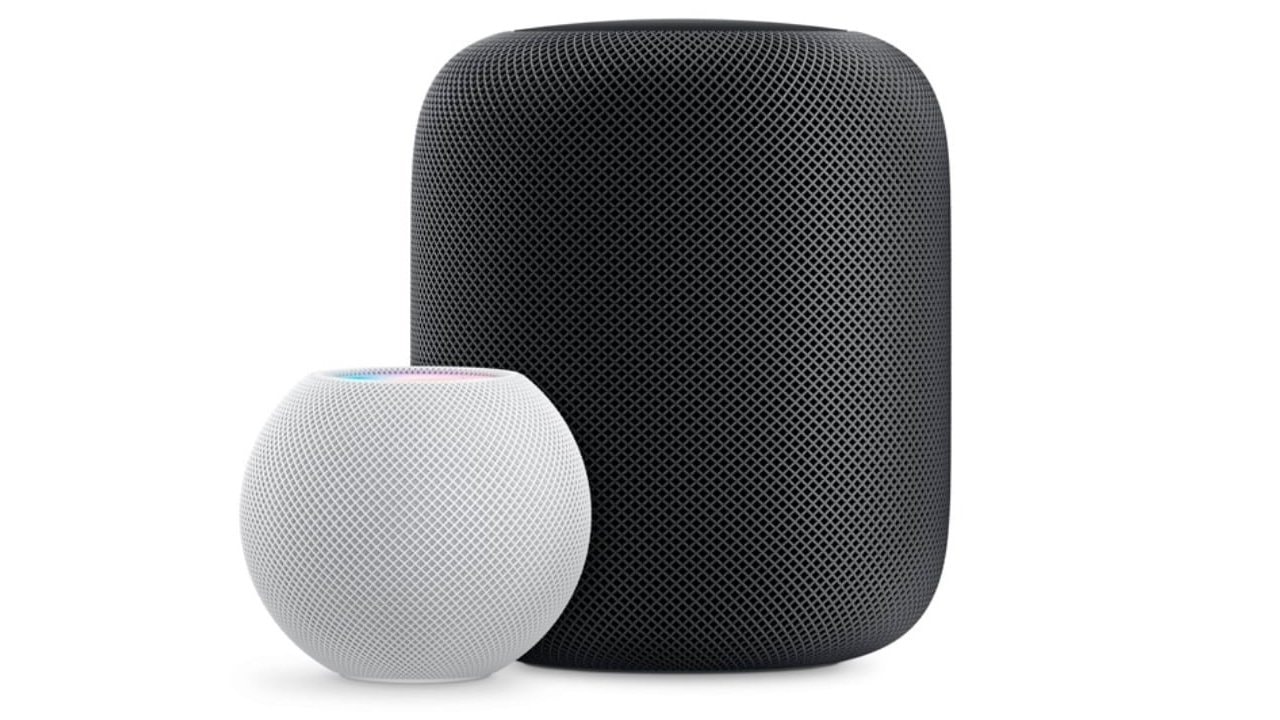
Folks noticed Monday that the new iOS 16 beta for developers contains a tantalizing clue about an unknown, unreleased HomePod.
Could it be a new version of the discontinued large HomePod Apple dropped in favor of the better-selling HomePod mini?


Apple seeded the first betas of iOS 15.6 and macOS 12.5 to developers on Wednesday, even though their replacements will be announced in less than a month. iOS 16 and macOS 13 will surely be unveiled at the WWDC developers conference in early June, but work on their predecessors goes on.
Developers were also given access to iPadOS 15.6 beta 1, watchOS 8.7 beta 1 and tvOS 15.6 beta 1.

The first tvOS 15.4 beta brings an improved video player with a built-in “Up Next” queue to Apple TV. The update, released Thursday by Apple, also allows users to connect to captive Wi-Fi networks for the first time.
The changes come after Apple TV got a completely redesigned video player with larger titles and more accessible subtitles in tvOS 15 last fall.
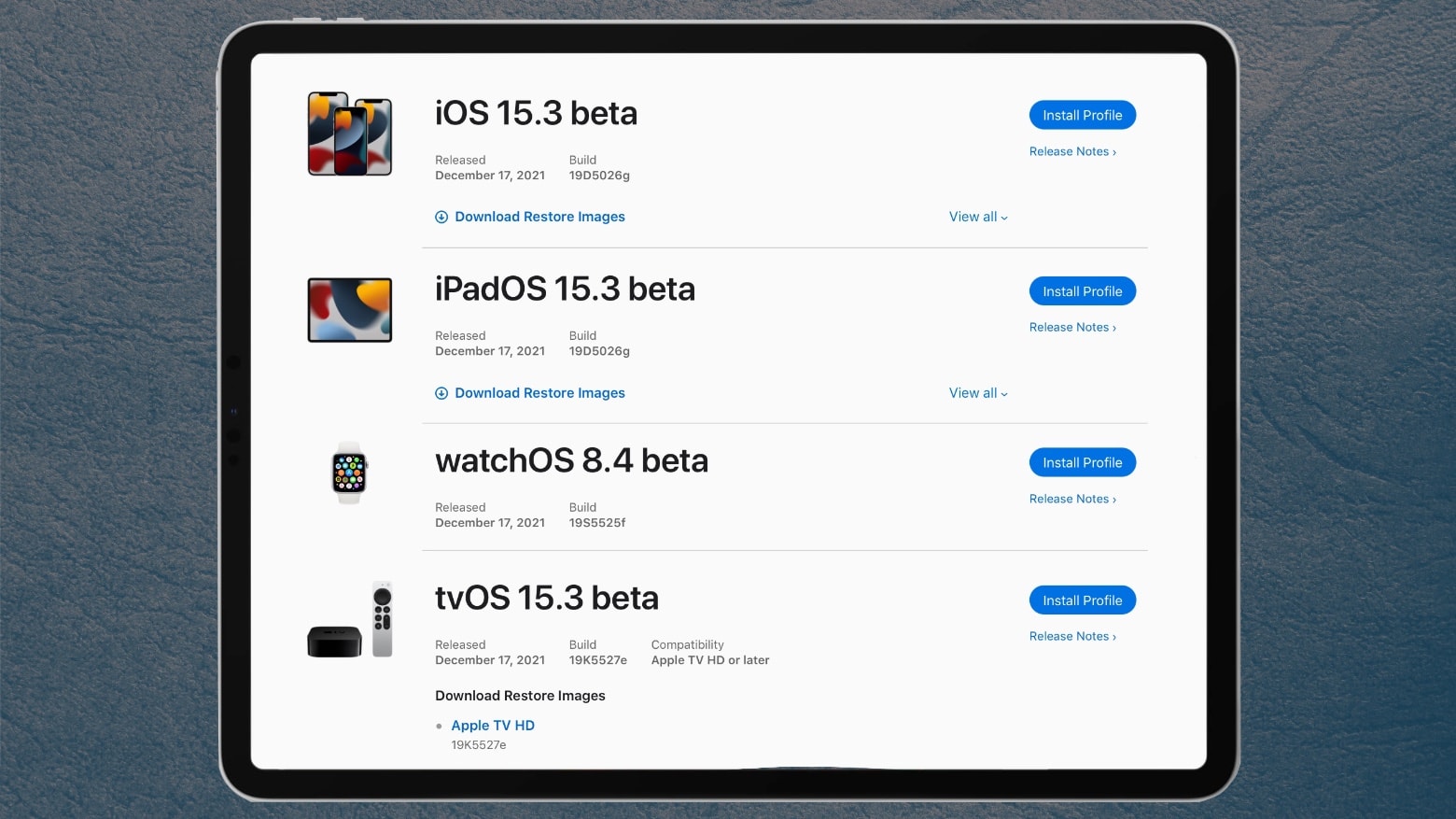
Apple seeded the initial iOS 15.3 beta to developers later than usual Friday, along with the iPadOS equivalent. And on Monday, Apple added iOS 15.3 beta 1 and iPadOS 15.3 beta 1 to the Apple Beta Software Program. So far, no one has been able to find any new features in them.
watchOS 8.4 beta 1 and tvOS 15.3 beta 1 also went to developers Friday.
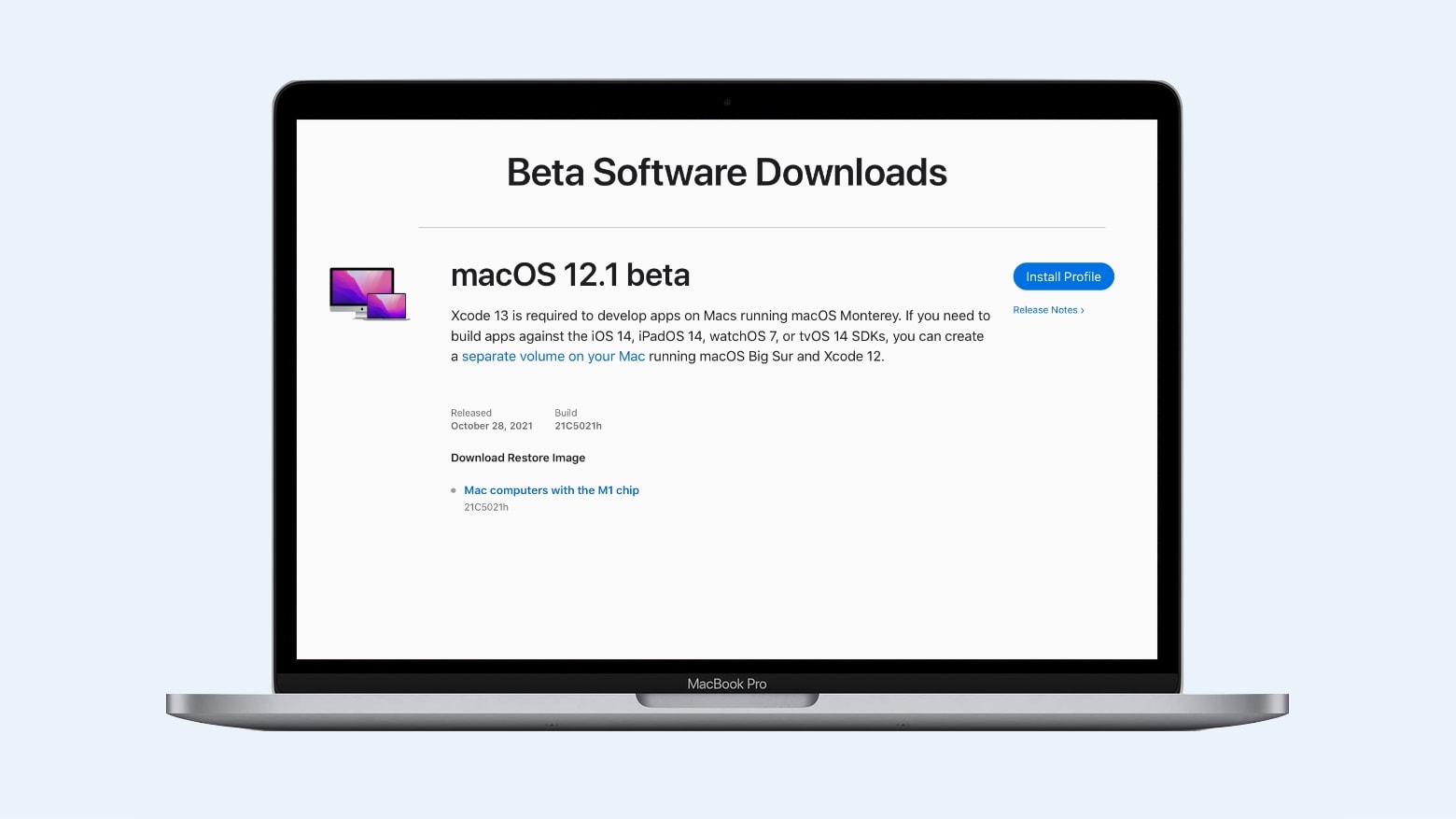
Developers just got their hands on macOS 12.1, the initial major update to Monterey. It’s Apple’s first opportunity to test features missing from macOS 12, like SharePlay and Universal Control.
But the beta is so new it’s not yet clear whether these features are in it yet.
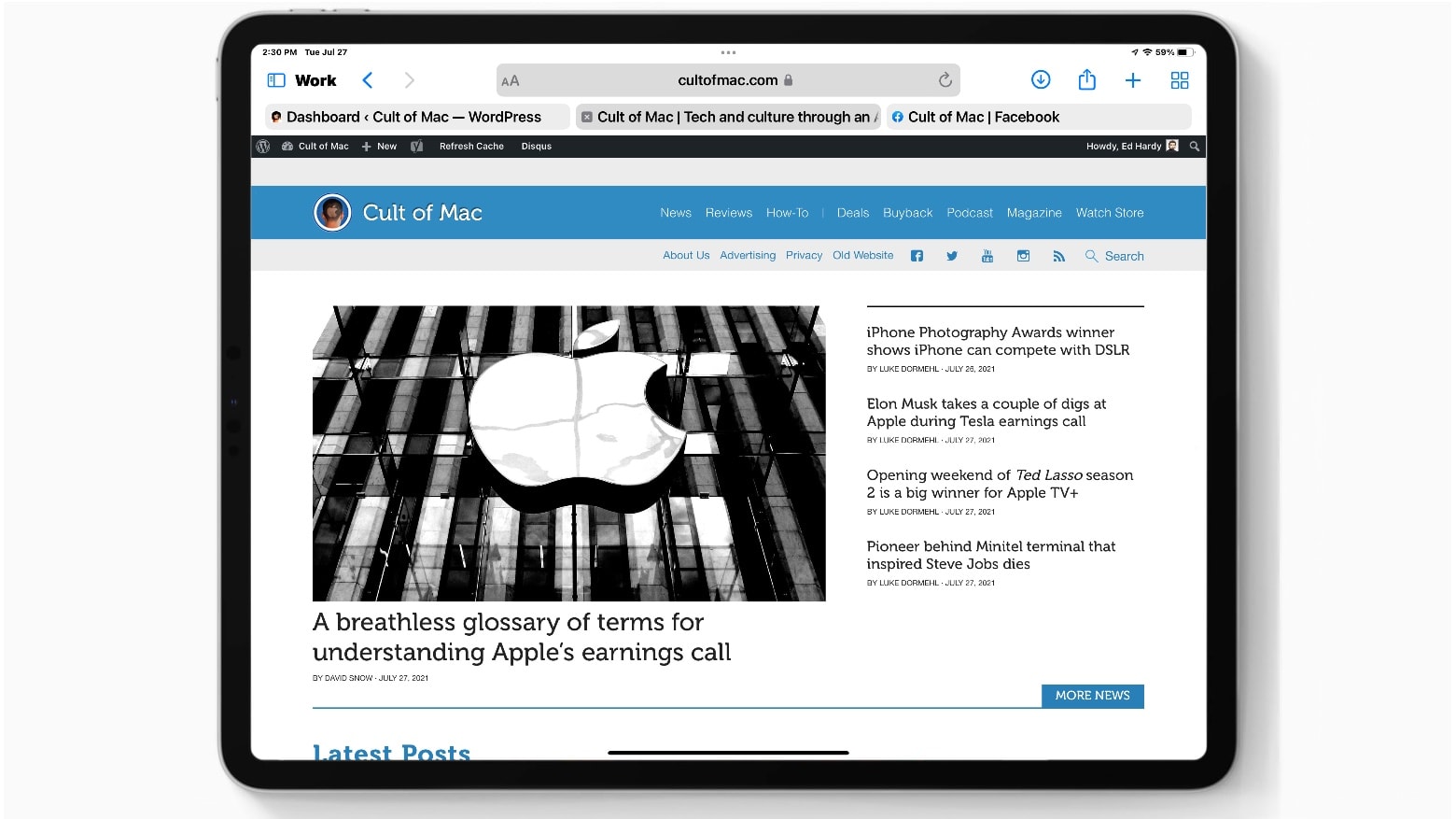
Apparently responding to criticism of the Safari redesign in iPadOS 15, a beta released Tuesday makes significant changes to the layout of the Safari web browser. The newest iteration gives users the option to view the Address Bar very much like it looks in iPadOS 14. But those who prefer can keep the new compact view.
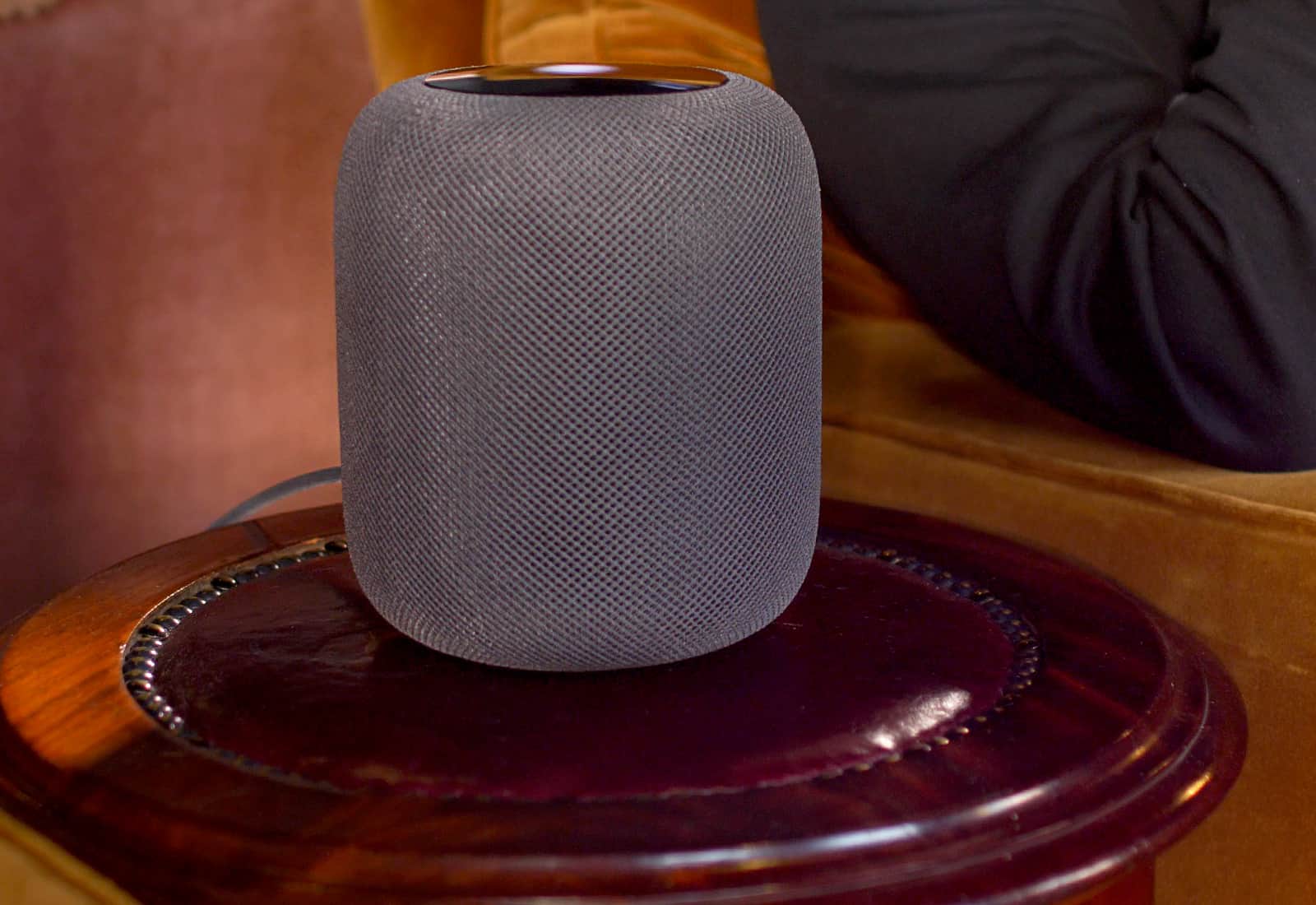
Recent reports suggest owners of the original HomePod should steer clear of the device’s software version 14.6 and the newer version 15 update for beta users.
After numerous reports surfaced on Reddit and elsewhere, it appears the updates “brick” some users’ devices in certain configurations.
After almost a decade of using a female voice by default, Siri users will be given a choice of voices for the virtual assistant when they set up Apple devices. The virtual assistant will also come with two new English-language voices.
These changes debuted in iOS 14.5 beta 6 and the iPads equivalent, which Apple seeded to developers Wednesday.

Apple seeded the sixth beta of iOS 14 to developers Tuesday, along with the iPad equivalent. That’s a week since the last betas were introduced — and the quick turnaround is a strong sign that Apple won’t add any more surprise features before the full release of these operating systems this autumn.
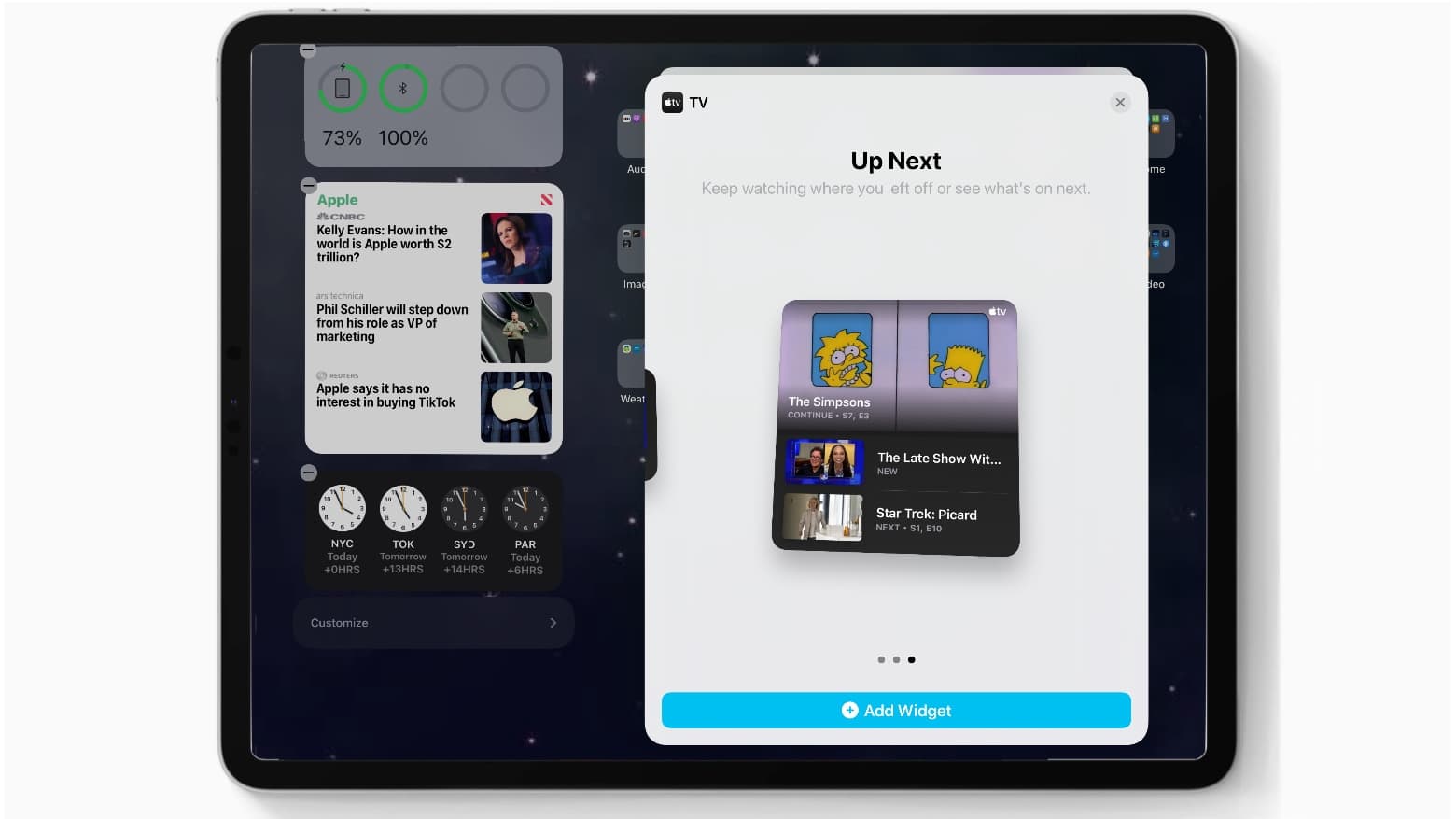
A highlight of iOS 14 beta 4 is a TV widget on the Home screen, giving users easy access to shows in the Apple TV app. And the Weather widget returns for iPad users, among a handful of other tweaks.
Apple released the public beta Thursday after seeding it to developers earlier this week.
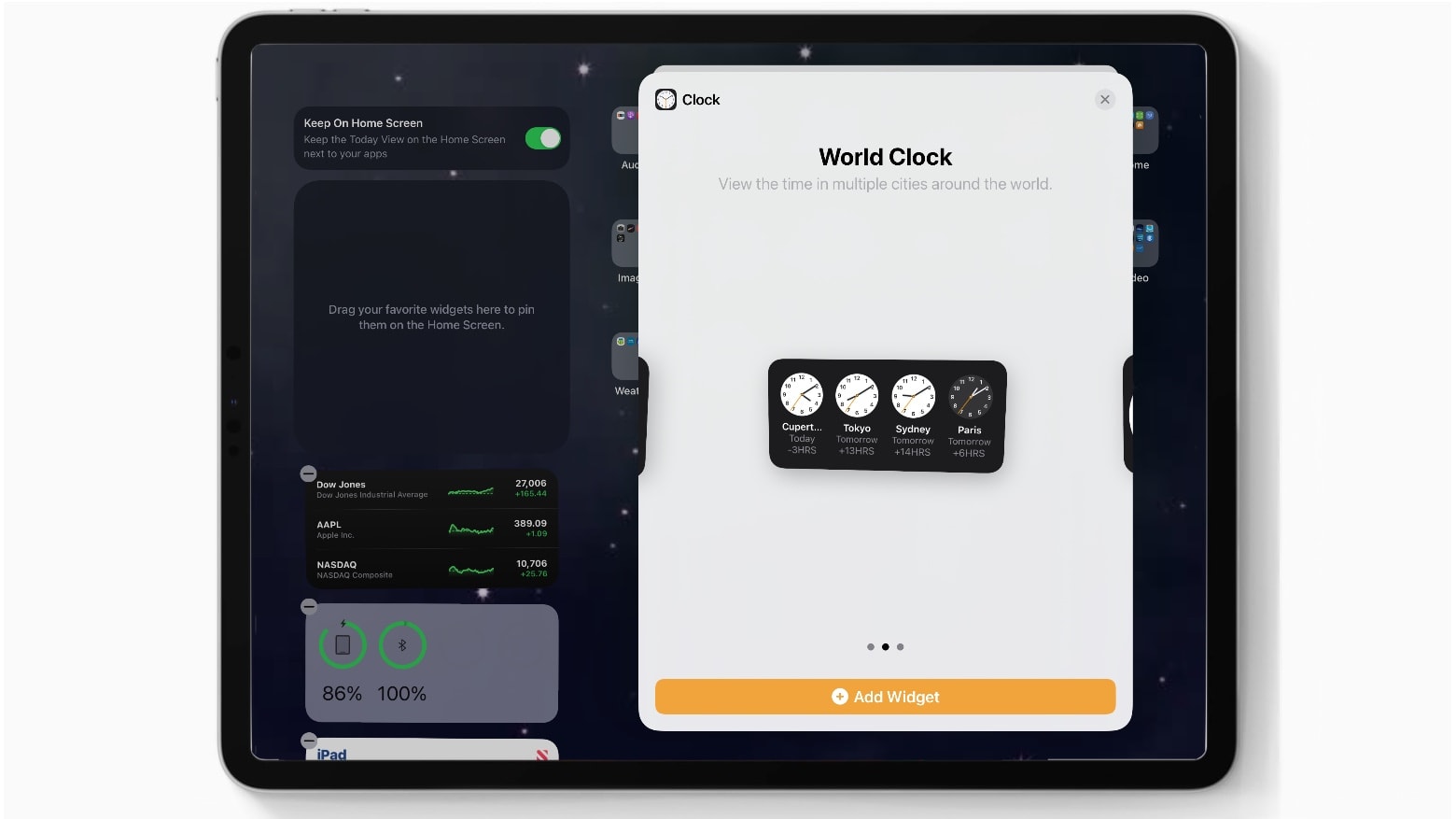
Apple continues to add new features to iOS 14 and the iPad equivalent in the third beta, which the company seeded to developers Wednesday. However, the latest betas brought no major changes.
There’s a new World Clock widget. And the Apple Music app returned to the same icon design it had years ago. Other than that, Apple seems to be concentrating on bug fixes.

This week on The CultCast: We’ve got more details on the 14-inch MacBook Pro, and Apple Maps gets a new feature that blows us away! Plus: We talk our two-week impressions of iOS 14, and a major Hollywood film is coming to Apple TV+.
Our thanks to Squarespace for supporting this episode. Easily create a beautiful website all by yourself, at Squarespace.com/cultcast. Use offer code CultCast at checkout to get 10% off your first purchase of a website or domain.
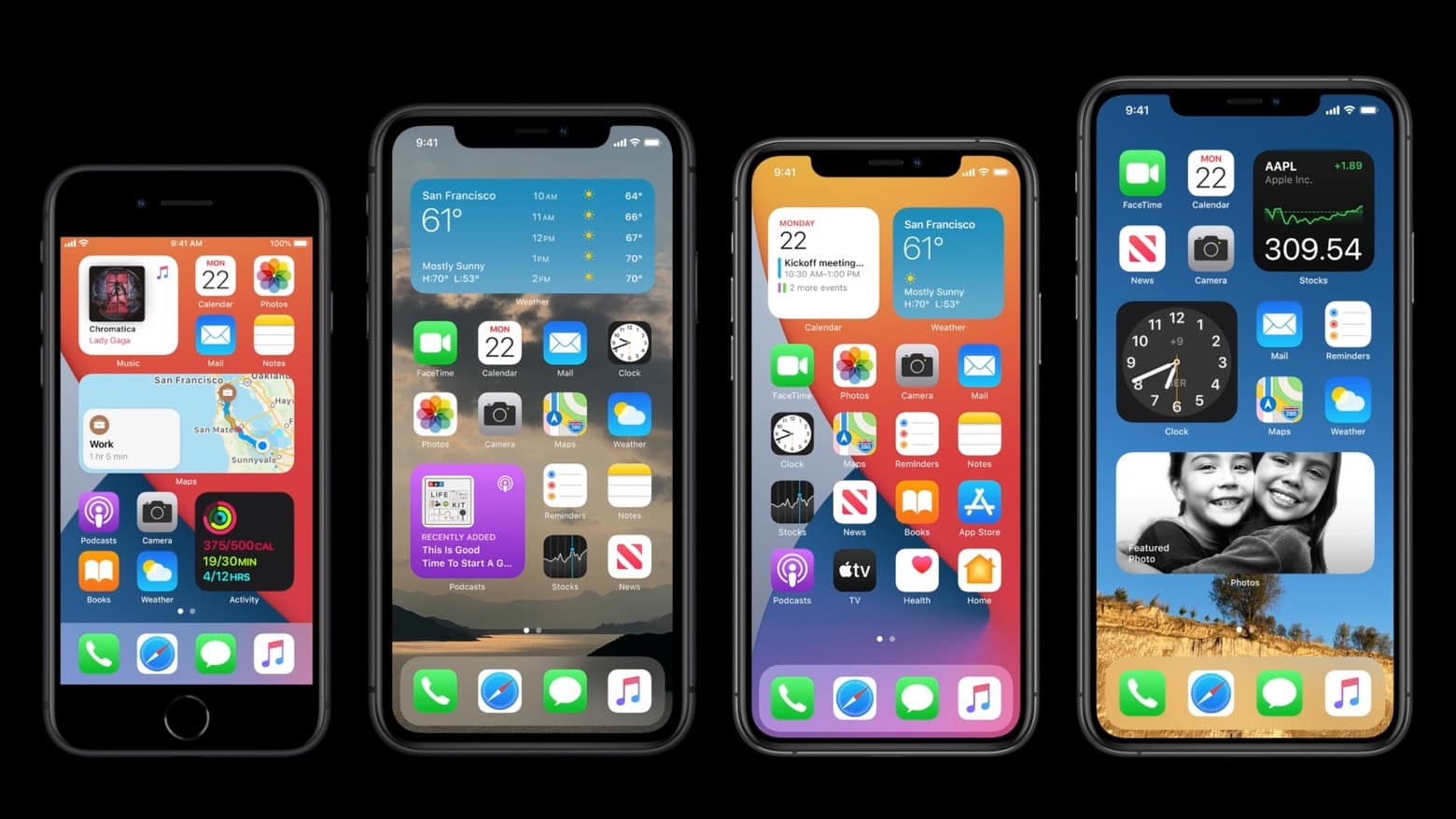
After giving developers access to iOS 14 and iPadOS 14 betas in June, Apple on Thursday let the general public test prerelease versions, too.
The are significant upgrades, packed with features that won‘t be available in non-beta form until autumn.
Apple seeded the second beta versions of iOS 14 and iPadOS 14 exclusively to developers Tuesday. The most notable new feature appears to be a widget for the Files app, giving users access to recently used files directly from the Home screen.
The latest betas bring some small changes as well, of course. Development of these operating systems continues, with full releases expected this autumn.
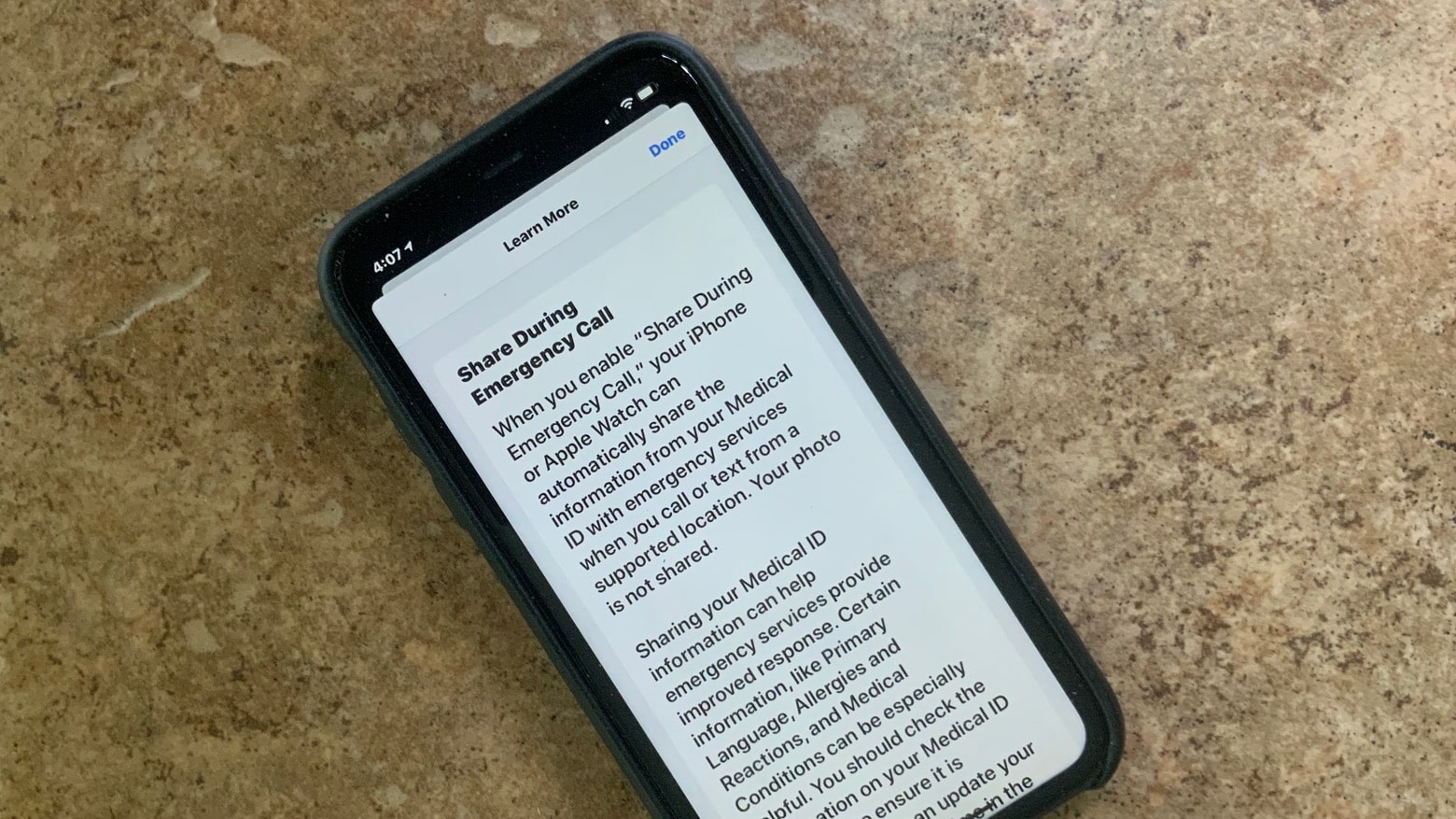
iPhone and Apple Watch will soon make it easy to share medical ID information during emergency calls. Basic details like allergies and medications can be sent to a dispatcher during the call.
This feature appeared in iOS 13.5 developer beta 4, which debuted on Wednesday.
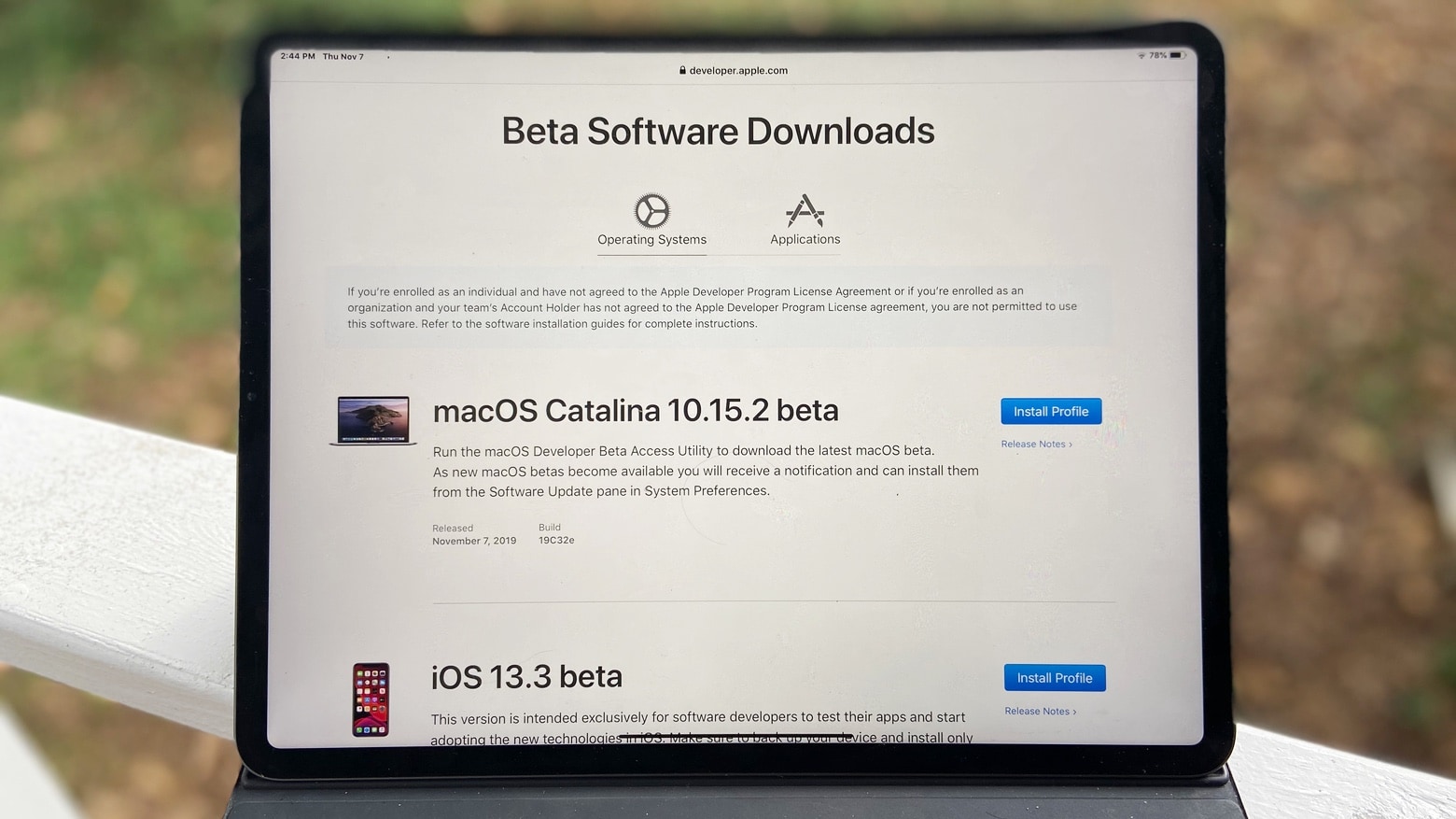
After taking Thanksgiving week off, Apple just introduced macOS 10.15.2 beta 4, the next iteration of Catalina.
So far, it just seems to include some tweaks for Mac notebooks and desktops, though.
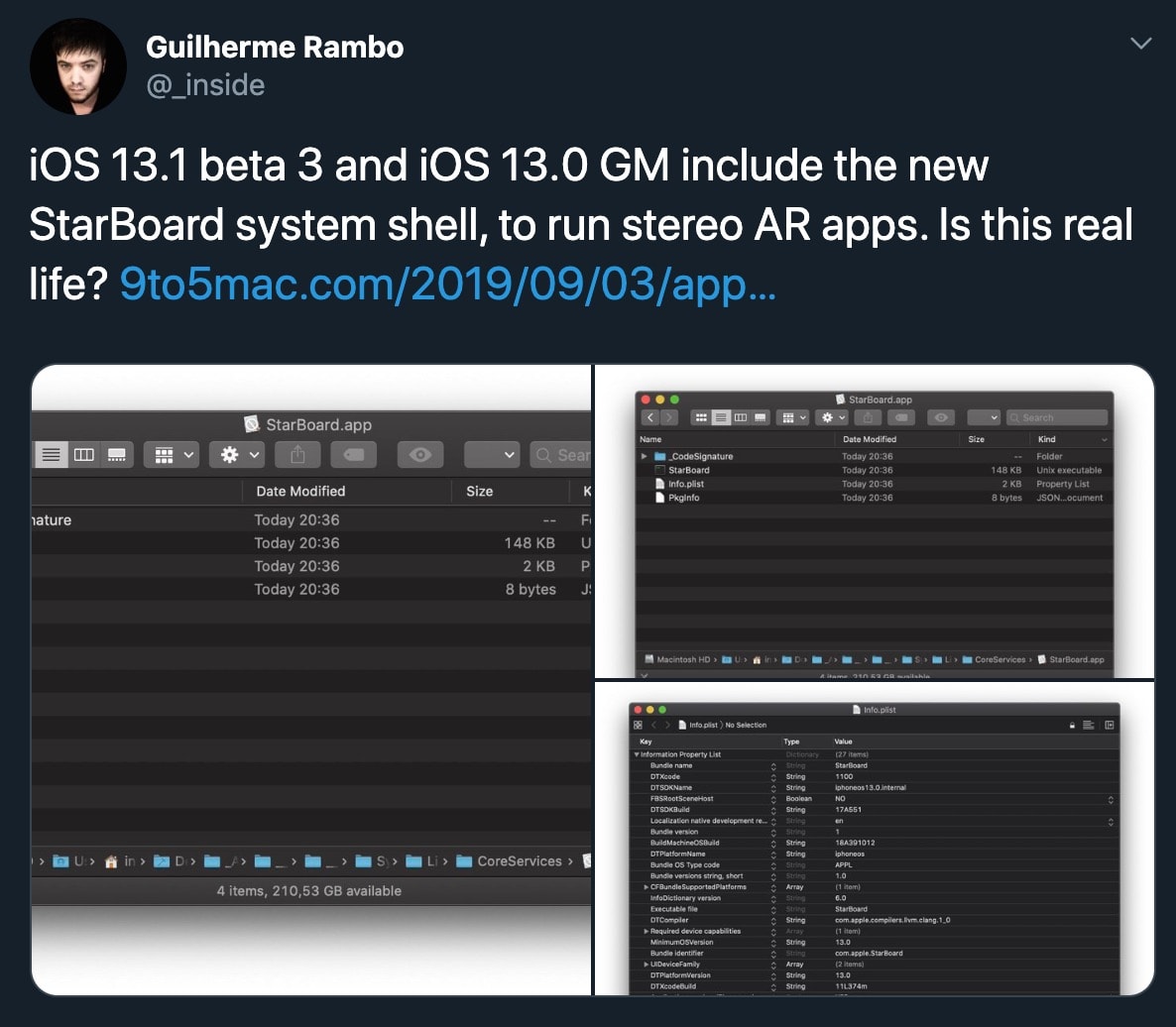
Guilherme Rambo, one of the top Apple secret-spillers, says Apple locked him out of his developer account, preventing him from accessing critical tools needed to create and update iOS and Mac apps.
In a blog post detailing his problem, Rambo revealed that Apple locked him out in August. Since then, all his attempts to resolve the issue met a dead end, he says. Rambo’s post doesn’t mention that he digs through Apple beta software looking for clues about unreleased Apple products — and publishes his findings on 9to5Mac. That might be the precise reason why he’s locked out.
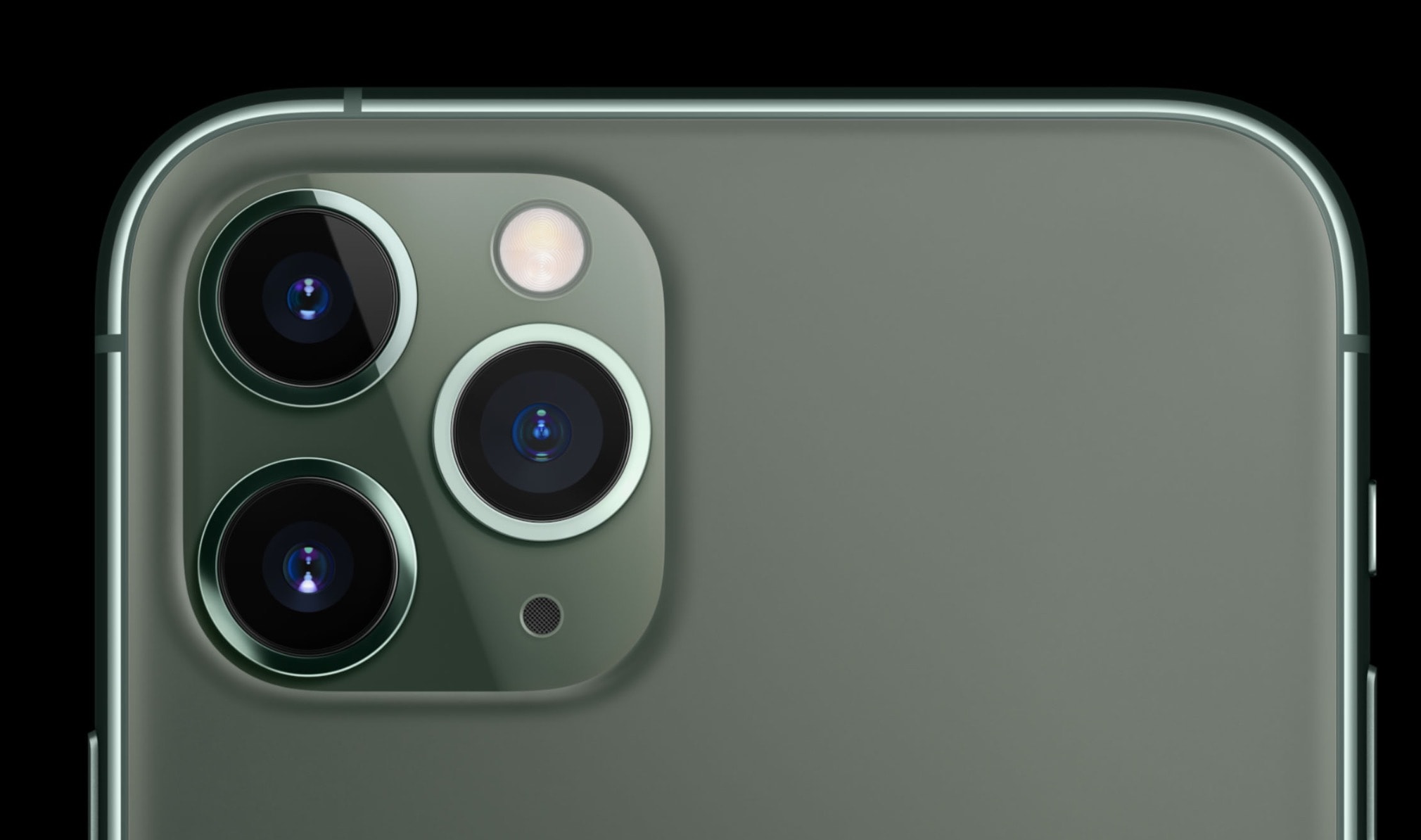
Deep Fusion support on the iPhone 11, 11 Pro and 11 Pro Max is finally available for testing if you’re an iOS developer. Apple’s latest computational photography feature adds even more detail to pictures by combining multiple images into a single shot.
Apple seeded the first iOS 13.2 and iPadOS 13.2 betas to developers this morning after teasing the release yesterday.
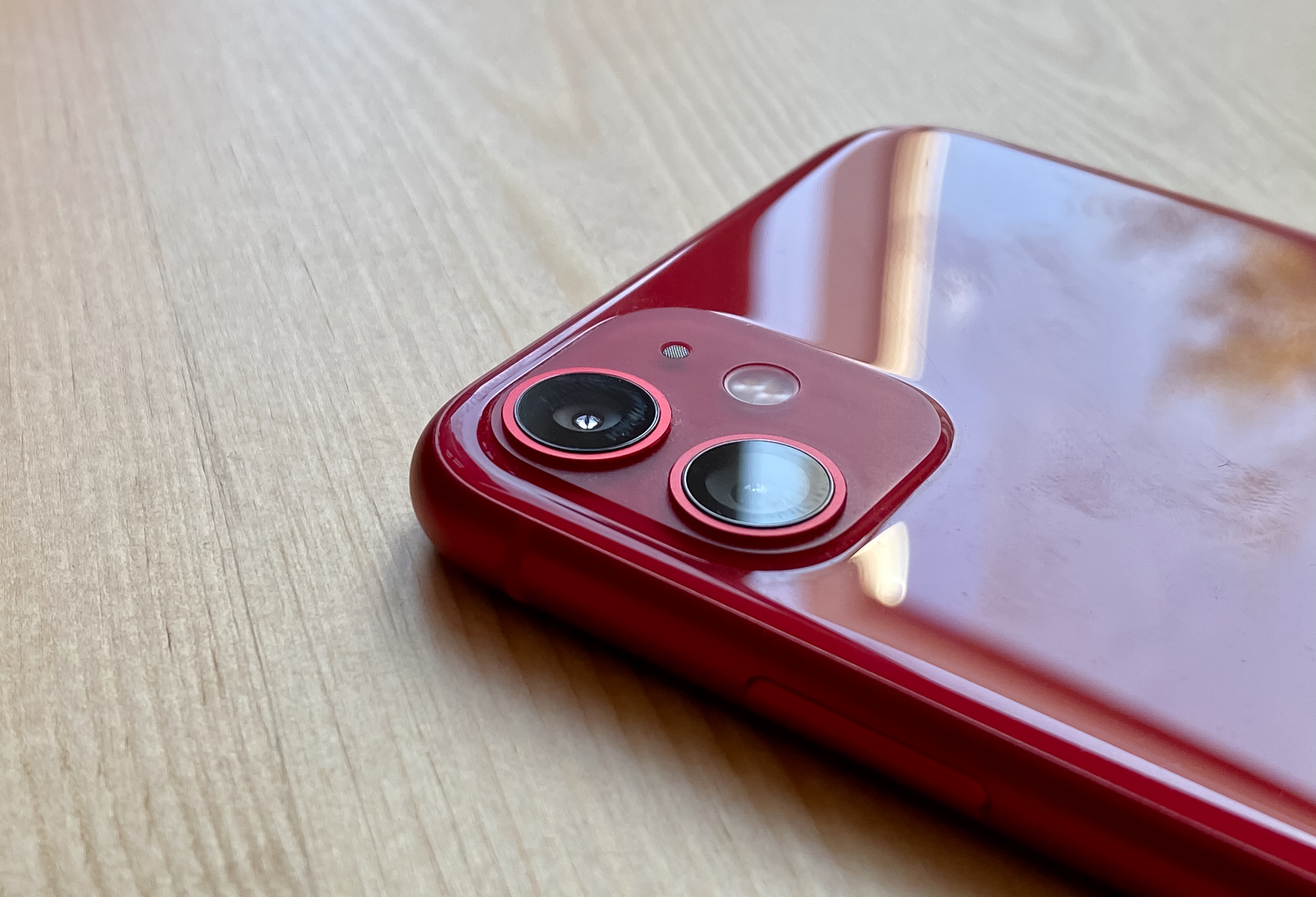
Apple is today providing beta testers with an early taste of its upcoming Deep Fusion feature for iPhone 11.
Apple first previewed the new technology, which promises to deliver some of the most detailed photos you’ve ever shot on a smartphone, at the iPhone 11 launch event last month.
Registered developers can start trying it out today by downloading the latest iOS 13 beta.
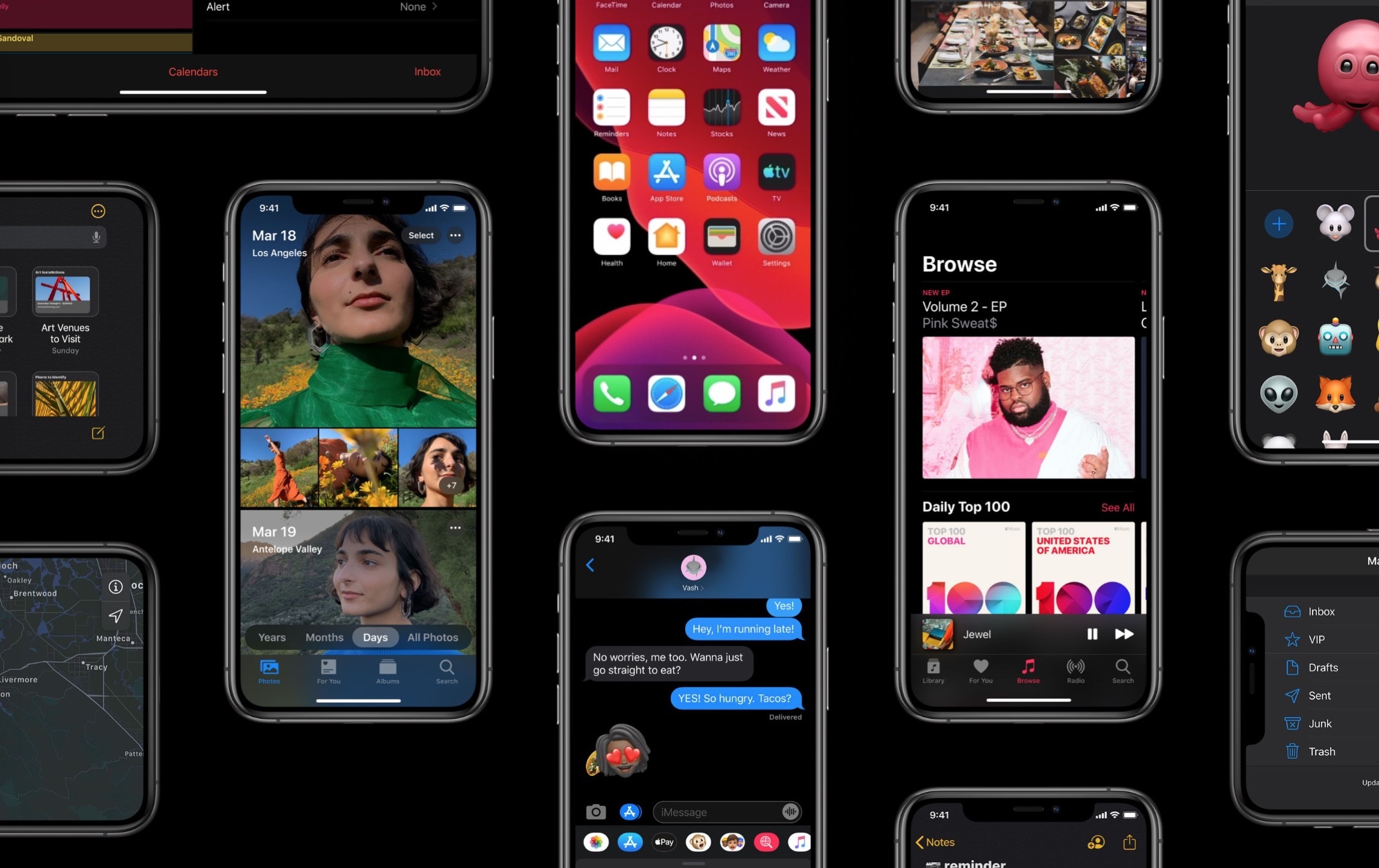
iOS 13 GM — the final beta build of iOS 13 and iPad OS 13 — finally arrived today, after Apple revealed the public launch date for the huge software update.
After its big iPhone 11 keynote today, Apple said iOS 13 will launch on September 19. That’s one day before new iPhones hit stores. Developers can already get the launch version, though, thanks to the iOS 13 GM seed Apple released today alongside iOS 13.1 beta 3.
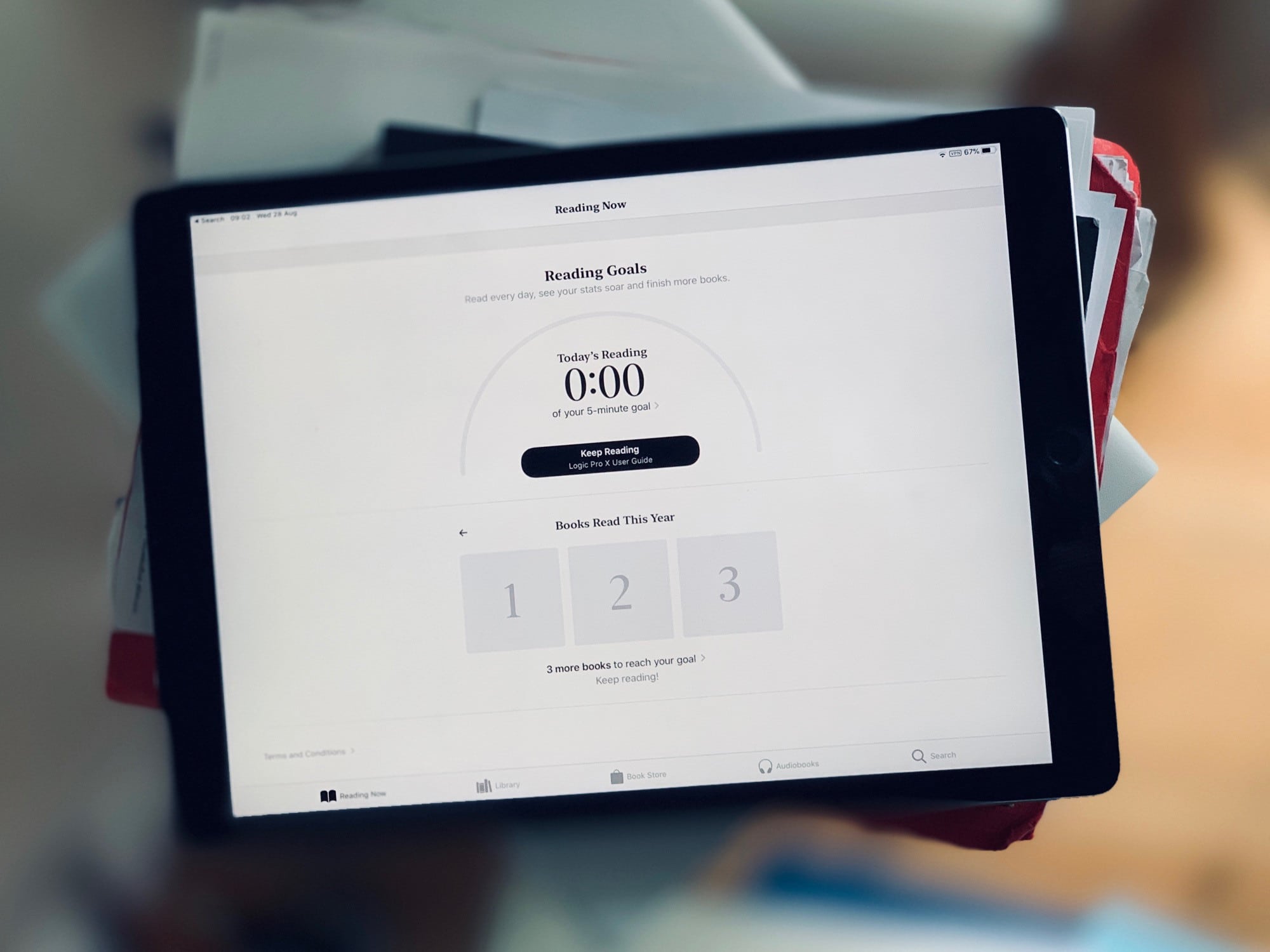
After the release of iOS 13.1 beta 2, iOS 13 is probably good enough for you to install and use. I’ve been running the new iPadOS on an old test iPad since the very first version, and it has been glitchy all the way. But as of the latest developer beta, almost all of the problems have been ironed out.
So, is the iOS 13 beta really stable enough to install?
Surprisingly, iOS 13.1 is already in beta. It looks like Apple’s release strategy this year is to freeze the current beta version of iOS 13.0 in order to get it ready for the new iPhones expected on September 10. Meanwhile, Apple continues to test the next version, adding back some features removed during the beta period — Shortcuts automations, for example.
So, what other new (or revived) features will you find in iOS 13.1 beta 1?
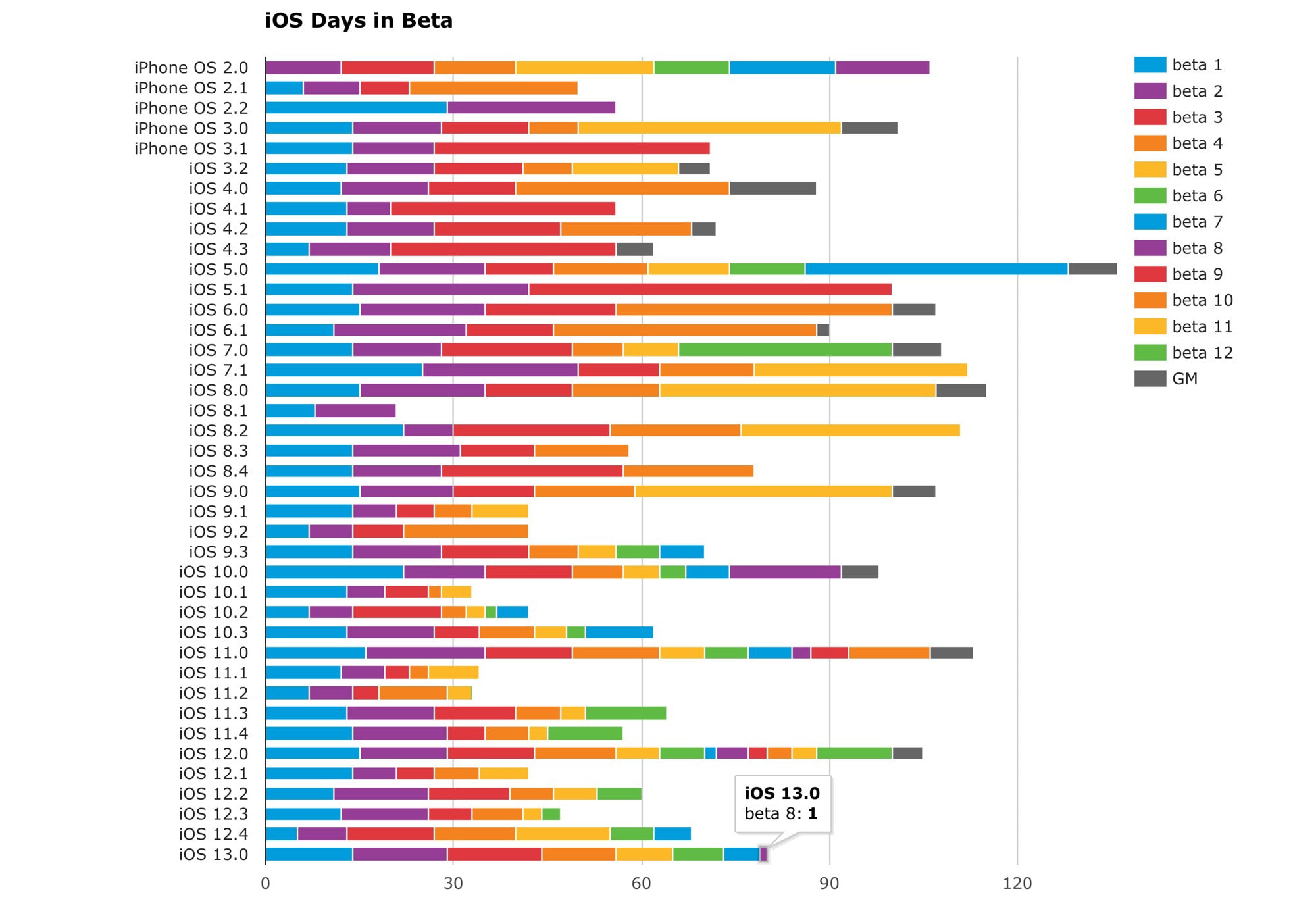
We’re up to the eighth beta of iOS 13, but that’s not nearly the record for iOS betas. That honor goes to iOS 11. It might seem like we’ve had a lot of betas this time around, but two years ago, Apple seeded 13 betas before hitting the Gold Master stage.
With just a few weeks left until the expected iPhone 11 launch, it seems unlikely that record will fall. In terms of sheer number of betas, iOS 13 is not even close. But what about total time spent in beta? Or the fewest betas? Let’s look at the chart.
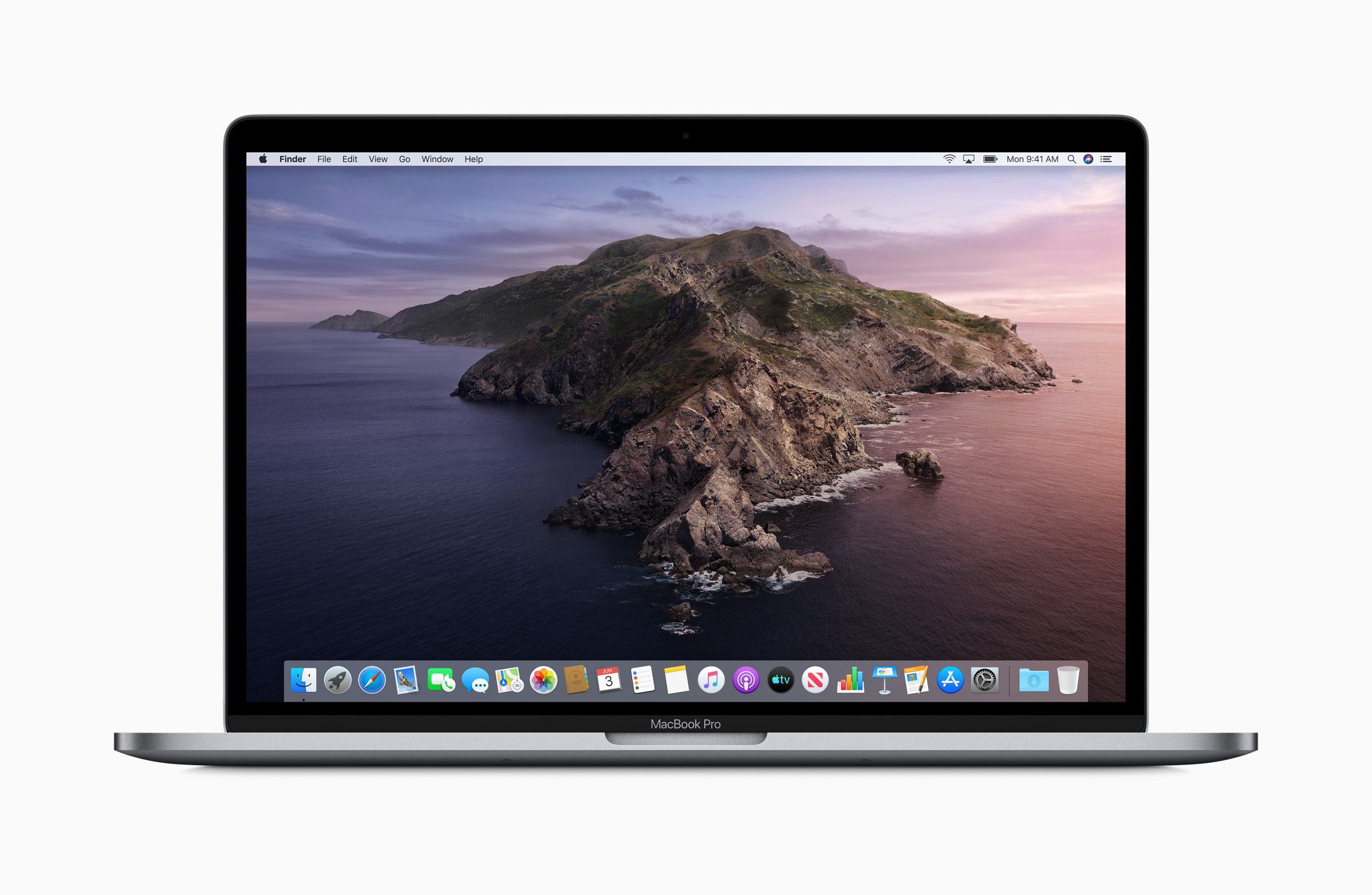
Anyone who’s fed up with iTunes can put the latest pre-release version of macOS Catalina on their Mac now and start using the new Apple Music, Apple Podcast and Apple TV apps instead. Of course, today’s public beta, the fourth in the series, comes with a long list of known problems so it might not be worth the hassle.
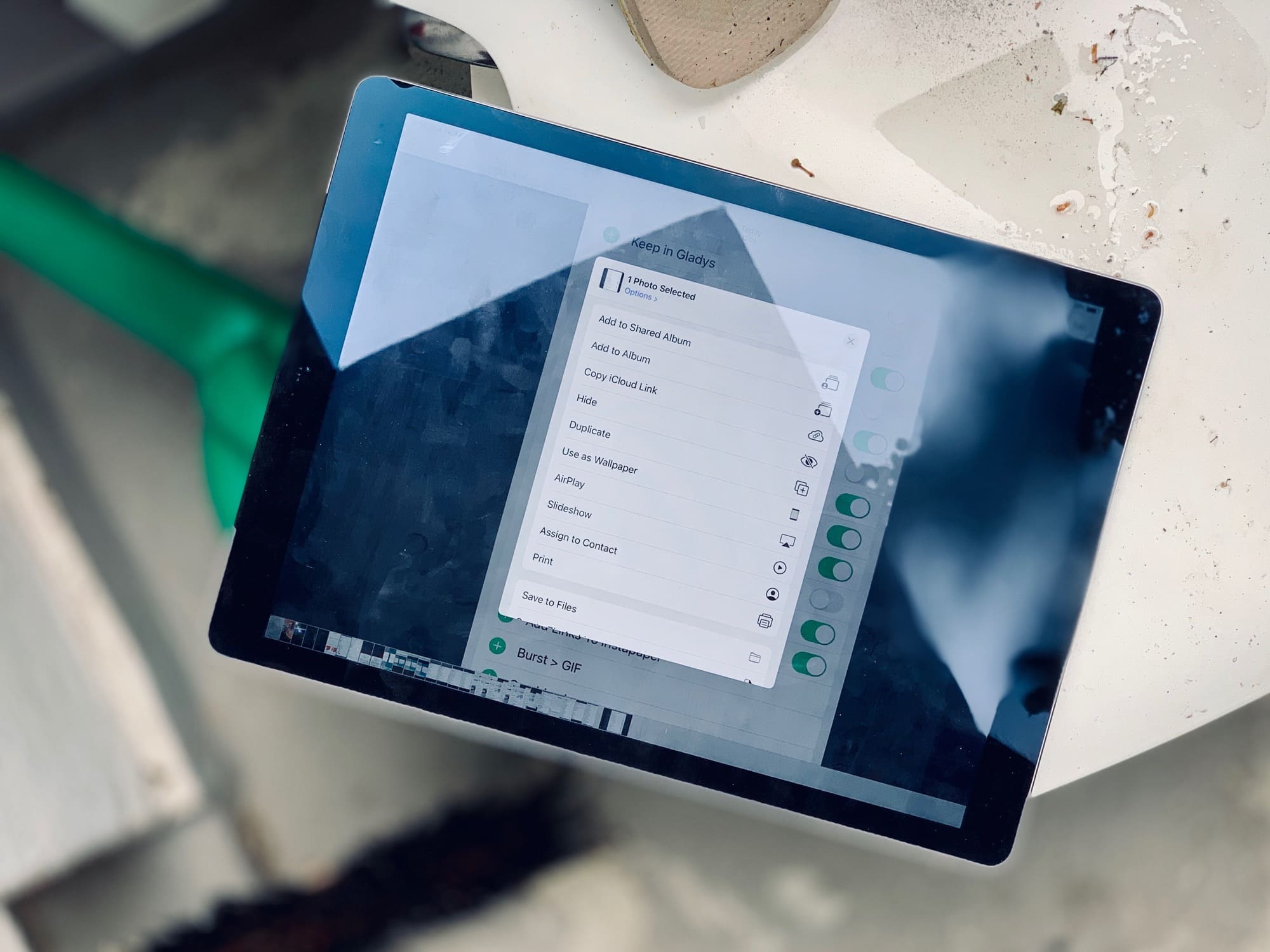
Up until the latest developer beta 5, the iOS 13 share sheet has been a mess. At the top is the truly excellent quick-share row, which automatically suggests sharing destinations that you use often — iMessage and email contacts, AirDrop destinations, and so on. Then there was the familiar row of app icons.
However, below that came a single long list of B&W labels, mixing up all the other sharing options, along with all of your shortcuts. It was impossible to use. It also felt like a placeholder for a new UI design.
Now, that new design has been added, and it’s … OK. There’s still no color differentiation for your shortcuts, and the list is still too long, but you can customize some sections. Let’s take a look at the new iOS 13 share sheet options.