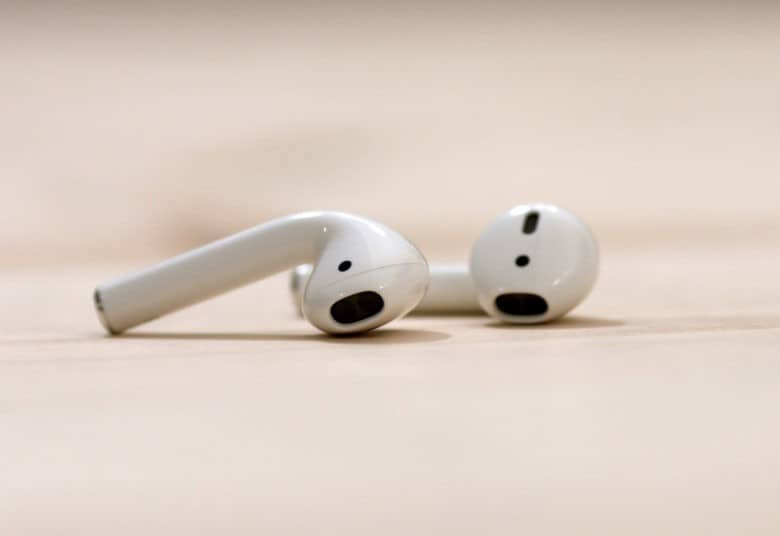
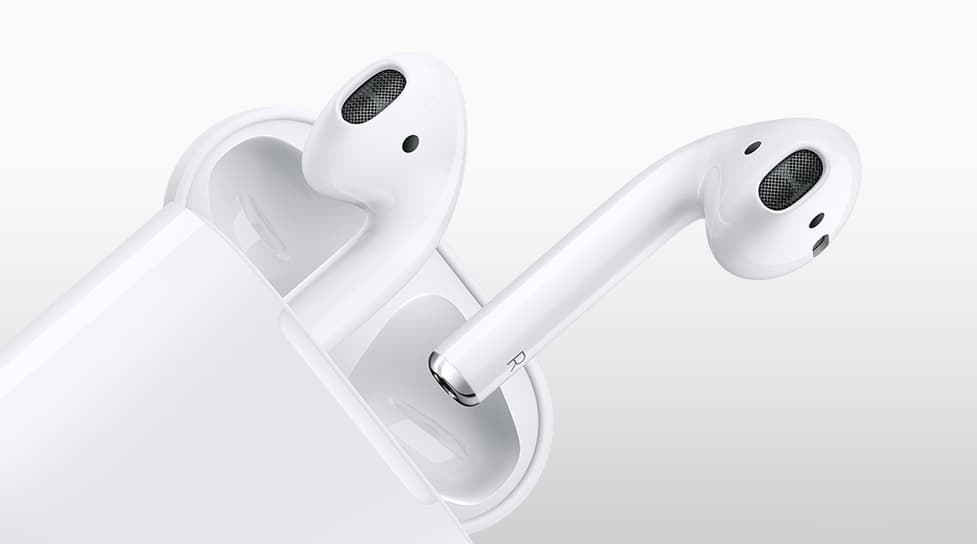
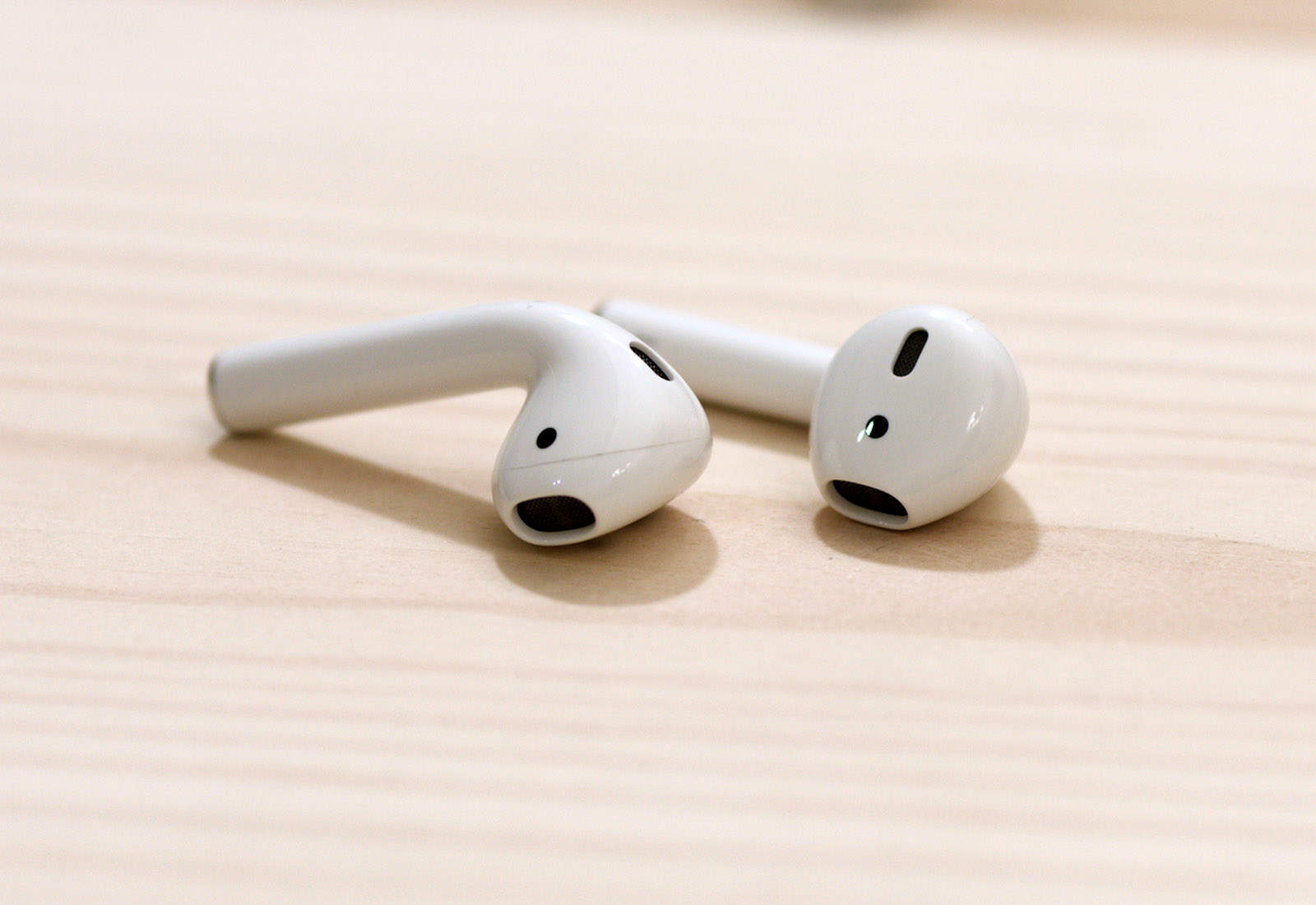
The wait for AirPods 2 could stretch out over a year. Photo: Ste Smith/ Cult of Mac
New iPhones and iPads are coming this fall, but some Apple products reportedly won’t be refreshed so soon. New versions of this company’s smartspeaker and wireless headphones might not be out until 2019.
And the wait for AirPods 2 could be much longer than many are hoping.
This is not a real Apple store. Photo: Ashley Carman/The Verge
Apple fans in NYC eager to visit the company’s first ever pop-up shop in The Big Apple are going to be in for a rude surprise when they show up to the doors tomorrow morning.
A new store has popped up in the Big Apple this week promising to provide a taste of the future. The logo and font on the outside is minimalist and very Apple-esque, but instead of selling limited editions iPhones or Apple Watches, the shops are promoting actual apples.
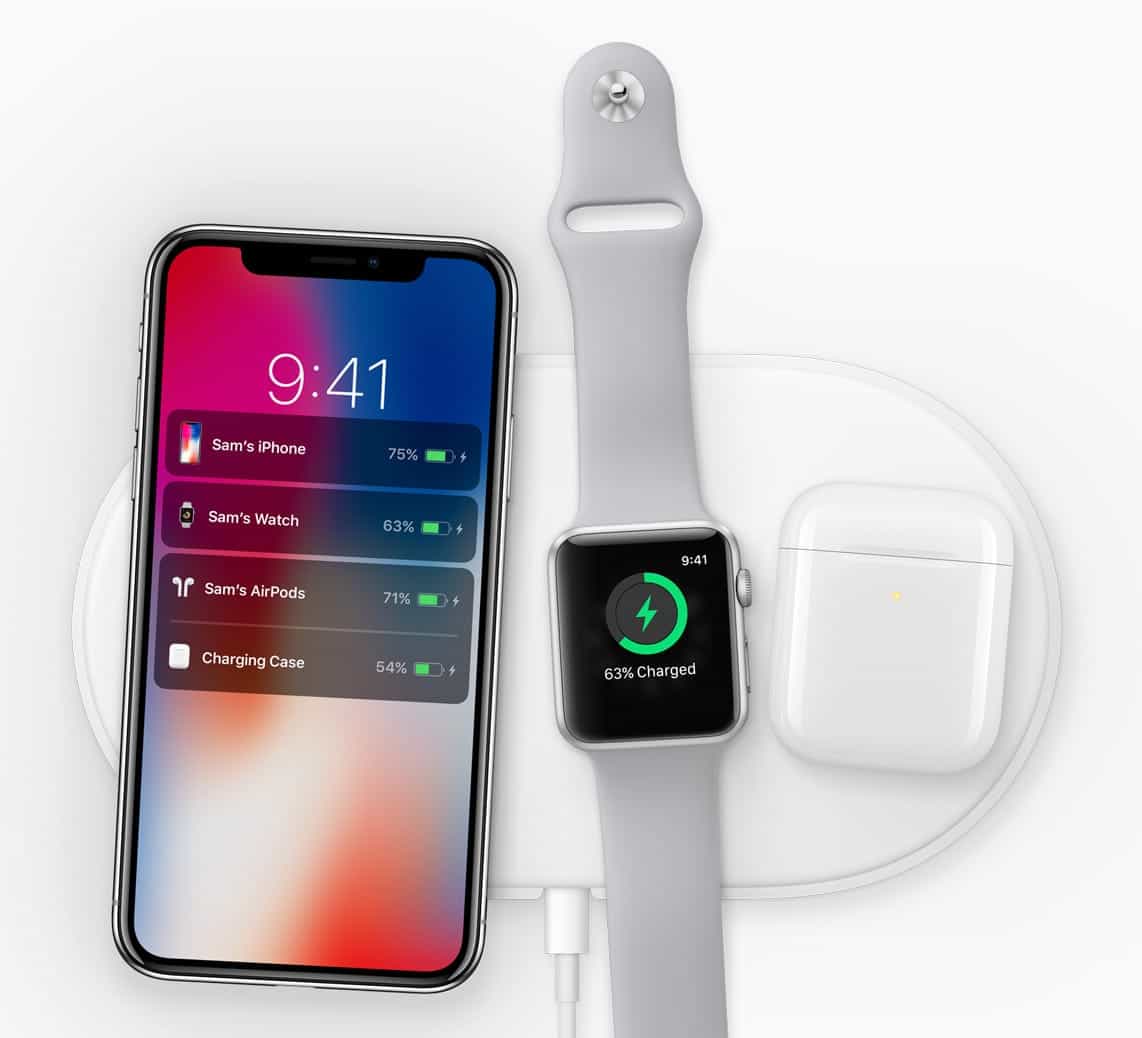
The long-delayed wireless AirPods charging case could finally be out soon, along with the AirPower charging mat. Photo: Apple
Last September, Apple unveiled an AirPods case that can be wirelessly charged. We’re still waiting for it almost a year later — but there’s fresh evidence that it’s coming soon.
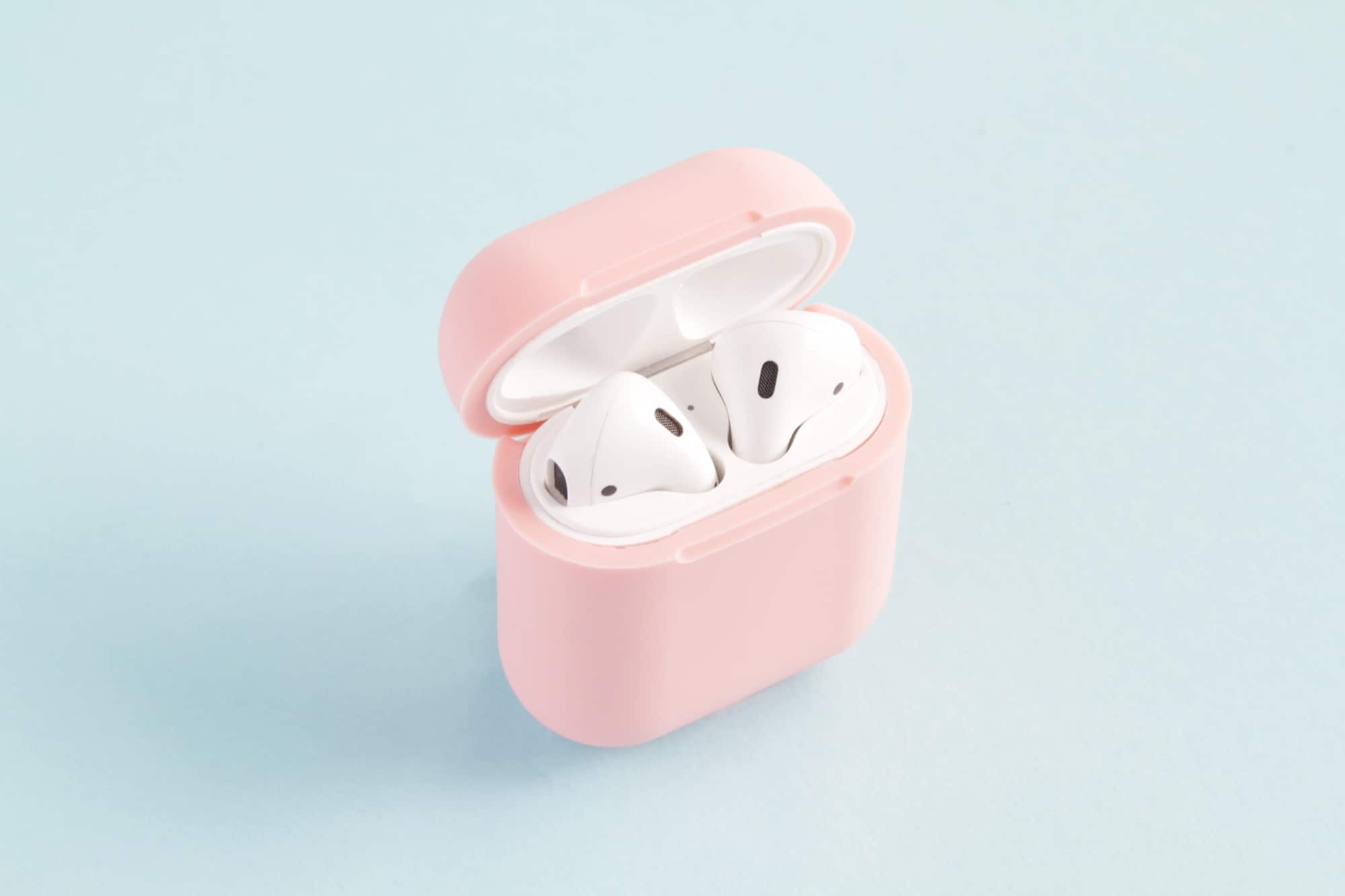
AirPlus. If you can live with the thick rubber, they're a great idea. Photo: HiQ
AirPlus is a silicone case for your AirPods’ case, which adds one great feature, as well as several not-so-great ones. With your AirPods inside the case, you can drop it onto any Qi-compatible charging mat and have the AirPods and their battery case charge wirelessly. That’s pretty sweet, but there are downsides too.
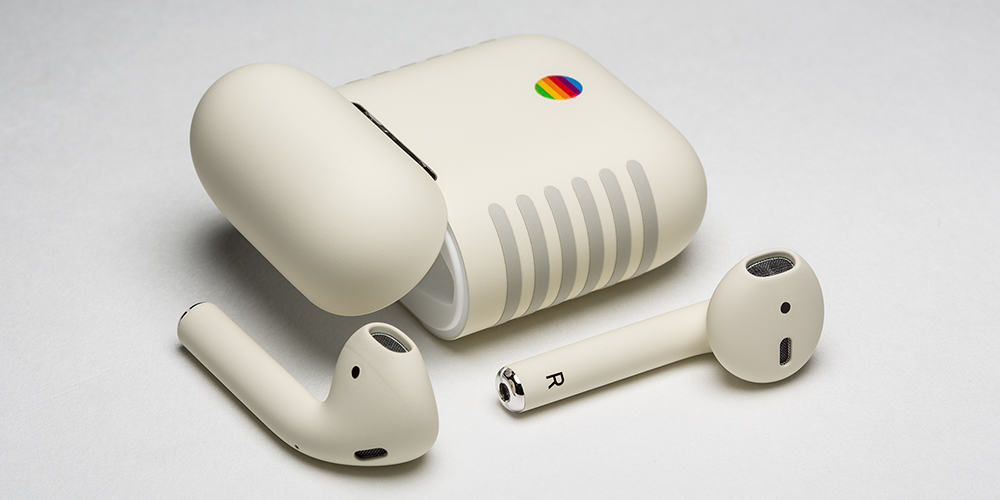
AirPods with a classic Mac twist. Photo: Colorware
Do you love your AirPods but wish they looked like they came out in the 80’s?
ColorWare has come out with a new customization of Apple’s AirPods that look like the could have been paired with the original Macintosh. The Pantone 453 finish makes the buds look more retro, but they’re anything but cheap.
Apple's got some new hardware cookin' for us. Photo: Apple
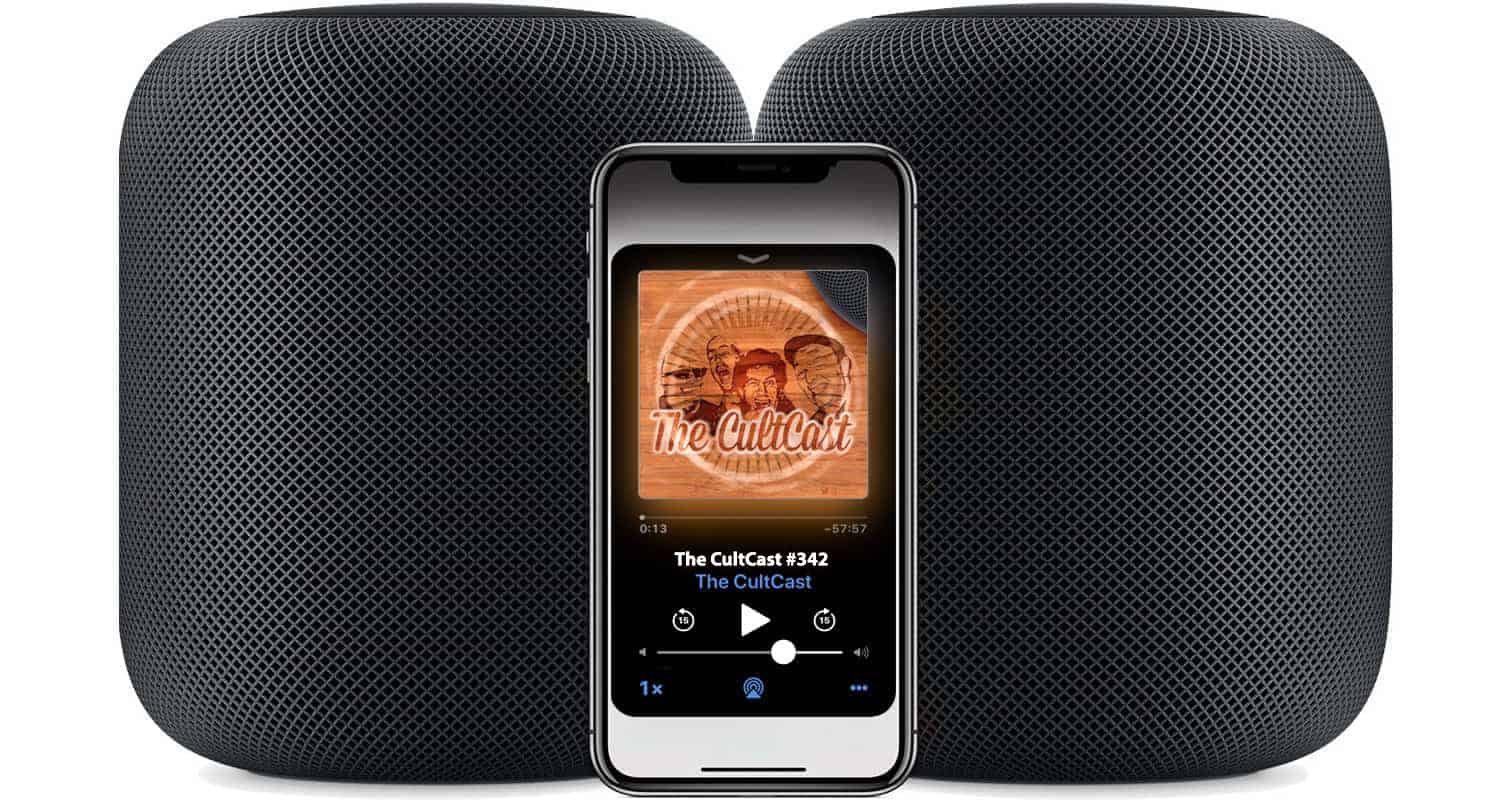
This week on The CultCast: Apple plans new, improved AirPods, HomePod and over-ear headphones; Apple finally acknowledges its new MacBook keyboards suck, and they’re going to make it right; a top Apple analyst drops a bunch of details on Apple’s 2018 product pipeline; and how Apple is trying to solve a fascinating issue their autonomous car.
Our thanks to Squarespace for supporting this episode. It’s simple to accept Apple Pay and sell your wares with your very own Squarespace website. Enter offer code CultCast at checkout to get 10% off your first hosting plan or domain.
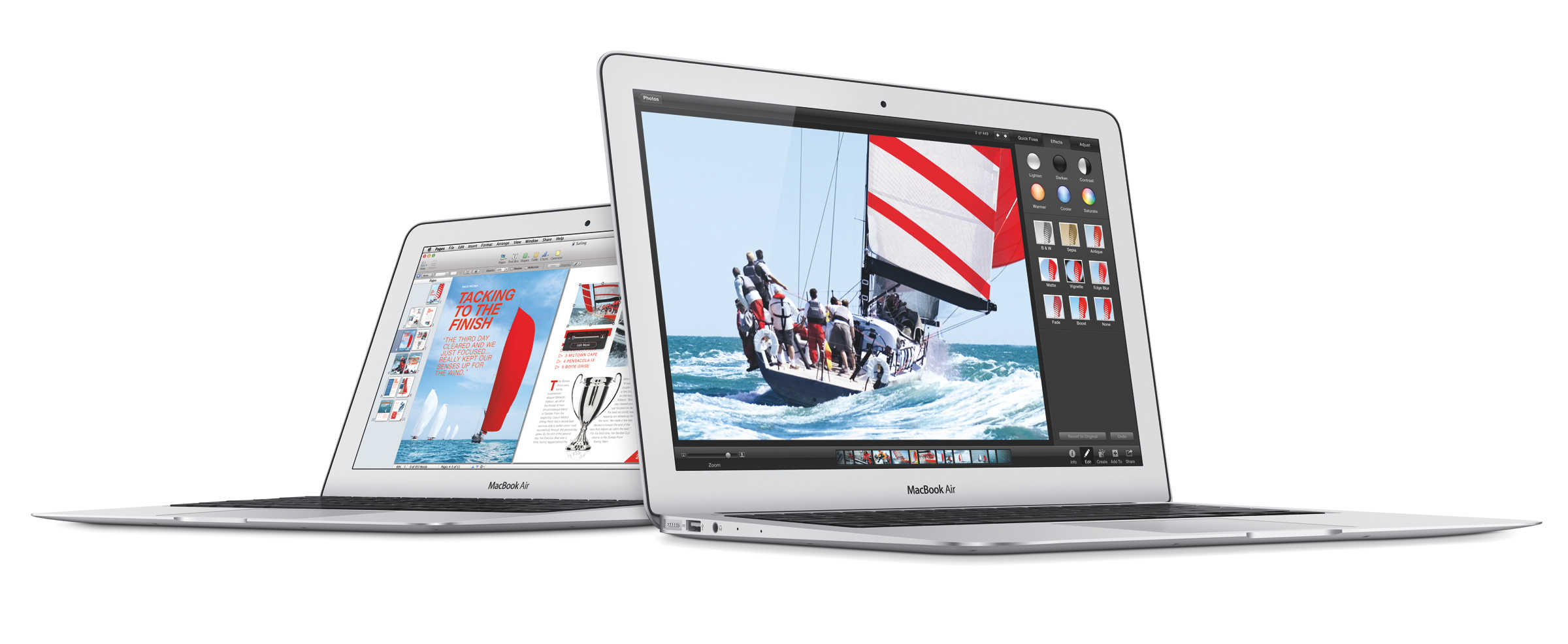
Save $300 on an ultralight Apple laptop that's perfect for students. Photo: Apple
In today’s edition of Deals & Steals, we have select models on the latest MacBook Air for a phenomenal deal. Plus, you can get an (ugh) Galaxy S9, FIFA 18 and a pair of Bose wireless earphones — all at neat discounts.
Will we finally get a release date for AirPower? Photo: Apple
Apple’s upcoming AirPods case will offer more than just wireless charging for your headphones, according to a sketchy new report.
A source familiar with Apple’s plans claims the case will double as an iPhone charger that will give you a boost in battery life when you’re in a pinch. The device could be available before the end of this year.
Coming soon to a living room near you. Photo: Apple
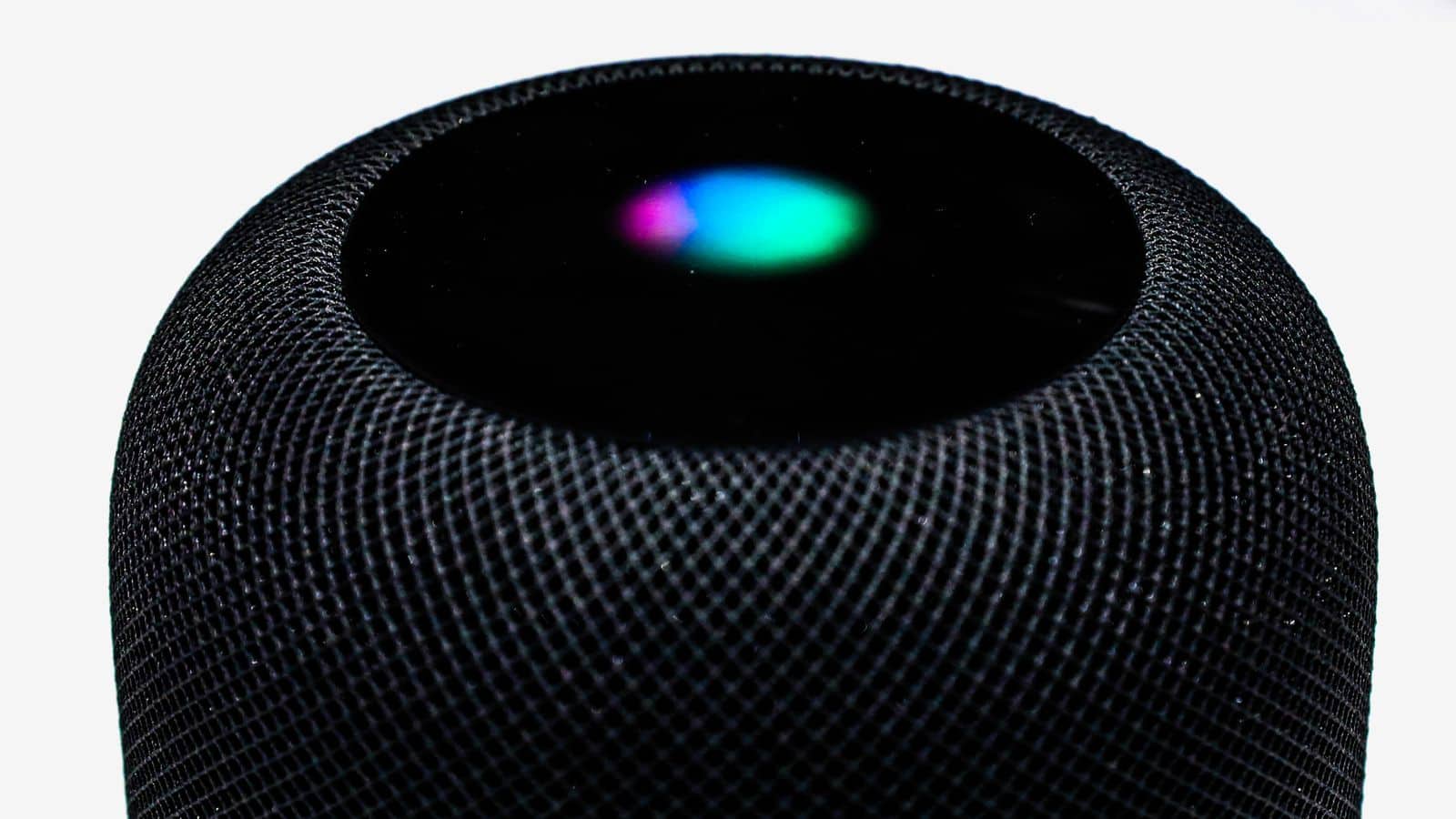
2018 is only halfway over, and already we’re excited about what 2019 has in store! According to a new report, Apple is set to release new, improved AirPods, a new HomePod, and a set of new studio quality over-ear headphones.
Will we finally get a release date for AirPower? Photo: Apple
Apple will finally deliver its AirPower charger in September after solving “a series of technical hurdles,” according to a new report.
Overheating is one problem company engineers have had to contend with. Another is AirPower’s complex circuitry, which is necessary to allow compatible devices to be placed anywhere on the mat for charging.
AirPods can help you hear in a crowd thanks to Live Listen, coming in iOS 12. Photo: Ste Smith/ Cult of Mac
You’re in a noisy bar or restaurant and can’t hear the person across the table from you. Good news: With a feature added in iOS 12, you can use your AirPods and iPhone as a low-cost hearing aid.
This feature is called Live Listen, and it’s been available for certain hearing aids for some time. But soon, anyone with a pair of Apple’s wireless headphones will be able to use it.
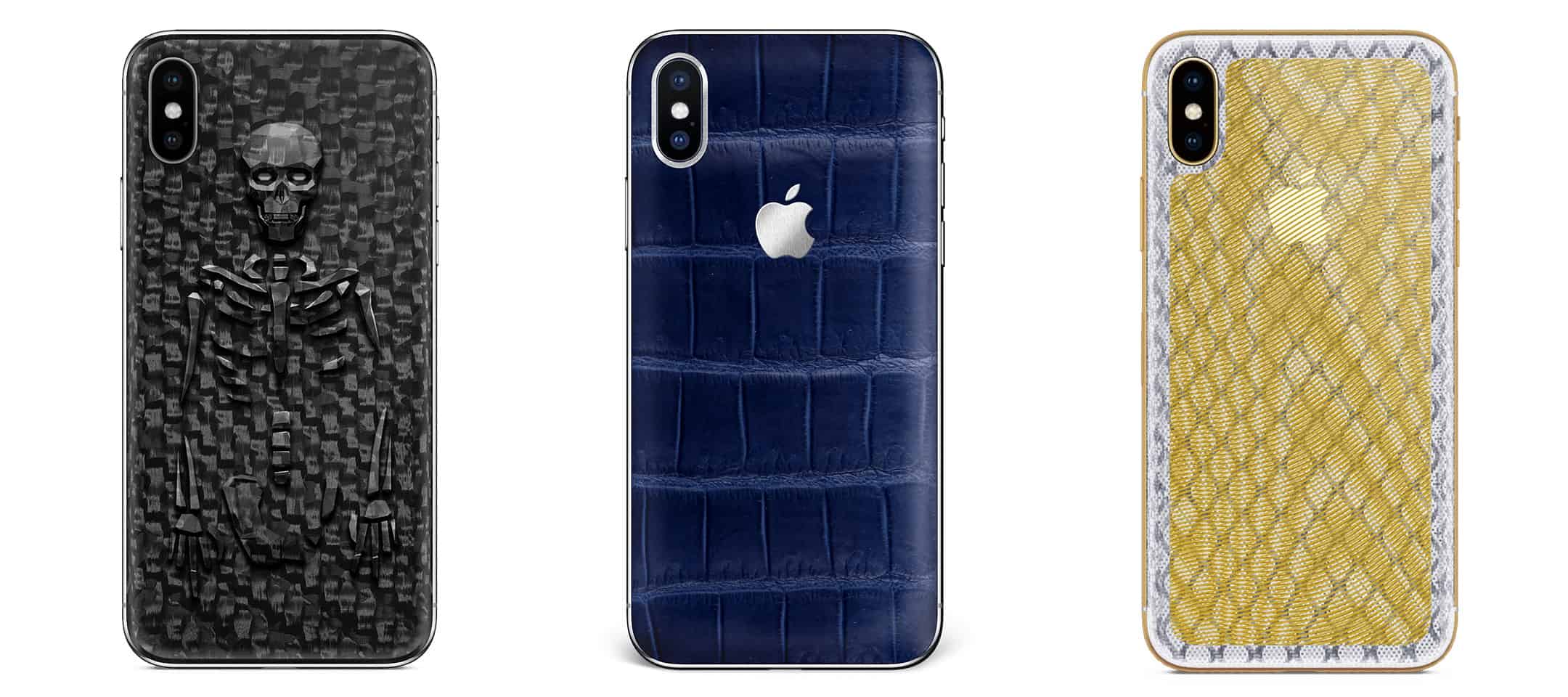
3D carbon fiber, aligator skin and gold were used in Hadoro's iPhones. Photo: Hadoro
The French luxury designer brand Hadoro has just taken the crown for the most expensive iPhone X ever created.
We’ve seen gold iPhones that pay tribute to Putin and Harry and Meghan. We’ve even seen an iPhone X with solar panels in the back. All of those were ridiculously expensive. But none of them compare to Hadoro’s lineup of 20 custom designed iPhones that cost between $5200 – $10,399.
Sell your Apple accessories to us! Photos: Apple, Ste Smith/Cult of Mac
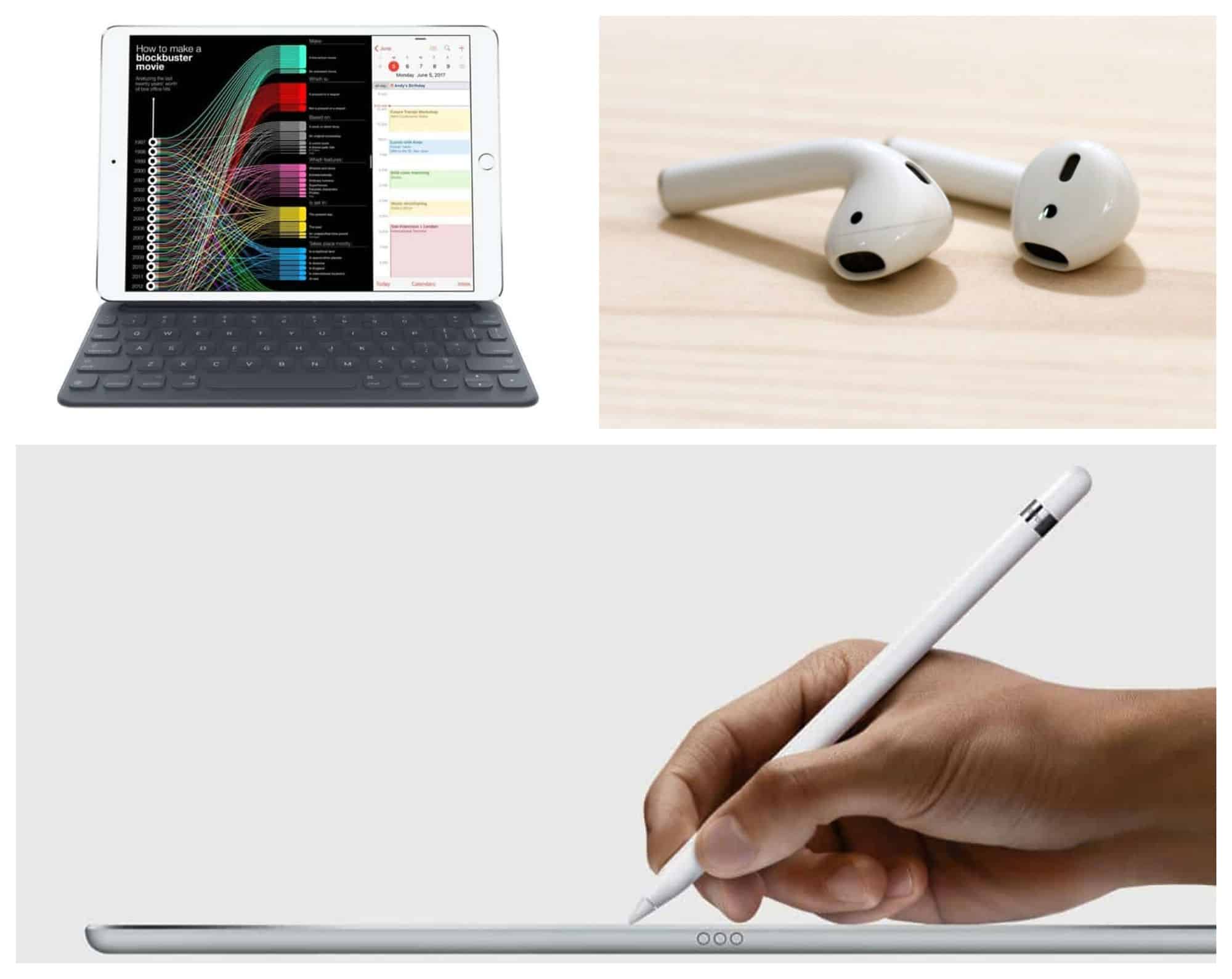
The Cult of Mac buyback program just got bigger and better than ever: Now we pay cash for your used Apple accessories, including Apple Pencil, Smart Keyboard and AirPods.
Although we are huge fans of all three of these accessories, we won’t judge you if you decide to unload them. And we promise to make it as easy as possible if you’ve decided it’s time to sell used Apple accessories.
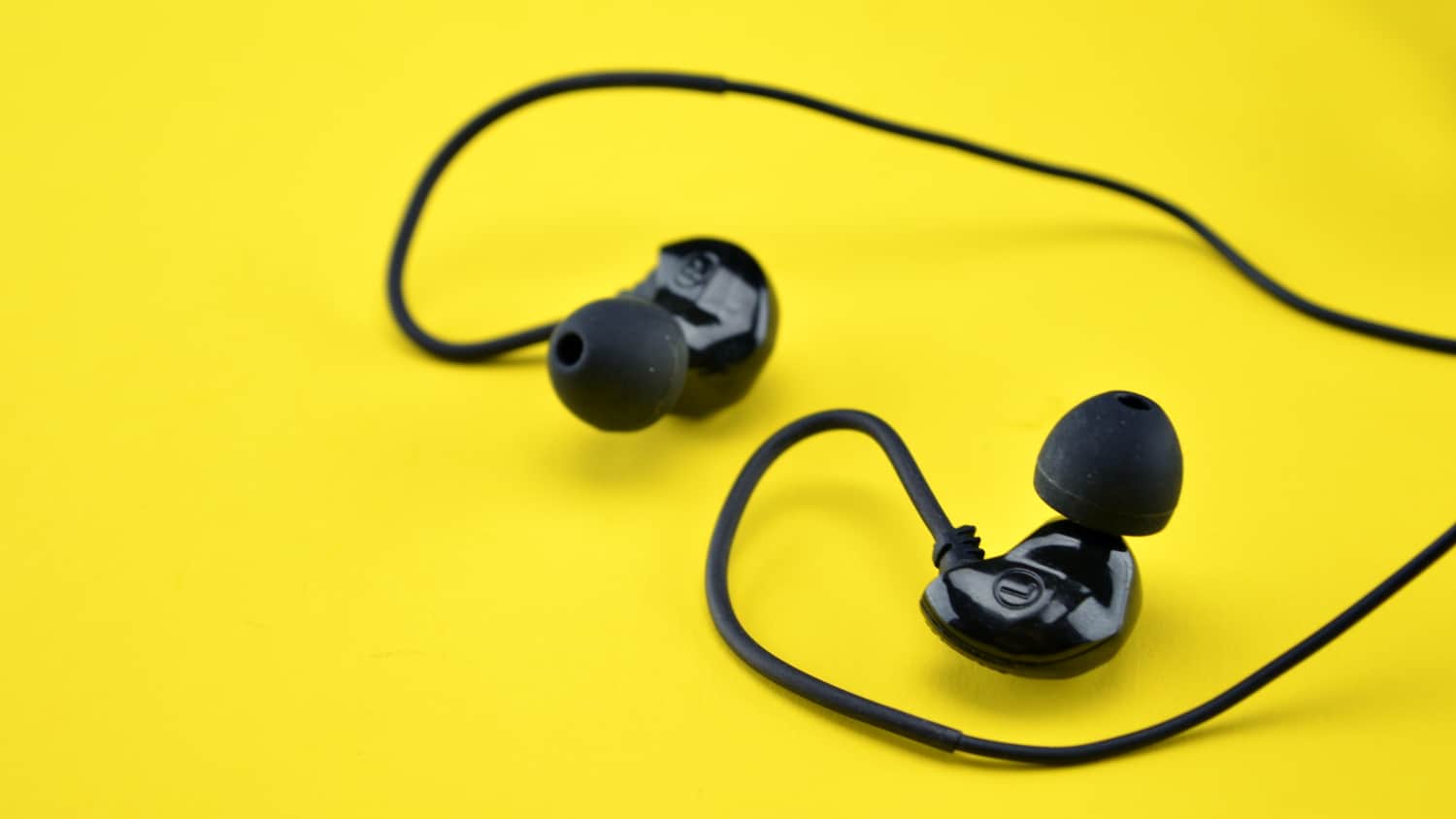
Some of the best earbuds around, even with a few compromises. Photo: Brainwavz Audio
Looking for a new set of earbuds for the summer? Brainwavz Audio’s B200 earbuds deliver high-fidelity audio with impressive clarity and detail. Plus, their over-the-ear design won’t frustrate you by falling out.
Yes, picking these earbuds over AirPods means making a couple of big compromises. But after a few weeks of testing, these audiophile-grade earbuds won me over with their superior sound.
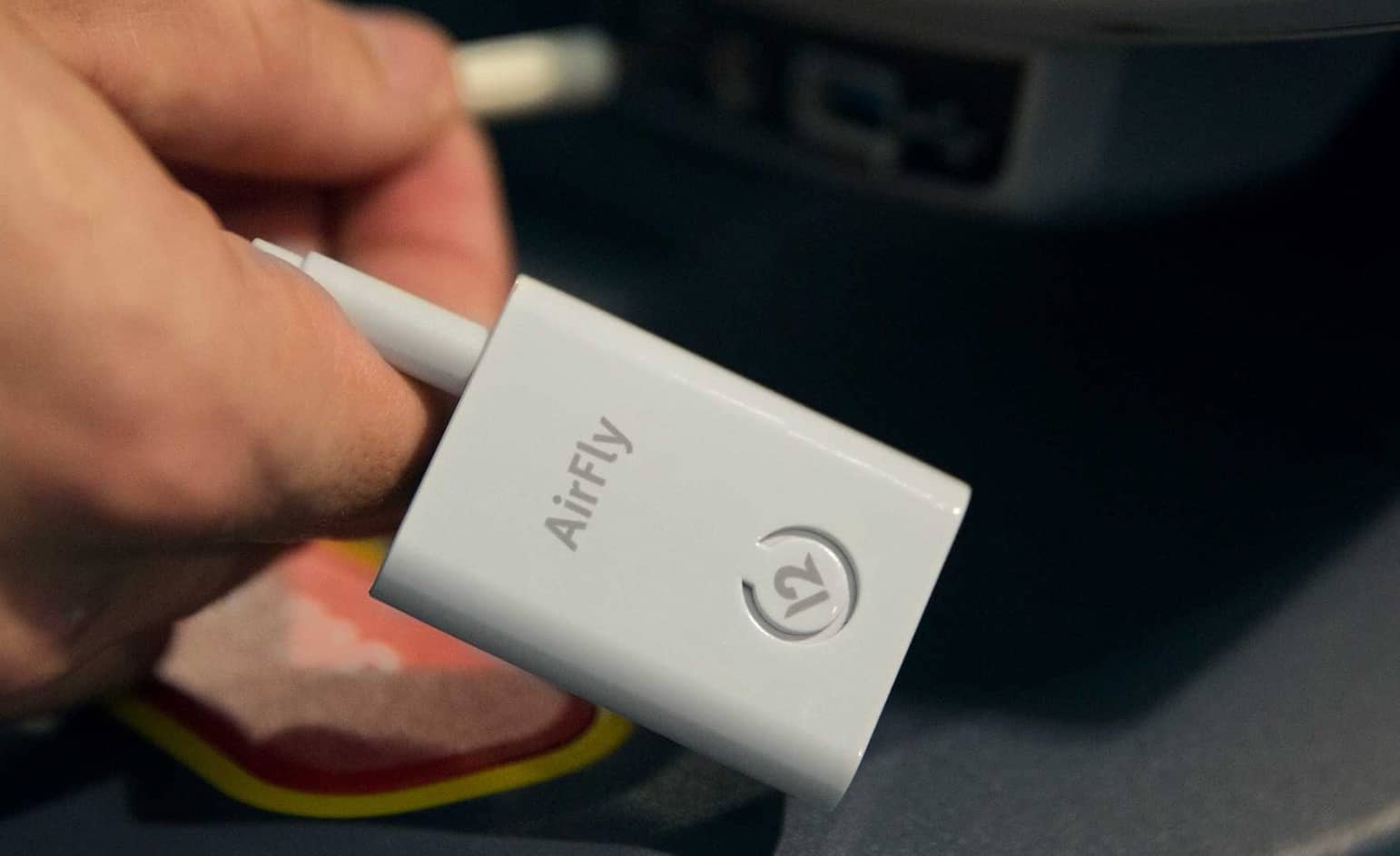
AirFly connects to anything with a 3.5mm headphone jack. Photo: Twelve South
AirPods might be the best wireless earphones money can buy, but they don’t play nicely with everything. AirFly is a tiny gadget from Twelve South that changes that by making any device with a 3.5mm headphone jack AirPods-compatible.
PodPockets review: A great AirPods accessory. Photo: Lewis Wallace/Cult of Mac
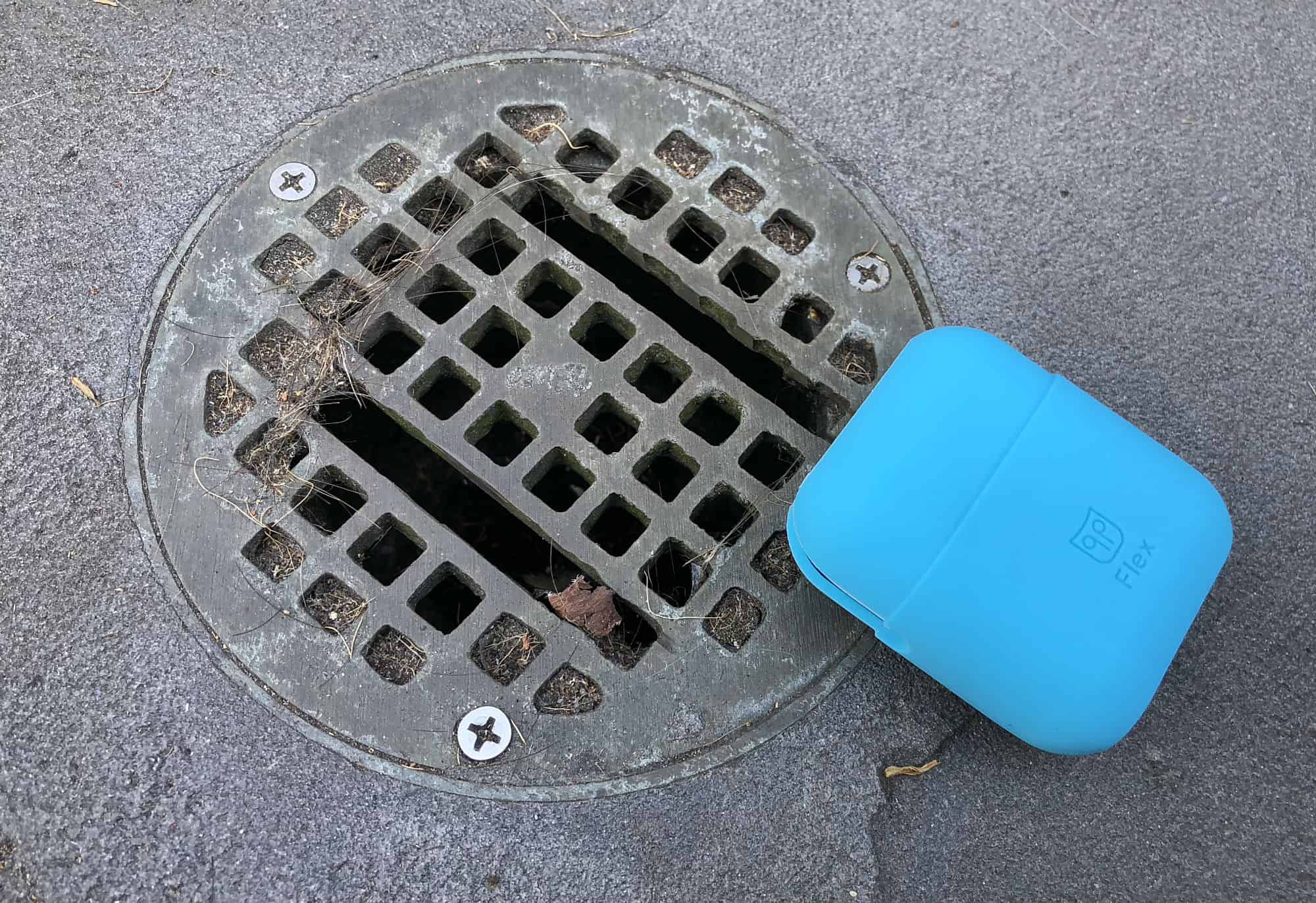
The AirPods case is a tiny miracle that looks like a dental floss container. Maybe you like that white plastic design, but to me it looks a little clinical. Not to mention the fact that when my wife inevitably gets a pair of AirPods, we’re going to be constantly confused about which little white charging case is hers and which is mine.
Who needs the bickering? For just under $20, you can wrap your lily-white case in a colorful silicone shell called a PodPocket that will eliminate all confusion in multi-AirPods abodes. That’s exactly what PodPockets do, but that’s not all they do. They also help keep your AirPods safe and sound.
You can use the money you save to buy an Apple Pencil! Photo: Apple
An iPad sale? Already?!? If you want to save on the new iPad that Apple unveiled this week, you’re in luck. Best Buy is offering the tablet at the best price with a store gift card.
Plus, save on AirPods at Costco. Or choose from a wide selection of refurbished phones, accessories and more at the TechRabbit March Mobile Madness Sale.
Theft took place at an Apple Store in Metairie, Louisiana. Photo: Apple
The usual informal relationship between police and criminals is that criminals commit the crimes and the police catch them. A New Orleans police officer recently decided to shake things up, however, by allegedly stealing a pair of AirPods wireless earphones from the Apple Store in Metairie, Louisiana.
24-year-old patrol officer Ayona McGilberry was issued with a summons for misdemeanor theft this week, according to a spokesperson for the Sheriff’s Office. McGilberry has subsequently resigned from the force.
Apple’s new headphones are guaranteed. Photo: Apple
Sources familiar with Apple’s plans have corroborated reports that the company is working on new over-the-ear headphones. The high-end cans are scheduled to launch later this year, but Apple is currently facing “challenges” in development that could lead to a delay.
The HealthKit Sperm tester. Yup. That's a real thing. Photo: Graham Bower/Cult of Mac
A reliable source says Apple is working on audiophile-grade headphones with built-in AirPods magic. AirPods Pro? SIGN US UP. Catch the discussion on The CultCast. And stay tuned for: How Apple plans to revolutionize healthcare; the cool, weird and wacky HealthKit gadgets you’ve never heard of; and we wrap up with pro-level whistling, rock accordion, and the best actors of all time in an all-new Get to Know Ur Cultist.
Our thanks to Squarespace for supporting this episode. It’s simple to accept Apple Pay and sell your wares with your very own Squarespace.com website. Enter offer code CultCast at checkout to get 10% off any hosting plan.
AirPods could soon do more than just play music Photo: Apple
Your next set of Apple earbuds might be about to get some serious health upgrades.
Tracking your heart rate while jogging soon may only require using earbuds, as a new patent filing show that Apple seems very serious about adding biometric sensing to its AirPods.
New headphones could offer AirPods tech in a different form factor. Photo: Beats
Apple’s AirPods are great and everything, but some folks out there prefer their headphones to be over-ear models, rather than earbuds.
Fortunately, that audience may well be in for a happy 2018 — since Apple is reportedly planning to release new “high-end over-ear” headphones this year.
Fixing your AirPods is easy. Photo: Ste Smith/ Cult of Mac
The latest iOS version 11.2.6 is making some users’ AirPods stream in mono, instead of stereo. That is, the same audio channel is coming out of both AirPods. If you only ever listen to podcasts, you may not have noticed this as most podcasts are recorded in mono, but if you listen to music it might be driving you nuts.
The update may also be screwing with the AirPods’ tap controls.
35 million pairs of AIrPods sold in 2018. Photo: Ste Smith/Cult of Mac
Apple is working on upgraded AirPods with a new wireless chip and “Hey Siri” support, according to a new report.
The refresh will arrive “as early as this year,” according to sources familiar with the matter. A future refresh, pegged for early 2019, will also bring a water-resistant design.
Will we finally get a release date for AirPower? Photo: Apple
Who said innovation was dead at Apple? Certainly not Fast Company, which just named the iPhone-maker the world’s most innovative company for 2018.
Apple secured the top spot “for delivering the future today.” AirPods, Apple Watch Series 3, ARKit, and iPhone X were recognized as its best products from the past year.
Rivals like Google and Samsung didn’t make the list.