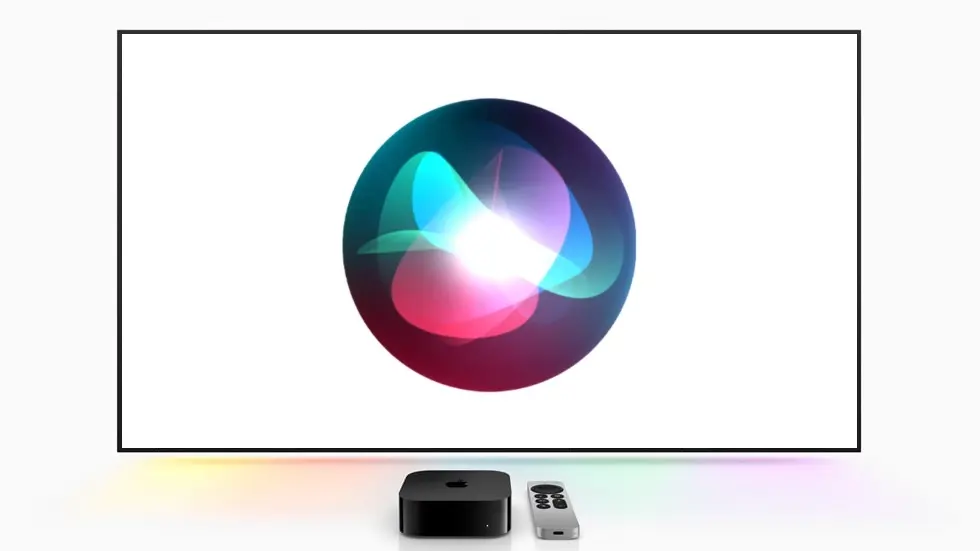
Apple released tvOS 27.2.1 on Friday, bringing a major upgrade to recent Apple TV 4K models: support for Siri AI.
The new software version is necessary to bring the significantly upgraded Siri to the fourth-generation Apple TV 4K that just launched, but it also added the feature to two older streaming boxes.
tvOS 27.2.1 brings Siri AI to multiple Apple TV 4K models
Siri AI represents a substantial improvement over Apple’s traditional voice assistant. Thanks to a hefty dose of artificial intelligence, it can understand more conversational requests, draw on personal context and answer questions using its broader world knowledge.
Apple used Siri AI as a major selling point of the fourth-gen Apple TV 4K when it was announced in October, but the company promised that some older models would get the feature, too.
With Friday’s release of tvOS 27.2.1, the newest version of the streaming box did indeed get the upgraded Siri — and the second- and third-generation Apple TV 4K models did also.
A more intelligent TV
It’s not incongruous for a TV to include AI. Apple says that users can ask Siri questions about movies and television shows, get recommendations based on their interests and ask follow-up questions about what they’re watching.
And it goes beyond being able to list off a show’s cast. Users can ask Siri to find a show recommended by someone in their messages or look for movies with particular characteristics.
And because it runs on those two older models, it’s not necessary to buy Apple’s newest set-top box to get the smarter digital assistant.
How to install tvOS 27.2.1
To upgrade your Apple TV 4K to tvOS 27.2.1, go to Settings > System > Software Updates.
That said, getting Siri AI working on an Apple TV 4K requires more than installing tvOS 27.2.1. Apple says users must also have a nearby paired device with Siri AI enabled.
Once the update is installed, it’s necessary to activate the feature. Go to Settings > General > Siri and switch on Siri AI.
This just leaves the original Apple TV 4K and the older Apple TV HD on classic Siri.

Ed Hardy has been writing full-time about tech for 26 years, and using it for much longer than that. His intro to Apple was a Macintosh SE/30 (which he still has), but now he uses a 13-inch iPad Pro as his primary computer.
That’s because he’s a “tablet first” type of guy. Rather than use a Macbook, he connects a keyboard case to the iPad. And instead of a desktop Mac, he connects his tablet to a 27-inch display and full-size keyboard. (So don’t try to tell him that everyone has to use a Mac to be productive.)
Before coming to Cult of Mac, Ed wrote for NotebookReview, TabletPCReview and Brighthand, as well as other sites.