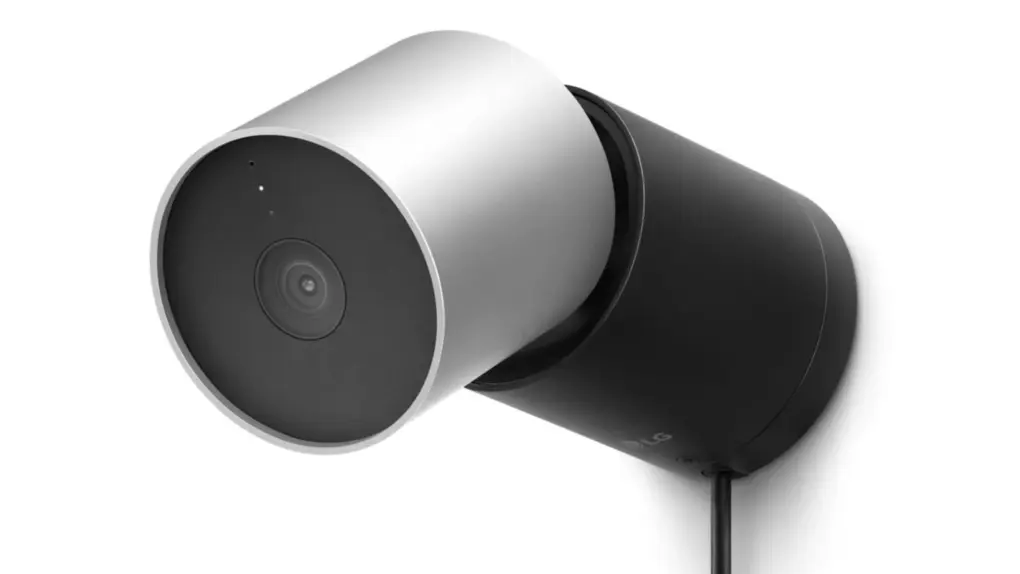
Apple Intelligence Home camera features have a catch in iOS 27. You need an iCloud+ plan with at least 2TB of storage.
That puts AI video descriptions and clip search behind a paywall that starts at $9.99 per month. Add more cameras and the price climbs pretty fast.
Apple Intelligence Home camera features are tied to iCloud+ storage
Apple Intelligence Home camera features bring AI-powered video analysis to Apple’s smart home platform. Instead of recording footage, compatible security cameras use AI to generate natural-language descriptions of what happened in a clip.
Apple’s own support page says the Home app can now write descriptions of recorded clips from compatible cameras. You can also search your footage in plain language.
Apple Intelligence can also automatically group related Home notifications like door locking and unlocking repeatedly.
The feature has a strict camera cap
Apple says video summaries cover a limited number of cameras, which entirely depends on the plan you choose. The 2TB plan supports only one camera, while the 6TB plan gets up to two. Only the 12TB plan supports up to five cameras. Apple adds that supported camera counts may change over time.
In the United States, those plans cost $9.99, $29.99 and $59.99 a month. That makes the five-camera tier an almost $60 monthly commitment. Most people might only pay if they need the storage.
This cap is also tighter than regular HomeKit Secure Video recording, as a 2TB plan already supports unlimited cameras for that.
What else you need to use it
The plan is only one part of the equation. Apple says you’ll need a home hub such as the HomePod (2nd generation), HomePod mini or Apple TV 4K running the latest software. Homeowners will also need an Apple Intelligence-enabled iPhone with the feature turned on in the Home app.
On iOS 27, Apple Intelligence runs on the iPhone 15 Pro, iPhone 15 Pro Max and iPhone 16 or newer models. Apple Intelligence isn’t available in all languages and regions, and usage limits may apply.
To enable it, open the Home app, tap the More button and head over to Home Settings. Now, switch on Apple Intelligence and enable video descriptions for each camera. You can also toggle Reduce Notifications from the same Apple Intelligence menu.

Anurag Chawake is a tech-focused writer specializing in smartphones, apps and consumer technology. His interest in computers began during the Windows 98 era, eventually leading him to explore everything from operating systems to mobile devices and PC hardware. Anurag previously contributed to The Indian Express, covering Apple, Android, gaming and the broader technology landscape.