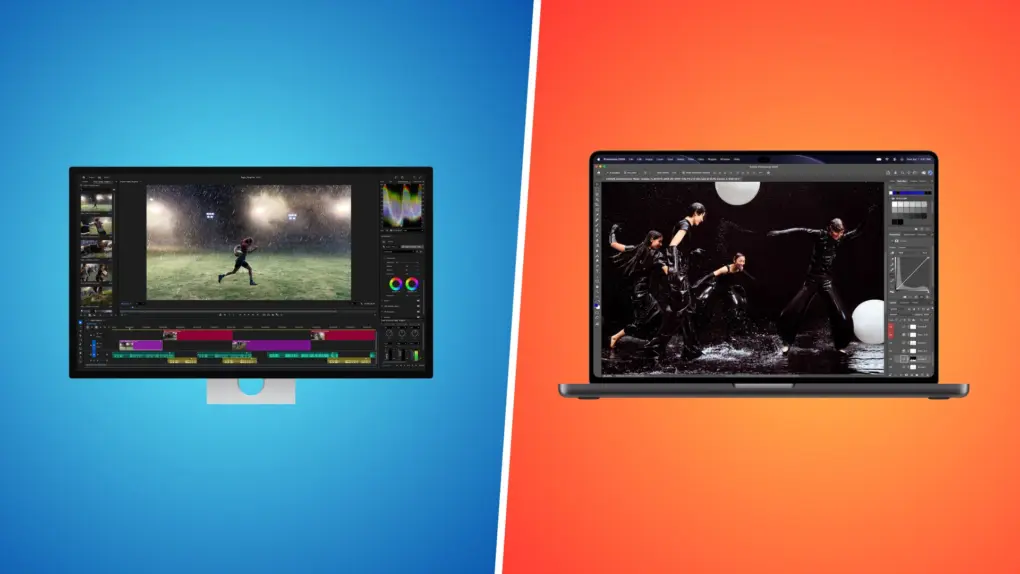
The touchscreen MacBook Pro’s display is special not just because it supports touch input. It’s an OLED panel that brings a major leap in picture quality and brightness. It’s so good that it invites comparison with Apple’s flagship desktop monitor, the Studio Display XDR.
So, how does the MacBook Pro’s PROLED XDR display stack up against the Studio Display XDR? Find out in this comparison.
The touchscreen MacBook Pro‘s display is not a direct competitor to the Studio Display XDR. If anything, its 14-inch or 16-inch OLED panel is meant to complement the Studio Display XDR. Both displays are among the best on the market and are a treat for your eyes.
Touchscreen MacBook Pro vs. Studio Display XDR: Display specs
| Display feature | Touchscreen MacBook Pro | Studio Display XDR |
|---|---|---|
| Screen size | 14.2 or 16.3 inches | 27 inches |
| Panel technology | Tandem OLED | LCD with mini-LED backlighting |
| Peak HDR brightness | 2,000 nits | 2,000 nits |
| Resolution | 3024 × 1986 (14.2″) or 3472 × 2266 (16.3″), 254 ppi | 5120 × 2880, 218 ppi |
| Advertised contrast ratio | 10,000,000:1 | 1,000,000:1 |
| Refresh rate | 10Hz to 120Hz | Up to 120Hz |
| Wide color support | P3 and Adobe RGB | P3 and Adobe RGB |
| Touch input | Yes | No |
| Nano-texture option | Yes | Yes |
OLED gives the MacBook Pro the contrast advantage
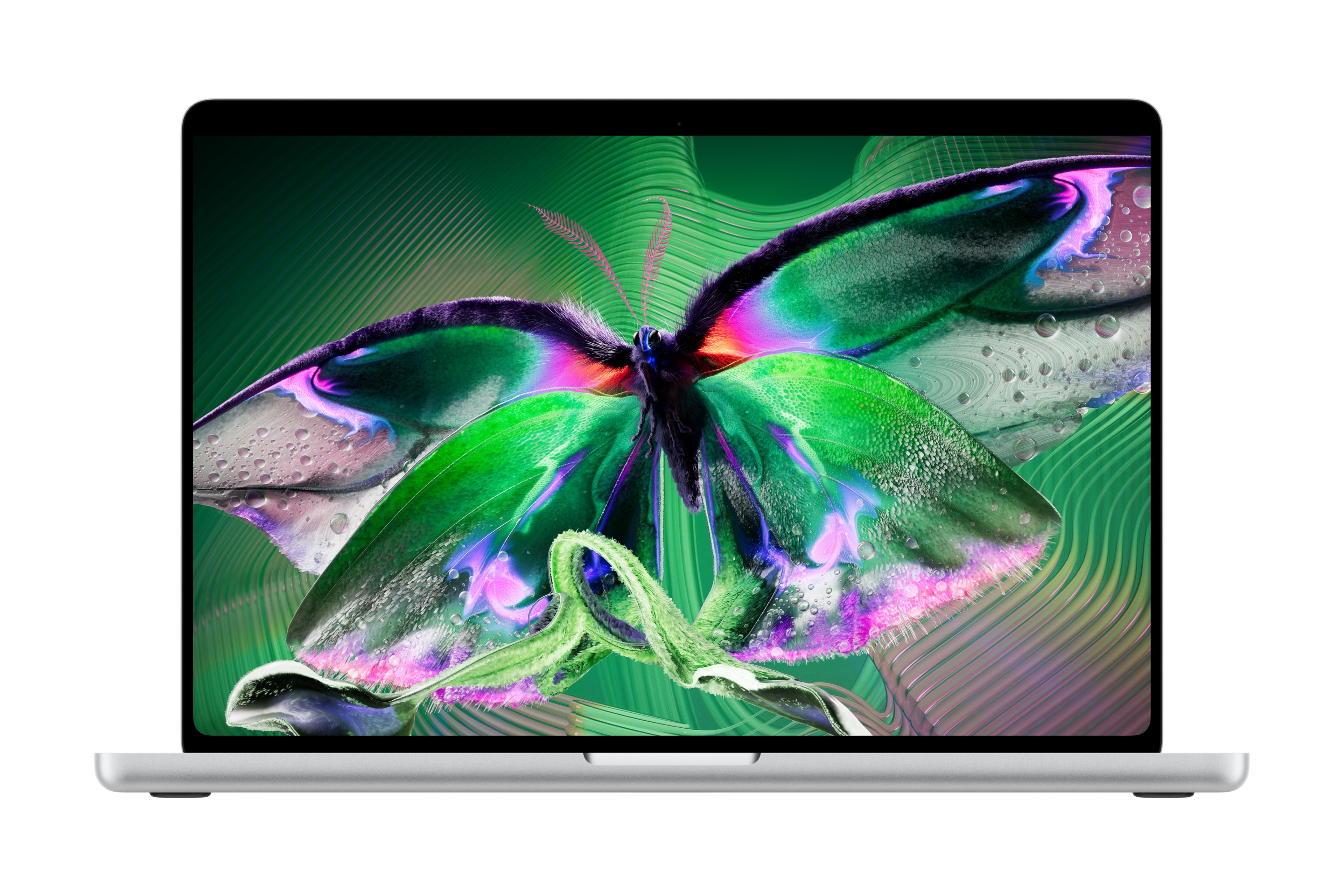
Photo: Apple
The Studio Display XDR has a size advantage, with a 27-inch panel. In contrast, the MacBook Pro’s Tandem OLED panel comes in only 14.2-inch or 16.3-inch options. But the latter has one major advantage: contrast ratio.
The MacBook Pro’s tandem OLED panel uses two self-emitting pixel layers. Each pixel can turn off independently, allowing bright highlights to sit beside deep blacks without the backlight blooming associated with local dimming.
Thanks to this, the OLED panel features a contrast ratio of 10,000,000:1 contrast ratio.
The Studio Display XDR uses a mini-LED backlight divided into 2,304 dimming zones. Unlike the Tandem OLED panel, it illuminates a group of pixels instead of controlling light individually at every pixel. So, its contrast ratio is only 1,000,000:1.
That’s very impressive, but the MacBook Pro’s OLED panel has an edge. The higher contrast ratio means the MacBook Pro will outperform the bigger Studio Display XDR with deeper blacks and more contrast.
You’ll notice it most with white text on a black background or a starfield in a movie, where a dimming zone can light up slightly around a bright object.
It’s not like the Studio Display XDR panel is bad at displaying dark content. It has four times as many dimming zones as the Pro Display XDR it replaces, so blooming is far less noticeable than on older mini-LED screens.
It just can’t match the MacBook Pro’s OLED panel because of its superior underlying technology.
Studio Display XDR gives your work more room

Photo: D. Griffin Jones/Cult of Mac
If contrast is the MacBook Pro OLED panel’s strength over the Studio Display XDR, the latter’s most obvious advantage is its size.
The monitor sports a 27-inch panel with a 5120 × 2880 resolution, delivering 218 pixels per inch. A bigger screen means more space for apps and windows, making it easier to juggle multiple apps at once.
There’s no comparison here. The Studio Display XDR wins in size, while the MacBook Pro’s OLED panel is all about portability. If you can compromise a bit on that, the 16.3-inch MacBook Pro provides more screen space in a bigger body.
The MacBook Pro’s smaller panel gives it one advantage: a higher pixel density. It packs 254 pixels per inch, compared with 218 on the Studio Display XDR. You are unlikely to notice the difference, but this is a spec advantage the MacBook Pro can claim.
Brightness is closer than you might expect
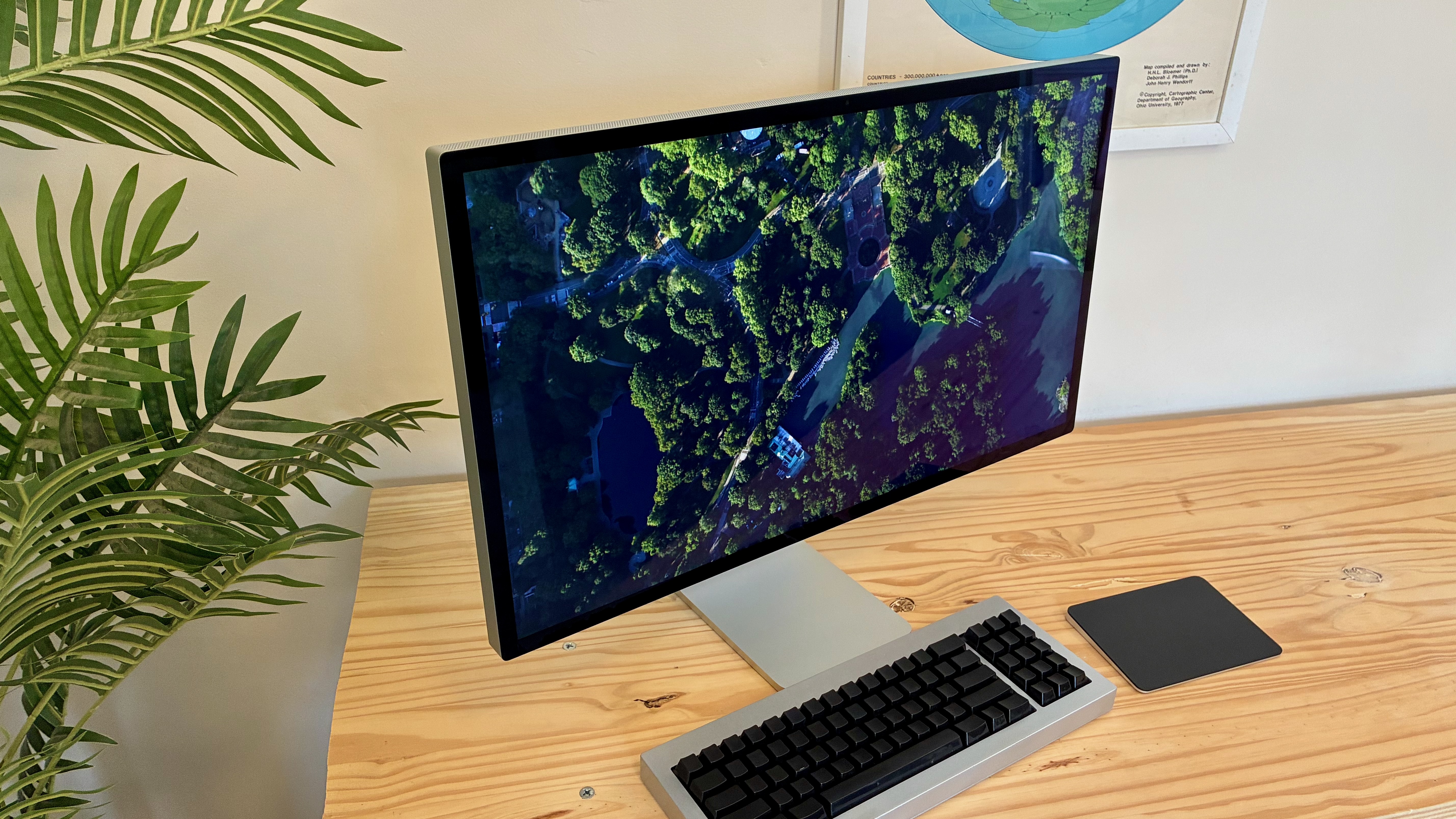
Photo: D. Griffin Jones/Cult of Mac
Beyond the contrast, the Studio Display XDR does surprisingly well versus the MacBook Pro’s standalone OLED panel in other aspects.
The MacBook Pro supports up to 1,000 nits of sustained full-screen brightness and 2,000 nits of peak HDR brightness. In bright outdoor light, it can also push SDR content up to 2,000 nits, which helps when you’re working outside.
The Studio Display XDR can sustain 1,000 nits of SDR brightness and reach 2,000 nits of peak HDR brightness over 47% of the panel.
While there are some differences, the MacBook Pro’s PROLED XDR display and the Studio Display XDR offer similar brightness levels.
The MacBook Pro’s ProMotion display varies its refresh rate from 10Hz to 120Hz. The Studio Display XDR also supports 120Hz ProMotion, but its Adaptive Sync only works from 47Hz to 120Hz.
Same color tools on both
If you do color-critical work, this part matters. Both displays support P3 and Adobe RGB, and both come with the same set of reference modes. That includes HDR Video, Digital Cinema, Design and Print, Photography, sRGB, and even DICOM presets for medical imaging.
So you can grade a video or edit photos on the MacBook Pro away from your desk and get the same color targets as you would on the Studio Display XDR
Touch gives the MacBook Pro a different role

Photo: Apple
The MacBook Pro adds something the Studio Display XDR cannot match: touch input.
It’s the first MacBook with a touchscreen panel. Apple has also optimized macOS to take advantage of the new input method. The OS supports gestures for scrolling, zooming and manipulating content onscreen.
While some may find the MacBook Pro’s touchscreen useful, it will not radically change how you work. For everyday tasks, touch offers another way to interact with macOS alongside the keyboard and trackpad.
Two displays, one unified experience
The MacBook Pro’s PROLED XDR display and the Studio Display XDR are not fighting for the same spot on your desk. The Studio Display XDR is meant to be your main screen at your desk, and the MacBook Pro’s display brings that same experience with you when you leave it.
That’s what makes both so impressive. Despite their differences in size, technology and price, they deliver similar brightness levels and the same color accuracy.
Both hit 2,000 nits of peak HDR brightness, both run at up to 120Hz, and both support P3 and Adobe RGB with the same reference modes. A photo you edit or a video you grade on the Studio Display XDR will look the same when you open it on the MacBook Pro in a café or on a plane.
The Studio Display XDR is Apple’s high-end desktop monitor. Its big, bright mini-LED panel is color calibrated for professional use in film editing and graphic design.
Its higher refresh rate means animations from scrolling to minimizing windows are twice as smooth. It’s perfect for gaming. And you can watch movies and shows in their native frame rates, too.
You won’t find a better display for the Mac — if you can afford it.
- 27-inch 5K Retina display
- 120 Hz Adaptive Sync
- 140W Thunderbolt 5 dock
- Extra-high dynamic range (XDR)
- Pairs well with a Mac
- Requires Mac with M2 Pro chip, M4 chip or newer for full features
- More expensive than other 5K displays


Rajesh has been writing about consumer technology for over a decade, with a strong focus on iPhones, Macs and Apple’s ecosystem. He enjoys digging into Apple software updates, hardware changes, and discovering new Mac apps that make work faster and more enjoyable.
You can reach out to him at mail[at]rajeshpandey.me.