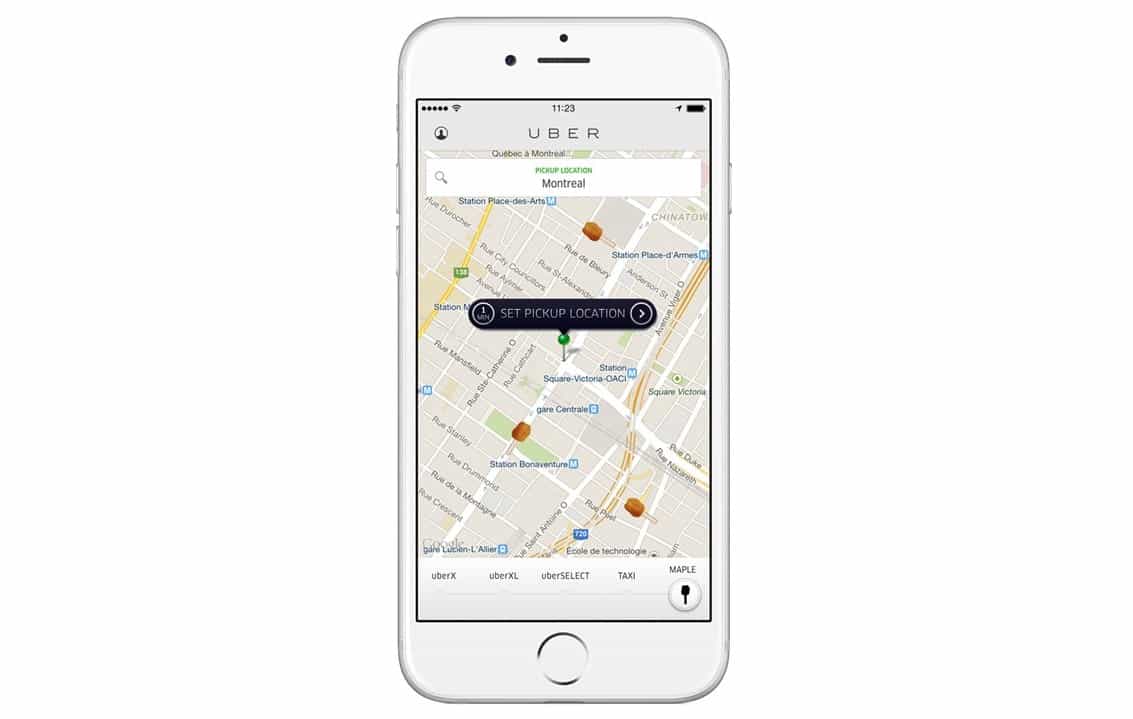
iOS 11 can prevent apps like Uber and Waze from using your location at all times.
Apple has added a new location option in the update that will rollout to everyone this fall, which only allows certain apps to access location data while they are open and active.
Certain iOS apps want to keep track of your location a lot longer than they need to. Uber, for instance, likes to track you from the moment you get in one of its cars until five minutes after you have arrived at your destination.
“We’re always thinking about ways we can improve the rider experience from sharpening our ETA estimates to identifying the best pick up location on any given street,” reads Uber’s explanation to The Verge back in November.
“Location is at the heart of the Uber experience, and we’re asking riders to provide us with more information to achieve these goals.”
But in iOS 11, you don’t have to feel like your favorite services are tracking you. Apple is giving us more control over our location data by introducing the option to provide access to our location only “while using the app.” “Always” and “never” will also be available.
All apps have While Using the App option for location access in iOS 11! Nicely done @apple. pic.twitter.com/f3Z3WTKGur
— Chengyin Liu (@chengyinliu) June 6, 2017
Apple offered the “while using the app” option before, but in previous versions of iOS, developers could choose whether or not they offered it. In iOS 11, Apple makes it available to all apps as standard, so devs cannot override it.
Not only should this give you peace of mind, but it could also lead to some welcome battery life improvements. The fewer the number of apps quietly using your location and triggering your iPhone’s GPS in the background, the less strain there is on its battery.
iOS 11 is still in its first beta phase for now, so bear in mind Apple could still make changes before its public rollout this fall. We’re hoping this is one feature that will be here to stay.
Here are 11 more awesome features in iOS 11 that Apple didn’t get a chance to tell us about during its big WWDC keynote.
Via: TechCrunch

Killian Bell is a freelance writer based in the U.K. He has an interest in all things tech and also covers Android over at CultofAndroid.com. You can follow him on Twitter via @killianbell.


5 responses to “iOS 11 can prevent apps from tracking your every move”
THANK GOD!
Hmmm. I do this with every issue of iOS by turning off locations services when I don’t want it on… which is most of the time. Also, many, if not most apps already allow toggling of tracking depending on use. It’s right there in Settings > Privacy > Location Services > Share My Location. What am I missing about this “new” feature? Happy to be enlightened.
This way, you don’t need to disable location services for that app when you are finished using it. Uber, for example, always uses your location (to provide better times they claim). This way, it will only use your location when you are in the app. One you shut it, no more location tracking. Saves you the hassle of turning on/off location services for particular apps each time you want to use their location features.
Thanks. I understand better now. But how does this differ from those apps you can already set to use location only when using them? Is it just that ALL apps are disabled when not in use?
It doesn’t (or shouldn’t rather) affect those. As the article mentions, previously to iOS 11, devs could “disable” the “use only when in app” location services. This means, that even if a dev puts in their app to only prompt the user to always share their location, iOS can override what the developer offers to the user, thus letting you set a different permission than the app presents you with.